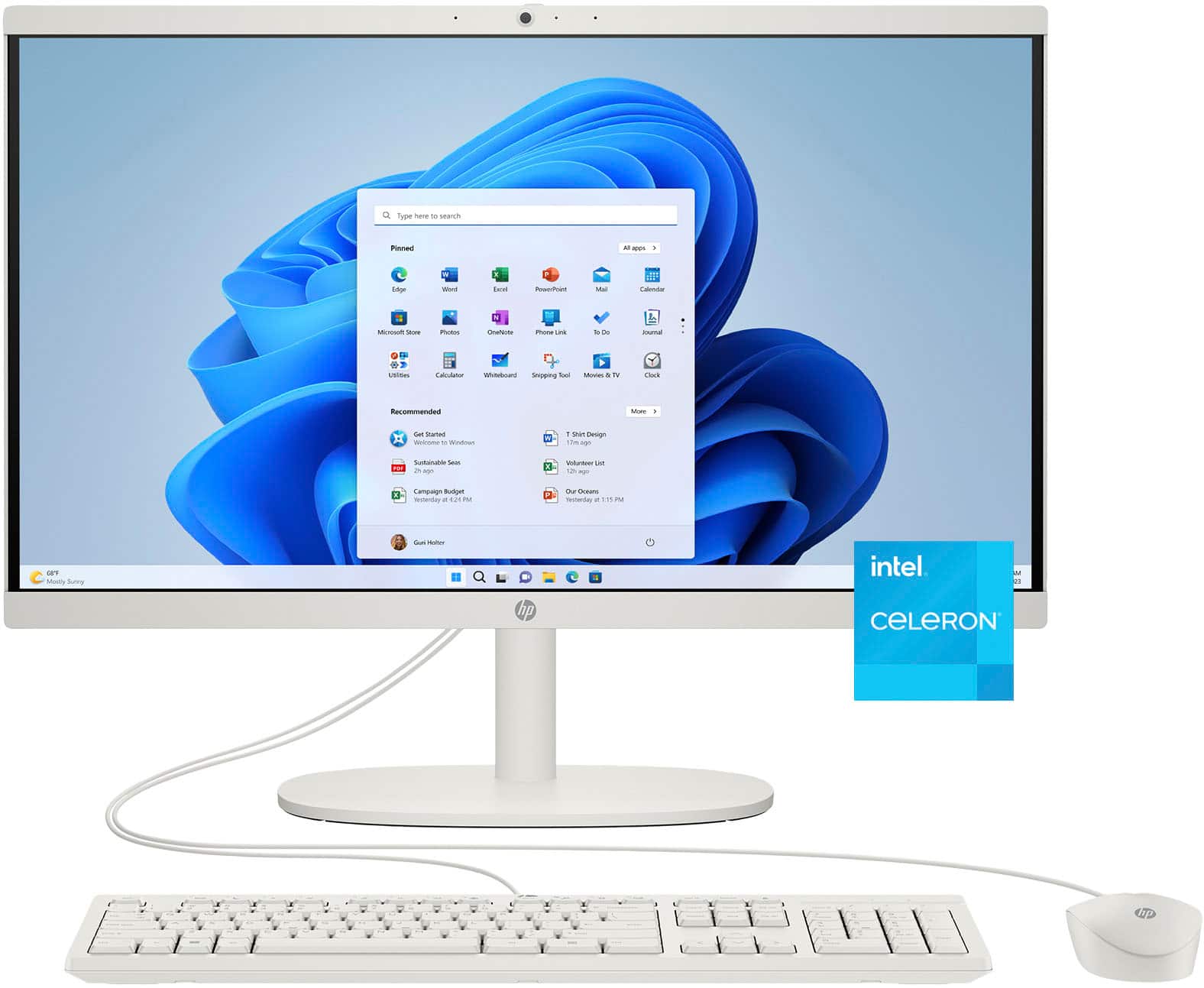
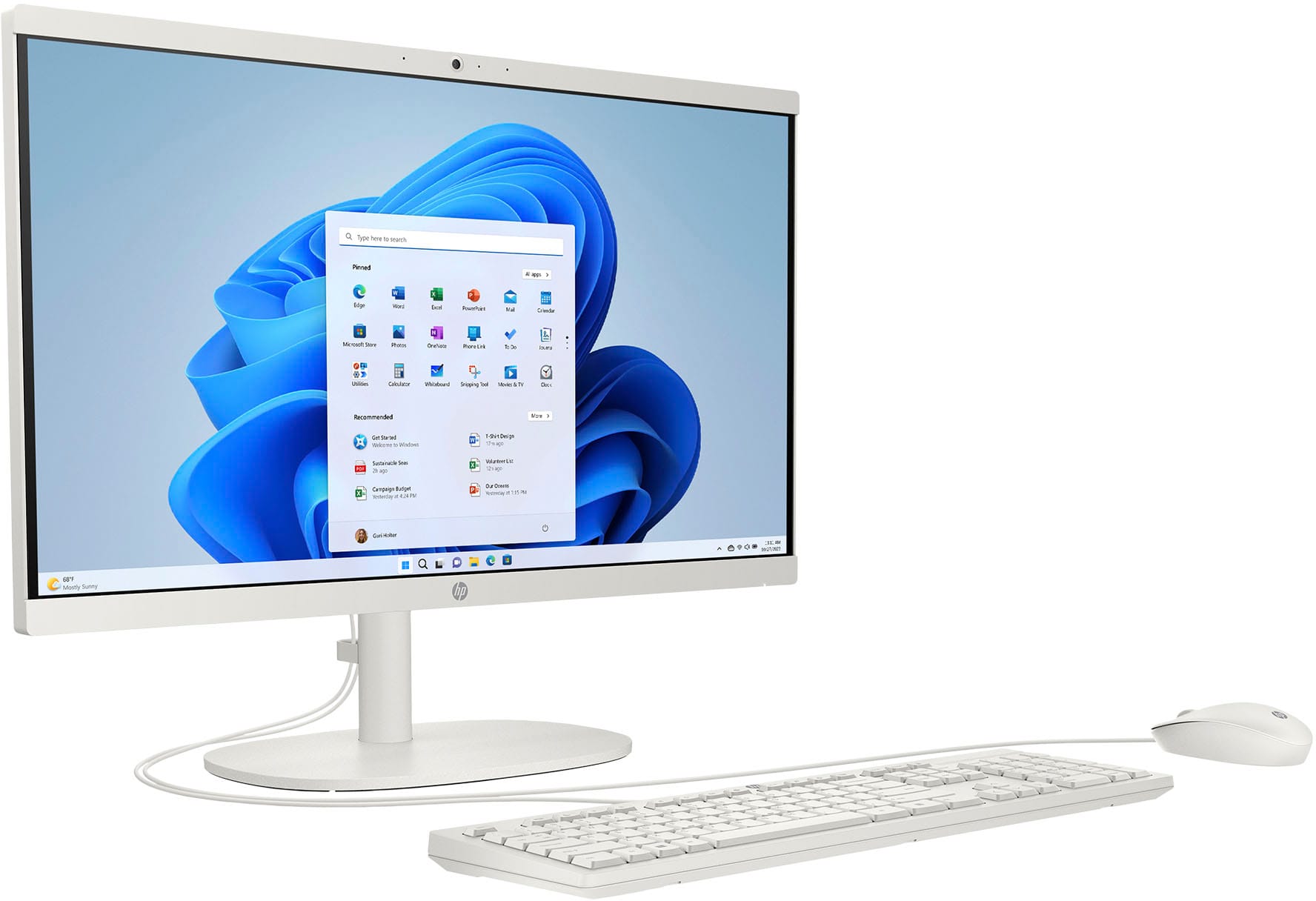
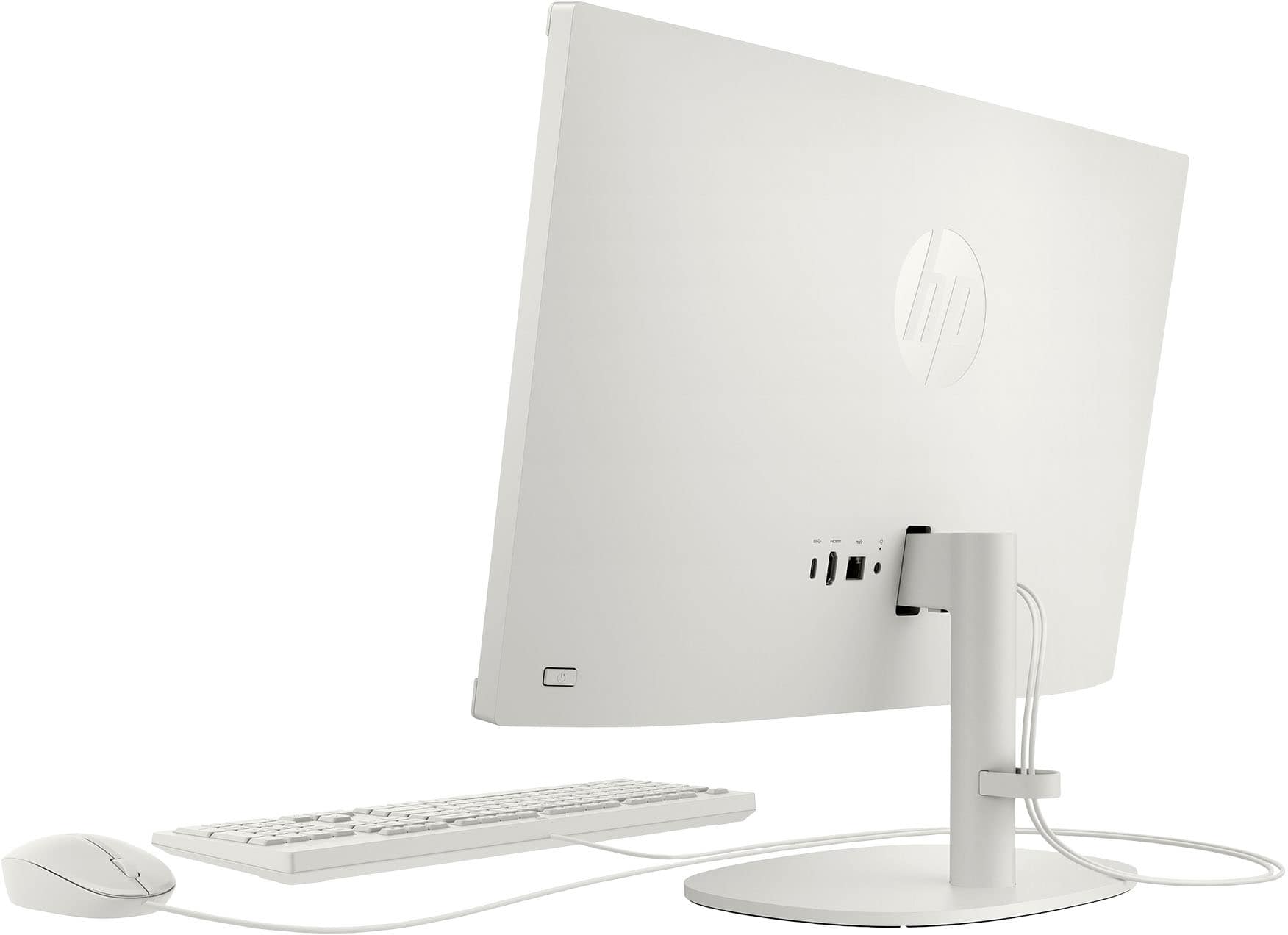
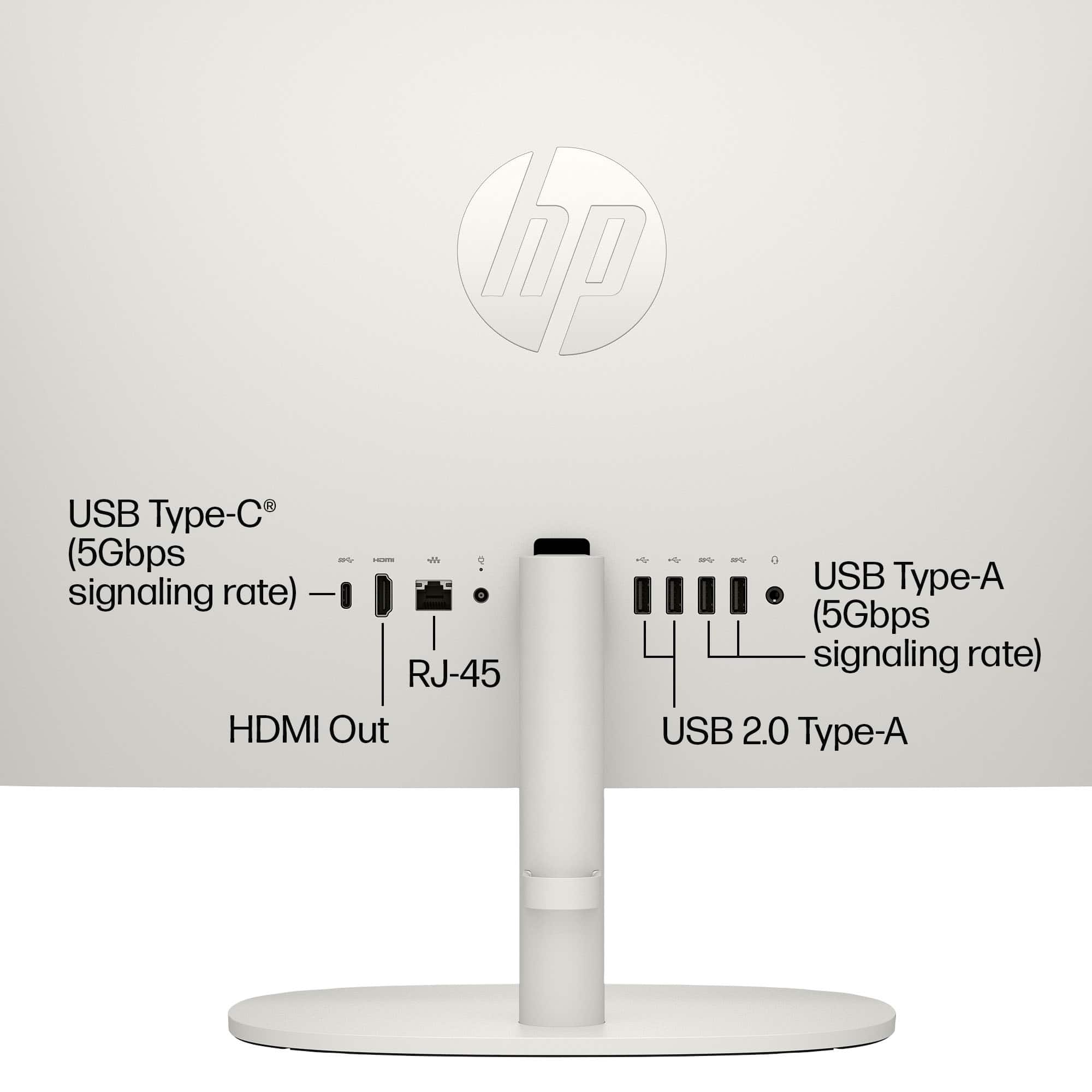
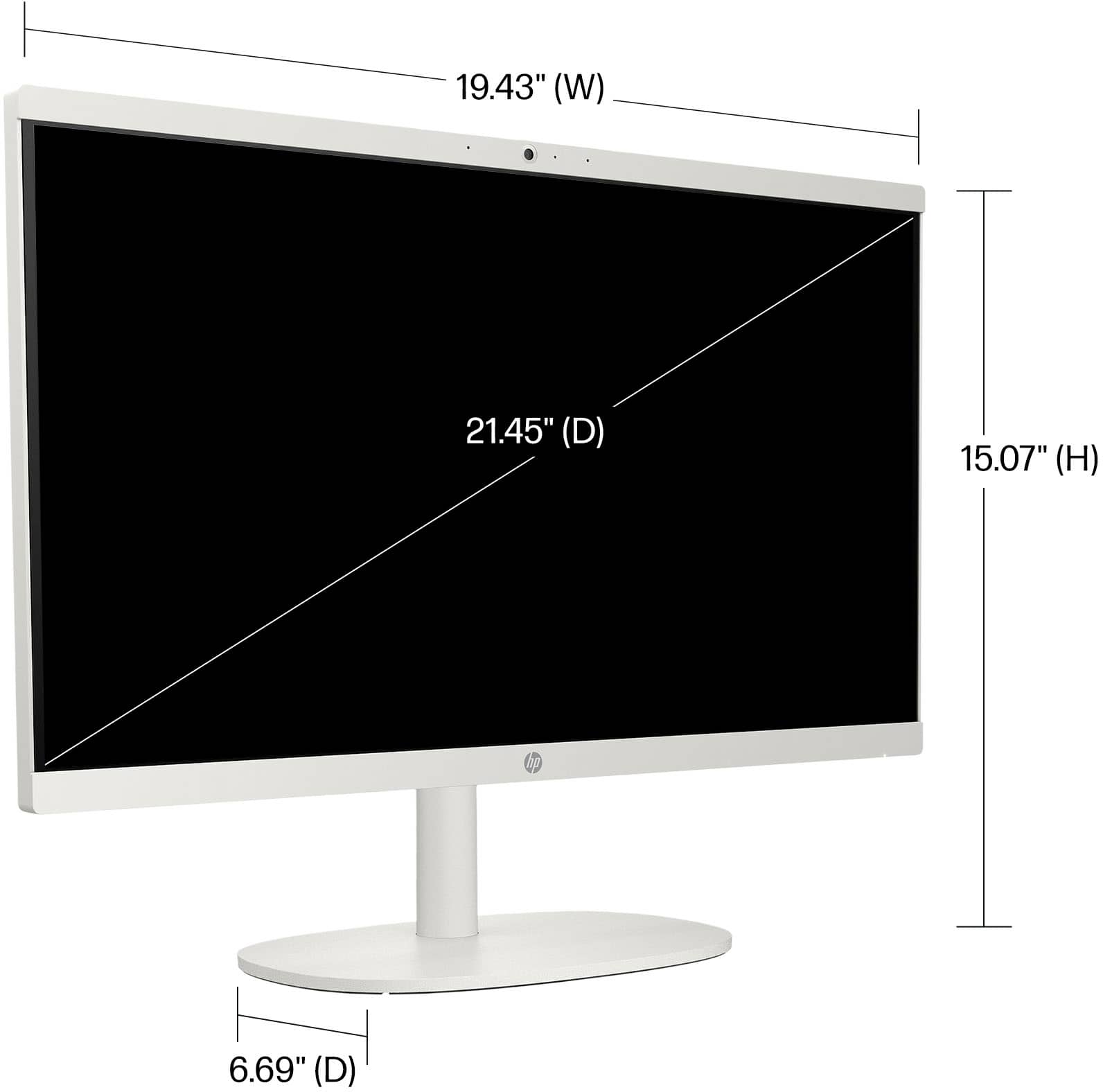
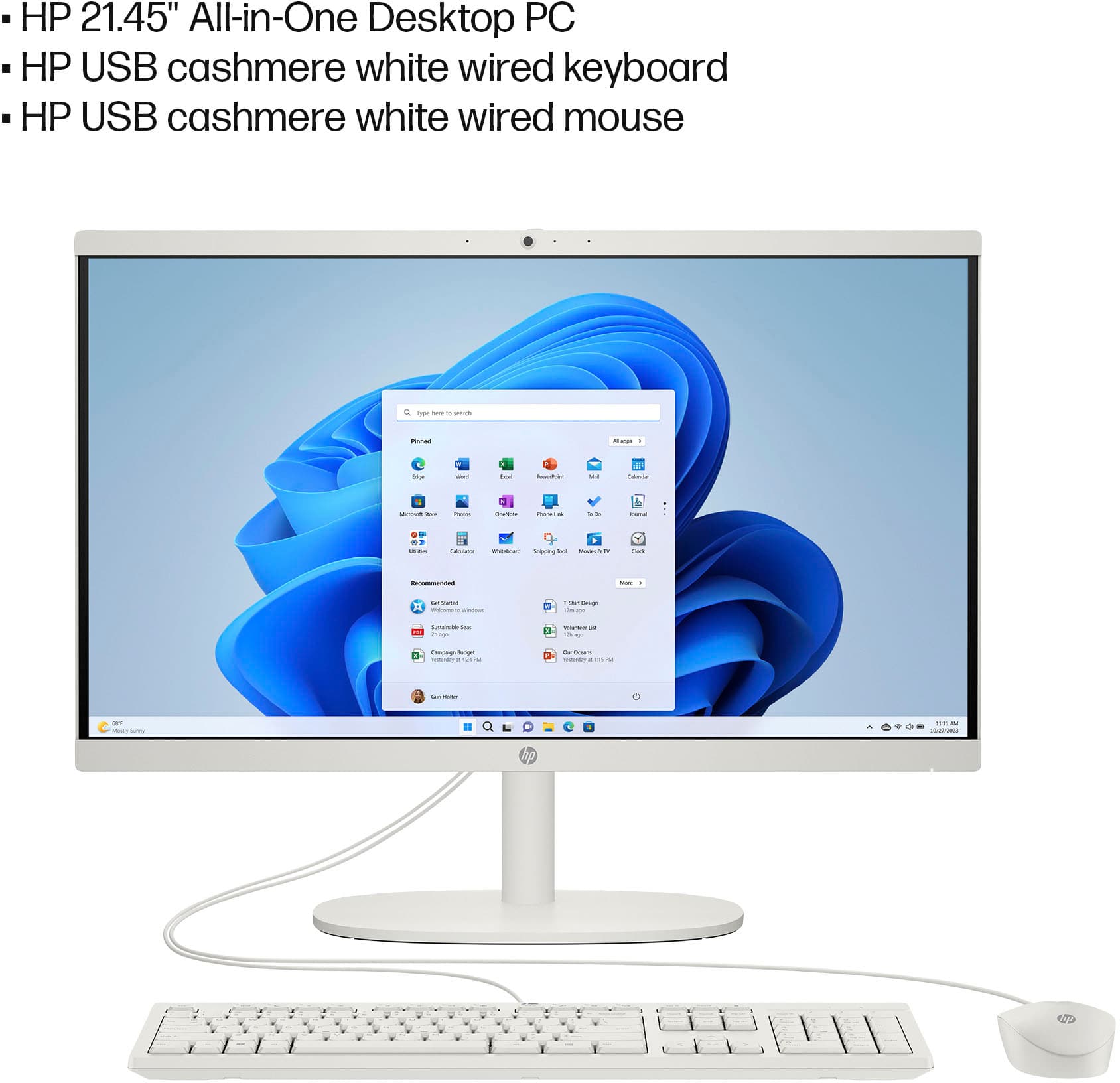
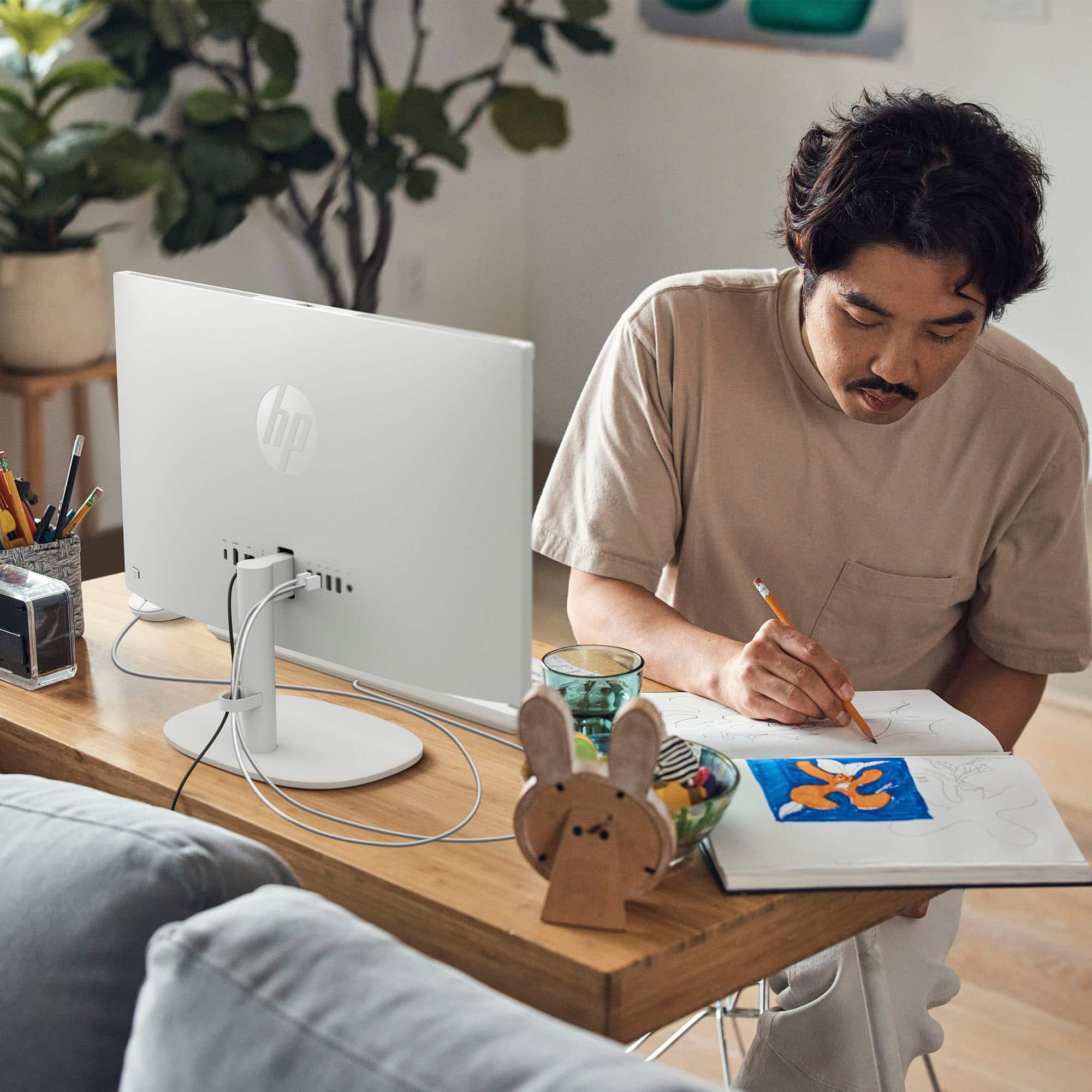
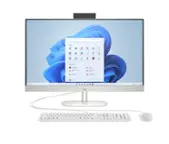
A:AnswerThank you for your question. Yes, the HP 22-DG0024 All-in-One desktop does support an external monitor. It has an HDMI output port that allows you to connect an additional display.
A:AnswerThank you for your question. Yes, the RAM on the All-In-One 22-dg0024 is expandable. This model supports up to 16GB of RAM. It comes with 4GB of RAM installed, and you can upgrade it by adding an additional module or replacing the existing one.
A:AnswerThank you for the question. The HP 22-DG0024 All-in-One comes with 4GB RAM and can be upgraded to a maximum of 16GB. The M.2 solid state drive can also be upgraded to one with more capacity. We recommend that a professional technician (Geek Squad, for example) do this for you.
A:AnswerFor any software, you would want to check the system requirements from the publisher's website and make sure the device you want to run it on meets the requirements for the setting you would like to use. Updates can change the requirements which can impact what settings you run it on or if you can run it at all. For software that always require online or for sections that are online, your connection type and speed can also affect how well it runs.
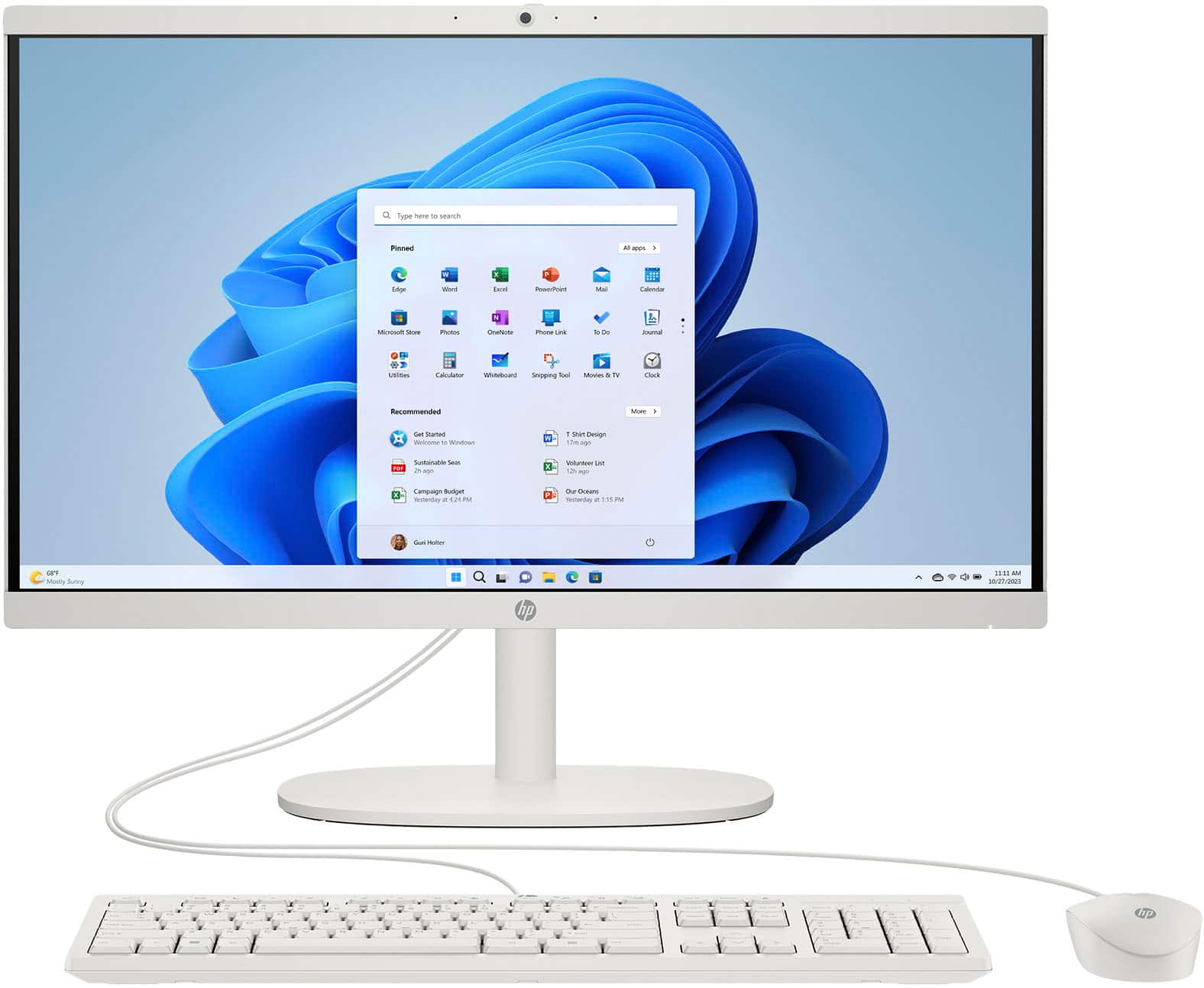
A:AnswerHello and thank you for asking. The HP 22-dg0024 All-in-One computer comes with a 1-year warranty from HP against defects in materials and workmanship. An extended warranty is also available through the Best Buy Geek Squad.
A:AnswerThank you for your question. As system requirements for software constantly change, we cannot answer questions about software compatibility or performance. What is compatible today may not be in a few months. Please check the software manufacturer's website for the most current system recommendations.