Page Showing 1-15 of 15 questions
Q: QuestionDoes this monitor have speakers?
Asked by Kiki.
- A:Answer This monitor does not have speakers.
Answered by HP Team

Q: QuestionWhat speakers what I have to buy for sound to come out?
Asked by Nick.
- A:Answer Really, any set of computer speakers will work when you plug them into your computer. The ones you'll want to get depends on your budget, how big a space you're working in, and how much space you've got on your desktop.
Answered by HP Team

Q: QuestionWhat is the height of the monitor with the stand? I am trying to match this up to my all in one that is 18.73 inches high.
Asked by AlexP.
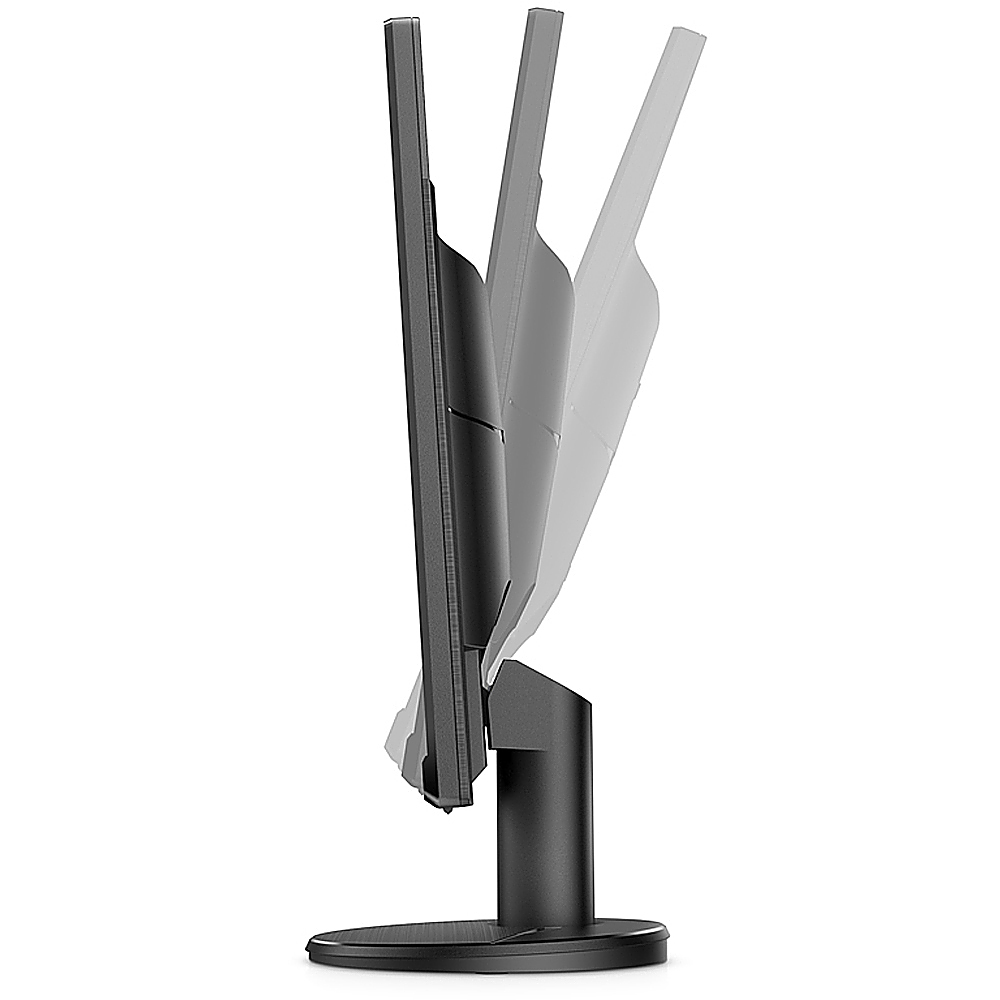
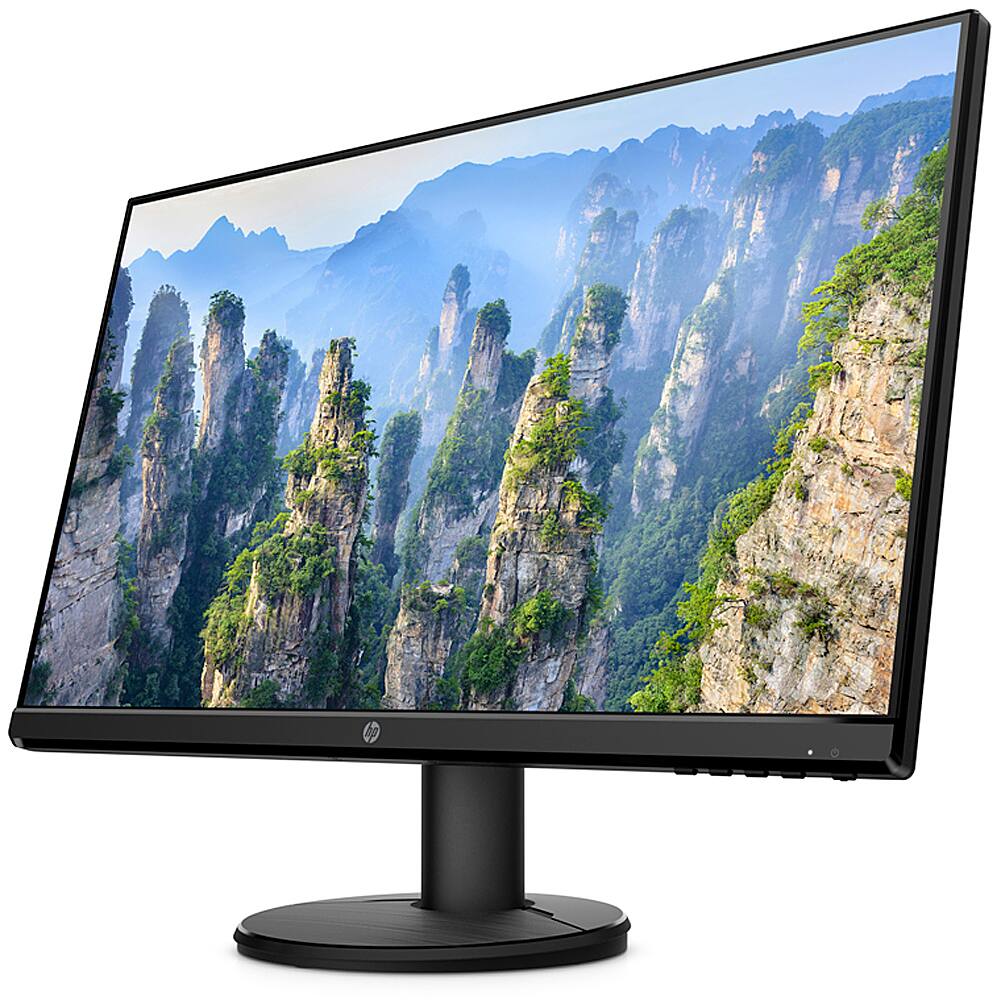
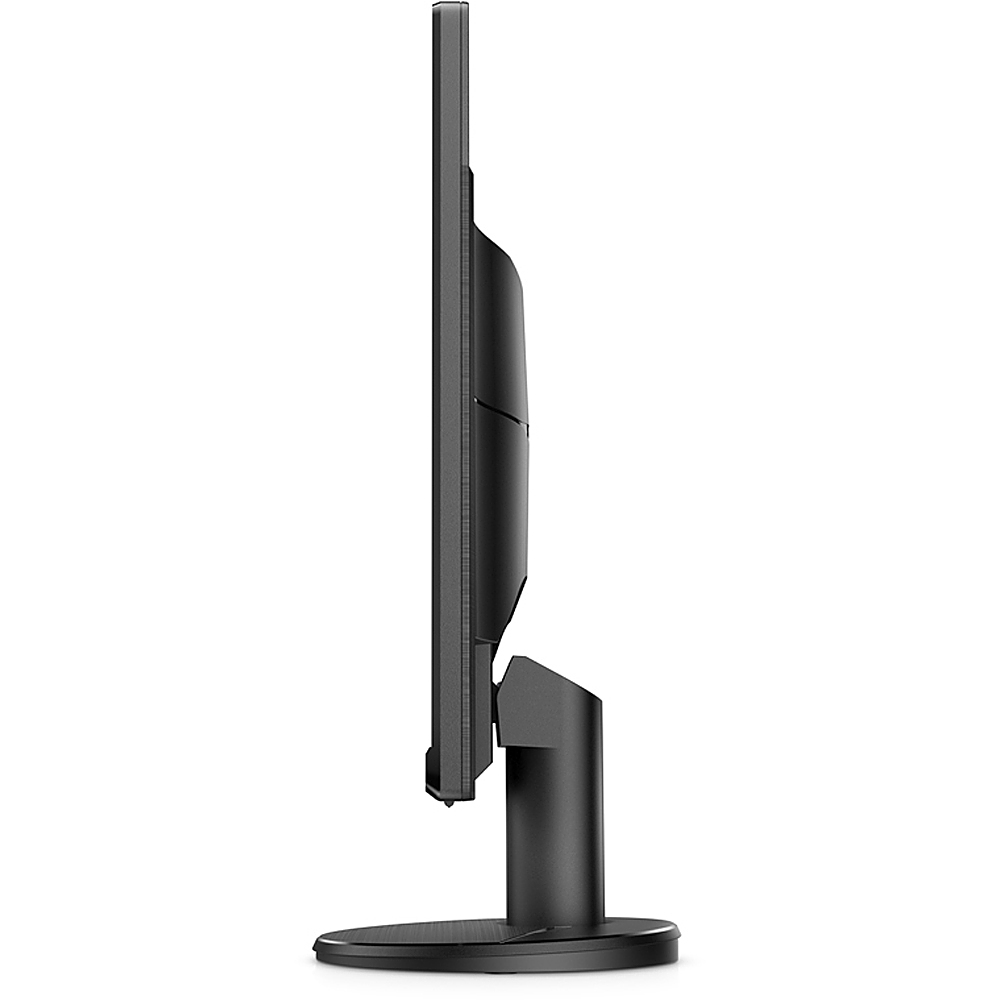
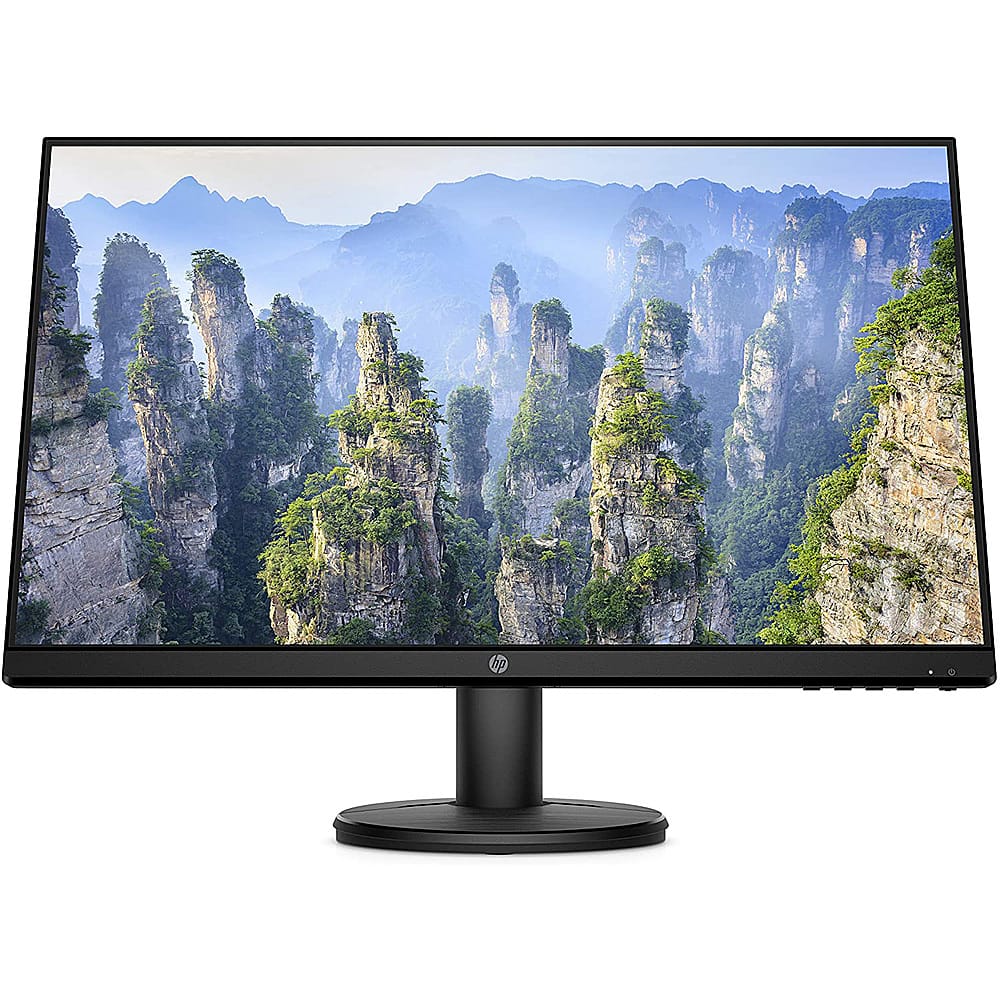
- A:Answer Here are the dimensions with the stand (W x D x H) 21.2 x 7.3 x 15.9 inches.
Answered by HP Team

Q: QuestionI bought speakers to go with the monitor and sound still does not work, how do I fix this issue?
Asked by jenniferpotts.
- A:Answer The first step is to make sure that the speakers are plugged into the correct port on the computer. If they are, you'll need to contact the support team for the company that built the computer so they can troubleshoot the issue.
Answered by HP Team

Q: QuestionHow do I get rid of shadows to the right of words
Asked by MaryAnn.
- A:Answer Apologies for what you're experiencing. It could just be an issue with the cable. Please make sure the cable is firmly connected at each end. If that does not address the problem, please reach out to Support.HP.com or call 800-474-6836 for assistance.
Answered by HP Team

Q: QuestionCan this monitor be used for a security cámara system ?
Asked by Anonymous.
- A:Answer If the system has a VGA or HDMI display out it should work fine
Answered by JaredH
Q: QuestionCan does be connected via wireless/bluetooth?
Asked by RickG.
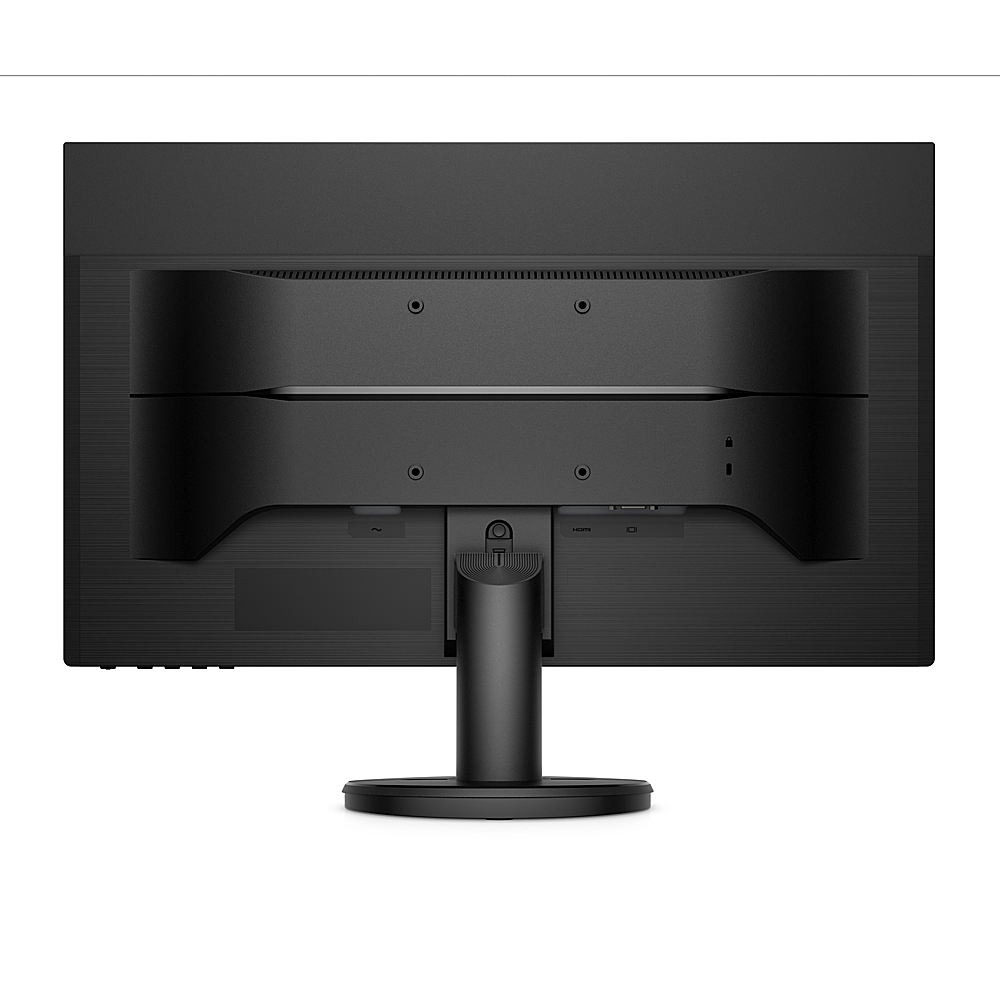
- A:Answer Thank you for the question. No. The monitor would be connected to the computer via HDMI or VGA ports. An HDMI cable is included with the V24I monitor.
Answered by HP Team

Q: Questionis this compatible with a hp pavillion?
Asked by bob.
- A:Answer Hello, yes, this monitor can be connected as a secondary device to the HP Pavilion laptop or as the main monitor to the HP Pavilion tower. Thank you for being an HP customer.
Answered by HP Team

Q: Questionhow long is the power cord?
Asked by moviefan.
- A:Answer The power cord that comes with this monitor is 6' in length.
Answered by HP Team

Q: QuestionDoes this monitor have built in speakers?
Asked by t1218.
- A:Answer No spearkers
Answered by DonT
Q: QuestionNeed to know the the big difference between, LCD AND LED display, LCD is a very old technology compared to LED? So what is the difference on the resolution and definition of the image?
Asked by alex.
- A:Answer There really is no difference. Both an LCD and an LED monitor use a liquid crystal display to show the image. But an LCD panel requires a backlight. Originally, they used a compact fluorescent bulb, but now they use a LED light, and that's where the LED term comes from.
Answered by HP Team

Q: Questiondoes this monitor bring a part where i could connect my USB
Asked by ineedhelp.
- A:Answer No, it does not. I has the following Connectivity: 1 x HDMI 1.4 1 x VGA
Answered by HP Team

Q: QuestionCan the stand on these monitors be removed to use with a dual desk monitor bracket?
Asked by Wondering.
- A:Answer Yes, the stand can be removed from this monitor so that monitor can be mounted to a dual desk monitor. This monitor has 100 mm mounting holes.
Answered by HP Team

Page 1, Showing 1-15 of 15 questions
Most-viewed items
- $329.99$329.99The price was $469.99
- $149.00$149.00The price was $399.00
- $159.99$159.99The price was $179.99
- $1,149.00$1,149.00The price was $1,299.00
- $449.99$449.99The price was $649.99