A:AnswerThe camera on this computer is a 720 p camera. Your visualization of the people that you are calling will depend largely on their camera quality.
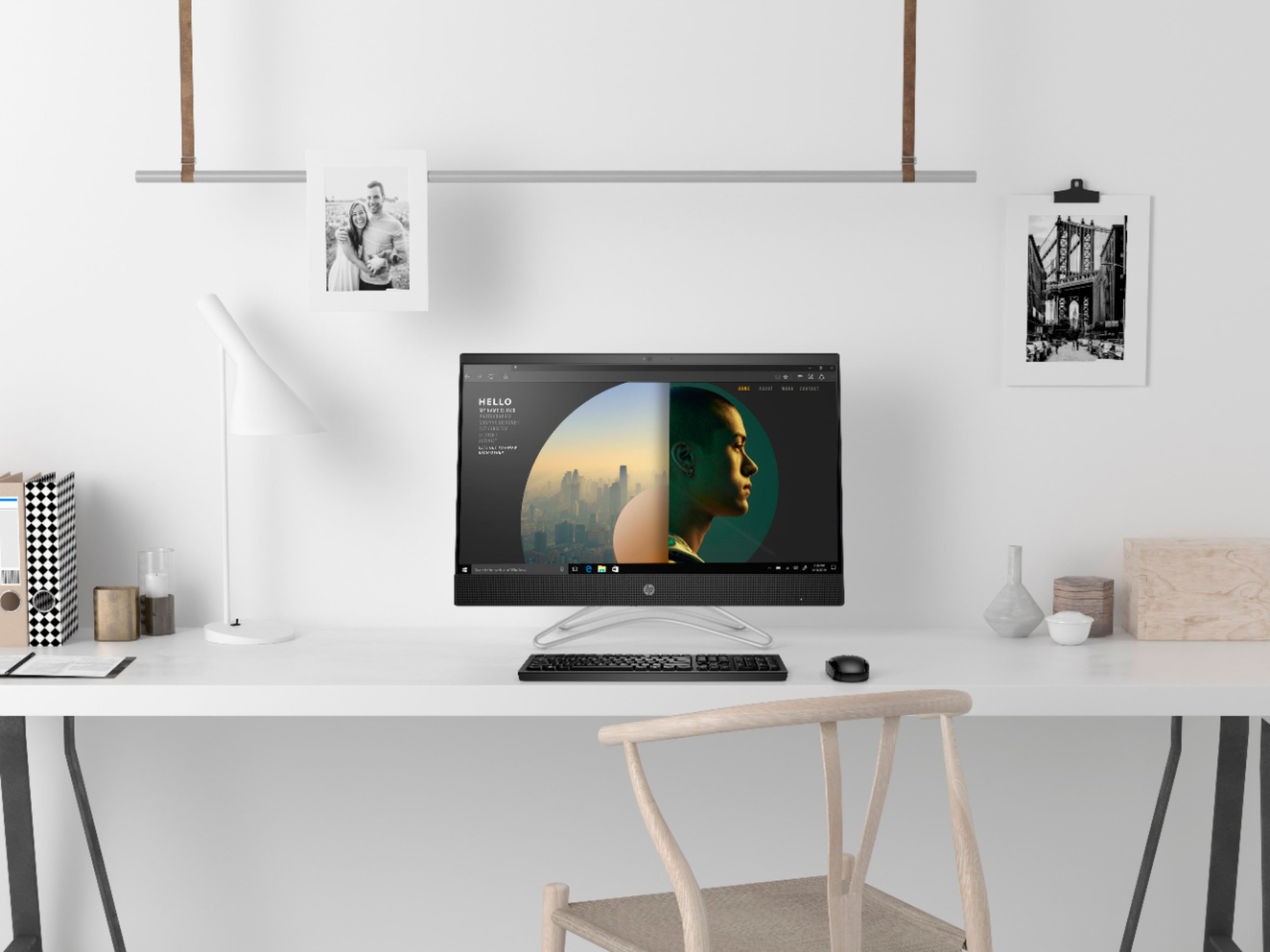
A:AnswerThe "buttons" that you are referring to on the bottom of the screen are the icons on the Windows task bar. This is where you find your icons for functions such Wireless and Sound. The brightness can be adjusted either by the brightness buttons on the keyboard. They look like the sun. You can also adjust through the Action Center on the computer which would be on the far right of the taskbar.