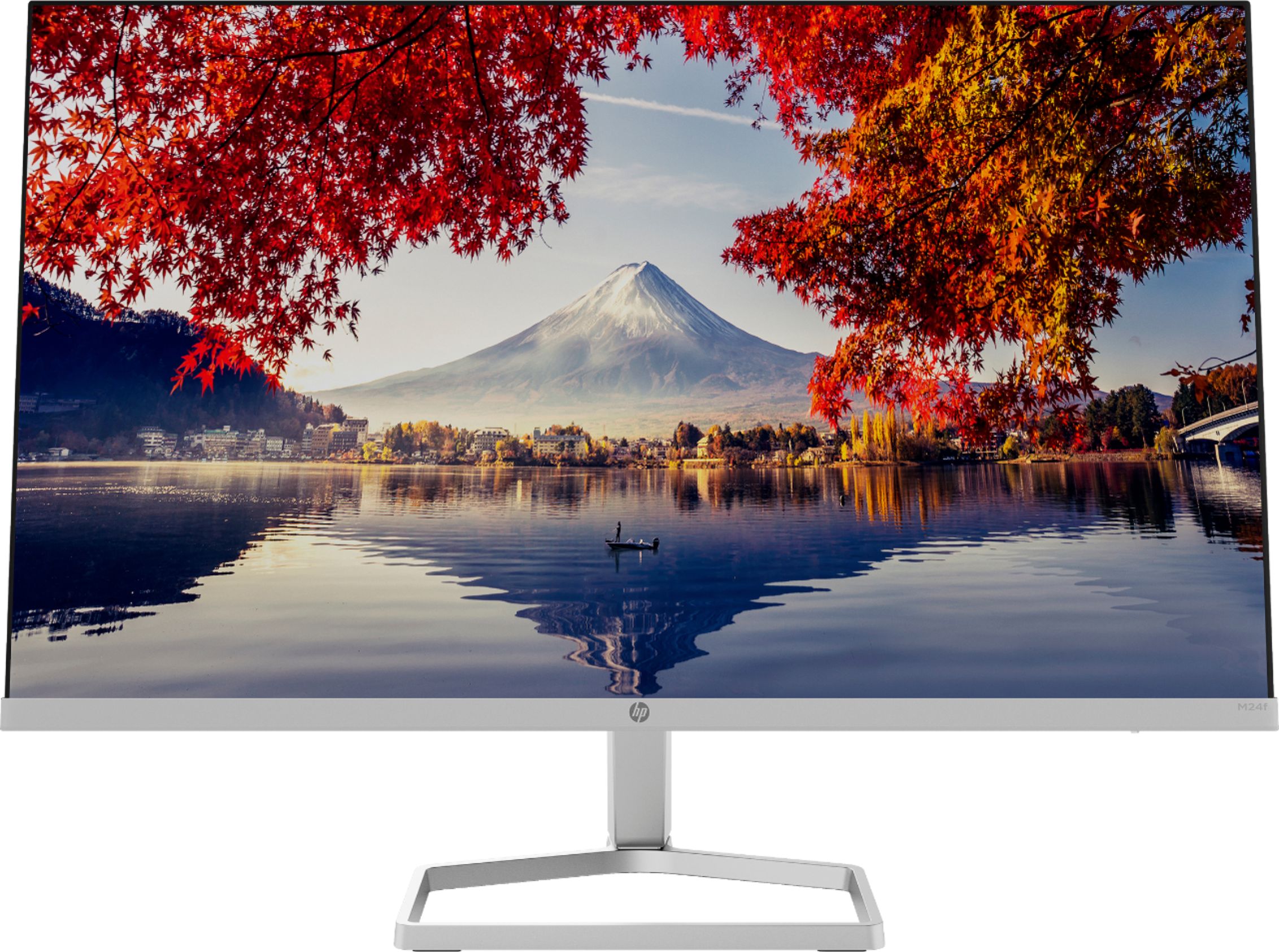
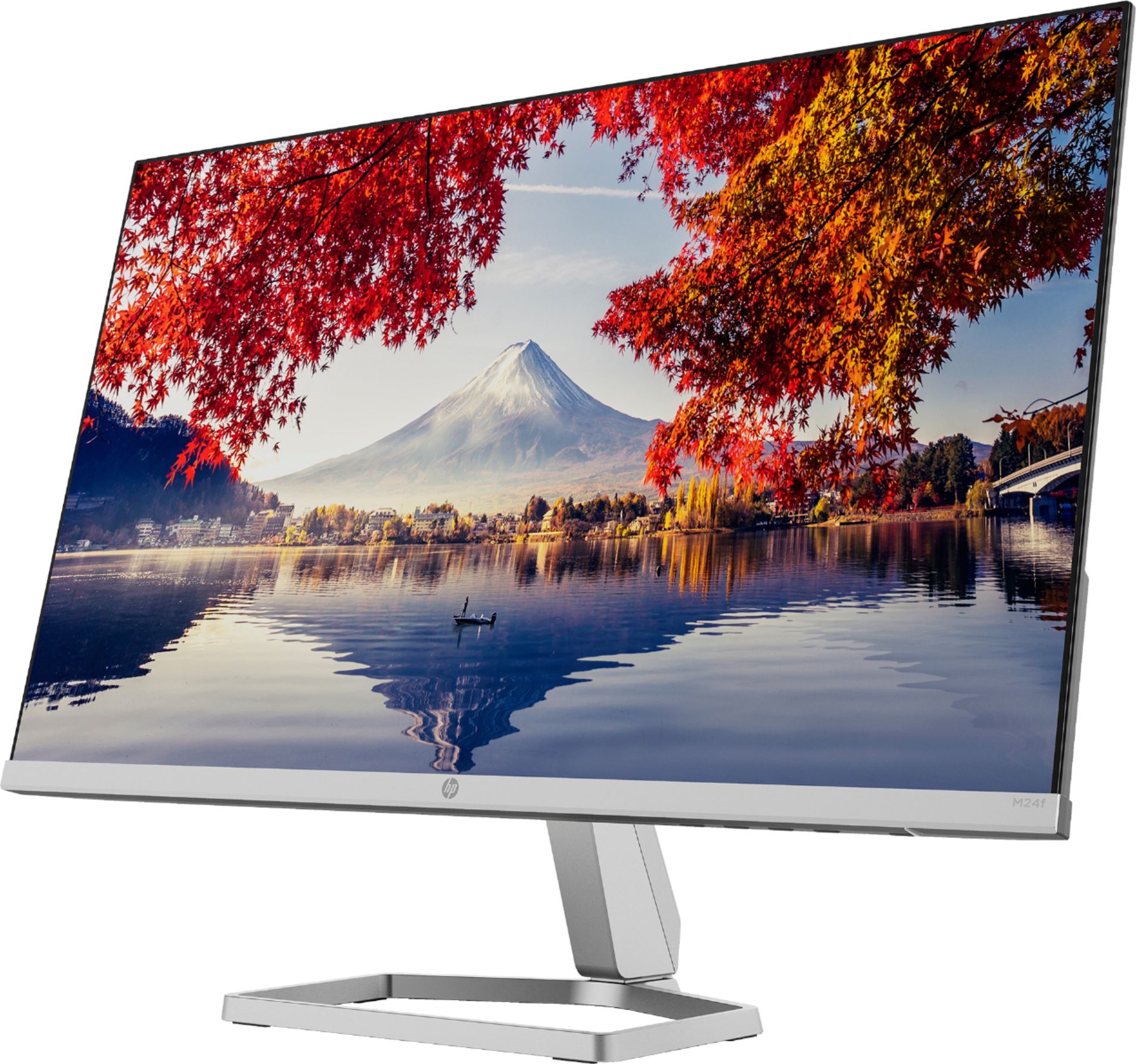
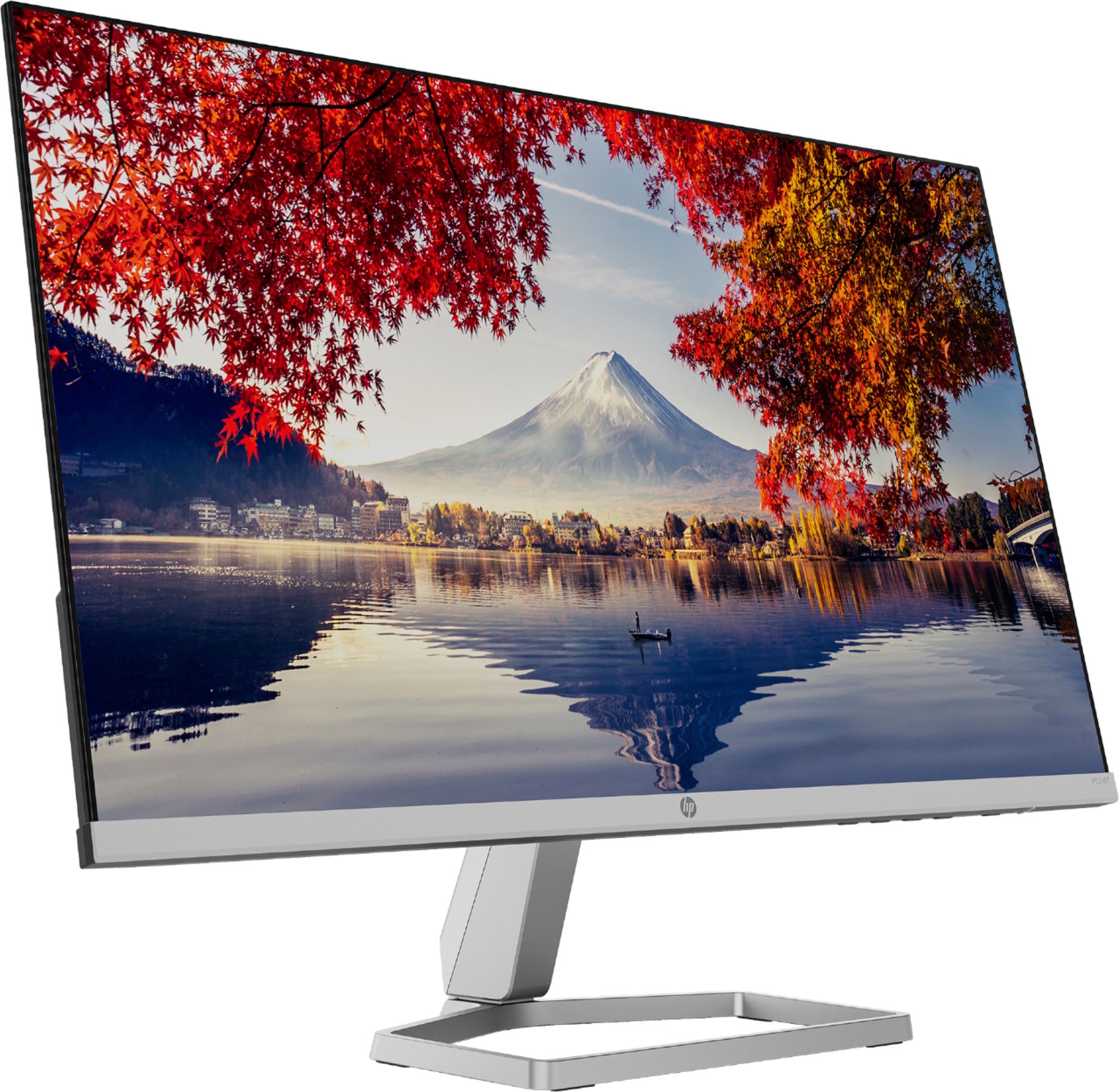
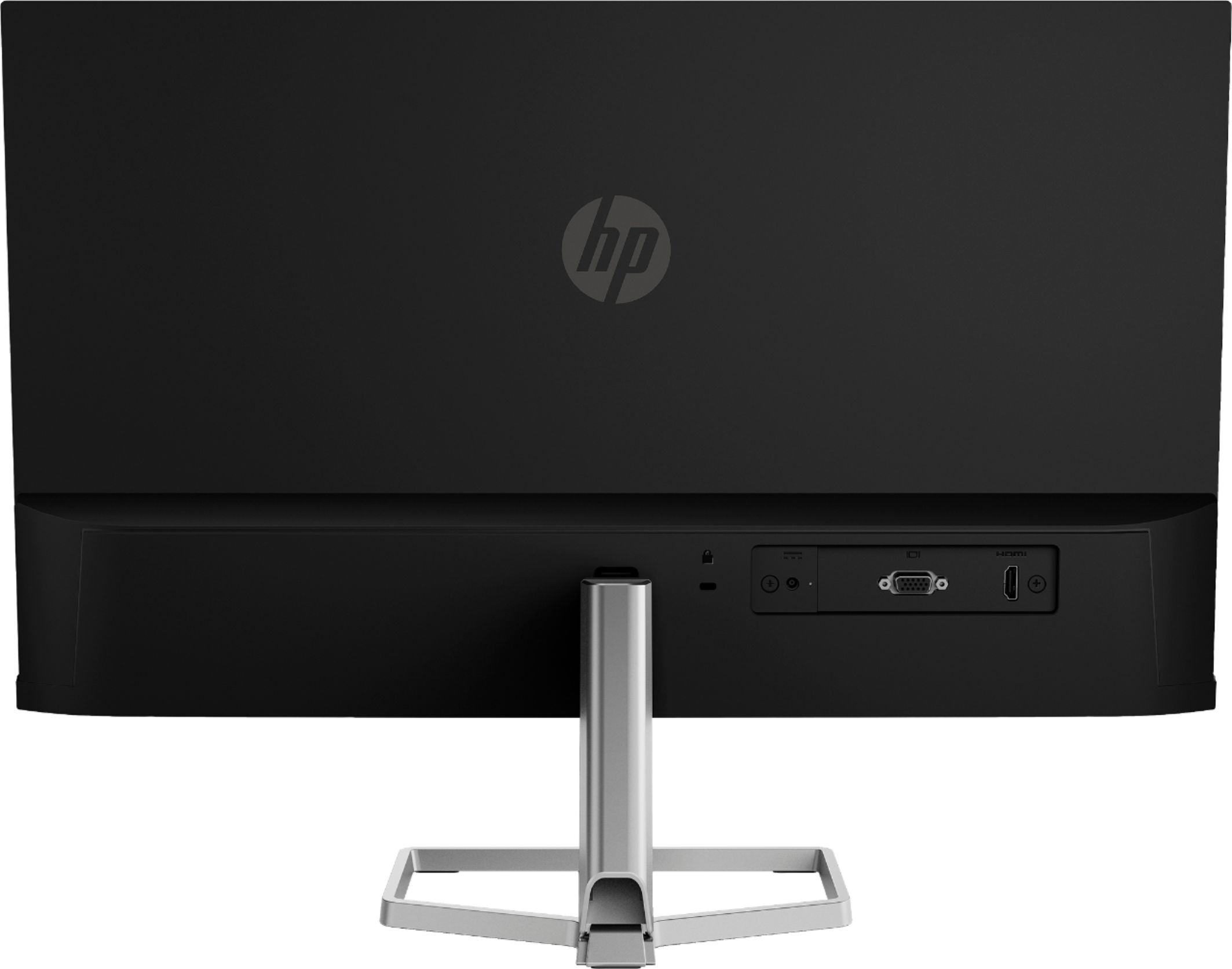
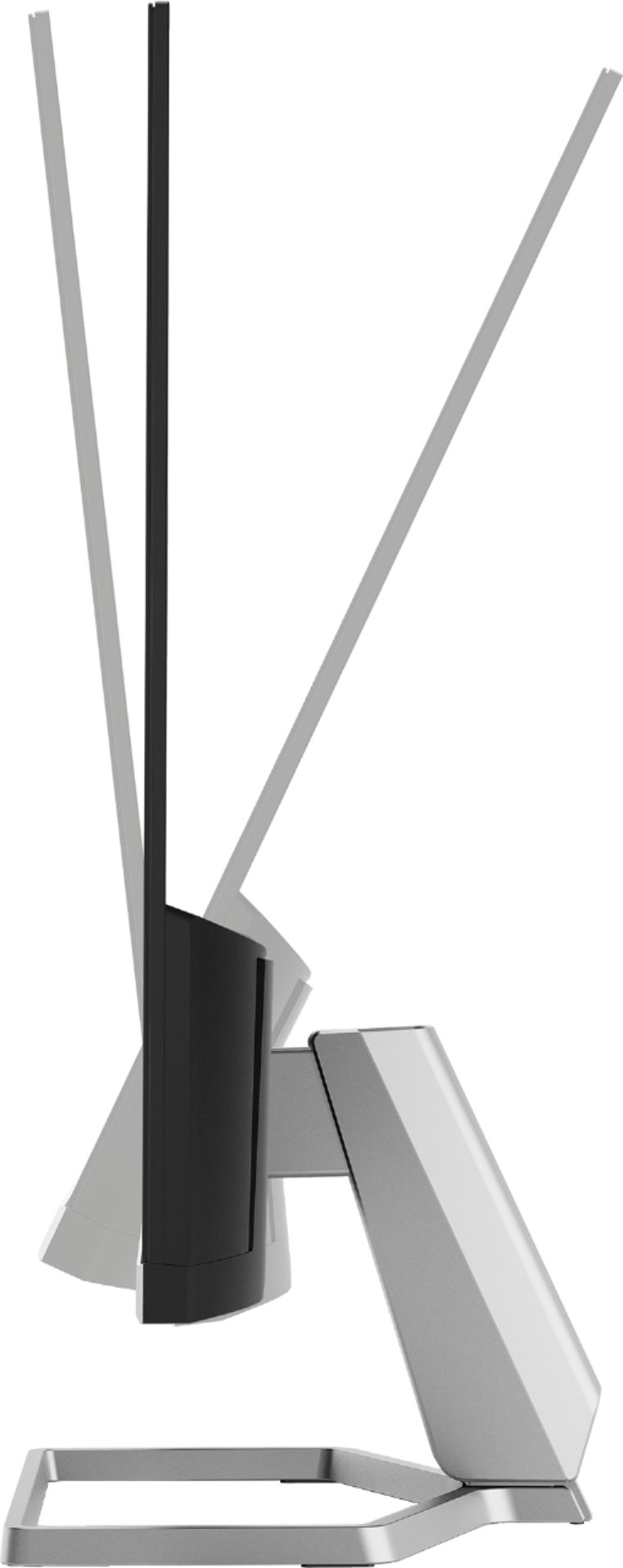
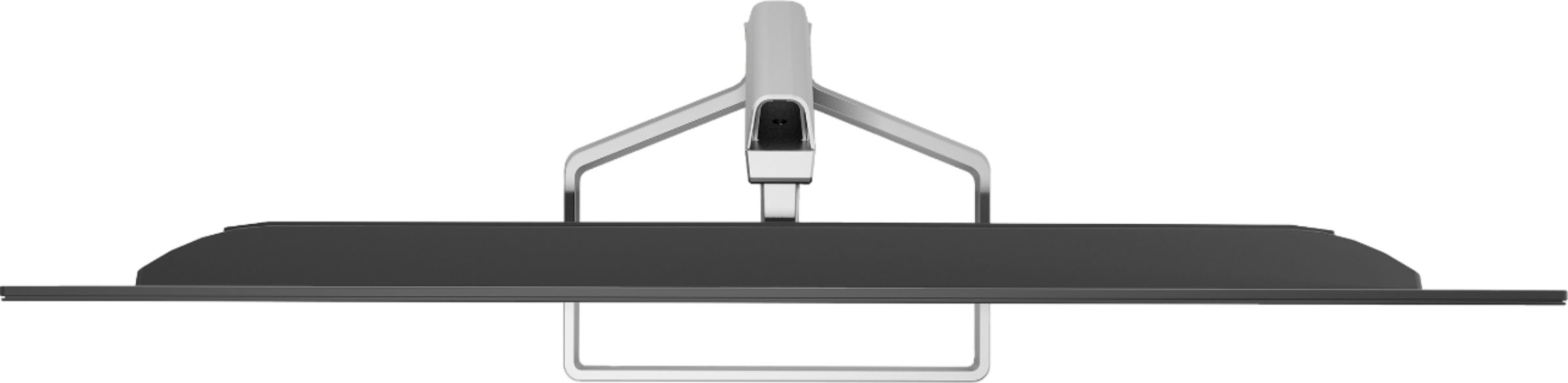
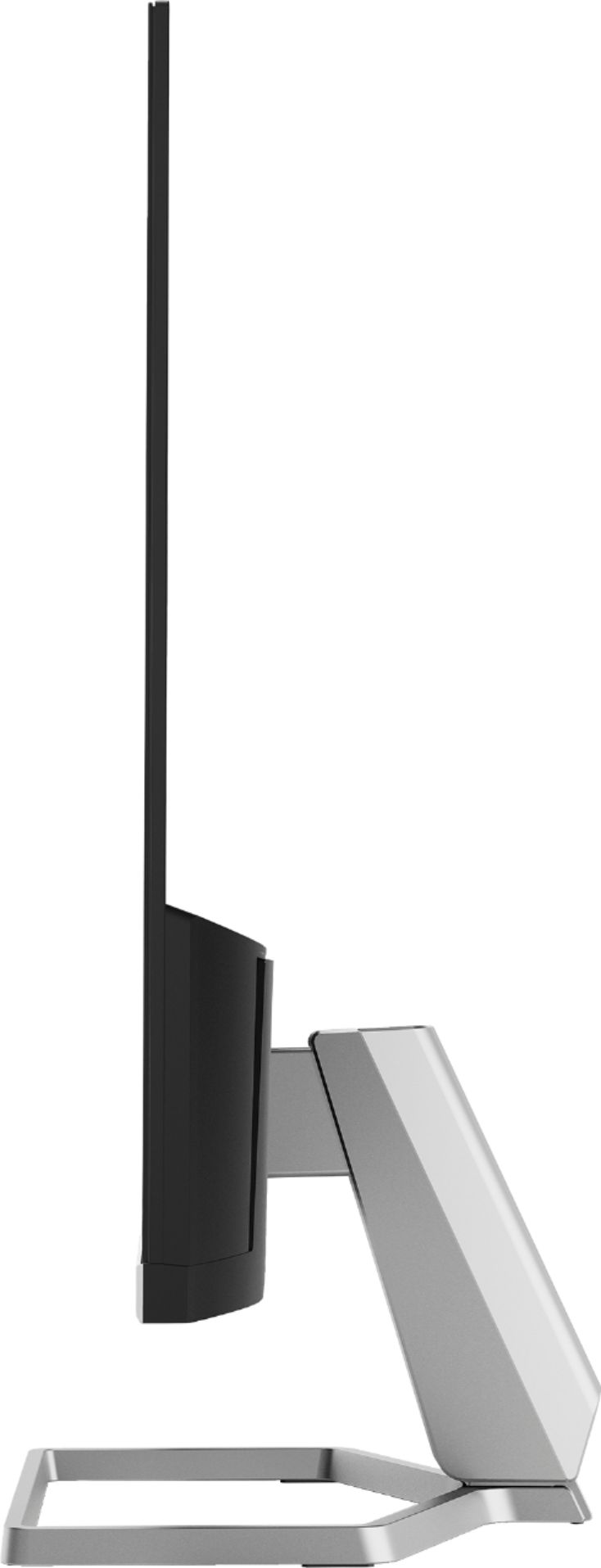
A:AnswerHello. Thanks for your question. There is 1 VGA port and 1 HDMI port on this HP m24f monitor. There is 1 HDMI cable in the box. You would also need 1 HDMI port and 1 VGA port on your computer. If you do have those ports,the first monitor would connect to the HDMI port. Then you would need a VGA cable to connect the 2nd monitor to your computer. If you have a laptop, you can use a USB docking station that has 1 HDMI and 1 VGA port.
A:AnswerThank you for the question. It's an issue with resolution, and that can be fixed by changing settings. This short tutorial may help: https://mostechtips.com/solved-second-monitor-blurry-issue-in-windows-10/