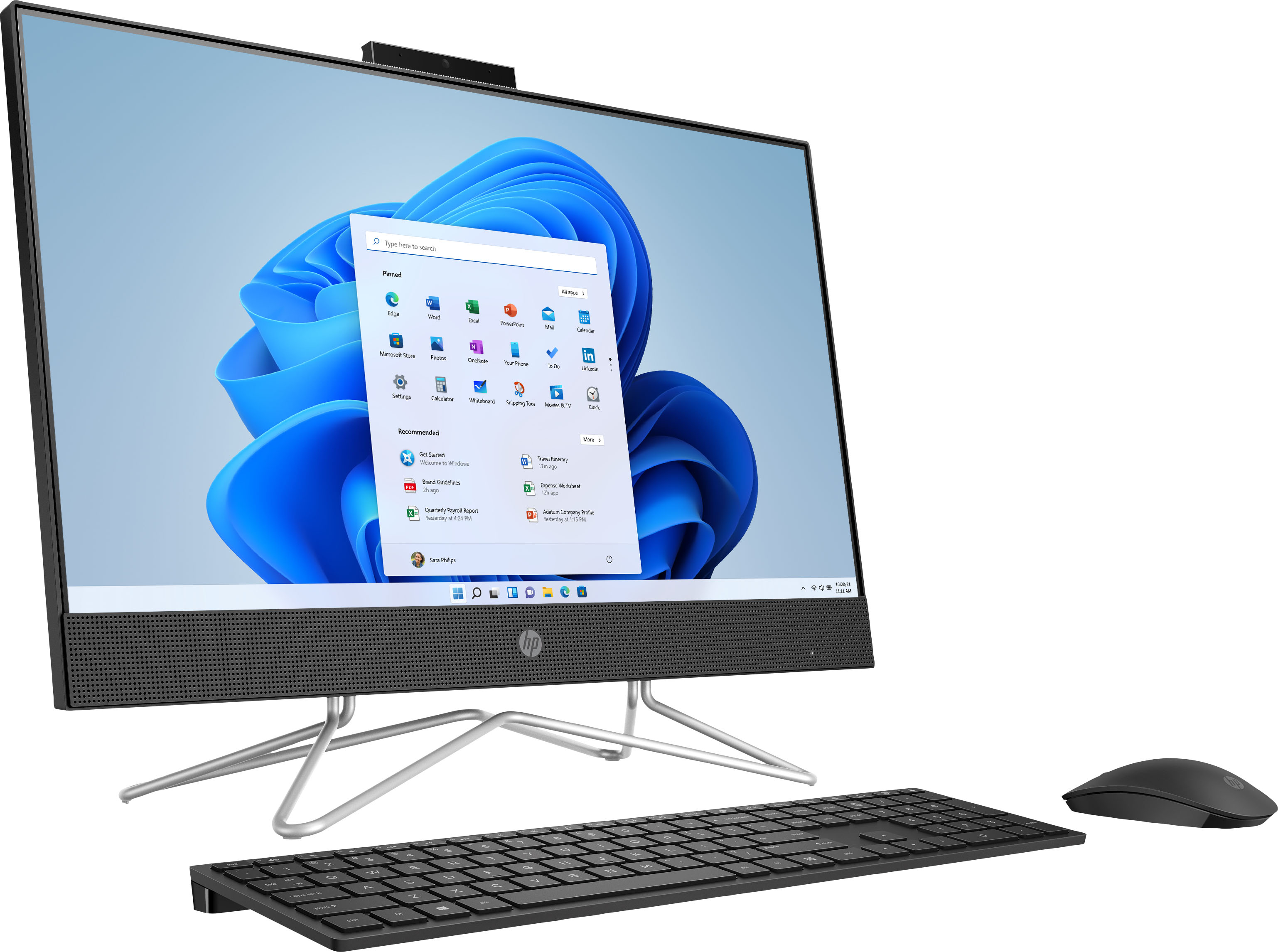
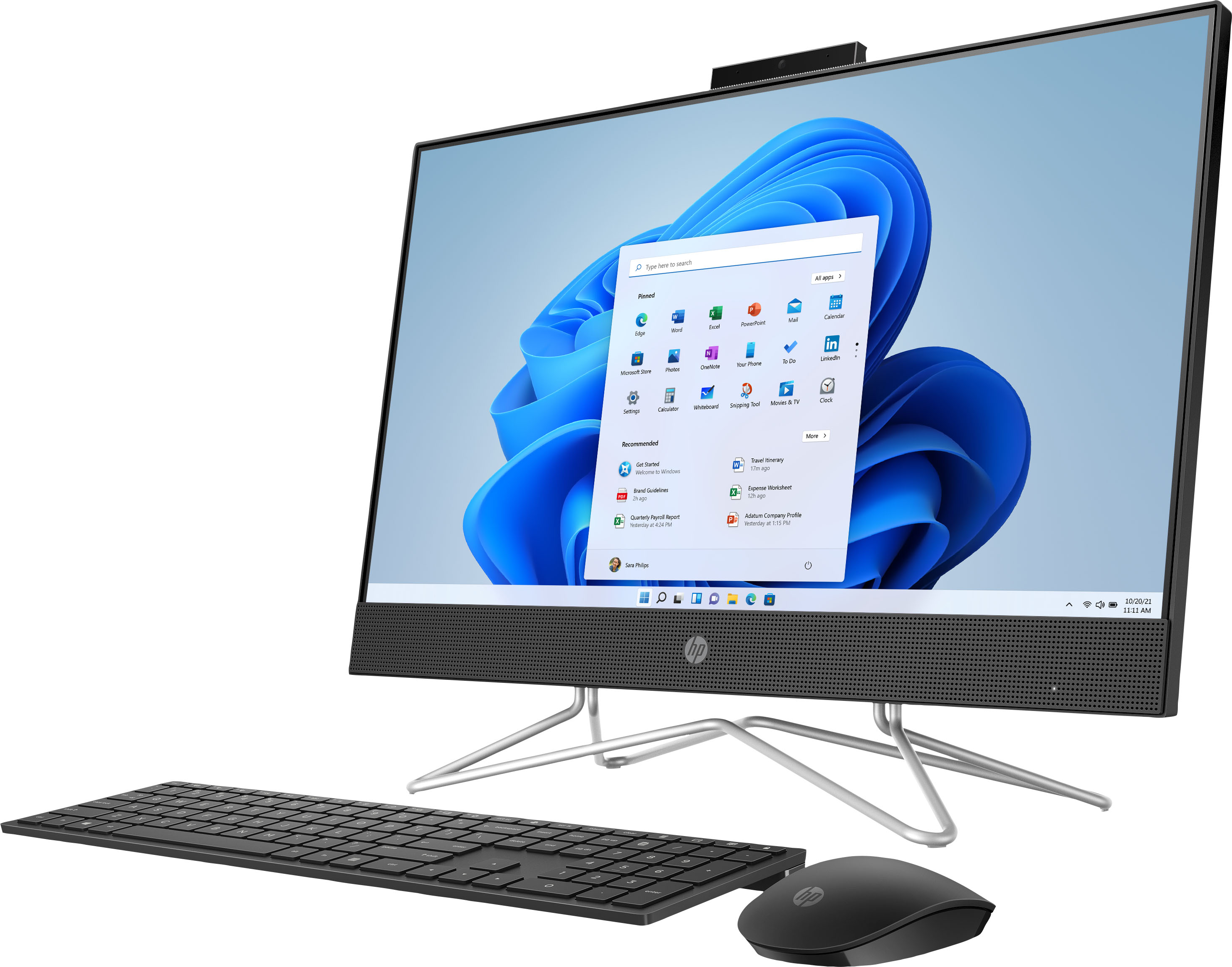
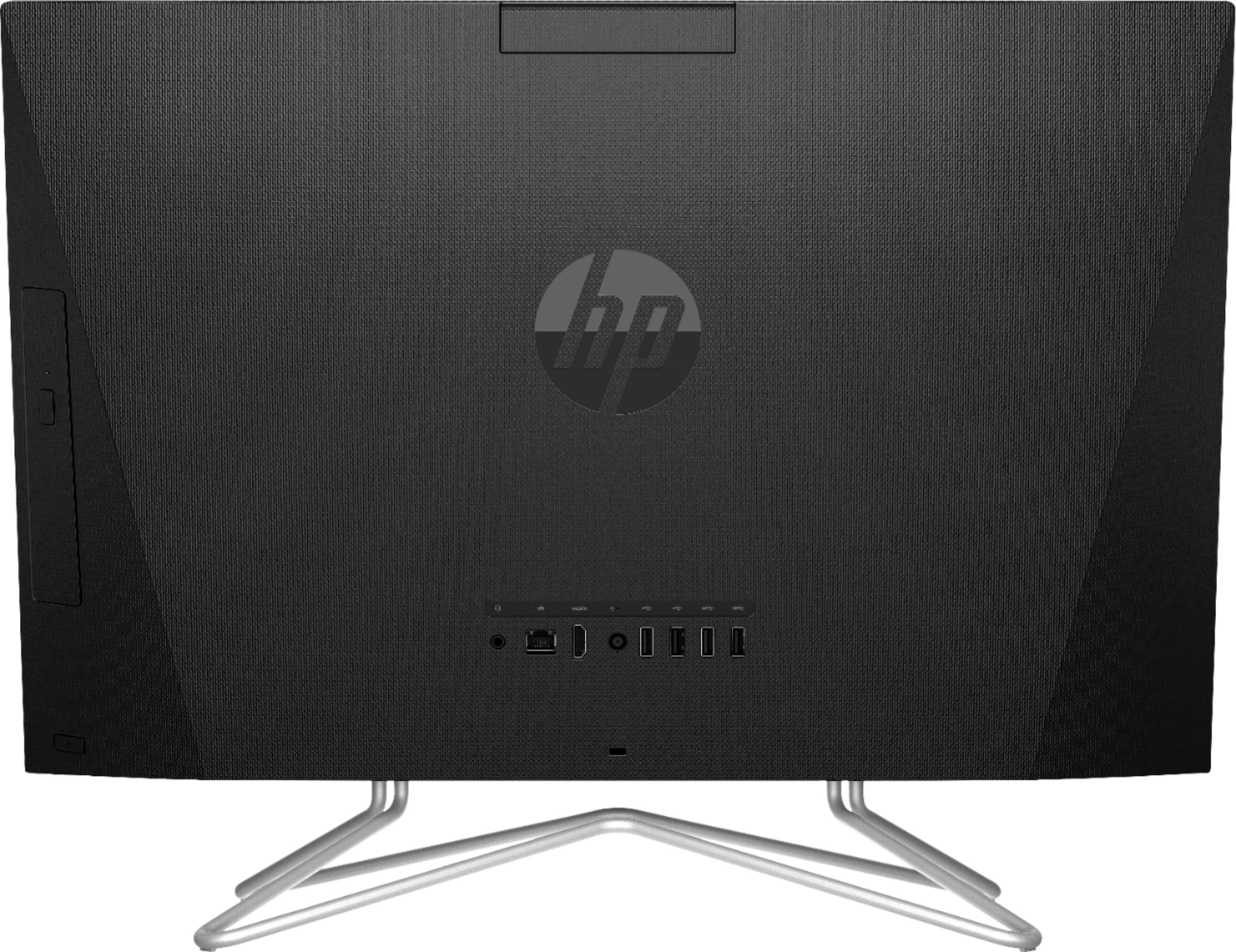
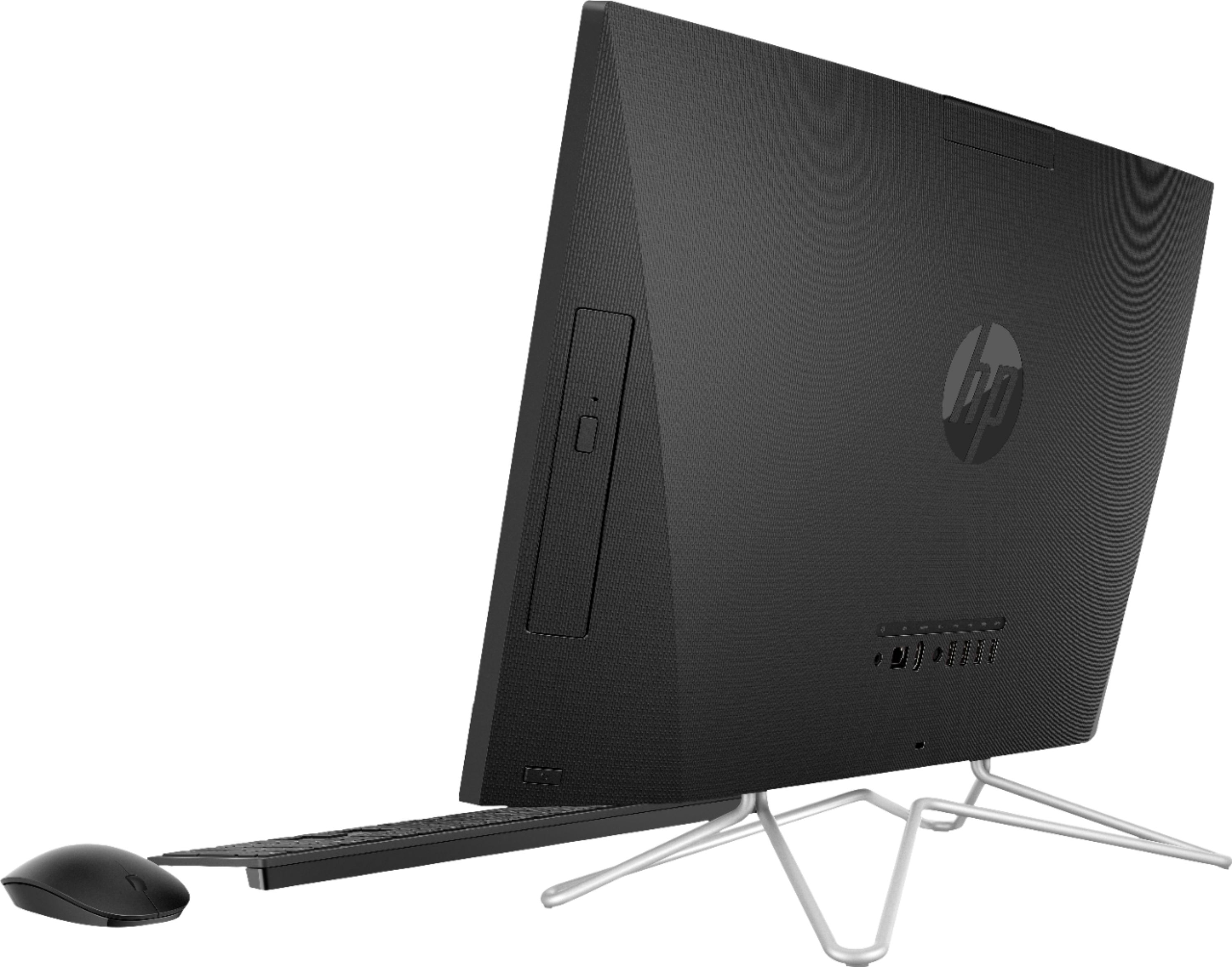
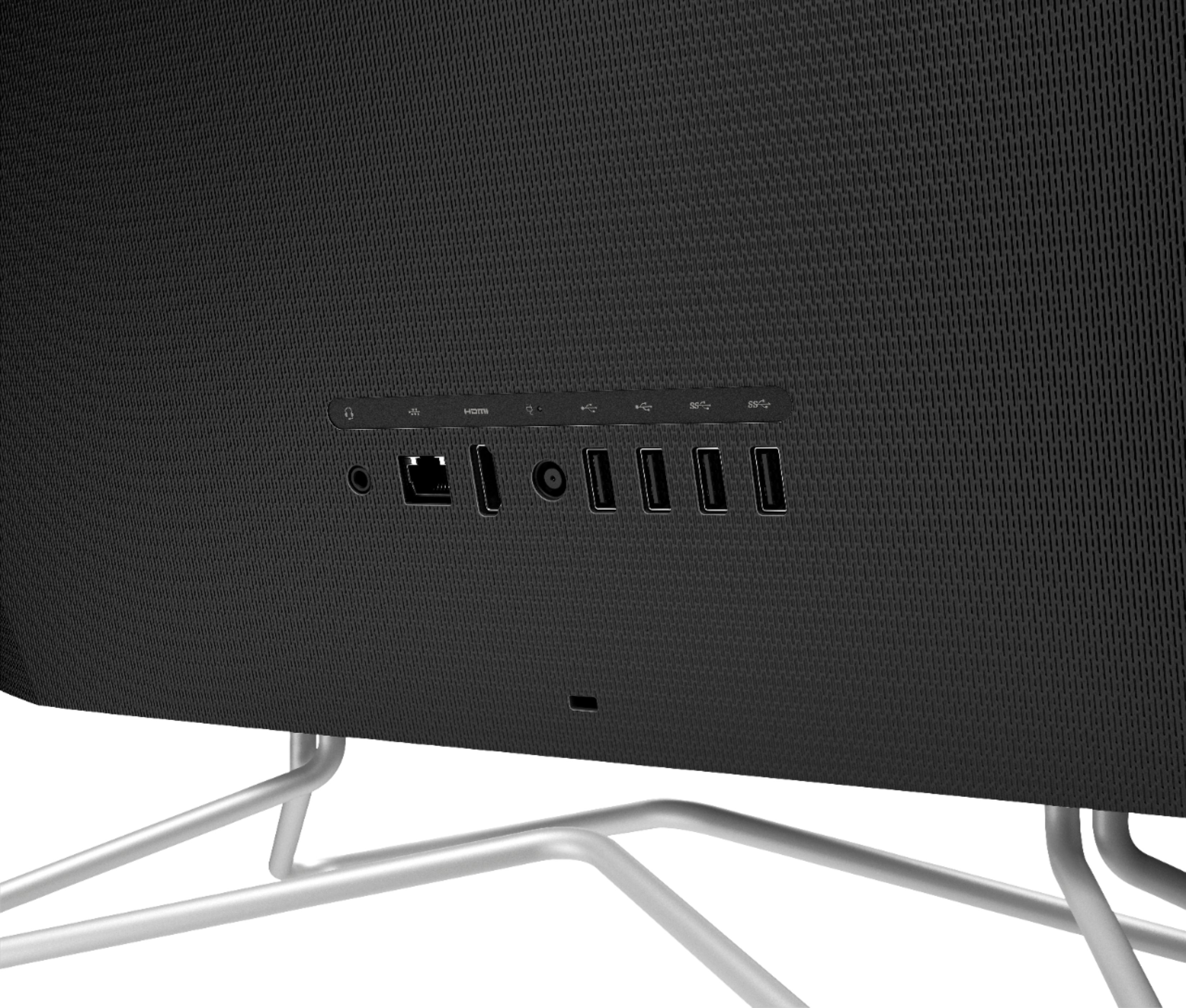
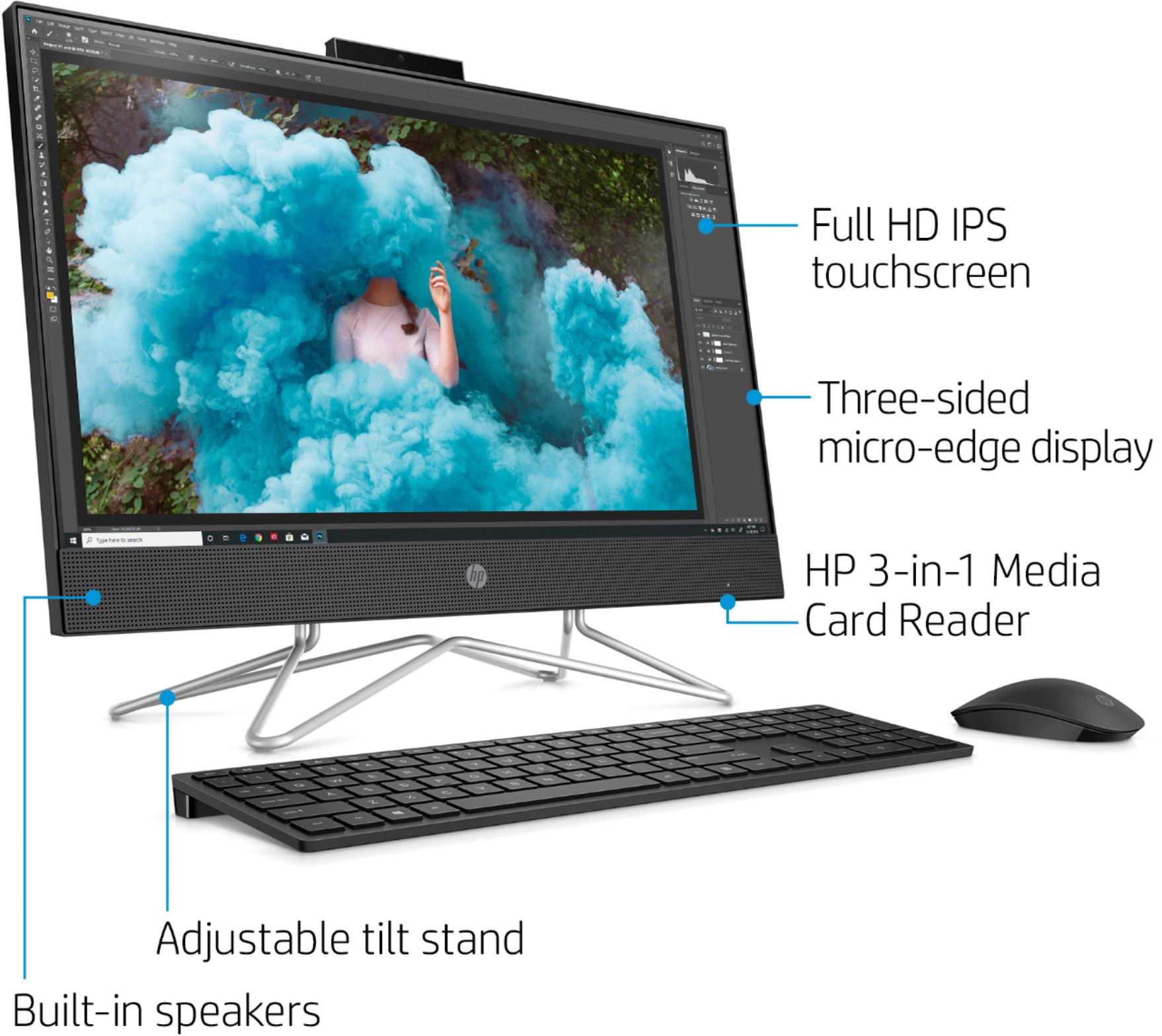
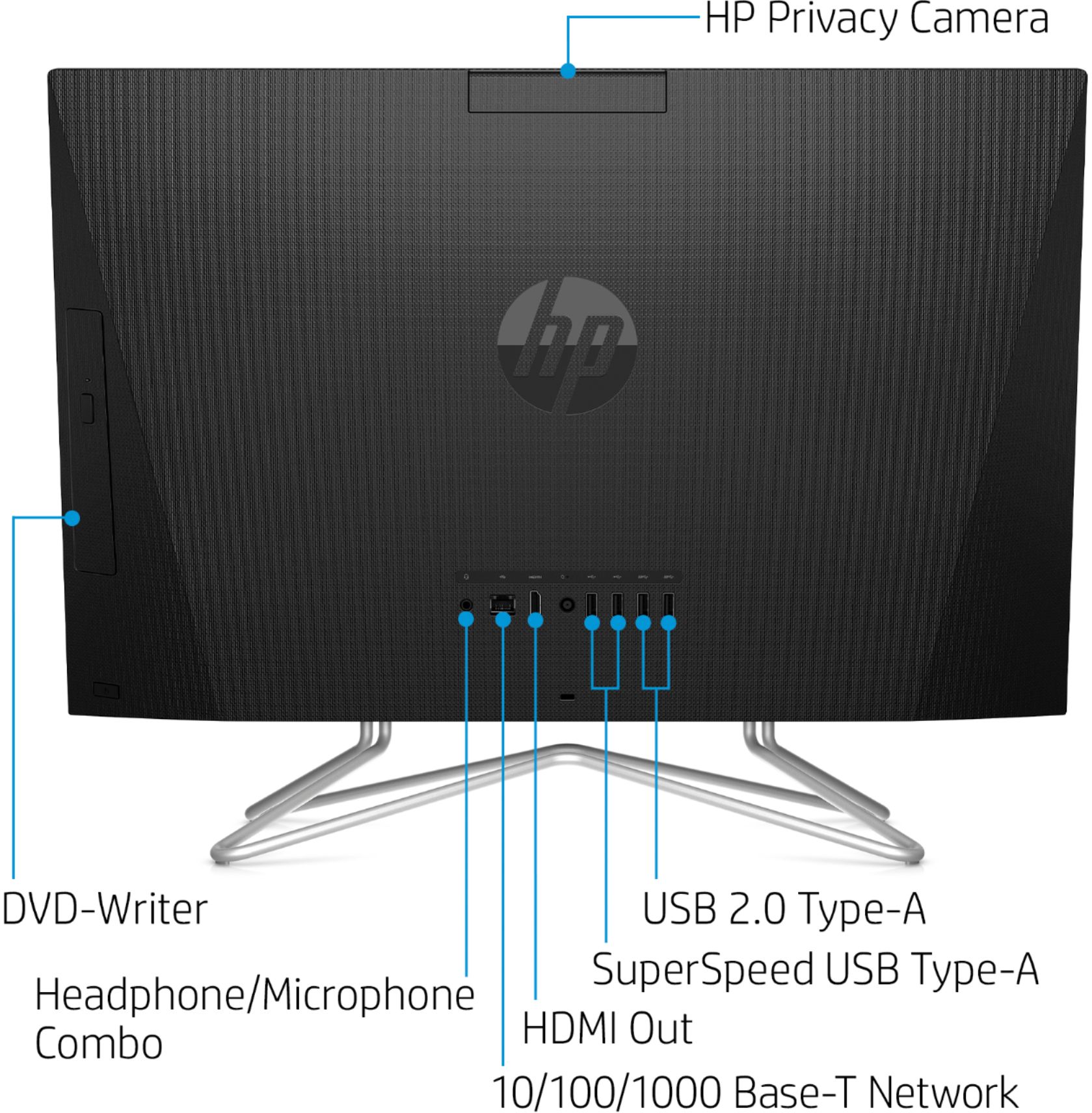
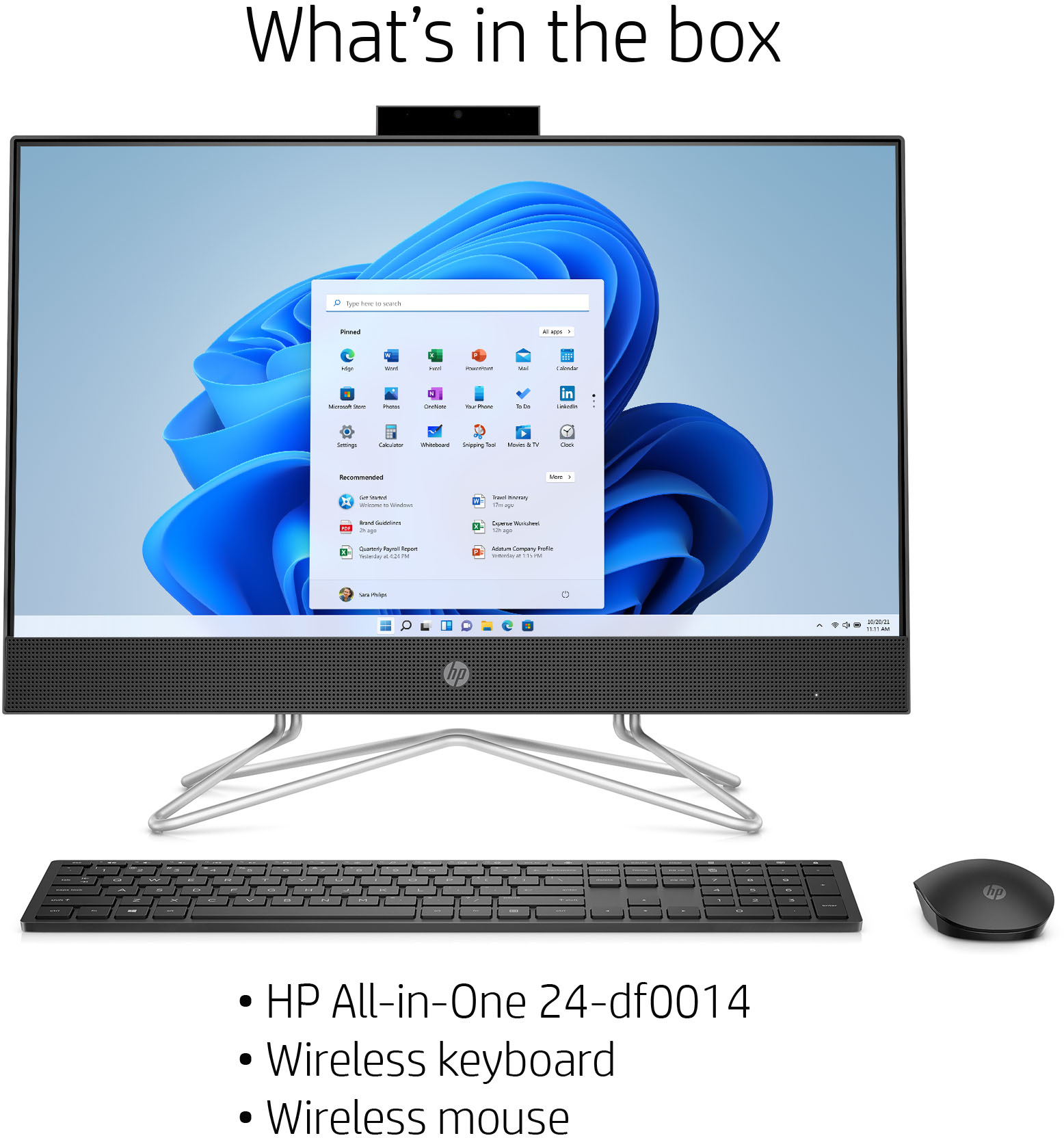
A:AnswerYes, there are usb ports in the back. This computer also comes with a wireless keyboard and mouse. You will need to use the wireless usb that it comes with and plug it into the usb port in the back to use the wireless keyboard and mouse.
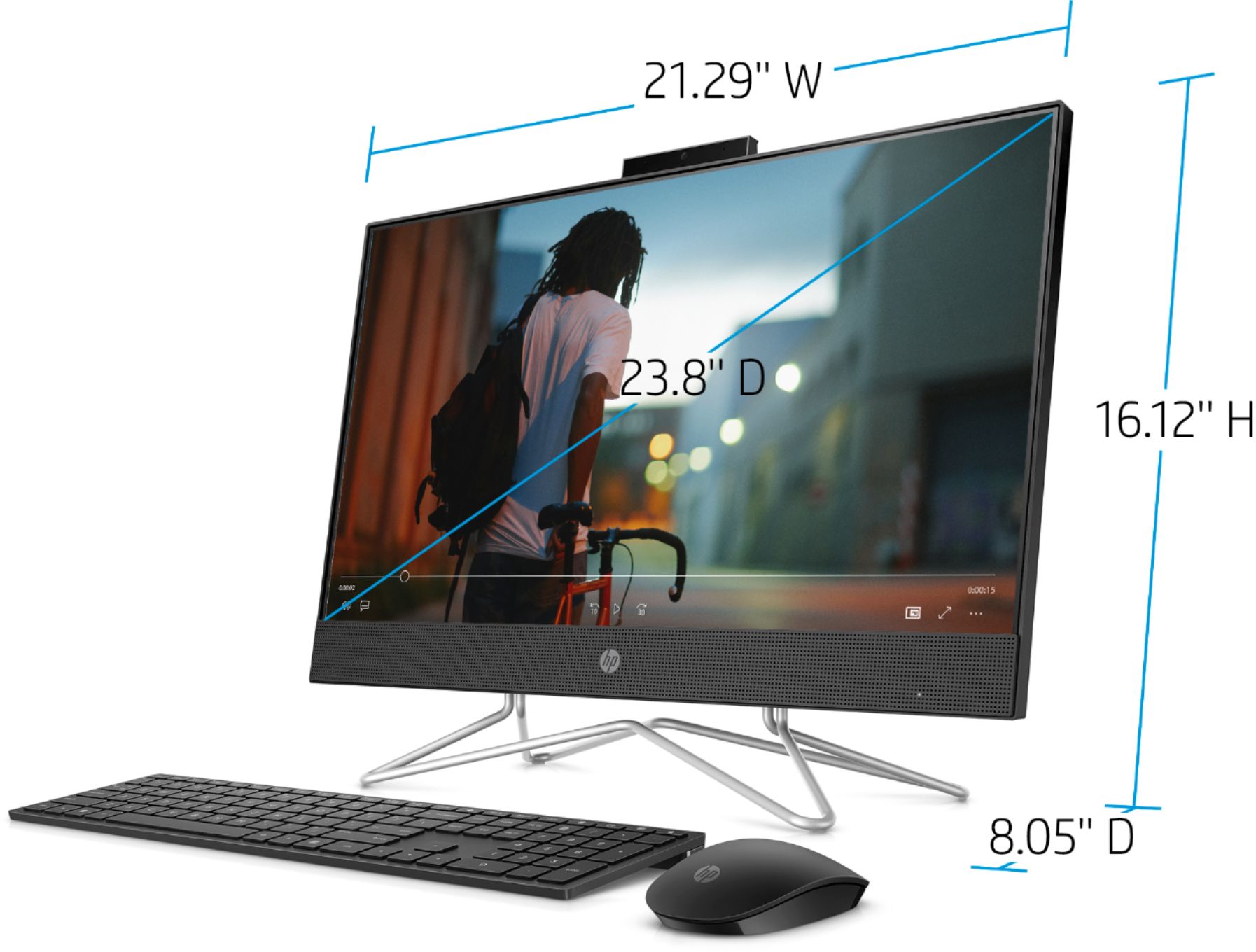
A:AnswerHello, the camera when fully opened up adds an additional 2" in height to your All in One. The height of the All in One is 16.12" so with the camera fully opened it would bring it to 18.12". Thank you for being an HP customer!
A:AnswerHi Kecia, apologies for what you're experiencing. You'll need to #1 plug the USB receiver into one of the computer's USB ports - typically it's shipped inside the box with the mouse, and it looks like a flash drive. #2 batteries are pre-installed - you should only need to pull the white tab on the mouse and keyboard to activate the batteries. #3 make sure the mouse and keyboard switches are in the "on" position. Please review this HP Support set-up video for assistance: https://www.youtube.com/watch?v=sWoai5cOWzo
A:AnswerThank you for the question. The 24-DF0014 is an All-in-One desktop computer the CPU and monitor are integrated. You'd be mounting the entire system, but in theory, yes, you might find adapters on the market. No mounting hardware is included, nor is there scoring on the rear for attaching hardware.
A:AnswerHi Kaylee and thanks for your question! We recommend contacting Minecraft and Roblox customer service for their minimum hardware system requirements in order to be certain this HP 23.8" All-In-One will be compatible with the games you are wanting to play. This unit should be fine for most of your school needs as well.
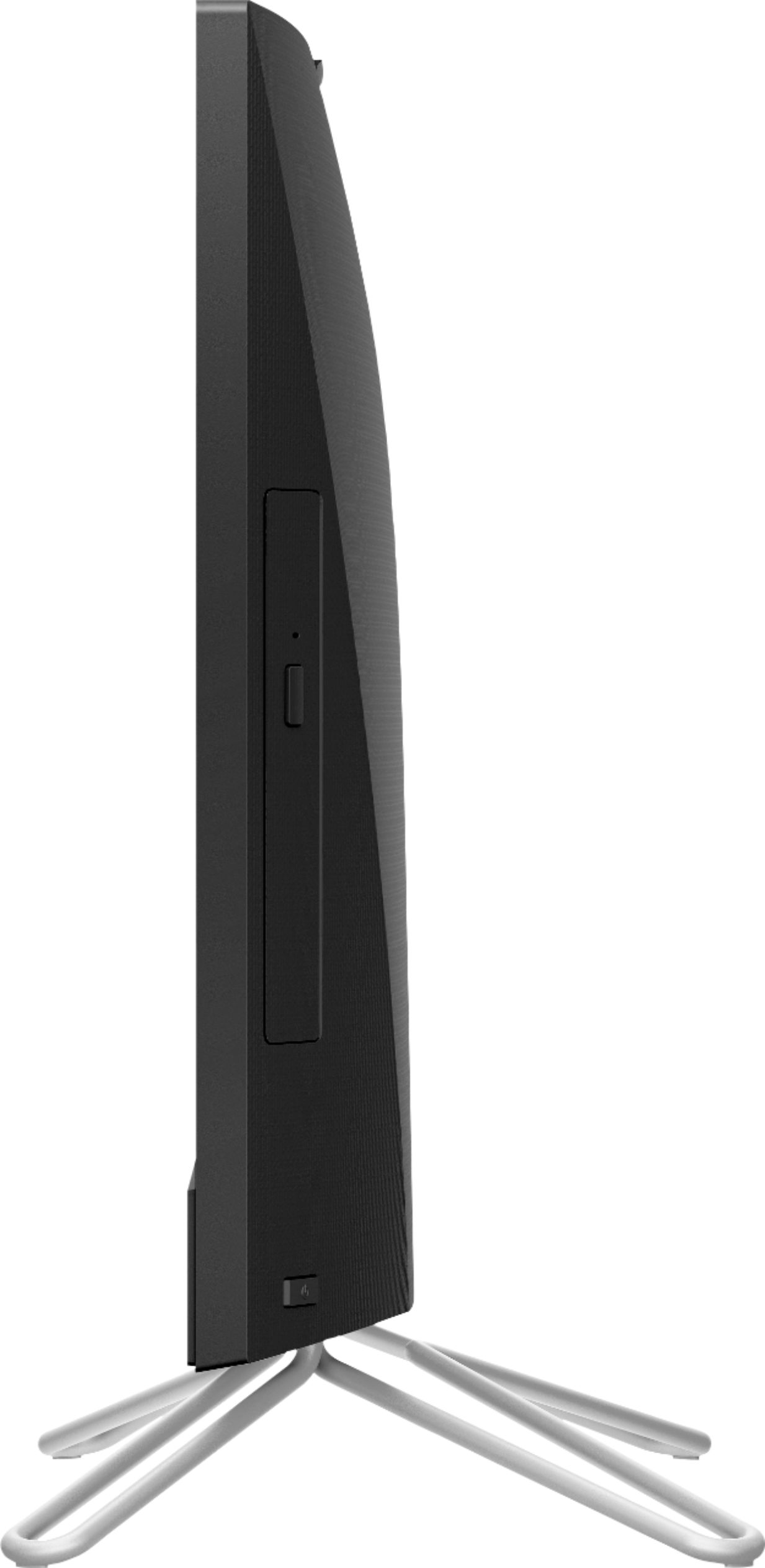
A:AnswerThere should have been a single power cord that came with your comp setup. It plugs right into the back of the computer and into the outlet, then it should be all ready to go. I believe the power button is on the right hand side of the comp.
A:AnswerHi Lin, thank you for the question. The 24-DF0014 desktop certainly has sufficient processor power and RAM for your described tasks. Note that the onboard storage is 256GB. If you have larger storage needs, you could consider using cloud storage or an external USB drive.
A:AnswerHi, thank you for the question. Yes, you will download apps from the Microsoft Store or any source that has apps for the Windows 10 operating system.
A:AnswerHello, this model has a fixed stand due to this being and All in one computer. However, the height of this model is 16.1inches from the bottom of the stand to the top of the device.
A:AnswerHi, thank you for the question. You have plenty of RAM for most games you'd want to play. Please reach out to the developer of those games to verify that this computer will meet their minimum requirements. If you need more storage than the 256GB included, you could use an external drive, connected to one of the ports. Connecting your AirPods depends on the plug - if they charge with a Lightning connector, you'll need an adapter, as this laptop has USB ports. You can certainly connect a monitor (there's an HDMI port for adding a monitor) if you wish to have a dual-screen set-up, but it does not add storage.
A:AnswerHello! Thank you for your question, Edith! Yes! You can tell the computer to turn off the screen but leave the computer running. Using this method is a great way to save battery and wear-and-tear on the screen itself.
A:AnswerThanks for your question! Your HP Envy 7645 will be compatible with this HP 23.8" PC. Just visit the HP Support webpage for your printer and download the driver from there!