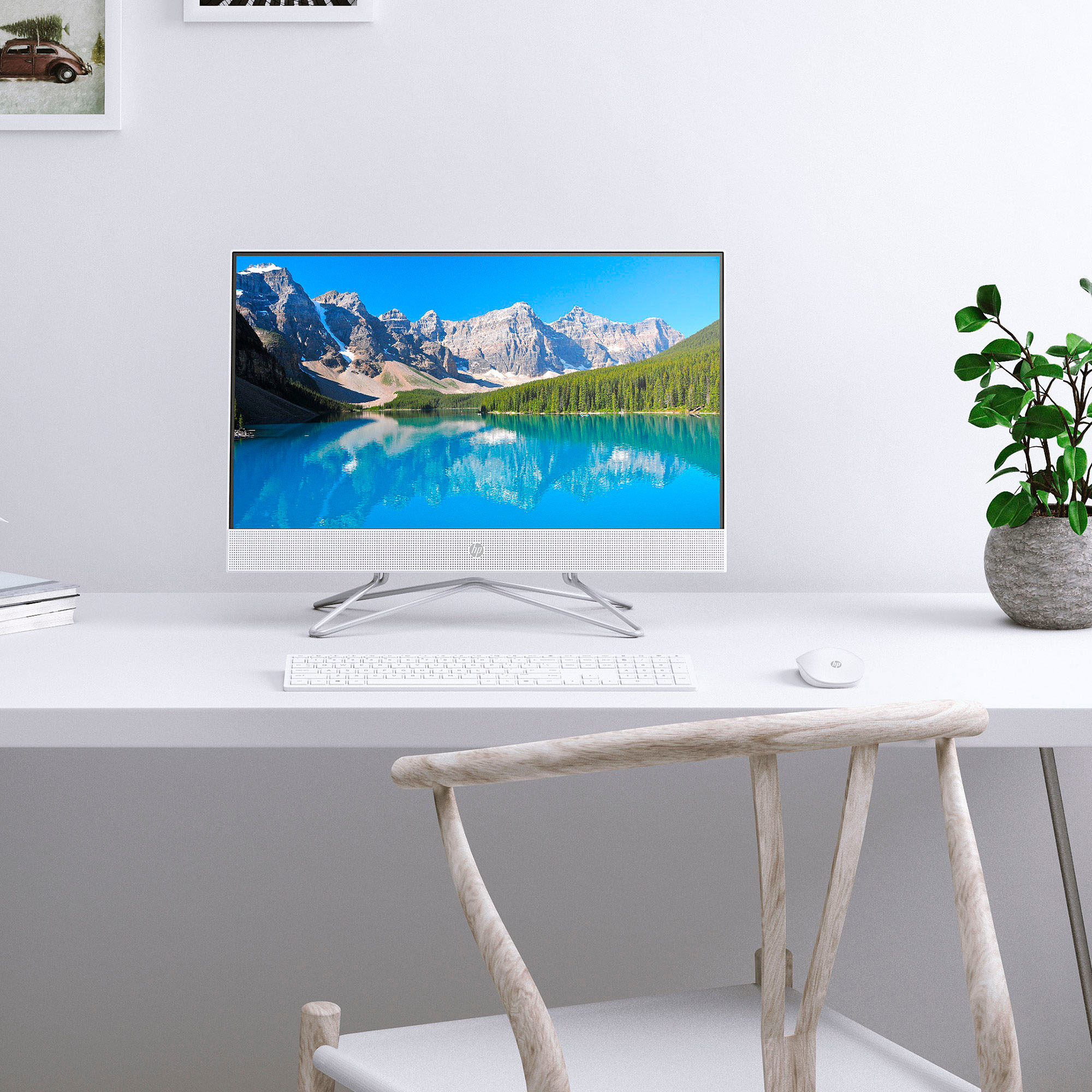
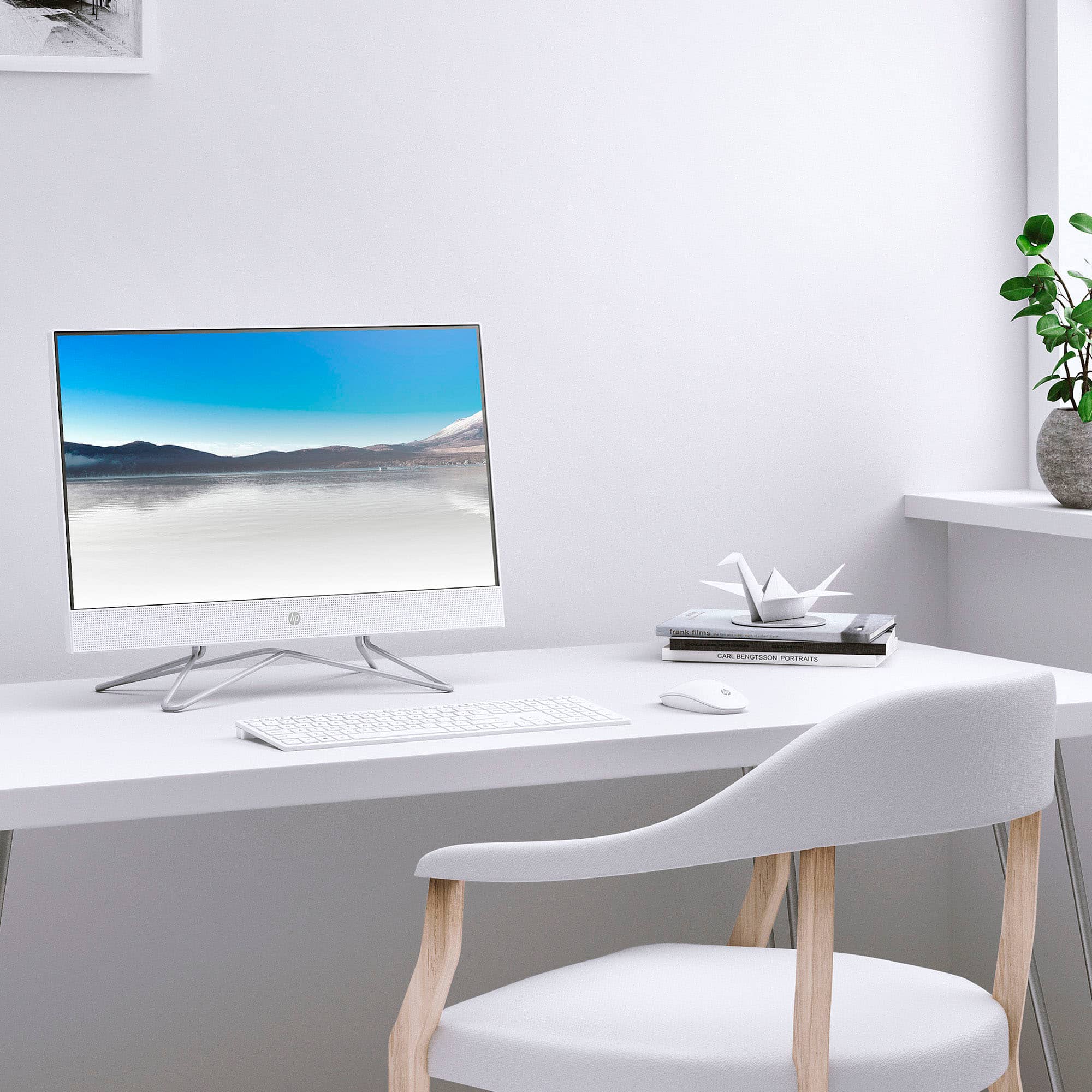
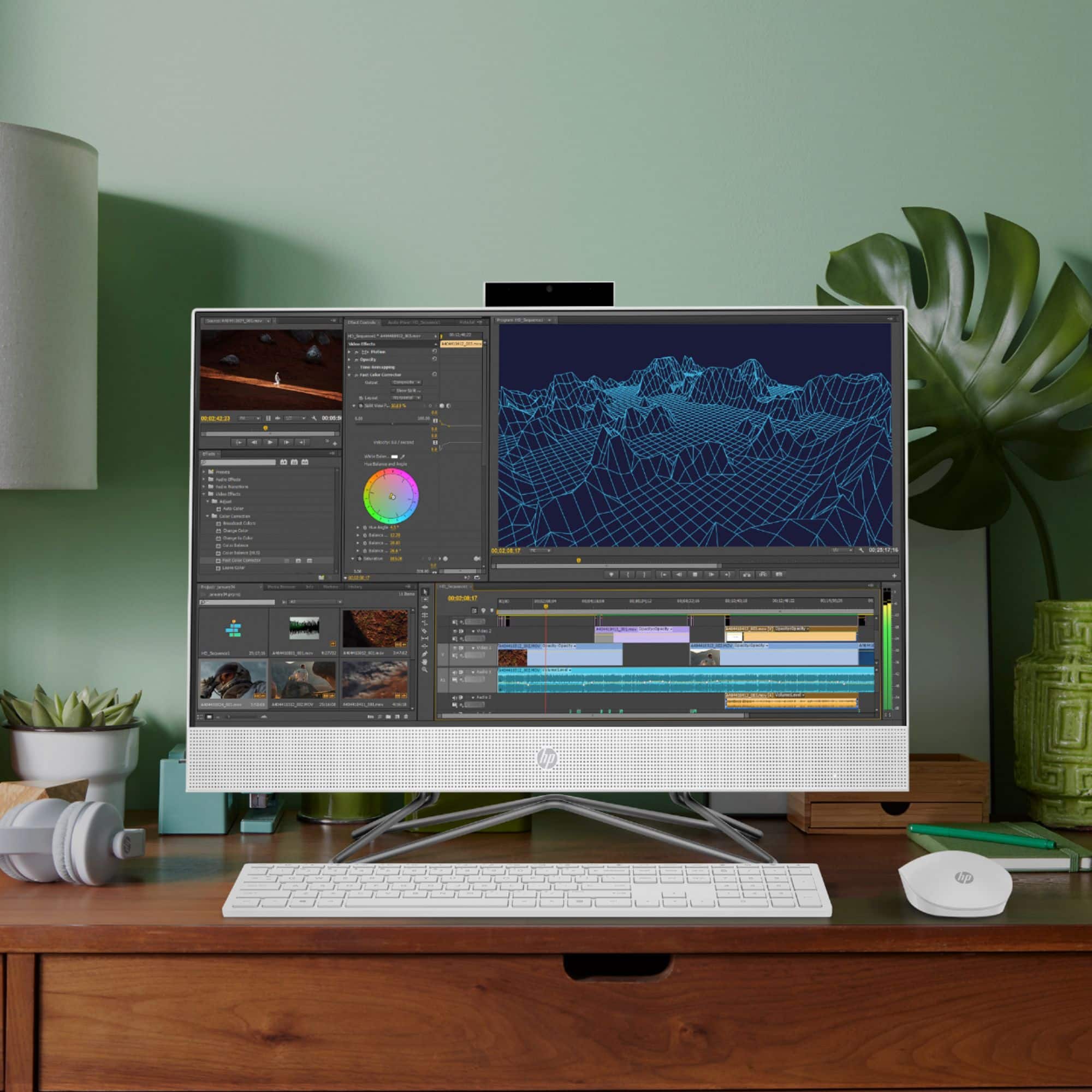
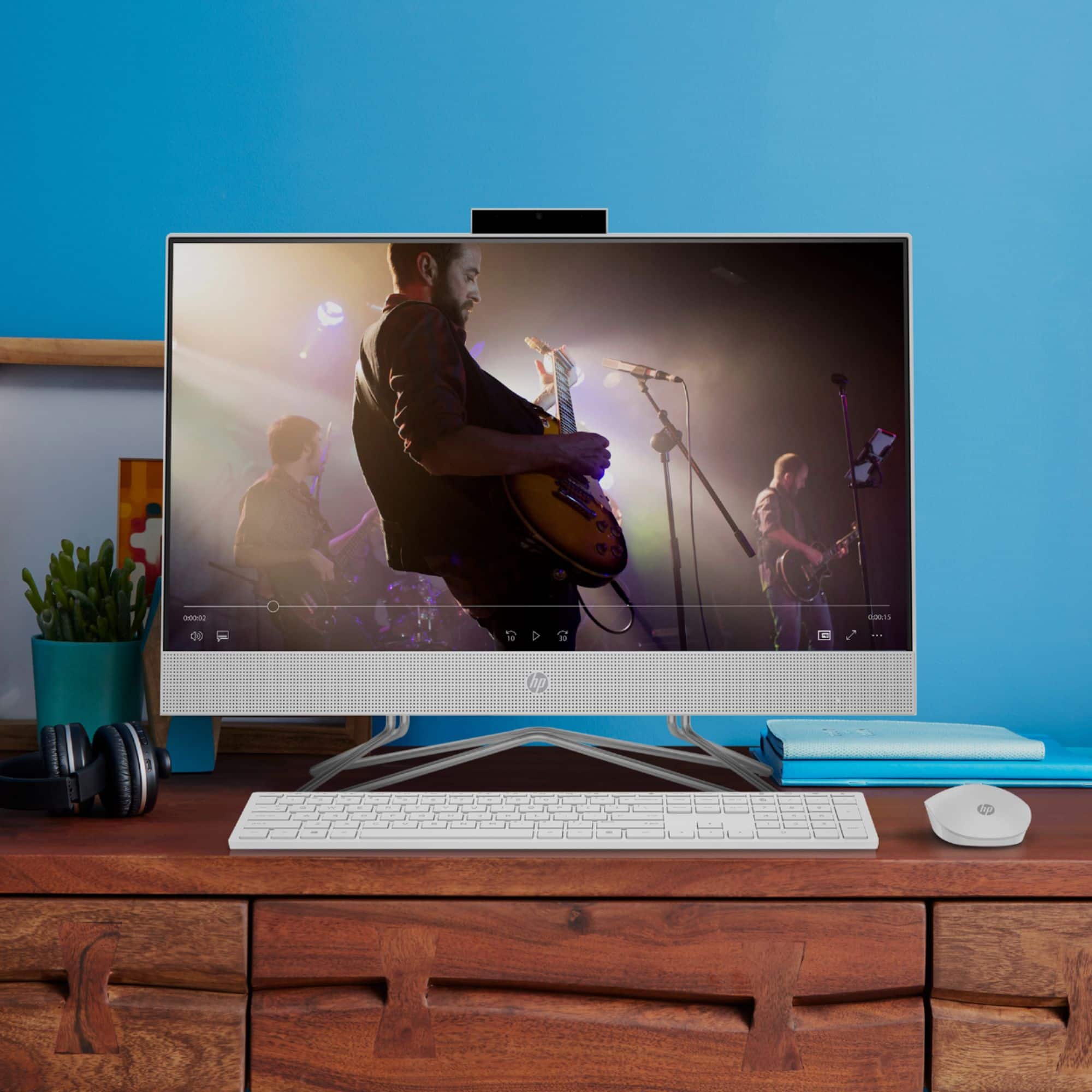
A:AnswerThank you for your inquiry on your HP All-in-One 24-df1224 Computer. I would highly recommend checking out your local Best Buy Geek Squad to best assess your computer. Check out Best Buy's Geek Squad services: https://www.bestbuy.com/site/services/geek-squad/pcmcat138100050018.c?id=pcmcat138100050018
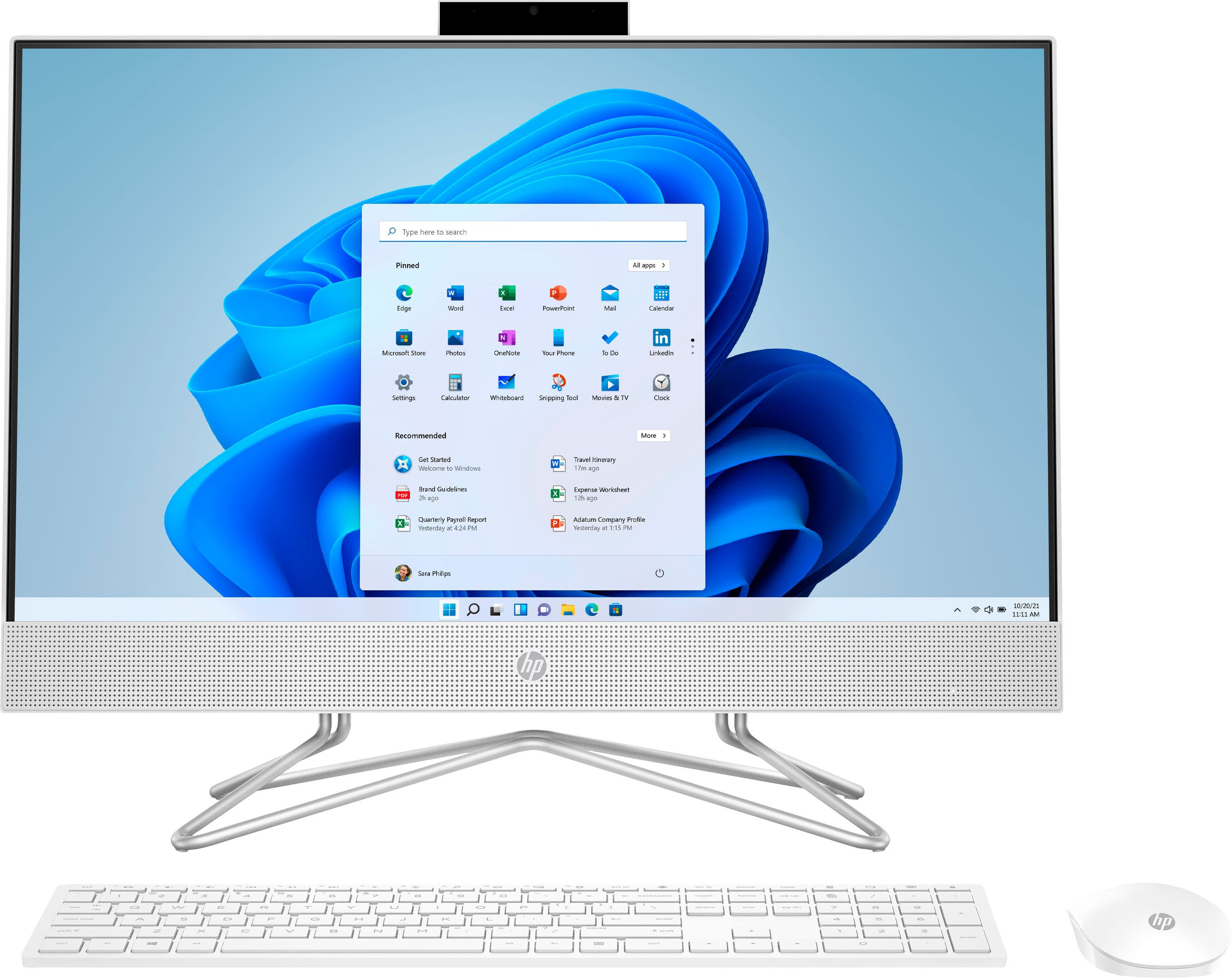
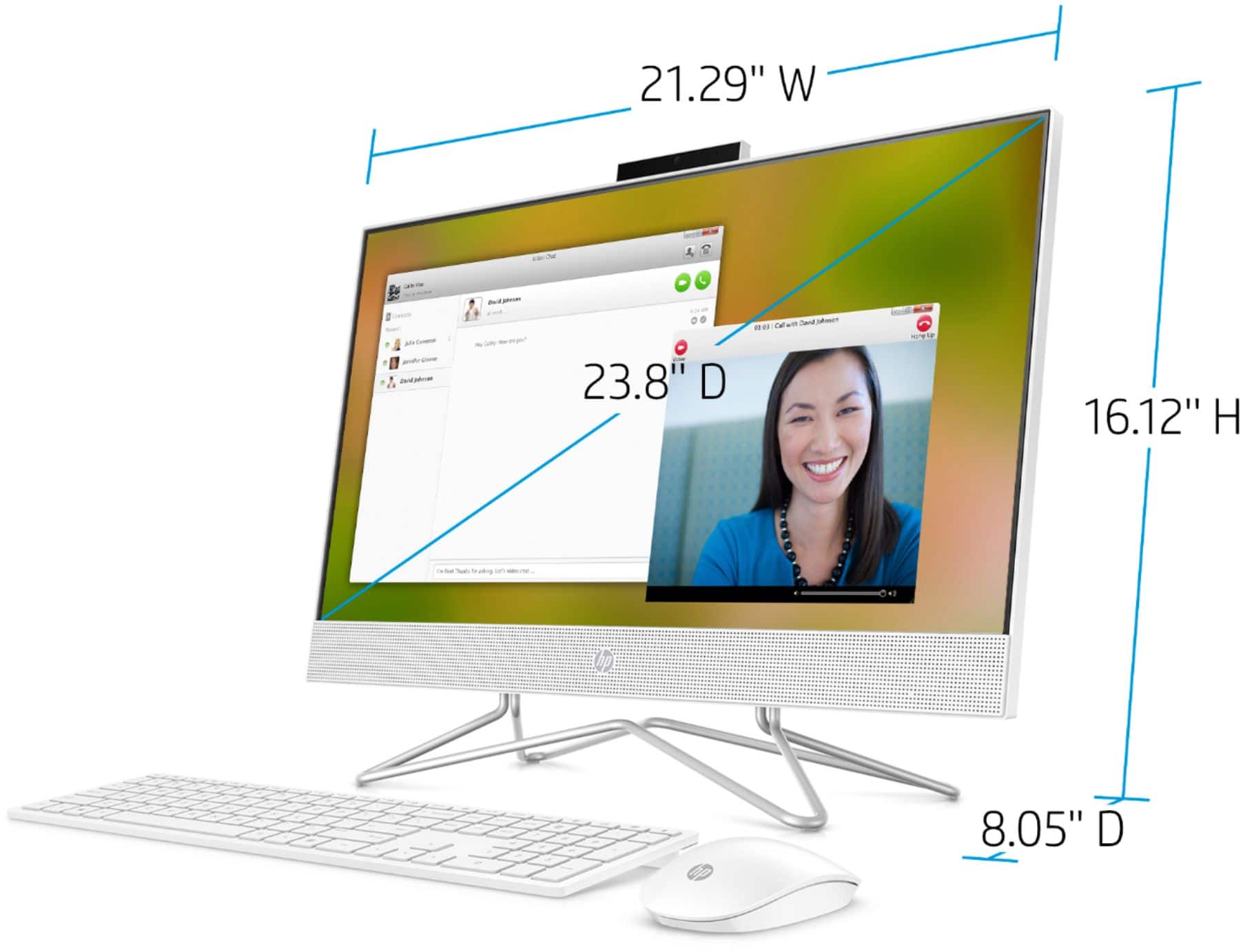
A:AnswerThank you for the question. The HP 24-df1224 All-in-One PC has an HD anti-glare screen of 250 nits. It was not designed with a Brightview screen.
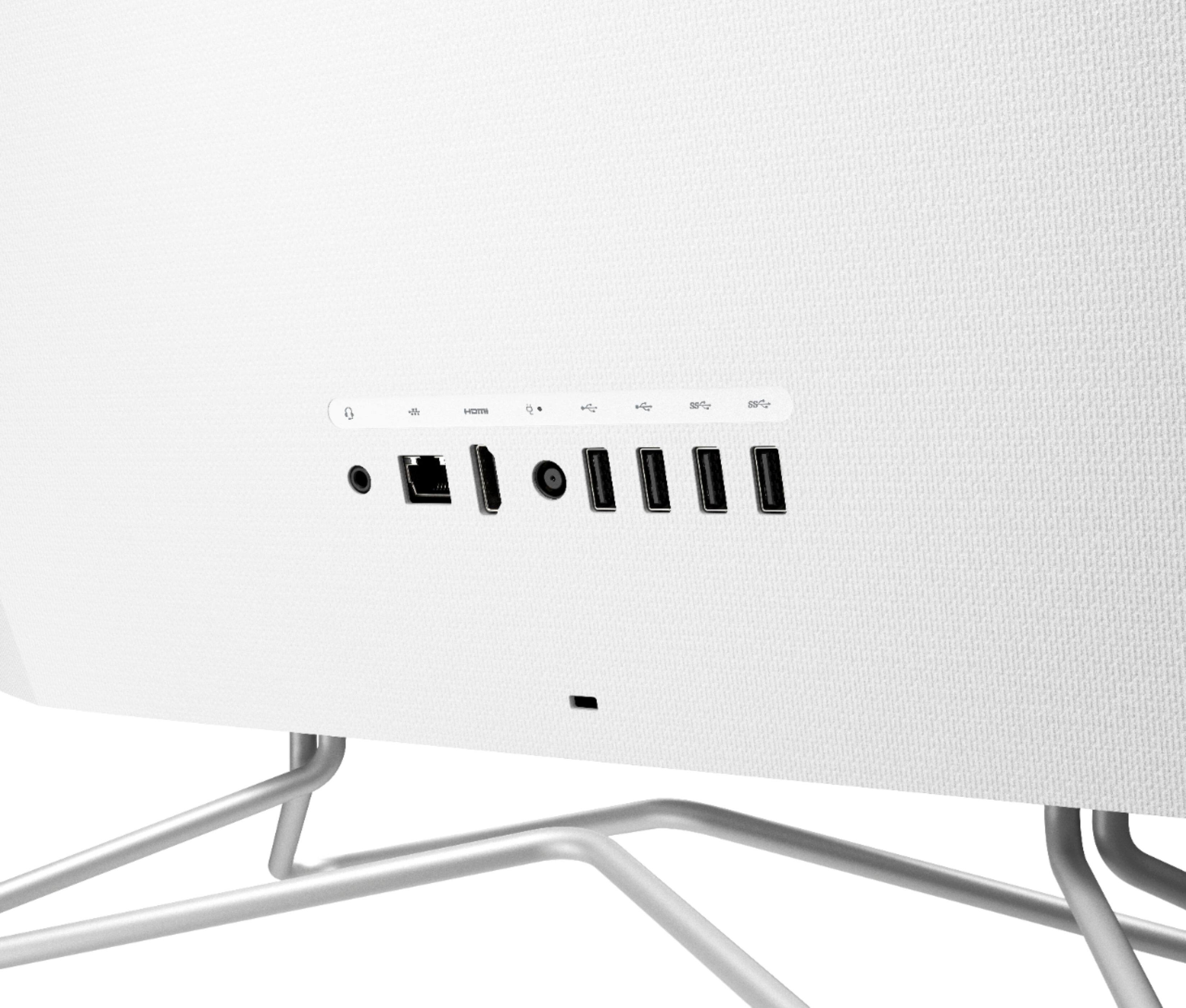
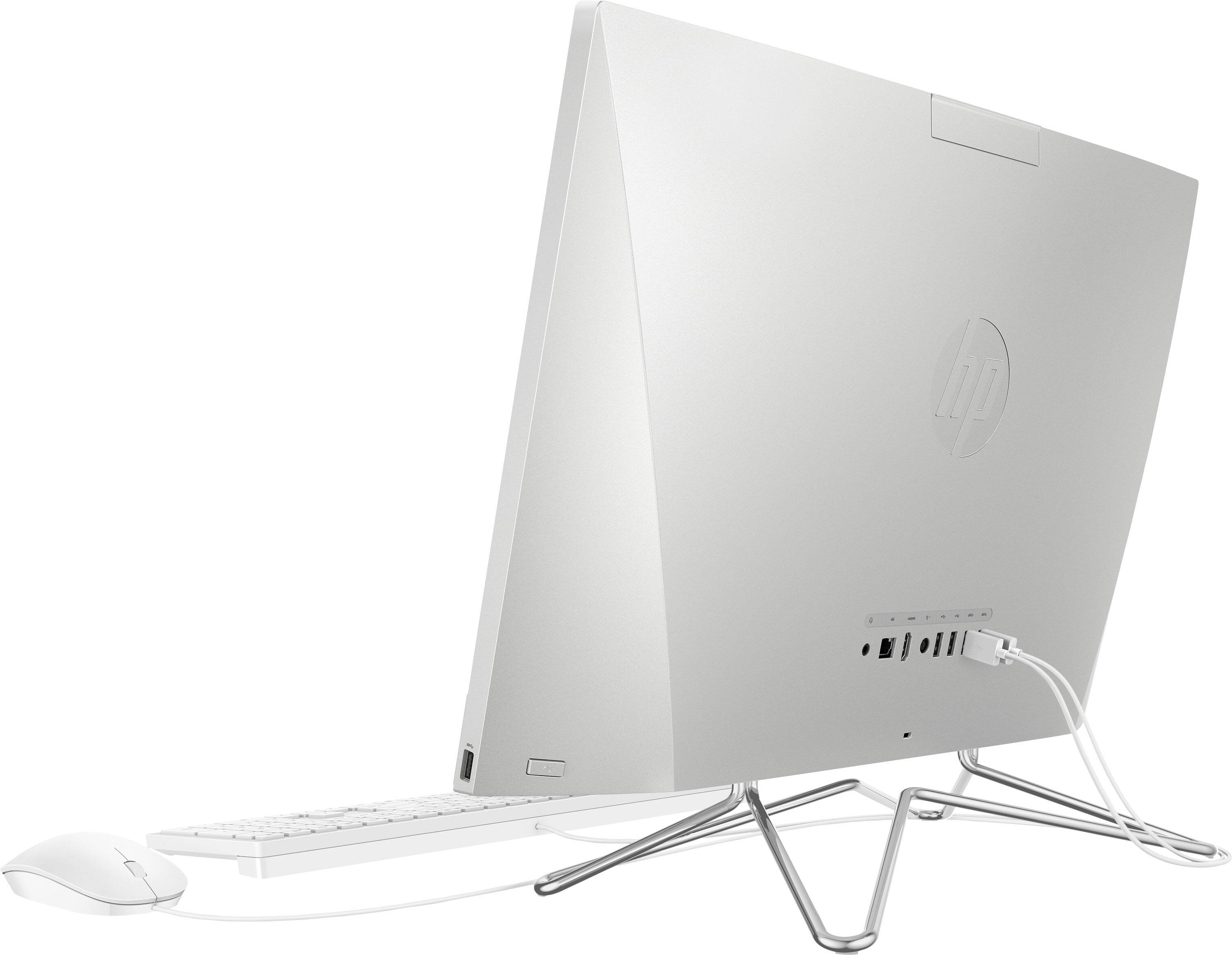
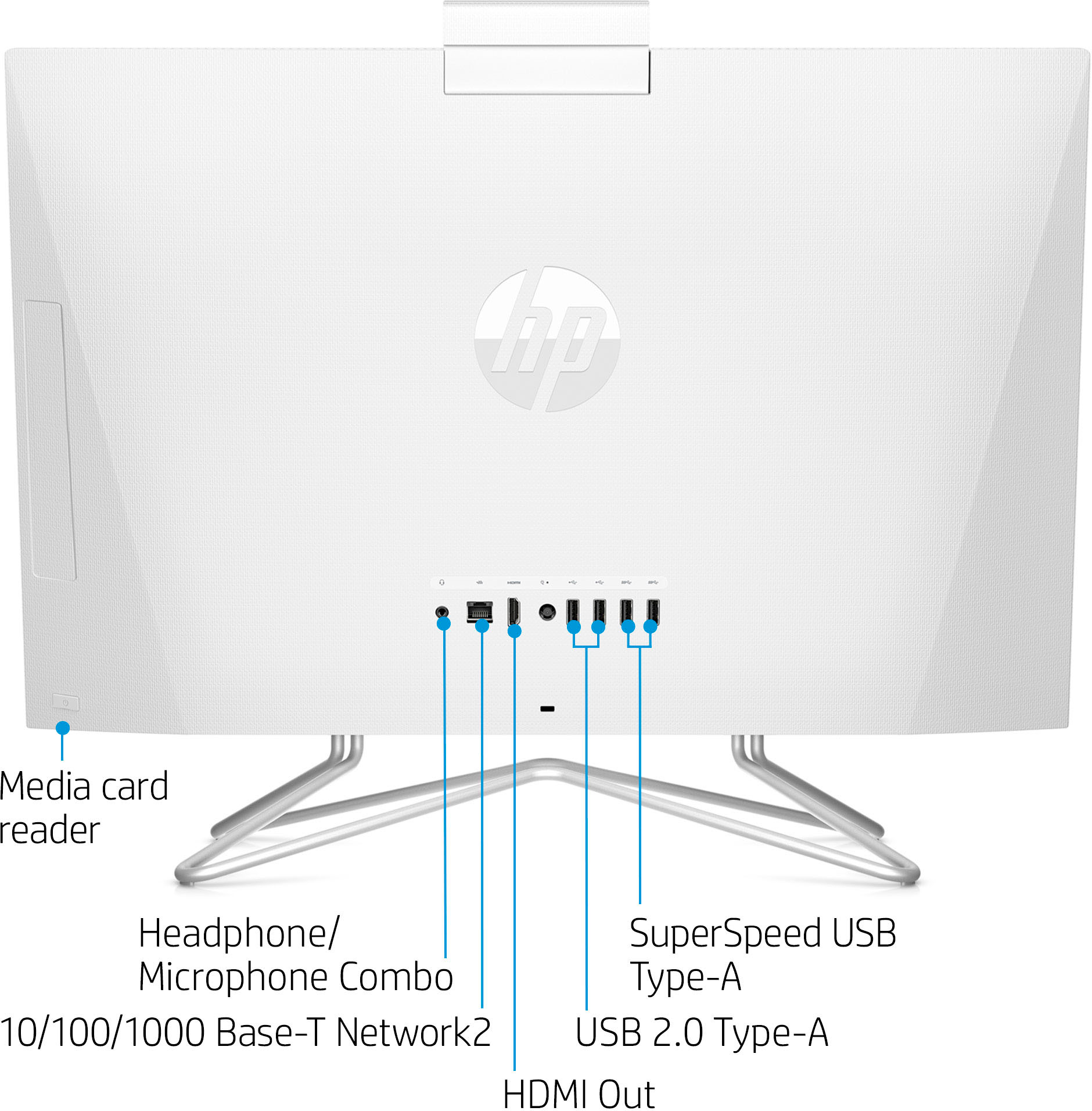
A:AnswerThat's because it's not on the keyboard. It's on the back of the computer on the right side (as you're facing the screen) right behind the USB port on the right side of the screen.
A:AnswerThank you for the question. There are steps necessary to gain access without damaging other components and possibly voiding the warranty. . We often recommend having upgrades performed by a professional technician. Please reach out to Geek Squad for assistance.
A:AnswerYou can upgrade the RAM up to 32 gigabytes. You'll need to contact the Geek Squad at your local Best Buy for the cost of the RAM and the installation.
A:AnswerHello. Thanks for your question. This model will come with a one-year manufacturer's warranty for the hardware and 90-day phone tech support for the software. This does not cover accidental damage or damage as a result of a power outage/surge. For further details, this link covers the Warranty and Support guidelines: http://h10032.www1.hp.com/ctg/Manual/c00747726.pdf Or you can reach out to HP Support by visiting https://support.hp.com
A:AnswerTo send the video to the HMDI port and an external monitor, try FN+F4 or FN+F5. If neither of those work, contact the HP support team directly so they can troubleshoot the problem.