Questions & Answers
- Model:
- 7H0U1AA#ABA
- |
- SKU:
- 6538897
Highly rated by customers for: Ease of use, Screen Size, Speed
Page Showing 61-65 of 65 questions
Q: QuestionI just bought this computer and had it installed today, my question is I know it has built in speaker but I also have my own speakers, Boise kind very good ones, can I still have my own speakers hooked up to this computer even tho it has built in ones.
Asked by Sandie.
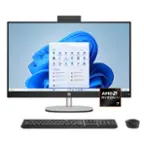
- A:Answer Thank you for your question regarding the 24" Touch-Screen All-in-One 24-cr0024. You can use your own speakers or headphones with this unit if that is your preference.
Answered by HP Team

Q: QuestionDoes this computer have a speaker
Asked by Anonymous.
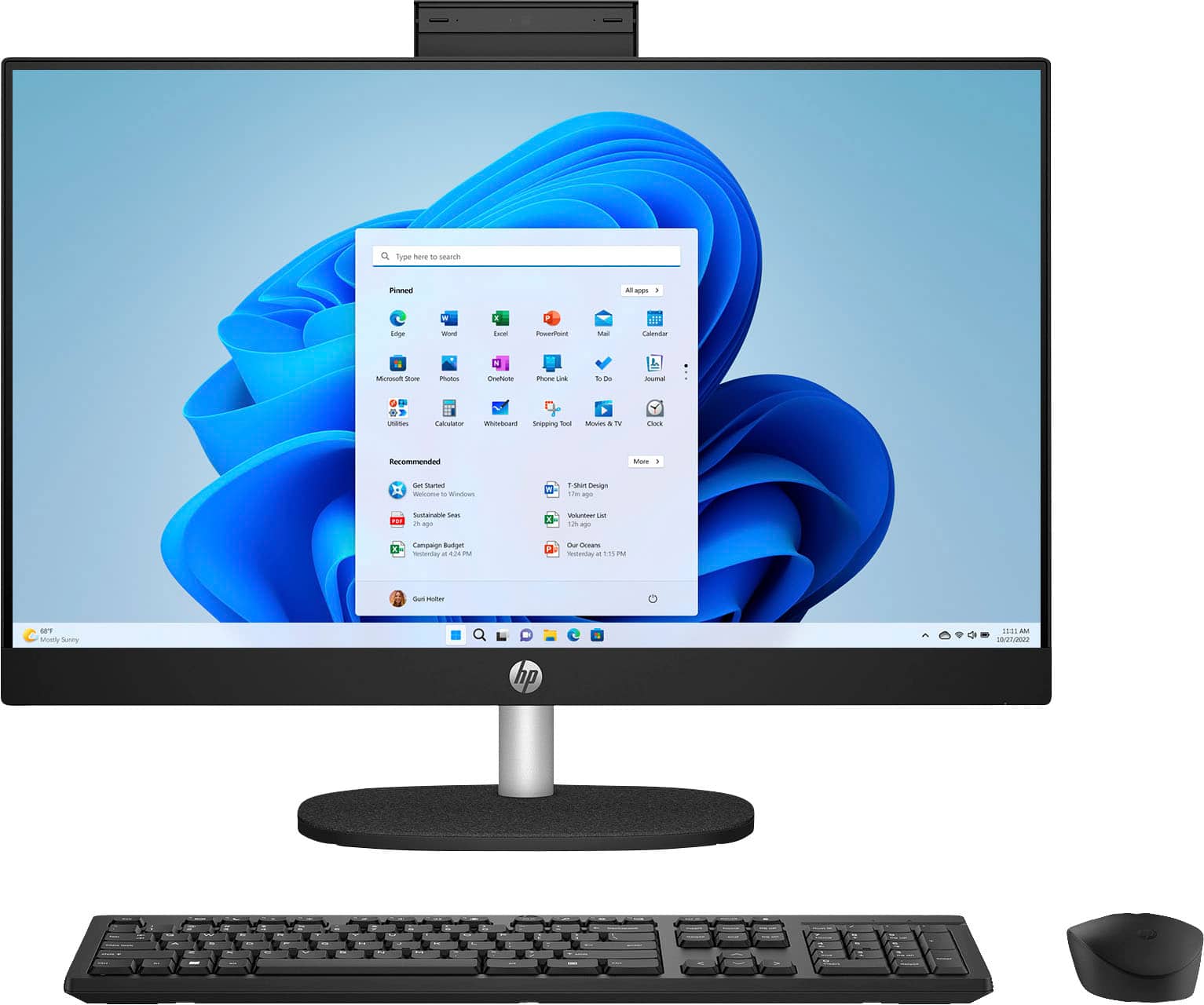
- A:Answer Hi there. Thank you for your question. This HP All-in-One PC will come with built-in speakers.
Answered by HP Team

Q: QuestionSo I bought this All IN One computer, i cant seem to play games here what else do I need so I can play downloadable games in this PC? recommendations
Asked by Anonymous.
- A:Answer Hello and thank you for choosing HP. This is a great question since an All-in-one pc is built for comfort, productivity and simplicity for an everyday use. These models lack a dedicated graphics card which is the unit that takes the graphical components in games, videos, renders, etc. and puts it out on screen. Needles to say, HP has a large variety of other subrands and models that are specifically designed for gaming with the latest hardware in the market.
Answered by HP Team

Q: Questionwould a dell dvd writer/reader work with this computer?
Asked by lost1.
- A:Answer Thank you for the question. Yes, those peripherals should work if compatible with Windows 11 and with the right open ports.
Answered by HP Team

Q: QuestionMy computer just went into bitlocker mode how and where do I get my bit locker recovery key from
Asked by Anonymous.
- A:Answer Thank you for asking. Using another device, you can log into your Microsoft account and get a recovery key. If you need further assistance, you can reach out to the Best Buy Geek Squad or HP Support.
Answered by HP Team