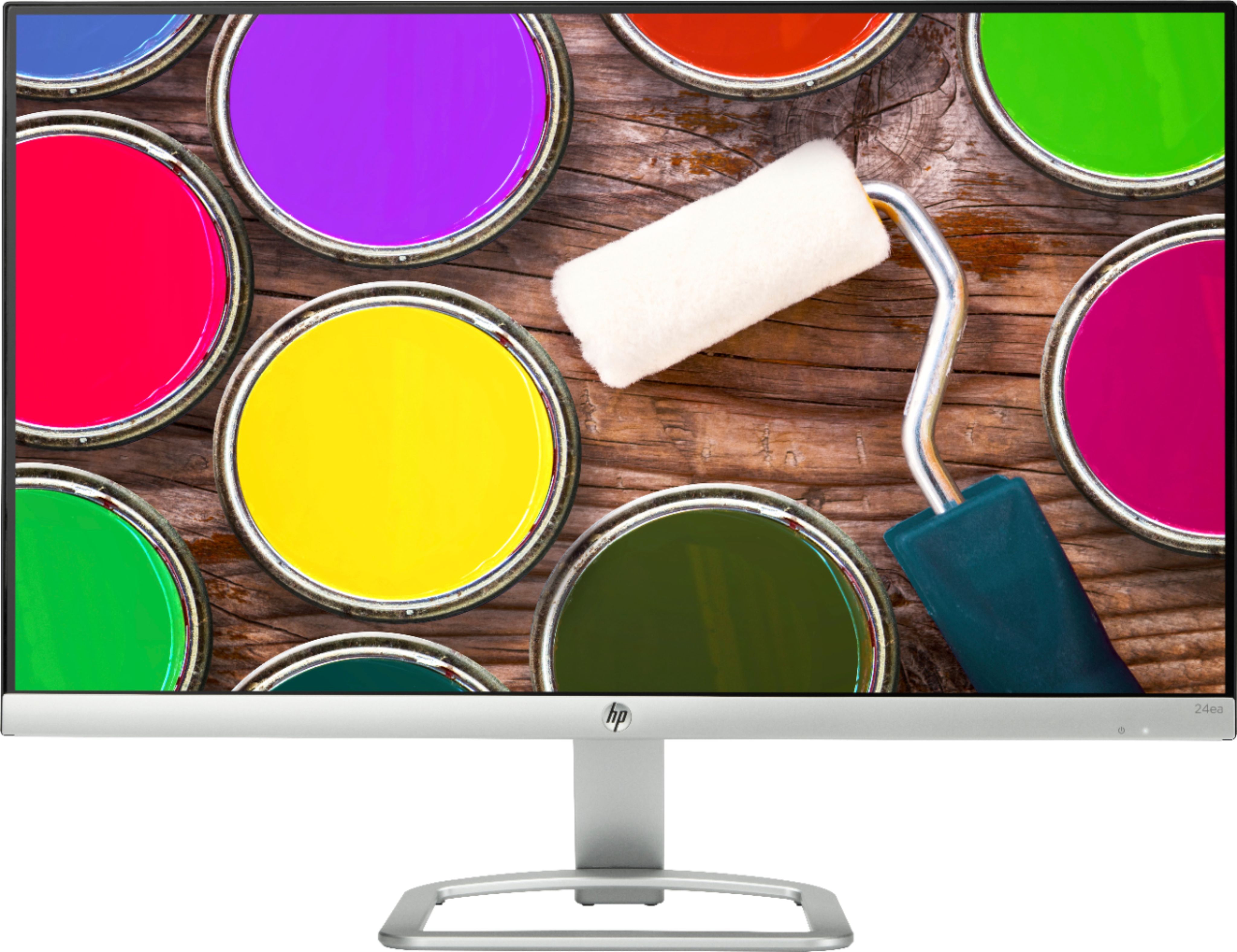
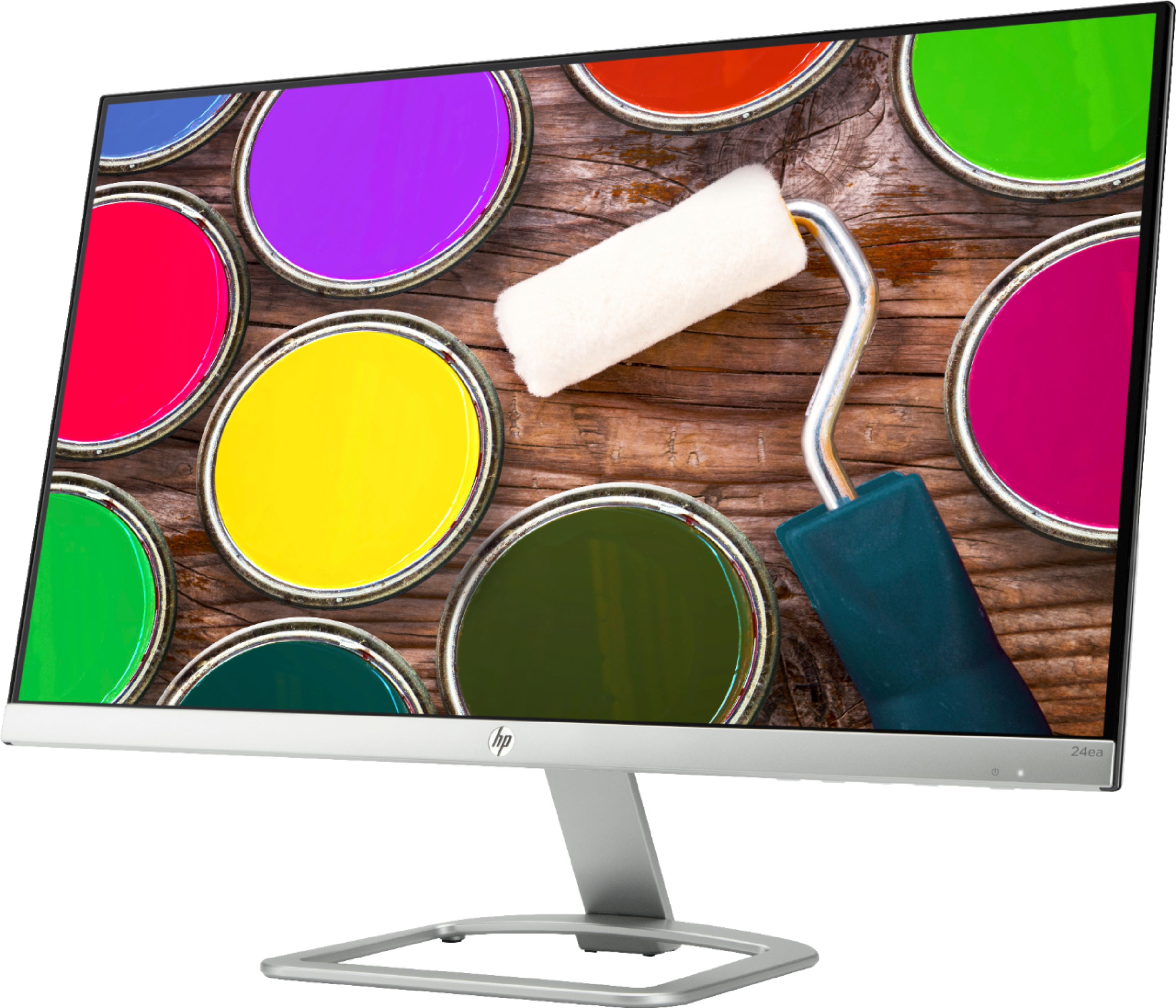
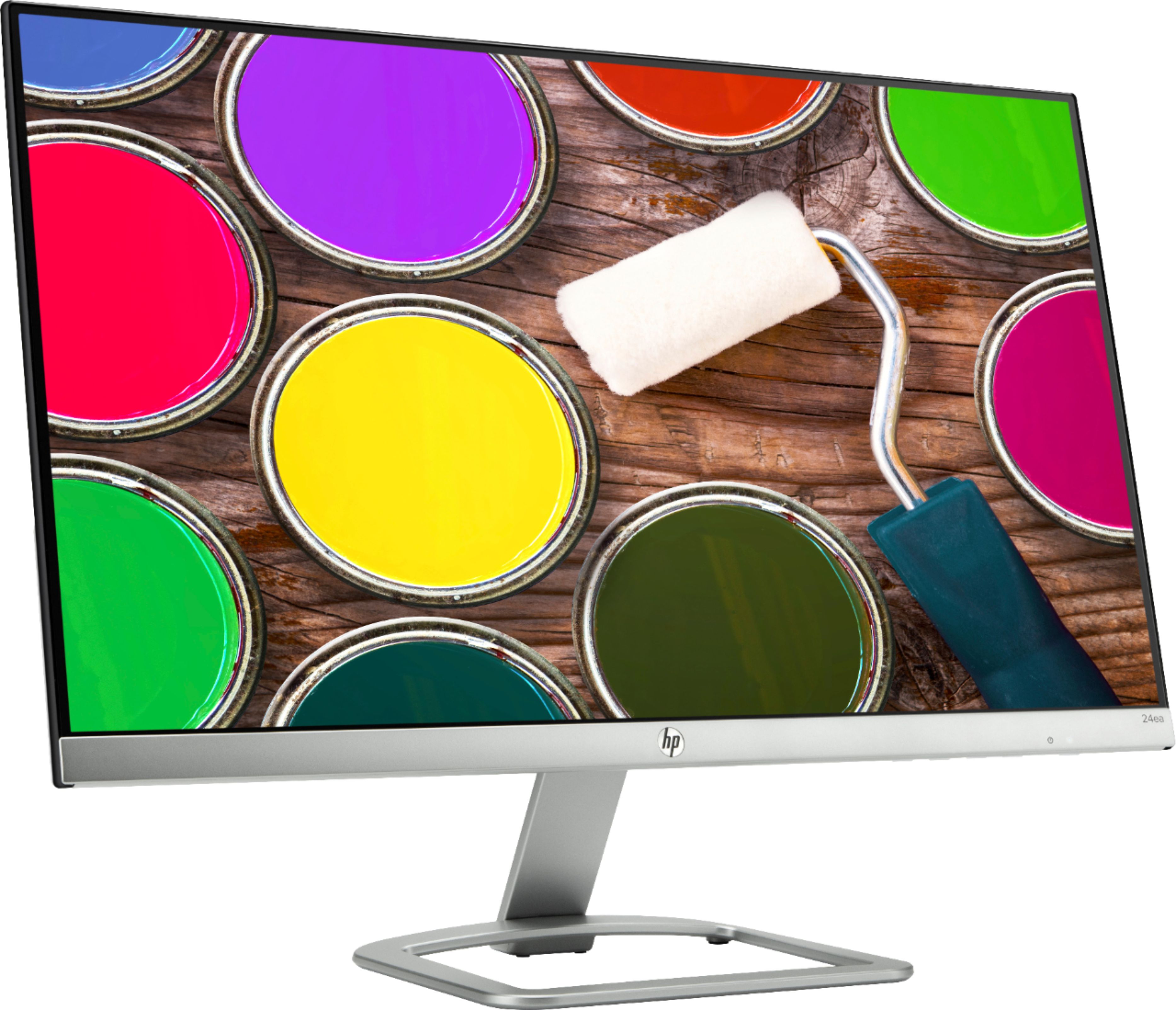
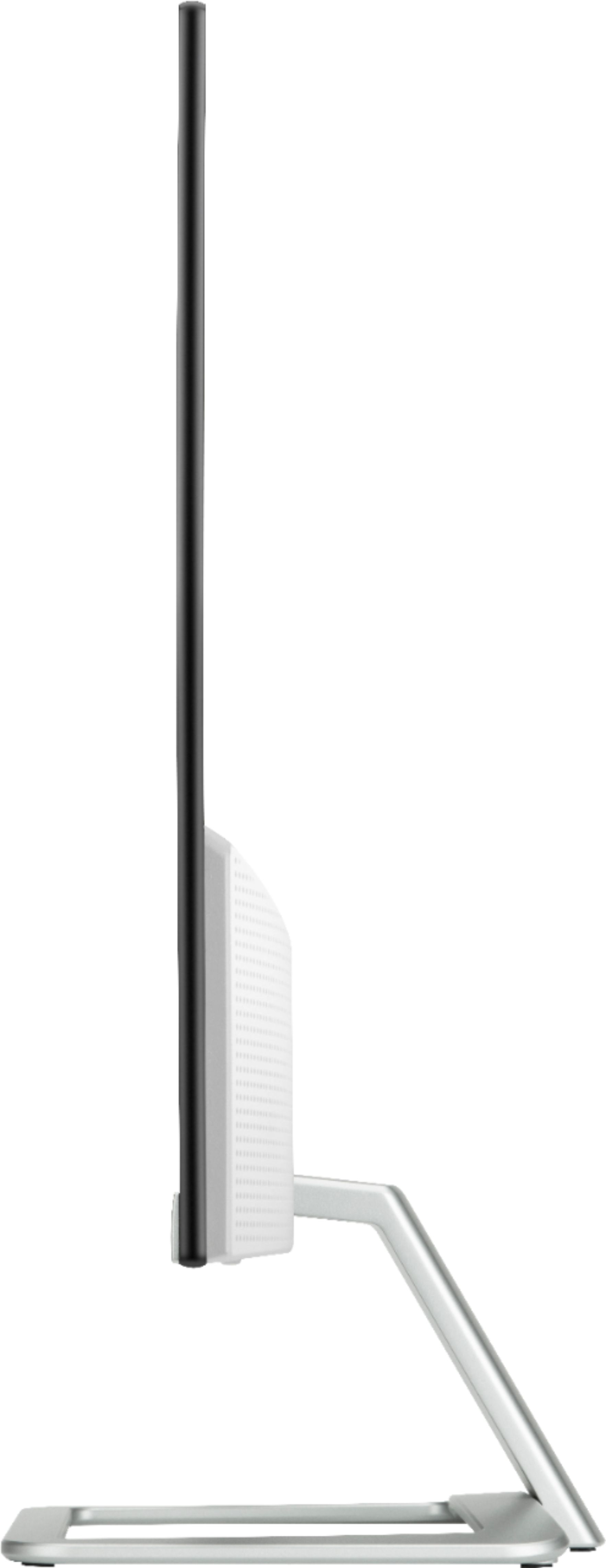
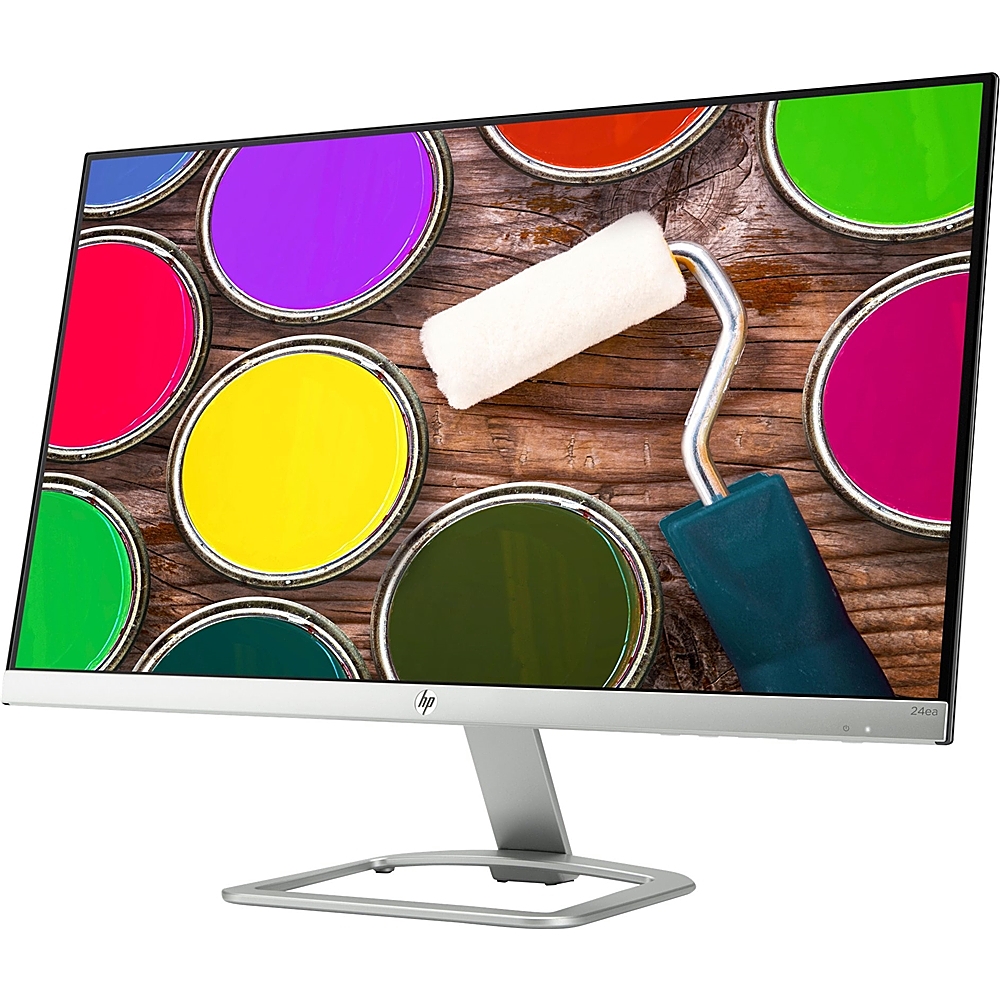
A:AnswerAll modern LED screens will also be LCD. LCD is the type of display while LED is the technology in the backlight that creates the brightness of the screen.
A:AnswerIt has a "dual voltage" power supply, so you can run it on 110 or 220 volts. Depending on where you're going to use it, you may need an adapter to take the North American plug and fit it into the socket of where you are.
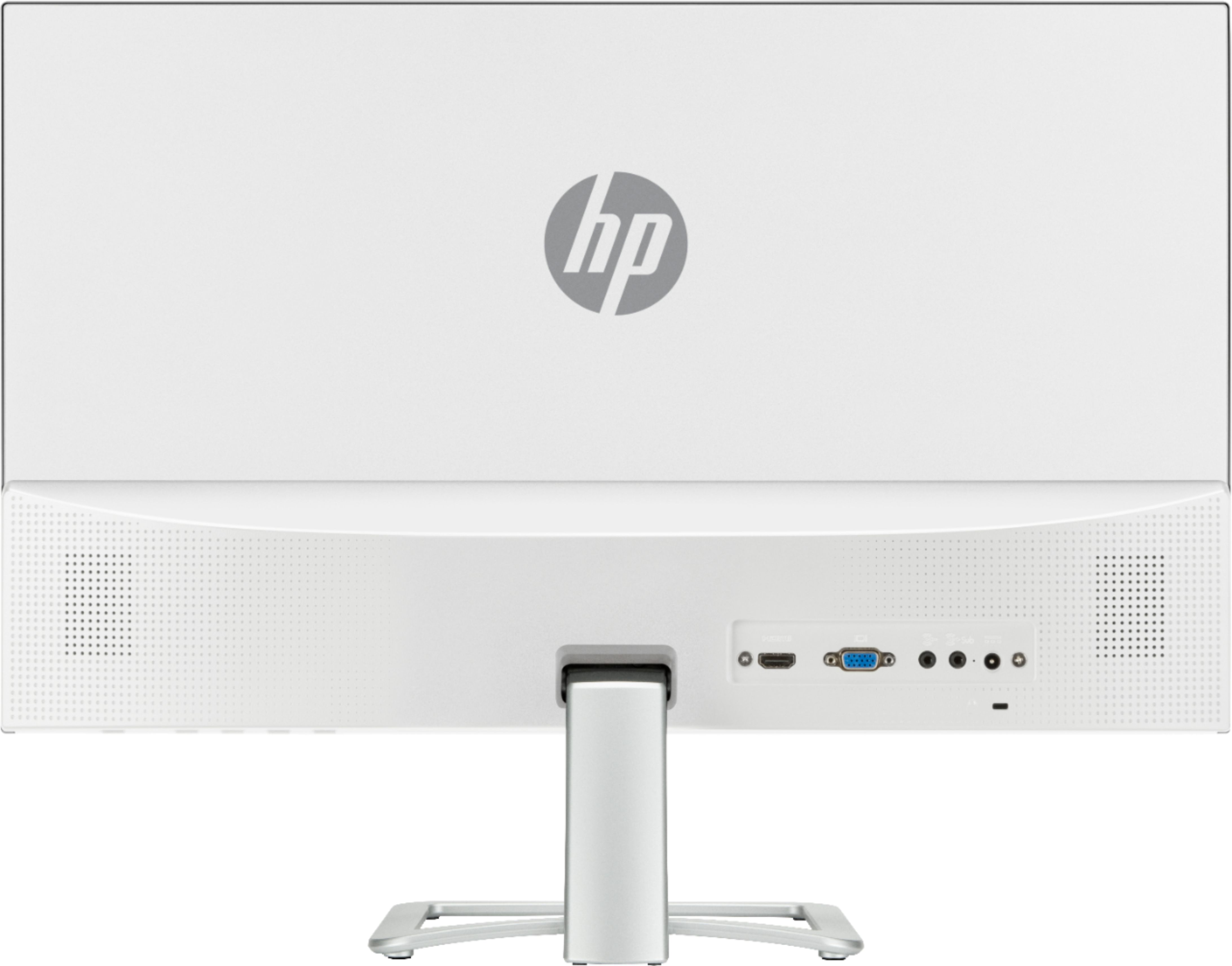
A:AnswerHello, this monitor does not have speakers included. There is another model which has the indwelling speakers that looks like this one, model #27fw with Audio. Thank you for being an HP customer!
A:AnswerHello Lenka4, you will need to purchase the adapter which fits for your generation Mac Air. It's best to contact Apple to ensure you're purchasing the correct adapter. If your device has a Type C port you would need to purchase the Type C to HDMI adapter and connect the HDMI to the monitor and the Type C to your laptop. Please confirm this with an Apple associate to ensure you're purchasing the correct device! Thank you for being an HP Customer.