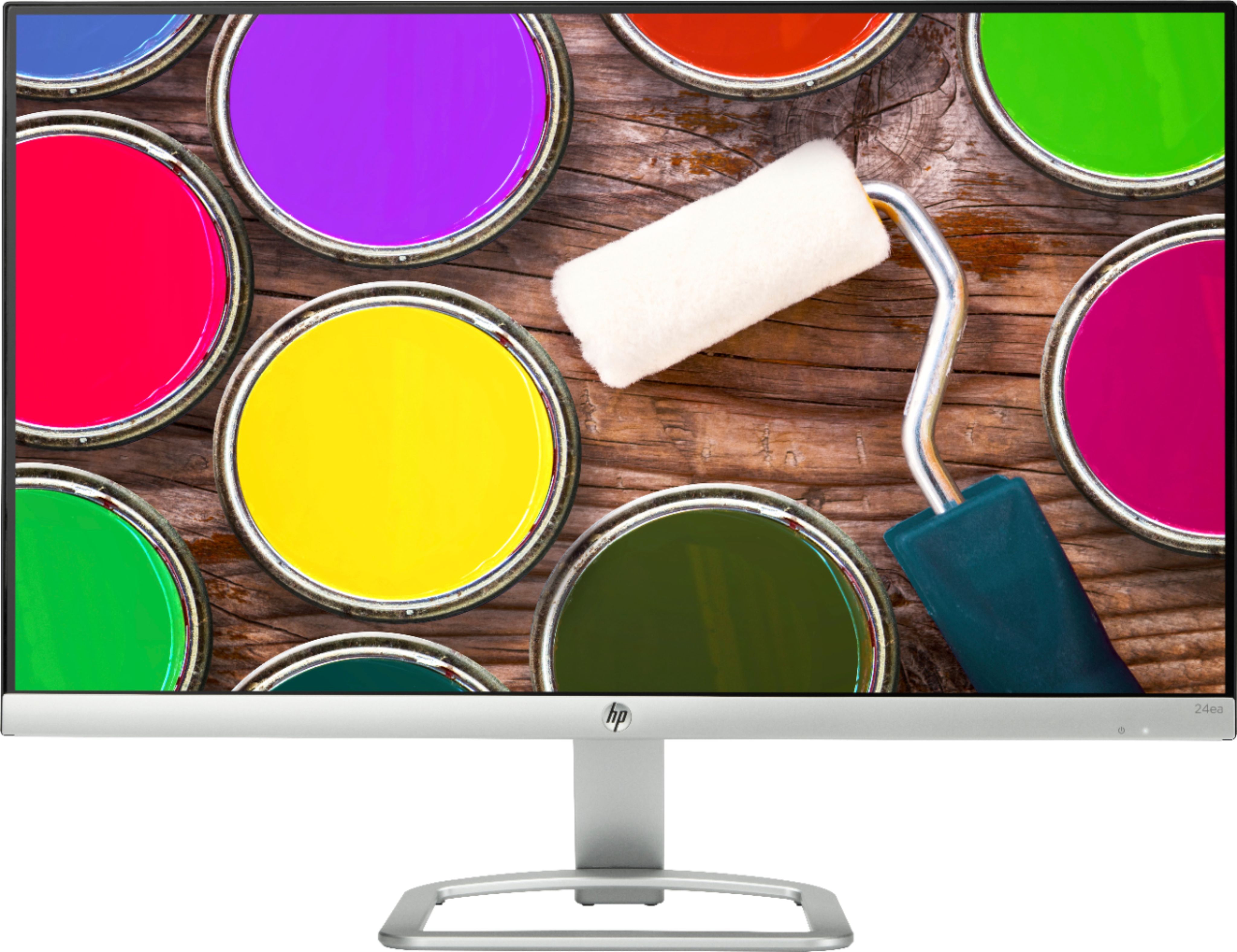
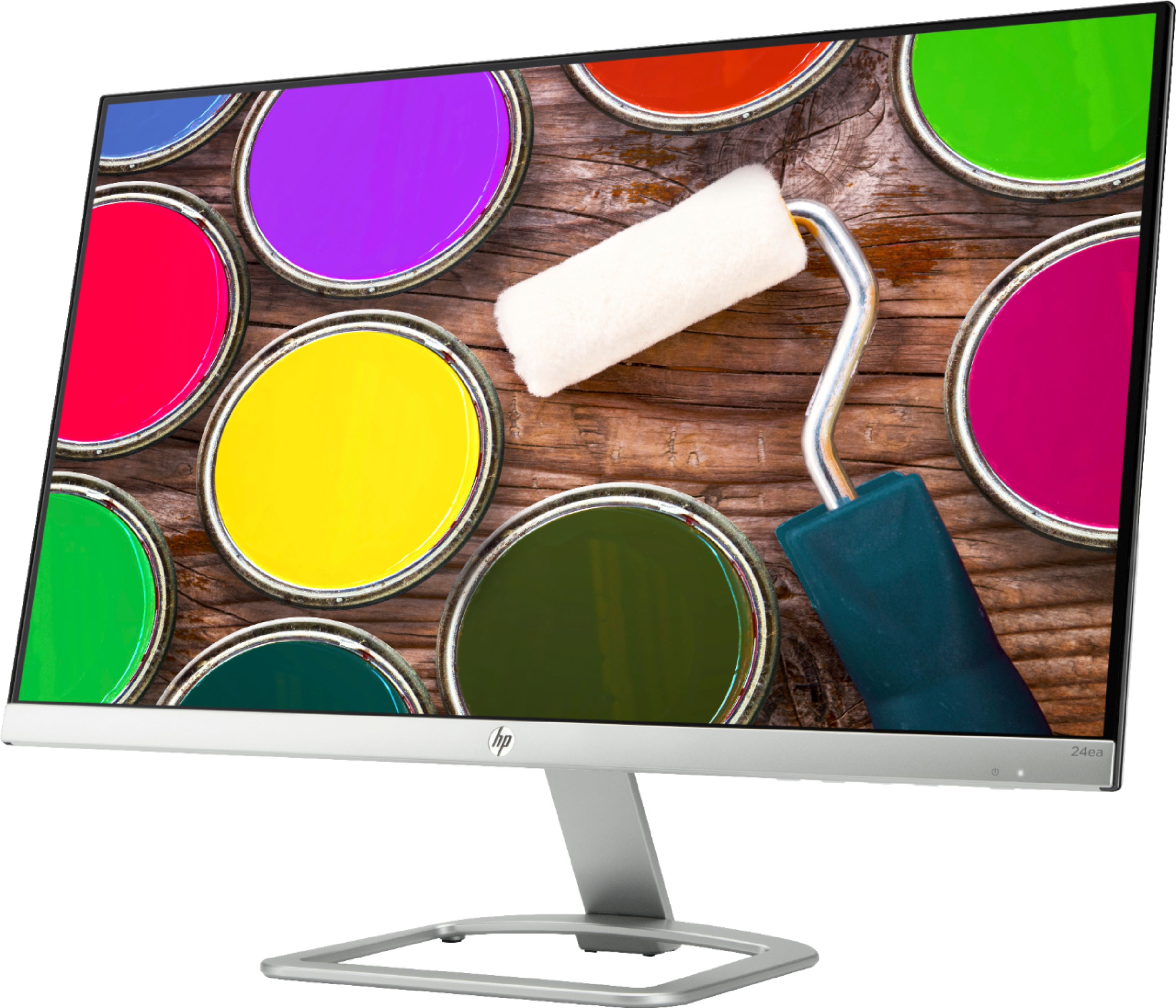
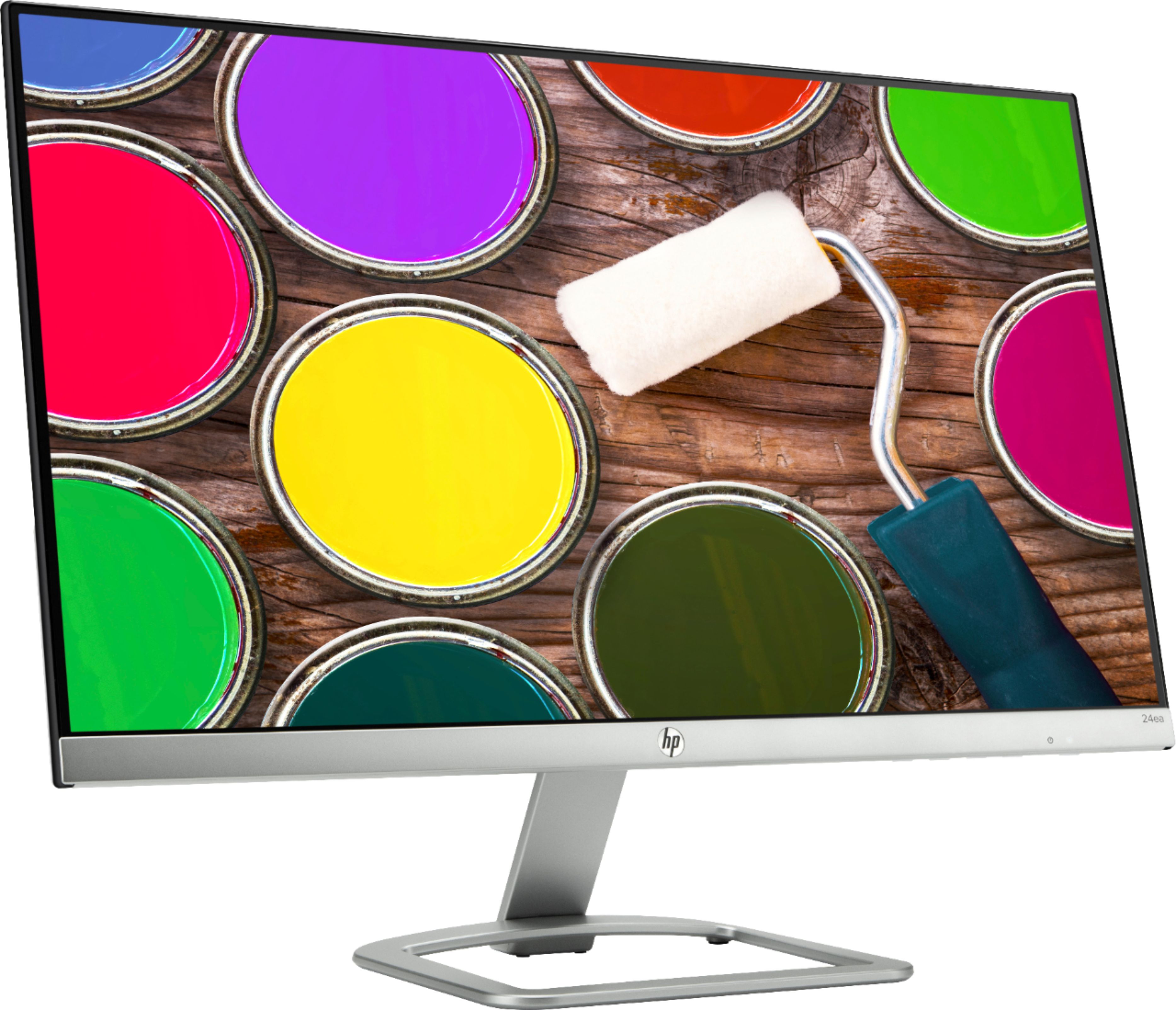
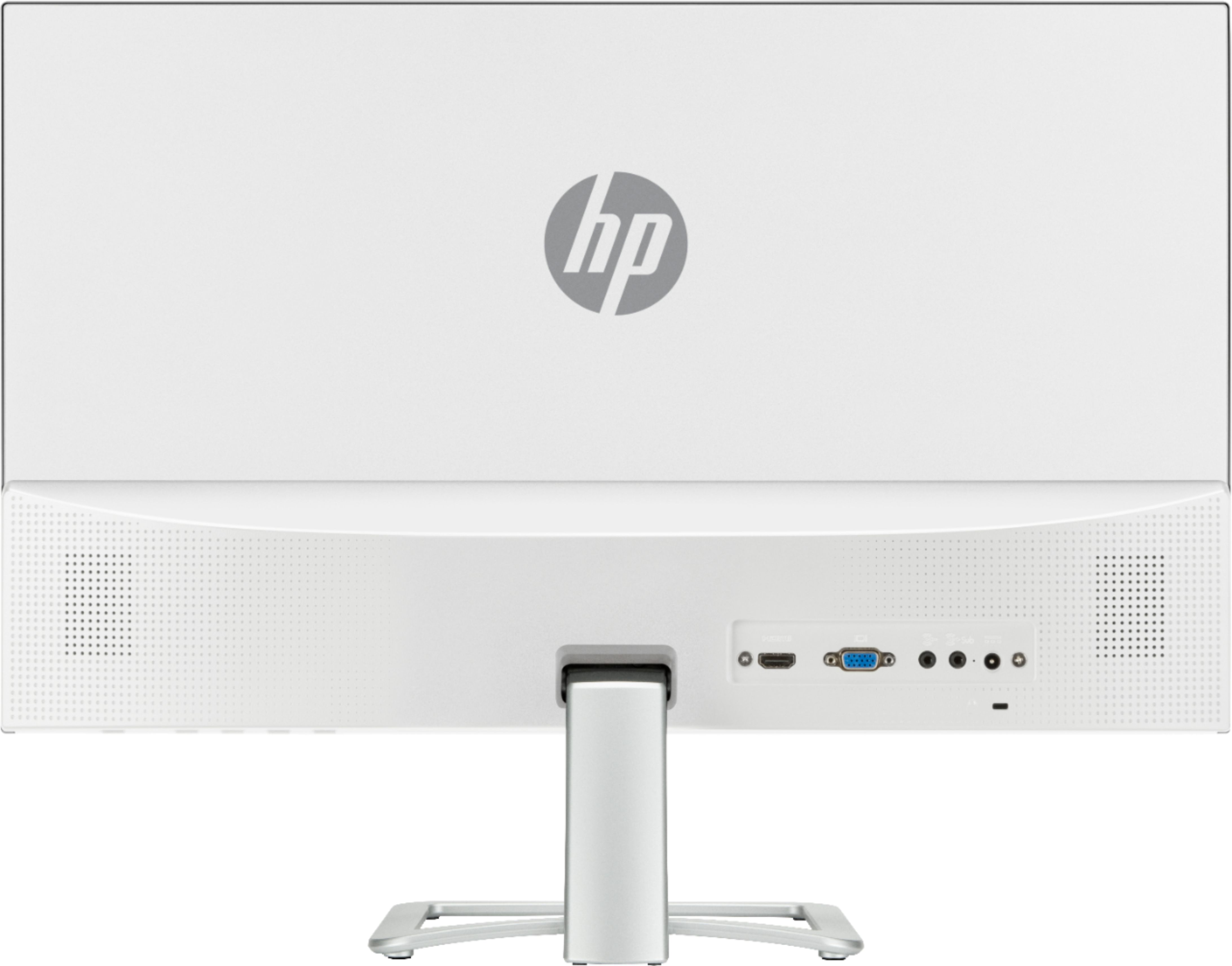
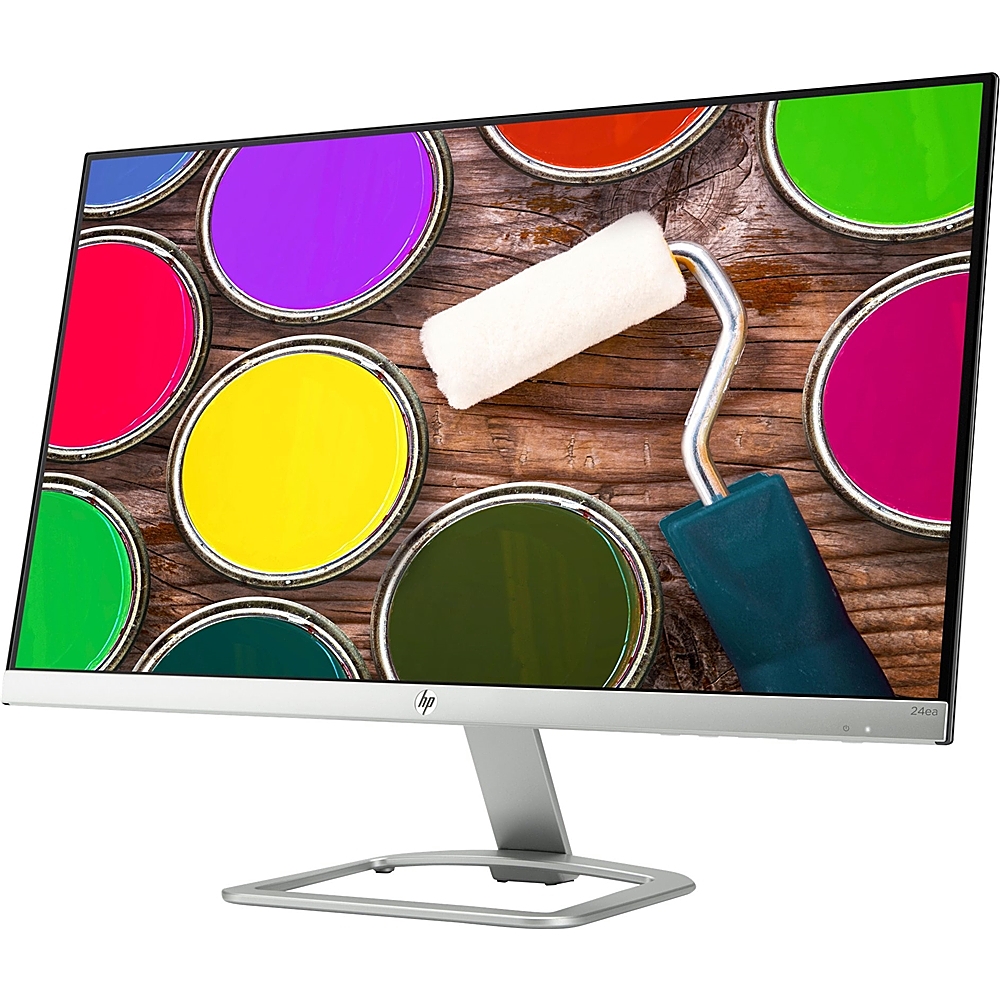
A:AnswerThis is just a monitor. You will need to connect your microphone to the computer you are using. You might be looking for an All-In-One computer.
A:AnswerThis would be a better choice to use as a gaming monitor:
https://www.bestbuy.com/site/hp-24f-23-8-ips-led-fhd-freesync-monitor-natural-silver/6317590.p?skuId=6317590
A:AnswerIt absolutely should work with your Macbook Air. Depending on how the computer is configured, you may need to purchase an adapter to connect the monitor to the computer.
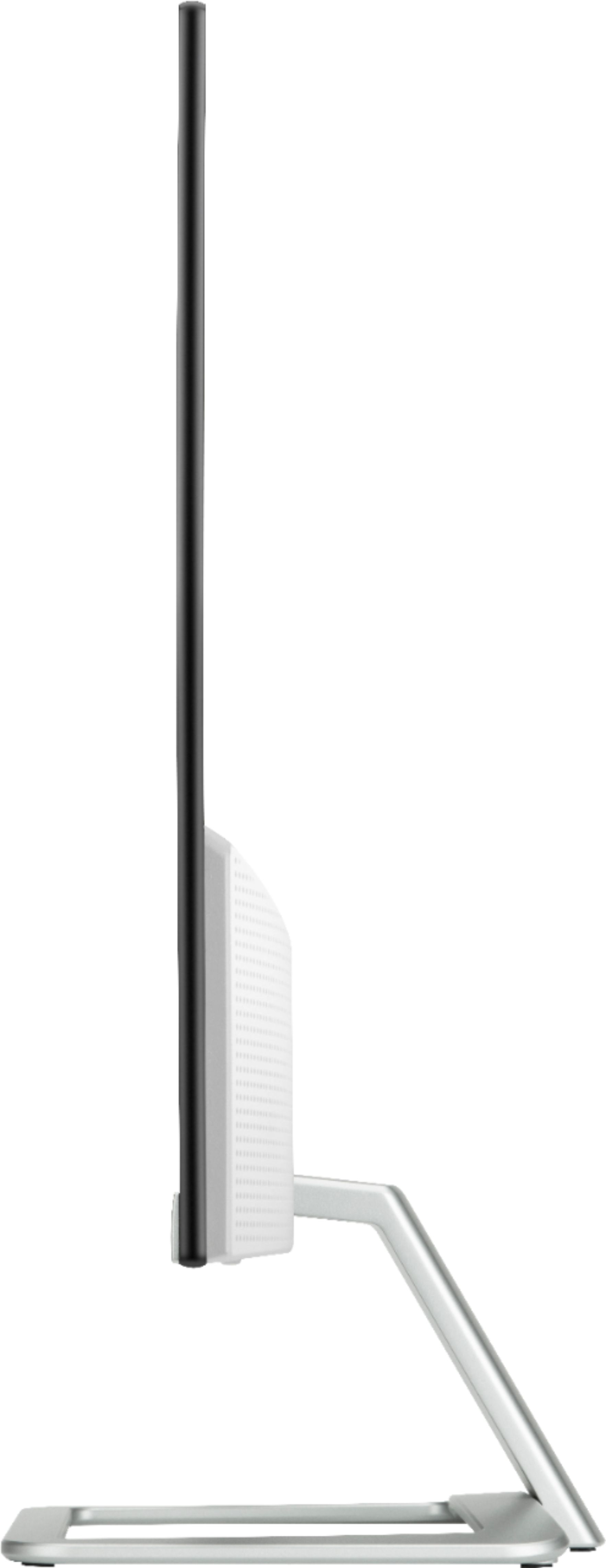
A:AnswerIt's total width is 21.3 inches, and it's 16.1 inches high. But I suspect you're going to have a problem getting a 24" monitor and a 25" monitor to "match"
A:AnswerThe monitor has an HDMI port, so if the laptop also has an HDMI port you can connect the two directly with an HDMI cable. If it has something like a VGA port, you'll need an adapter to plug into the laptop, but it should still work.
A:AnswerThe monitor did come with cable. I bought a different one based on how IT had wanted me to connect with computer and second monitor. I used a display to HDMI cable,
A:AnswerYes, it does have a power button underneath on the right side with a small indicator light on the silver strip at the bottom of the display. I like this monitor but the speakers are not very loud.