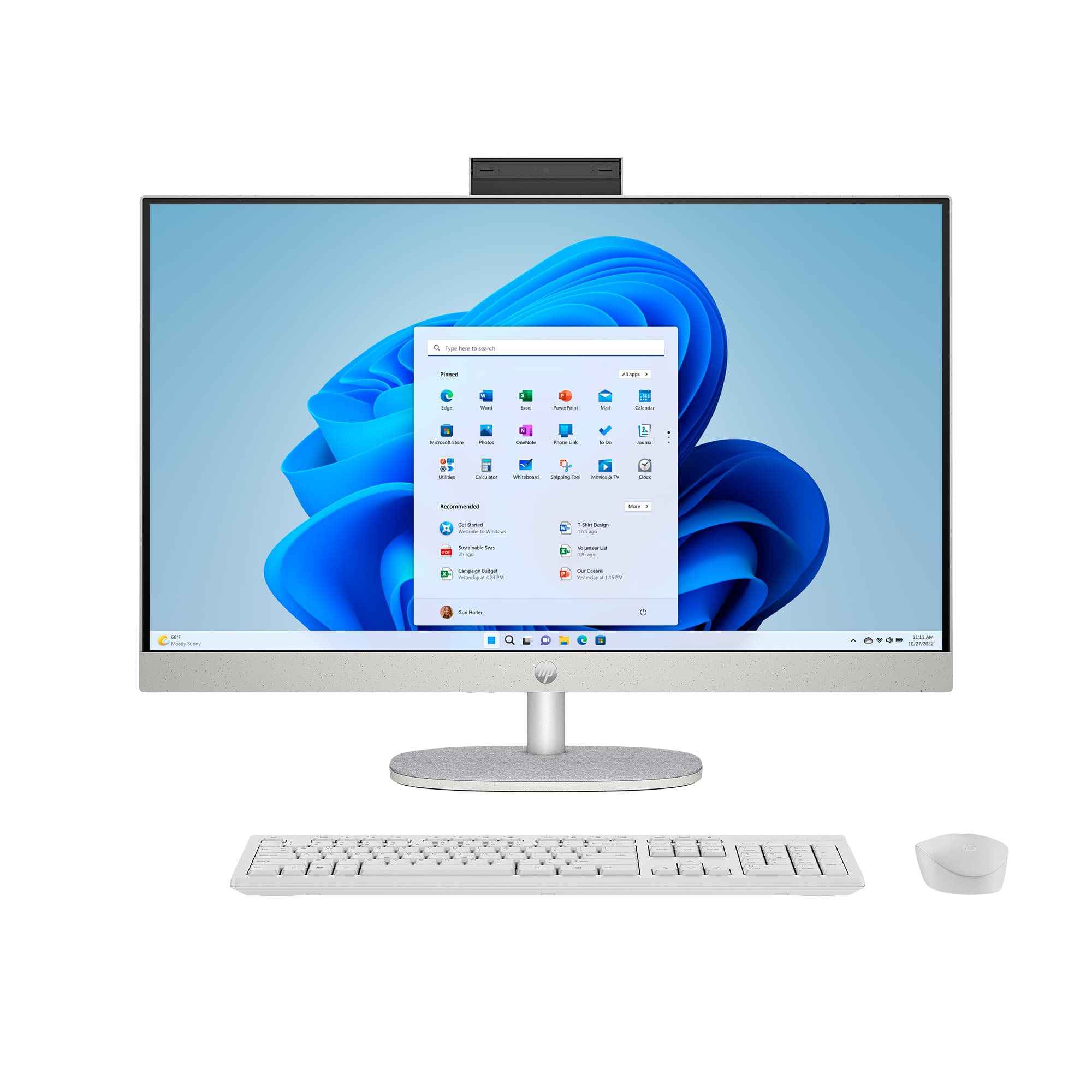
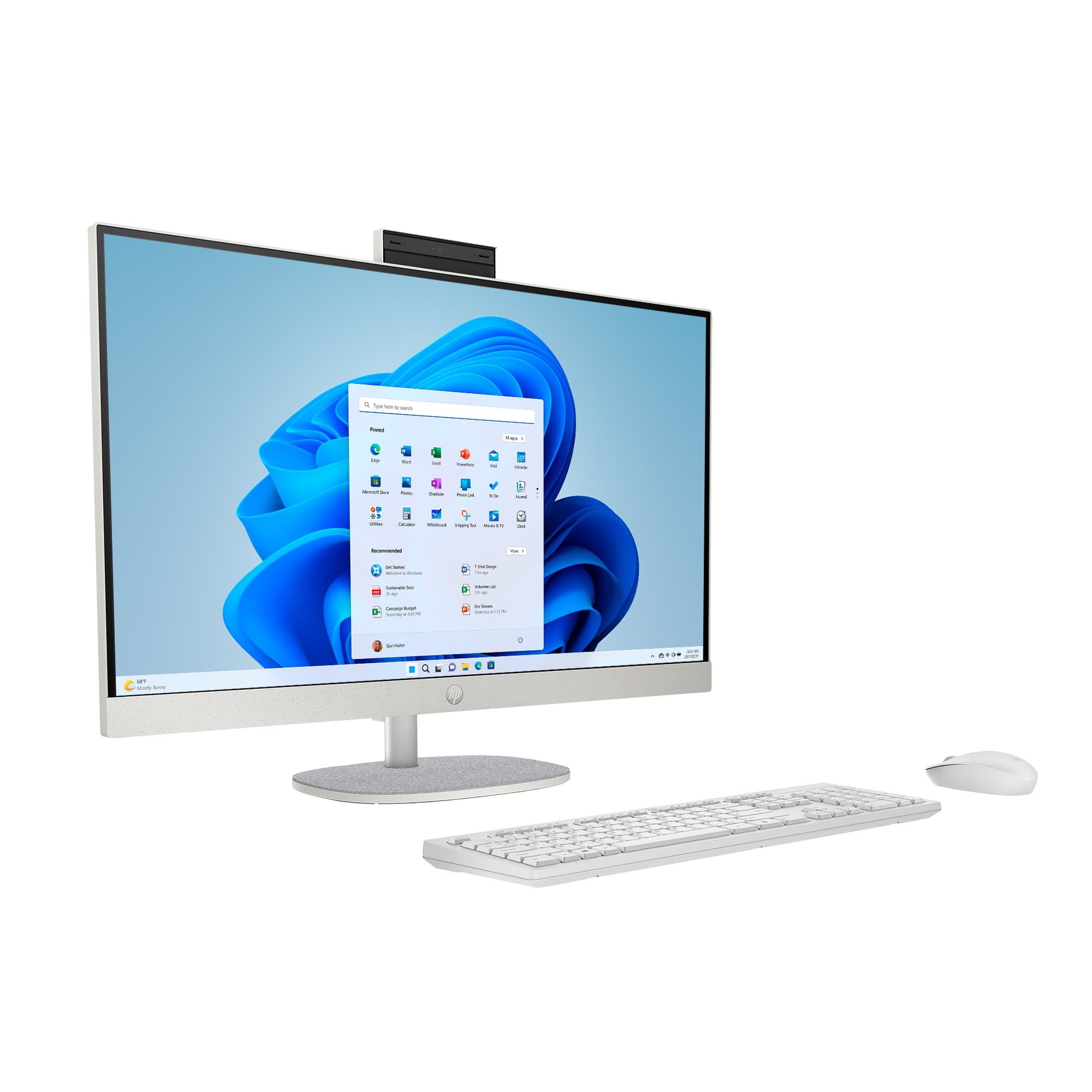
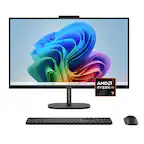
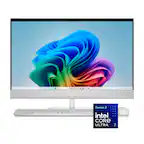
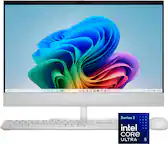
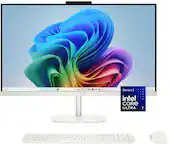
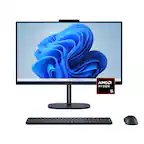
A:AnswerI don’t understand the question. This is a computer, not a monitor. There is no option to use it as a monitor. Dell had a 27” AIO years ago that had an option to use it as a monitor or a PC but this HP does not have that capability
A:AnswerYou can insert a USB stick (check how much space the USB stick will need) in a port on the old PC and drag and drop your files on it. Then you can insert that USB stick in a port on your new PC and drag and drop the files in whatever locations you want them.
A:AnswerThank you for your question on this HP desktop all-in-one computer! You can enable USB booting right in the BIOS on any computer. Make sure that the USB device you're using is bootable first.
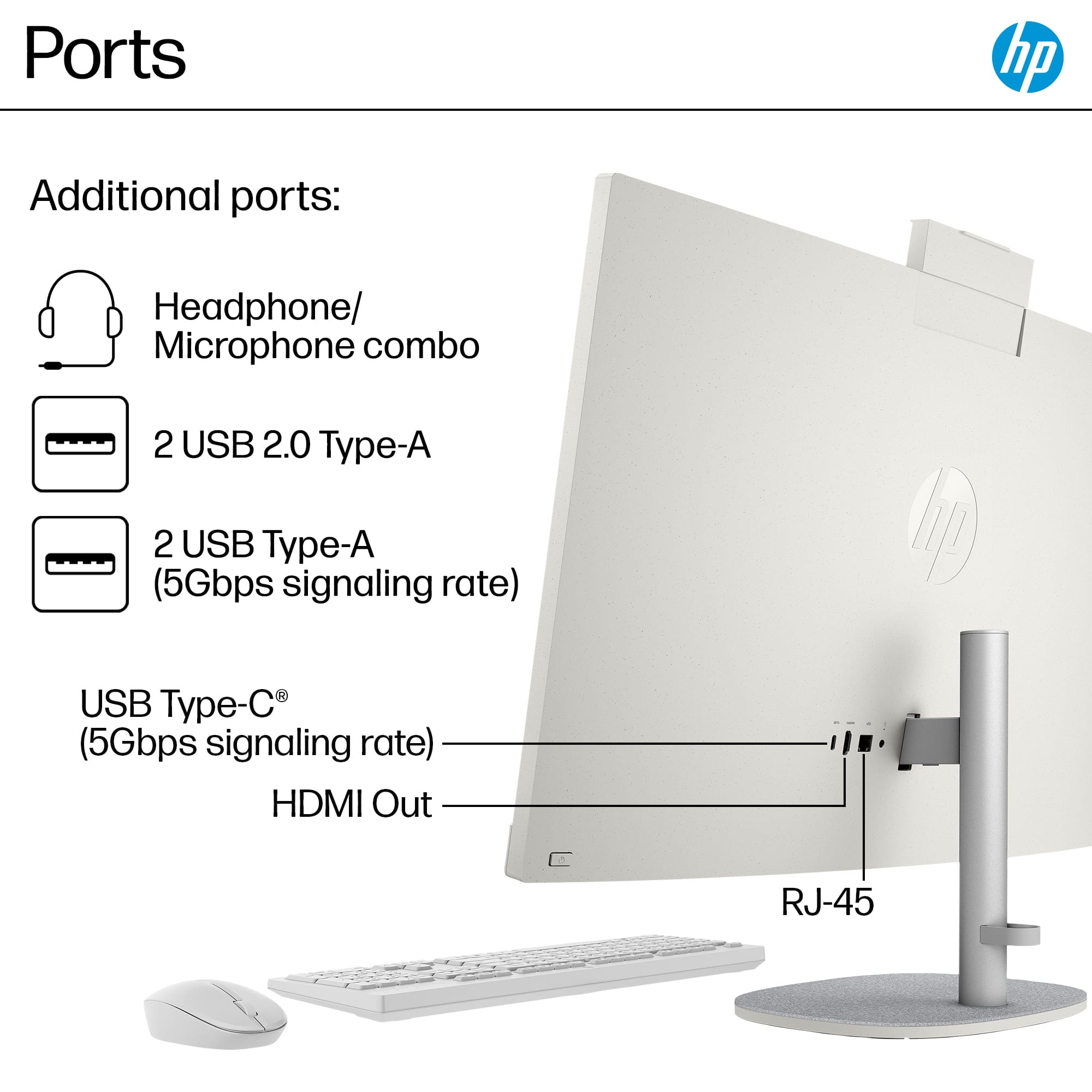
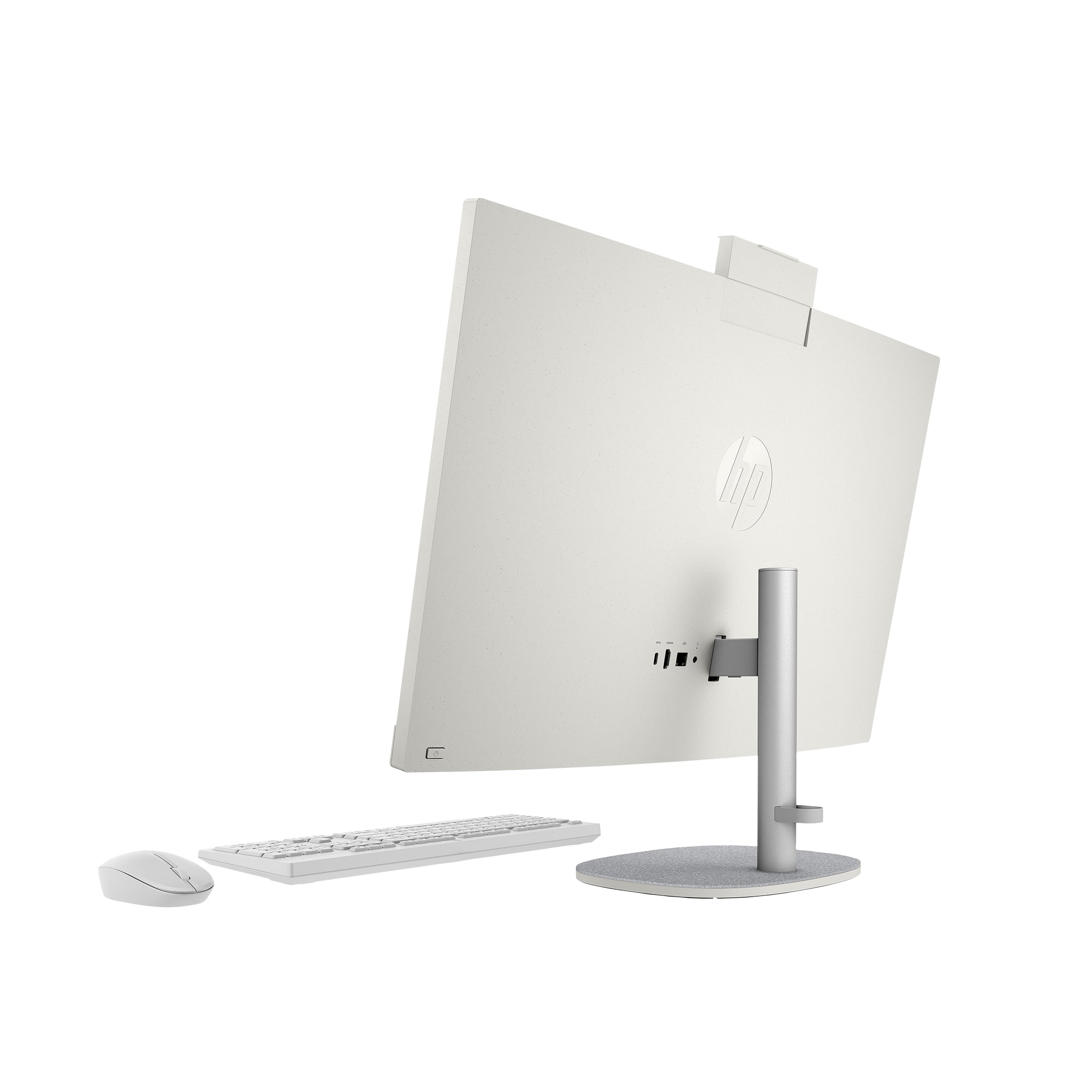
A:AnswerHello and thank you for asking. The HDMI port on the HP 27-cr1064 All-In-One computer is an output for connection to a second monitor. It cannot be used for video input, such as the video from a DVD player.