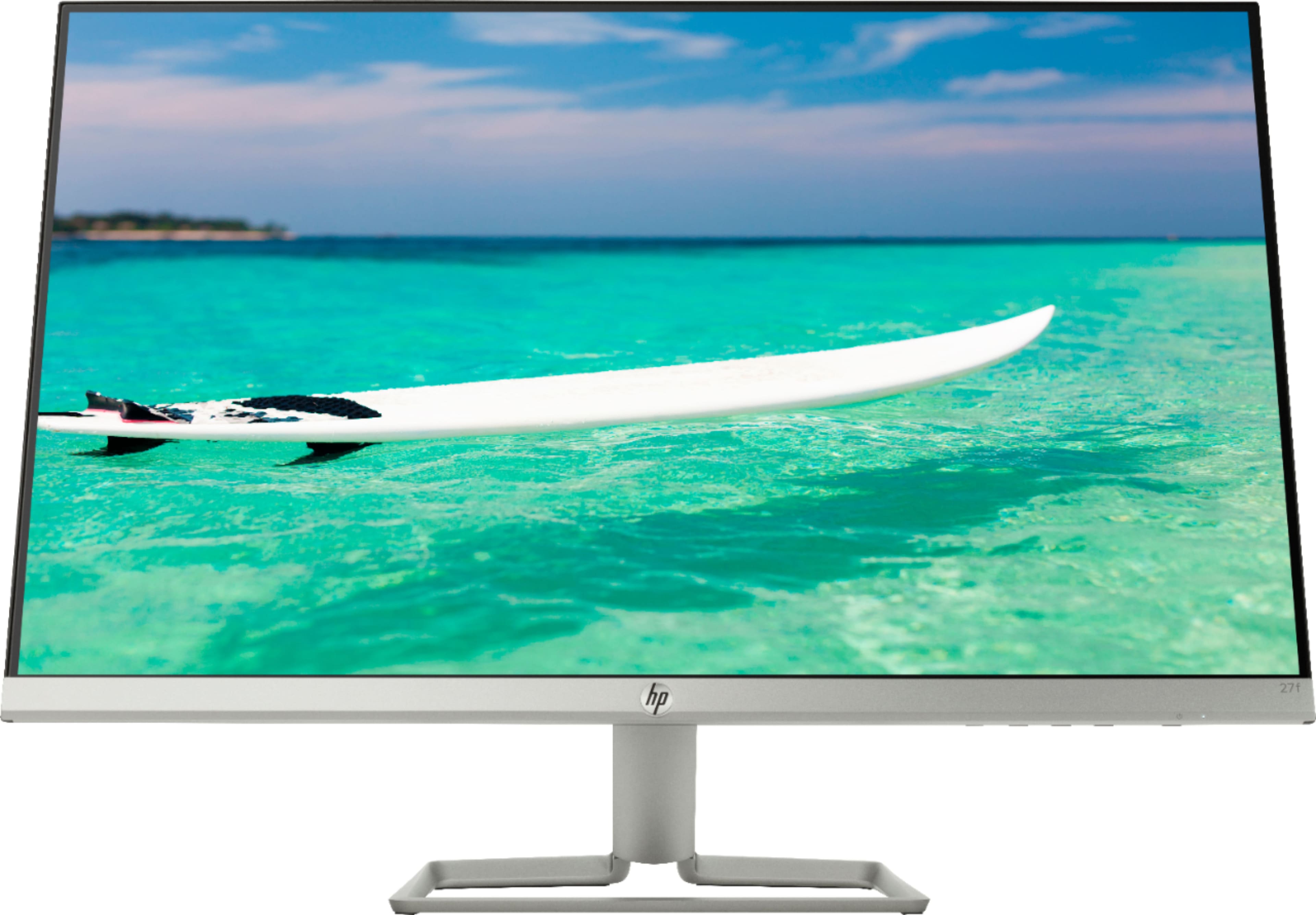
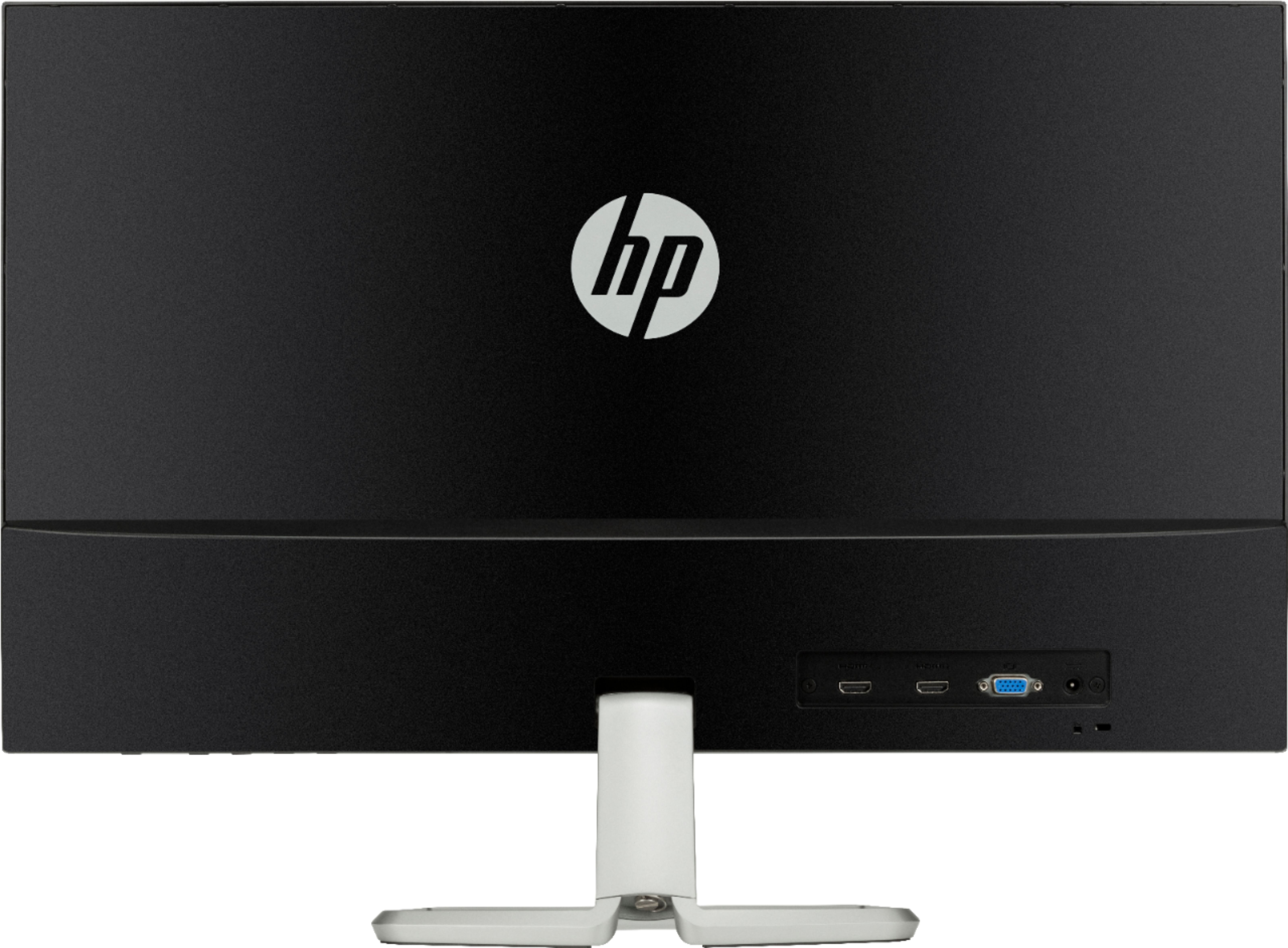
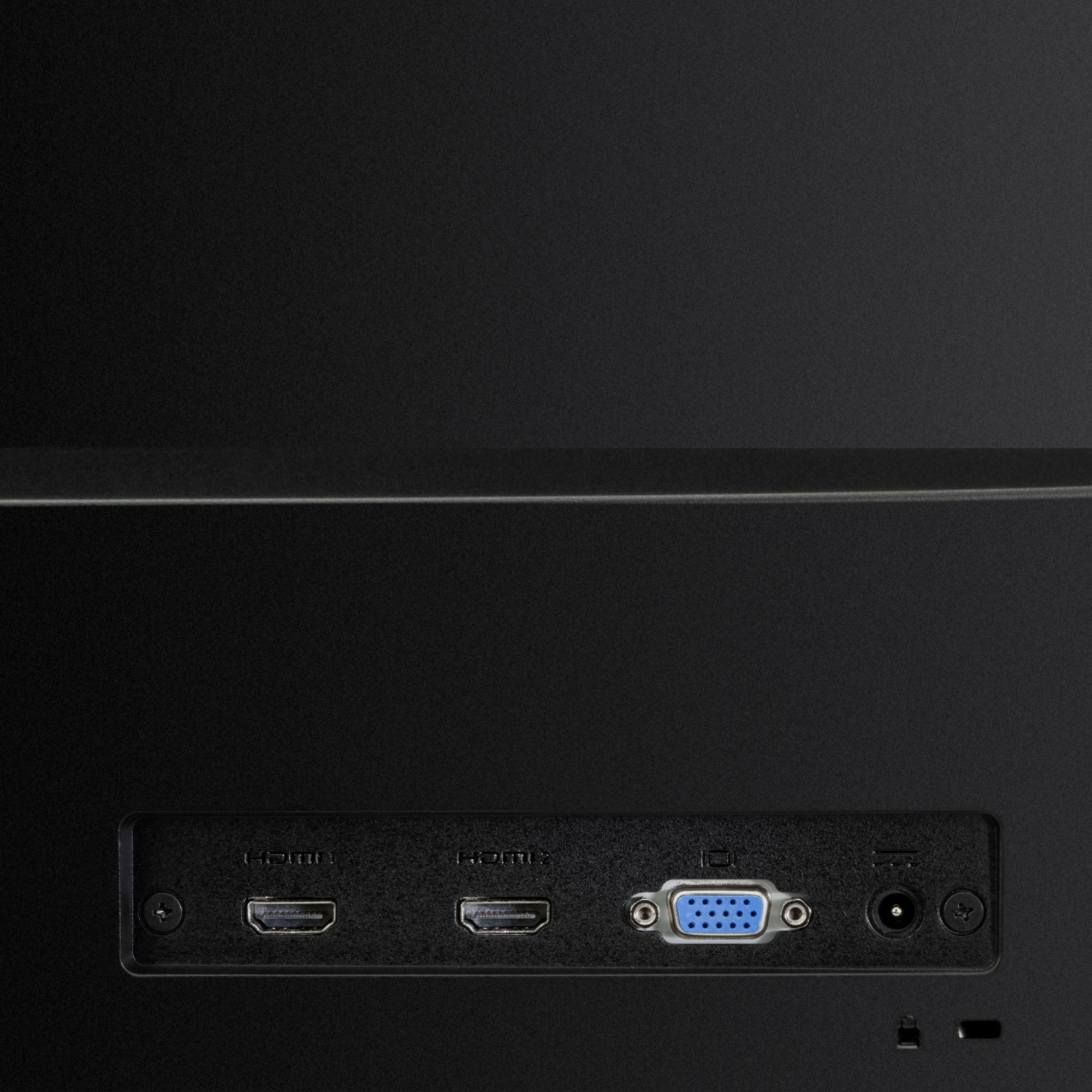
A:AnswerThe type of motherboard doesnt really control if the monitor will work with it or not. If the montherboard has HDMI or VGA on it, it will work.
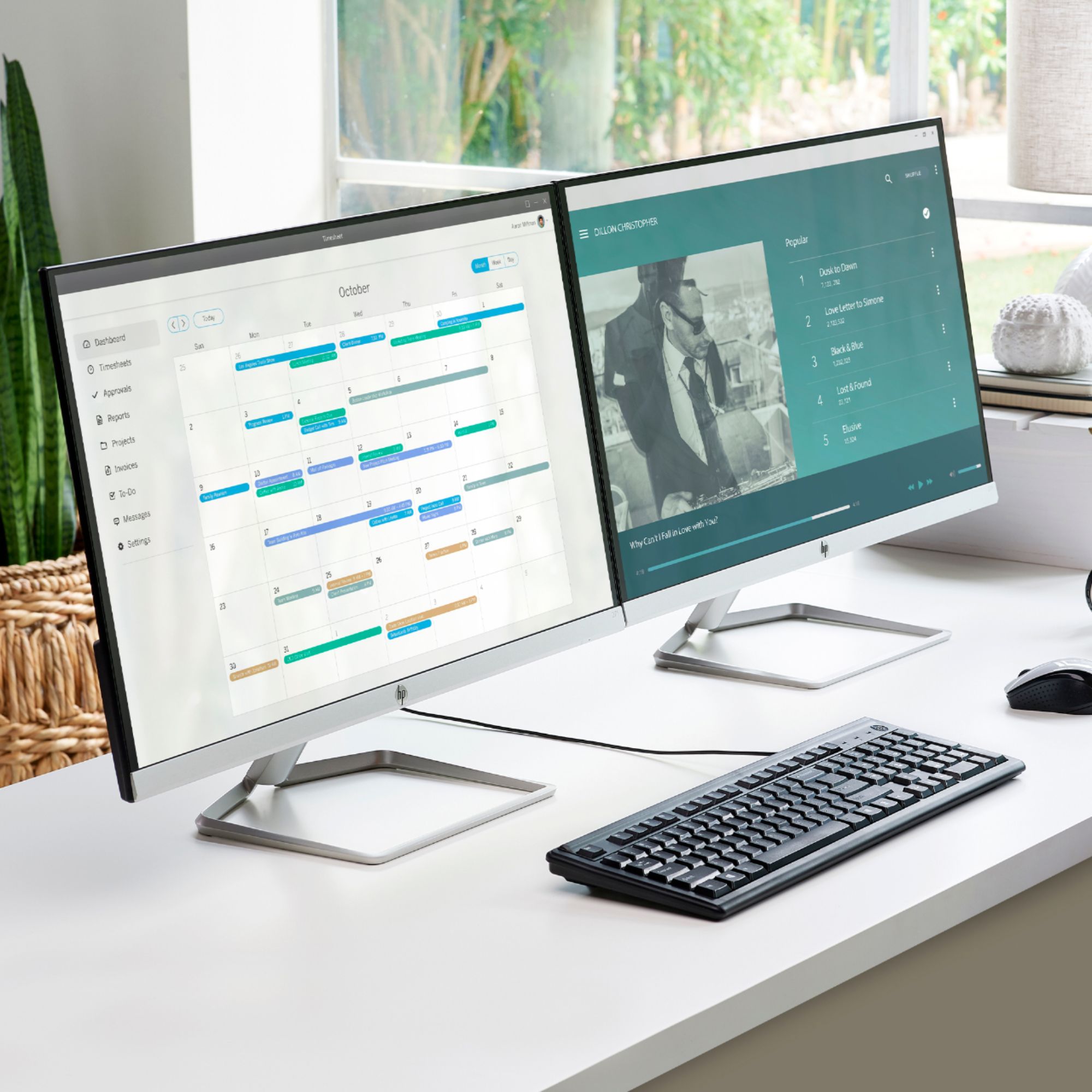
A:AnswerYou either need a PC capable of outputting two video signals or you can buy a USB DisplayLink adapter for one or both monitors. There are universal laptop docks that have this functionality built-in.
A:AnswerConnecting another monitor will do nothing to this monitor. If you meant to ask if you can hook two PCs in to this at once, then yes and you can just choose your input and change the source as necessary.
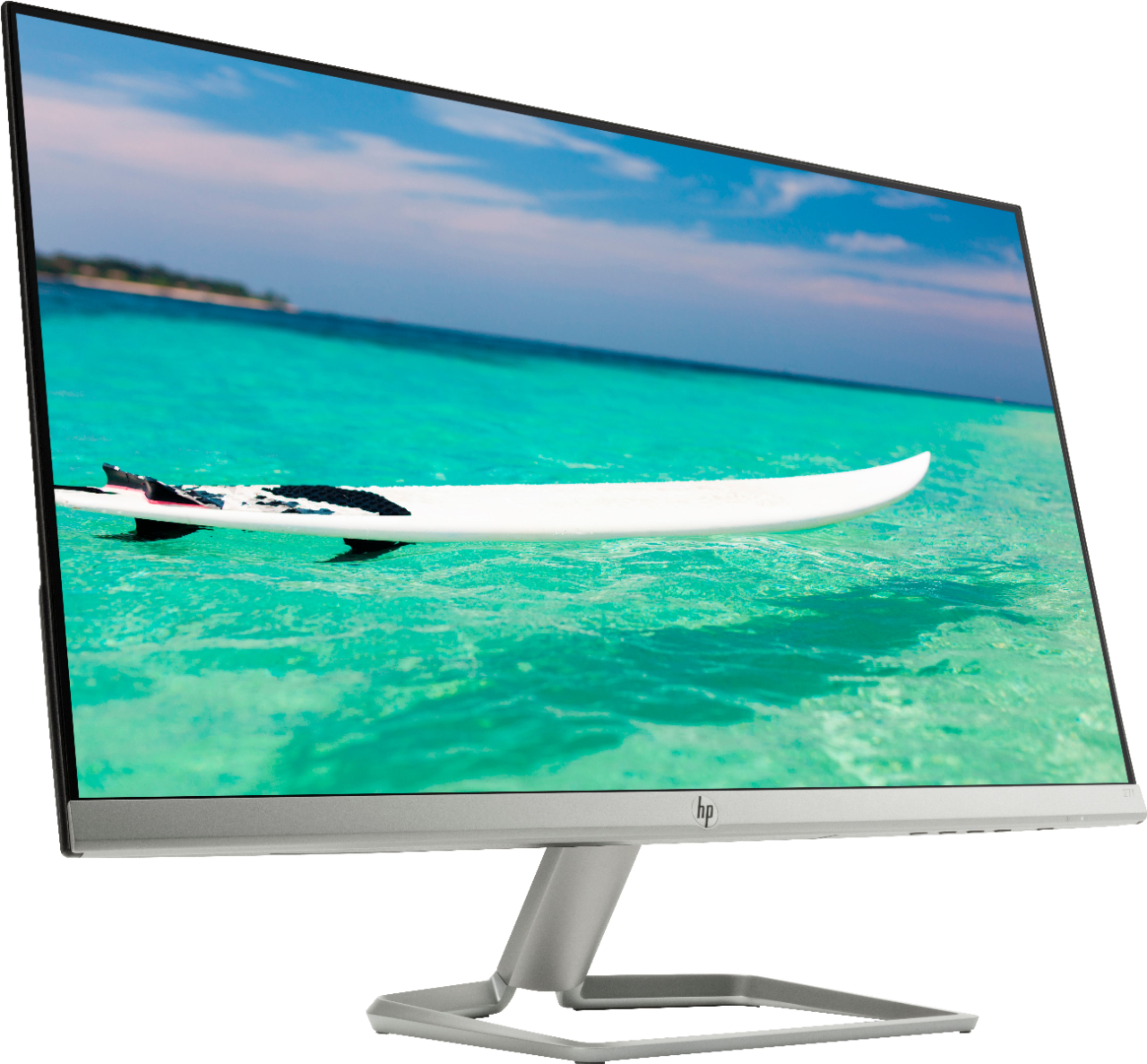
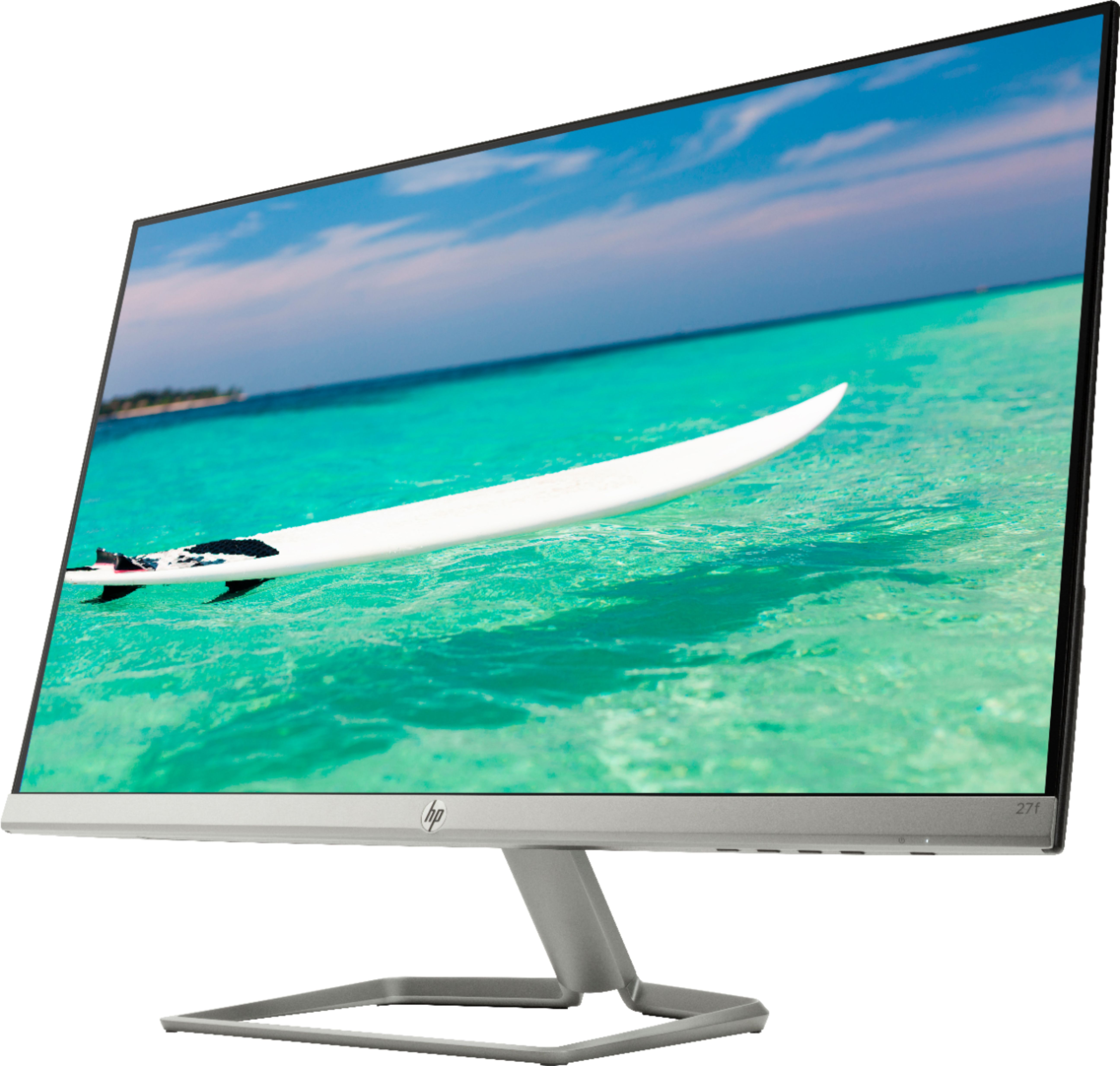
A:AnswerIt does not have VESA mounting holes, which are required to work with most wall mounts. The stand for this monitor is proprietary and this monitor can only be used with the supplied stand.
A:AnswerIt does not have VESA mounting holes, which are required to work with most wall mounts. The stand for this monitor is proprietary and this monitor can only be used with the supplied stand.
A:AnswerThis is the part number for the AC adapter: L16946-001. And this is the part number for the power cord: 285052-001. Be sure to get both parts for your monitor.