A:AnswerHi Alex. This is likely due to an Xbox setting. The monitor is capable of displaying 120fps. You should check with Xbox support as to how to set up your system.
A:AnswerHello. Thanks for your question. Your computer would need at least 1 DisplayPort and 1 HDMI port. Or you can have 2 DisplayPorts or 2 HDMI ports. If you have any of these port combinations, then you can plug 2 monitors to your computer. If you need further assistance with setting up 2 monitors, we recommend reaching out to the Blue Shirts in the computer department at Best Buy.
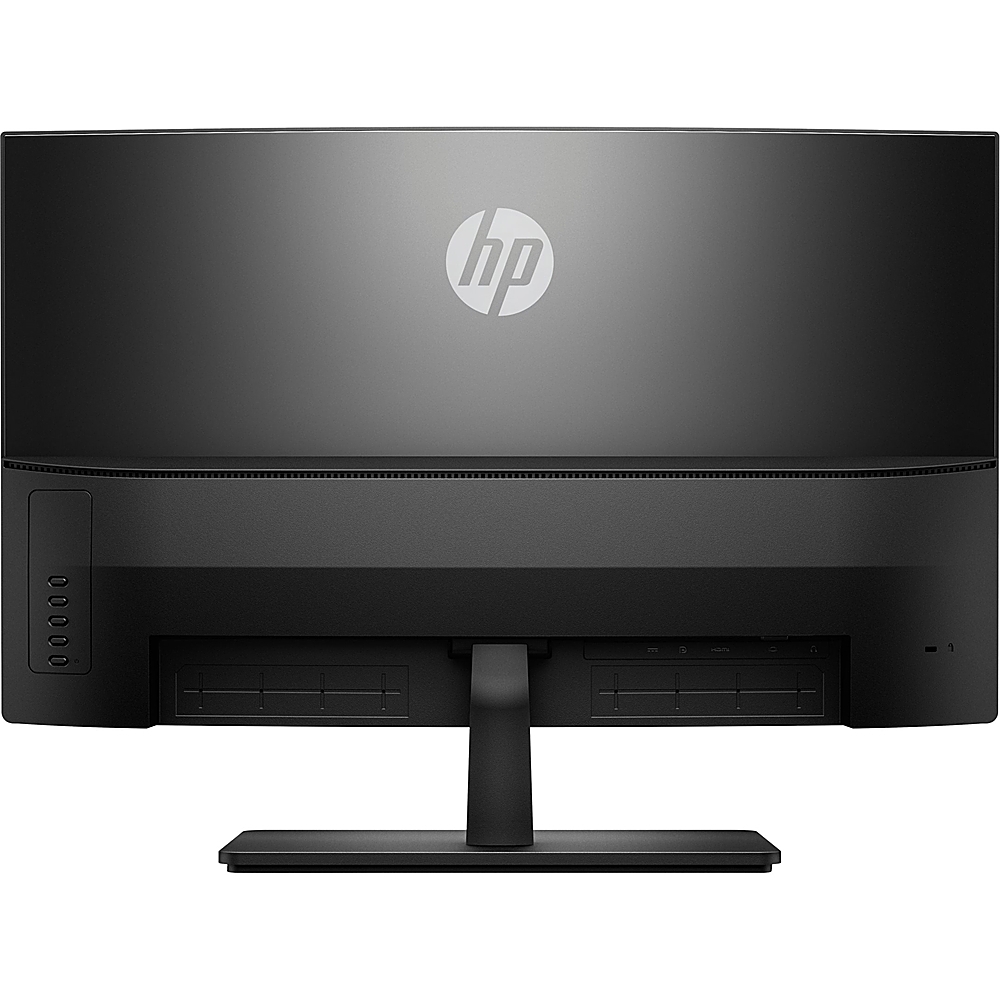
A:AnswerPage 10 of the user guide shows you how to attach the VESA bracket to this monitor. The VESA mounting bracket is included with this monitor. Here is the user guide: http://h10032.www1.hp.com/ctg/Manual/c05546020