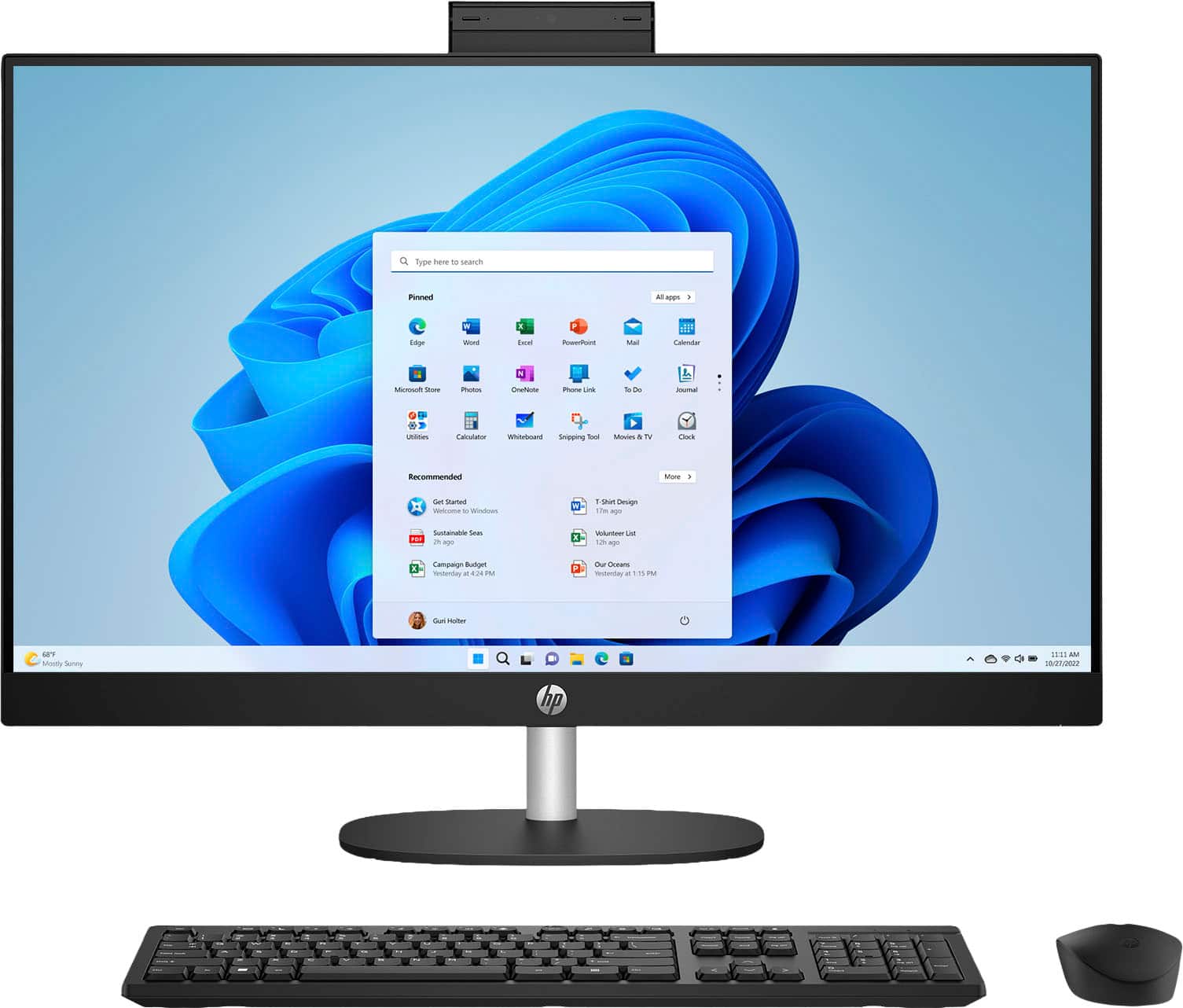
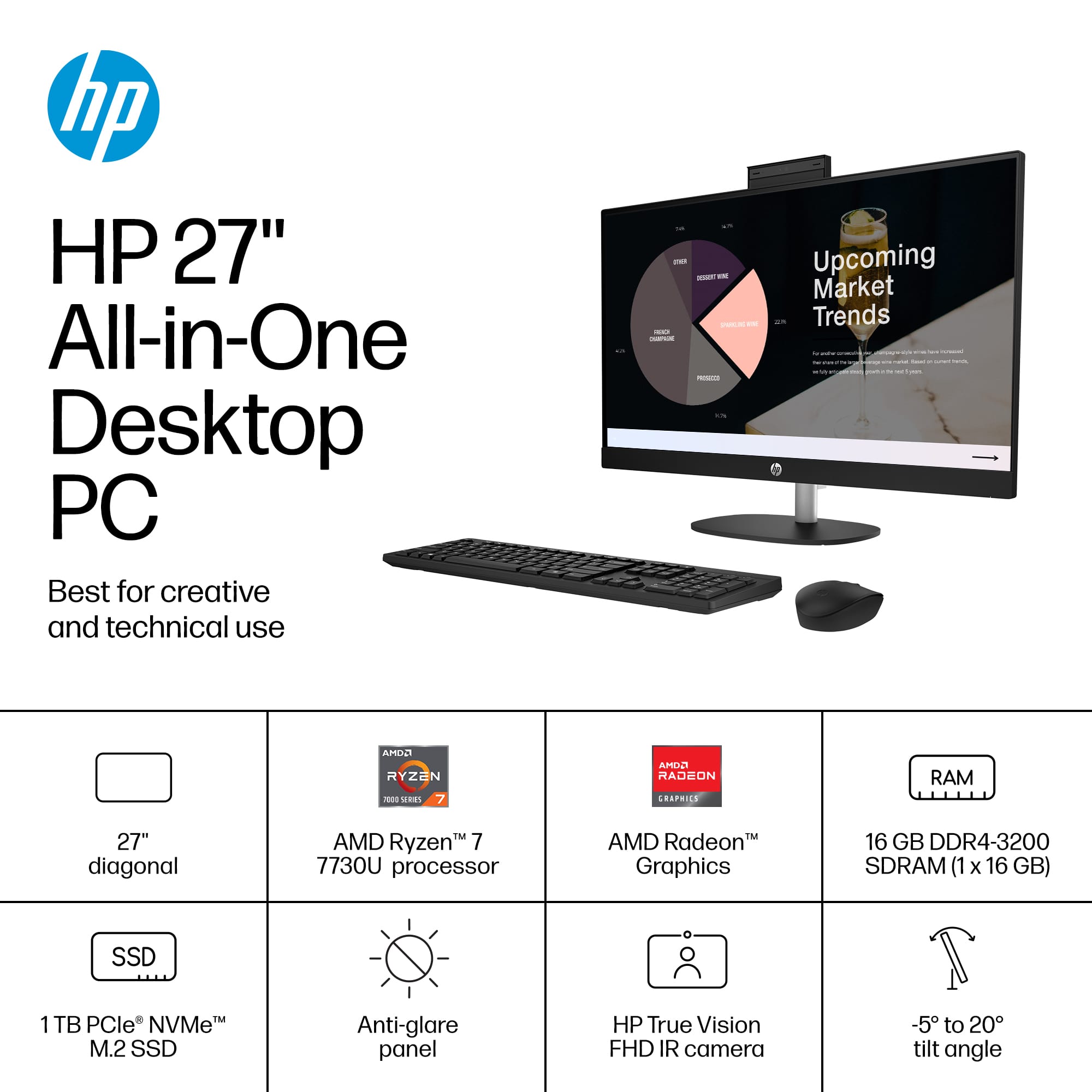
A:AnswerHello, Eddy, thank you for your question. This All-in-One does come with Bluetooth connectivity (Bluetooth 5.3), so you can use that to connect accessories.
A:AnswerBe aware of how COMPLETELY INCOMPETENT HP IS. LOOK AT THE TWO ANSWERS FROM HP, ONE SAYS IT CAN'T BE EXPANDED, ONE SAYS IT CAN. ONE OR THE OTHER IS AN IGNORANT PERSON WHO SHOULD BE FIRED....DON'T TRUST ANYTHING HP SAYS...
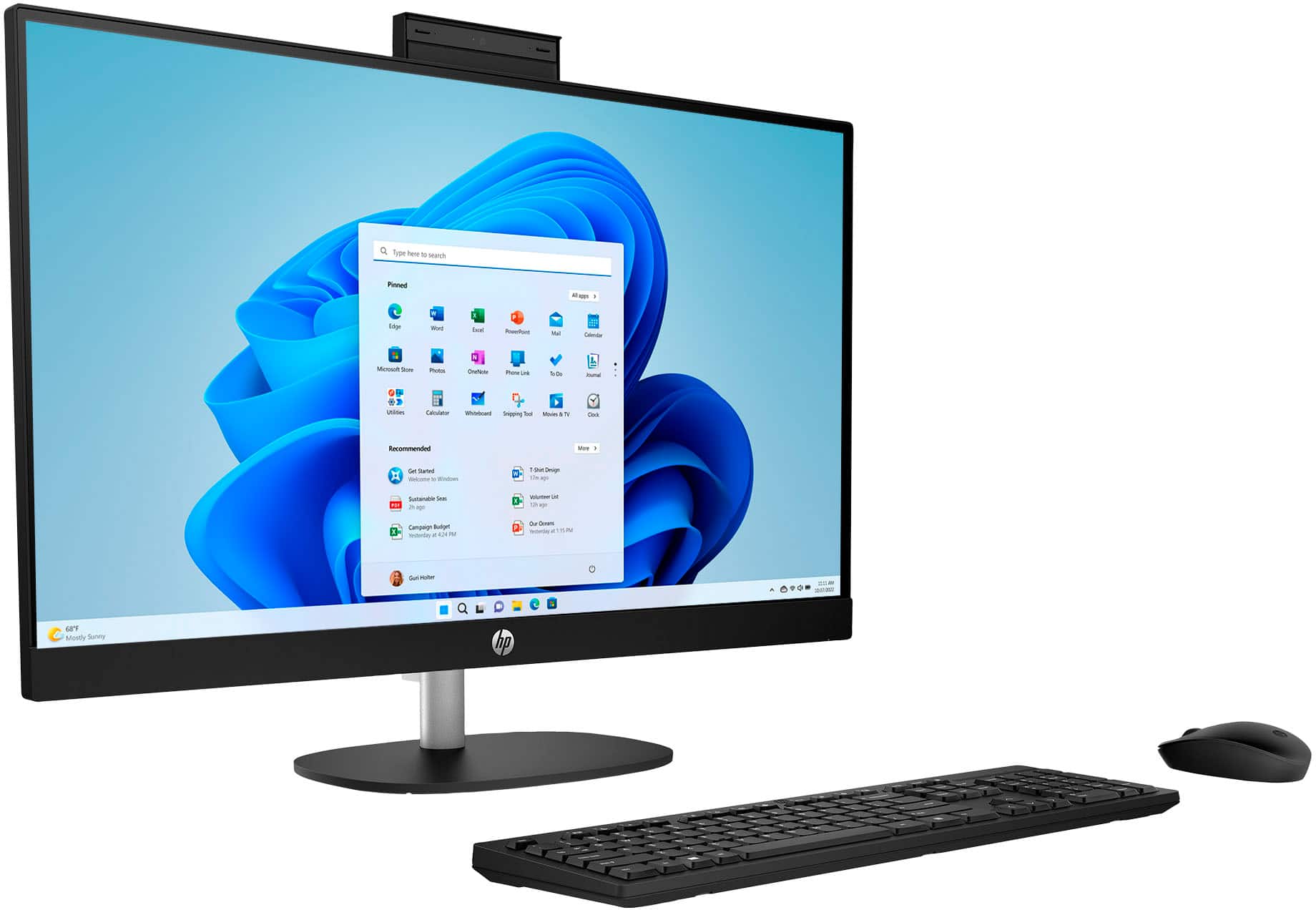
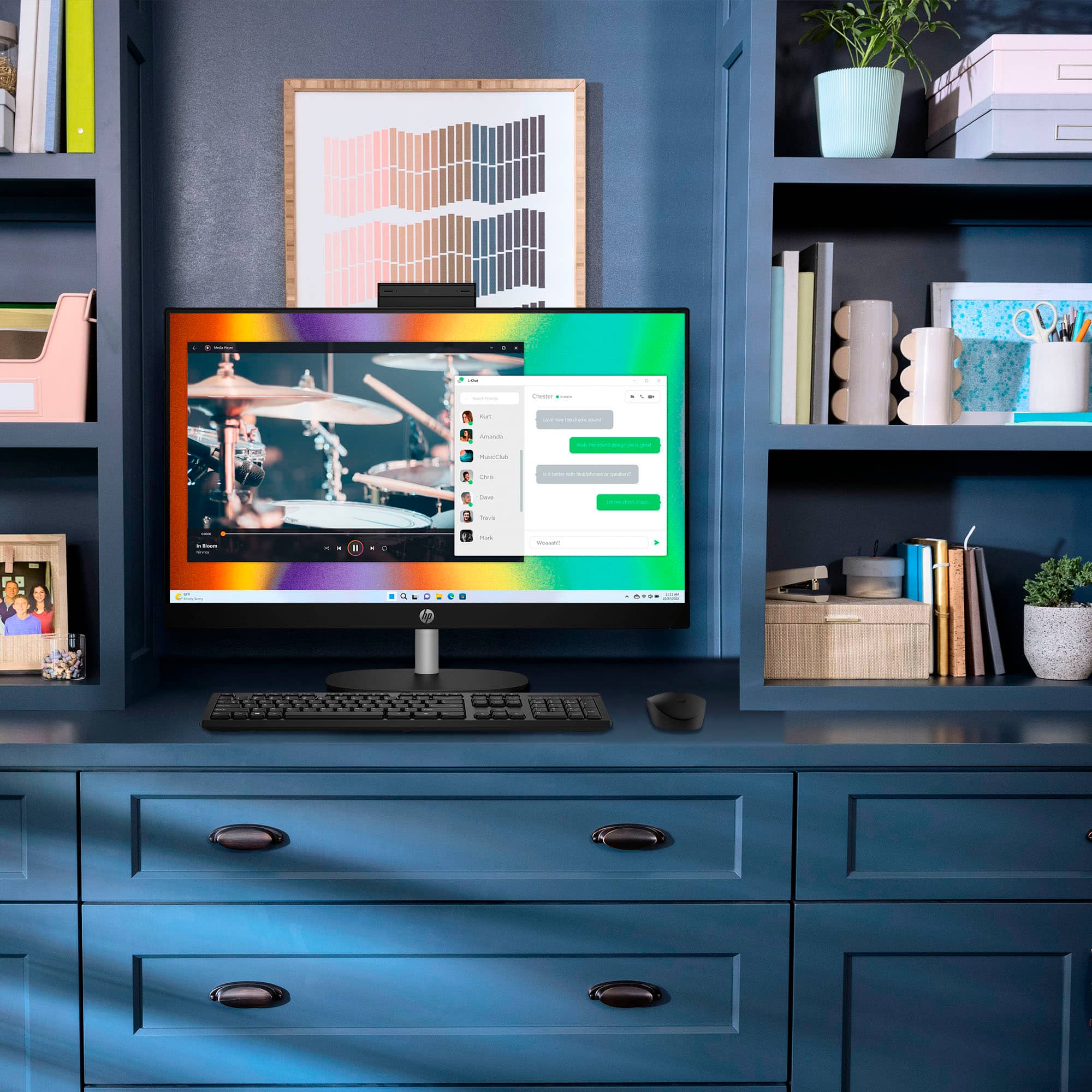
A:AnswerHey there! Thank you for your interest in the HP 27" Touch-Screen All-in-One Desktop (27-cr0054). This model features dual 2 Watt speakers (part number N40820-001, speaker style MAOK). If you have any further questions, feel free to reach out to HP Support or the Best Buy Geek Squad!
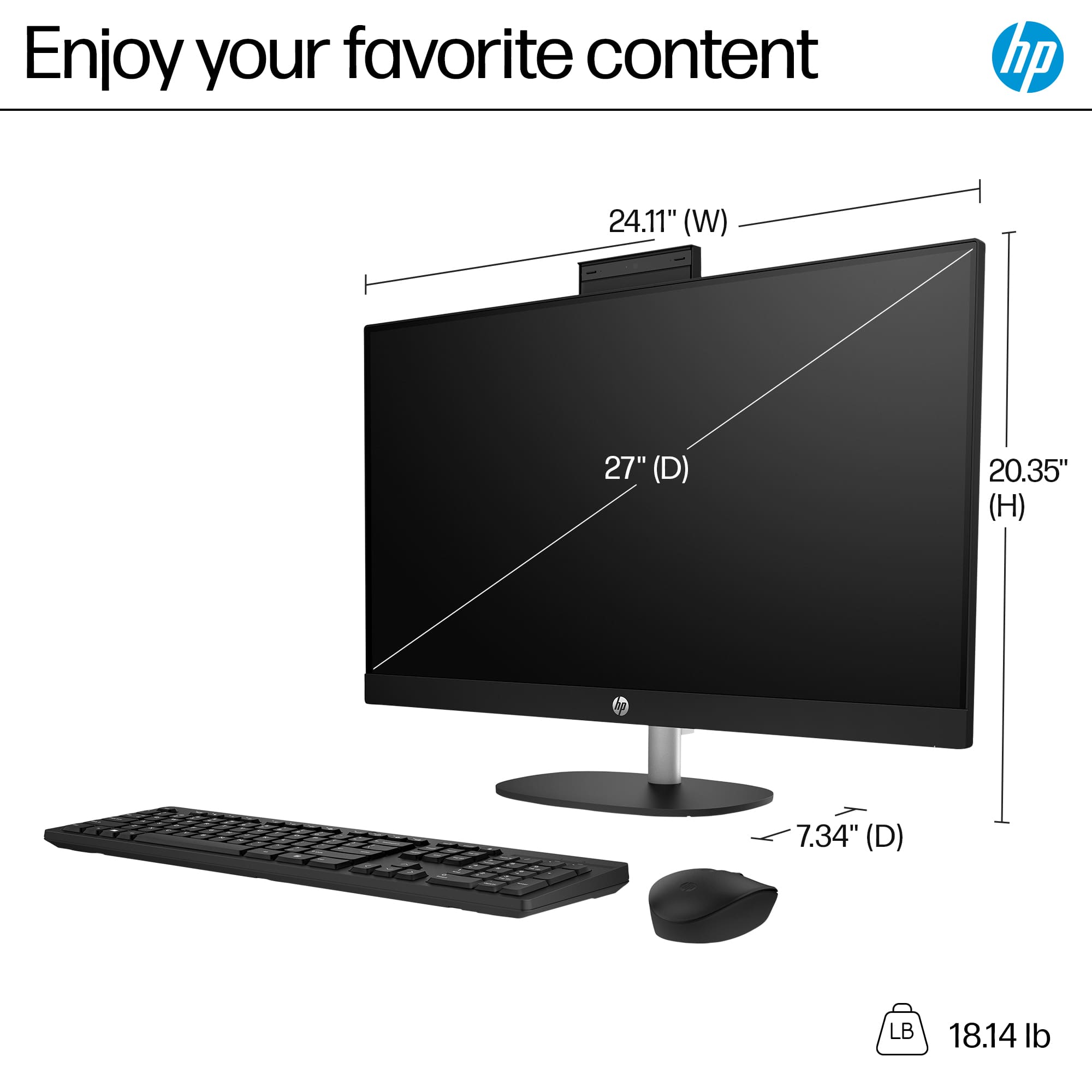
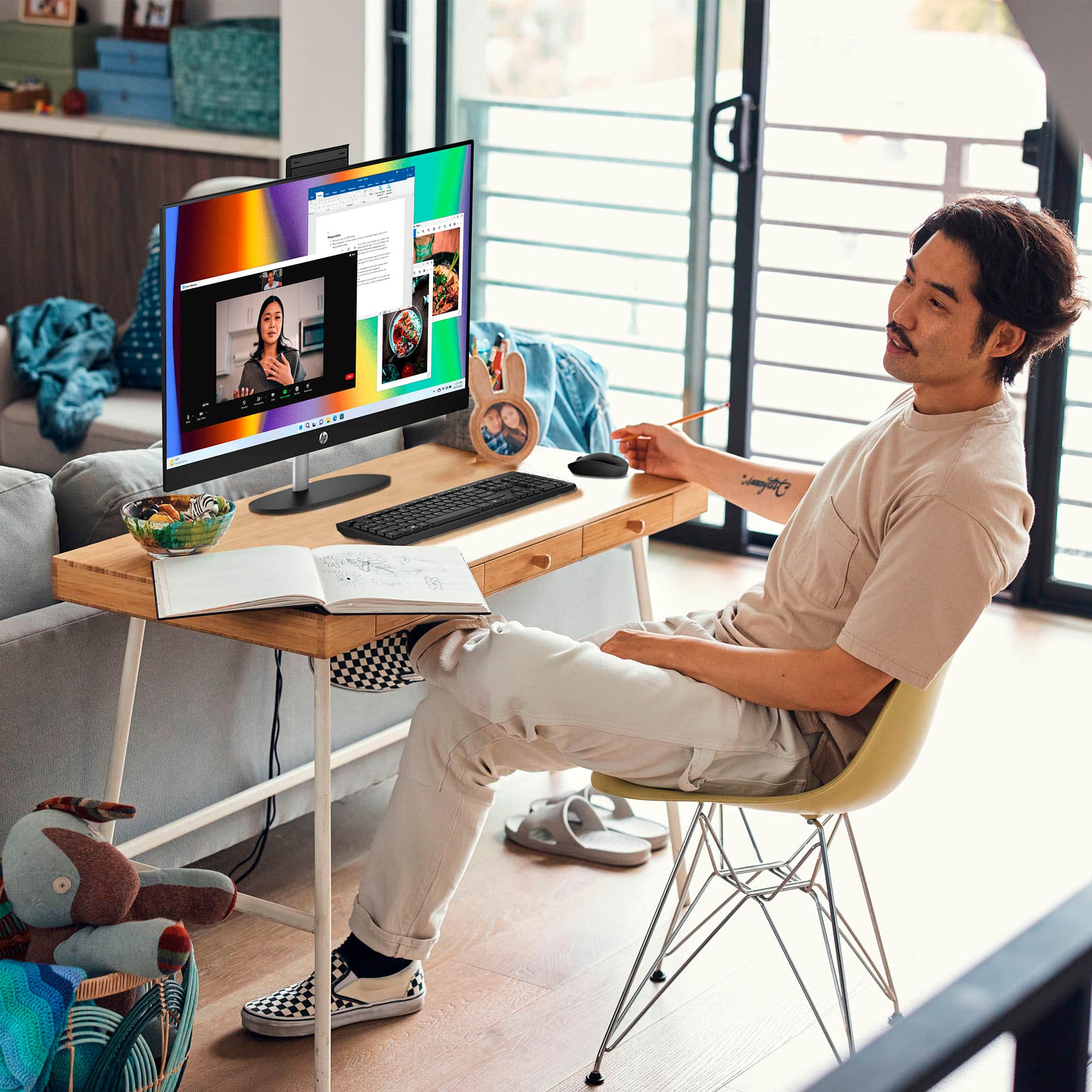
A:AnswerYes it does, it has a camera that you pull up at the top of the screen and then can conduct video calls. We have utilized this feature several times with family members out of the country.
A:AnswerHi Andrea, thanks for your question. This HP All-in-One will work with the current QuickBooks software that you can download. If you have older software that is on a disk, you would need to get an external USB disk drive to use it with this model.
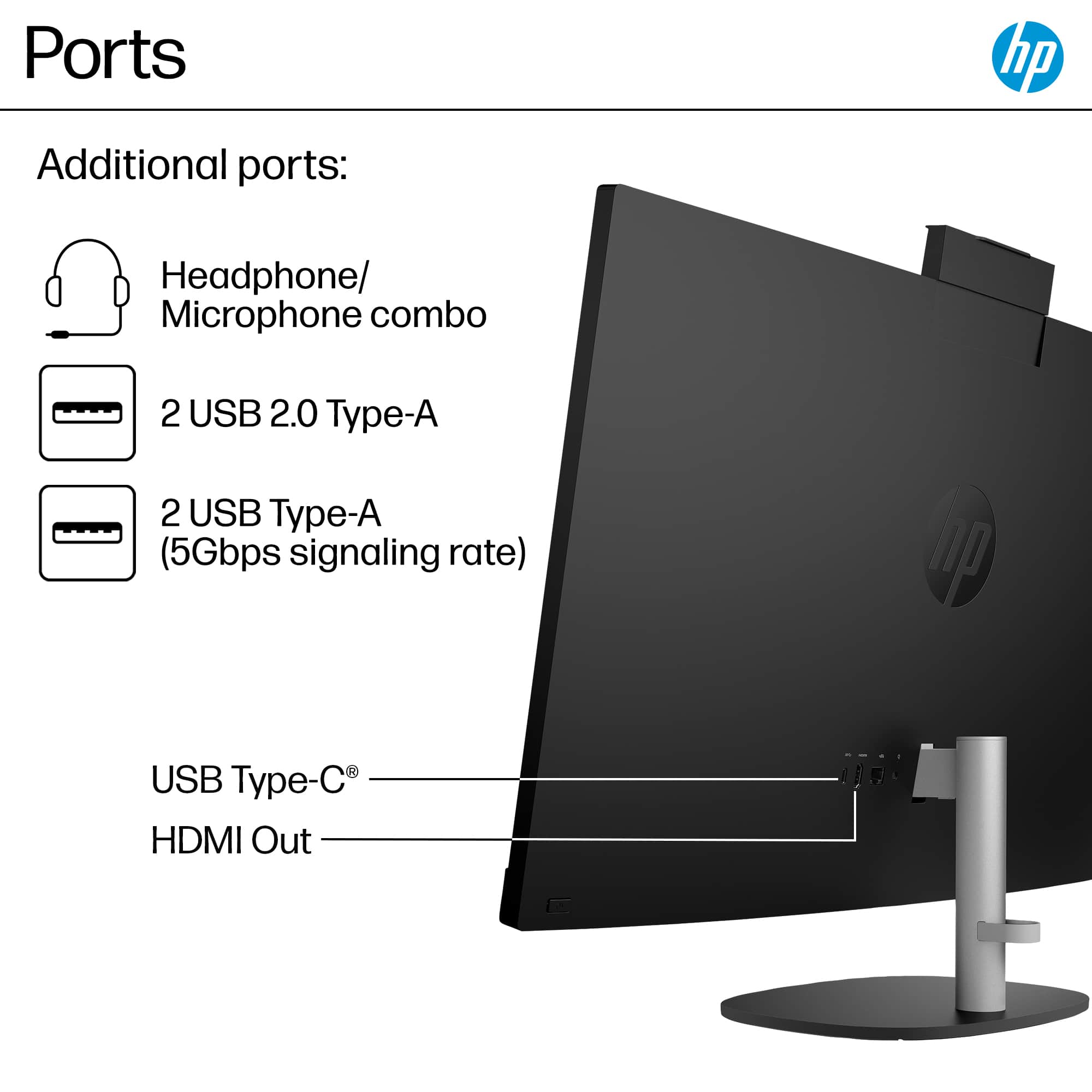
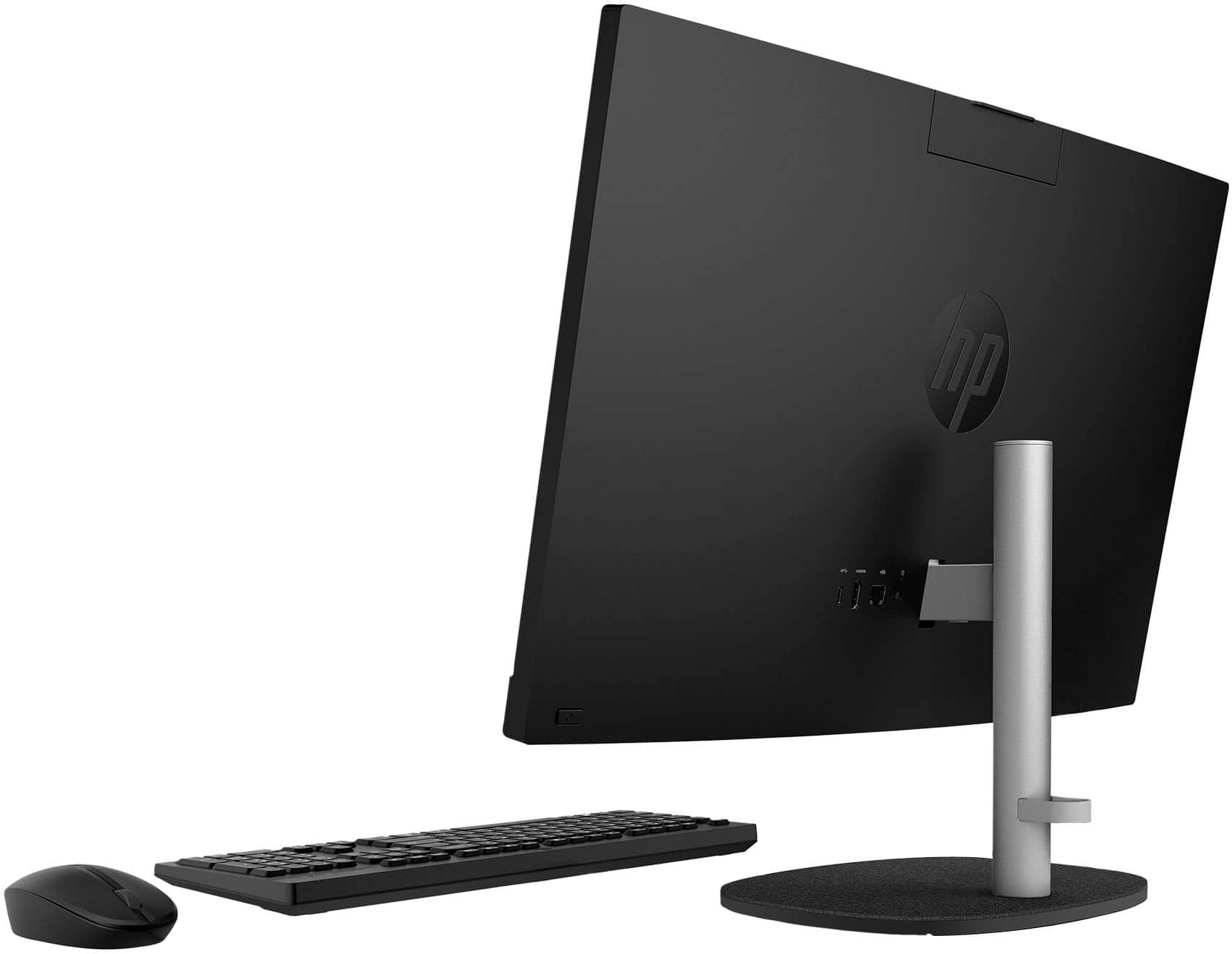
A:AnswerThis model only has an HDMI Out port to connect a second monitor. You would need a model with an HDMI In port to use the computer as a monitor for a game console. Some of the higher-end HP All-in-One models support this feature.
A:AnswerIt comes with one free for a certain period of time. You should always have virus protection. I transferred my subscription over to this computer so didn’t use their free subscription.