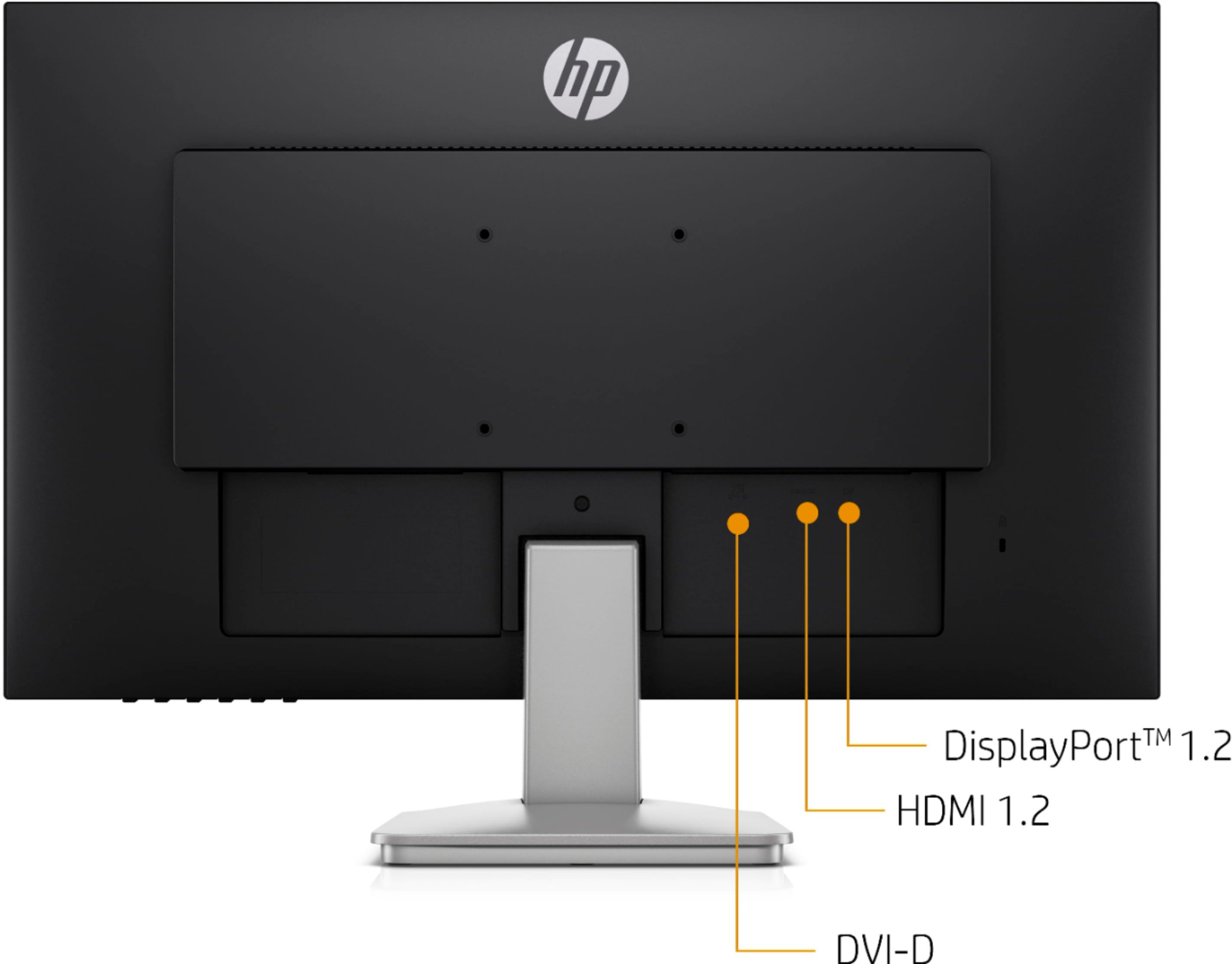
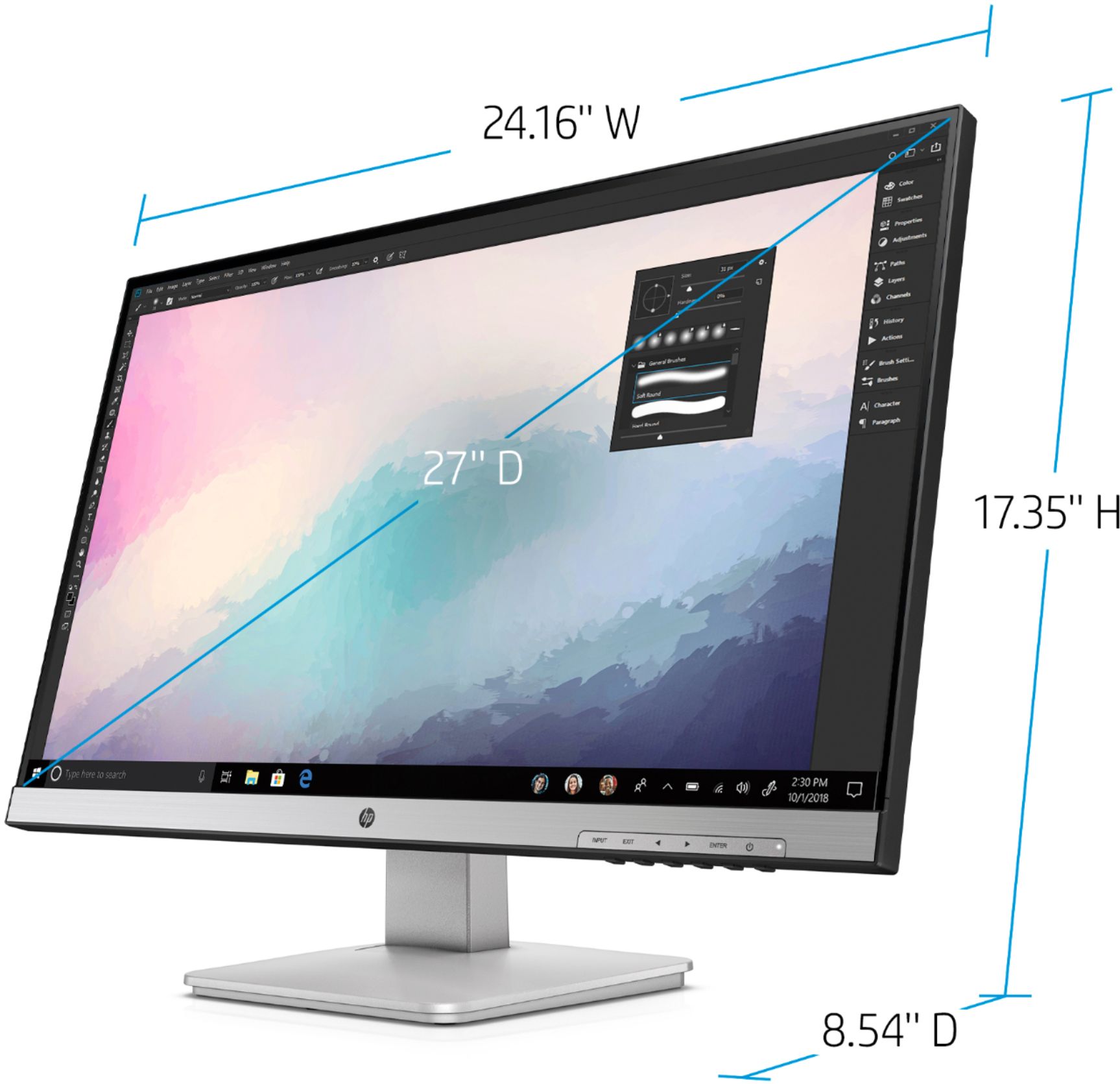
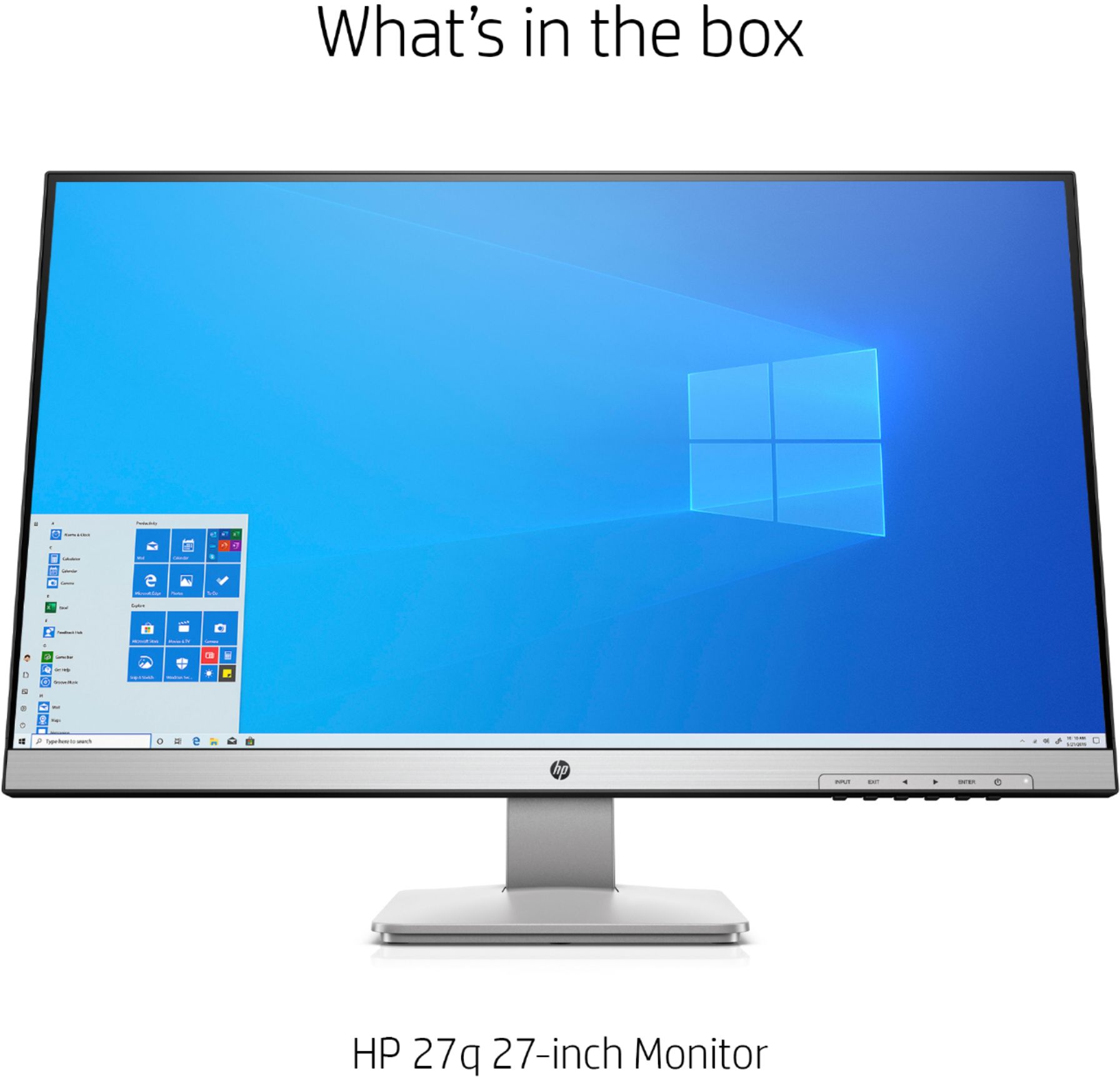
A:Answerif your macbook Air has any port from amongst, HDMI, Display or DVI-D yes it works. if not and you only have a USB-C port on macbook Air then just need a USB-C to HDMI adapter to connect this monitor to the laptop.
A:AnswerQuad High Definition. which means if 2k monitor with a resolution of 2560 × 1440 pixels in a 16:9 aspect ratio. Only higher resolution would be 4k monitors with 3840 x 2160p resolution.
A:AnswerNo, this monitor doesn't have an attached camera. If a camera is needed it is best to buy it separately and just mount it on the screen on use a tripod or other stand.
I hope this helps.
A:AnswerYes the monitor should work with a MacBook. Depending on which model your MacBook should have a mini display port or a USB C connector. The monitor has 1 DisplayPort™ 1.2; 1 DVI-D; 1 HDMI 1.4 (with HDCP support). You will need an adapter to get from your MacBook to the monitor. The maximum resolution for this monitor is QHD (2560 x 1440 @ 60 Hz). You will need to try different display settings on your mac to find which works the best. Here is a spec sheet for the HP 27q display. https://www8.hp.com/h20195/v2/getpdf.aspx/c06304908.pdf