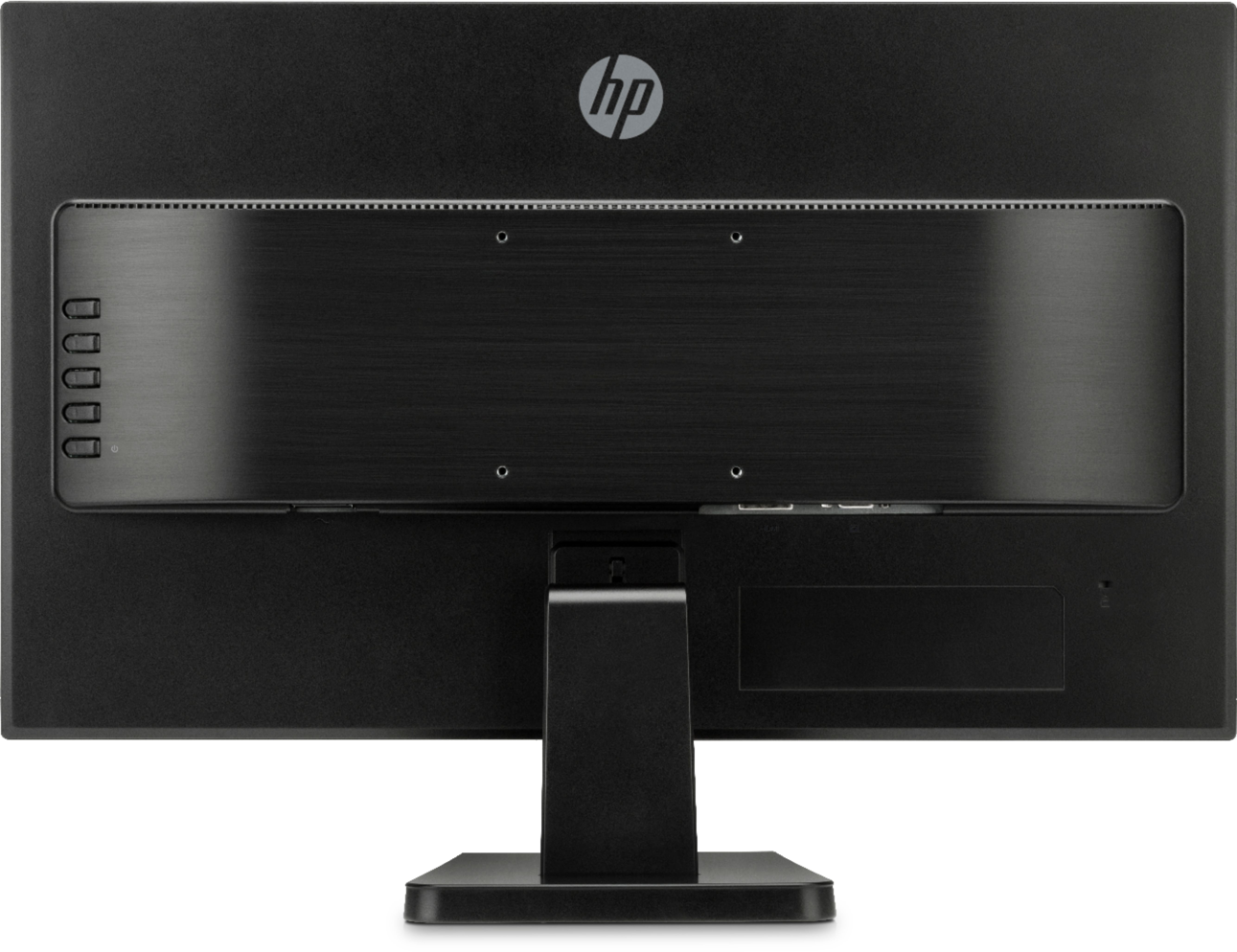
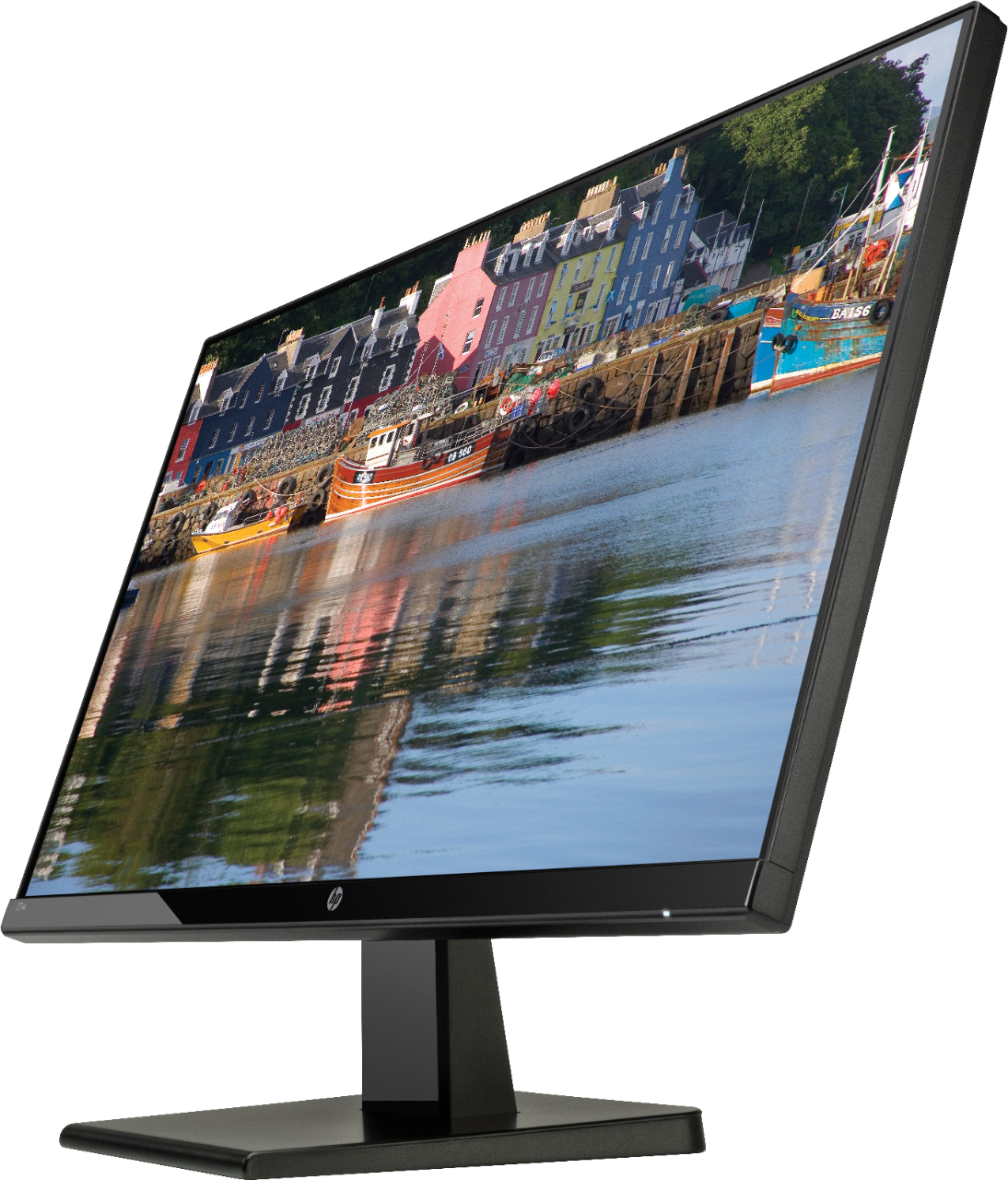
A:AnswerHi - The monitors are not made to hook up to each other. Your computer will need to have a second monitor port to connect the second monitor. If your computer does not have a second port, I believe there may be an adapter that you can use to hook a second monitor to your computer.
A:AnswerThis monitor is far too thin to have speakers. You would connect speakers directly to your PC or use a device to extract the audio from your HDMI input.
A:AnswerThe specs say 60 Hz but it is overclockable to 75 Hz by changing the settings in Windows. You also may need to download the display drivers from Hp's website.
A:AnswerThe specs say 60 Hz but it is overclockable to 75 Hz by changing the settings in Windows. You also may need to download the display drivers from Hp's website.
A:AnswerThe specs say 60 Hz but it is overclockable to 75 Hz by changing the monitor settings in Windows. You also may need to download the specific display drivers from Hp's website.