Questions & Answers
- Model:
- m34d
- |
- SKU:
- 6478136
Highly rated by customers for: Screen Size, USB-C
Page Showing 1-13 of 13 questions
Q: QuestionCan I connect to two devices simultaneously?
Asked by LaGuera.
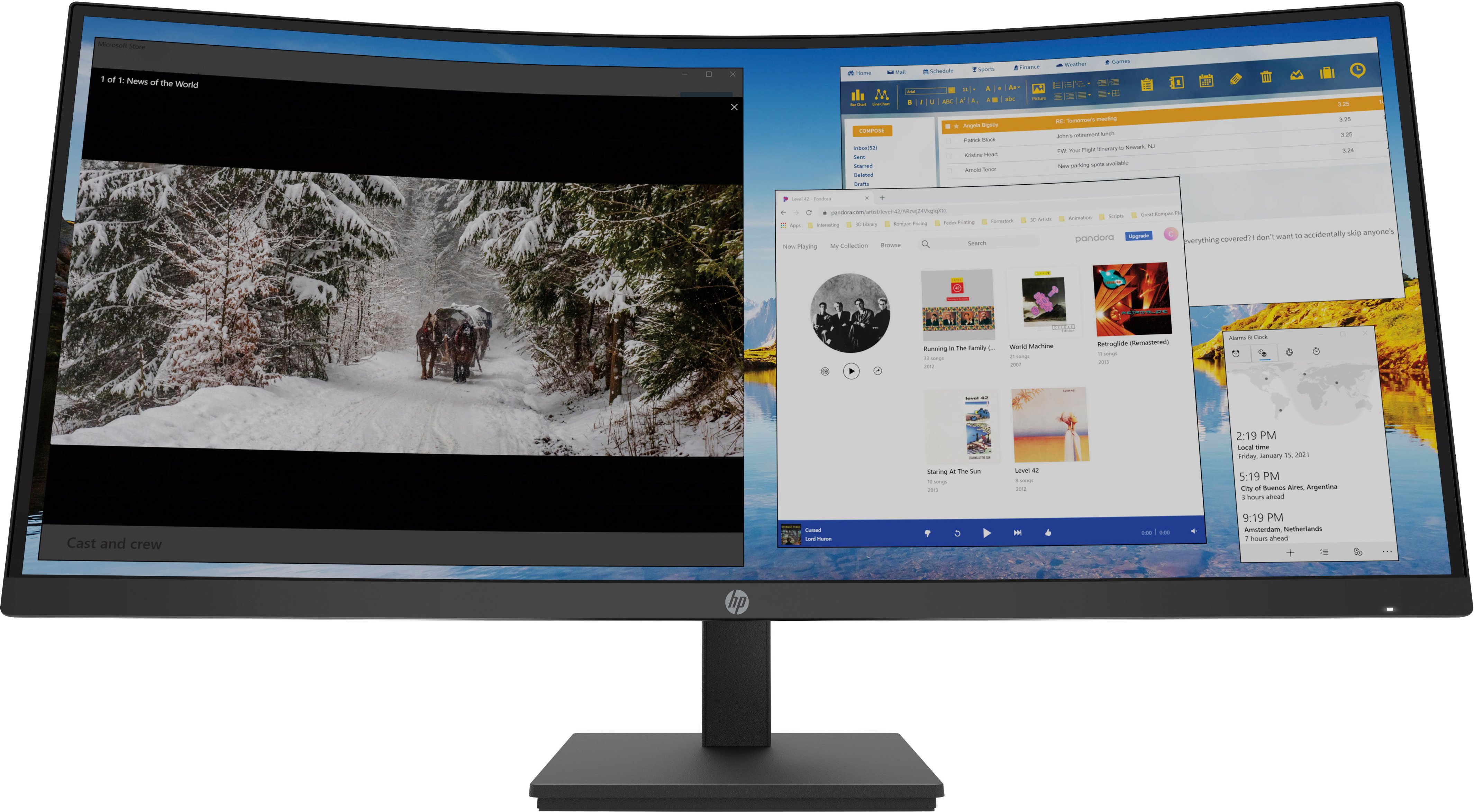
- A:Answer Yes, you can. The monitor has picture-by-picture capability, so it can display images from two different sources simultaneously.
Answered by HP Team

Q: QuestionDoes this monitor have Freesync?
Asked by Zero7159.
- A:Answer Hello. Thanks for your question. This HP M34d WQHD Curved Monitor does not have Freesync.
Answered by HP Team

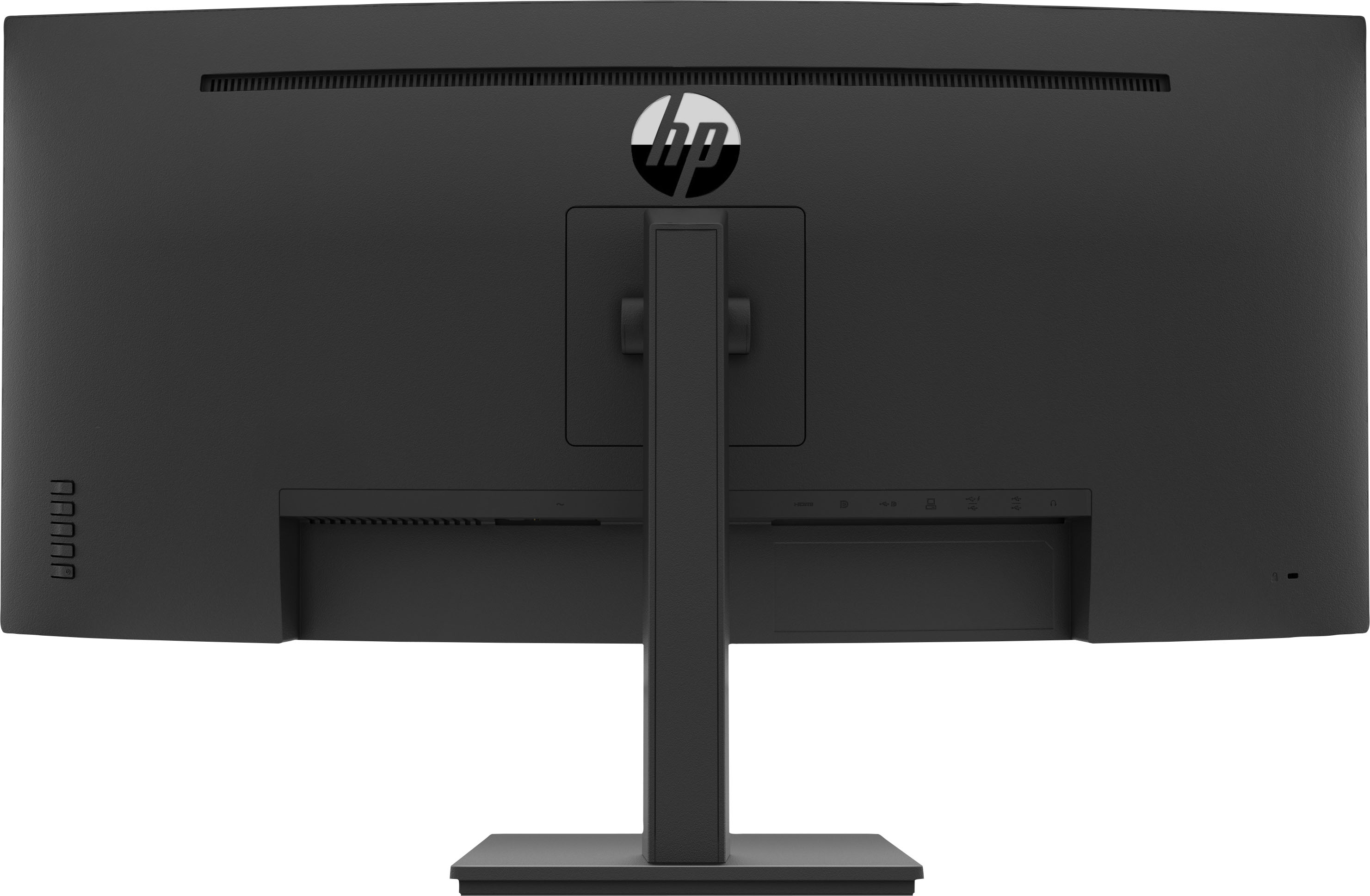
Q: QuestionHow do you connect a MacBook Air to this monitor? I was told in a chat before purchase that it would work with both my window and Macbook air, but the MacBook Air is having issues connecting.
Asked by deweytate469.
- A:Answer Depending on what video outputs your MacBook Air has you should be able to connect it with an HDMI, DisplayPort, or USB-C cable. You may also need to press a key combination to tell the computer to send video to the video output. If you're still having problems, your best option would be to contact the Apple support team directly so they can troubleshoot the issue in real time.
Answered by HP Team

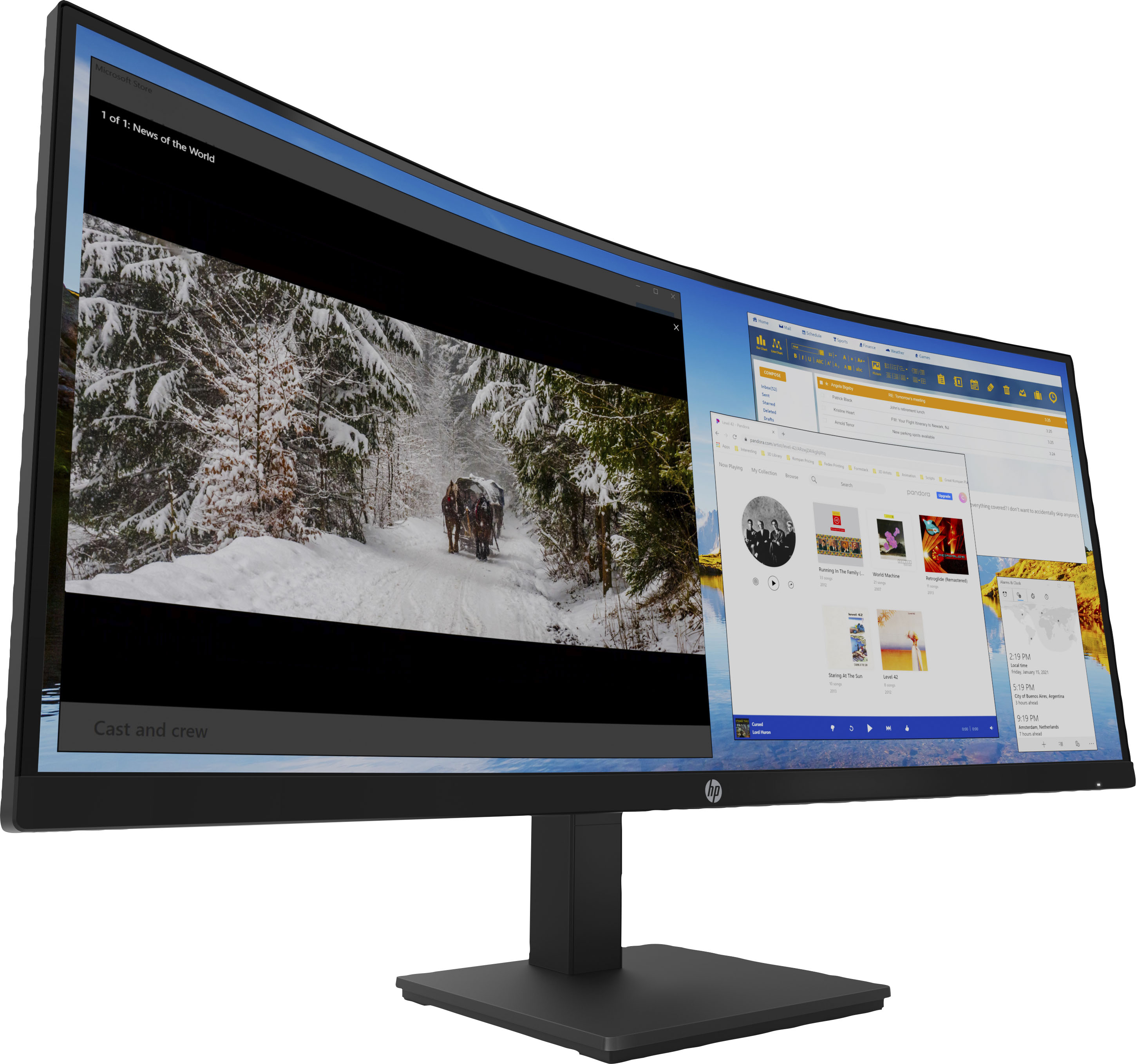
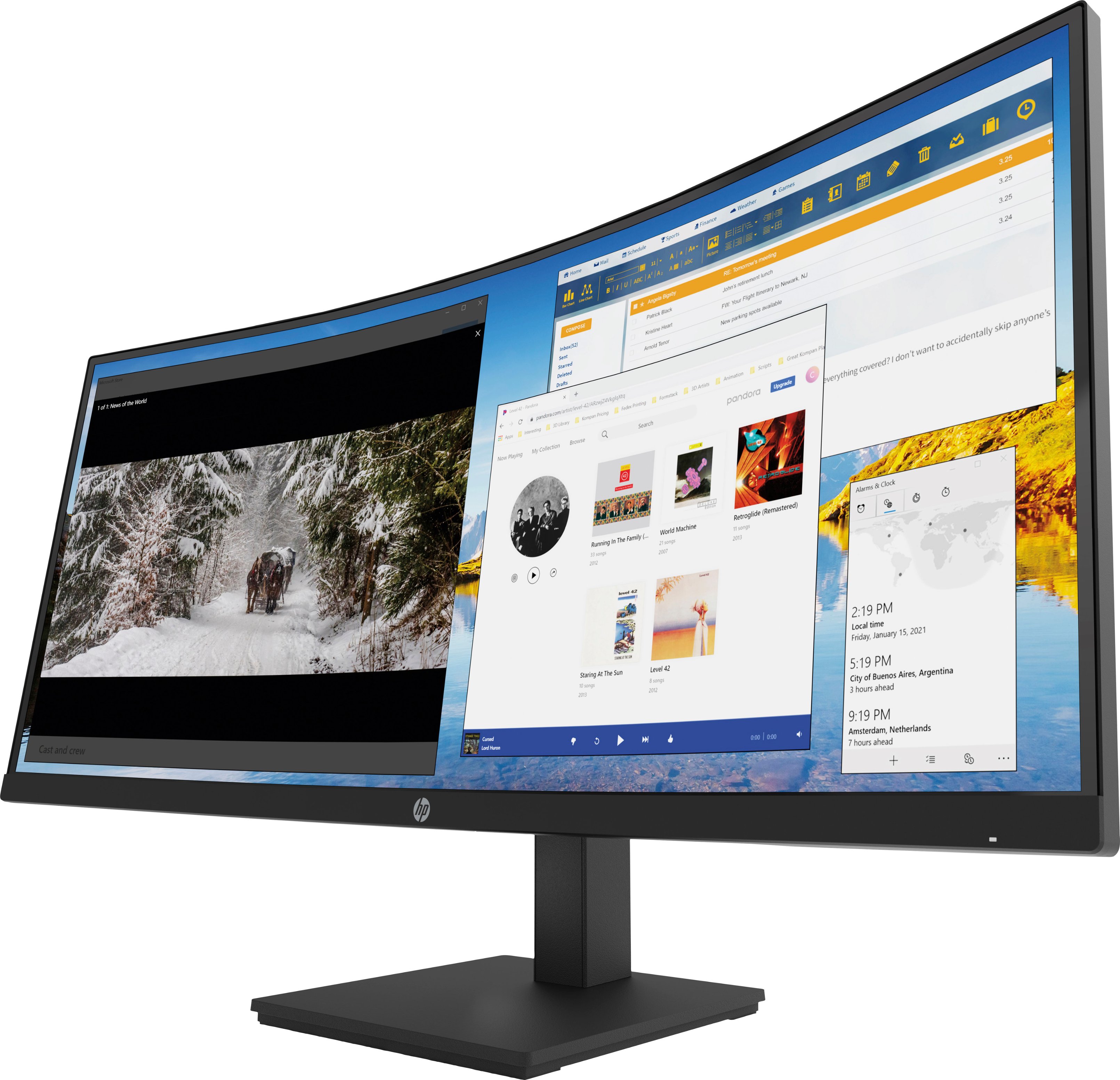
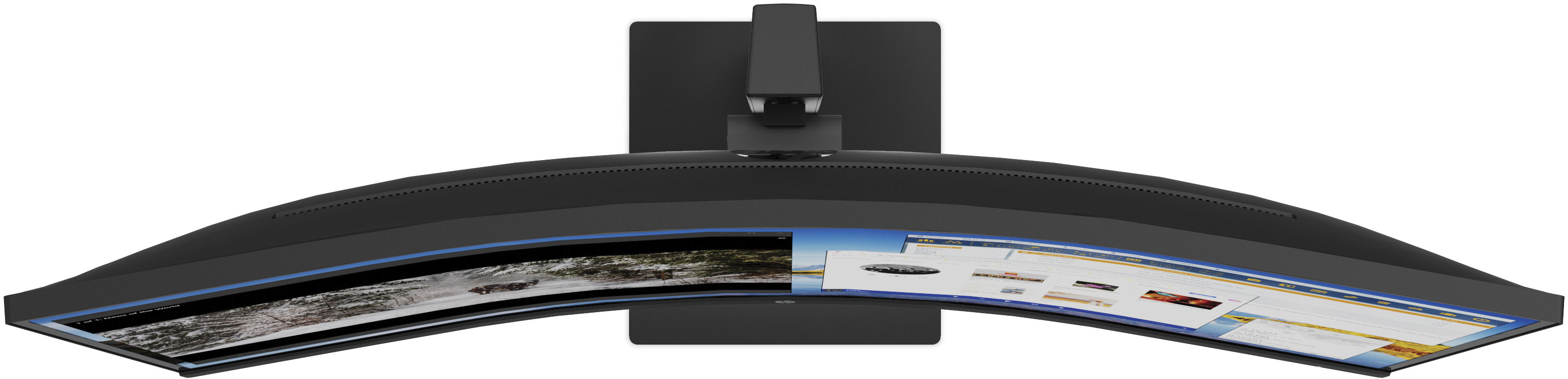
Q: QuestionWhat's the curvature rating ? 1000R?
Asked by me.
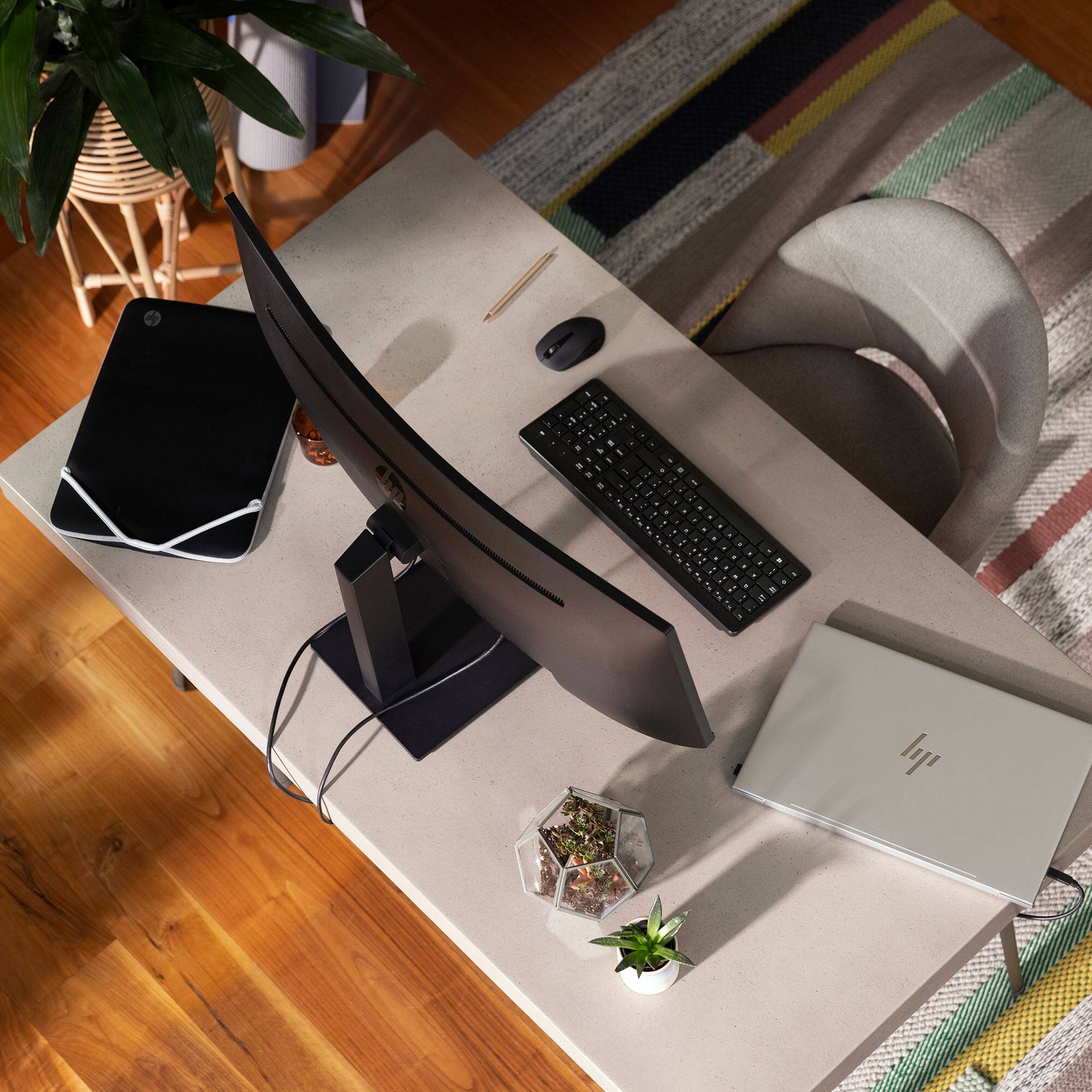
- A:Answer Hello. Thanks for your question. The curvature is 1500R.
Answered by HP Team

Q: QuestionI have a Dell laptop. Will I be able to connect to this and be compatible?
Asked by Anonymous.
- A:Answer This monitor will connect to a laptop with either an HDMI port or USB type C port. If you do not have either of these ports you can get an adapter and still connect it to your laptop.
Answered by HP Team

Q: QuestionChromebook compatibility?
Asked by kn226.
- A:Answer Im not sure but I would think if it has a compatible output cable moniter to input cable on the video card on the chromebook if it have an input on the video card it wont work without streaming. I believe you just need the right cables and maybe an end piece that converts the cable. The output and input has to be on the video cards to make it work.
Answered by Crystalredraven
Q: QuestionDoes this monitor support NVIDIA G-sync ?
Asked by Anonymous.
- A:Answer Hello, yes, the HP LED Curved WQHD monitor supports VESA's DisplayPort 1.2 which is a protocol required for G-Sync capability. Best Buy allows 14 days to use the device and if you are not satisfied with the performance, you can exchange or return it within that time period. Thank you for being an HP customer!
Answered by HP Team

Q: QuestionWill this monitor work with the new iMac?
Asked by Anonymous.
- A:Answer Thank you for the question. Yes, you can connect this monitor to iMac via DisplayPort.
Answered by HP Team

Q: Questionis this monitor wall mountable?
Asked by jwad.
- A:Answer Yes according to best buys website I have been considering mounting mine but I have a hollow wall were it is currently I'd have to move my whole desk setup what a pain.
Answered by Crystalredraven
Q: QuestionCan you run ethernet through this monitor?
Asked by Customer.
- A:Answer Not a 100% sure but I dont think so I don't see any ethernet plug on it. But you could check best buys website under specs and it should tell you what it has but I can't remember what it says anymore.
Answered by Crystalredraven
Q: QuestionDoes this monitor have a glossy or matte screen?
Asked by GB12.
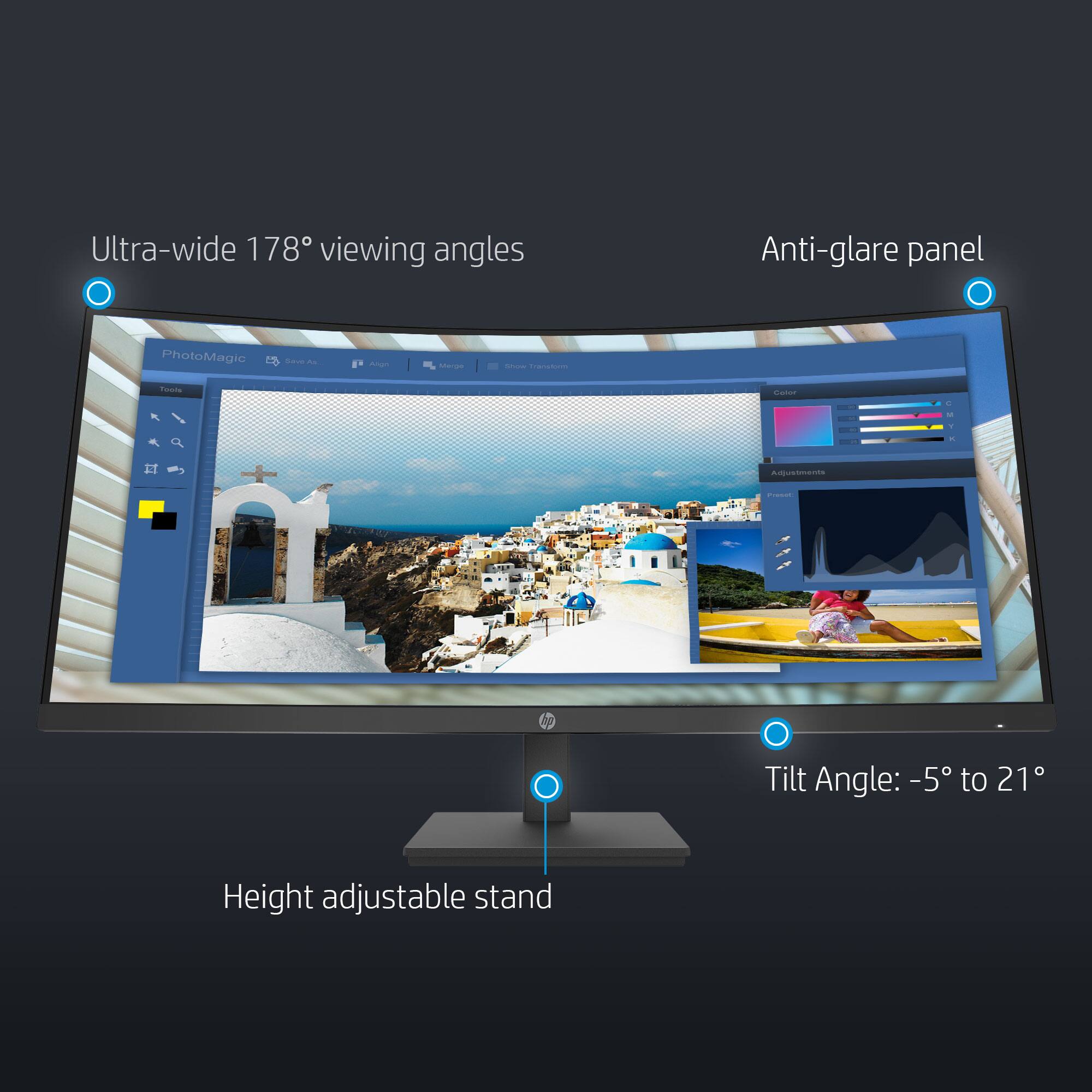
- A:Answer It has a matte screen.
Answered by HP Team

Page 1, Showing 1-13 of 13 questions
Top Rated
- Ultimate Deal$299.00$299.00
- $329.99$329.99The price was $469.99
- Ultimate Deal$299.00$299.00
- Ultimate Deal$1,099.99$1,099.99
- Ultimate Deal$299.99$299.99