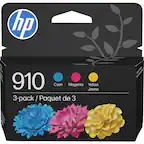
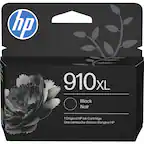
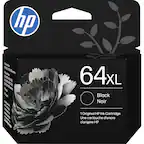
A:AnswerThank you for asking. The HP OfficeJet Pro 8035e accepts HP 910 and 910XL (higher yield) cartridges. Additionally, this model is Instant Ink capable, for easy ink replacement delivered to you with a cost savings of about 50%. Learn more about Instant Ink here: https://instantink.hpconnected.com/us/en/l/
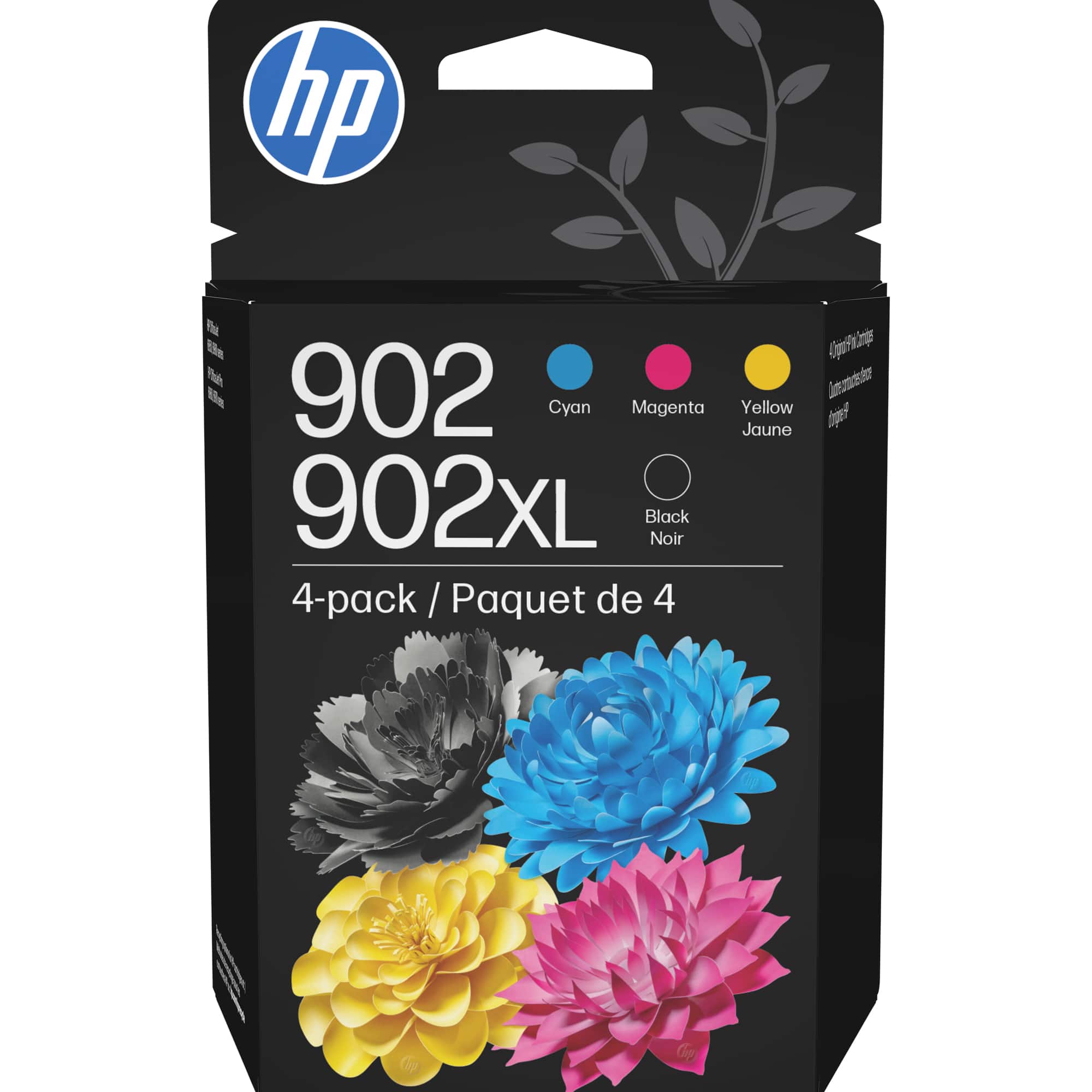
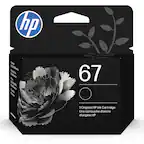
A:AnswerNO, HP 67 INK DOES NOT WORK ON HP OFFICEJET PRO 6968-ACCORDING TO HP GUIDELINES-4 DIFFERENT CARTRIDGES SHOULD BE INSTALLED IN YOUR PRINTER,EVEN IF YOU WANT TO PRINT BLACK & WHITE(HP 902 & HP 906)
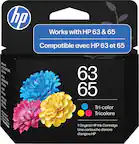
A:AnswerNo it doesn't, you''ll need ink #65 for that.
You can go to https://store.hp.com/us/en/cat/ink--toner---paper?jumpid=ma_home_bar_na_2_191201 and look for your printer type for compatible inks.
A:AnswerYes it came with both black snd color cartridges but they are introductory cartridges.. There are Two cartridges black snd multi color. Easy to install and very clear and neat printing
A:AnswerThe HP 57 inks are still made. I can't find them on the Best Buy website either. You can google "HP 57 Ink" to find sources for the HP 57 ink. Most printers using this ink cartridge would be 10 years old or more, so you may wish to look at a new printer. Newer printer models use updated ink technology for more efficient, quality-guaranteed prints and have more capability and features.