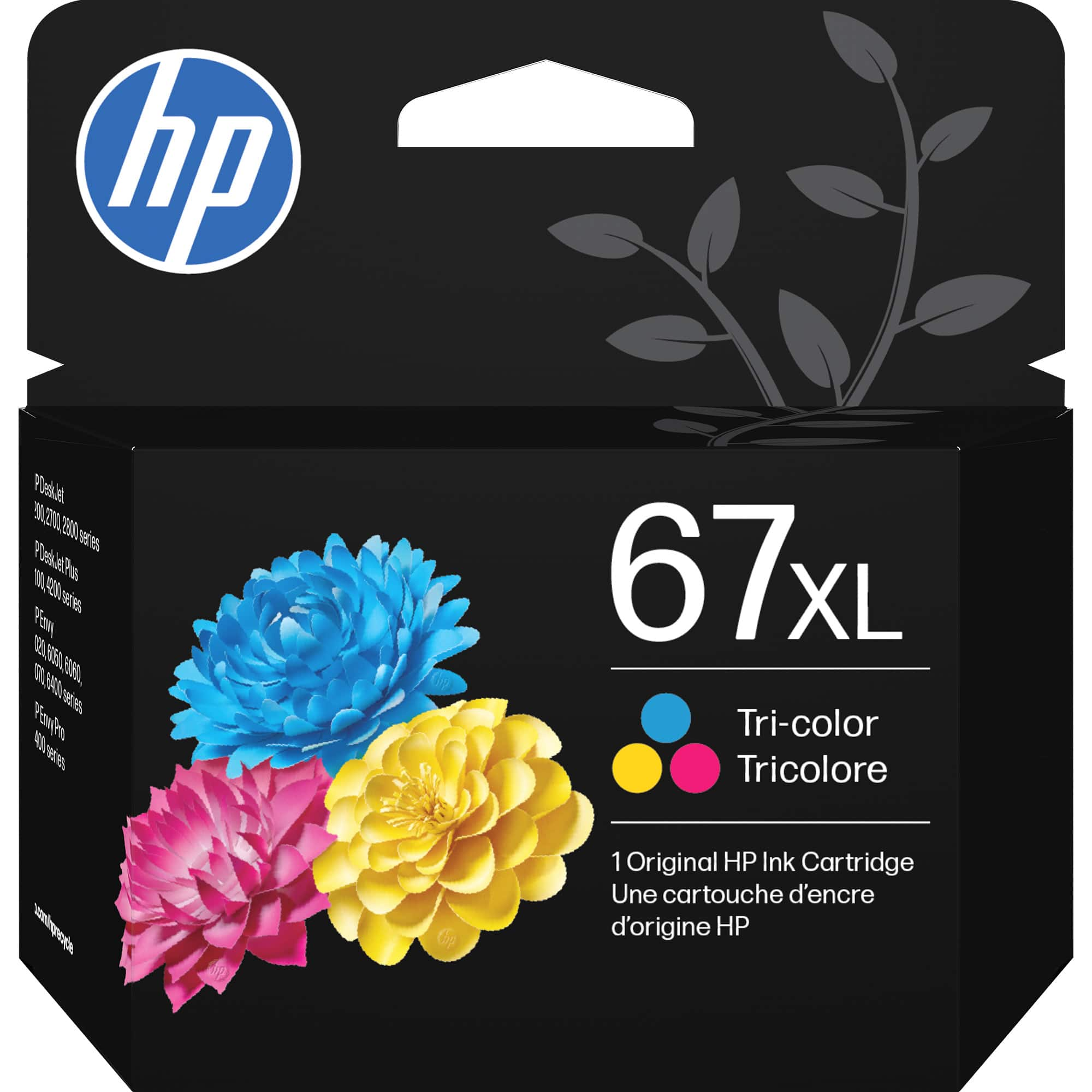
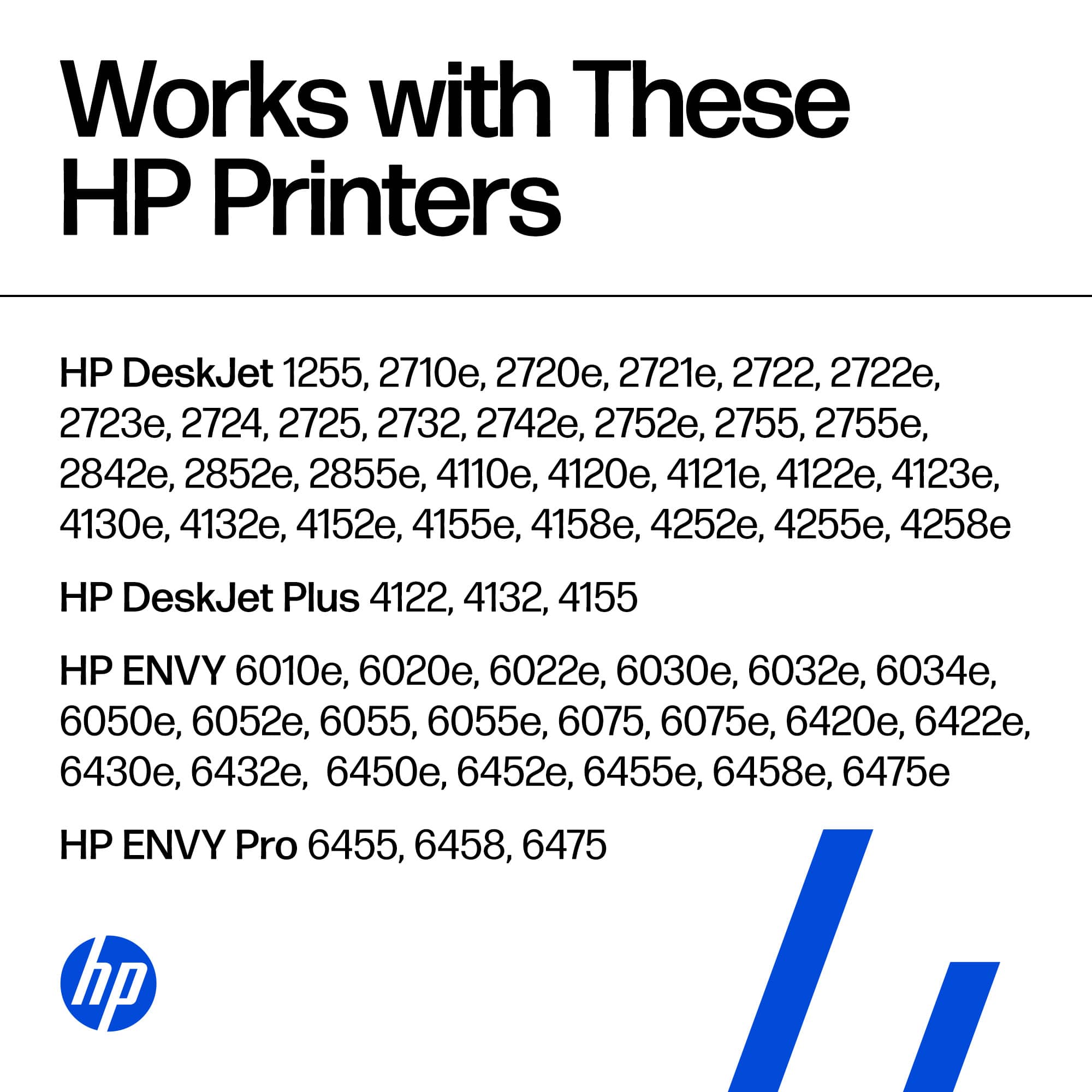
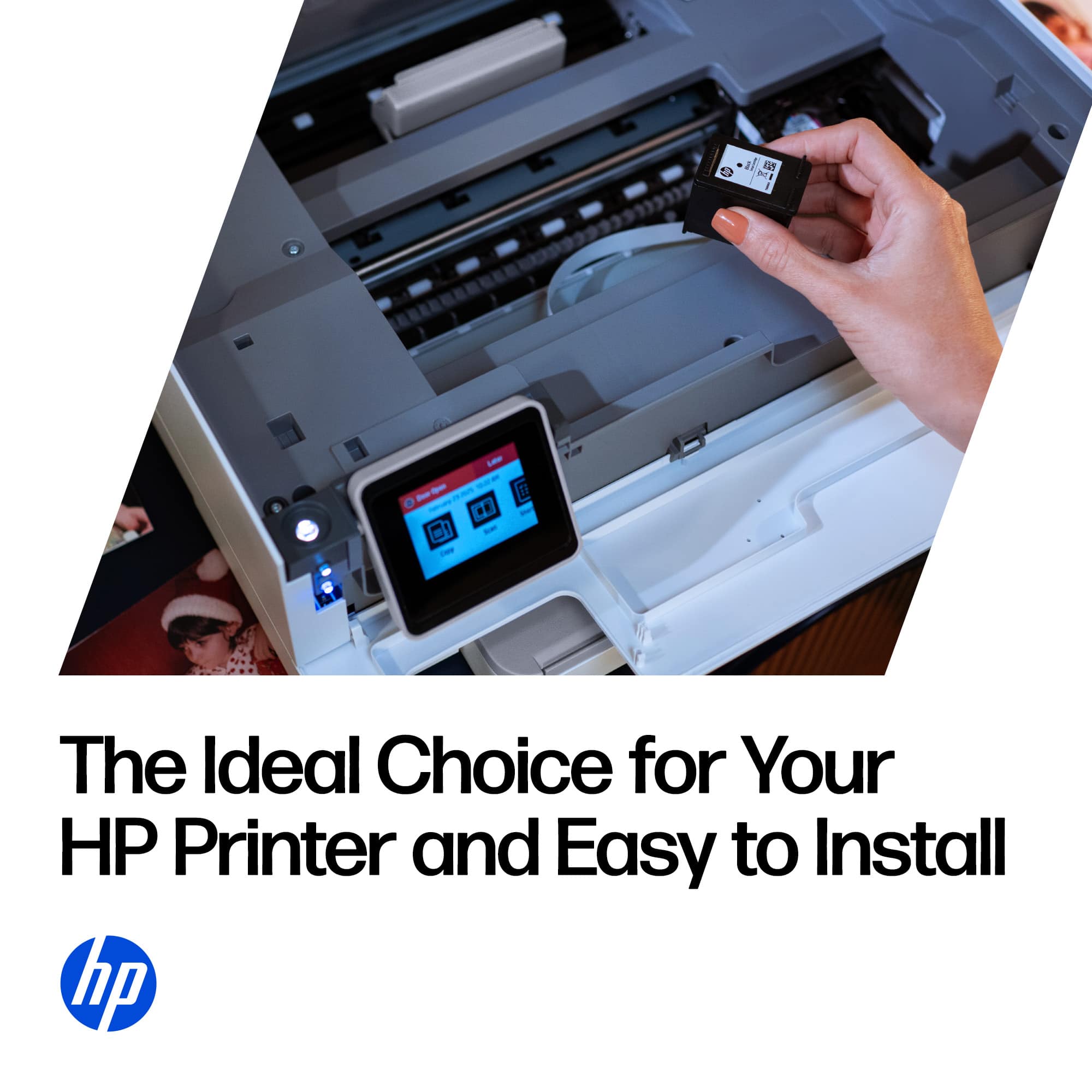
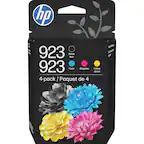
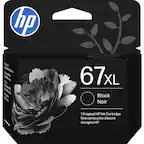
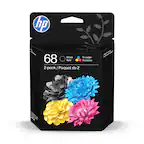
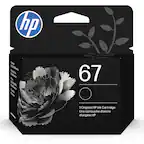
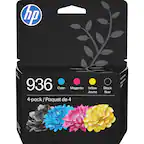
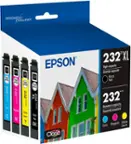
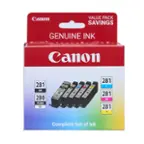
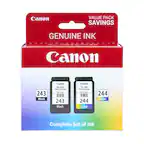
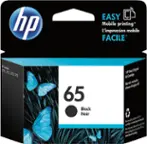
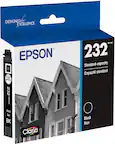
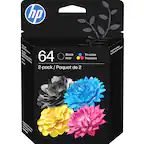
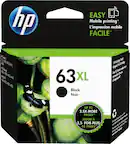
A:Answerlook where the paper comes out you will see the cartridge access door. pull it open and you will see the old cartridges. put slight pressure on back end of cartridges and they will unsnap allowing you to pull back and lift them out. To install new cartridges, remove the protective tape being careful not to touch contact surfaces. drop cartridges in and push forward till you hear them click into place. Close access door and you are good to go following prompts from your printer. Hope this helps
A:AnswerThere’s no way these ink cartridges give 200 pages. The current one didn’t last 8 weeks and gave maybe 30 pages… so full of you-know-what. We’ve had our printer for 2-3 years now and I’m buying ink every 2-3 months and we print something weekly, but it’s never even close to 100 pages, let alone 200. I write the date I open each cartridge on the package and keep it until it needs replacing to keep track.