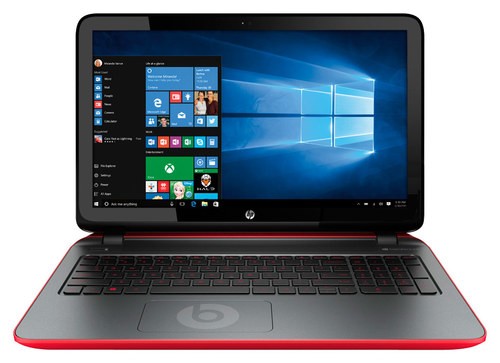
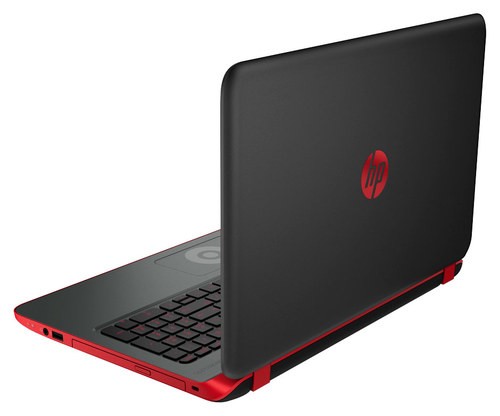
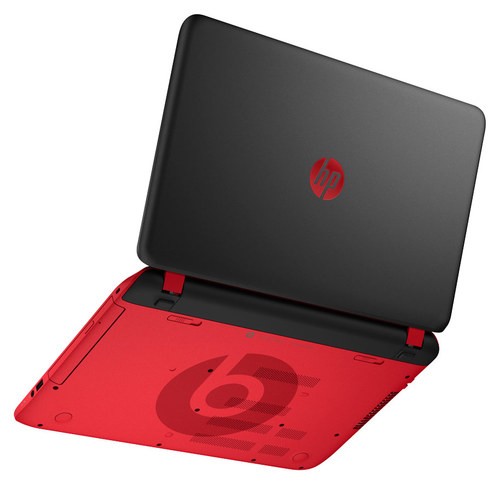
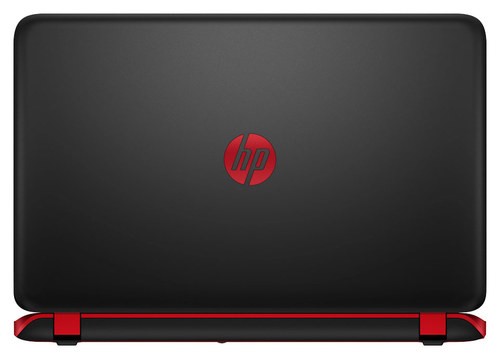
A:AnswerIt's made of a plastic material but very durable. My two younger sisters, both under 12 years old, have knocked it off the counter onto a hardwood floor multiple times and it still works!
A:AnswerI couldn't tell you the specific charger you would need. But it's highly recommended to buy the charger made for the specific laptop you're using because of the way the laptop responds to the battery. If it doesn't have a high enough voltage, it may not properly transfer energy which could in the long run ruin the battery.
A:AnswerGreat question. This laptop gets up to 4.75 hours of battery life.
For more details about this laptop, please visit the following link: http://support.hp.com/us-en/document/c04790121
I hope this helps.
A:AnswerGood question. This laptop does not have a 1080p resolution. It has a resolution of 1366x768.
For more details on this laptop, please visit the following link: http://www.bookstore.moreheadstate.edu/SiteImages/36-SchoolImages/36-v2/36-pdfs/36-hp-p390nr.pdf
I hope this helps.
A:AnswerGreat question. This laptop has BeatsAudio dual speakers with a subwoofer.
For more specifications on this laptop, please visit the following link: http://support.hp.com/us-en/document/c04790121
I hope this helps.
A:AnswerYes, it has backlit Keys that glow red. Look across the very top of the keyboard and on the left is a * * * ------- looking key, use that key and the function key to turn off or on.