Questions & Answers
- Model:
- B5L24A#BGJ
- |
- SKU:
- 4949017
Highly rated by customers for: Print Speed, Reliability, Ease of use
Page Showing 21-28 of 28 questions
Q: Questionwill this printer print 11x17?
Asked by BRW279.
- A:Answer Thank you for reaching out. This model does not have 11x17 wide format print capability.
Answered by HP Team

Q: QuestionHi, Can someone tell me what kind of usb cord I would need for an iMac desktop computer?
Asked by Anonymous.
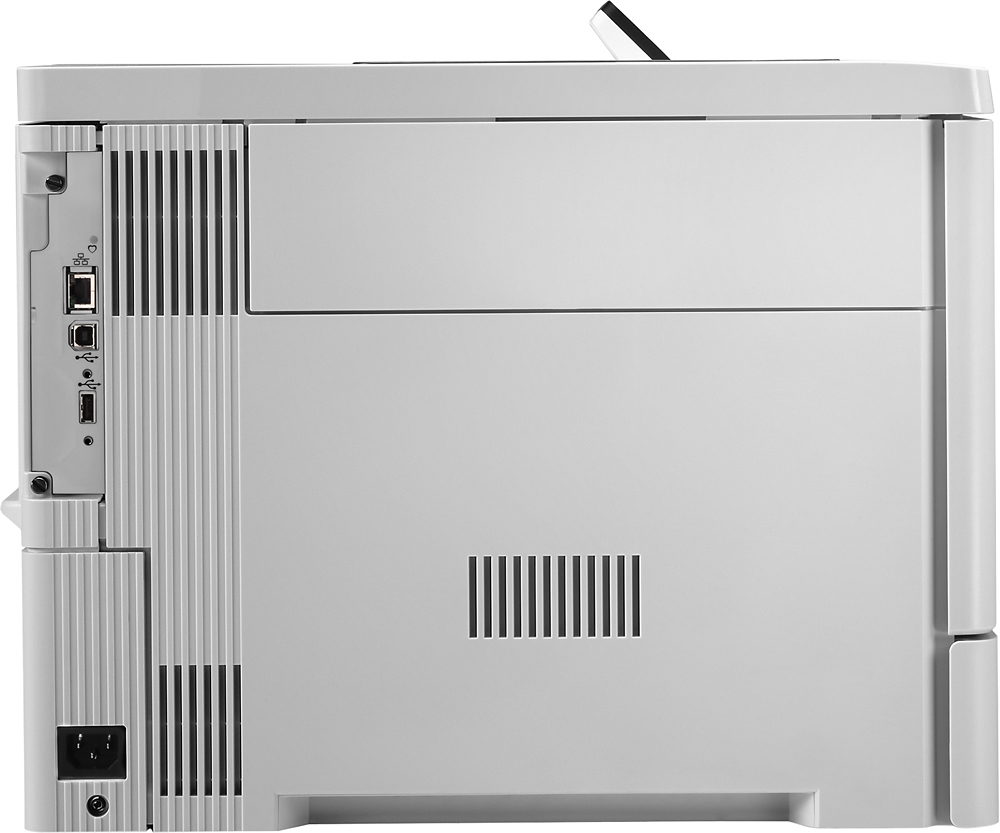
- A:Answer This product is compatible with a standard USB cord, or USB 2.0.
Answered by CommunityAnswer
Q: QuestionIs this printer compatible with my macOS Sierra, Version 10.12.1
Asked by vigilante317.
- A:Answer Yes, is working perfectly well with MacOS Sierra. There seems to be an issue with Landscape printing though. They say they are working on it.
Answered by frankL
Q: QuestionDoes the HP Color LaserJet M553n printer use or require an imaging drum (in addition to the toner cartridges)? Thanks!
Asked by Curious.
- A:Answer No, it does not require an image drum.
Answered by CMac
Q: QuestionThe specs from this printer in HP.com shows that has a printing resolution of "HP ImageREt 3600" (equivalent to 600 x 600) but you advertise it as 1200x1200 dpi. Is there anything different or who is erroneous?
Asked by Undercover.
- A:Answer Thanks for your question! Our HP Color LaserJet Enterprise M553n will have a 1200x1200 DPI print when printing fine lines or text.
Answered by HP Team

Q: QuestionI just want to make sure this printer will take legal size paper. Is there a manual feed tray that can accommodate unusual size and types of papers other than standard letter and legal? I will be printing transparencies, thicker and thinner papers.
Asked by Anonymous.
- A:Answer Yes... Tray 1 is the multipurpose tray (aka manual media tray)...
Answered by BBQ196
Q: QuestionHow does this printer transition from letter size to legal size in a document. I'm going to be printing mortgage loan documents and sizes vary within the project?
Asked by sherry.
- A:Answer Sherry, I used to deal with mortgage documents too and am familiar with the standard vs legal issue. While you can change the drawer to accommodate legal size paper when you need it, you'll find this tedious and will probably find it more convenient to print it all on legal size paper. I think you would need a printer with multiple trays to accommodate bot sizes. Good luck.
Answered by pixelpal
Page 2, Showing 21-28 of 28 questions
Top Rated
- Tech Fest Deal$99.99