A:AnswerThe price varies, for example, the 5055 was on sale when you posted this question some days ago. Now it is not on sale. The Envy 5055 can be found here: https://www.bestbuy.com/site/hp-envy-5055-all-in-one-instant-ink-ready-printer/6191401.p?skuId=6191401 There is also the OfficeJet 5255: https://www.bestbuy.com/site/hp-officejet-5255-all-in-one-instant-ink-ready-printer/6191400.p?skuId=6191400
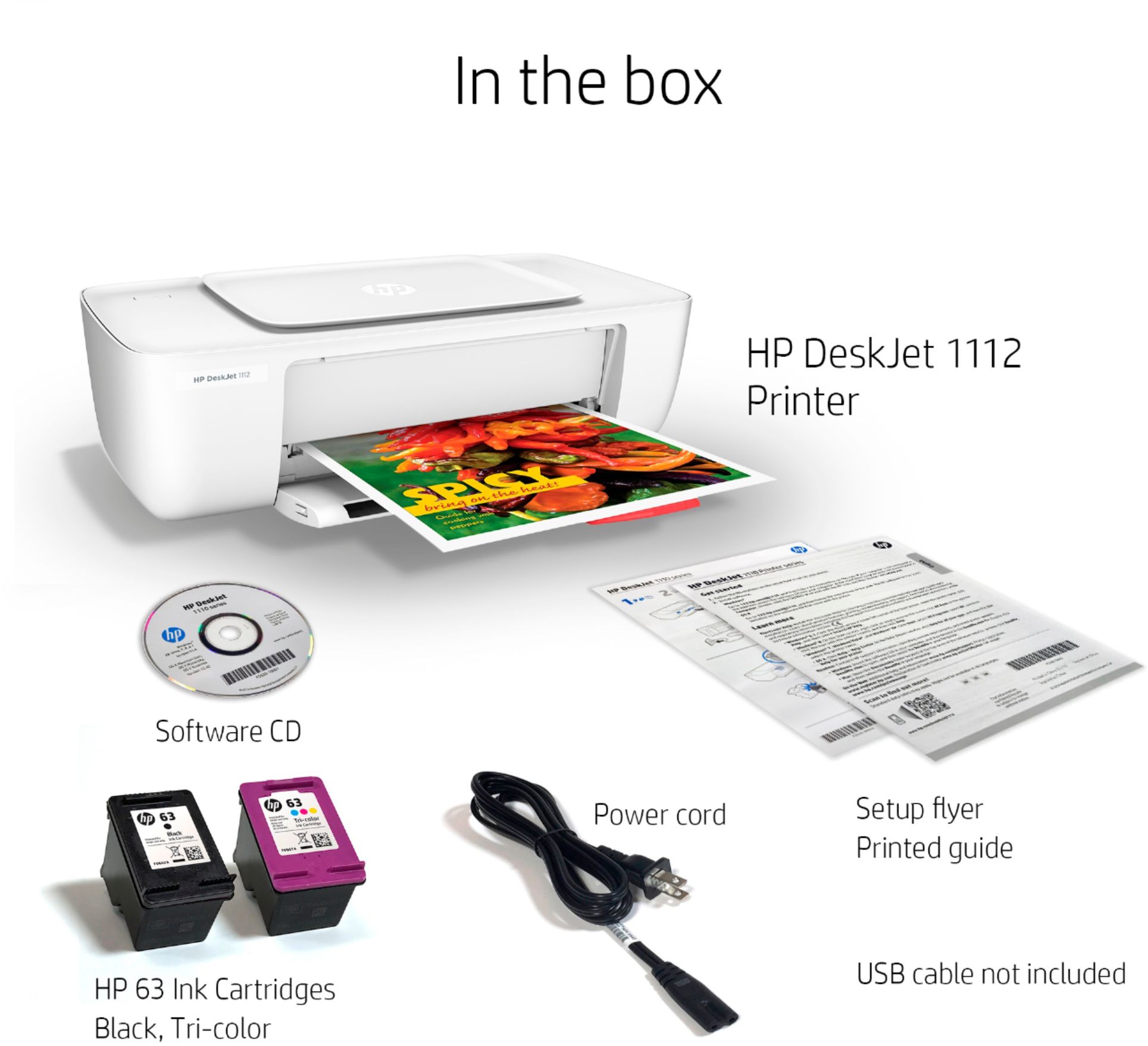
A:AnswerThe ink is the HP 63 ink which is very affordable for both the black and the color and the yield is around 250 pages. I would also check out the Envy 5055 as well. It is a few models up and adds copy, scan and the ability to print with only one of the inks installed. The set up is easier as well.
A:AnswerYou would need a printer with Wireless or Networking capabilities. This printer can only connect wired to a PC or Mac. It would not work with an iPhone. Check out our Deskjet 3722 or Envy 5055 models.
A:AnswerThe person you spoke to may have been mistaken as chromebooks will not print like a standard computer, they need Google Cloud Print. In order to use Cloud Printing the printer needs to connect to a network. This printer does not have networking capabilities. Our 3000 deskjet series and all our OfficeJet and Envy models will work.
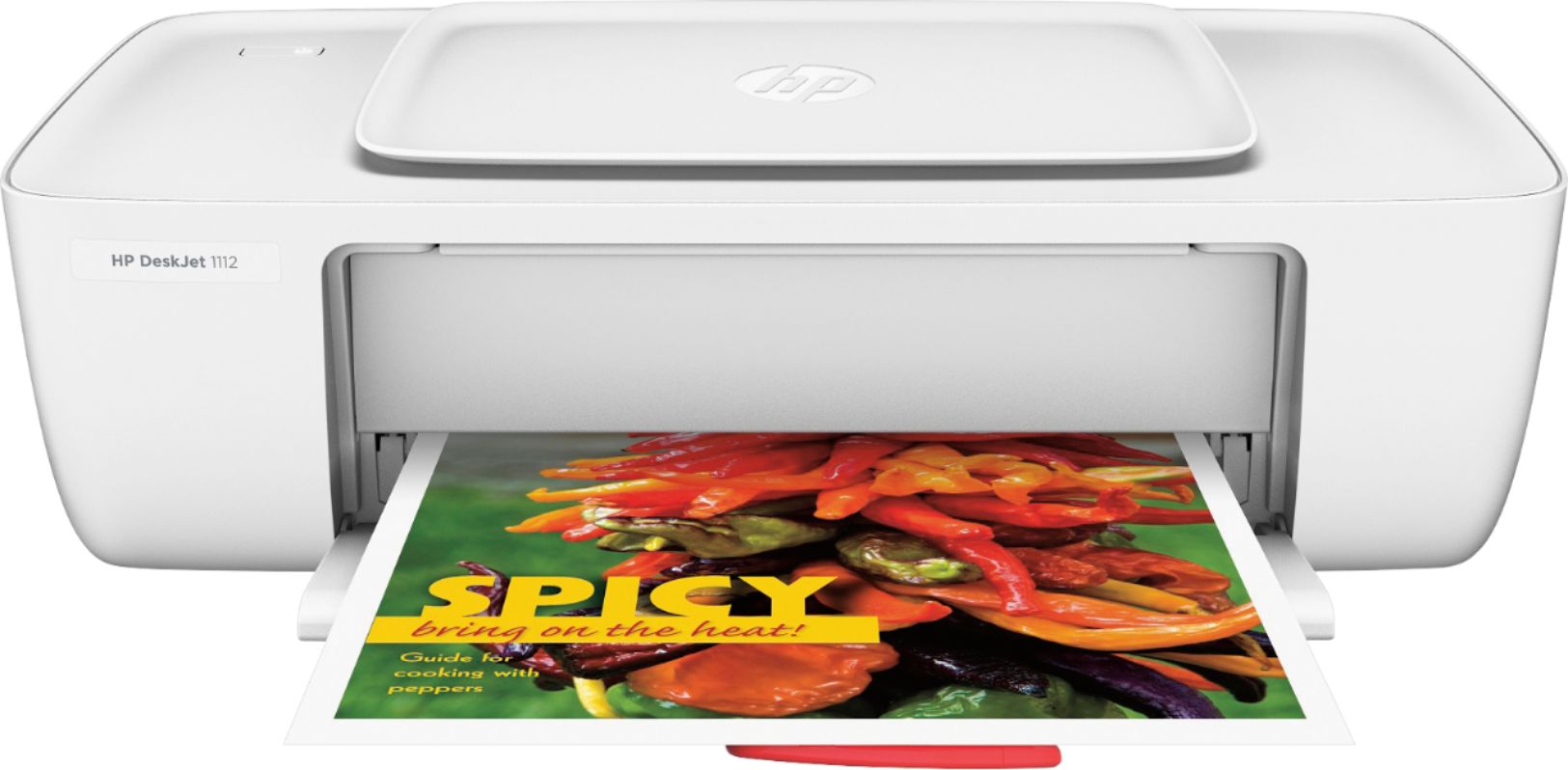
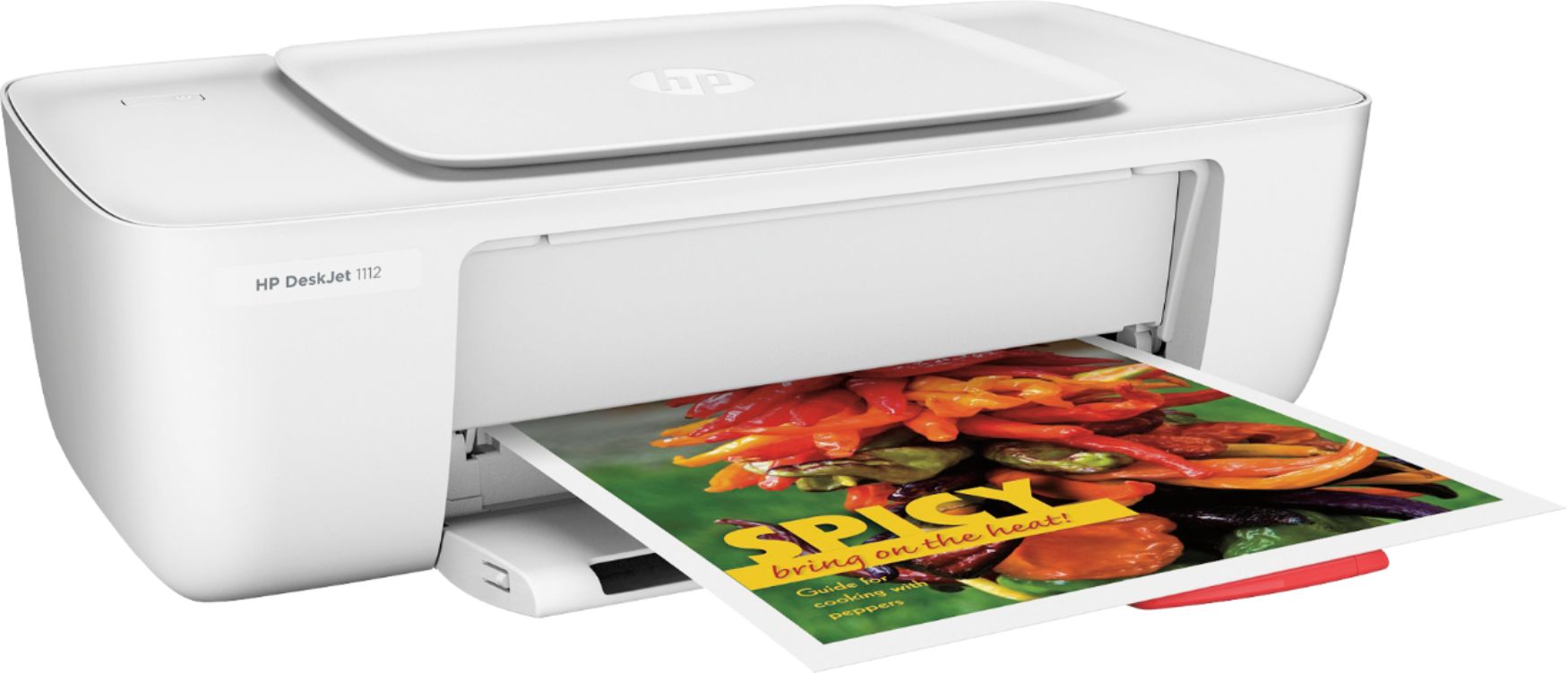
A:AnswerYes, the 1110 and 1112 are the same series of printers, and use the same ink cartridges. For the USB cable, you need a USB 2.0 Type Male A to B (rectangular end to square end).