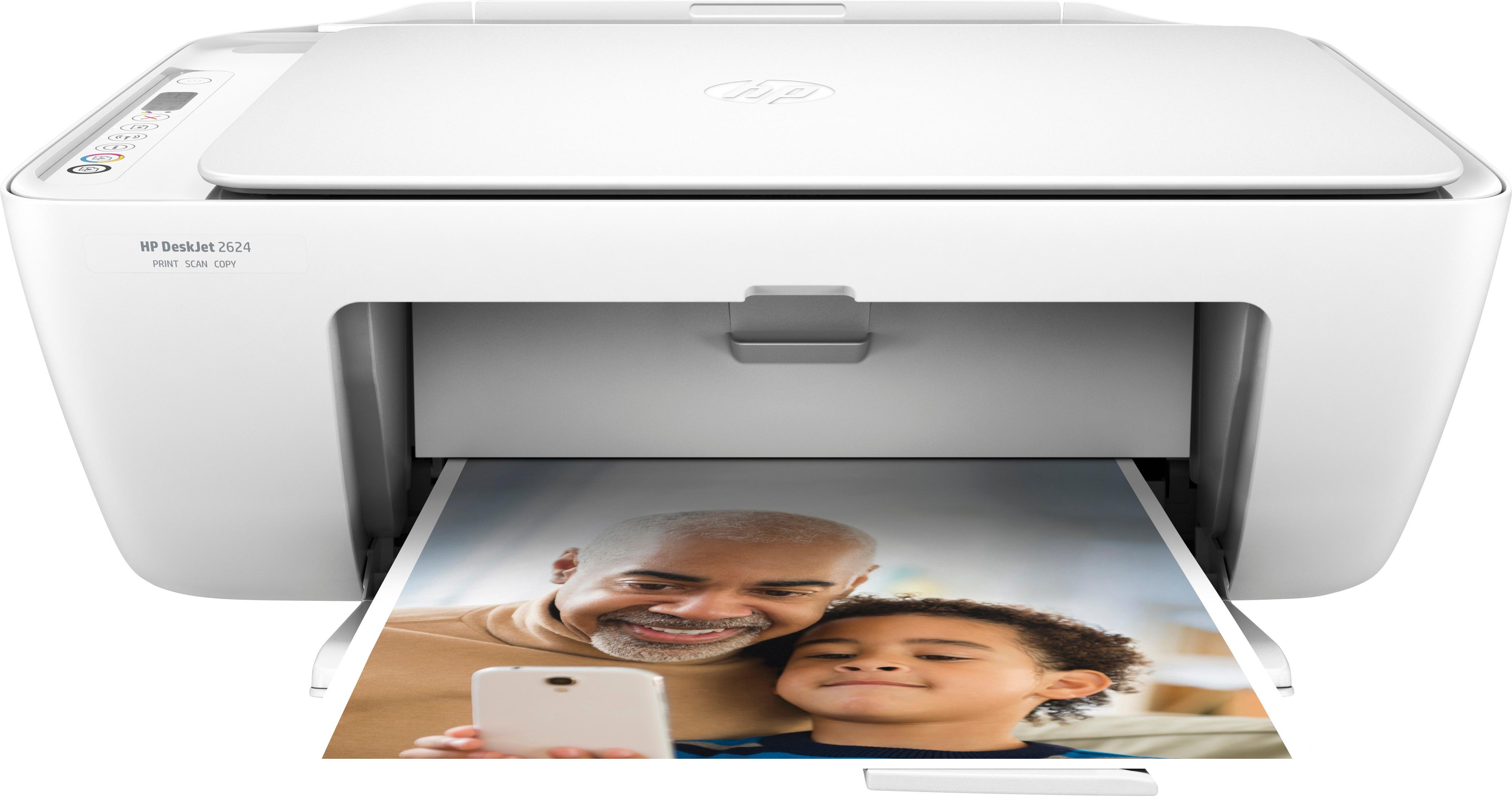
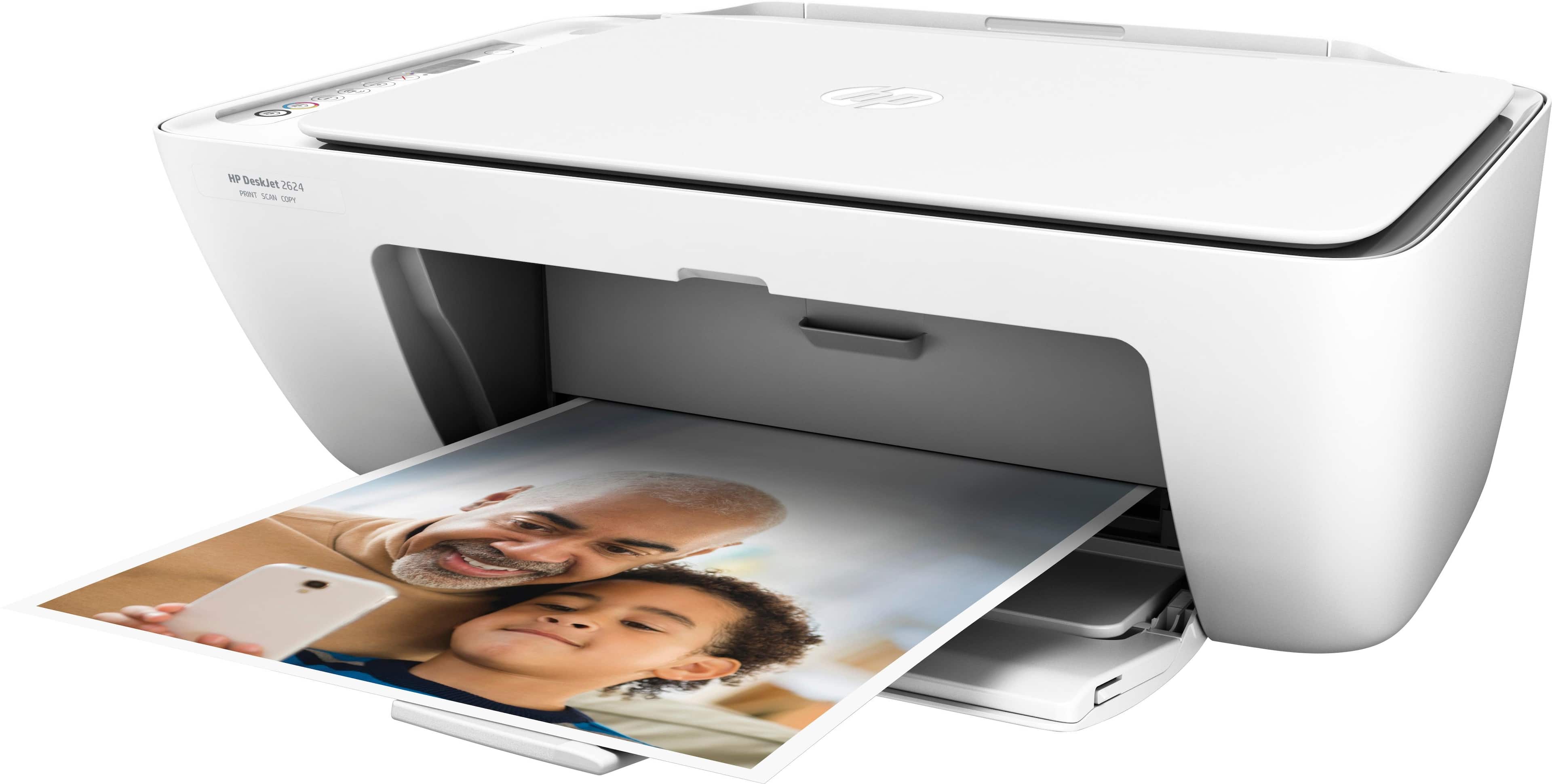
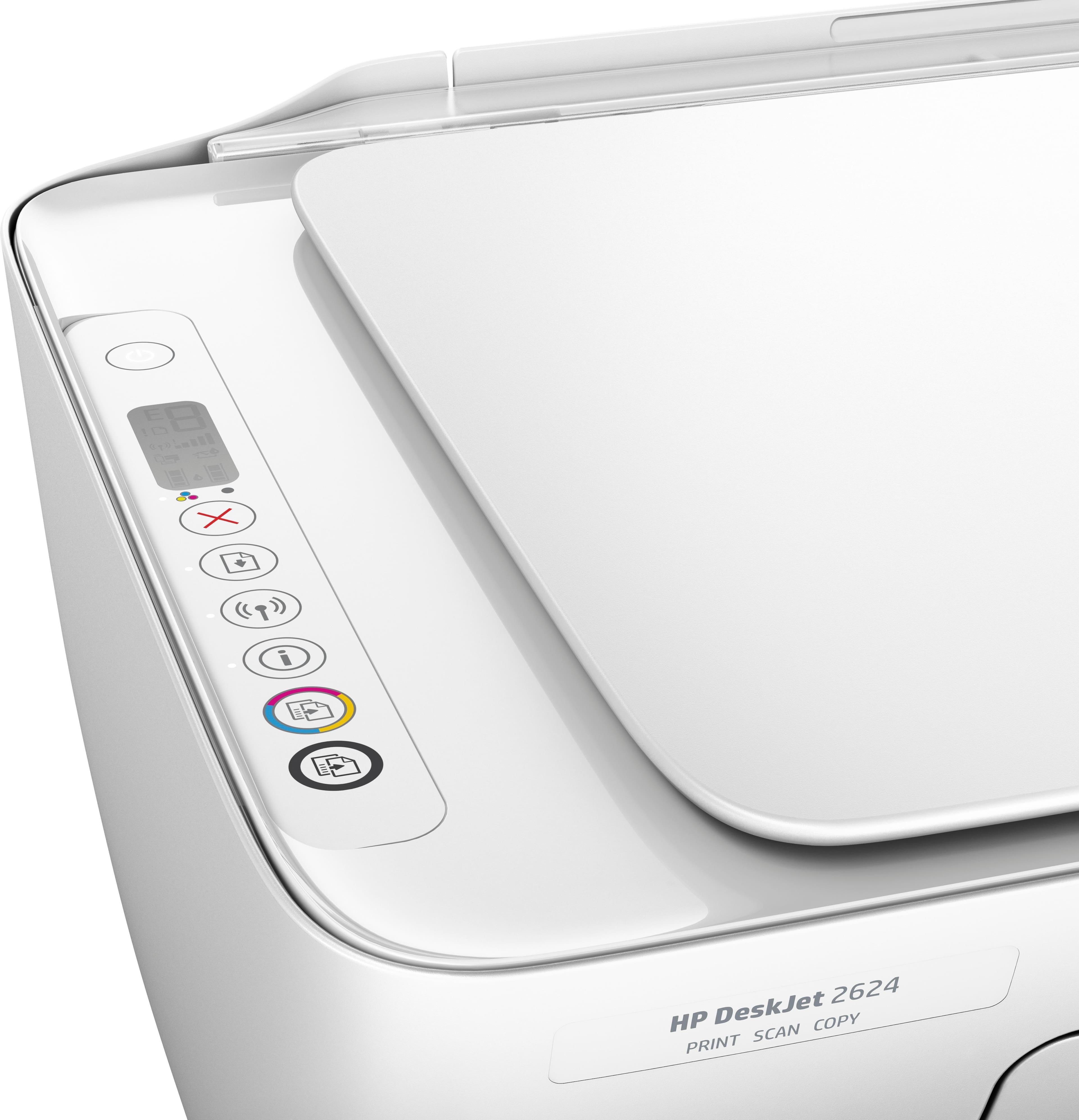
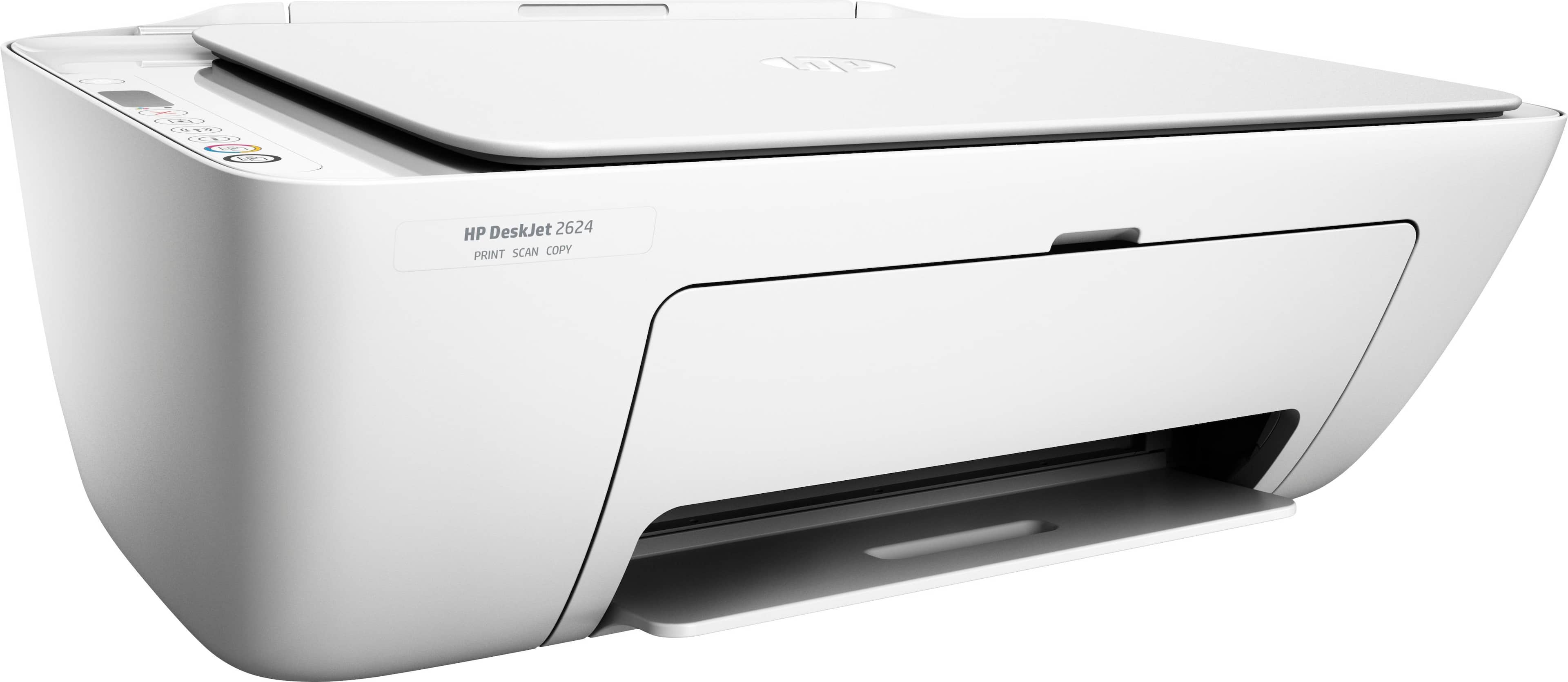
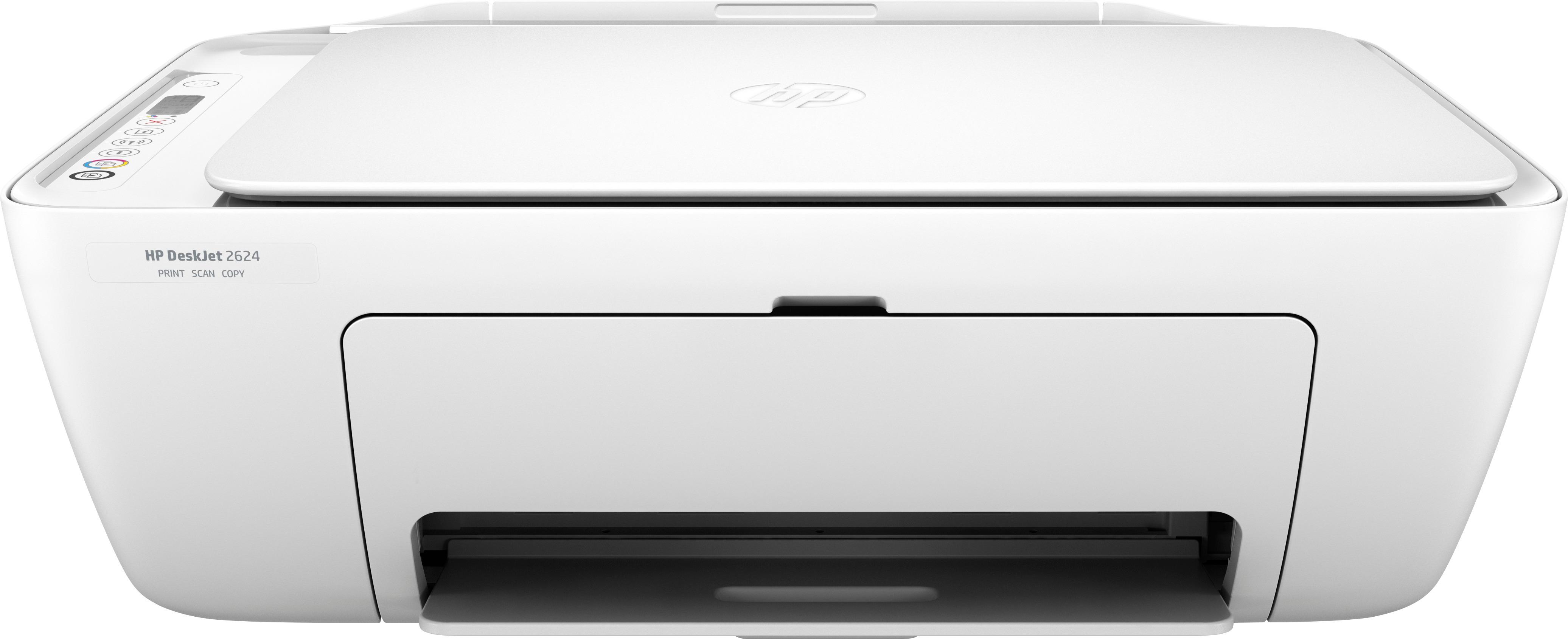
A:AnswerThis being an entry level printer, just has the print button. Full functionality including print, scan, copy are provided in the PC software, mobile App. The interface on the software on pc and mobile is pretty easy for your needs.
A:AnswerIt has to be turned on to print wirelessly. If u want to use it wirelessly from a distance without coming closer or without touching or, you should always have it turned on, that way u can always print with just one click on your cell/laptop, it will always be ready for it .