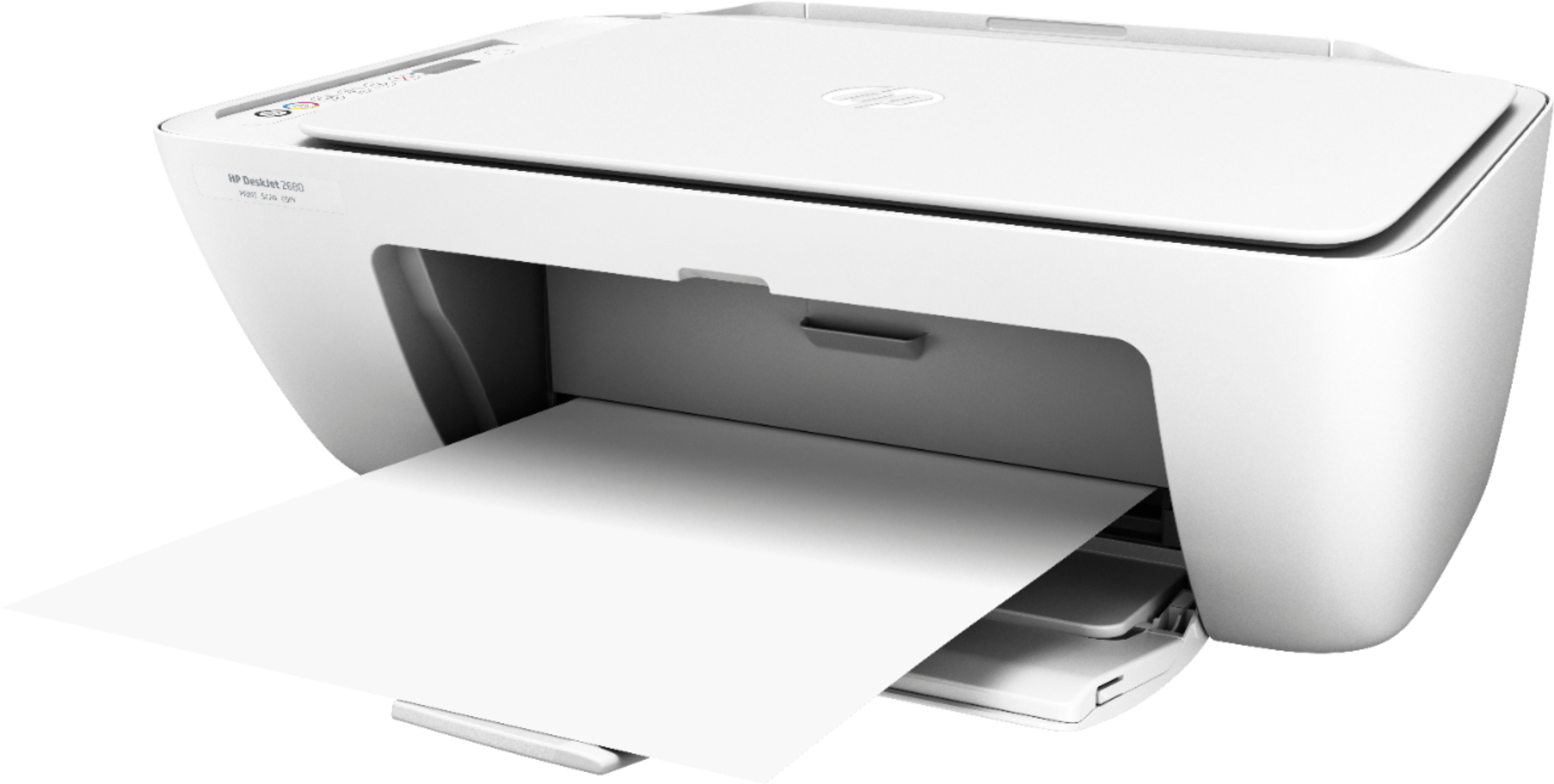
A:AnswerYes, you can connect the printer to the Chromebook using the USB cable. Here are more details: https://support.google.com/chromebook/answer/7225252?hl=en
A:AnswerNo, this printer uses WiFi technology. We recommend trying WiFi Direct. Wi-Fi Direct broadcasts a signal like a router from your printer. It just gives you a direct communication between your printer and your device. You can find your printer name for the Wi-Fi Direct in your Wi-Fi settings. When you open your Wi-Fi settings, you will notice a lot of networks. Your printer will have a name like Direct-05-HP Deskjet 3631. You will select that name and enter the password that you got from your printer.
Here is a link to more information on WiFi Direct: https://www8.hp.com/us/en/printers/mobility/wireless-direct-printing.html
A:AnswerThe printer itself has WiFi and you use that to connect to this printer. It’s called “WiFi direct” as the printer has its own WiFi as well as a password.