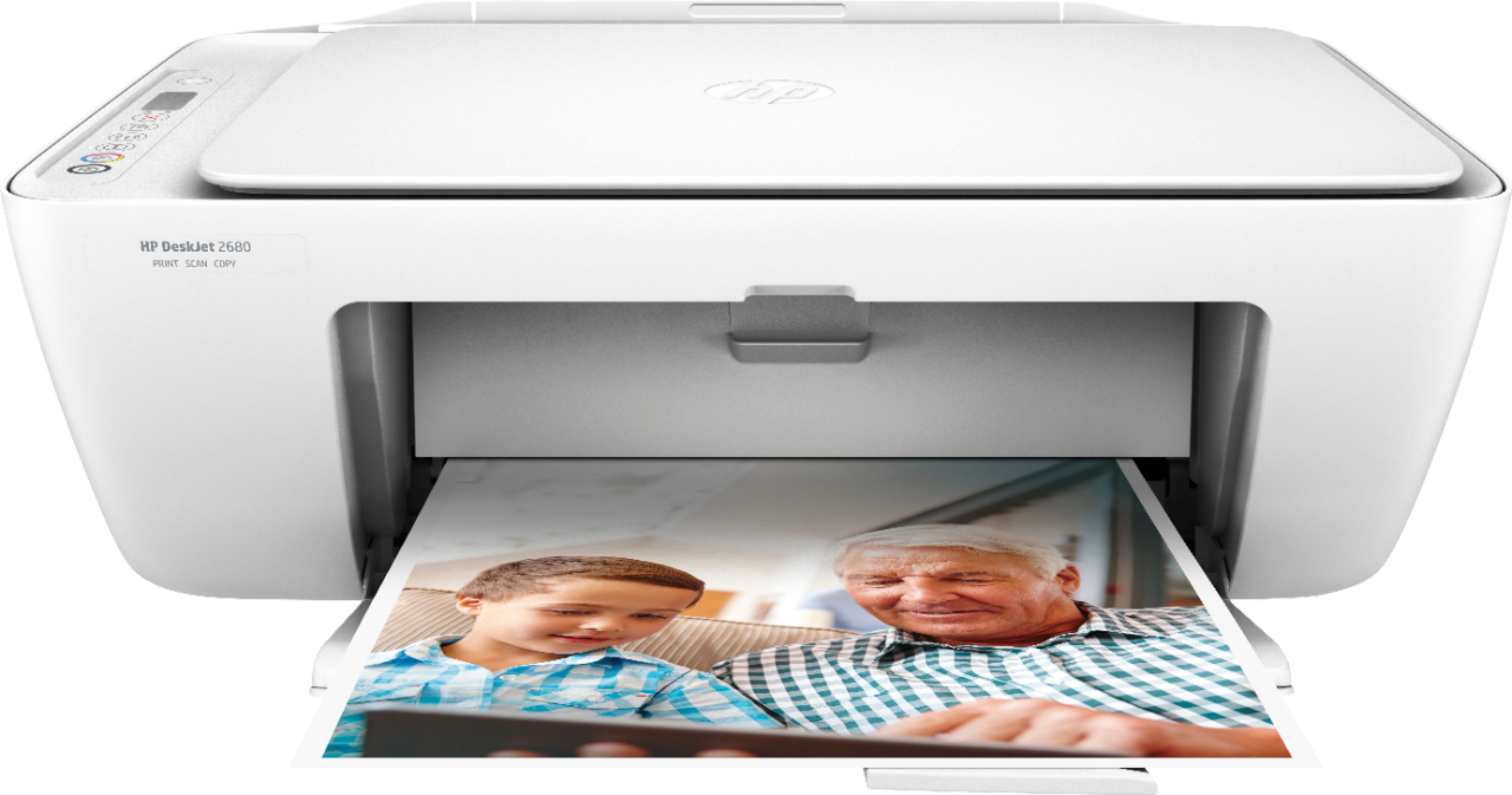
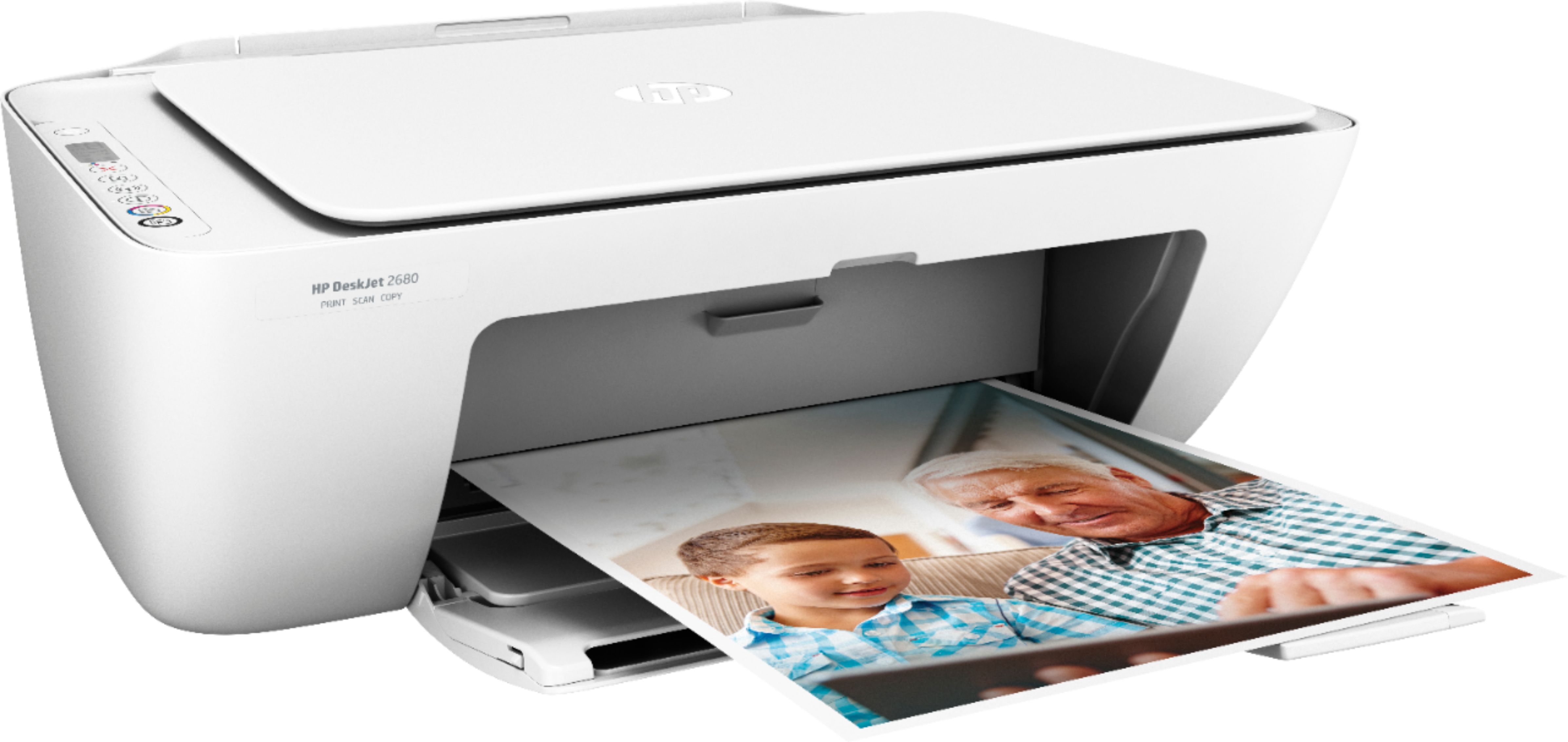
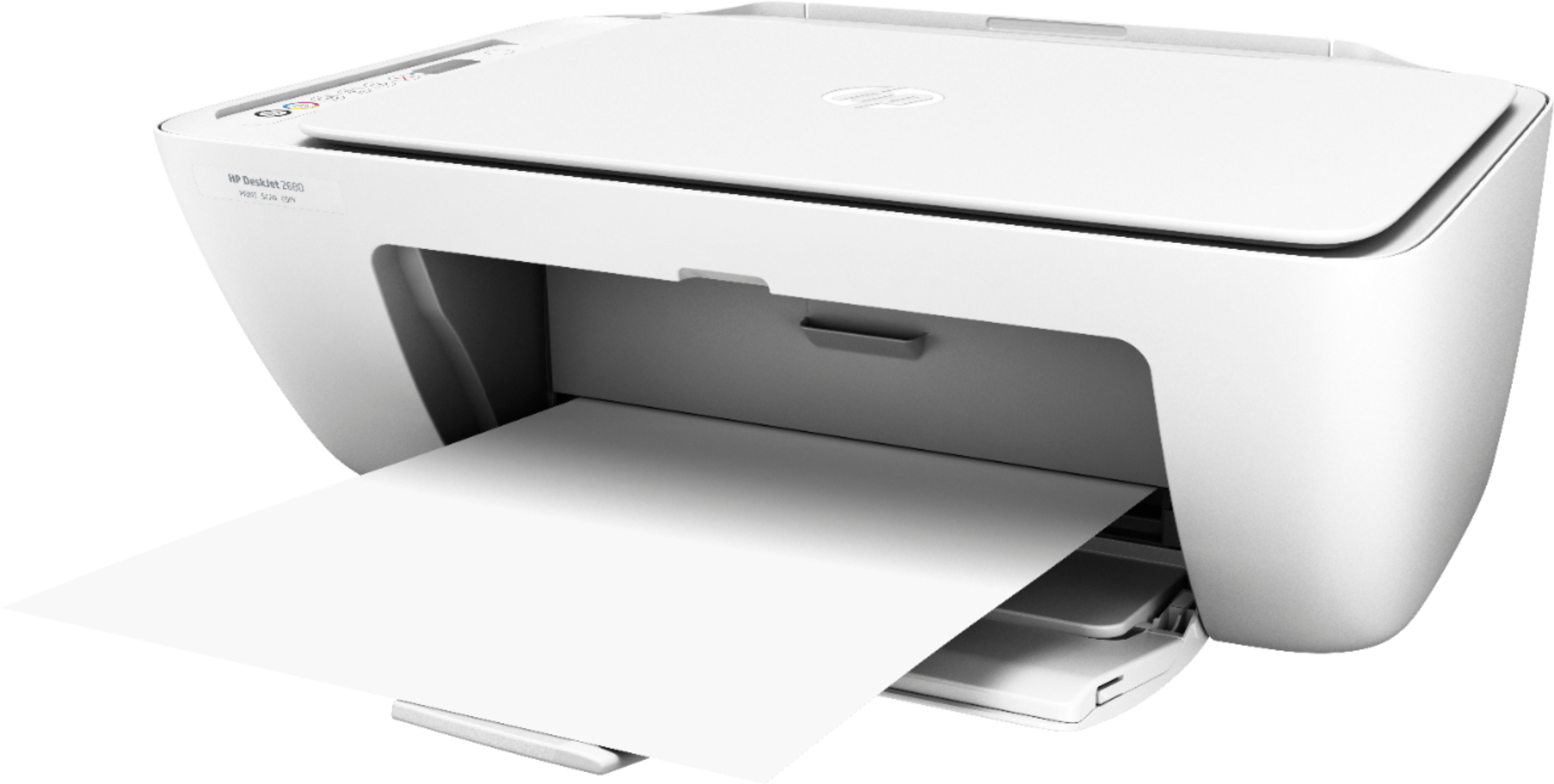
A:AnswerThe Deskjet 2680 Wireless All-In-One printer can print on the following paper weights: A4: 60 to 90 g/m²; HP envelopes: 75 to 90 g/m²; HP cards: up to 200 g/m²; HP 10 x 15 cm photo paper: up to 300 g/m²
A:AnswerUnfortunately, this printer does not offer double sided (duplex) printing. However, HP offers a number of printers that do perform duplex printing.
A:AnswerHello. The printer can print on the following media: Letter; legal; 4 x 6 in; 5 x 7 in; 8 x 10 in; No. 10 envelopes. Letter sized paper is 8.5x11 inches and is what you should buy for this printer.
A:AnswerIt is able to scan, but unfortunately not fax. However, HP has plenty of models that include the ability to fax as long as you've got a landline to connect to.
A:AnswerYou can use Google Cloud Print with this printer with the Chromebook. https://support.hp.com/us-en/document/c02817255 If you want to print from your mobile devices, they just need to be on the same wireless network as the printer. We recommend using the HP Smart App.
A:AnswerYes, this printer is compatible with the Chromebook. You will need to use Google Cloud print. Here are more details: https://support.hp.com/us-en/document/c02817255
A:AnswerYes, this printer is compatible with the Chromebook. You will need to use Google Cloud print. Here are more details: https://support.hp.com/us-en/document/c02817255
A:AnswerThis printer uses the 65 black and tricolor ink cartridges: https://www.bestbuy.com/site/hp-65-2-pack-ink-cartridges-multicolor-black/5303000.p?skuId=5303000