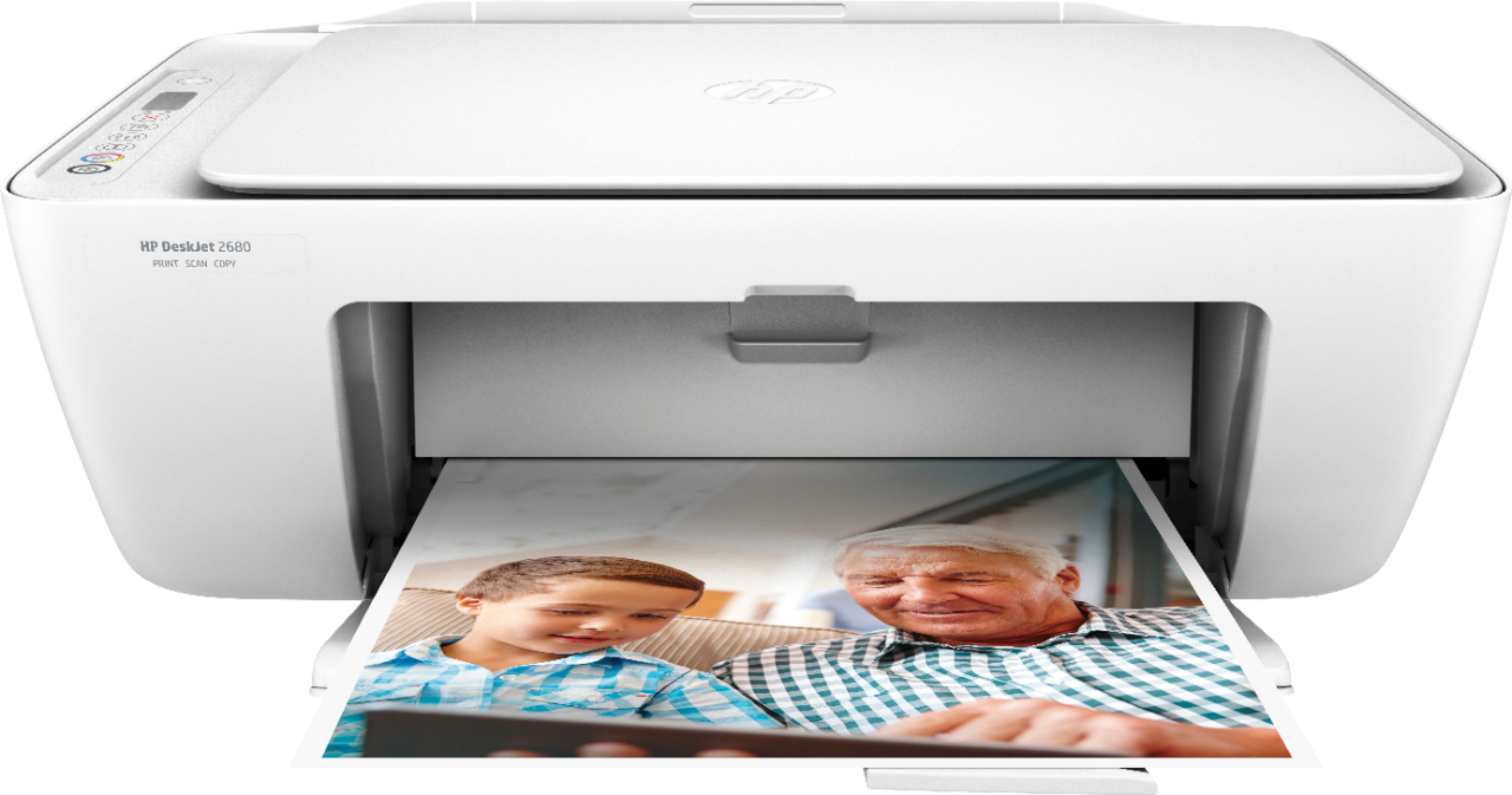
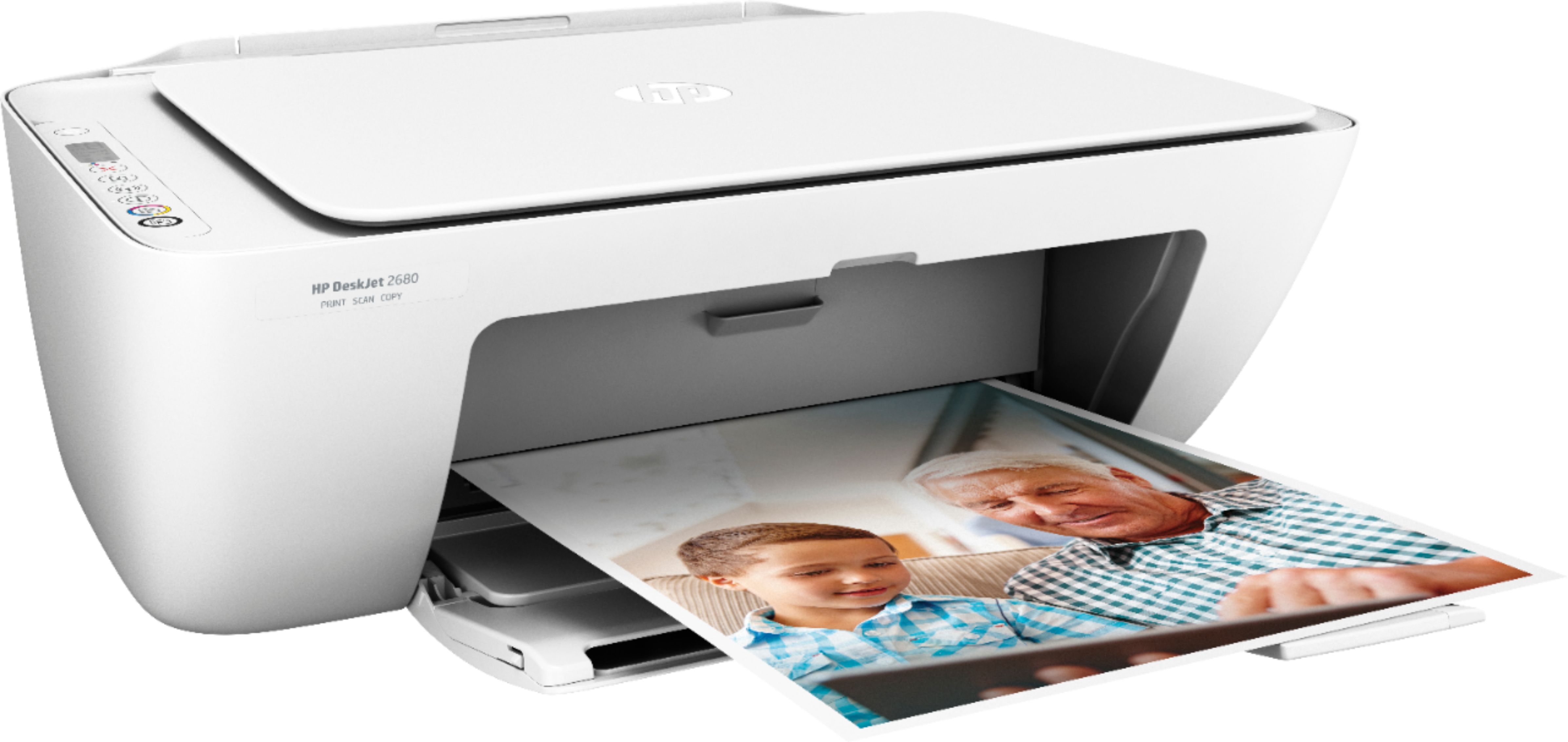
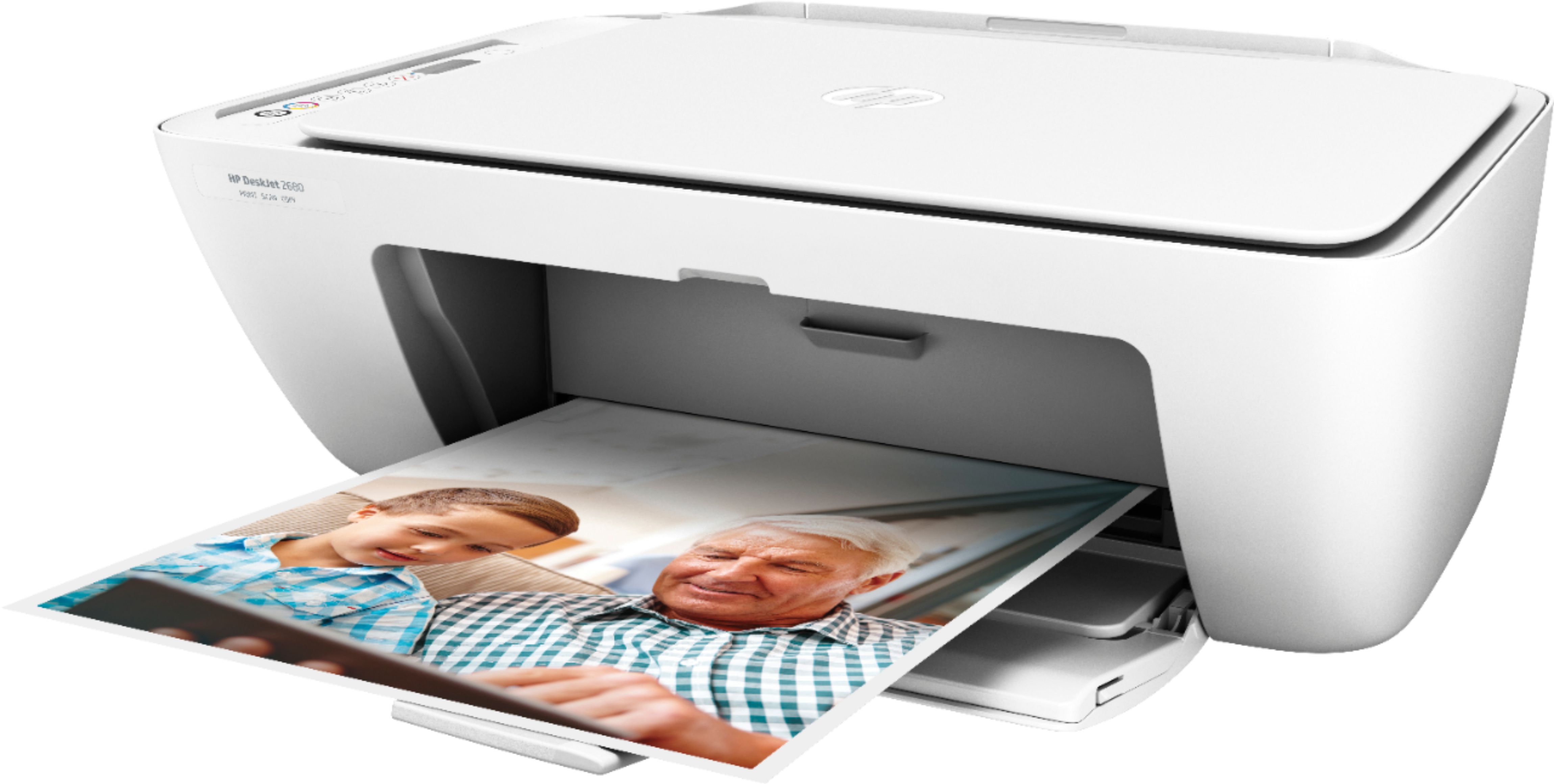
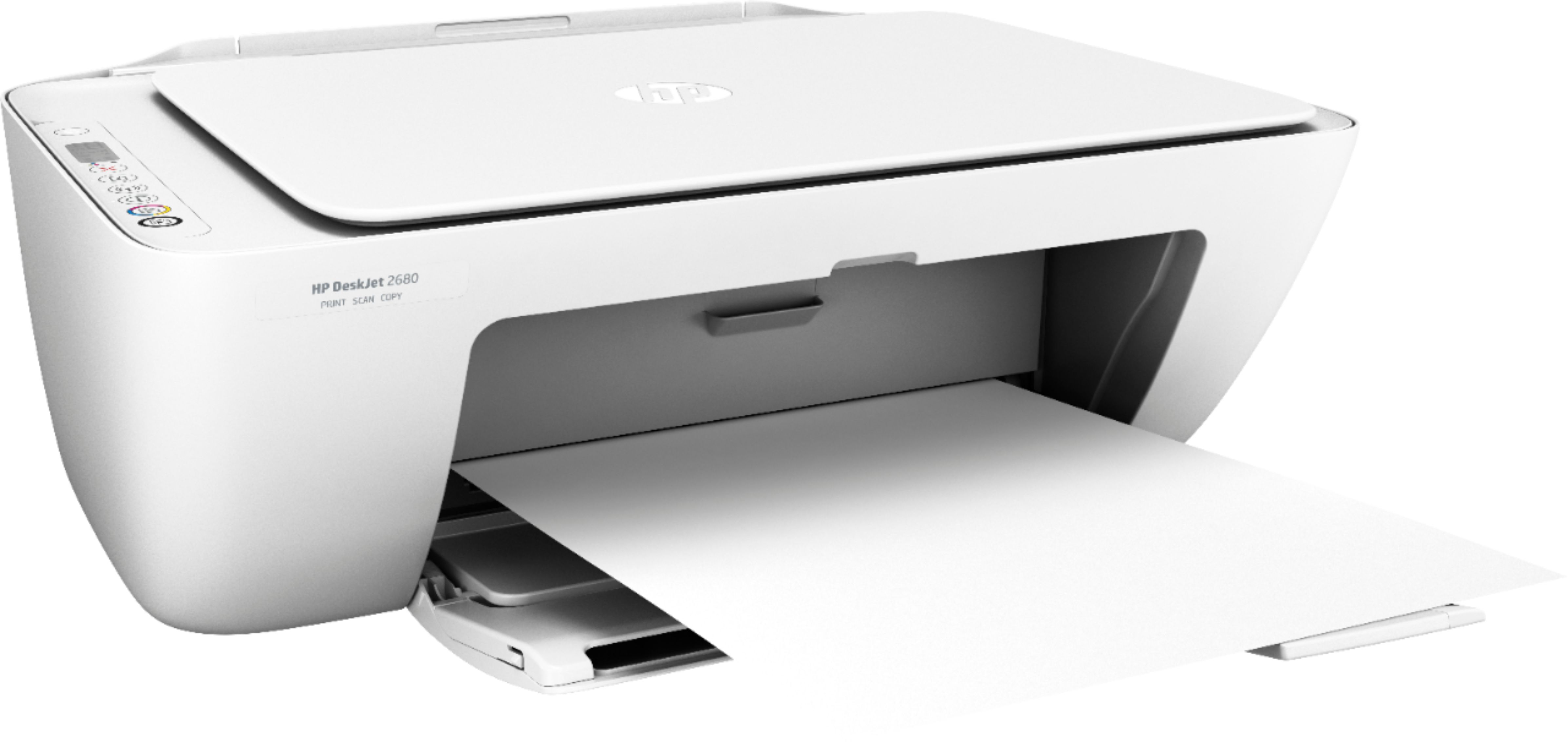
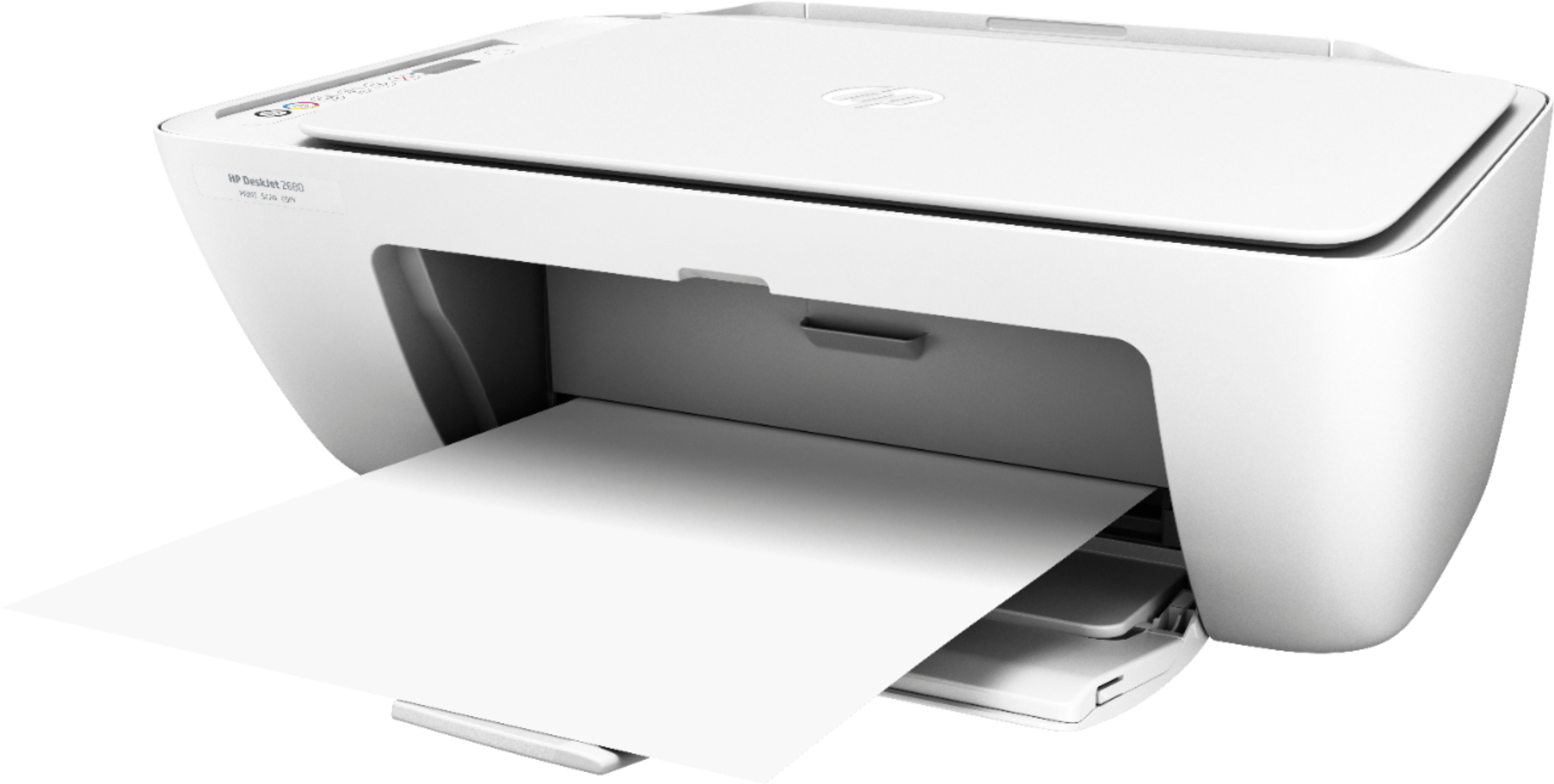
A:Answeryou can definitely print pictures. Just remember to change the print settings for photos. Since this unit has a free instant ink card in the box, you can print a lot of photos and its cheaper than buying the ink in store.
A:AnswerScan, yes.
Ink: instant ink is you most inexpensive option. Try it with the giftcard you got in the box.
No battery needed. Simple wall plug in.
A:AnswerYes, you can print straight from your smartphone. You want to be sure both devices are connected on the same wireless network. Here are more details: https://support.hp.com/us-en/document/c03722645
A:AnswerYes, you can use this printer with any Chromebook. You would just need to use Google Cloud Print. Here are more details; https://support.hp.com/us-en/document/c02817255
A:AnswerYes, you can print straight from your smartphone. You want to be sure both devices are connected on the same wireless network. Here are more details: https://support.hp.com/us-en/document/c03722645