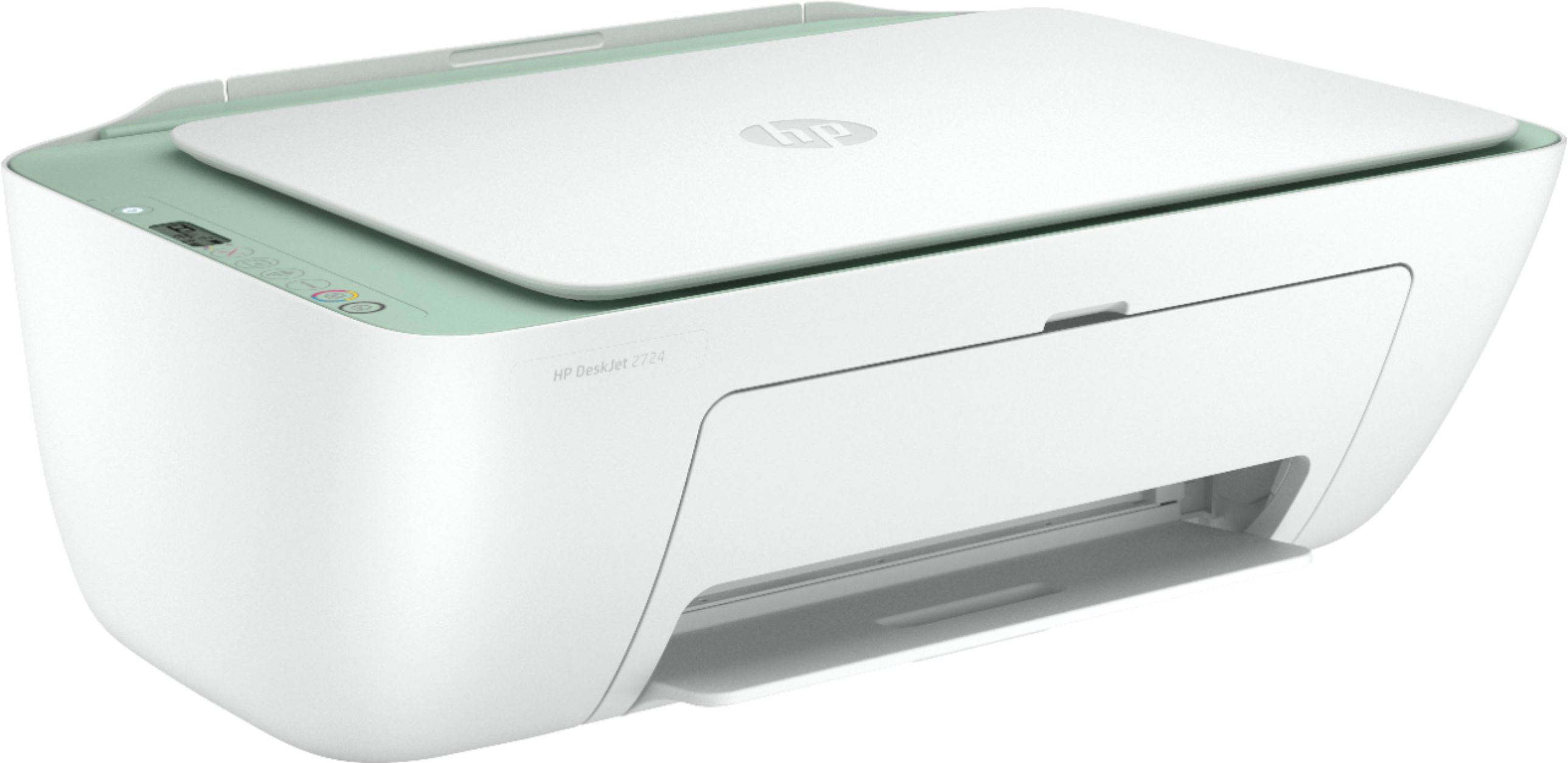
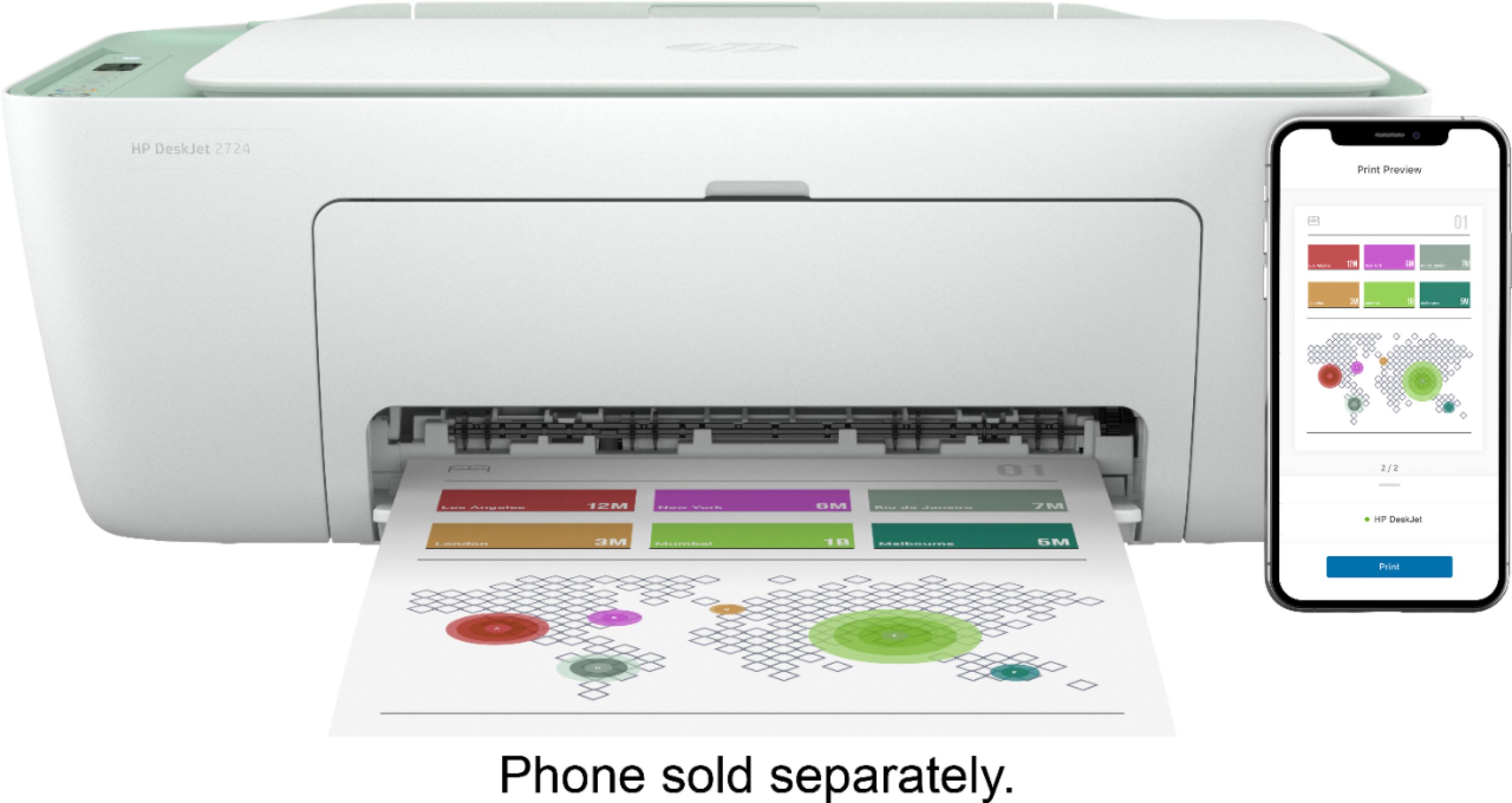
A:AnswerHello there! Yes, the DeskJet 2724 is Windows 10 Compatible via USB, Wireless or the HP Smart App on iOS, MACos, Windows, Android and ChromeOS.
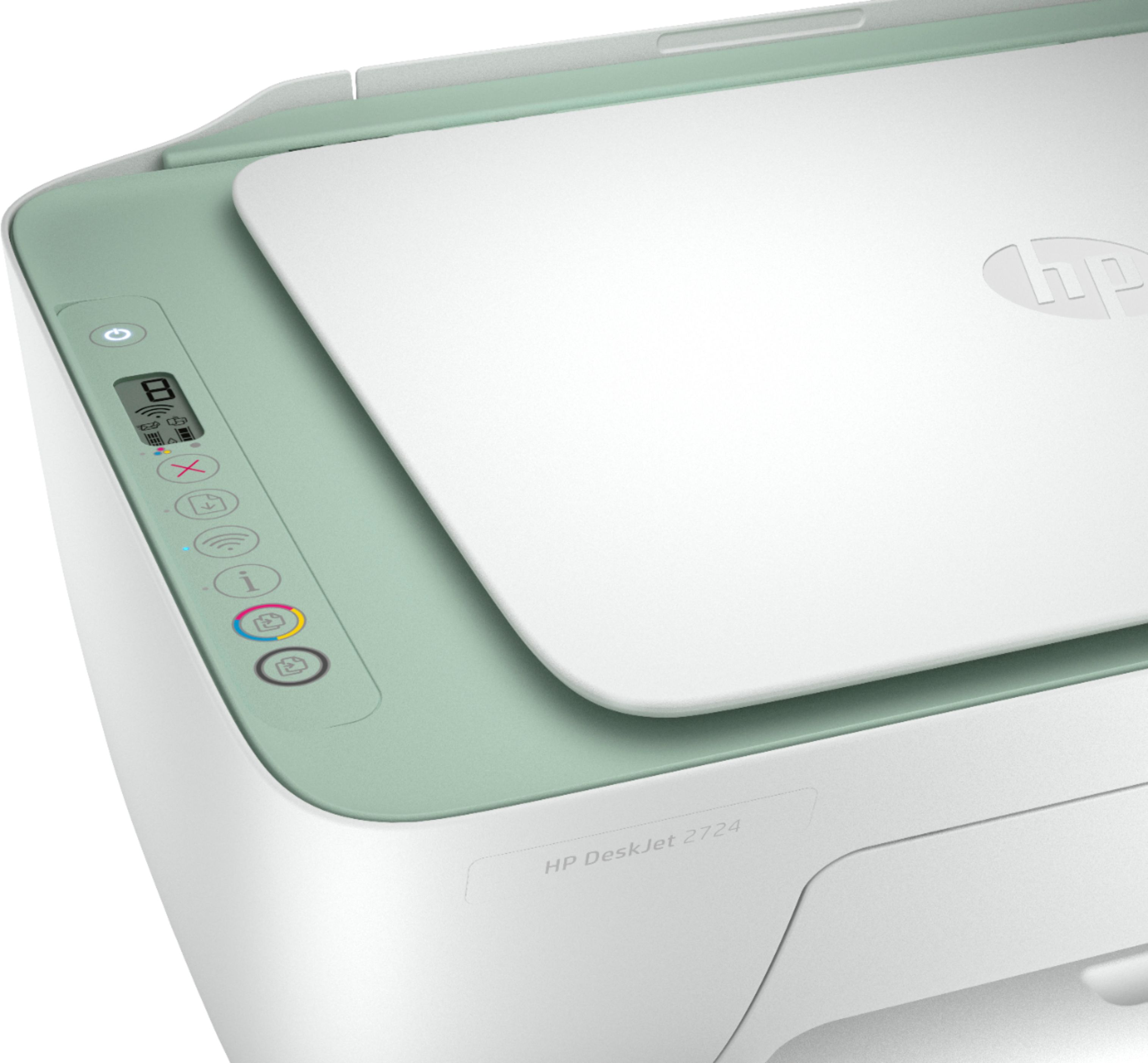
A:AnswerI think they're referring to the WPS pin code that you need if you want to connect the printer wirelessly using WPS (WiFi Protected Setup). It's not exactly "hidden"-if you press and hold the information and wireless buttons on the printer at the same time, it will tell you the code.
A:AnswerYes, you can purchase the USB A to B cable to connect this printer to your laptop. We recommend looking at SKU: 5883001 for the cost. There are two size options available: 6 feet and 10 feet. You can put the SKU number in the search box on Best Buy's website.
A:AnswerYou will want to install the HP Smart app on your computer. That will help you get the printer setup. Here is a link to the download page for the HP Smart app. https://support.hp.com/sg-en/drivers/selfservice/hp-deskjet-2700-all-in-one-printer-series/29378157/model/31598174
A:AnswerYes, you can print from a Galaxy tablet and an Android cell phone. You can setup the printer on your mobile devices with the HP Smart app. There is no installation disc in the box. If you want to set up the printer on your computer, you would go to https://123.hp.com/setup