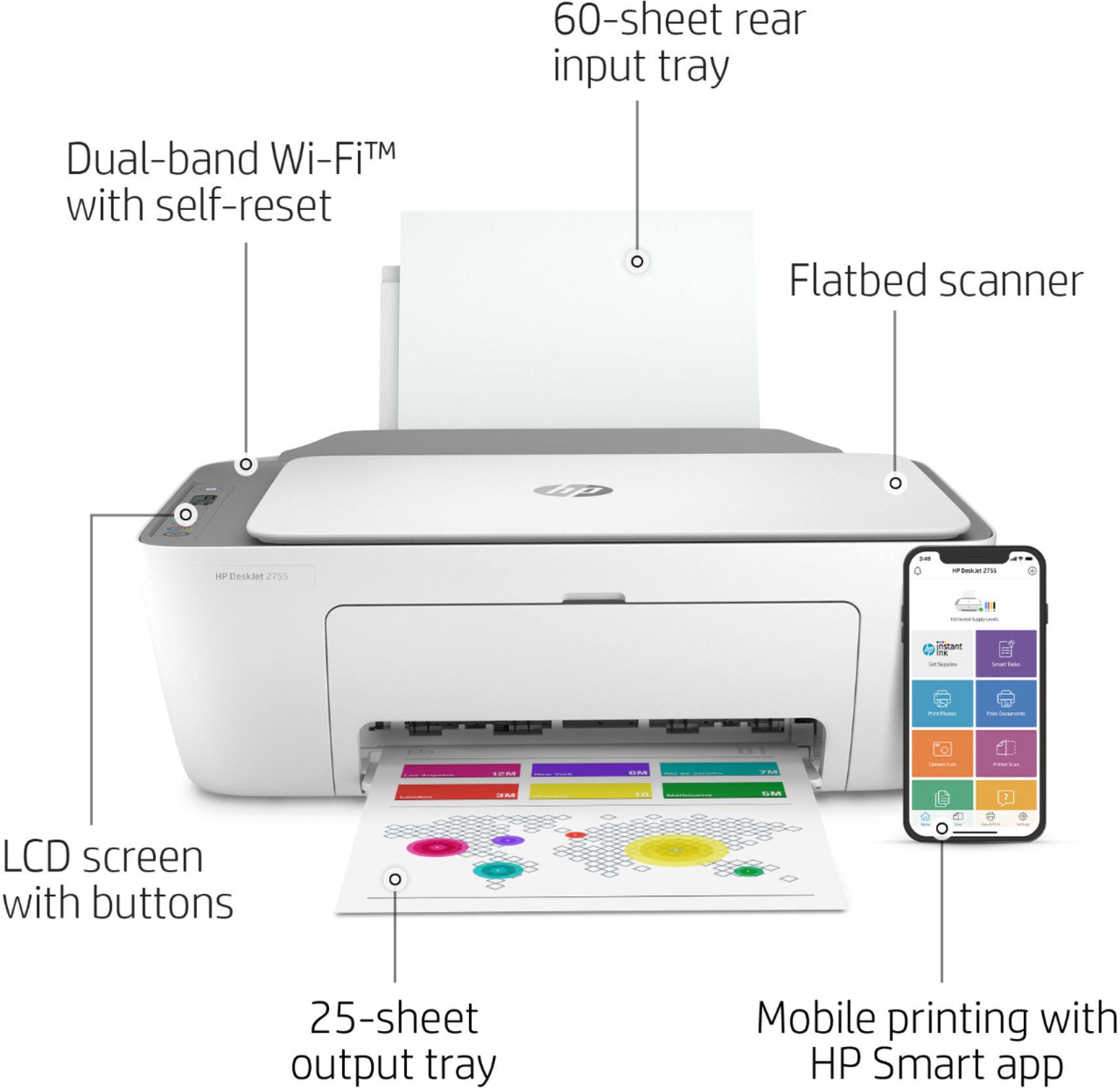
A:AnswerYes. I would recommend using WiFi Direct. Wireless Direct (WiFi Direct) allows you to directly connect to a printer from a mobile device or computer without the need for internet access or a wireless network. You would connect to the printer’s wireless direct signal just like you would connect to a wireless network. The printer would have a unique name in your wireless connections, i.e. Direct-04-Printer. For more information, you can go to: https://www8.hp.com/us/en/campaigns/wireless-printing-center/wireless-direct.html
A:AnswerI am sorry about the re-connection issues that you are having. You can go to the HP Support site directly and authorize the live support agent to take over your system to connect your printer to the new router.