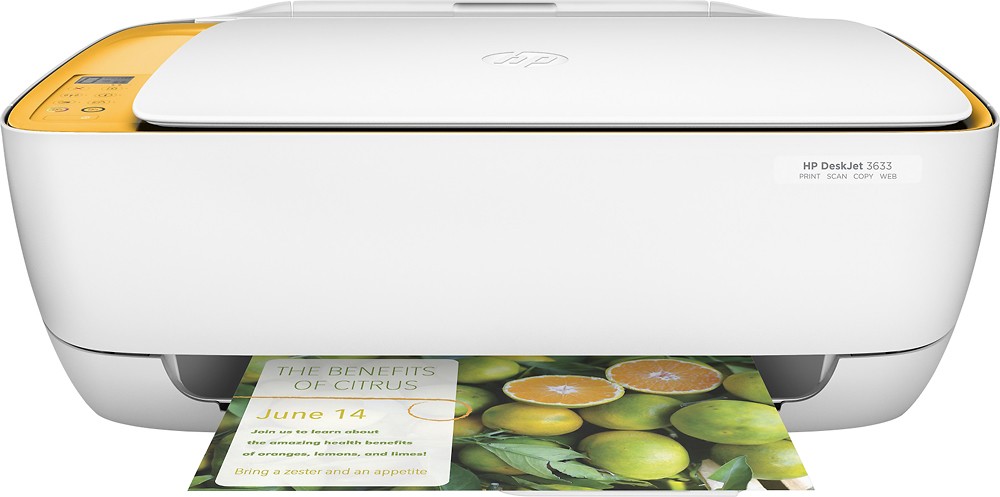
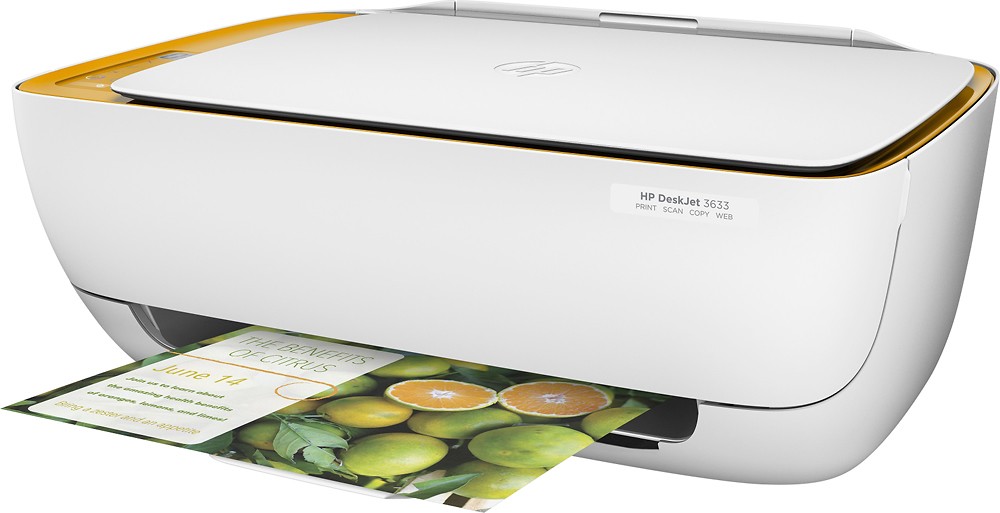
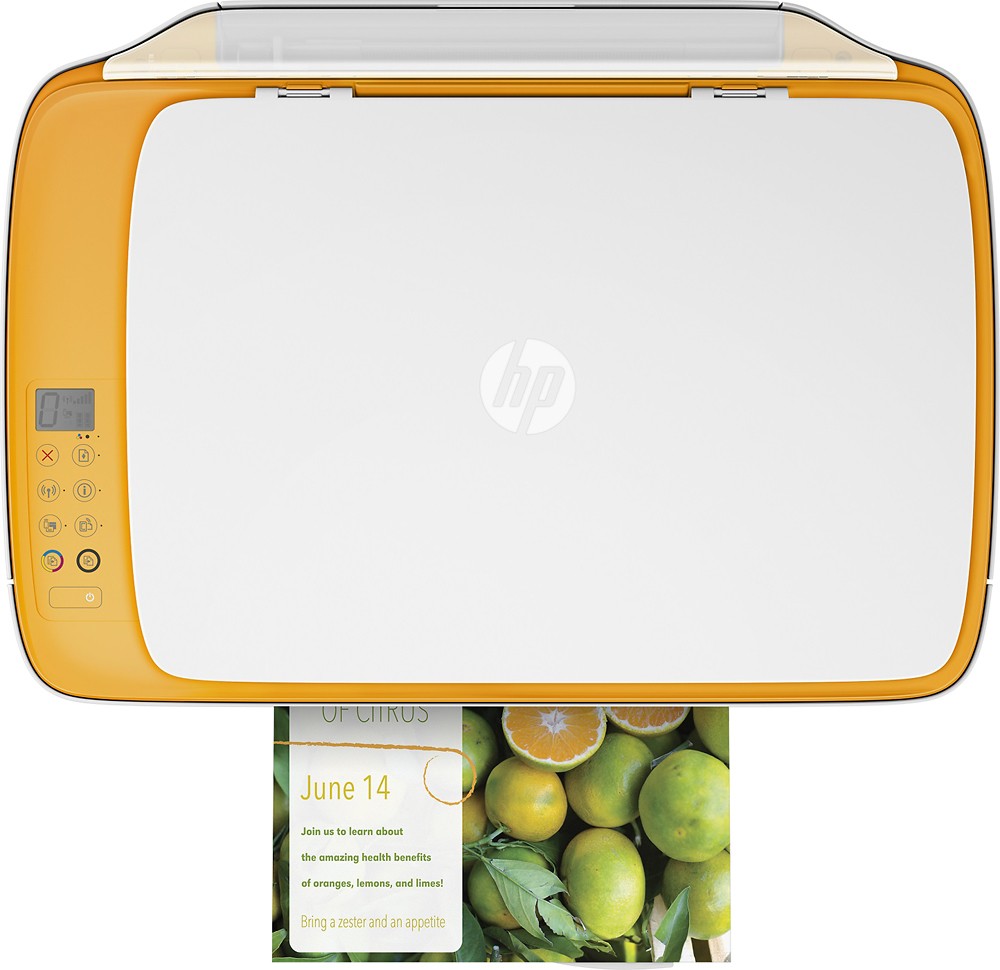
A:Answer Good question. You do not need to install a driver on the iPad to print to this printer. You simply have to make sure that the printer and the iPad are on the same WiFi network. When you choose the print option on your iPad, the printer should appear in the printers list. For more instructions on how to print to an HP printer from an Apple device, please visit the following link:
http://www8.hp.com/us/en/ads/mobility/overview.html?jumpid=va_r11400_mobileprinting
I hope this helps.