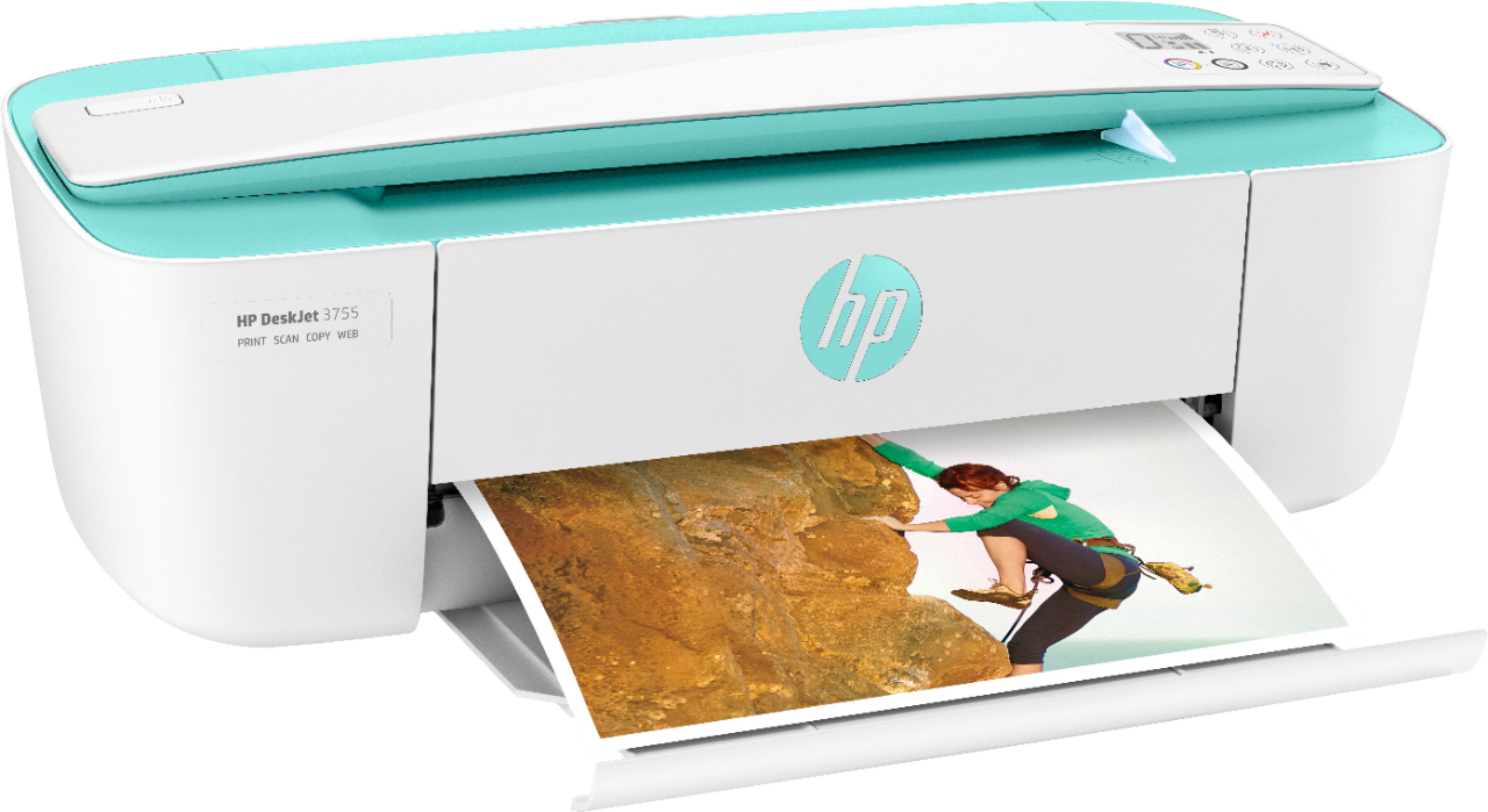
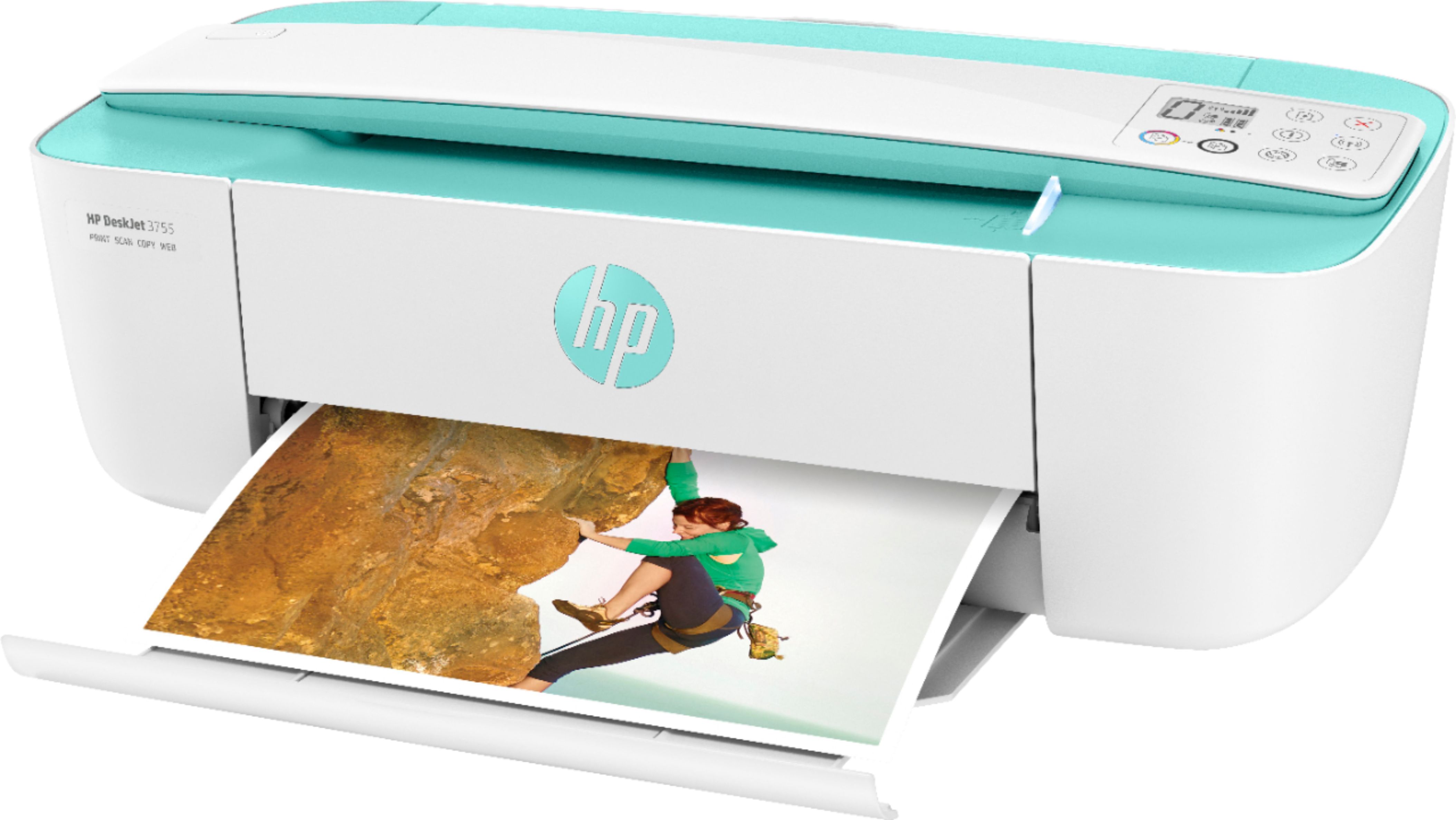
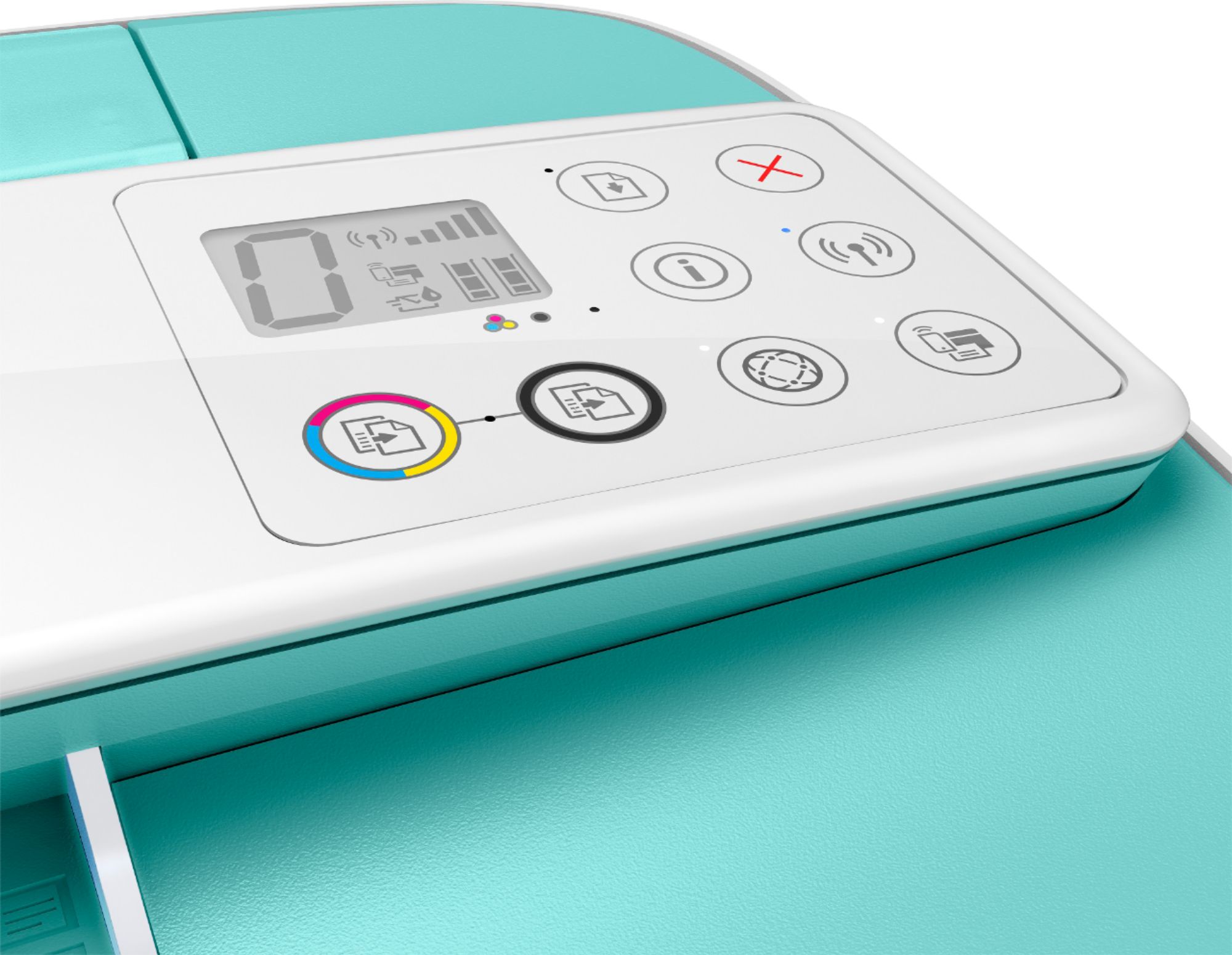
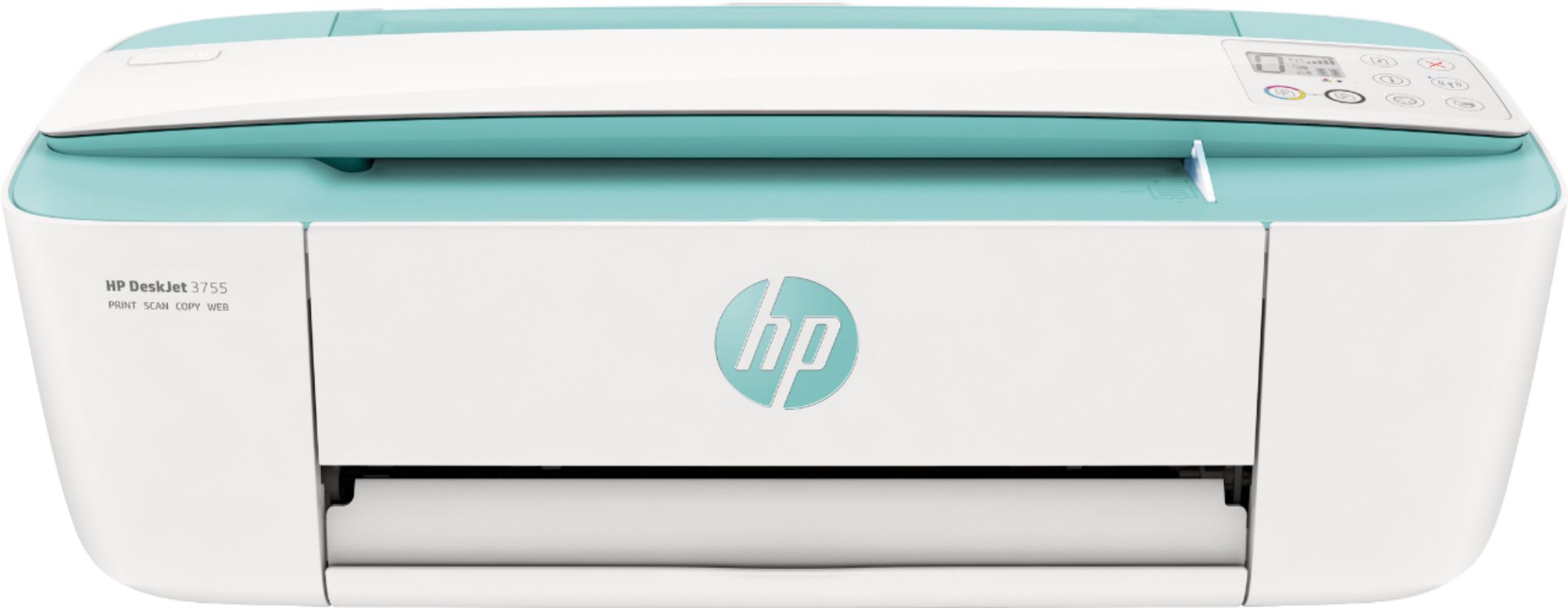
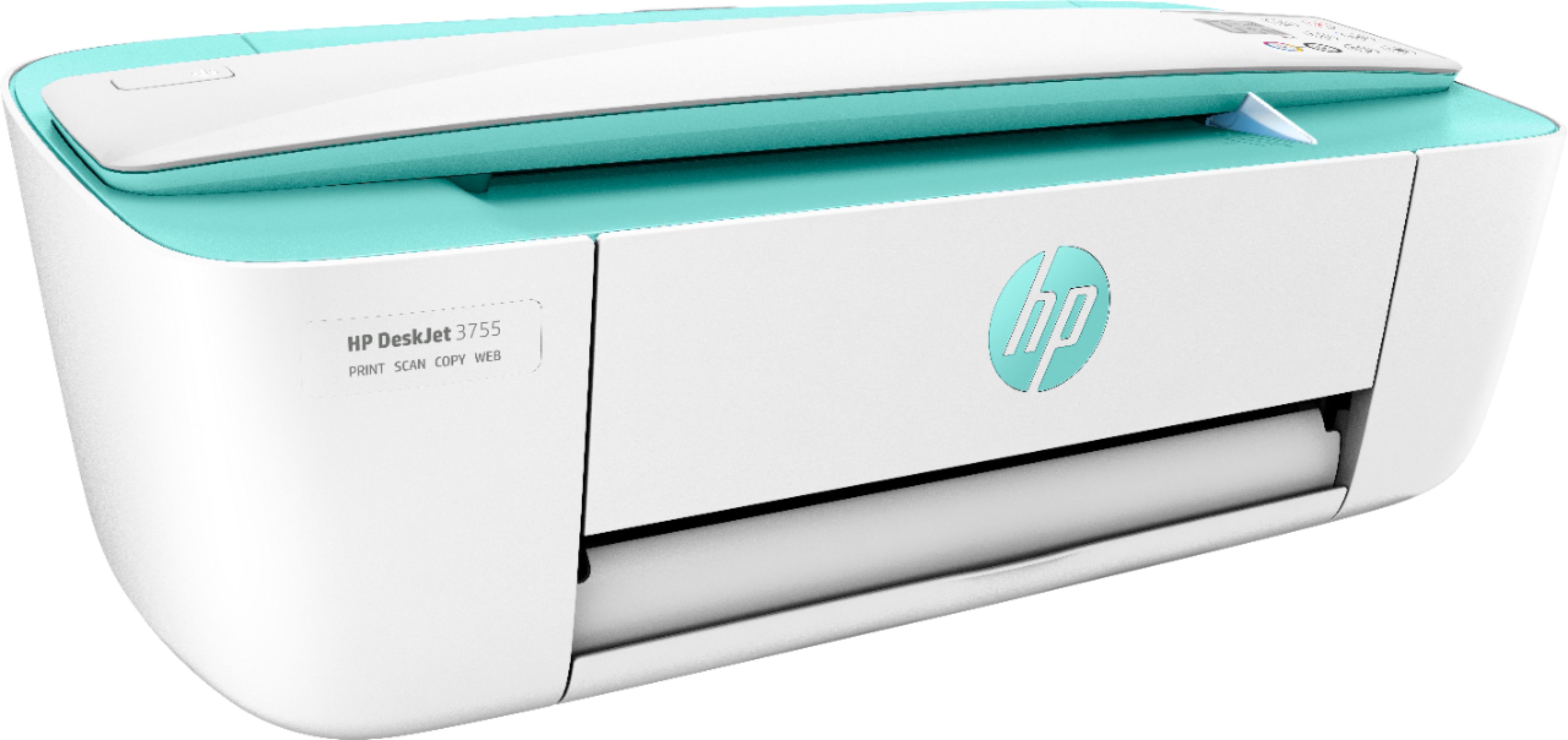
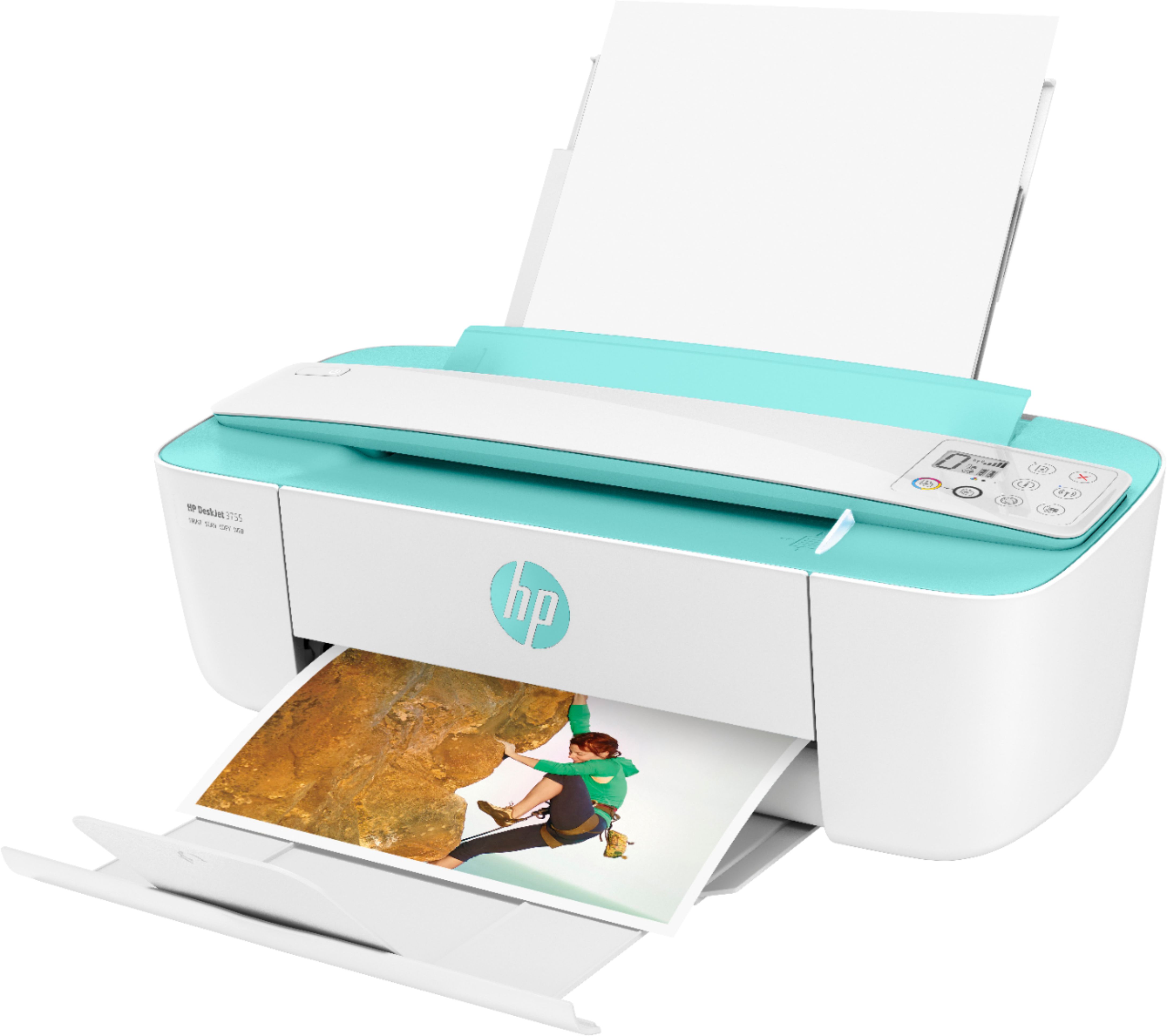
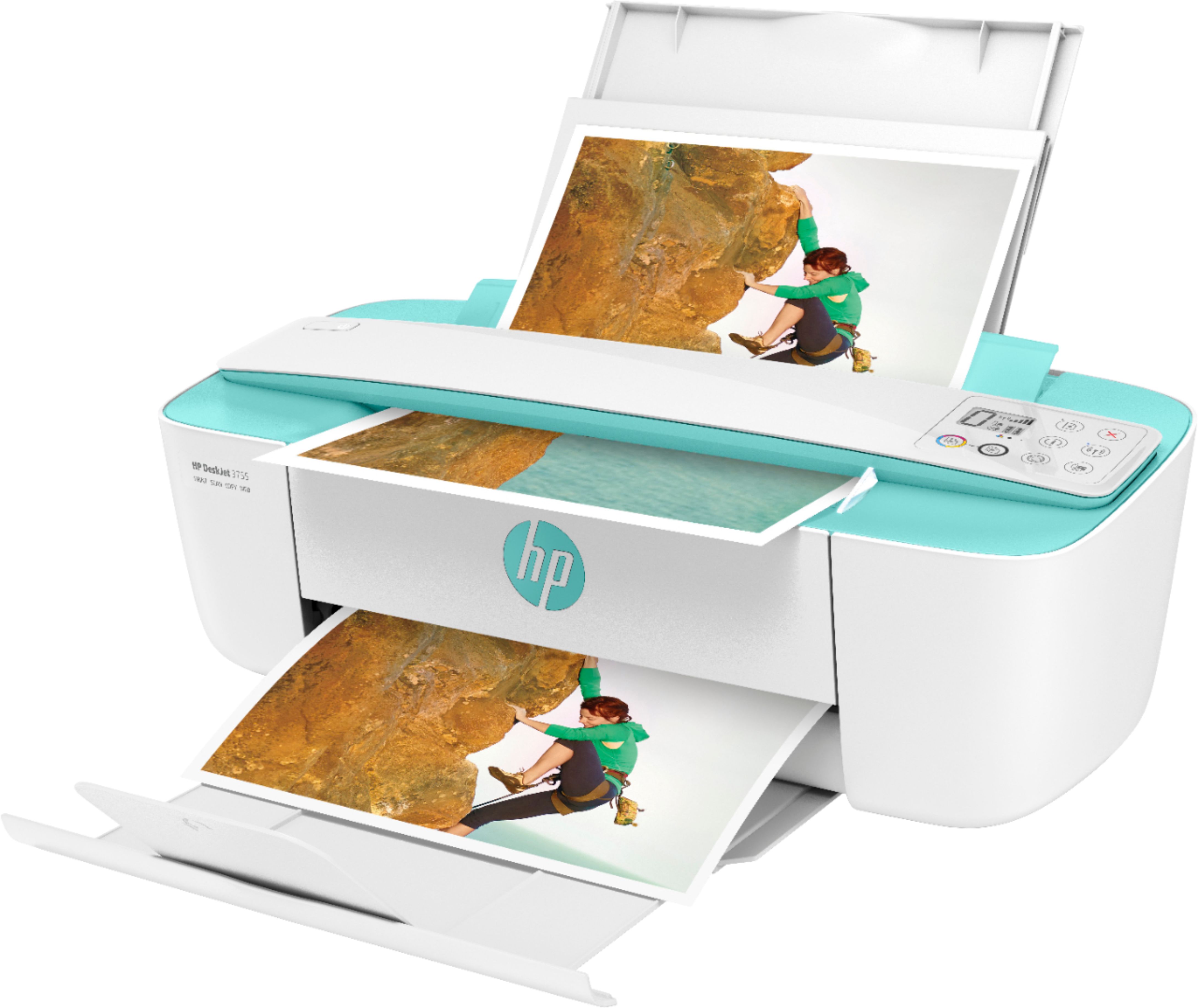
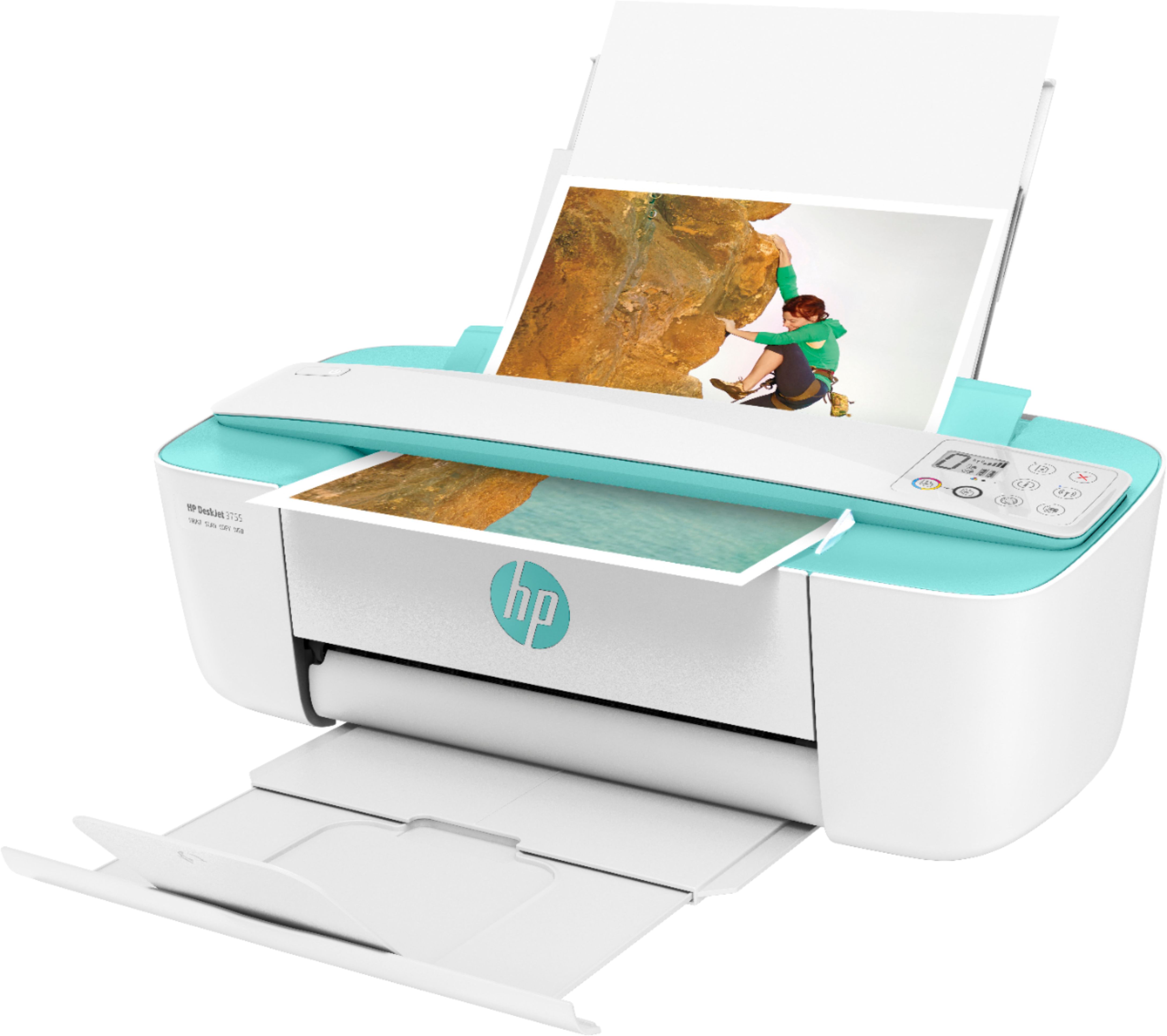
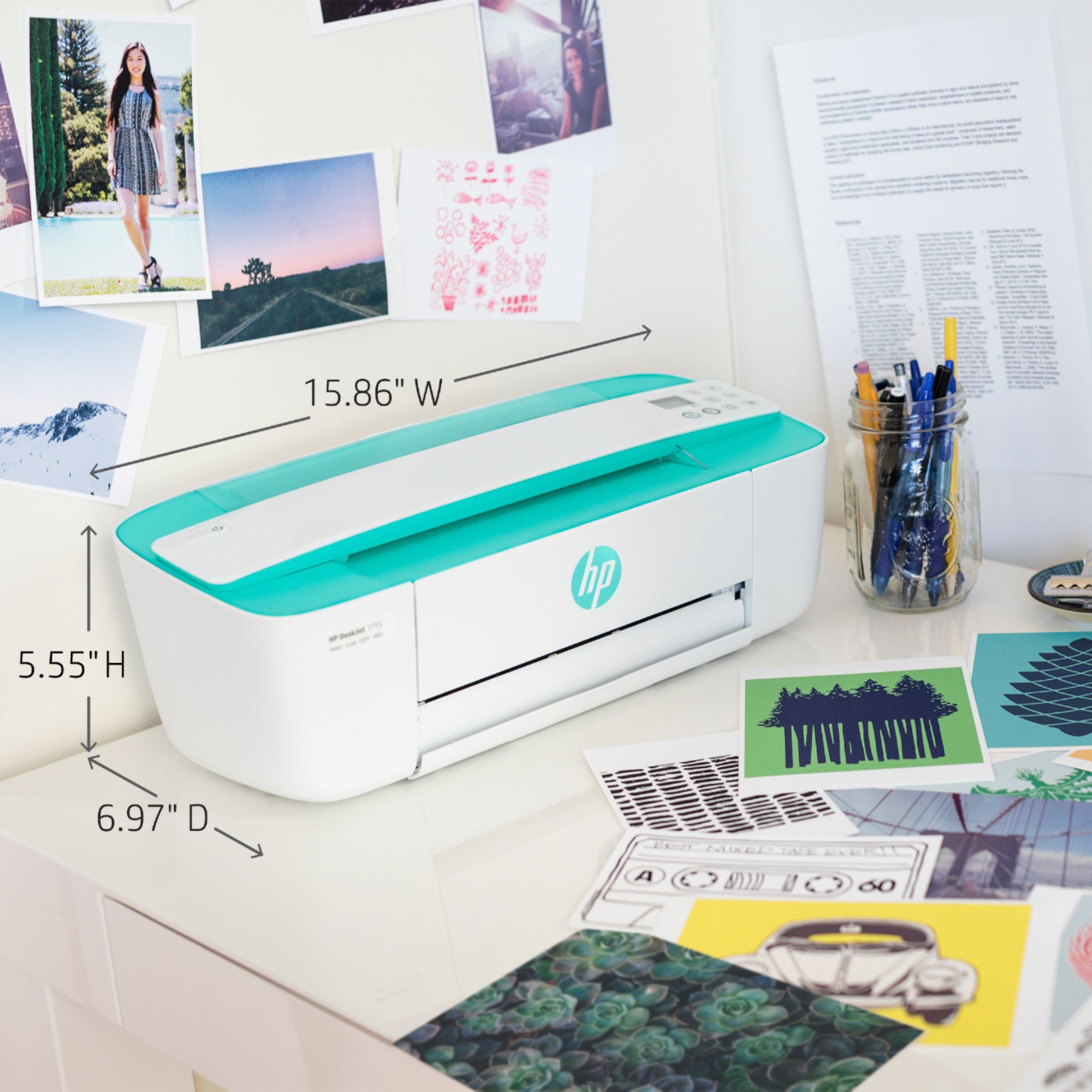
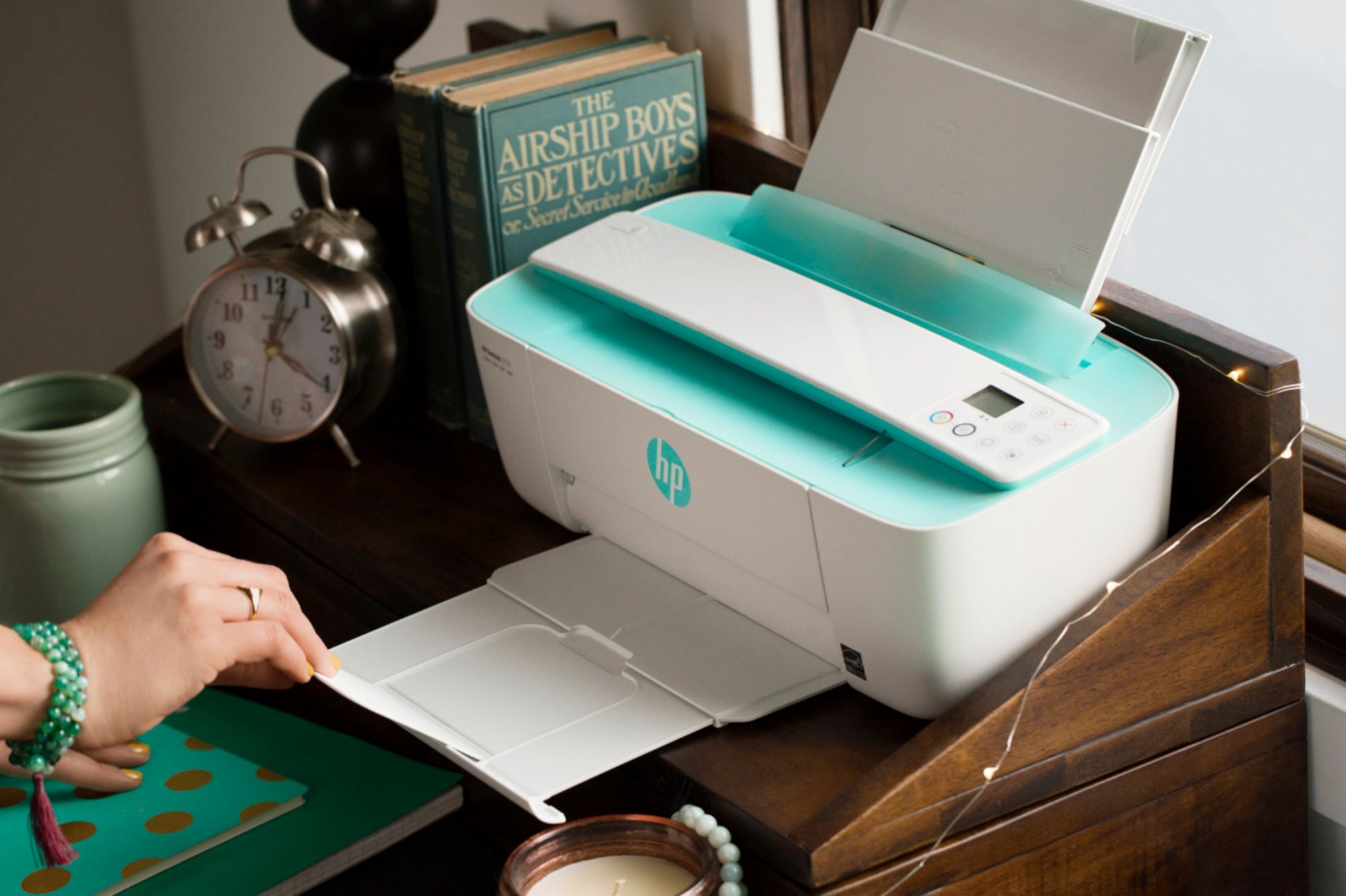
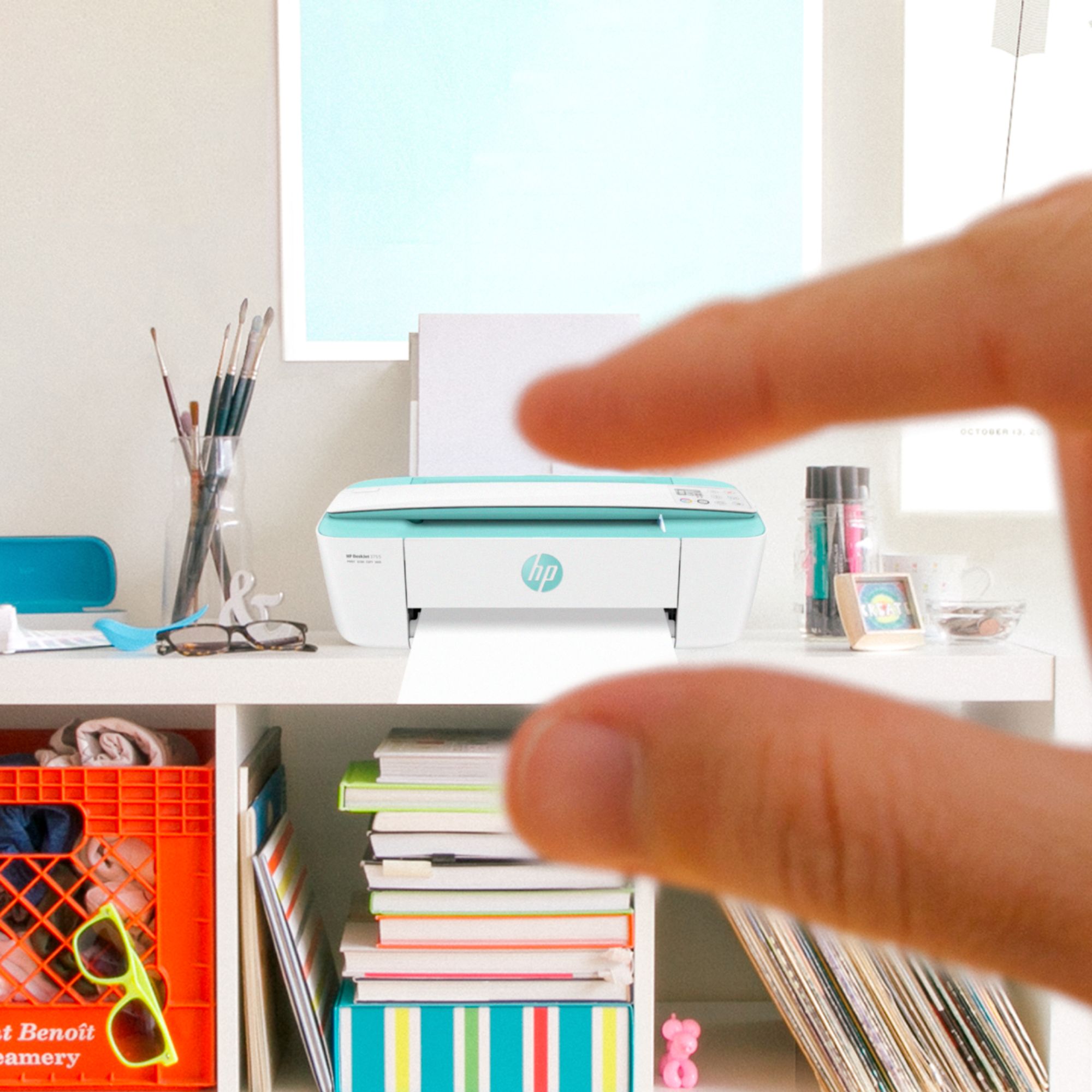
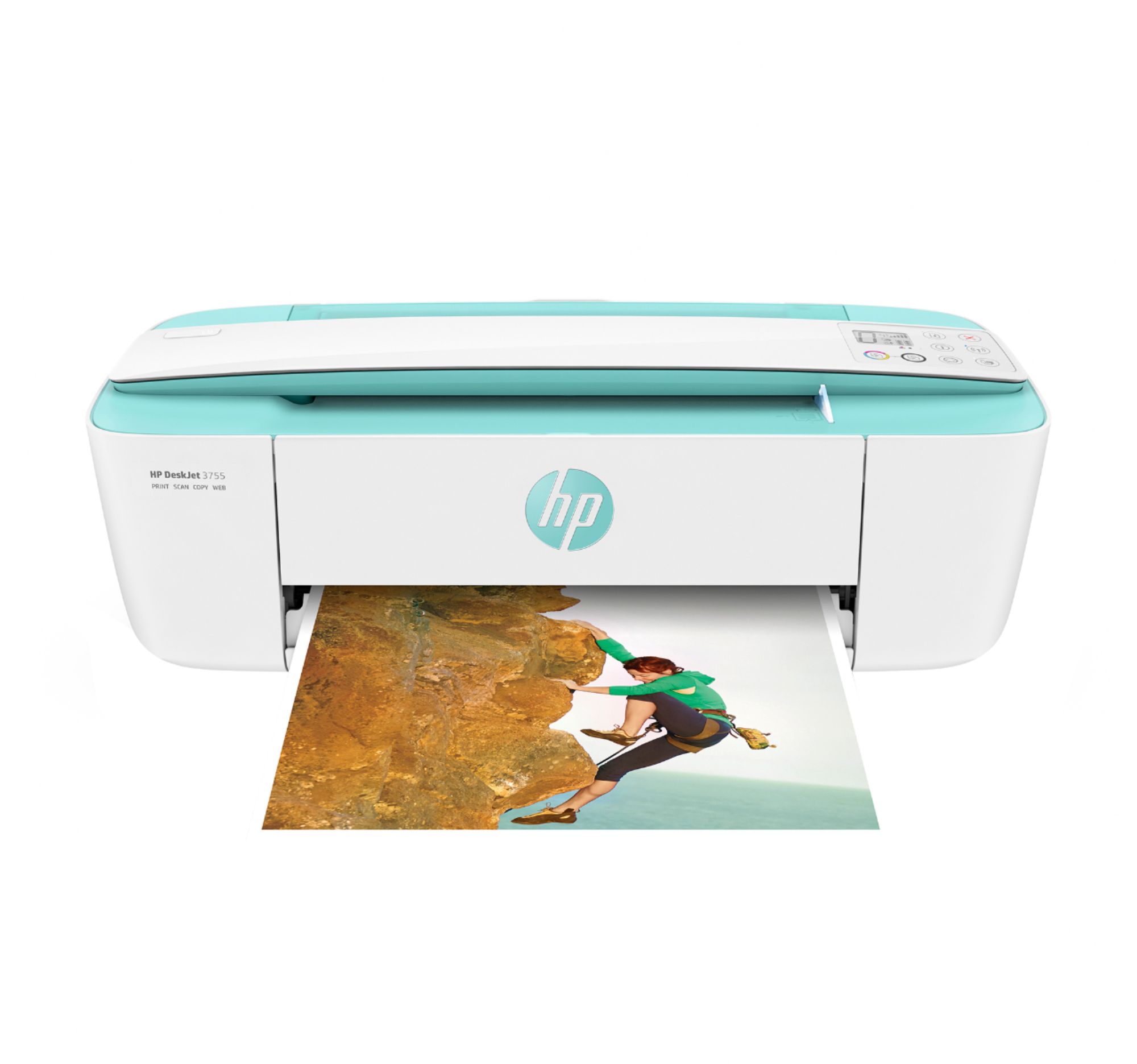
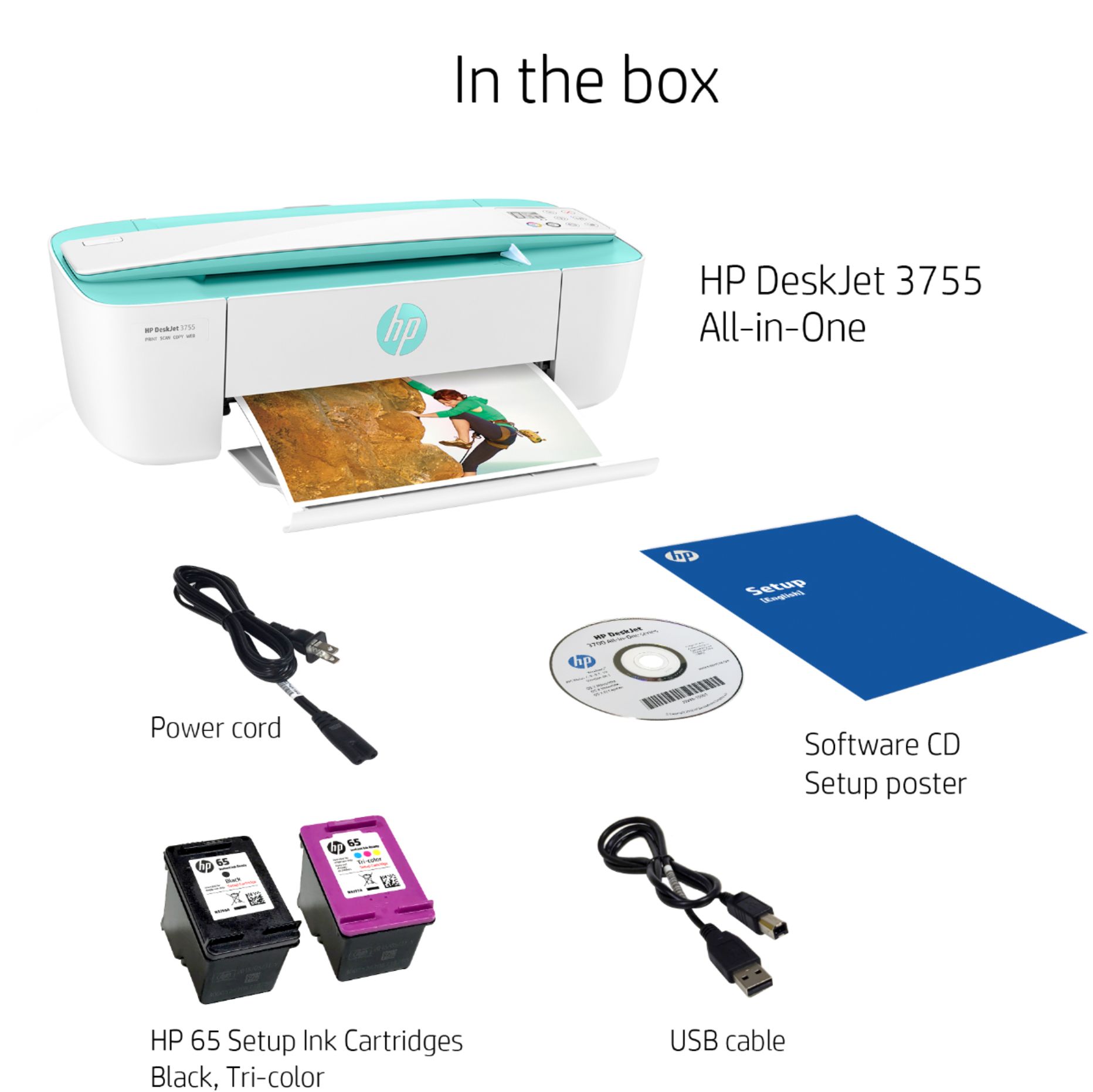
A:AnswerYes, the HP Deskjet 3755 has wireless capabilities, and connects easily to wifi. I've owned this printer for a few weeks and am quite pleased with its performance. I would recommend this printer.
A:AnswerHello and thank you for choosing HP! This printer does not come with a RJ-11 port which is needed in order to receive fax through a phone line. However, you can only send a fax via the HP Smart app.
A:AnswerWell, there's got to be some way for the printer and phone to communicate so the iPhone can send the picture to the printer. However, if you don't have a wifi connection, the printer has a function called "WiFi Direct" that's designed for only sending data from your phone to your printer. It will show up as a wireless network, and you can connect with that, send the photos, and then disconnect.
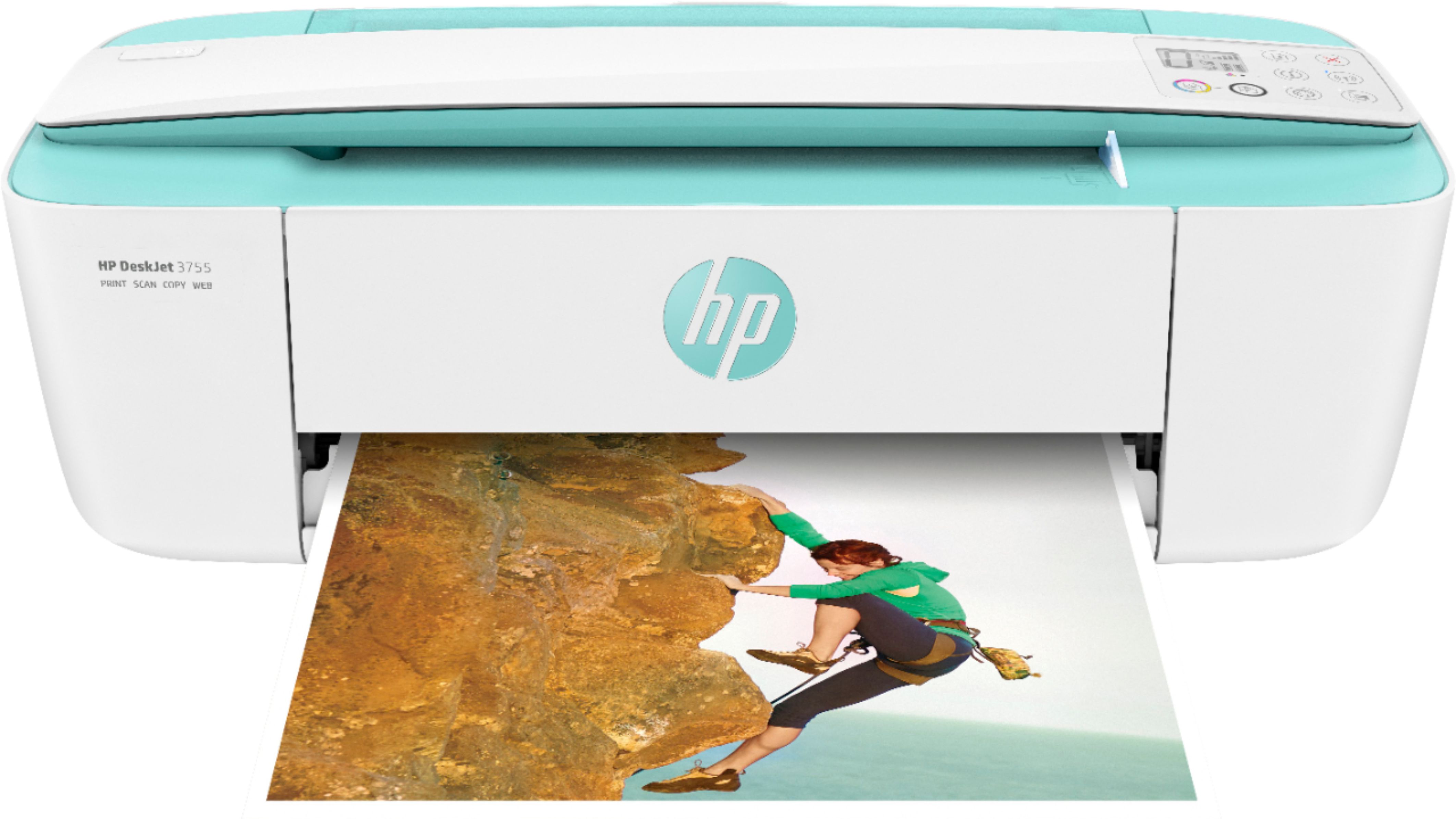
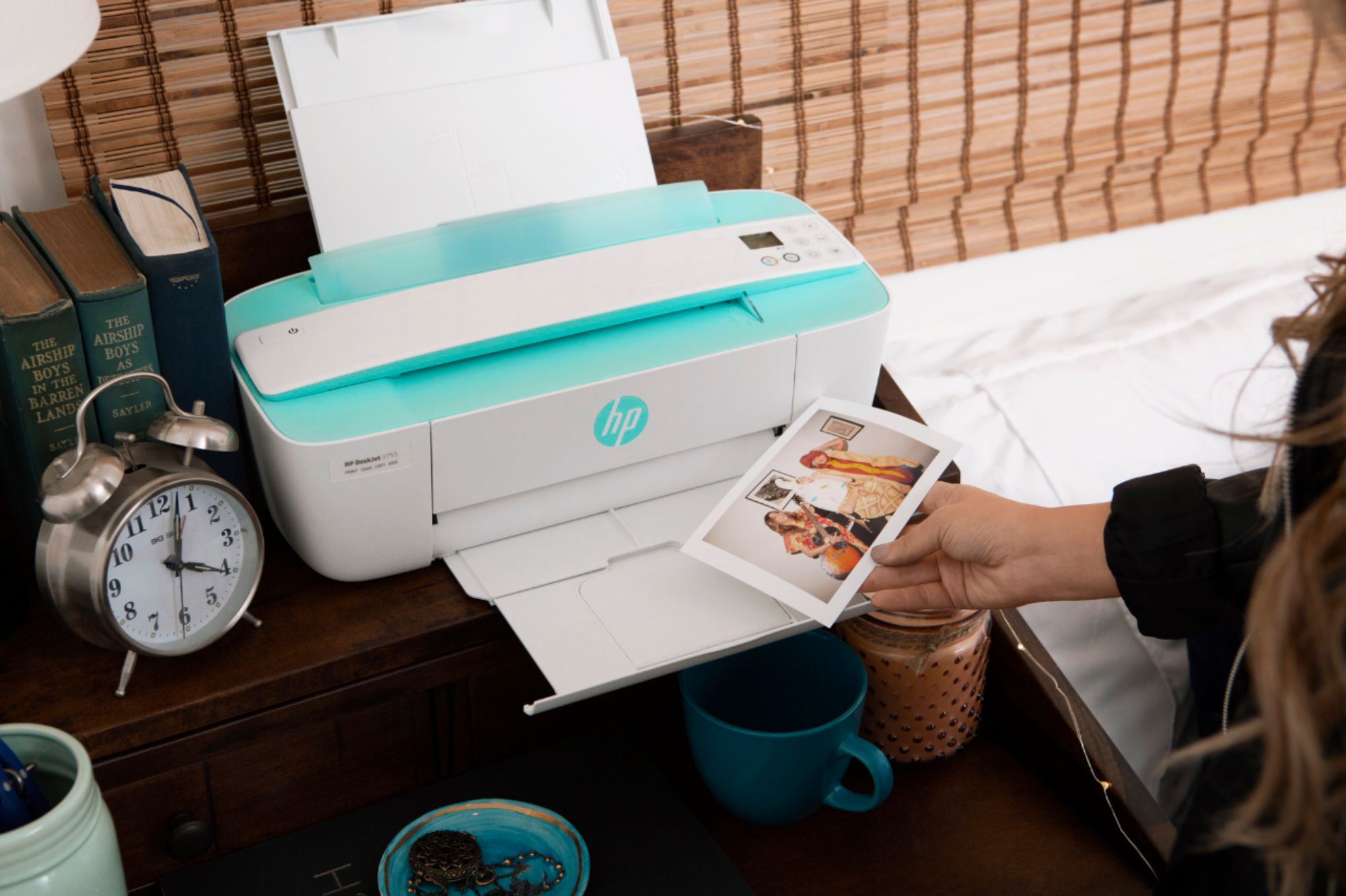
A:AnswerYou can use any photographic paper or common paper for the photos to come out perfect. I just prefer gloss paper, but regular paper is better too... and they look good in a picture frame... it's not necessary to use brand paper, I use HP paper. but it looks the same as the others...

A:AnswerThe short answer is "it depends". It can print on media up to 8.5x14, so if you're using paper (even heavy art paper). If you're looking to print on canvas, it won't be able to handle that weight.