A:AnswerMost Ubuntu distributions have a basic set of HP printer drivers that will work with any of your current printers. Once you install Ubuntu and connect the printer, the computer should automatically update the printer driver to one specific to a printer if it's available.
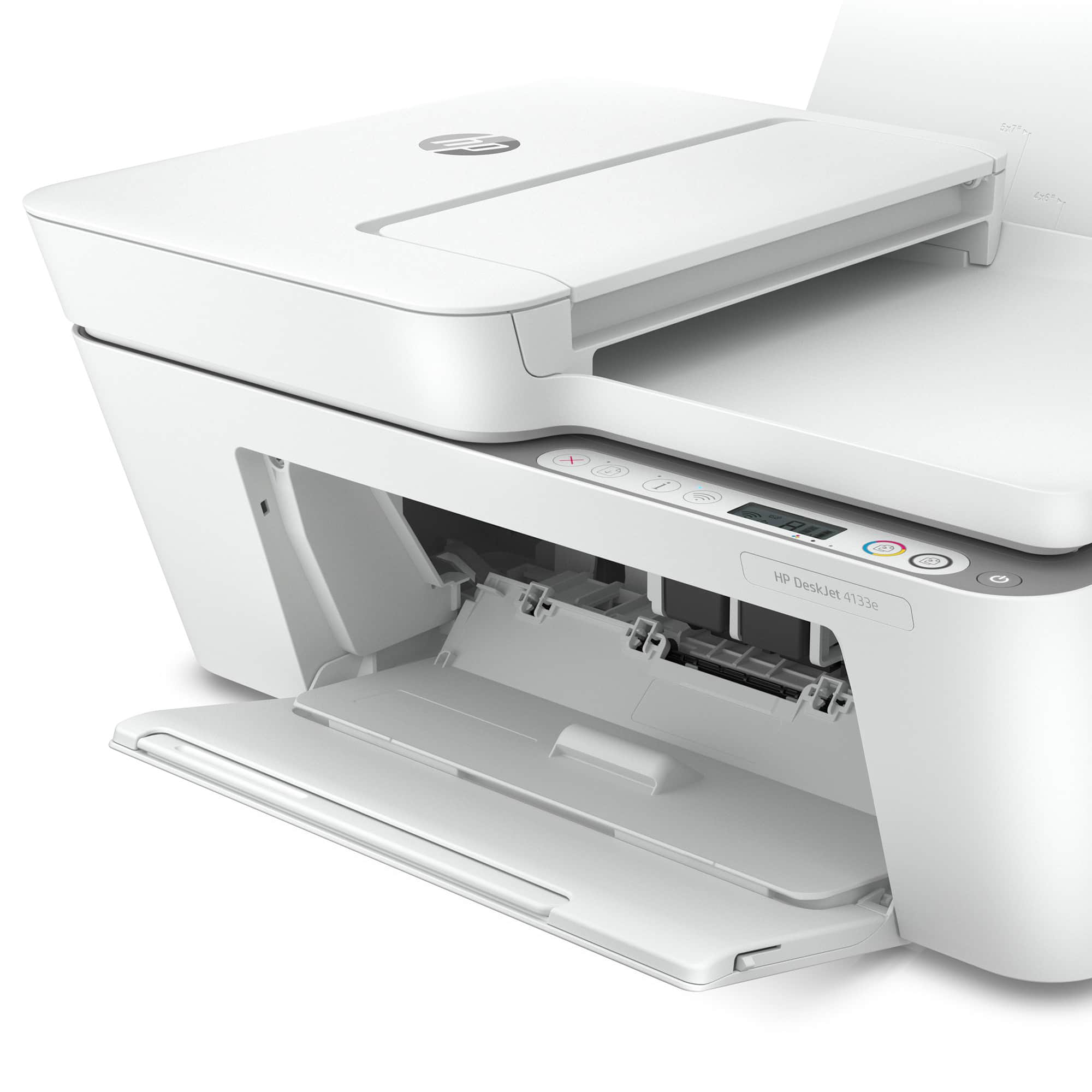
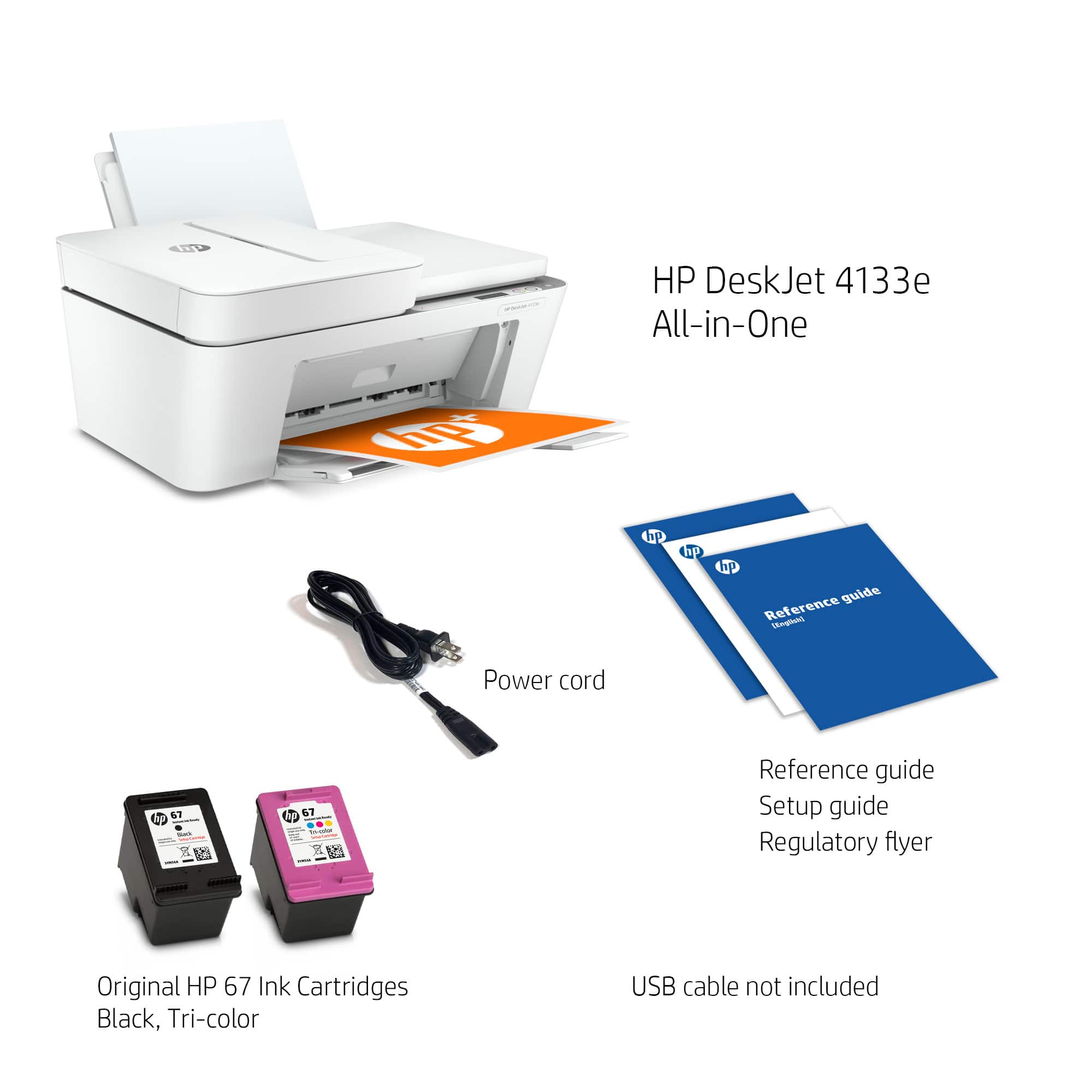
A:AnswerThank you for the question. No, 564 cartridges were used in printers, that have been discontinued. The DeskJet 4133e accepts only HP 67 and 67XL (high yield) black and tri-color cartridges.
A:AnswerThere are settings for direct connection wirelessly but may be easier to use hotspot for both. Connects automatically to all devices on network.
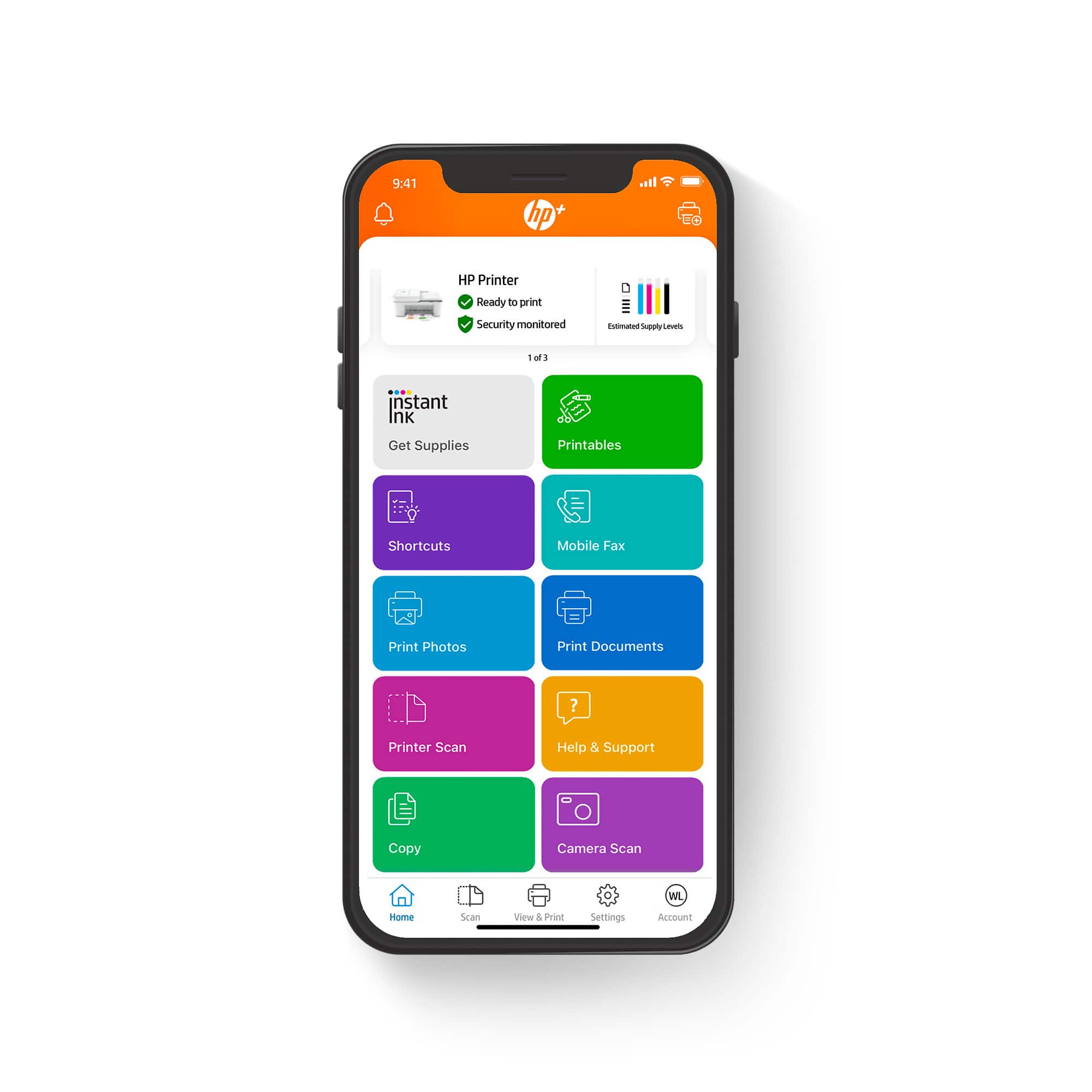
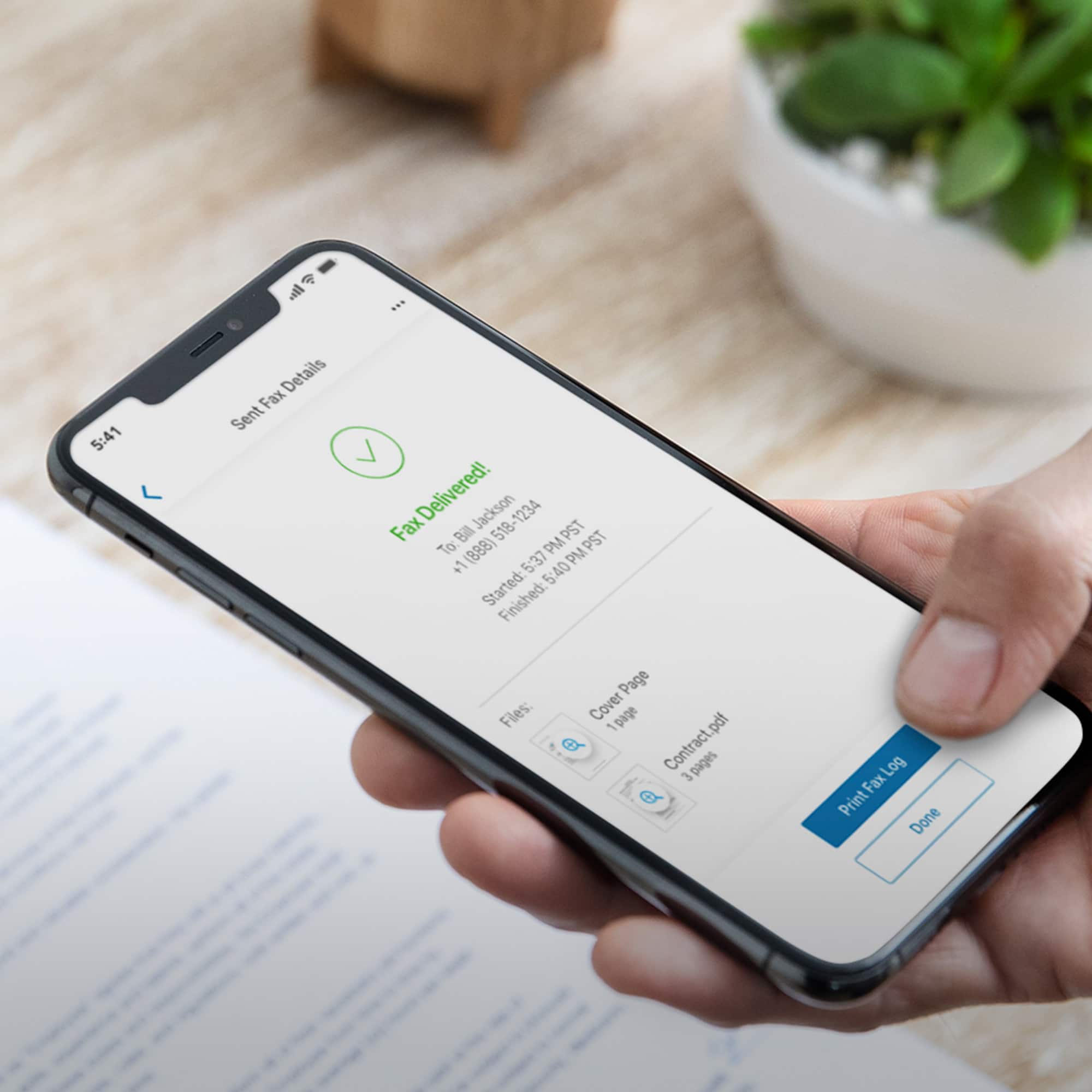
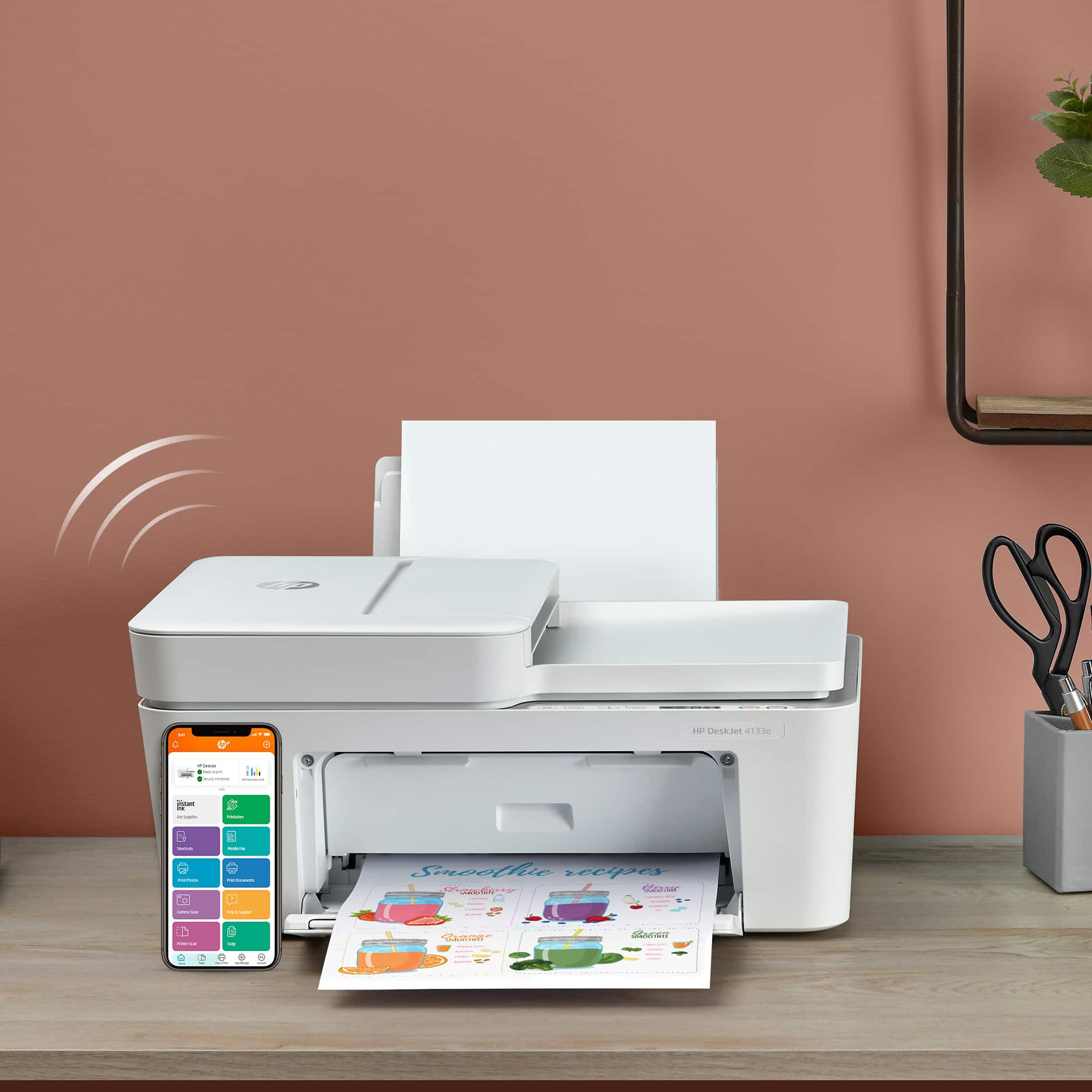
A:AnswerThank you for the question. You can connect the DeskJet 4133e using the free HP Smart App (from your smartphone tablet, or PC). Compatible operating systems are macOS 10.12 Sierra, macOS 10.14 Mojave, macOS 10.15 Catalina, and macOS 11 Big Sur.
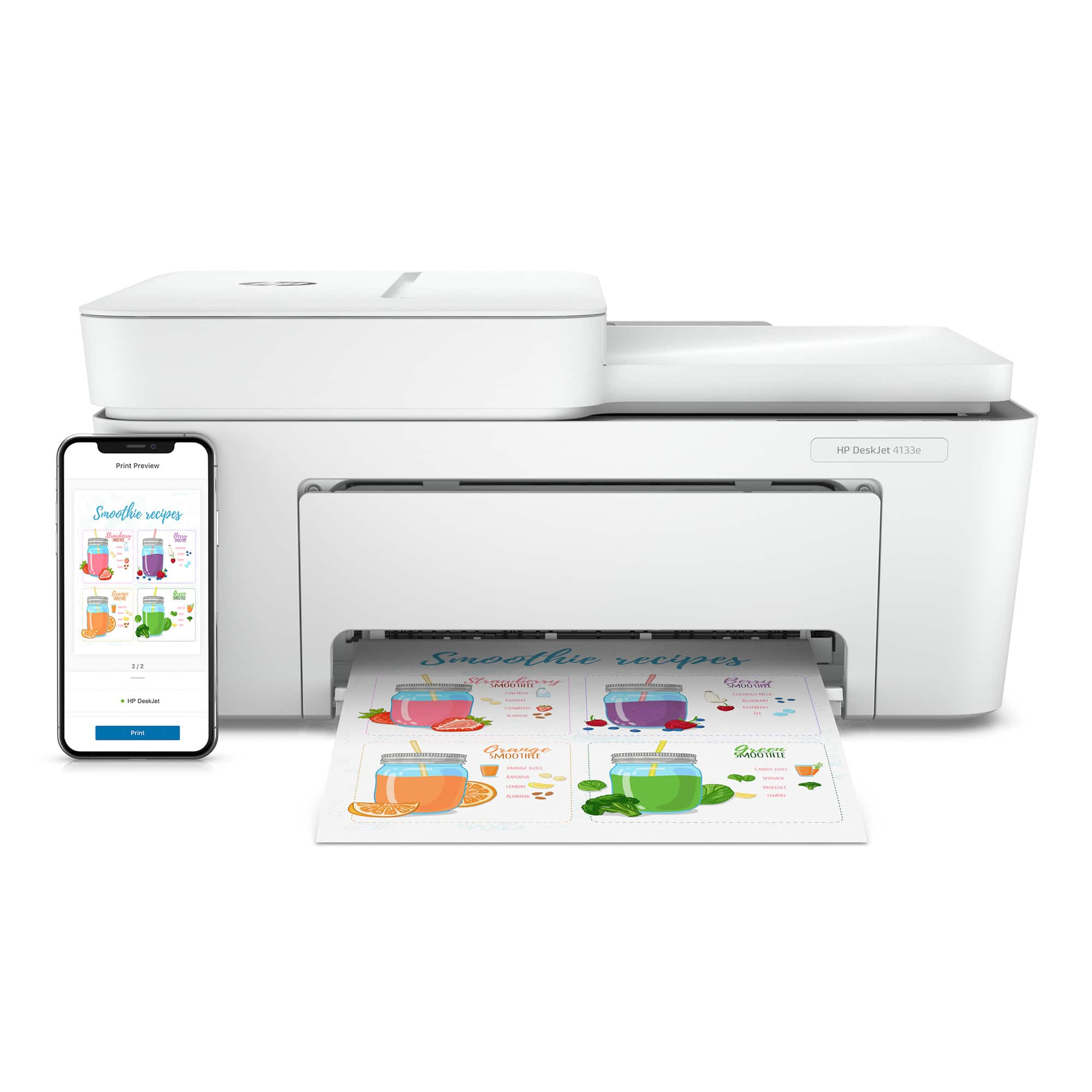
A:AnswerThank you for the question. Yes, when installed on your WiFi network, the DeskJet 4133e can be accessed from your PC, laptop, tablet, and smartphone.
A:AnswerThank you for the question. the DeskJet 4133e is compatible with macOS 10.12 Sierra, macOS 10.14 Mojave, macOS 10.15 Catalina, and macOS 11 Big Sur. It is also compatible with Apple AirPrint.
A:AnswerThank you for the question. The DeskJet 4133e is compatible with Windows 11; Windows 10; Windows 7; macOS 10.12 Sierra; macOS 10.14 Mojave; macOS 10.15 Catalina; macOS 11 Big Sur; and Chrome OS. The driver(s) required varies by operating system. The HP Smart App will include the drivers/software needed. We recommend using the Smart App on your smartphone or PC.