A:AnswerThis Desktop PC has the L08660-800 - 180W power supply installed. This chassis can also use the L64961-800 - 310W power supply, and the connectors should be the same. I hope this helps you.
A:AnswerThis Desktop PC has the L08660-800 - 180W power supply installed. This chassis can also use the L64961-800 - 310W power supply, and the connectors should be the same. I hope this helps you.
A:AnswerTo be honest, you're not going to get "thousands of dollars" in performance in a computer in this price range. Having said that, it would be fine for animation as well as many games.
A:AnswerYes, you can as long as one has a VGA input on the monitor. You can not use a VGA to HDMI adapter to plug the HDMI cord into the monitor it only works when the monitor has VGA and you want to plug it into the HDMI port on the computer.
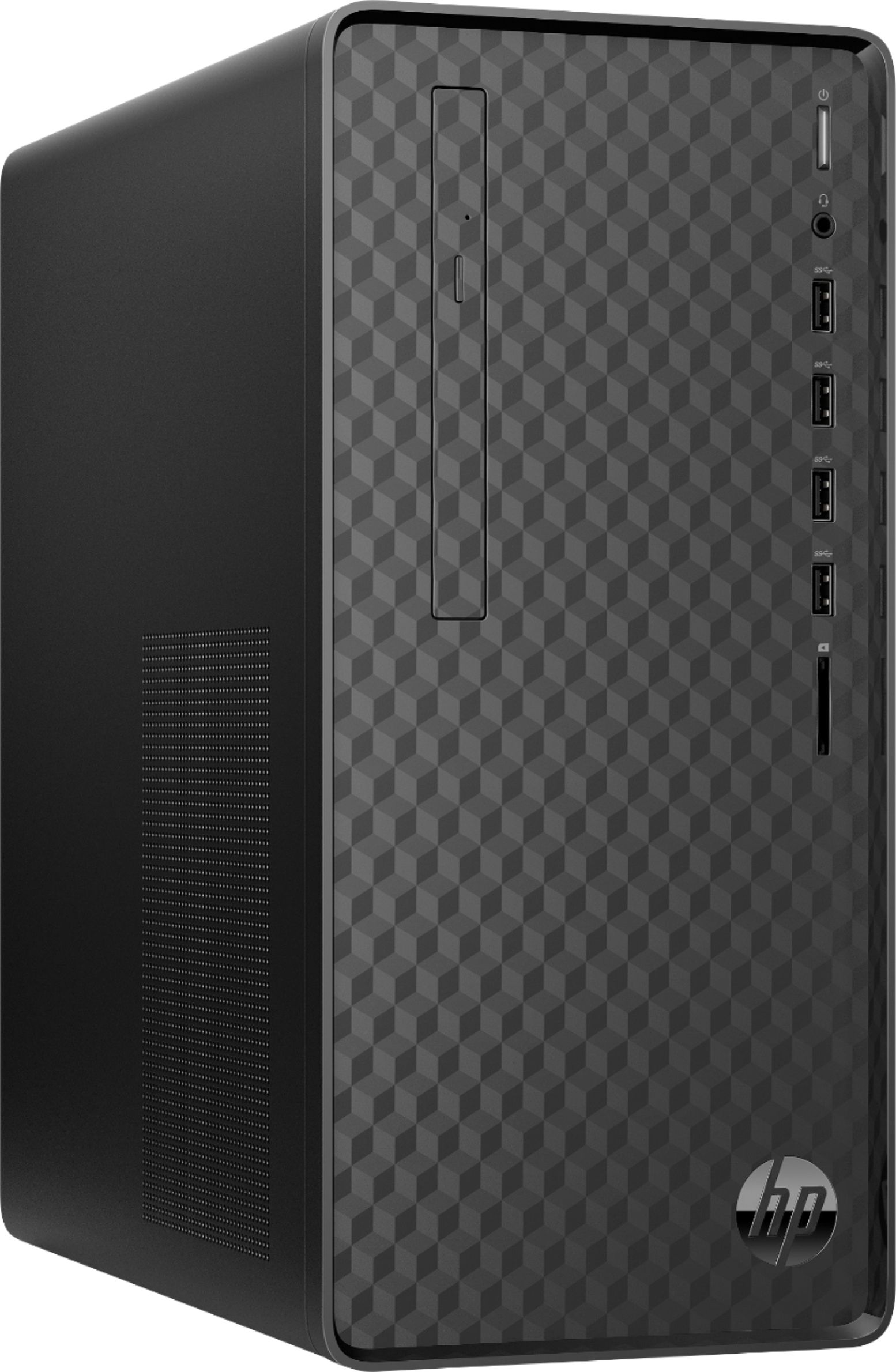
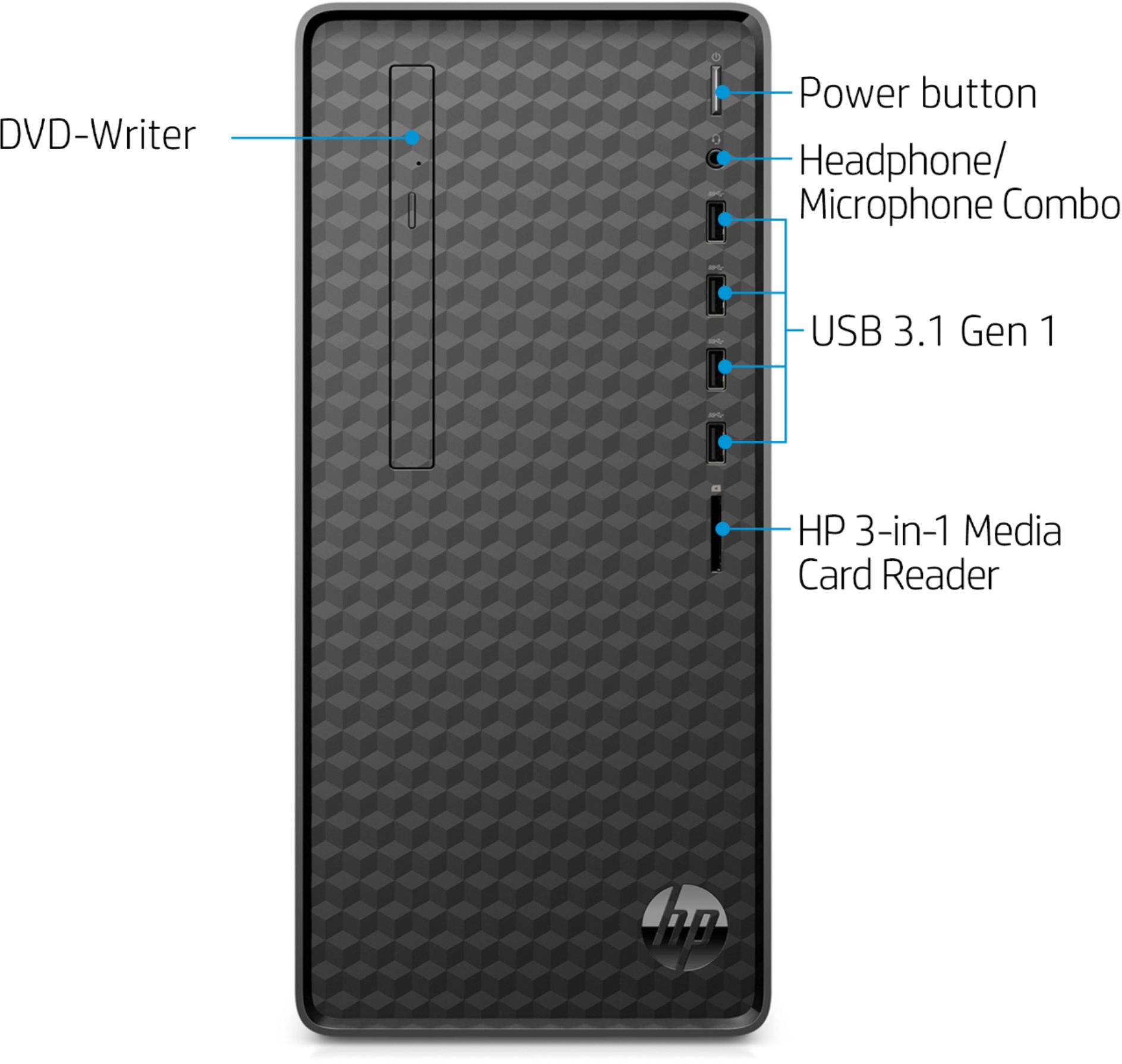
A:AnswerThanks for your question! On this HP Desktop there is a button on the disc drive that will open the drive for you. This button is almost level with the top USB port and to the USB ports left.
A:AnswerIm' sure you can but I would recommend buying a portable drive. Theyr'e about 100.00 and this way you can save all your data directly on the drive and take it with you . Great computer for the price otherwise.
A:AnswerThere are only 2 M.2 slots available for expansion on this desktop. One is open for WLAN and the other slot is used for M.2 solid state drive. Here are more details: https://support.hp.com/us-en/document/c06418906
A:AnswerThere is a button on the DVD drive that you need to push and it will open. To close you just need to push the "drawer" and it will go back in place.