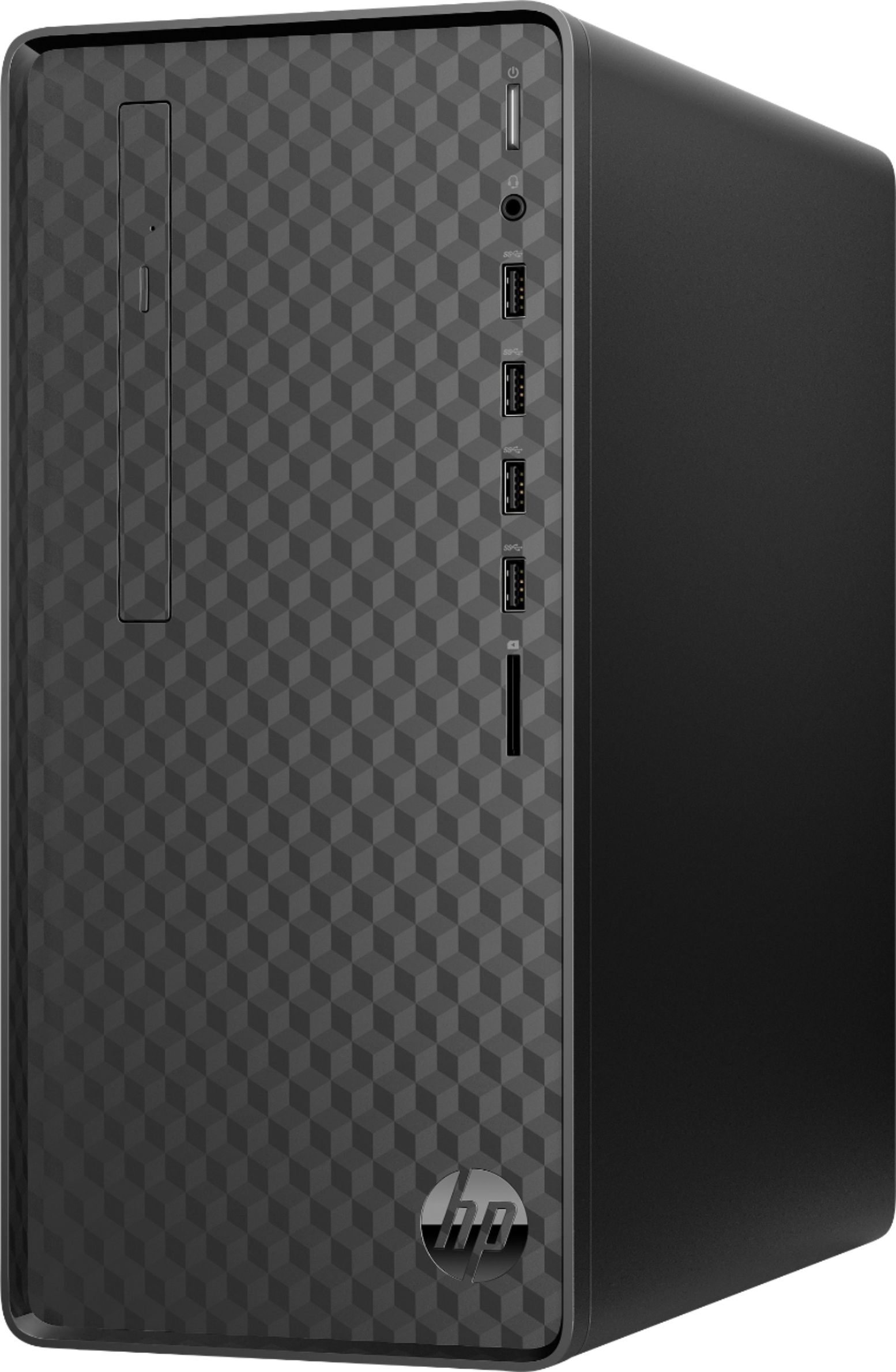
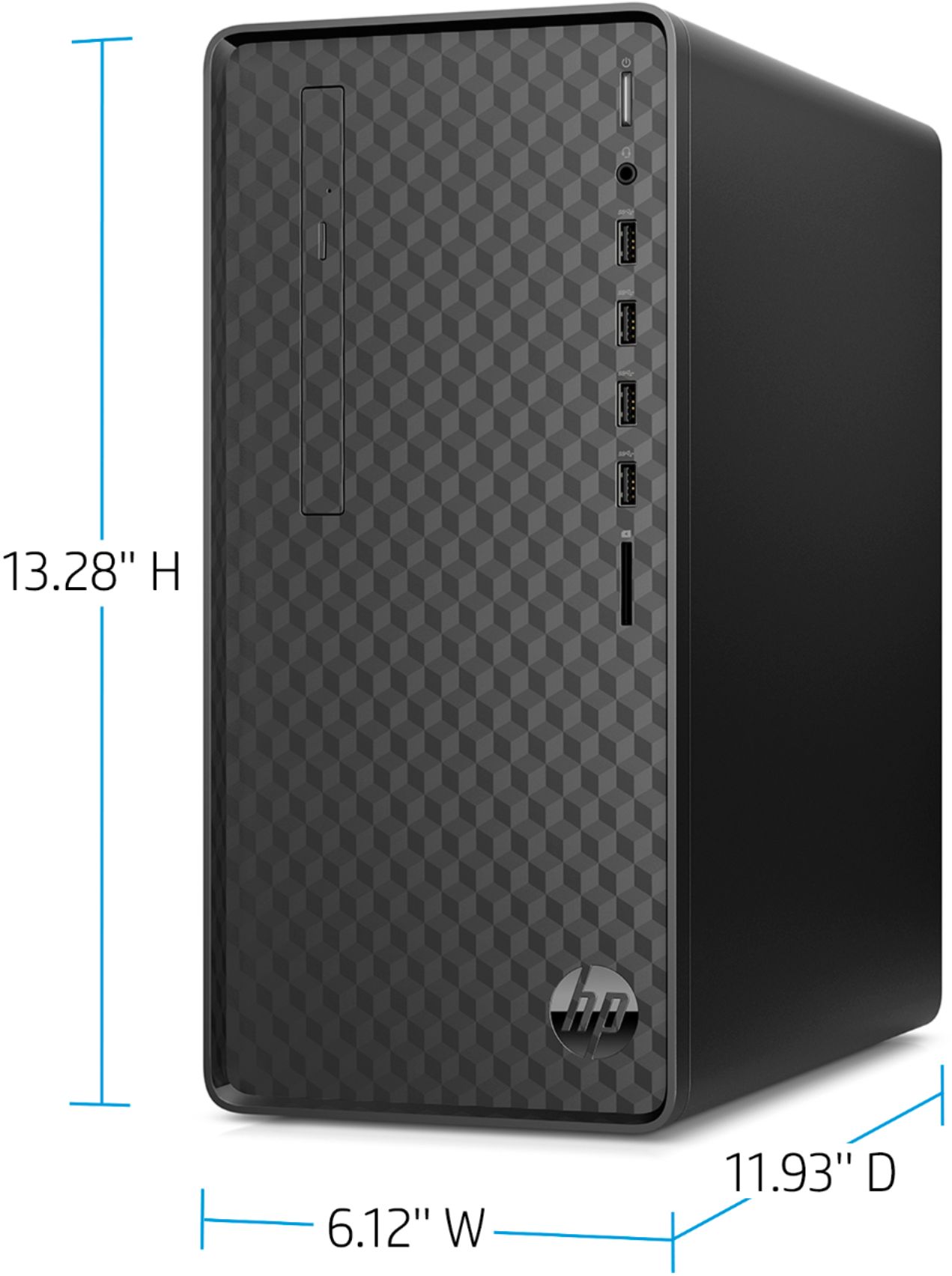
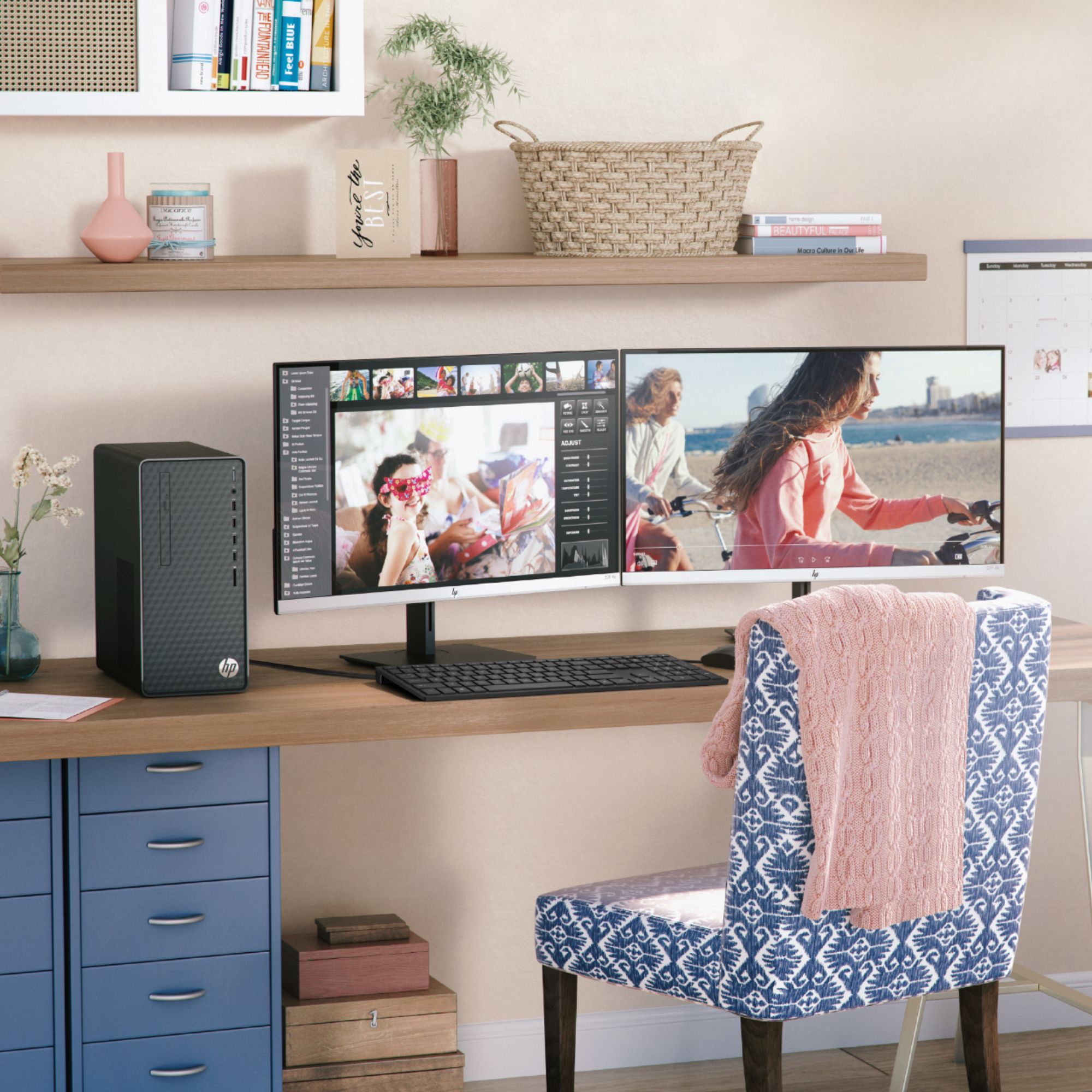
A:AnswerHello, Kyle! Thank you for your question about the HP Desktop (M01-F0014). Neither card will work with this computer due to the power supply installed. This model has a 180 W Gold efficiency power supply, but the graphics cards require at least a 300 W power supply to function.
A:AnswerYes you could play Minecraft and stream. This is not however a gaming computer, so you could only do casual gaming. While you can play some games on any computer, modern games like Minecraft, Fortnite and most other popular titles require a lot of power. For this reason, I would recommend a model with a dedicated Graphics Processing Unit (GPU) for serious PC gaming.
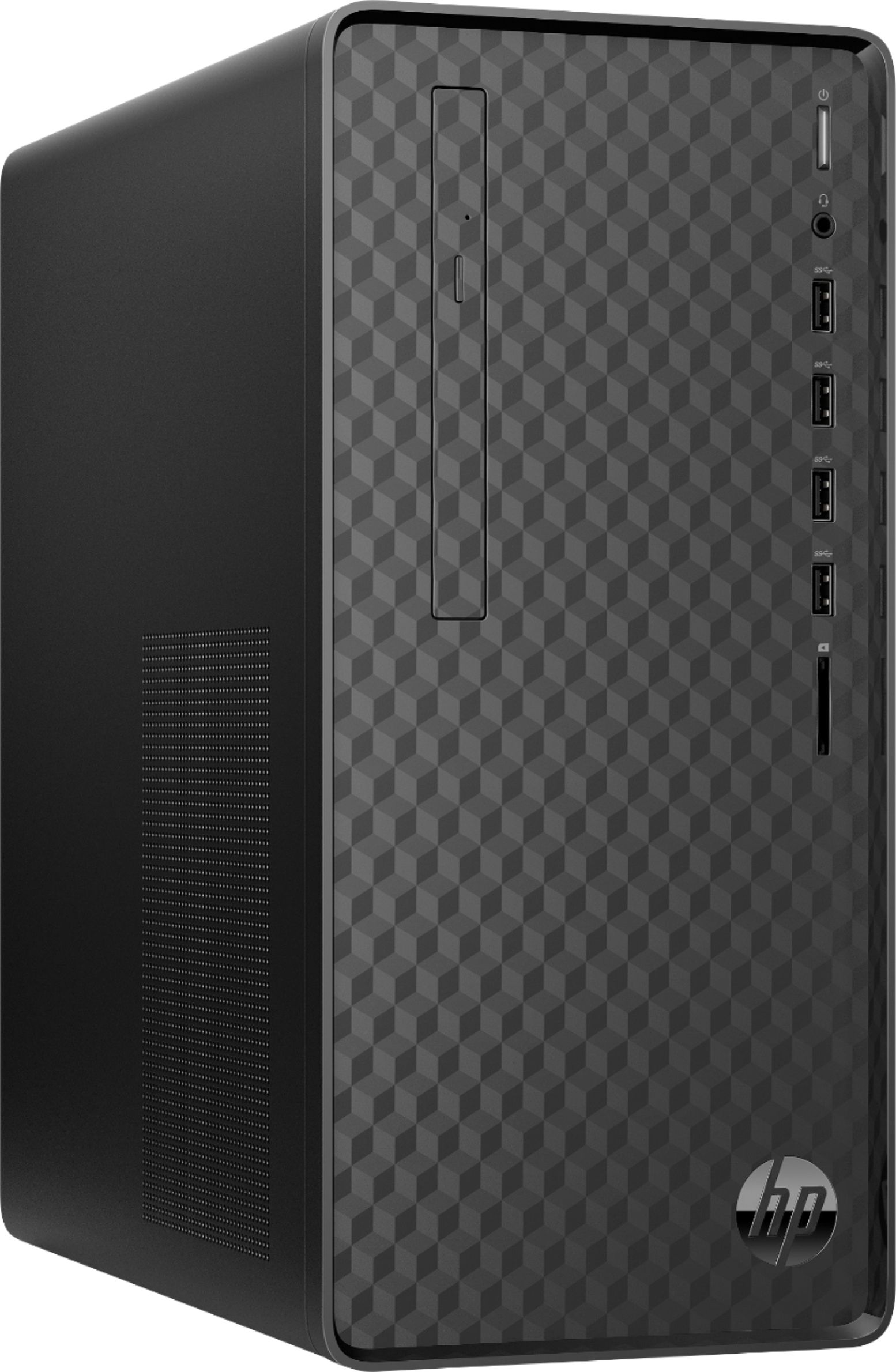
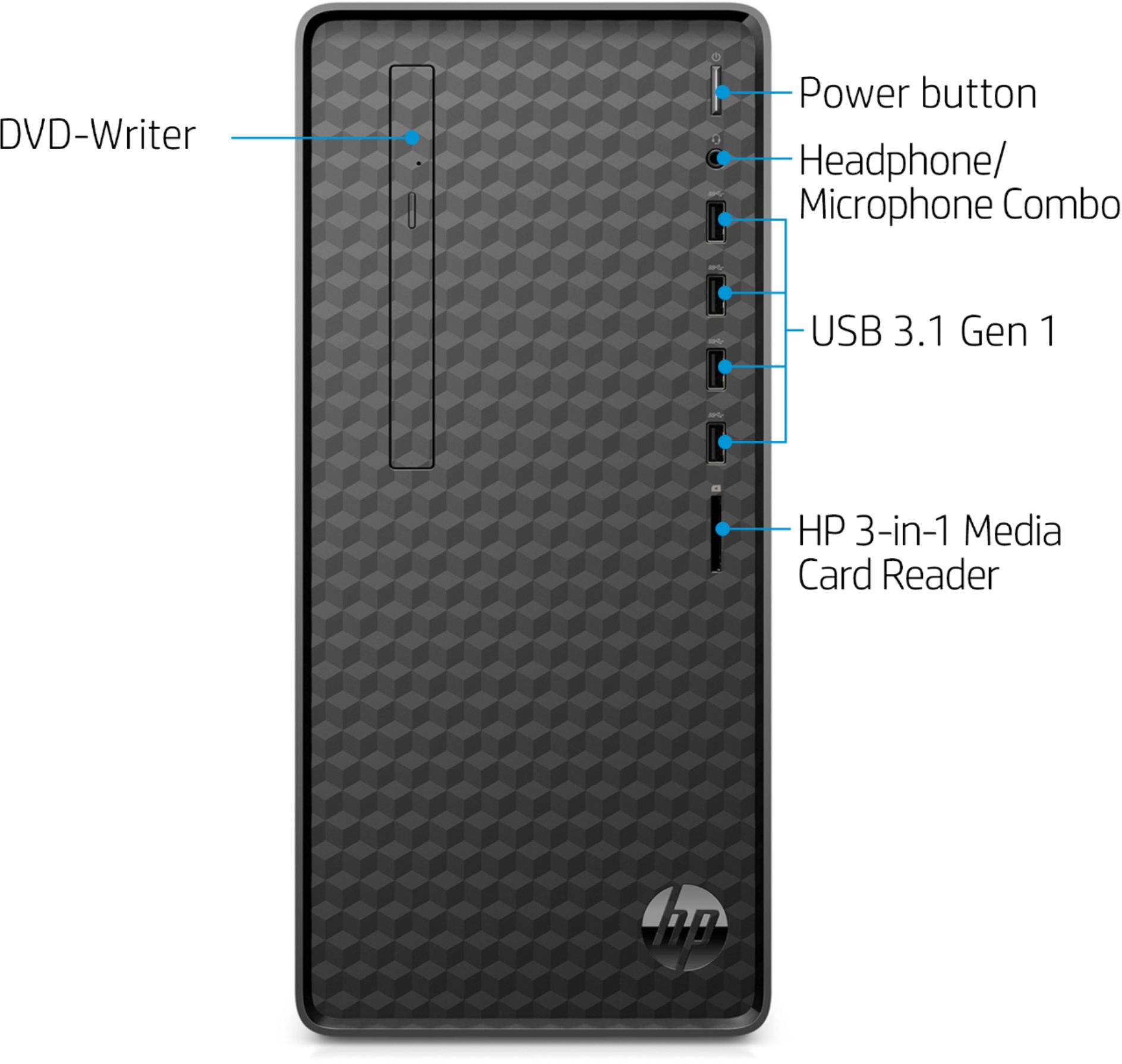
A:AnswerIf you have headphones with a 3.5mm audio plug, you can plug into the front audio out plug on the desktop. You can also connect Bluetooth headphones, or USB headphones to the Desktop.
A:AnswerThanks for the question! The system has a space for a 3.5" hard drive. It has a cage and cable installed for SATA III drives. Here is a link to the upgrading and service guide: http://h10032.www1.hp.com/ctg/Manual/c06425327.pdf
A:AnswerYes, you can upgrade the graphics card on this desktop. We recommend going to this website to see what you need to be sure your computer can play the game: https://www.systemrequirementslab.com/cyri
A:AnswerPlug cable from monitor directly into computer and plug power from monitor into power outlet. The monitor cord shape will correspond to a same shaped receptacle on computer.
A:AnswerYes, DDR4-3600 is too much for this desktop. This desktop can handle up to 32 GB DD4-2666. If you go up to DDR4-3600, it will be downgraded to 2666.