No content
Questions & Answers
- Model:
- M01-F0014
- |
- SKU:
- 6366134
Highly rated by customers for: Speed, Performance, Ease of use
Page Showing 261-271 of 271 questions
Q: QuestionWhat 400 watts power supply works with this pc
Asked by Anonymous.
- A:Answer This Desktop PC has the L08660-800 - 180W power supply installed. This chassis can also use the L64961-800 - 310W power supply, and the connectors should be the same. I hope this helps you.
Answered by HP Team

Q: QuestionHi, I would like to ask if the power supply is upgradeable (is the power supply proprietary or standard) and what is the longest graphics card the case can fit? Thanks!
Asked by AgentIggy.
- A:Answer This Desktop PC has the L08660-800 - 180W power supply installed. This chassis can also use the L64961-800 - 310W power supply, and the connectors should be the same. I hope this helps you.
Answered by HP Team

Q: QuestionCan I upgrade the power supply to add a graphics card to this computer? It does have a slot inside for it? Doesn't it?
Asked by Moe45.
- A:Answer Yes
Answered by Surfdog
Q: QuestionIs it compatible with gaming and animation programs? Also am I able to stream from it. Most gaming pcs cost thousands of dollars and I was wondering if this pc is able to handle the power.
Asked by thomasa11.
- A:Answer To be honest, you're not going to get "thousands of dollars" in performance in a computer in this price range. Having said that, it would be fine for animation as well as many games.
Answered by HP Team

Q: QuestionCan I use this desktop with two / dual monitors ?,
Asked by Rick.
- A:Answer Yes, you can as long as one has a VGA input on the monitor. You can not use a VGA to HDMI adapter to plug the HDMI cord into the monitor it only works when the monitor has VGA and you want to plug it into the HDMI port on the computer.
Answered by Kathy
Q: QuestionI bought this PC yesterday.The on off button is almost buried in the case.Is there a way the button can be more accessible and easier to use? I also got a package of screws in the box with the PC.What are they for?There was explanation.
Asked by dennys40.
- A:Answer You may wish to contact HP support at https://support.hp.com or call them at 1-800-HPINVENT.
Answered by HP Team

Q: Questionhow do i open up the disc tray to insert a cd onto the drive
Asked by danrxgolf.
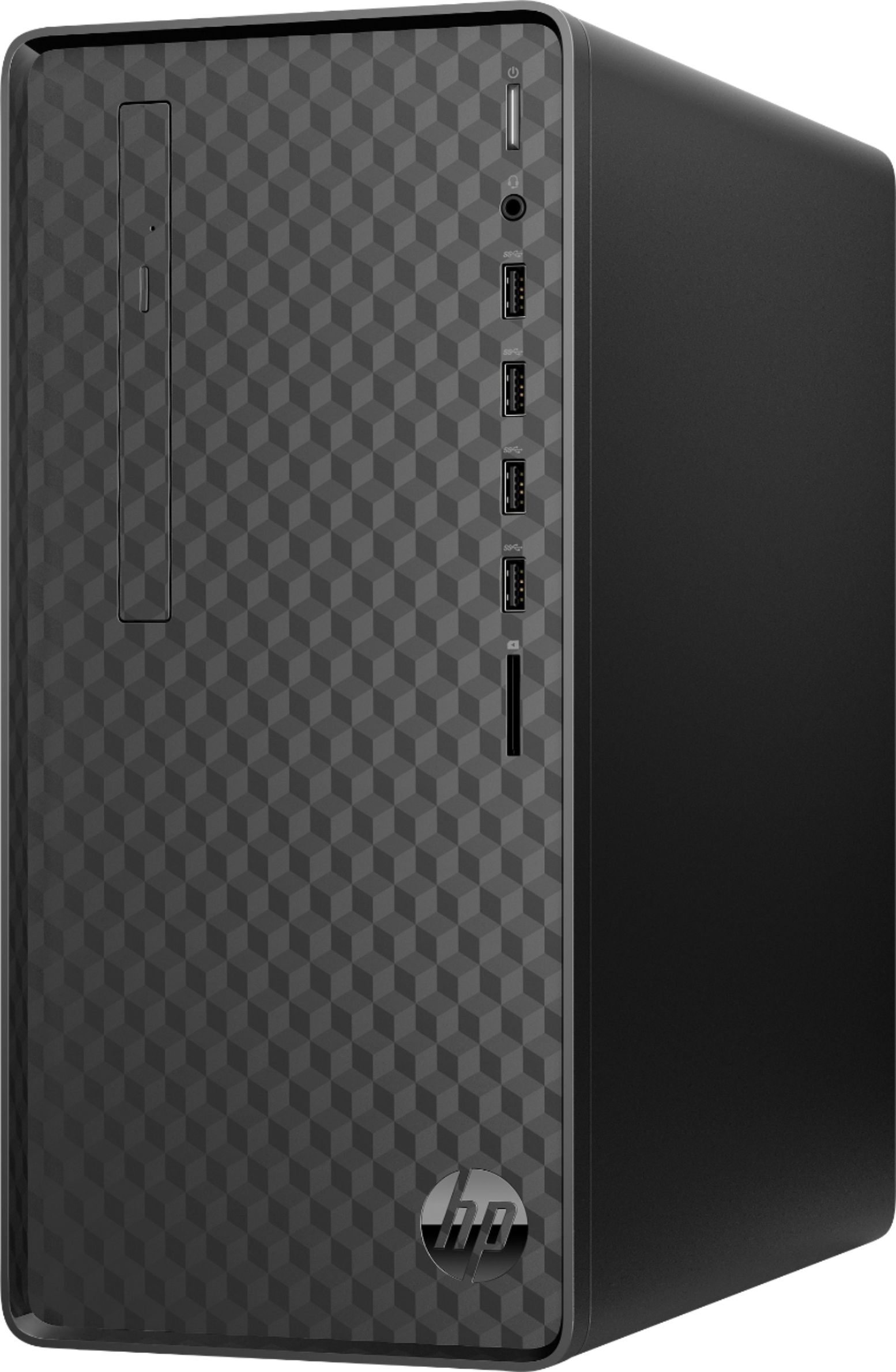
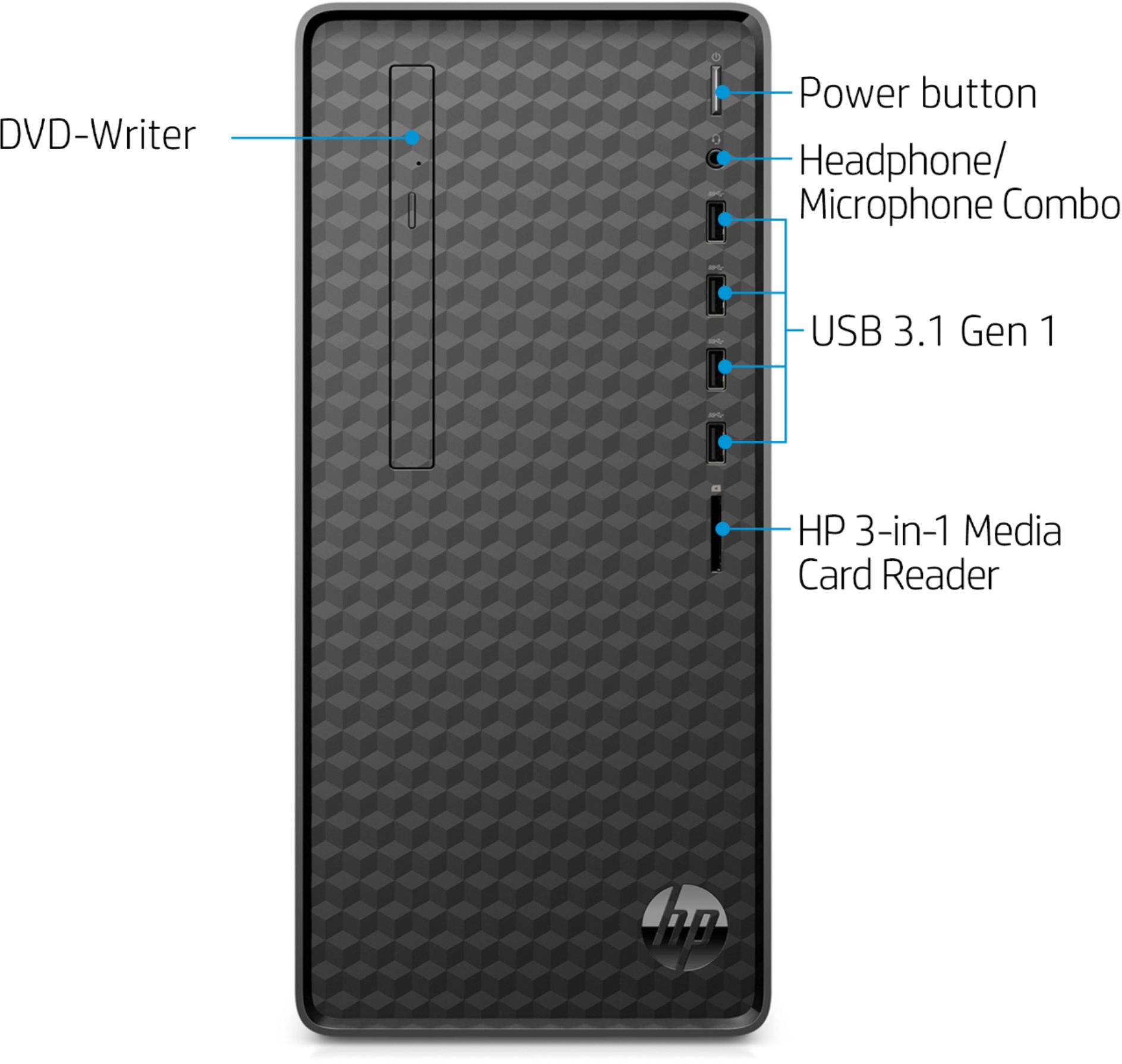
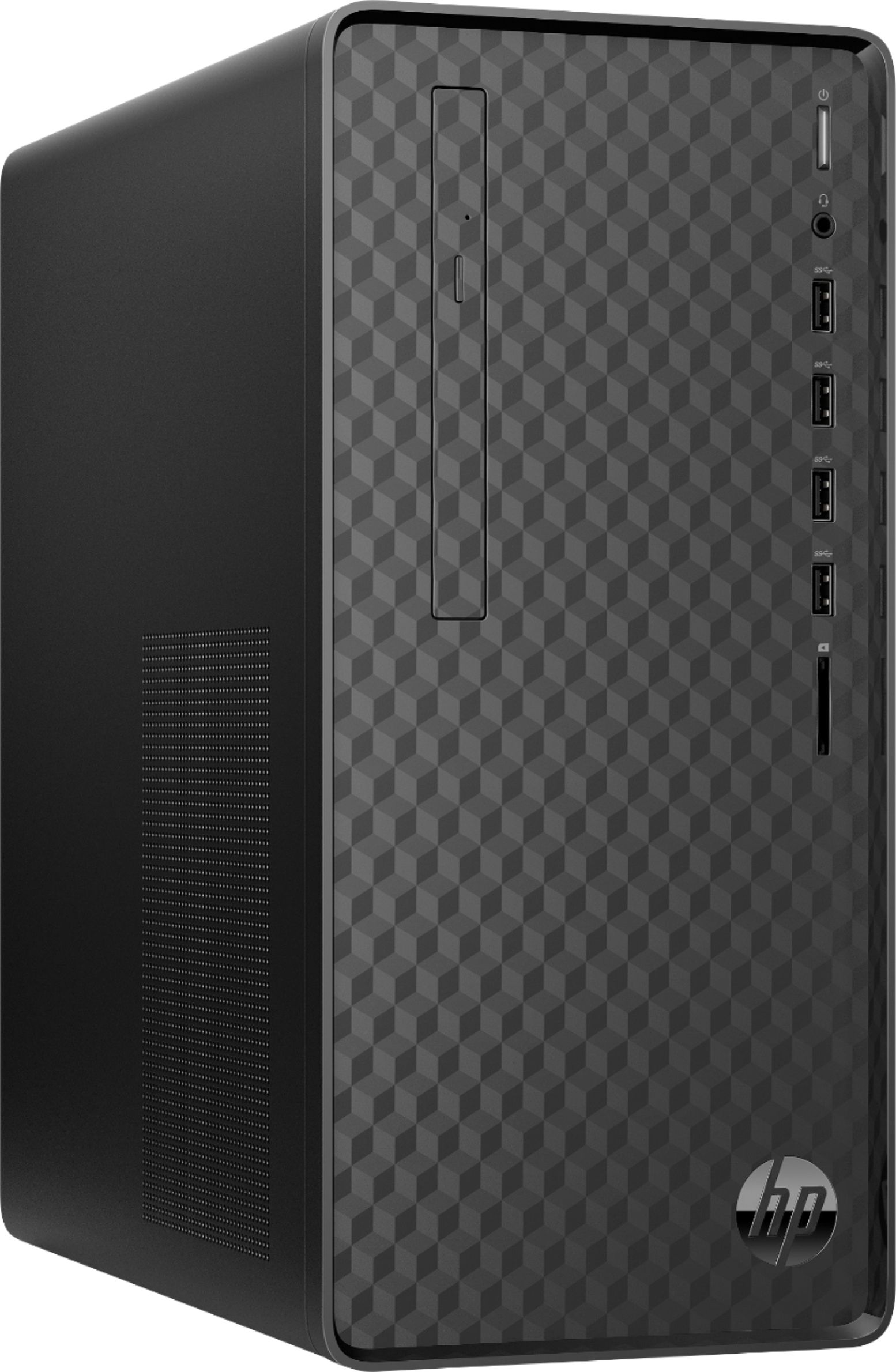
- A:Answer Thanks for your question! On this HP Desktop there is a button on the disc drive that will open the drive for you. This button is almost level with the top USB port and to the USB ports left.
Answered by HP Team

Q: QuestionDoes this computer have a DVD/CD Drive ?
Asked by Sword.
- A:Answer Yes, this Desktop does include a DVD-RW drive.
Answered by HP Team

Q: QuestionCan I add a sata 1 tb hard drive to this as well?
Asked by Shilohboy.
- A:Answer Im' sure you can but I would recommend buying a portable drive. Theyr'e about 100.00 and this way you can save all your data directly on the drive and take it with you . Great computer for the price otherwise.
Answered by Shirl
Q: QuestionCan I install an extra SATA hard drive?
Asked by jss.
- A:Answer There are only 2 M.2 slots available for expansion on this desktop. One is open for WLAN and the other slot is used for M.2 solid state drive. Here are more details: https://support.hp.com/us-en/document/c06418906
Answered by HP Team

Q: QuestionHow do I open cd/disc insert on ryzen 4000 series window 11
Asked by James.
- A:Answer There is a button on the DVD drive that you need to push and it will open. To close you just need to push the "drawer" and it will go back in place.
Answered by HP Team

Top Rated
- Tech Fest Deal$99.99