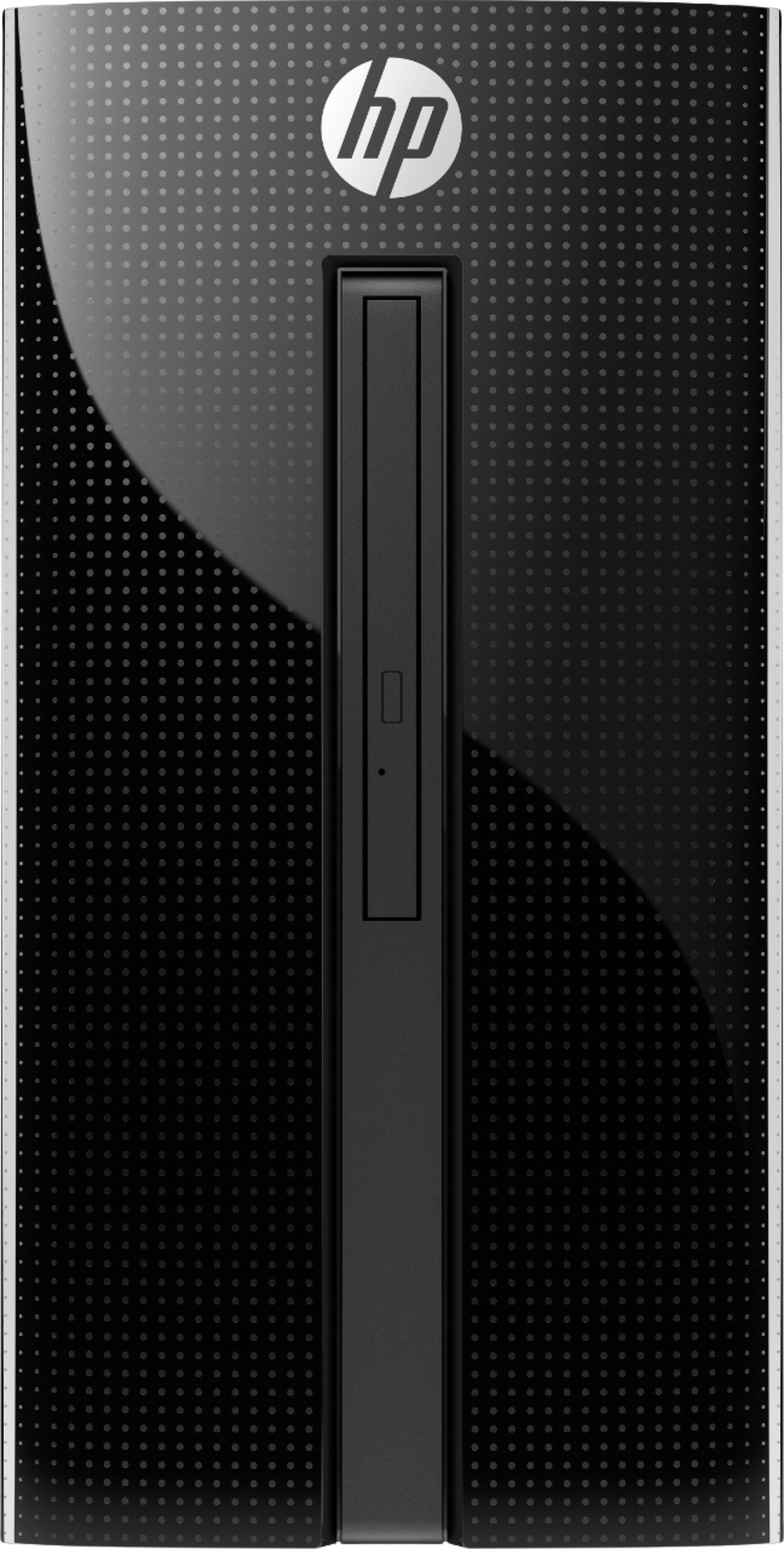
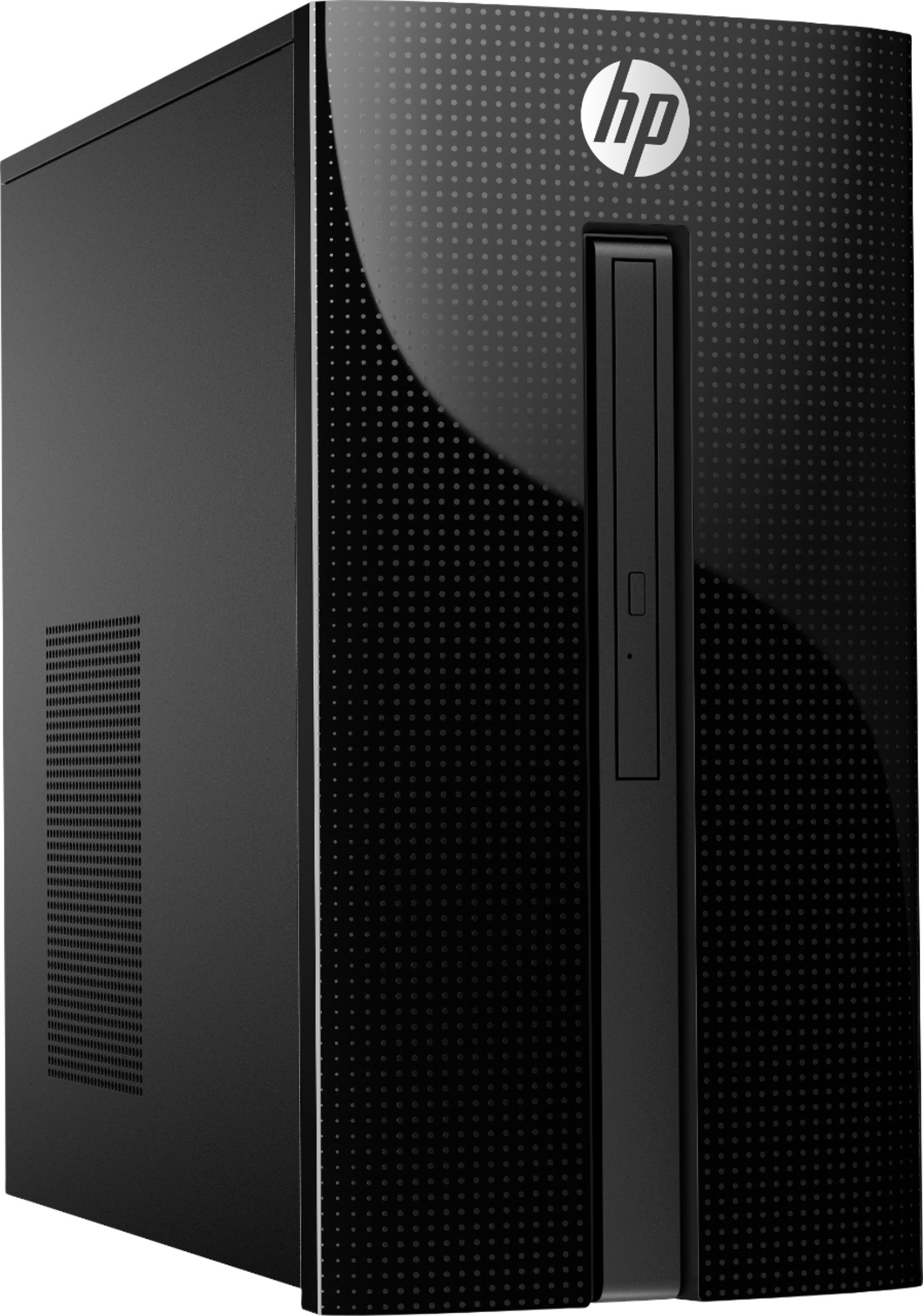
A:AnswerBoth the GTX 1650 and the AMD 560 run off the PCIe buss which provides 75 watts according to PCIe specification. The I7-7700T CPU uses only 36 watts. Then there is about 5 watts for the hard drive. The Motherboard takes a few...lets guess 40 watts. The power supply provides 180 watts. Sounds like you got it covered. You will read suggestions such as 300 watt or 400 watt power supply recommended. That would be correct if you ran at 1920X1080, all details turned on, maximum effects and played a FPSMMO for hours on end. I would expect you would cook the power supply in a few months if you did that. For sake of comparison, I had an XFX6800XT that has a 6 pin power dongle in a 2-core HP with a 240 watt power supply (500 watts recommended). It lasted for 10 years....the GPU card I mean, The power supply still works as does the hard drive, CPU, fans and everything else. I ran mostly at 1024x768 and I've played Counter Strike for 8 hours straight. The key is to keep your resolution lower and your settings moderate to low (give up on smoke and fog,,,takes a lot to render it and its garbage). If you see lag, stuttering, reduce your settings. If it shuts down, that means the power supply is overtaxed. Mine never shutdown. I played it to the safe side (but I did overclock the GPU and memory about 17% upwards and crashed them a few times at 20%). Don't recommend overclocking....just buy a better card and treat it right. Go easy on your GPU and figure to upgrade the 24 pin power supply. Best Buy can do it for you when it is needed....if ever. The HP's 180 watt P.S. is designed to run at 180 watts...not 90, 120 or 150. There is a little safety factor even at 180, but not much. I've owned 3 HP's in over 20 years. They are repairable and upgradable, in spite of the proprietary parts (which tend to be pretty reliable).
A:AnswerThe HP team is incorrect in their answer. There are 2 sata connections on the motherboard. The DVD uses one and there is one left unused that a sata hard drive (or a SSD drive with the correct adapter) can be added. If you look for the manual on HP's web site you will see how and where it can be added. The other option is if you want add third hard drive, disconnect the DVD drive and connect a sata HHD or an SSD drive with the correct adapter. A little imagination with computers gives you a lot of options. Here is the motherboard specifications.
https://support.hp.com/us-en/document/c05382582
A:AnswerThis model has integrated Intel UHD graphics. You would need a substantial upgrade to the GPU and PSU, or you can look into a pre-configured gaming rig like a Gaming Pavilion or Omen.
A:AnswerThis graphics card is intended for mini itx cases. This desktop only has One PCI Express x16 slot open. Here is what the motherboard looks like: https://support.hp.com/us-en/document/c05382582