Black Friday is hereShop new DoorbustersShop now

Main Content

Questions & Answers

Your price for this item is $1,329.99
Page Showing 1-3 of 3 questions
  • QuestionCan you use an older model monitor that used a 3 prong plug with this?

    Asked by LoriL.

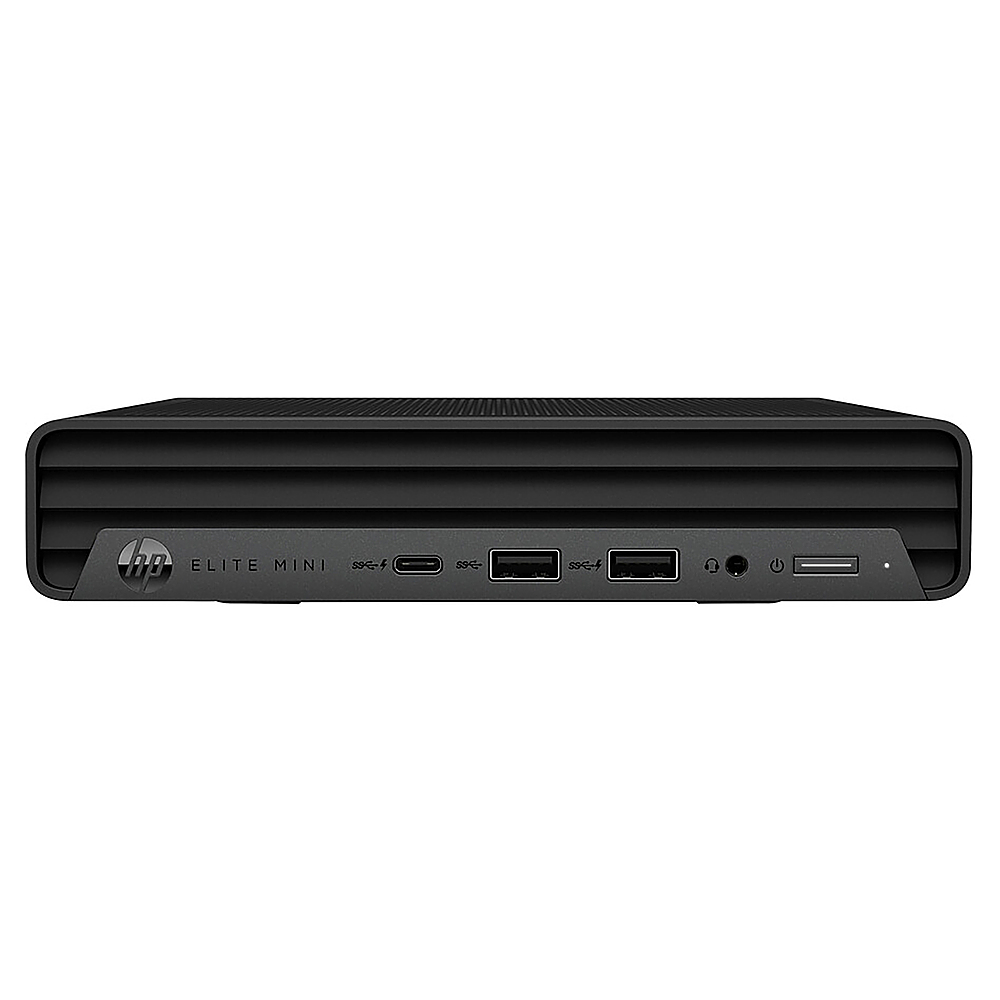
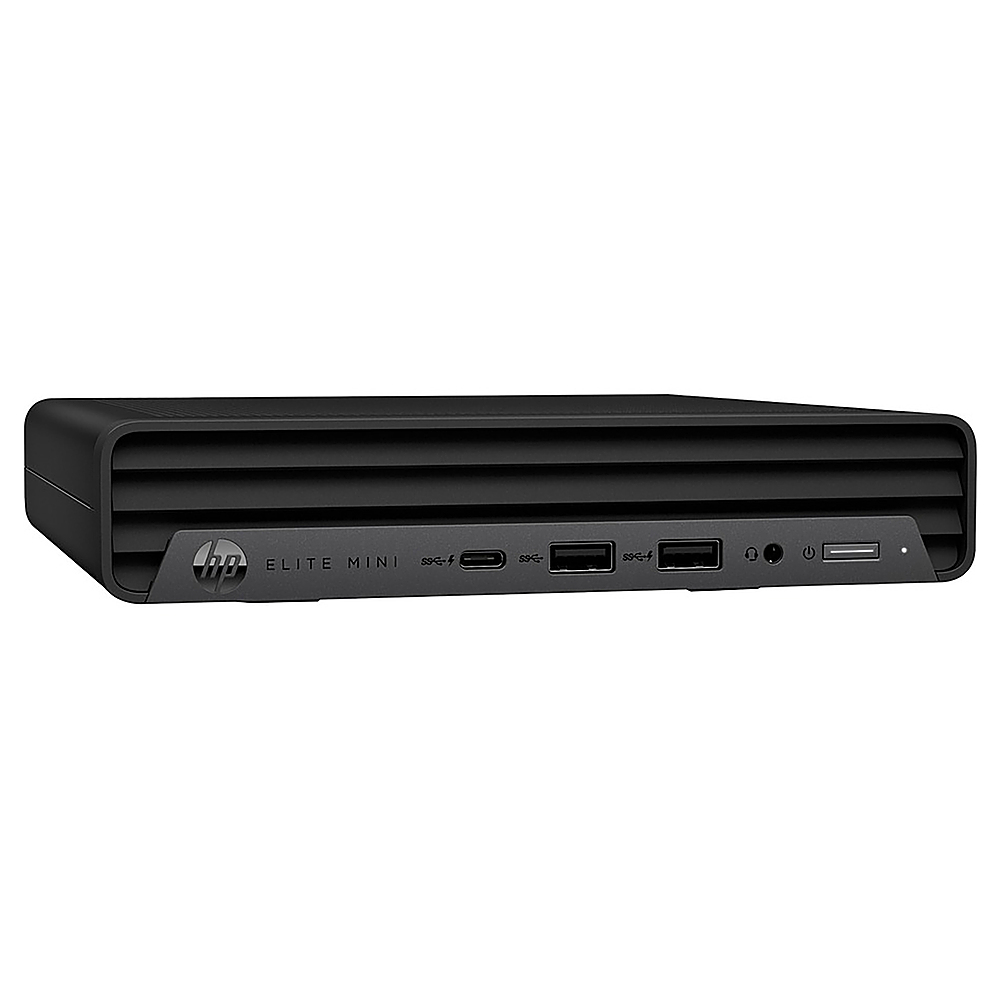
    • Answer Thank you for the question. Unless your monitor is very, very old, you might be thinking of the 3-prong plug that connects the monitor to an electrical outlet. Currently, for connecting your monitor to a PC, it should have one of these outlets: a VGA or DVI connection (oblong ports with several pins), HDMI (it looks similar to USB-A but with curved corners), or DisplayPort (it looks like a USB-C port). Any of these ports will work although you might need an adapter or different cable than you currently have. The Elite Mini 800 G9 has one HDMI and three DisplayPort connections, so you have some choice in how to connect your monitor. We recommend taking a picture of the back of your monitor with your phone and visiting your local Best Buy. Show them the picture. The associate will be able to match you with the proper cable or adapter to connect your monitor to this PC.
      Answered by HP Team

  • Questionusb ports - are they 3.0 or 2.0? also, is there an extra slot for an additional SATA 2.5" SSD drive? also, any additinoal memory slot?

    Asked by nick.

    • Answer It doesn't specify that the ports are 3.0, so they're 2.0. Because this is a "mini" computer, there's no space for an additional drive or an additional memory slot.

      Answered by HP Team

  • QuestionCan I run 3 Monitors off of this computer ?

    Asked by SteveM.

    • Answer Thank you for the question. Yes, this Elite Mini 800 G9 desktop 68S64UT has the 12th generation i7-12700T processor, that supports up to four displays.

      Answered by HP Team