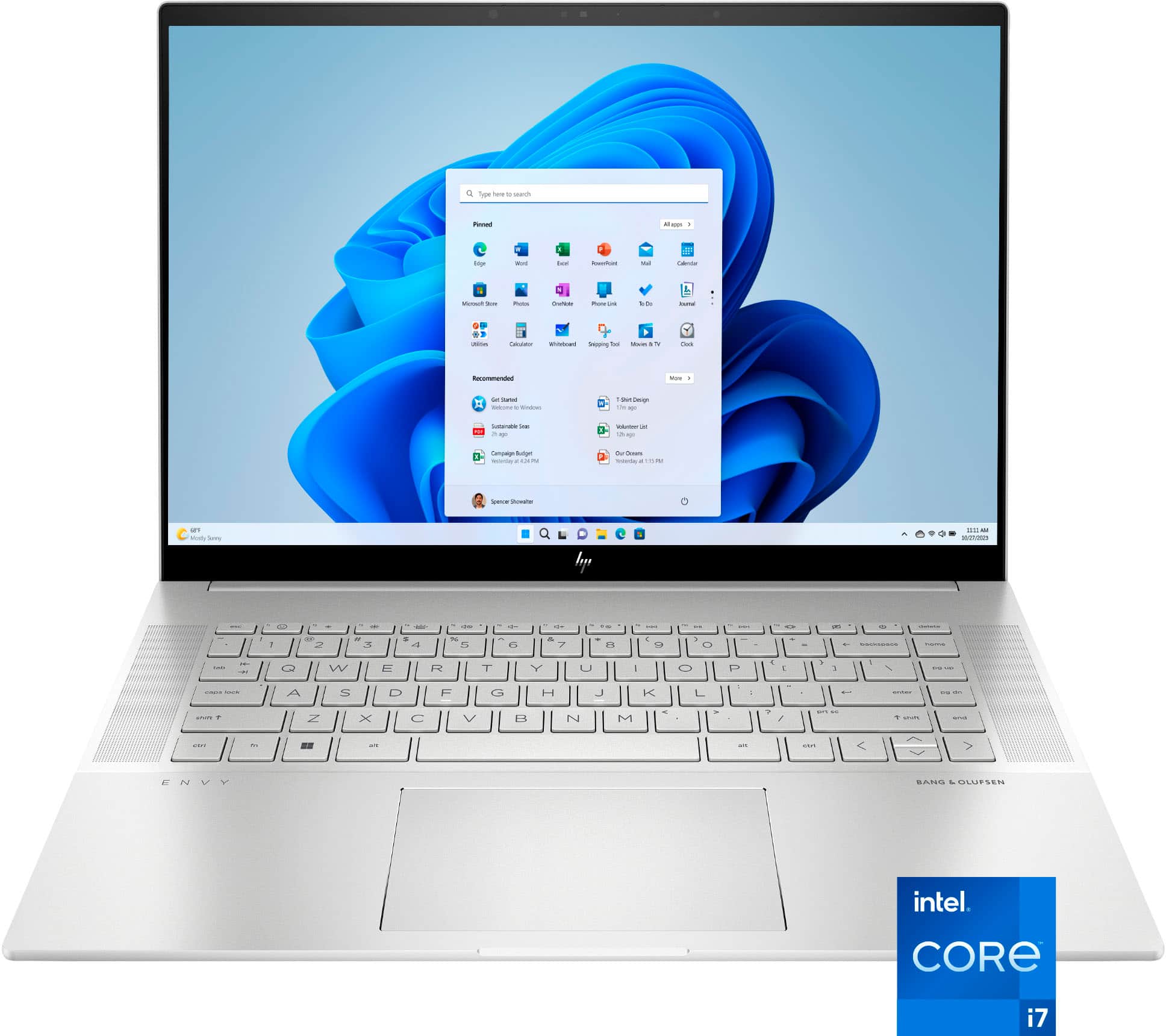
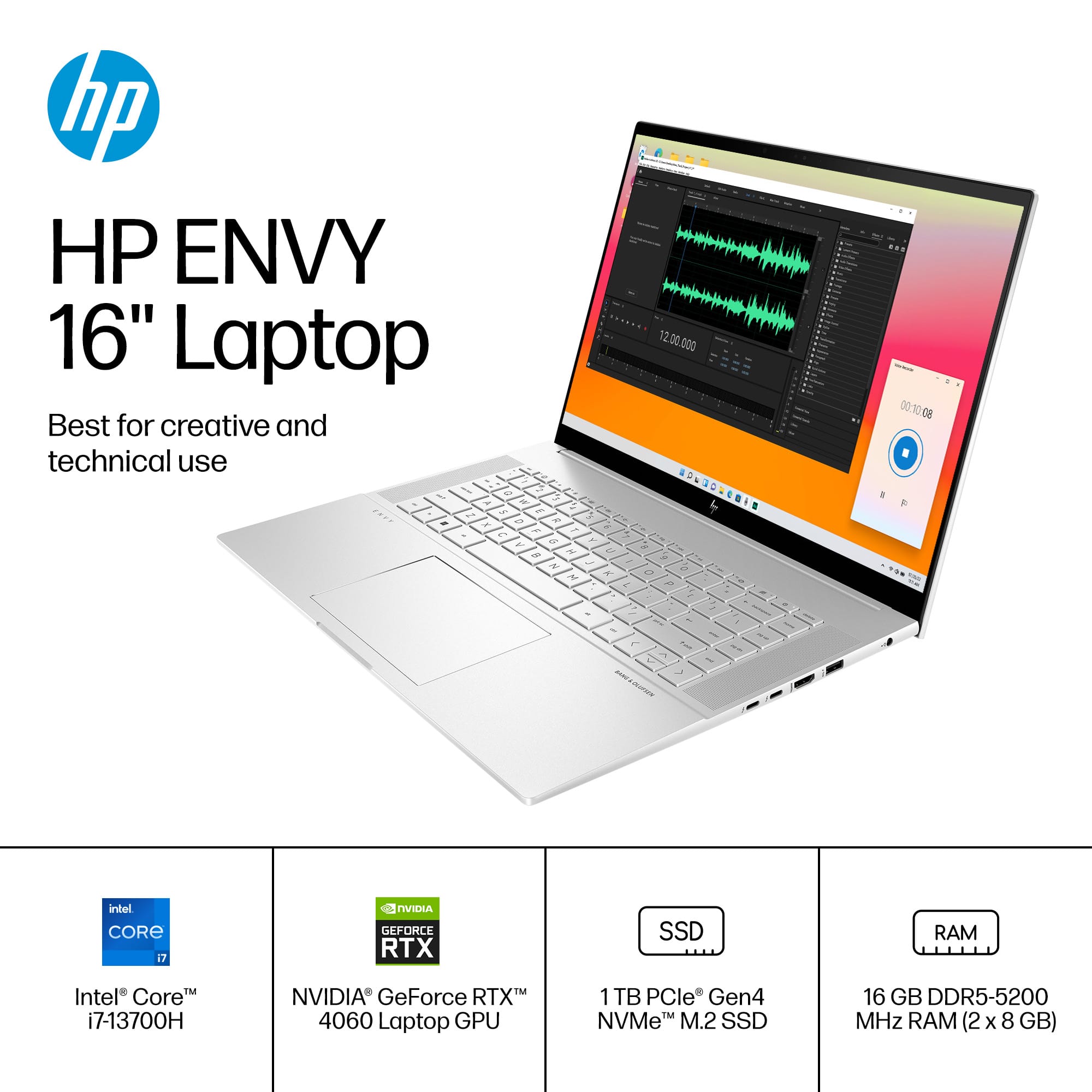
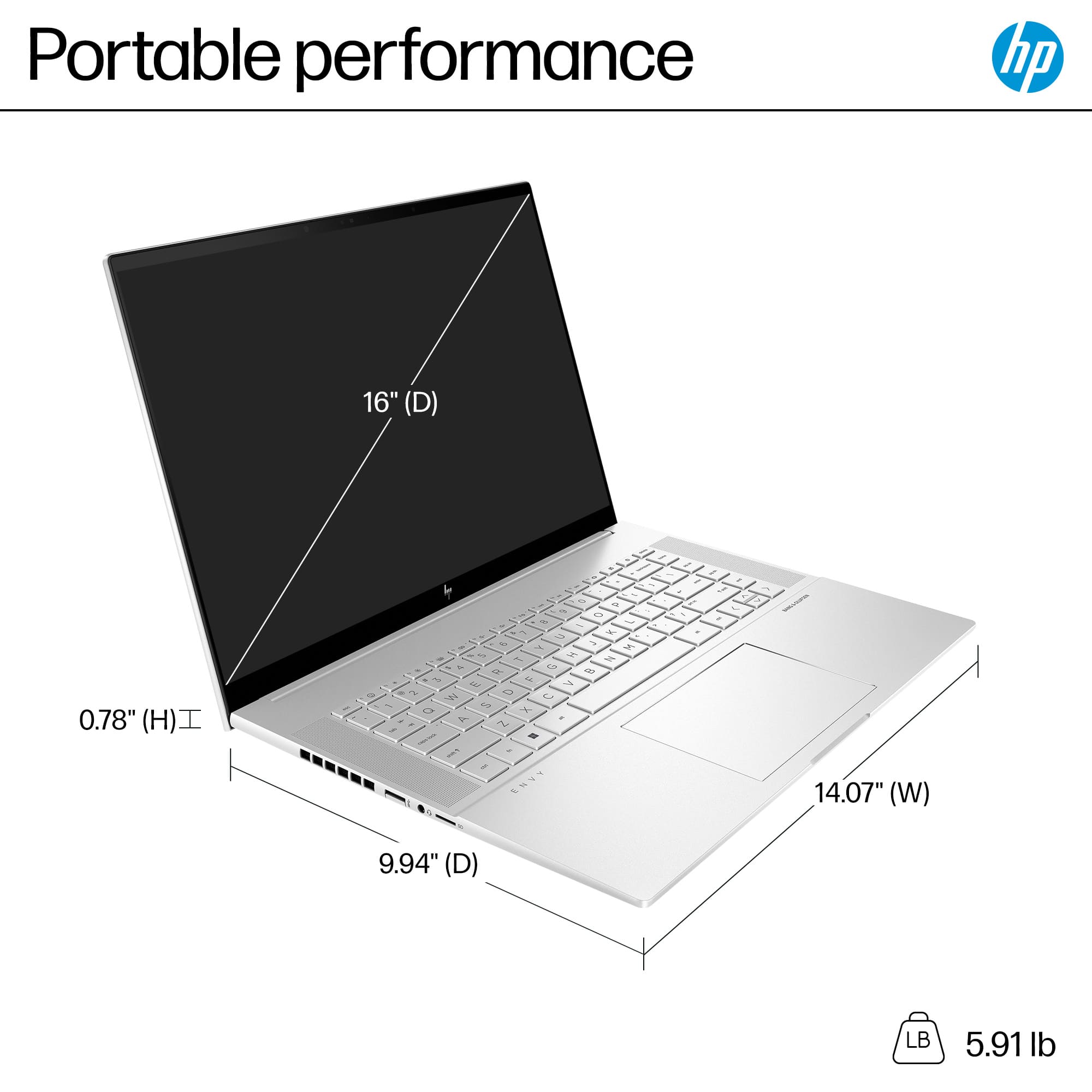
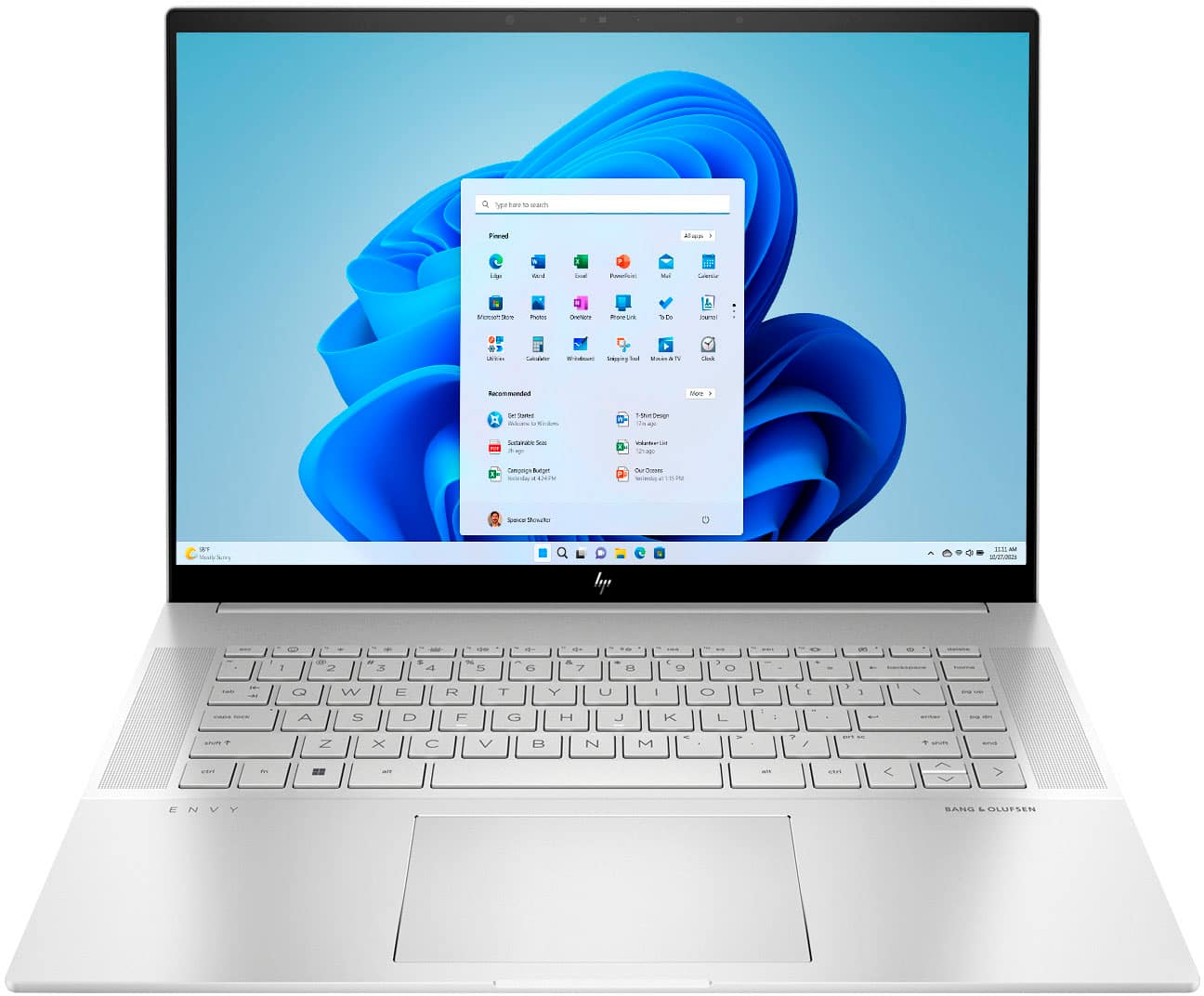
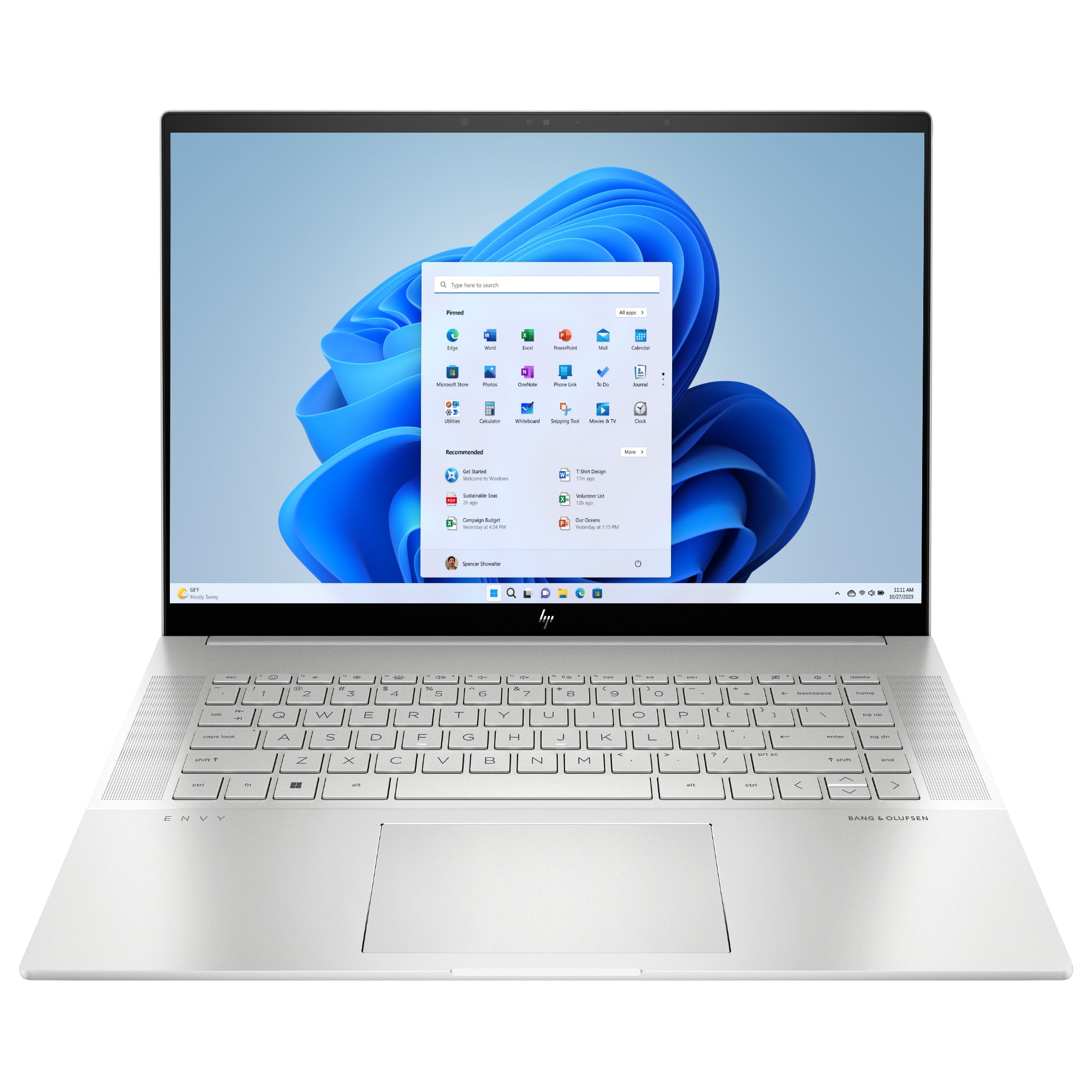
A:AnswerWayne, thank you for your questions on a new laptop to handle Photoshop and Lightroom! This model meets the recommended requirements to run both programs. Another way to go above that and be future-ready is to look for a system that has 32GB of memory. The RTX 4060 is a good graphics card that will give you a boost in the hardware processing of editing your photos and videos. HP offers those options in Best Buy.
A:AnswerHello Thank you for your question. There are two SODIMM slots on this HP Envy laptop that support up 16 GB (gigabytes) DDR5-4800 RAM each for a total of 32 GB RAM. The maximum speed would be DDR5-4800.
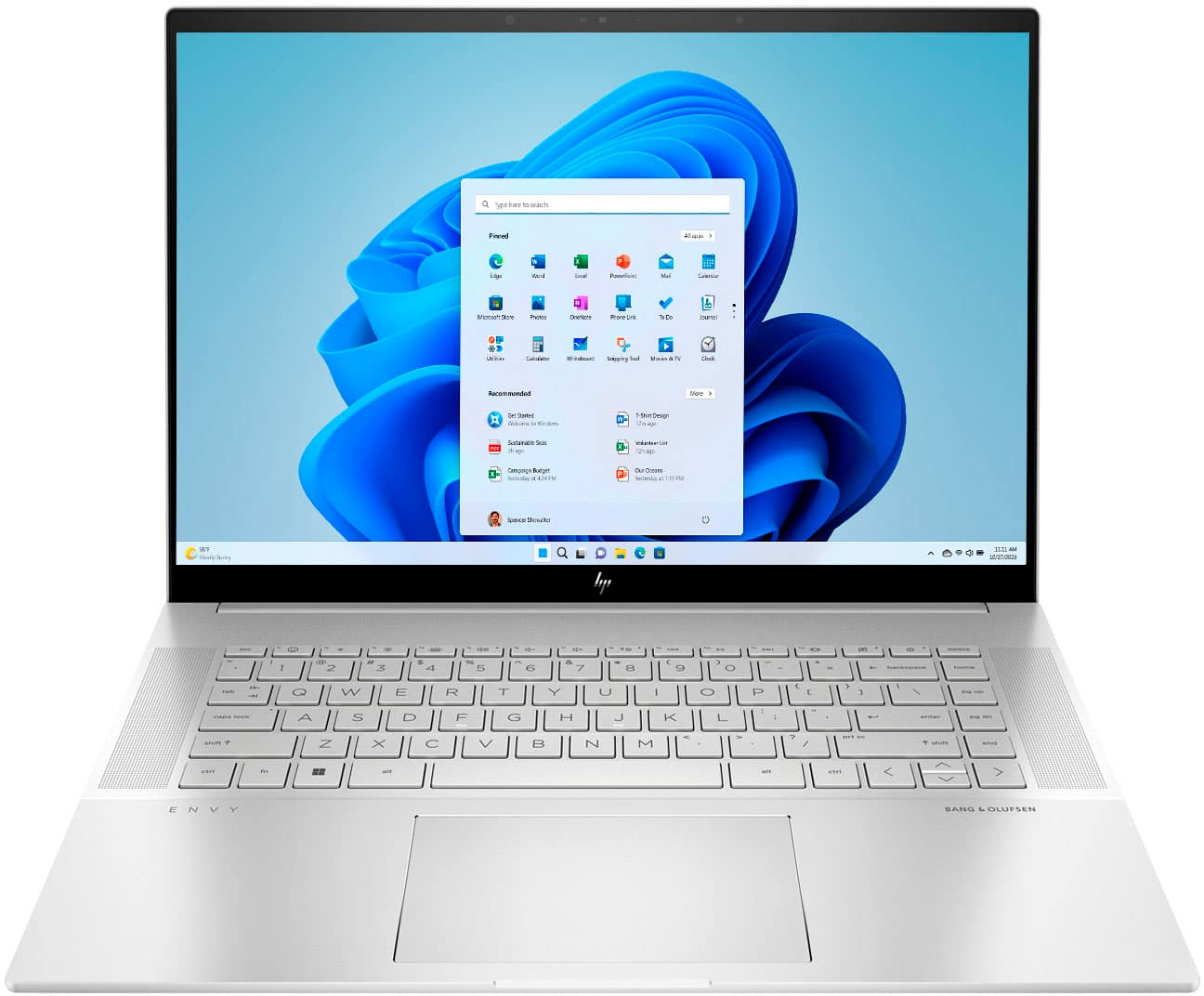
A:AnswerThank you for your purchase of this HP Envy Laptop! I am sorry that you are having difficulty seeing the keys, but this laptop is equipped with a backlit keyboard that has different light brightness settings. You press the F4 key to enable and press it again to adjust the lighting or even turn off the backlighting.
A:AnswerGreetings from the Intel team. Thank you for your question.
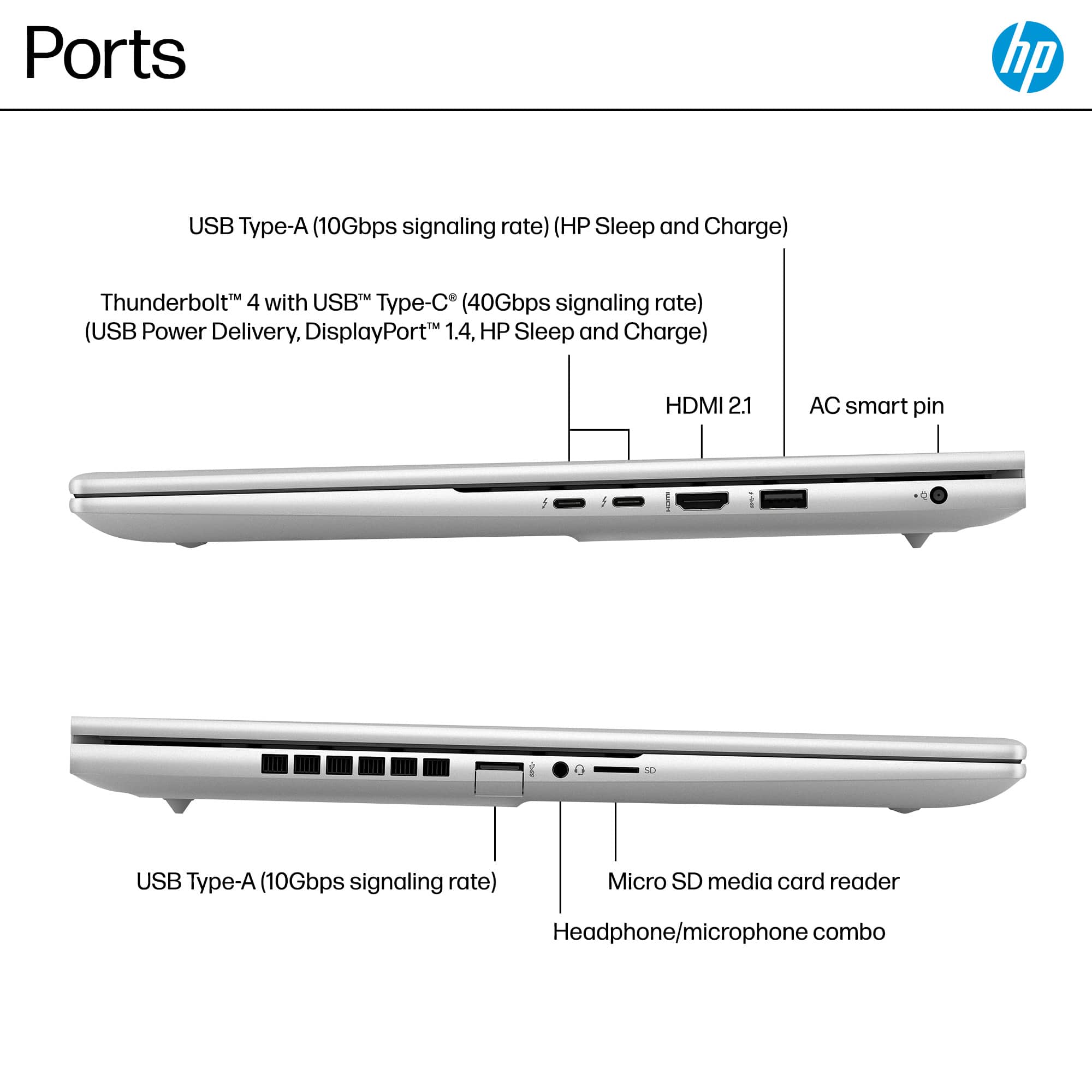
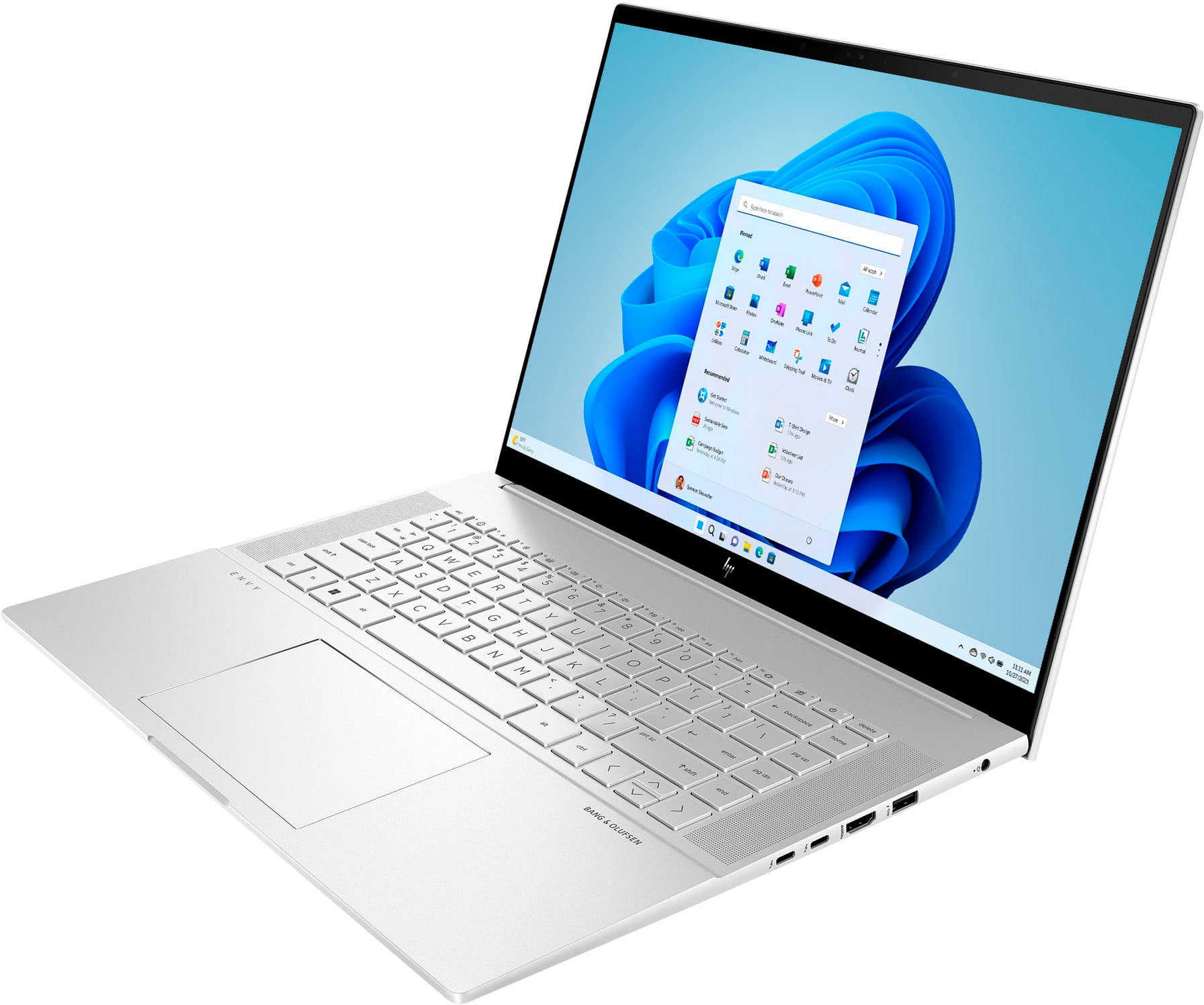
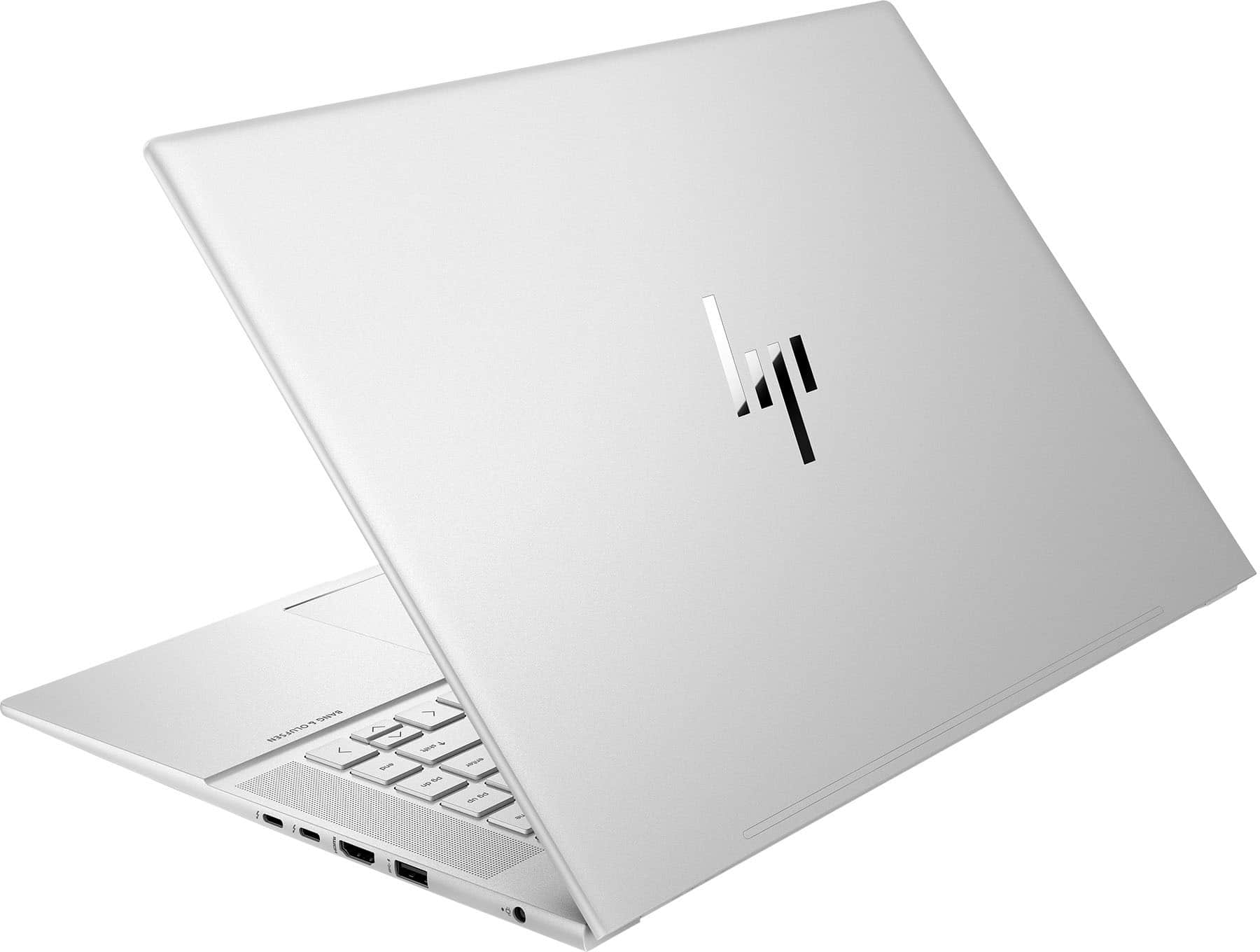
Yes, based on the system specifications provided on the Retailer's website, the HP - Envy 16-h1053dx Laptop has one HDMI 2.1 port.
For detailed information about the Intel® Core™ i7-13700H Processor, visit:
https://ark.intel.com/content/www/us/en/ark/products/232128/intel-core-i7-13700h-processor-24m-cache-up-to-5-00-ghz.html
Thank you for choosing Intel! Emilio_Intel
A:AnswerThanks for your question. The display on this HP Envy model has the following features: WQXGA (2560 x 1600) panel, multitouch-enabled, 48-120 Hz, IPS, edge-to-edge glass, micro-edge, 400 nits max brightness, and covers 100% sRGB.
A:AnswerThank you for the question. The Envy 16-h1053dx has Windows 11 Home. You can upgrade to Windows 11 Pro if you wish during set up, for a nominal fee.
A:AnswerHello. Thanks for your question. This HP Envy Laptop 16-h1053dx does not have an Ethernet port. You can use a USB C to Ethernet or USB to Ethernet adapter with this laptop.
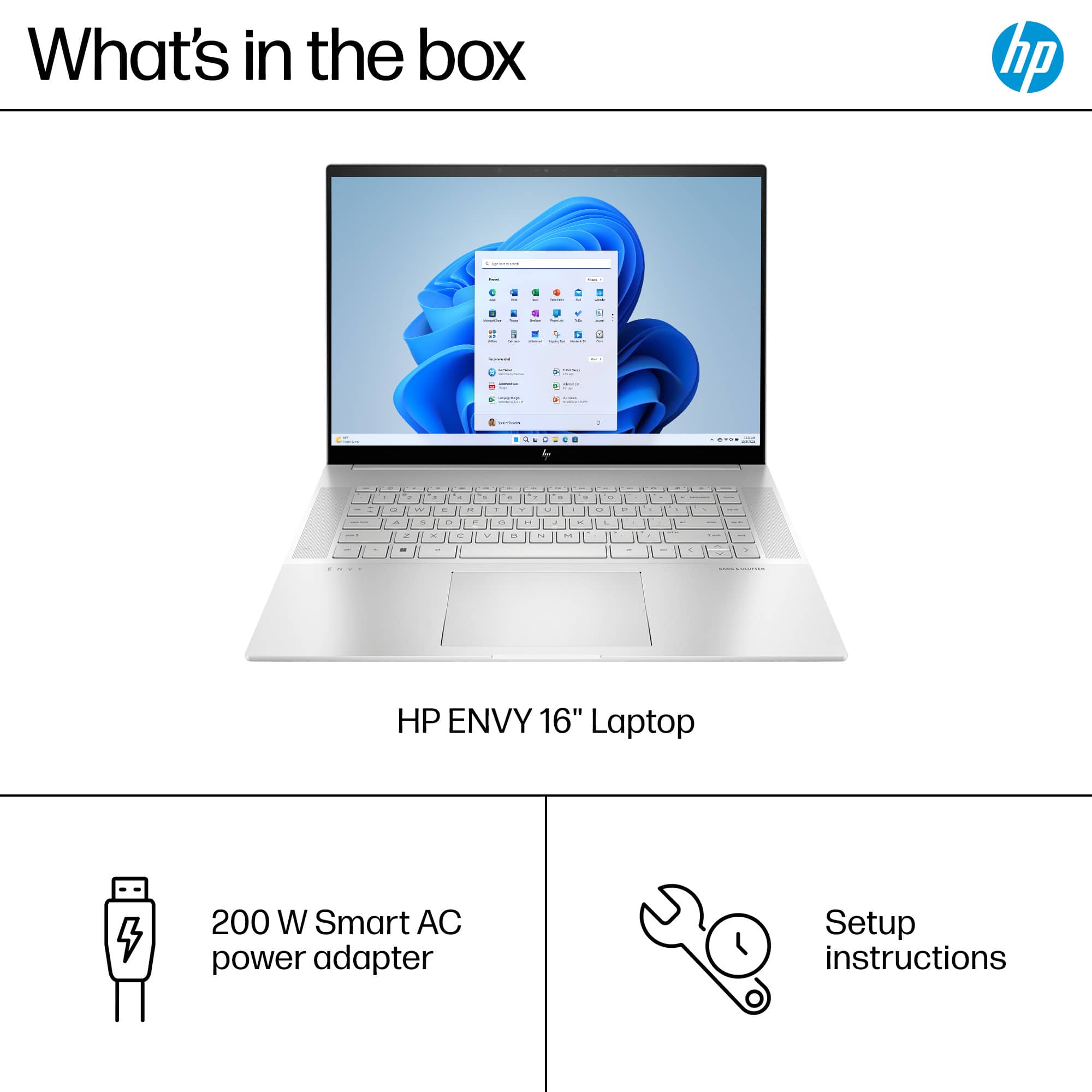
A:AnswerTim, Thank you for your interest in this HP Envy laptop! You can enter the model number of this laptop on the HP Support site, go to its entry, then click on "Setup and User Guides" for this model for the full documentation. HP has this for all of their products.
A:AnswerI bought one and it comes with 2 sticks of 8GB DDR5 5600 RAM installed, so I'm not sure why HP states in the specs on their website that it's only upgradeable to DDR5 4800 megahertz in a 16x2 configuration. Maybe it's an oversight?