A:AnswerAn average computer comes with 4 GB (gigabytes) of RAM. The more RAM you have, the more you can do. 12 GB of RAM allows you to do a lot of multi-tasking.
A:Answer1.3 Ghz is the base speed the CPU will run at to conserve power when not much is being done on the laptop. The CPU automatically speeds up to higher clock speeds when being used. Up to 3.9 Ghz. If you need the laptop to run at full speed all the time. You can adjust the power settings in Windows to High Performance. But this will drain the battery faster.
A:AnswerYes, this computer is great for everything!! I love it and I'm glad I didn't wait any longer to upgrade my old 16 year old laptop. I have several Zoom meetings and this computer has been great for them. I am so very happy with my new HP Envy laptop!!
A:AnswerWe recommend trying these steps to help improve battery life: https://support.hp.com/us-en/document/c01297640 If you are still having issues, we recommend reaching out to HP Support by visiting https://support.hp.com
A:AnswerI looked at a lot of laptops and the newer HP's are the only ones I can recall having all you are looking for. I wound up buying an external hard drive for my laptop since the one I settled with did not have internal , it's also depends on what you plan on spending.
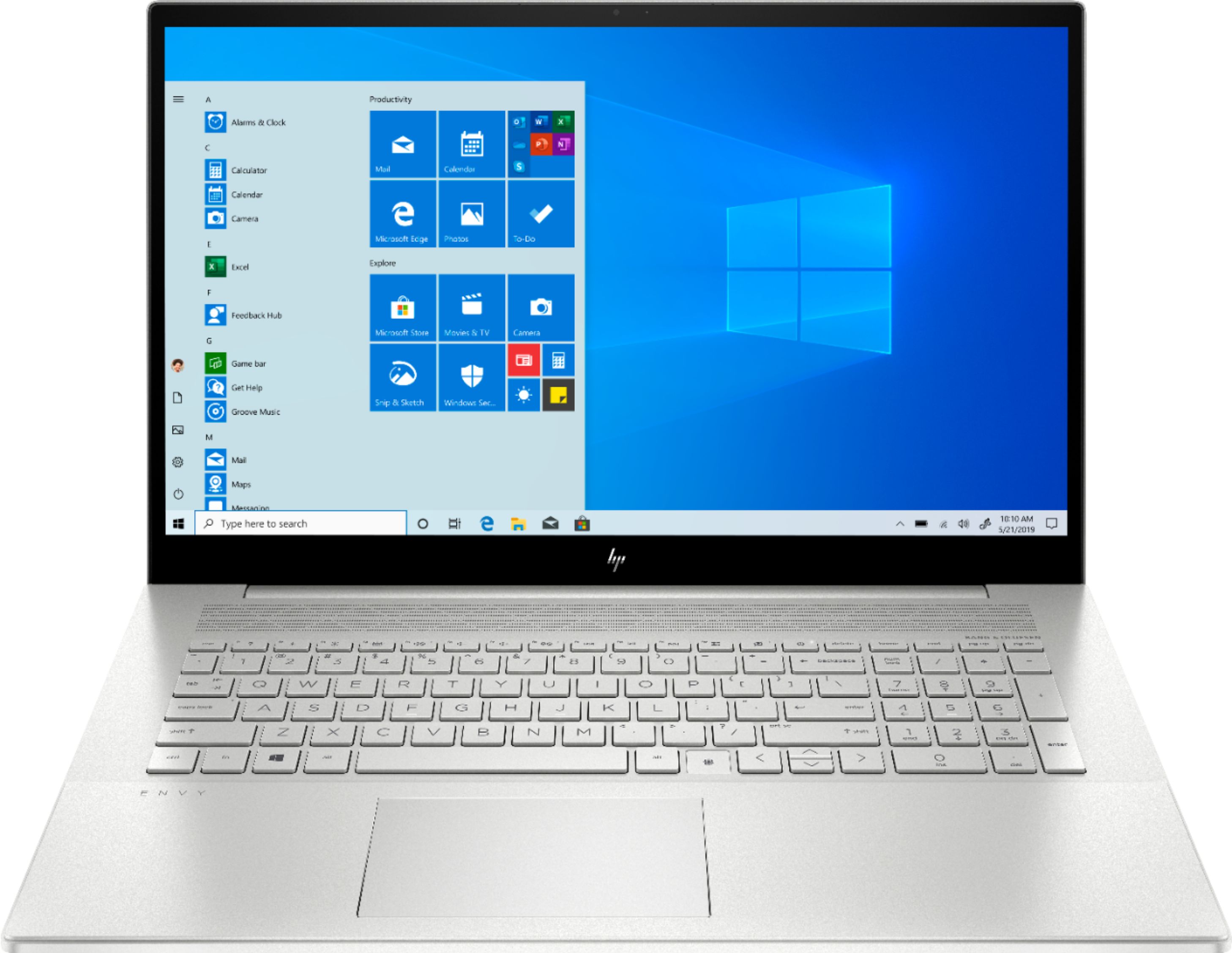
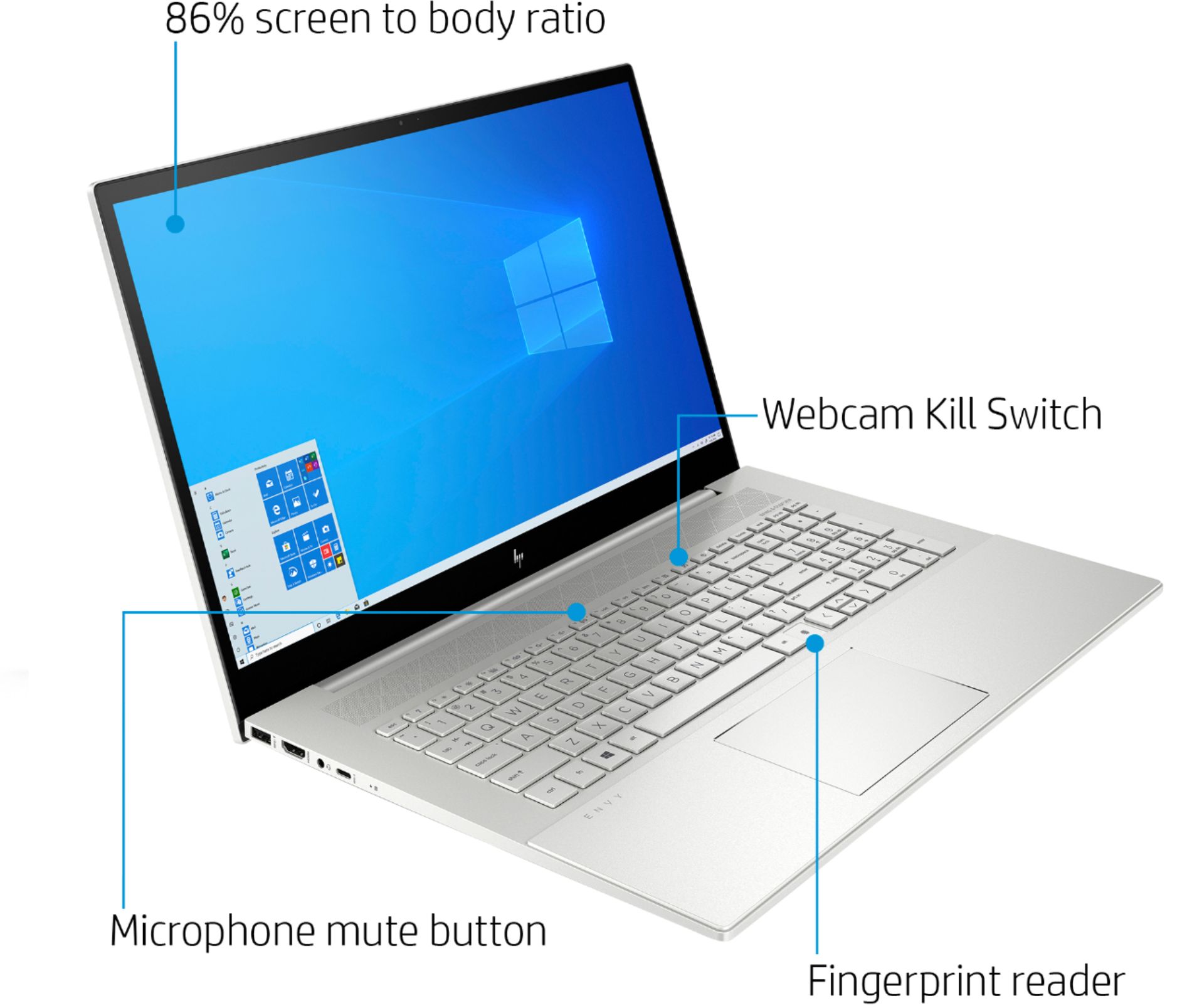
A:AnswerThis laptop has the HP Wide Vision HD Camera with camera shutter. You can activate the camera by pressing the button on the top row of the keyboard to the right of the F12 button and to the left of the power button. This allows you to have privacy. You can turn off the camera when you aren't using it and activate it when you need it. If you need further assistance, visit https://support.hp.com