A:AnswerYou might just have to settle for an external drive for additional storage. On consumer laptops such as these, opening up the computer frequently voids the warranty if performed by anyone other than a licensed technician. Check the fine print on your machine before attempting this, or even before purchase (a copy of the warranty is usually available at the manufacturer's website).
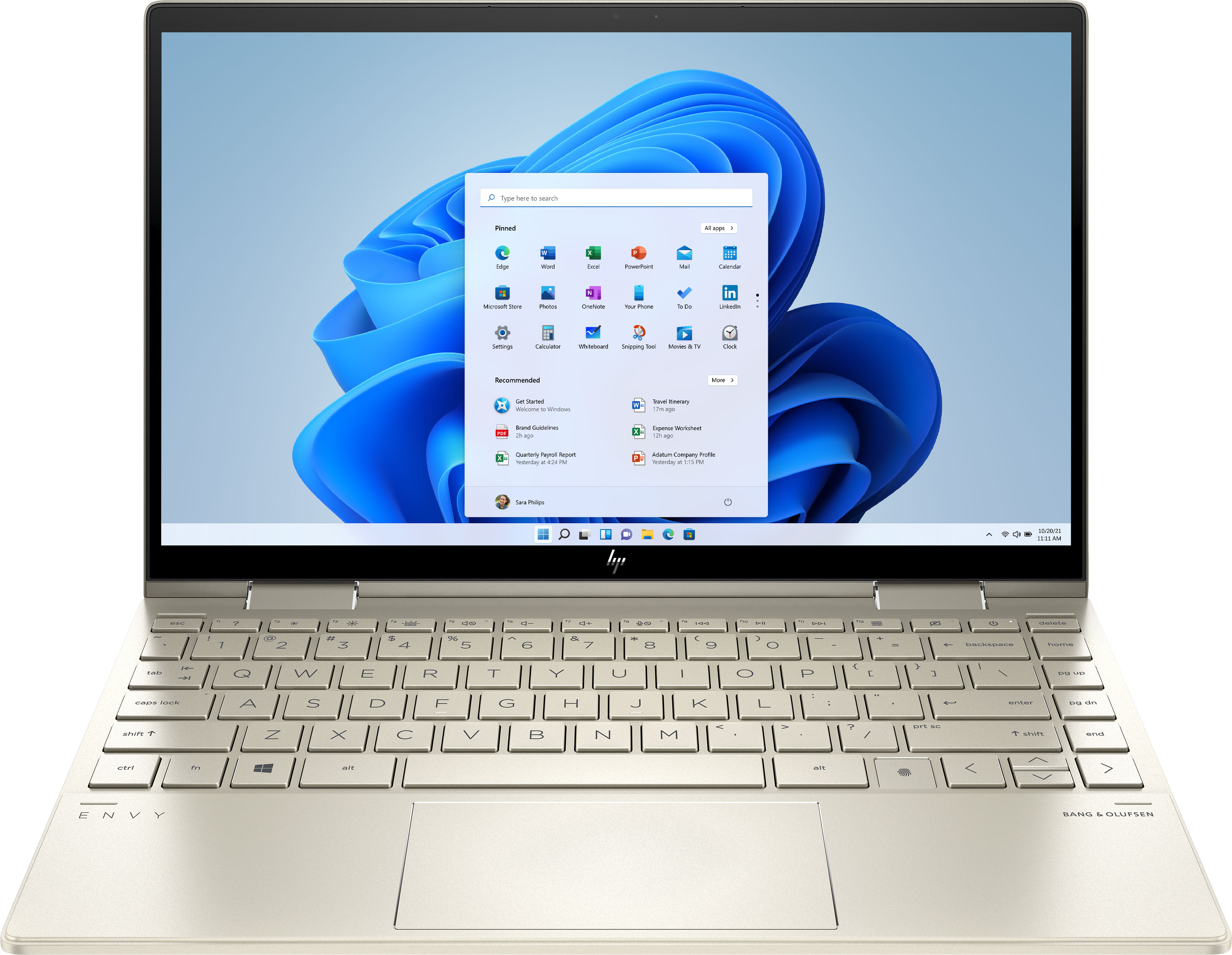
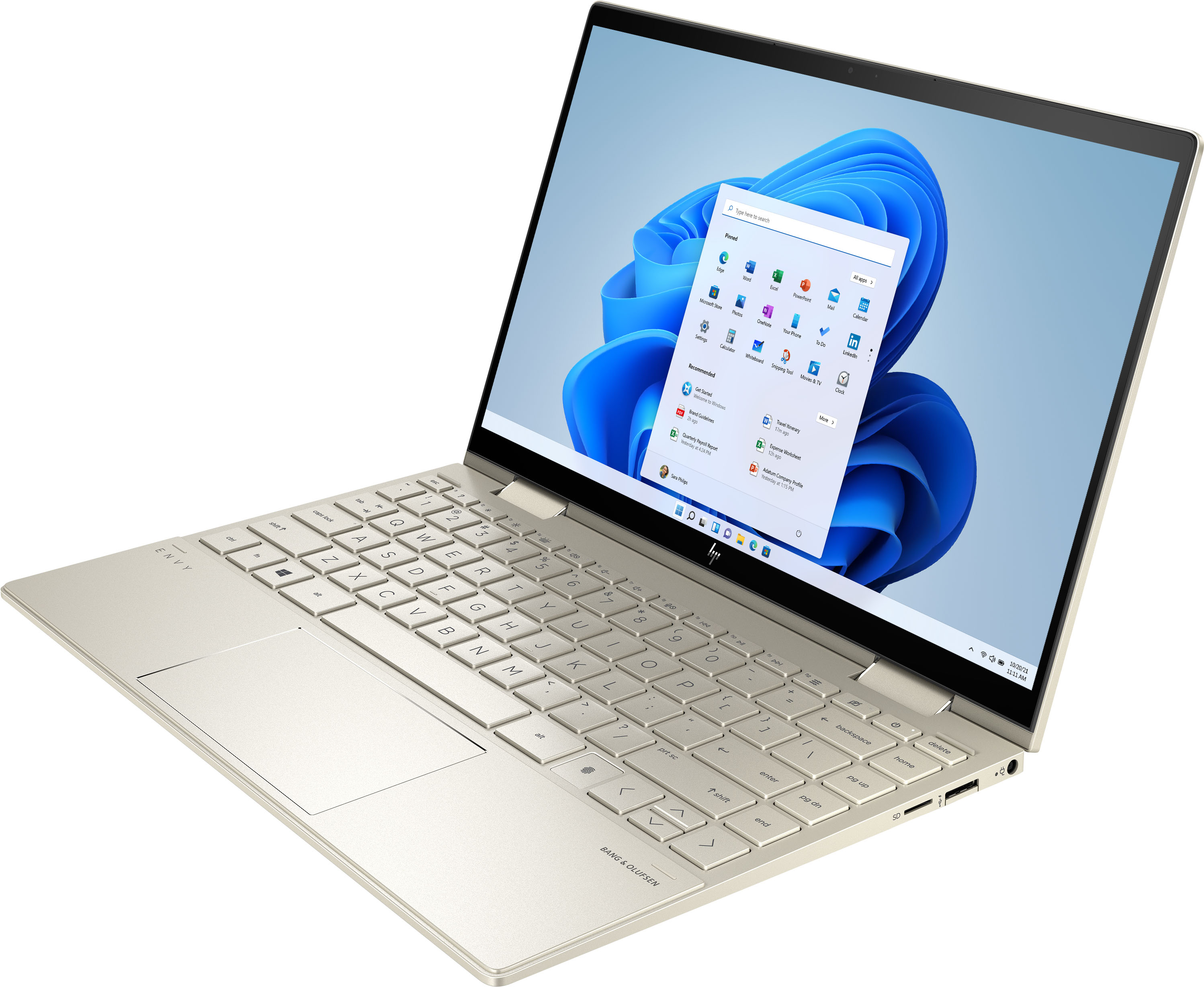
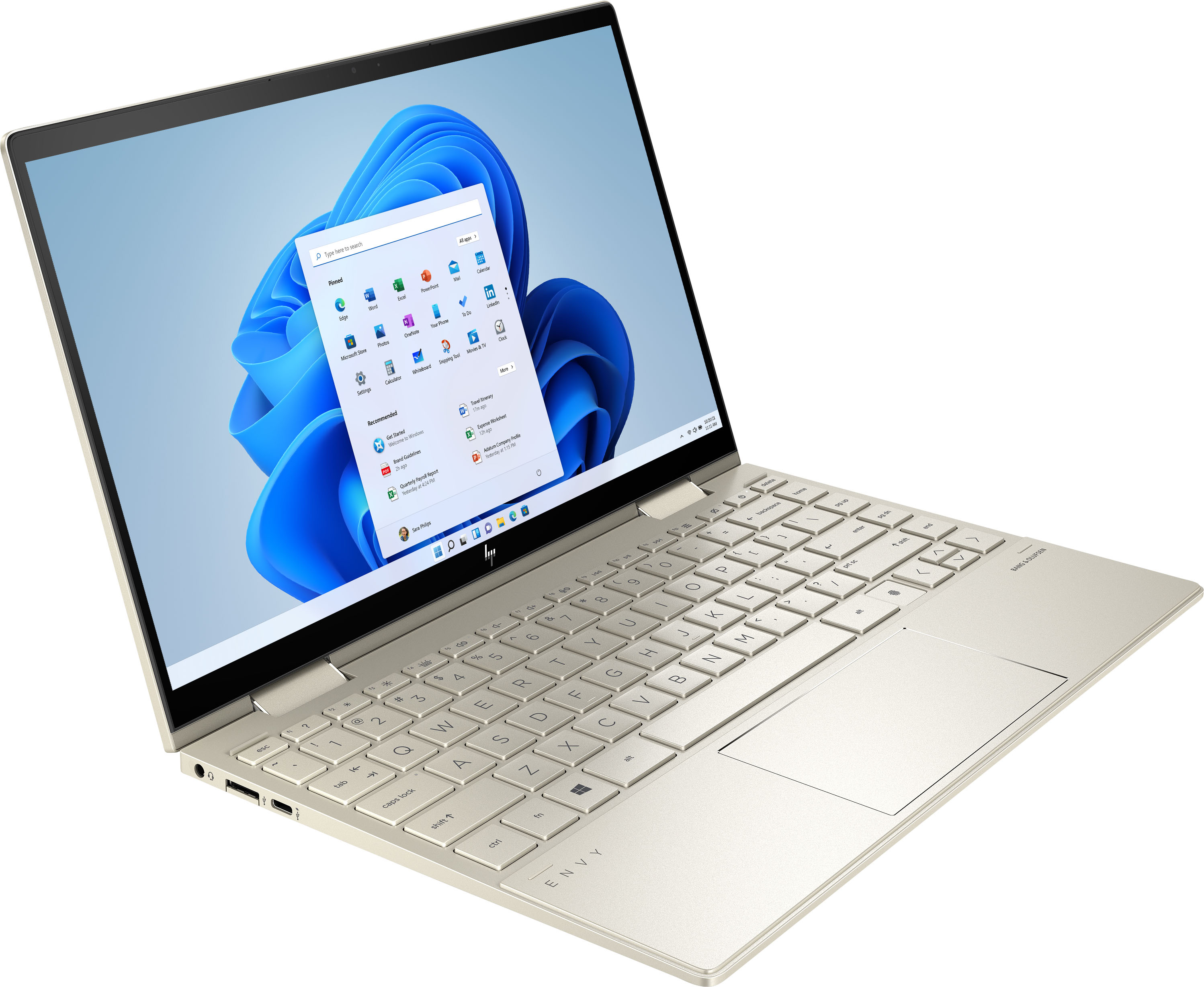
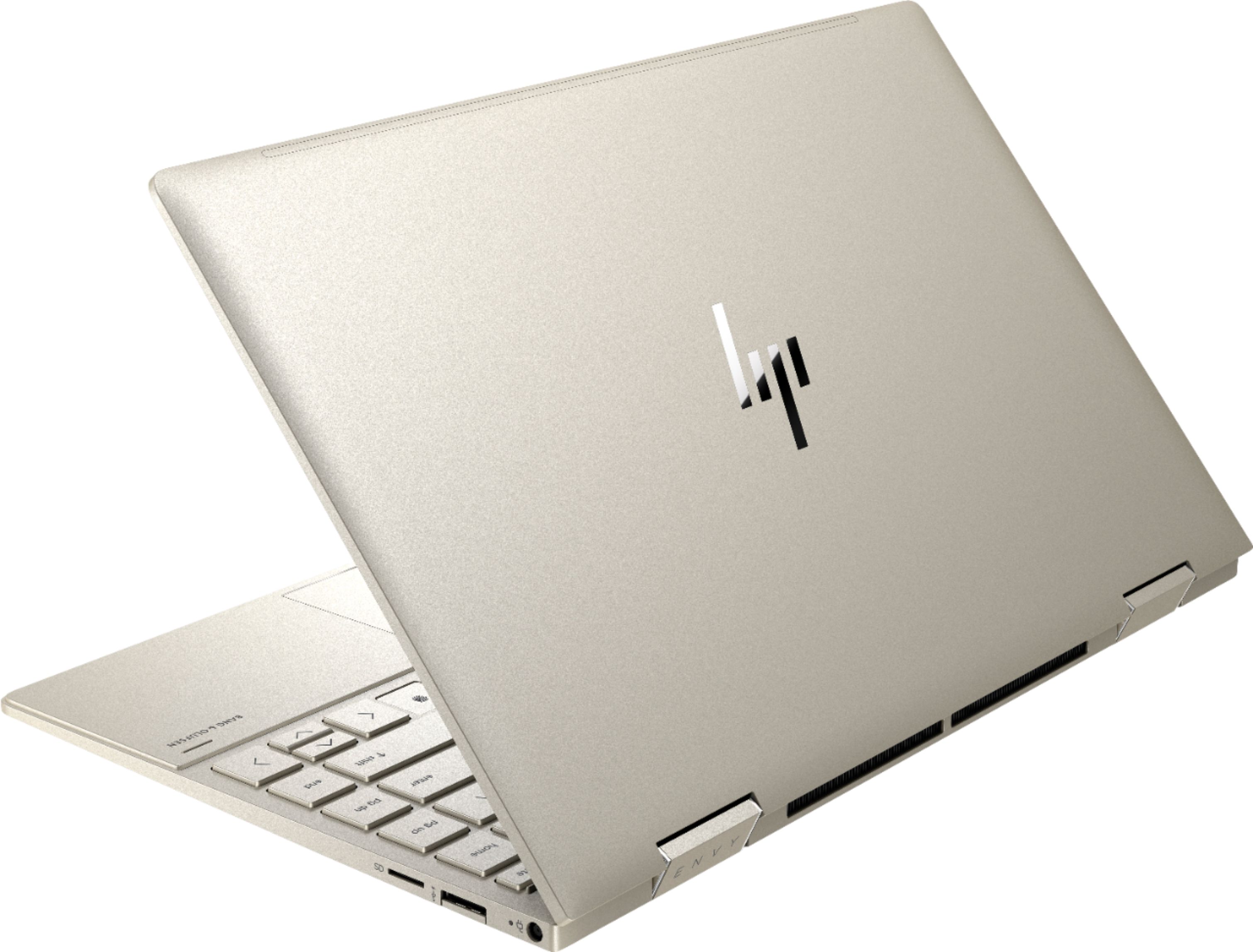
A:AnswerHello. Thanks for your question. This HP ENVY x360 13-bd0063dx laptop does not have an HDMI port. You can use a USB C to HDMI adapter with this laptop.
A:AnswerThank you for your question. Each individual laptop will have its own unique serial number (usually found on the underside). However, the model number is 13-bd0063dx.
A:AnswerThank you for the question. The Envy 13-bd0063dx does not have an HDMI port, however, it has a Thunderbolt 4 USB-C port that can be used with an adapter to connect your monitor.
A:AnswerBecause the laptop is so thin, there was no way to include an Ethernet port. However, you can use an adapter that will take the Ethernet cable and plug it into one of the USB ports on the computer.
A:AnswerWhen I saw this ad, Best Buy was also offering a free 3-month Webroot Internet Security subscription. They seem to do this frequently, since they also gave me on when I bought a new laptop/tablet about six months ago.
A:AnswerThanks for your questions. Yes, you should be able to run these games on this laptop. While you can do some casual gaming with this laptop, it is not a gaming computer per se. I would recommend a laptop with a dedicated graphics card for serious PC gaming.
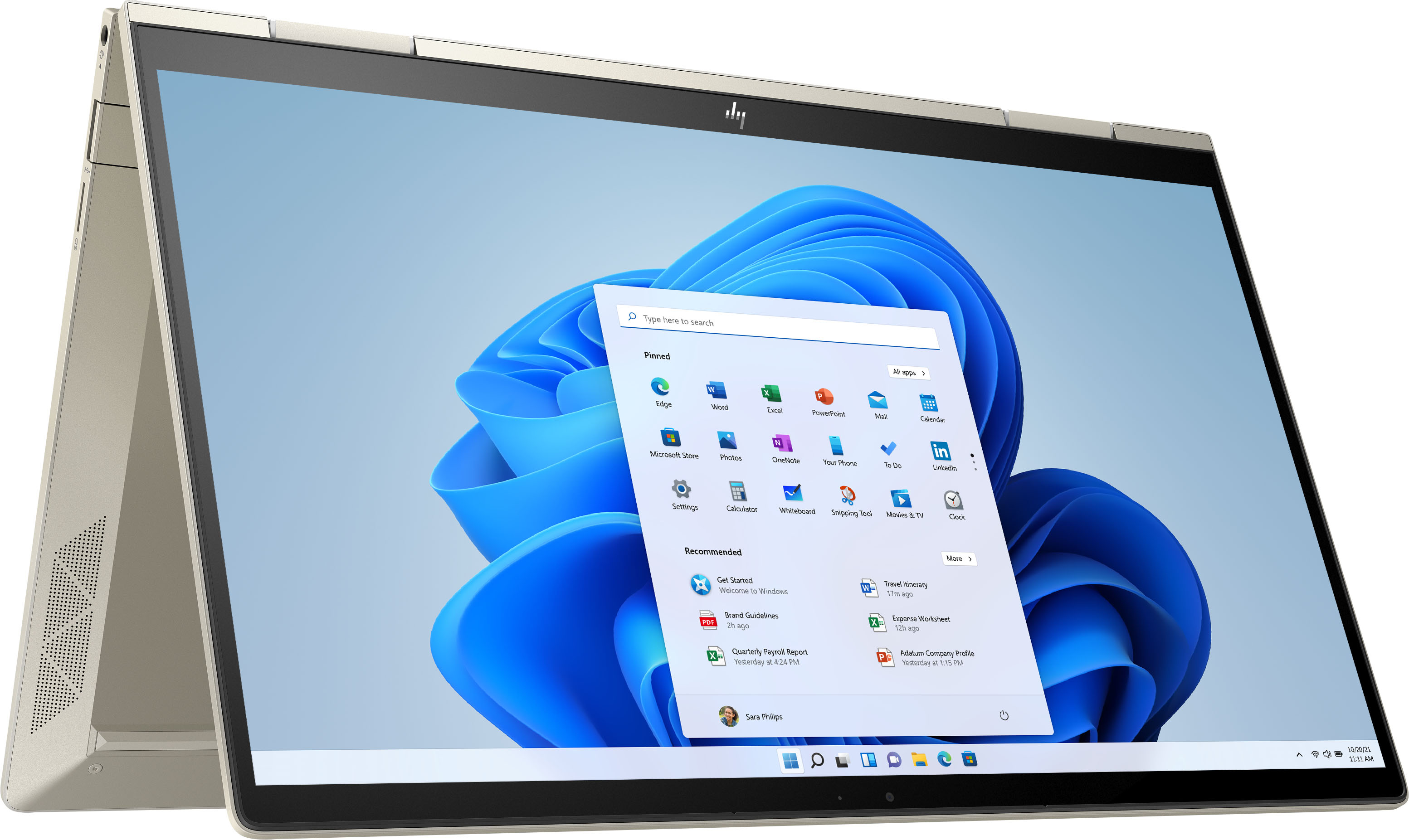
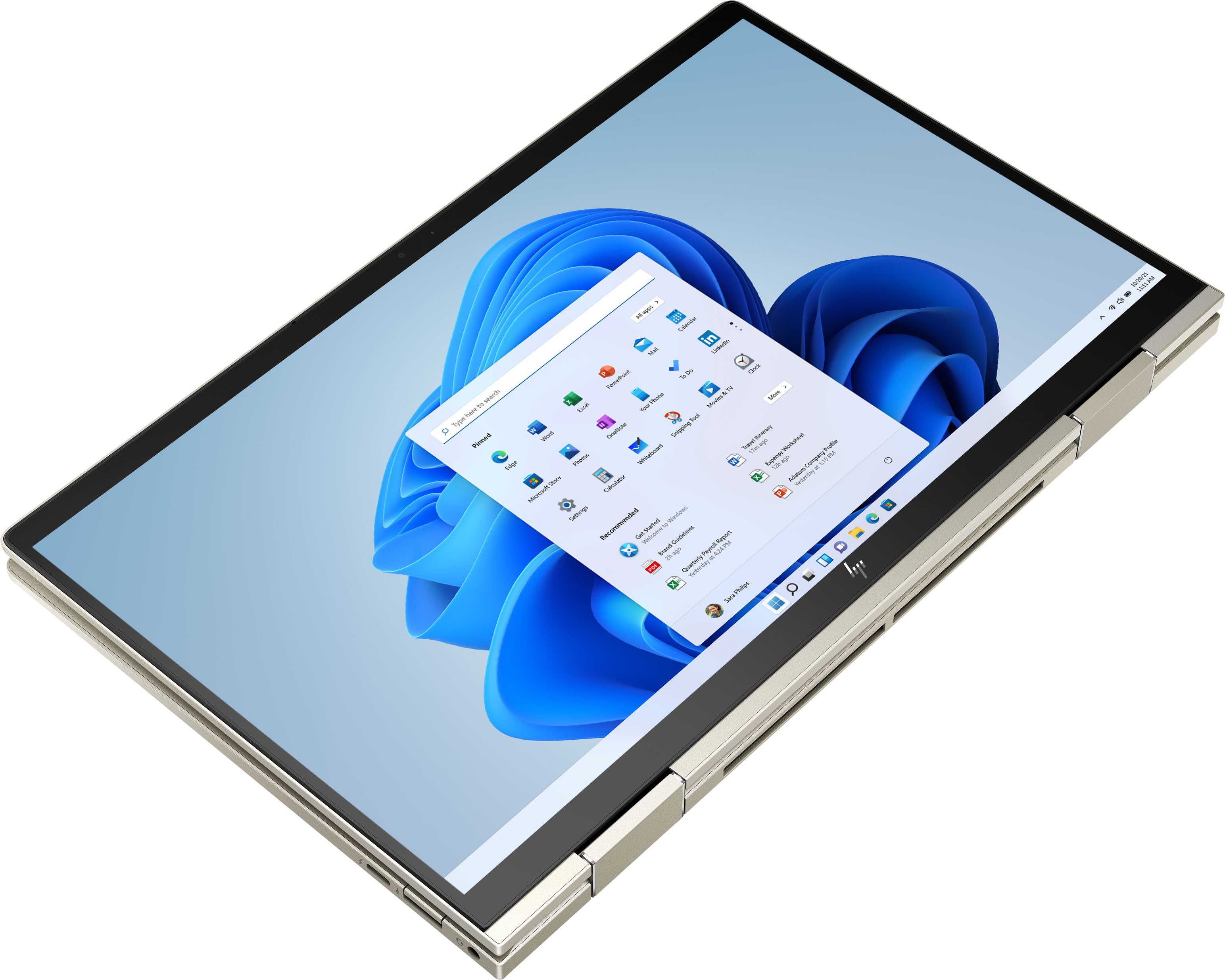
A:AnswerThank you for the question. The Envy 13-bd0063dx 2-in-1 laptop features an 11th Generation Intel® Core™ i5-1135G7 processor (up to 4.2 GHz with Intel® Turbo Boost Technology, 8 MB L3 cache, 4 cores).