Questions & Answers
- Model:
- 15-fh0013dx
- |
- SKU:
- 6535748
Highly rated by customers for: Touch Screen, Speed, Ease of use
$276.99Your price for this item is $276.99
Clearance
Comp. Value: $799.99
The comparable value price is $799.99
Page Showing 41-60 of 134 questions
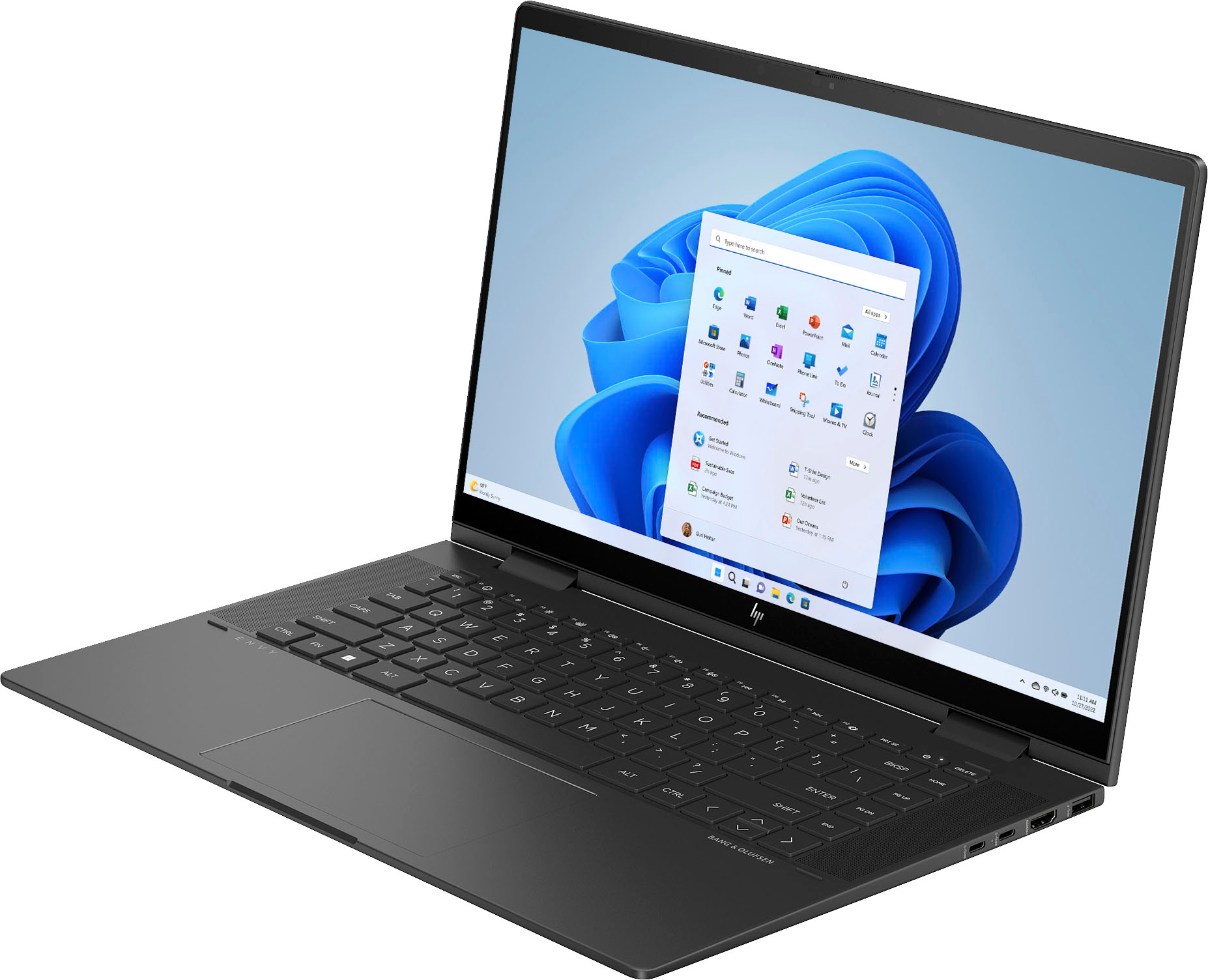
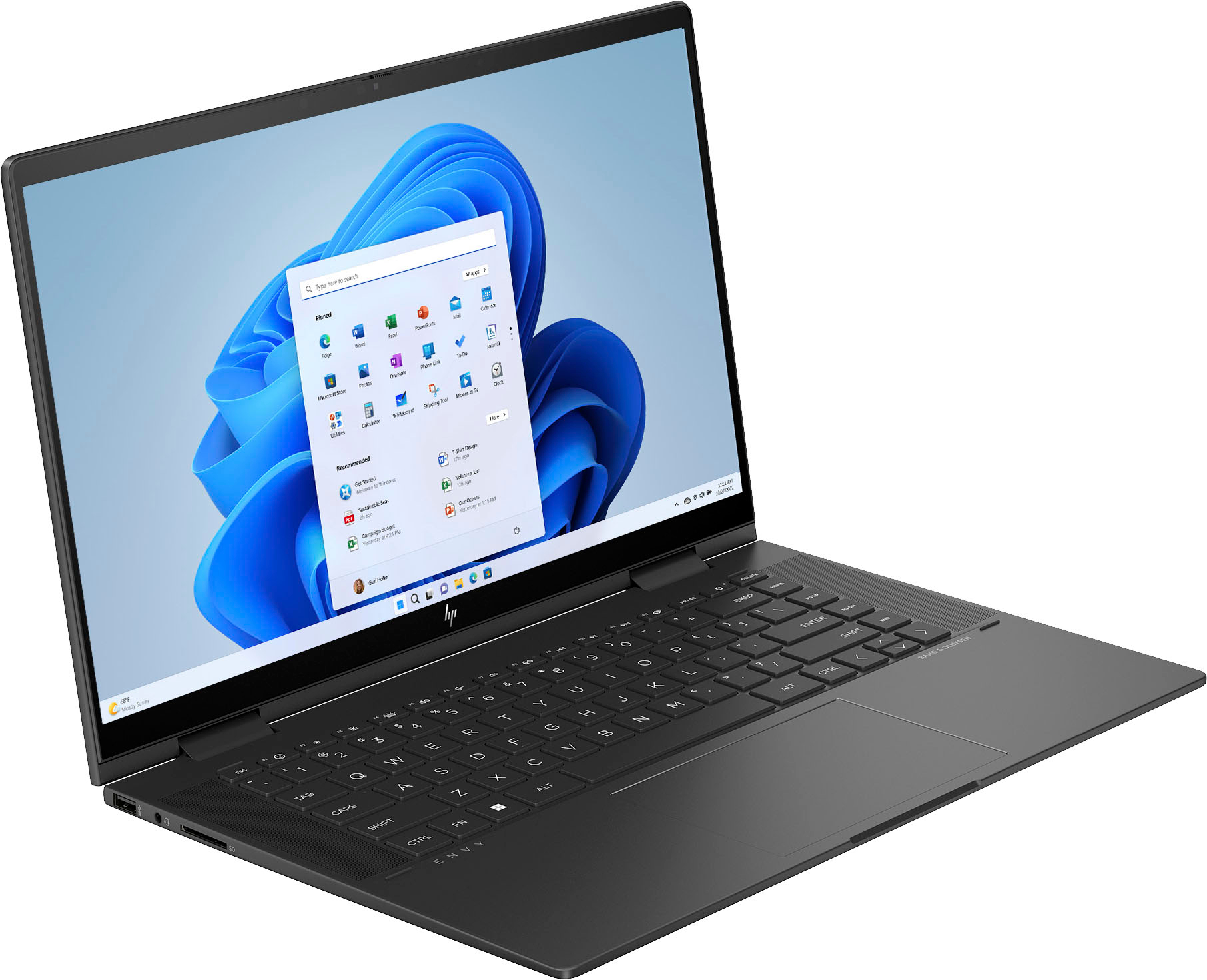
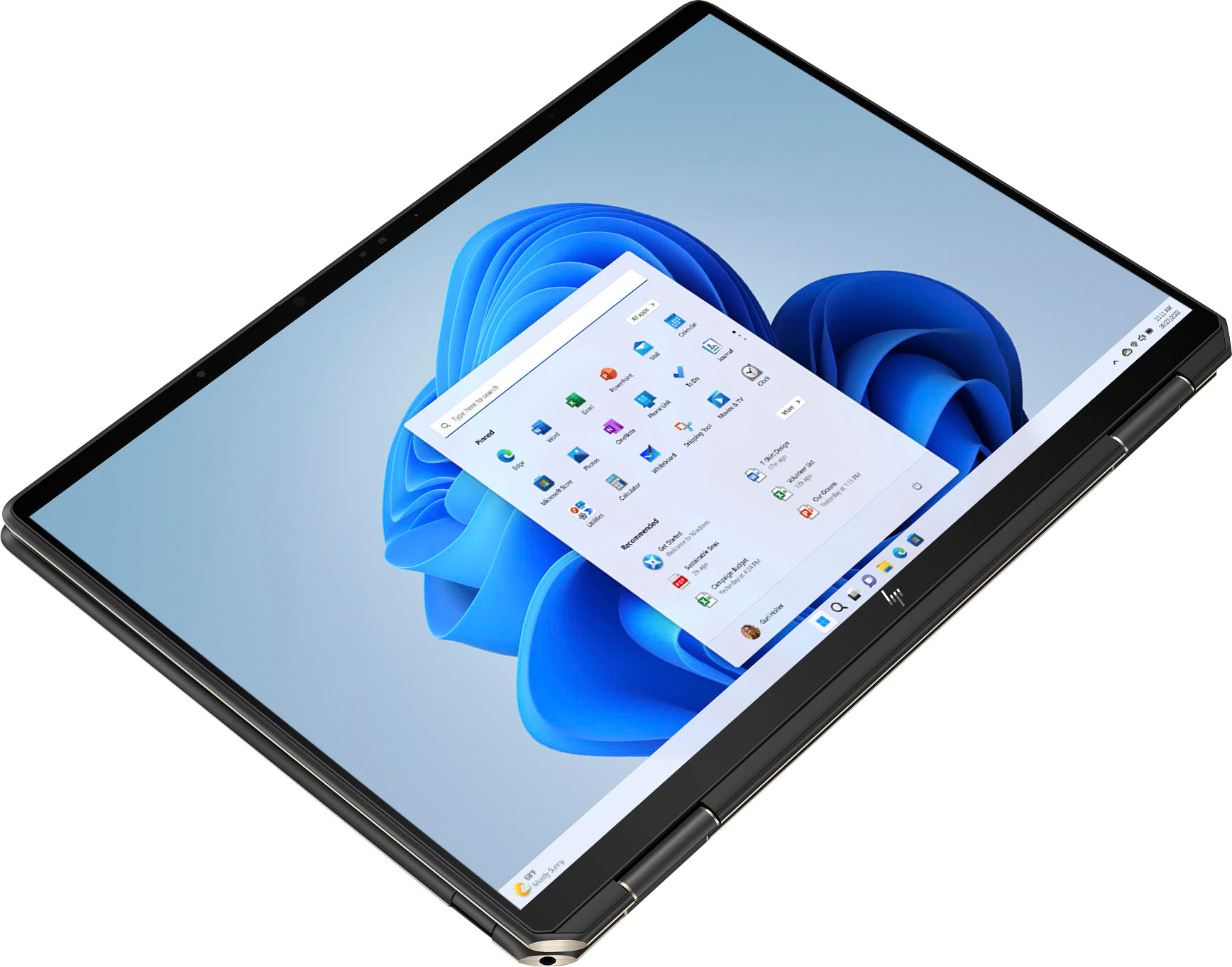
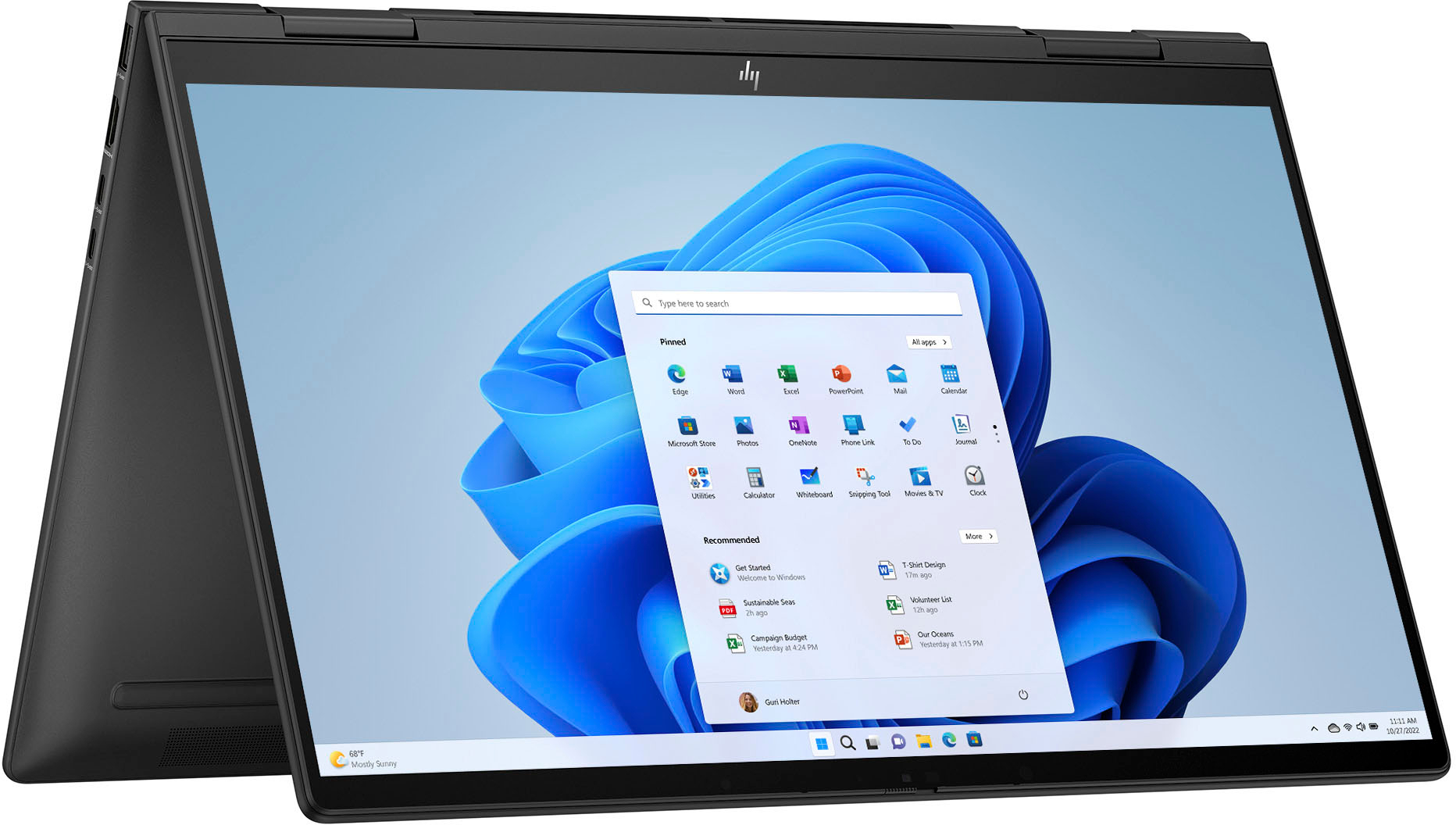
Q: QuestionDoes this come in other colors like red, rose gold or blue?
Asked by Dee.
- A:Answer No, it only comes in nightfall black.
Answered by HP Team

Q: QuestionI bought this computer but am not able to play MK1. Is it because it only has 8GB of ram. If not, could you suggest how I should adjust the settings? Thank you.
Asked by BlueKnight77.
- A:Answer This computer does not have a dedicated GPU. Ram is probably also an issue, but this laptop is just not equipped to be playing any high fidelity games
Answered by IsaacM
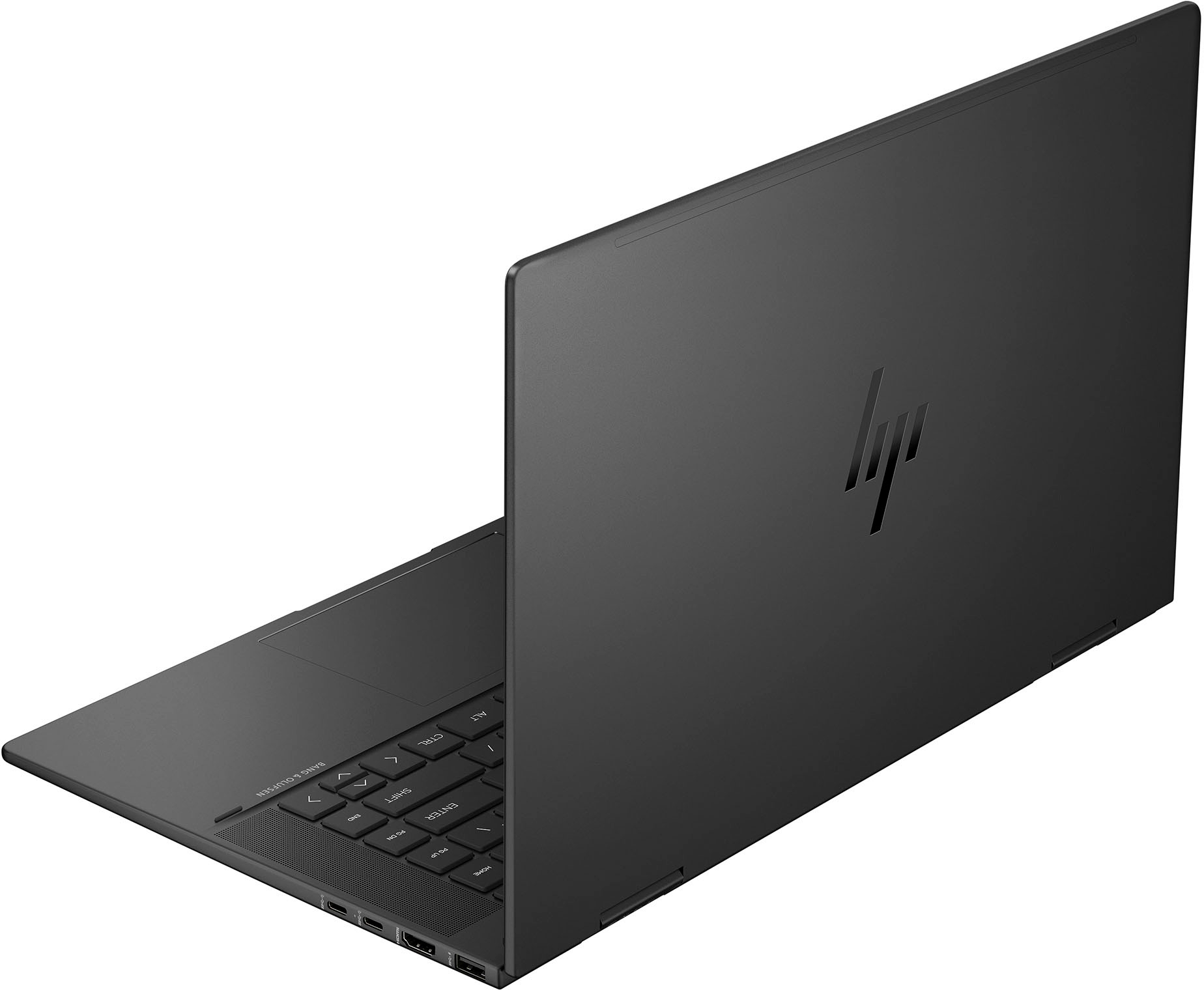
Q: QuestionIn need of a power supply for this pc. What connection type is the power supply?
Asked by DwightE.
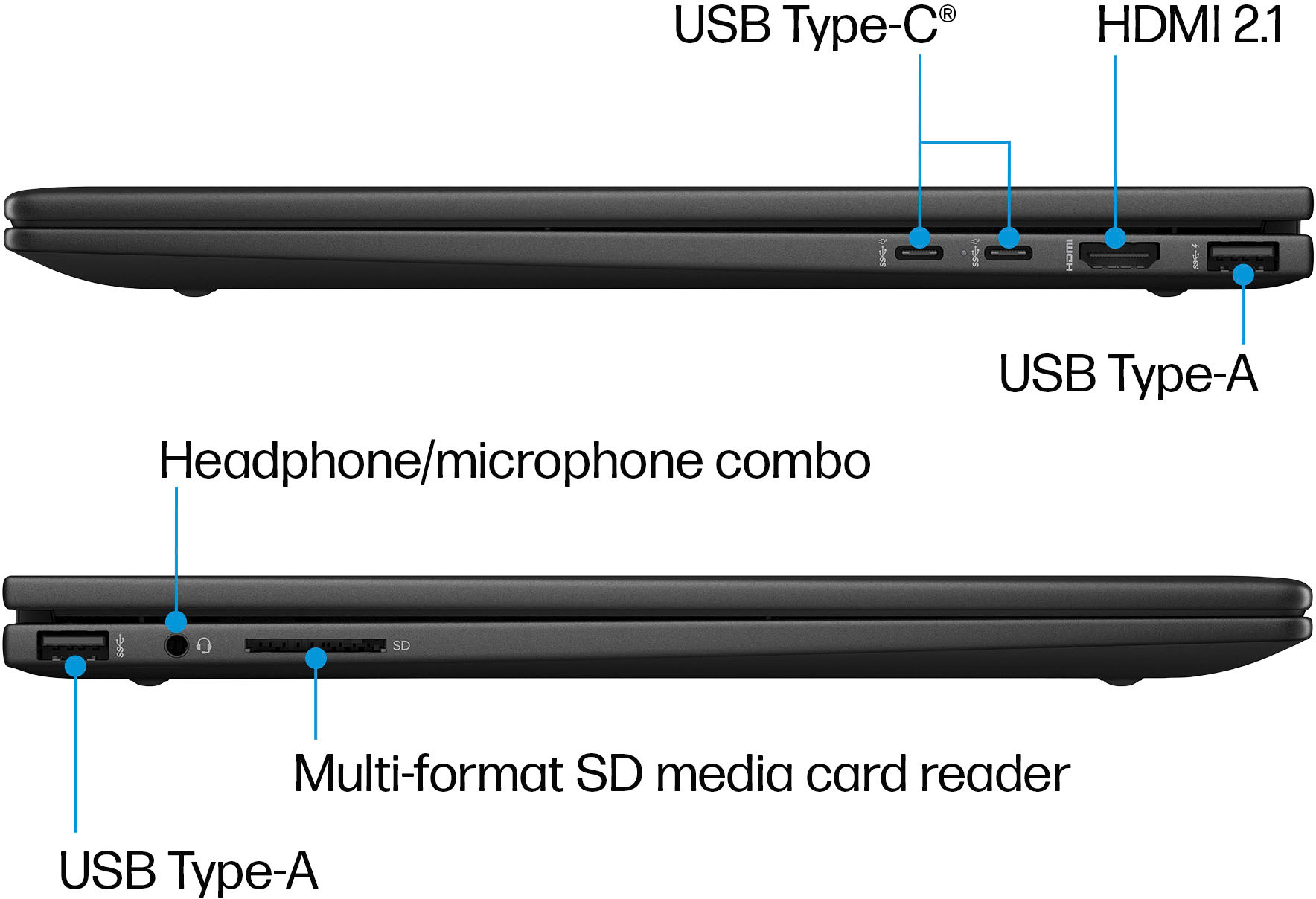
- A:Answer Hi Dwight, thank you for the question. The Envy 15-fh0013dx charges through the USB Type-C® ports.
Answered by HP Team

Q: QuestionDoes it have Microsoft Office?
Asked by Joshua4343.
- A:Answer I believe it has a three- or six-month trial and then you have to purchase it. I had a subscription already that I downloaded so didn’t need it.
Answered by Melissa
Q: QuestionCan i pay with my best bay credit car and have 12 mouth interest free ?
Asked by Jc.
- A:Answer To determine if you can pay for the HP Envy 2 laptop with your Best Buy credit card and receive 12 months of interest-free financing, you will need to check the specific terms and promotions offered by Best Buy. Here's how you can find out: 1. **Visit Best Buy's Website:** Go to the Best Buy website and locate the product page for the HP Envy 2 laptop that you are interested in purchasing. 2. **Check Payment Options:** Look for payment options or financing information on the product page or during the checkout process. Best Buy often provides financing options for purchases made with a Best Buy credit card. 3. **Review Financing Terms:** Once you have selected the HP Envy 2 laptop and proceed to checkout, you should see options for payment, including the use of a Best Buy credit card for financing. Be sure to review the terms and conditions, including any available interest-free financing offers. 4. **Contact Best Buy Customer Service:** If you are uncertain about the financing options available or need further clarification, you can contact Best Buy customer service either by phone, email, or through online chat. They will be able to provide you with specific details regarding financing options for your purchase. 5. **Complete the Purchase:** If the 12-month interest-free financing option is available for your purchase, you can proceed with using your Best Buy credit card at checkout and select the financing option to spread out your payments without accruing interest. By following these steps and checking with Best Buy directly, you can determine if you can pay for the HP Envy 2 laptop with your Best Buy credit card and take advantage of any interest-free financing offers that may be available.
Answered by HilaryA
Q: QuestionI have this laptop connected it to my Dell Thunderbolt WD22TB4 docking station. It works intermittently as a docking station, sometimes requiring a restart to stop disconnecting. Also, it doesn't charge when connected. I have already updated the bios
Asked by Nicole.
- A:Answer Hi Nicole, sorry to hear about your issues with the dock and HP laptop. This HP Envy 2-in-1 15.6" Full HD Touch-Screen Laptop with AMD Ryzen 5 7530 will work best with the HP USB-C Dock G5, and get you the most out of your laptop.
Answered by HP Team

Q: QuestionI'm trying to decide whether to purchase this or the same computer except with 16 gb RAM. I think 8 gb is good enough for me, but I have one question. Does Zoom run more smoothly with 16gb RAM?
Asked by starfish.
- A:Answer I would get the 16GB version as the memory is not upgradable, that being said with zoom it really wouldn't matter 8GB would be enough.
Answered by AronB
Q: QuestionWhat plastic cover fits this laptop?
Asked by fairsupport.
- A:Answer To find a plastic cover that fits your HP 2-in-1 Full HD touchscreen laptop, you will need to ensure that you are looking for a cover specifically designed for your laptop model. Here are steps to help you find the right plastic cover for your laptop: 1. **Check the Laptop Model:** Look for the specific model number of your HP 2-in-1 laptop. This information is usually found on a sticker on the bottom of the laptop or on the original packaging. 2. **Search for Compatible Covers:** Once you have the model number, search online for plastic covers that are designed to fit your exact laptop model. You can search on websites like Amazon, Best Buy, or HP's official website. 3. **Read Reviews:** When selecting a plastic cover, be sure to read reviews from other customers to ensure that it fits well and provides adequate protection for your laptop. 4. **Measurements:** If you are unable to find a cover specifically designed for your laptop model, you can also consider measuring the dimensions of your laptop and searching for a universal plastic cover that fits those measurements. 5. **Customize:** Another option is to look for companies that offer custom-made laptop covers. These companies can create a plastic cover tailored to the exact dimensions of your laptop. By following these steps and taking the necessary precautions, you can find a plastic cover that fits your HP 2-in-1 Full HD touchscreen laptop and provides the protection you need.
Answered by HilaryA
Q: QuestionIs the USB-C port video-enabled? The dock I already own requires that to connect.
Asked by Angie123.
- A:Answer The USB-C ports on this model do support power delivery and DisplayPort 1.4. This model will work with your USB dock for video.
Answered by HP Team

Q: QuestionCan a docking station be used with this laptop?
Asked by Bg.
- A:Answer Yes, a docking station can typically be used with the HP Envy 2 laptop. A docking station is a device that allows you to easily connect your laptop to multiple peripherals such as monitors, keyboards, mice, external storage drives, and other devices with just one connection. To use a docking station with your HP Envy 2 laptop, you will need to ensure that the docking station is compatible with your laptop and that it offers the necessary ports and features to meet your connectivity needs. Here are some general steps to use a docking station with your HP Envy 2 laptop: 1. **Check Compatibility:** Make sure the docking station is compatible with your specific HP Envy 2 laptop model. Look for docking stations that support the ports and connections available on your laptop. 2. **Connection:** Connect the docking station to your laptop using a compatible cable (such as USB-C, Thunderbolt, or a proprietary connection) to establish a connection between the two devices. 3. **Connect Peripherals:** Once the docking station is connected to your laptop, you can then connect your peripherals (such as monitors, keyboard, mouse, external drives, etc.) to the docking station. The docking station will allow you to easily switch between using your laptop on its own and using it with external devices. 4. **Configure Settings:** Depending on the docking station and your laptop's settings, you may need to configure display settings, audio output, and other preferences to ensure that the peripherals connected to the docking station function correctly. 5. **Utilize Benefits:** Using a docking station can help streamline your workflow by providing a centralized hub for connecting multiple devices to your laptop with a single cable connection. By following these steps and ensuring compatibility between the docking station and your HP Envy 2 laptop, you can effectively use a docking station to expand your laptop's connectivity and enhance your productivity.
Answered by HilaryA
Q: QuestionWill this unit easily upgrade to future windows changes?
Asked by PhilAZ.
- A:Answer Thank you for your interest in the HP Envy 2-in-1 15.6 15-fh0013dx. Until Microsoft announces a new Windows and the system requirements, there is not a way to give you that information. We can only verify that it will work with the updates to Windows 11.
Answered by HP Team

Q: QuestionIt is easy to set up and get started. I am not a computer brain.
Asked by BB11.
- A:Answer Honestly i would get something else i had to tinker with this thing a lot out of the box and even had to downgrade to windows 10 to get it to work properly, it seems like they have figured out most of the problems with driver updates from HP but if you get one with the old drivers you may be in for a bit of work to get it going.
Answered by AronB
Q: QuestionDoes this laptop have the ability to run the most recent version of photoshop and the adobe cloud , also is it good for editing and screenwriting ?
Asked by Asanti.
- A:Answer The HP Envy 2 laptop should be capable of running the most recent version of Adobe Photoshop and other Adobe Creative Cloud applications, provided that the laptop meets the minimum system requirements for the software. Adobe Photoshop and Creative Cloud applications are demanding in terms of hardware specifications, so it's important to ensure that the laptop is equipped to handle these programs effectively. As for editing and screenwriting, the HP Envy 2 laptop should be suitable for these tasks, especially if it has decent processing power, sufficient RAM, and a good display for visual editing tasks. Here are some factors to consider: 1. **Processing Power:** Look for a laptop with a capable processor (such as an Intel Core i5 or i7) that can handle the demands of video editing and graphic design tasks in Adobe Photoshop. 2. **Memory (RAM):** Ensure the laptop has an adequate amount of RAM (8GB or more is recommended) to allow for smooth multitasking and efficient editing in Adobe Photoshop and other Creative Cloud applications. 3. **Graphics Card:** A dedicated graphics card can significantly enhance performance in editing tasks, especially in Photoshop. Look for laptops with dedicated graphics, such as NVIDIA GeForce or AMD Radeon. 4. **Storage:** Having sufficient storage space, preferably a solid-state drive (SSD), can improve the overall performance of the laptop when working with large media files in editing and screenwriting projects. 5. **Display:** A high-resolution display with good color accuracy can be beneficial for editing tasks in Photoshop and for creating content in screenwriting applications. In conclusion, while the HP Envy 2 laptop should be capable of running Adobe Photoshop and Adobe Creative Cloud applications, it's essential to consider the specific hardware specifications of the laptop to ensure optimal performance for editing and screenwriting tasks. If the laptop meets or exceeds the recommended system requirements for these tasks, it should be a good choice for your editing and screenwriting needs.
Answered by HilaryA
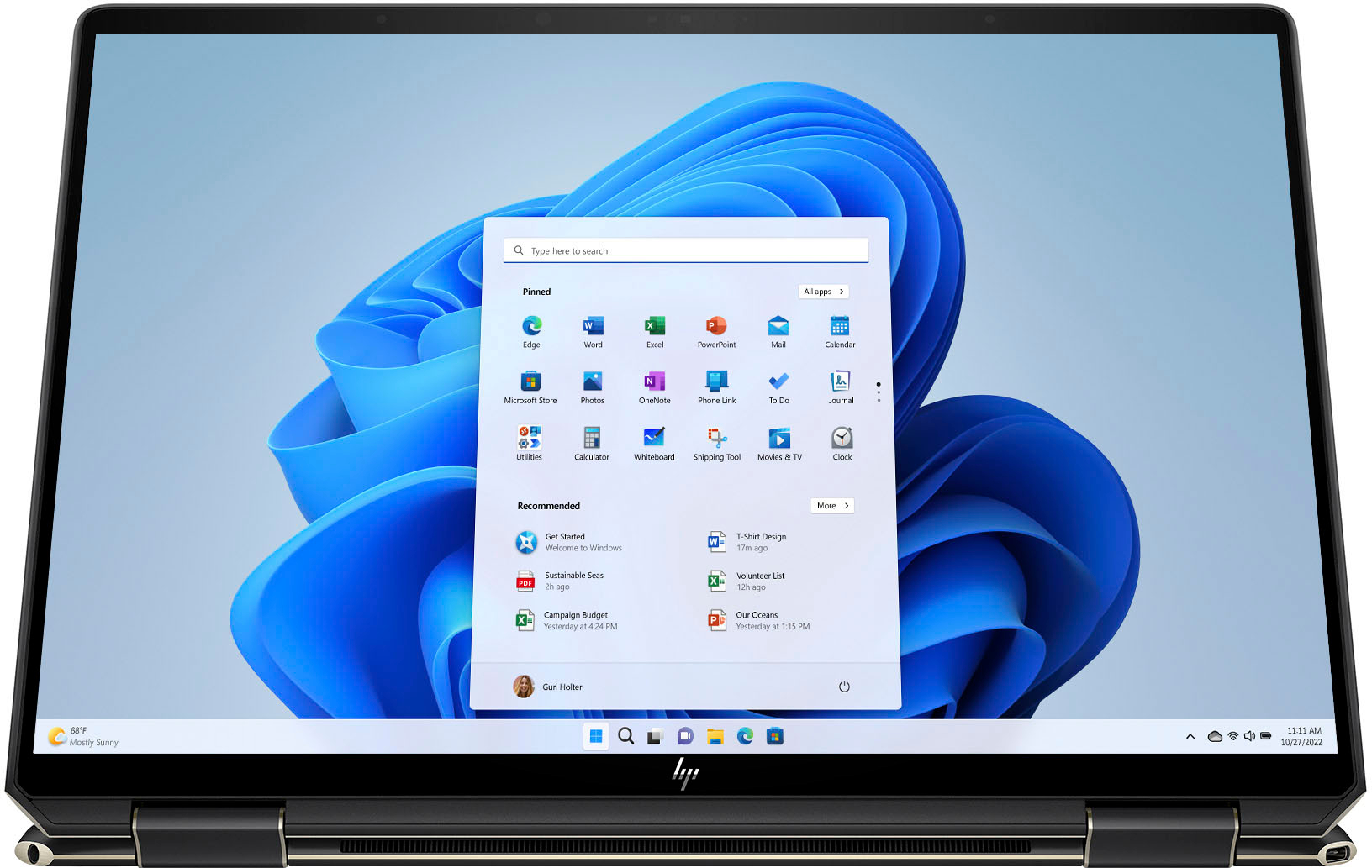
Q: QuestionIs this compatible with the pen for drawing?
Asked by Graphics.
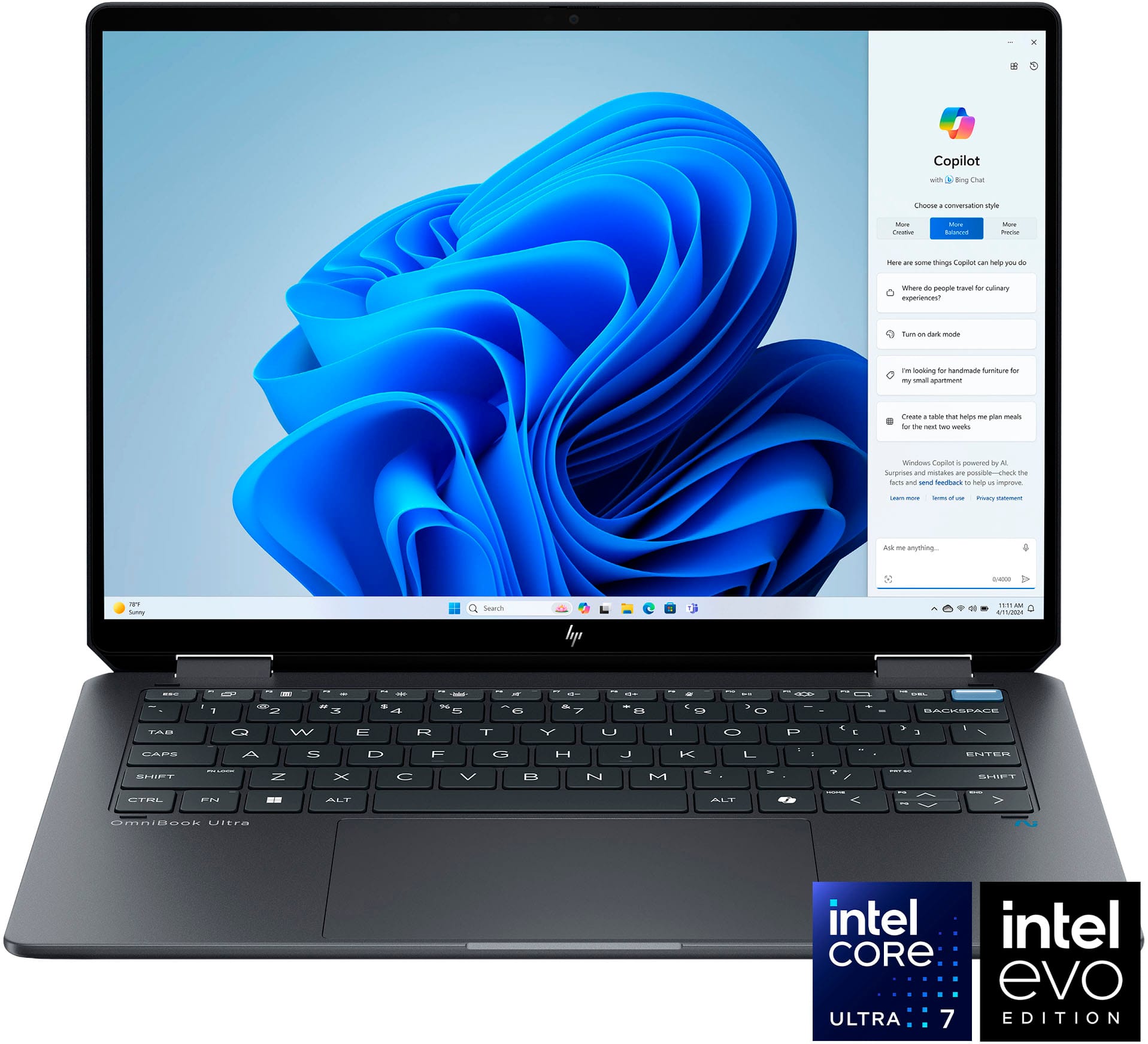
- A:Answer Yes, the HP Envy 2 laptop is compatible with a stylus or pen for drawing. Many modern laptops, including the HP Envy series, come with touchscreen displays that support pen input for drawing, writing, or navigating the screen more precisely. If you're interested in using a pen for drawing on your HP Envy 2 laptop, you will need to ensure that you have a compatible digital pen or stylus. HP offers their own stylus options that are designed to work seamlessly with their devices, including the HP Pen or HP Tilt Pen. These styluses provide pressure sensitivity and precision for drawing and writing on the touchscreen display of the laptop. Before purchasing a digital pen for your HP Envy 2 laptop, make sure to check for compatibility with your specific laptop model. Additionally, consider the features you need, such as pressure sensitivity levels, tilt support, programmable buttons, and palm rejection technology, to enhance your drawing experience. By using a digital pen with your HP Envy 2 laptop, you can enjoy a more natural drawing experience, whether you're sketching, creating digital art, taking handwritten notes, or annotating documents. It can be a great tool for artists, designers, students, or anyone who enjoys digital drawing or writing.
Answered by HilaryA
Q: QuestionDoes this include pen?
Asked by Anonymous.
- A:Answer It's important to note that not all HP Envy 2 laptops come with a digital pen included. While some models may be sold as a bundle with a compatible digital pen or stylus, others may require you to purchase the pen separately. If you're interested in using a digital pen for drawing or writing on your HP Envy 2 laptop, here are some steps you can take to find out if a pen is included with your specific laptop model: 1. **Check the Product Description:** Look at the product description or specifications for the HP Envy 2 laptop you are considering purchasing. It should indicate whether a digital pen is included in the package. 2. **Contact the Retailer:** If the information is not readily available online, you can reach out to the retailer or HP directly to inquire about whether the HP Envy 2 laptop you are interested in comes with a digital pen. 3. **Consider Purchasing a Pen Separately:** If the laptop does not come with a pen, you can opt to purchase a compatible digital pen or stylus separately. HP offers various stylus options that are designed to work with their devices, such as the HP Pen or HP Tilt Pen. 4. **Check for Compatibility:** Ensure that the digital pen you choose is compatible with the specific model of your HP Envy 2 laptop to ensure proper functionality and features. By taking these steps and doing a bit of research, you can determine whether a digital pen is included with your HP Envy 2 laptop or if you need to purchase one separately to enjoy drawing, writing, or taking notes on the touchscreen display.

Answered by HilaryA
Q: QuestionDoes Microsoft 365 an included app. Along with Microsoft Word, excel?
Asked by Johnny.
- A:Answer Tiene las dos opciones comprar el paquete en el momento o comprarlo en línea después no hay problema es muy fácil cualquiera de las 2 opciones
Answered by DeisyQ
Q: QuestionWhat is the trade in value for this laptop?
Asked by Anonymous.
- A:Answer if you want to trade one in ? i dont know what the,ll give you but id buy it
Answered by JasonA
Top Rated
- $387.00Your price for this item is $387.00$599.99The comparable value for this item is $599.99
- Black Friday Deal$219.99Your price for this item is $219.99
- Black Friday Deal$499.99Your price for this item is $499.99
- $585.00Your price for this item is $585.00$799.99The comparable value for this item is $799.99
- Black Friday Deal$319.99Your price for this item is $319.99
- Black Friday Deal$999.99Your price for this item is $999.99
- $919.99Your price for this item is $919.99$1,099.99The comparable value for this item is $1,099.99
- $469.00Your price for this item is $469.00$699.99The comparable value for this item is $699.99
- $749.99Your price for this item is $749.99
- $799.99Your price for this item is $799.99
- $288.00Your price for this item is $288.00$449.99The comparable value for this item is $449.99
- $919.99Your price for this item is $919.99$1,049.99The comparable value for this item is $1,049.99
- $299.99Your price for this item is $299.99$599.99The comparable value for this item is $599.99
- $649.99Your price for this item is $649.99
- $529.99Your price for this item is $529.99$799.99The comparable value for this item is $799.99
- $309.00Your price for this item is $309.00$449.99The comparable value for this item is $449.99
- $899.99Your price for this item is $899.99
- $579.99Your price for this item is $579.99$899.99The comparable value for this item is $899.99
- $599.99Your price for this item is $599.99
- $799.99Your price for this item is $799.99$1,099.99The comparable value for this item is $1,099.99