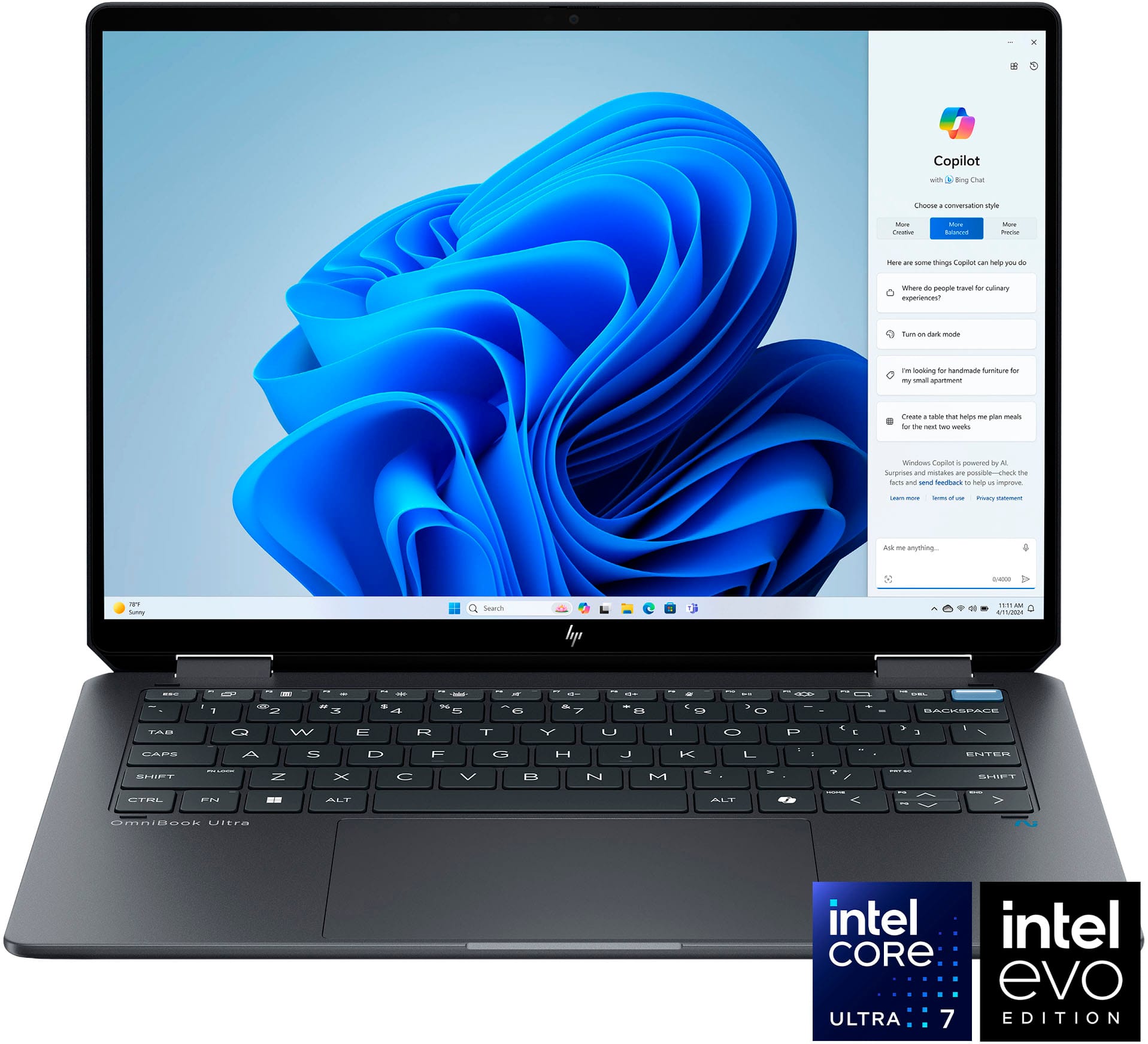
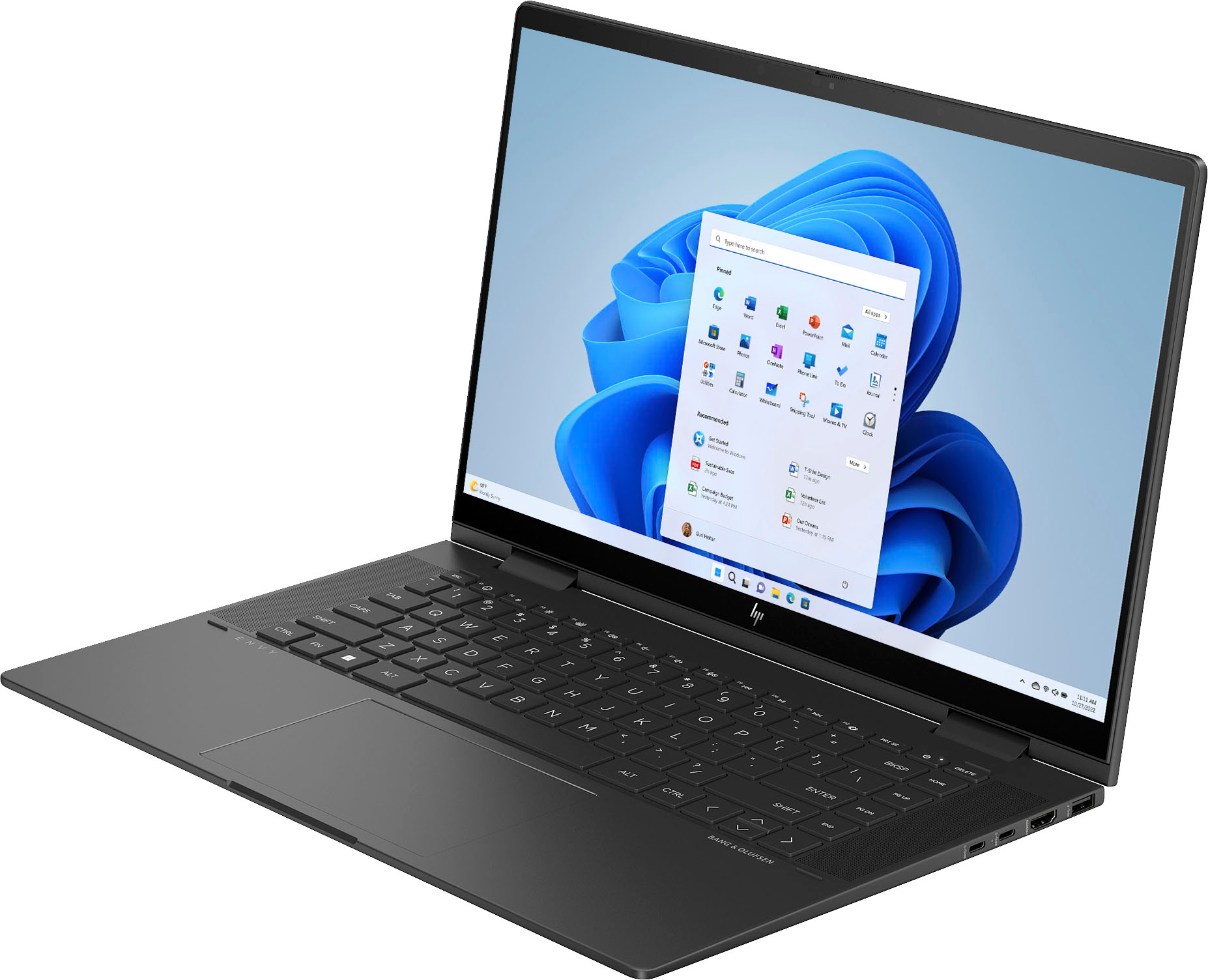
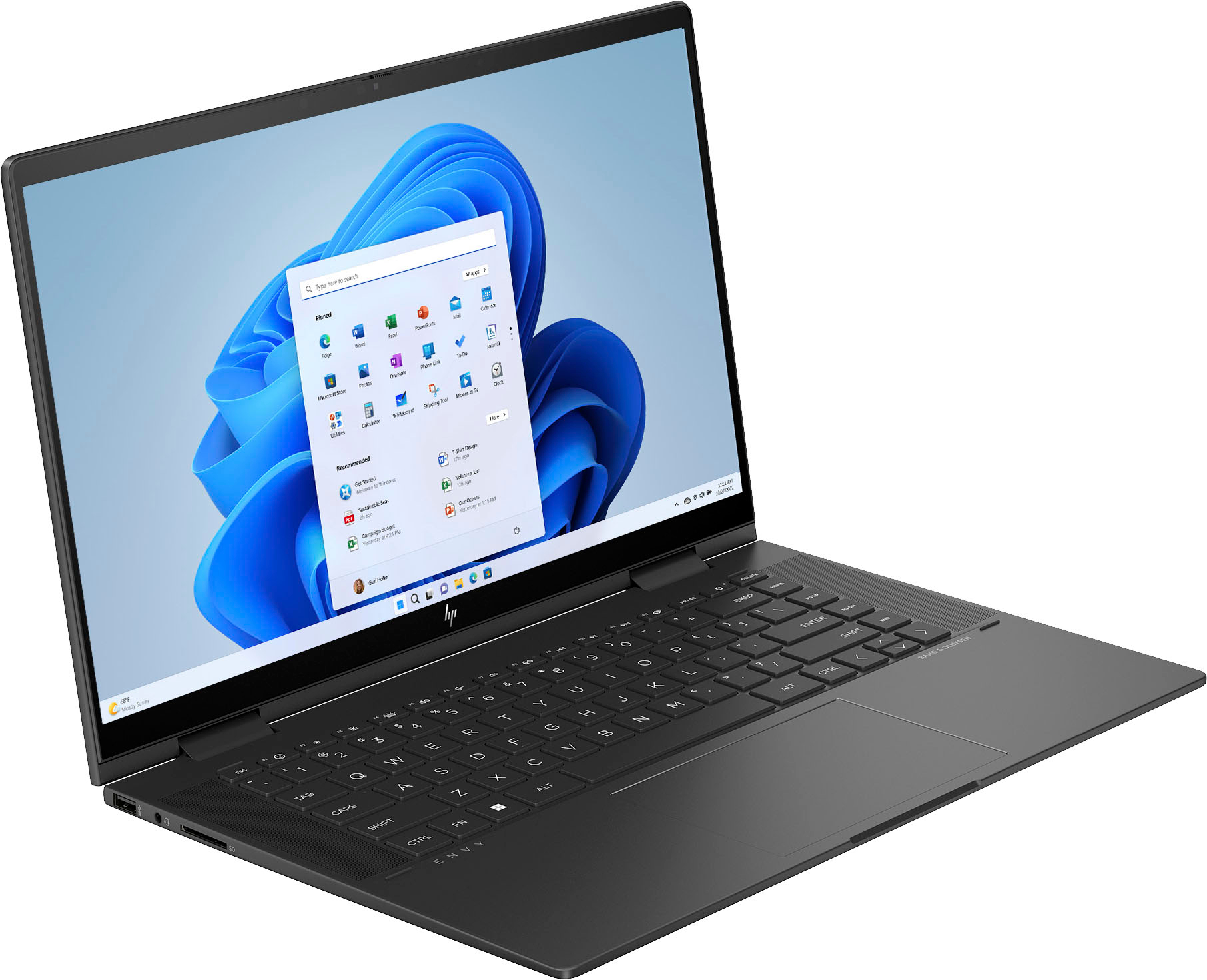
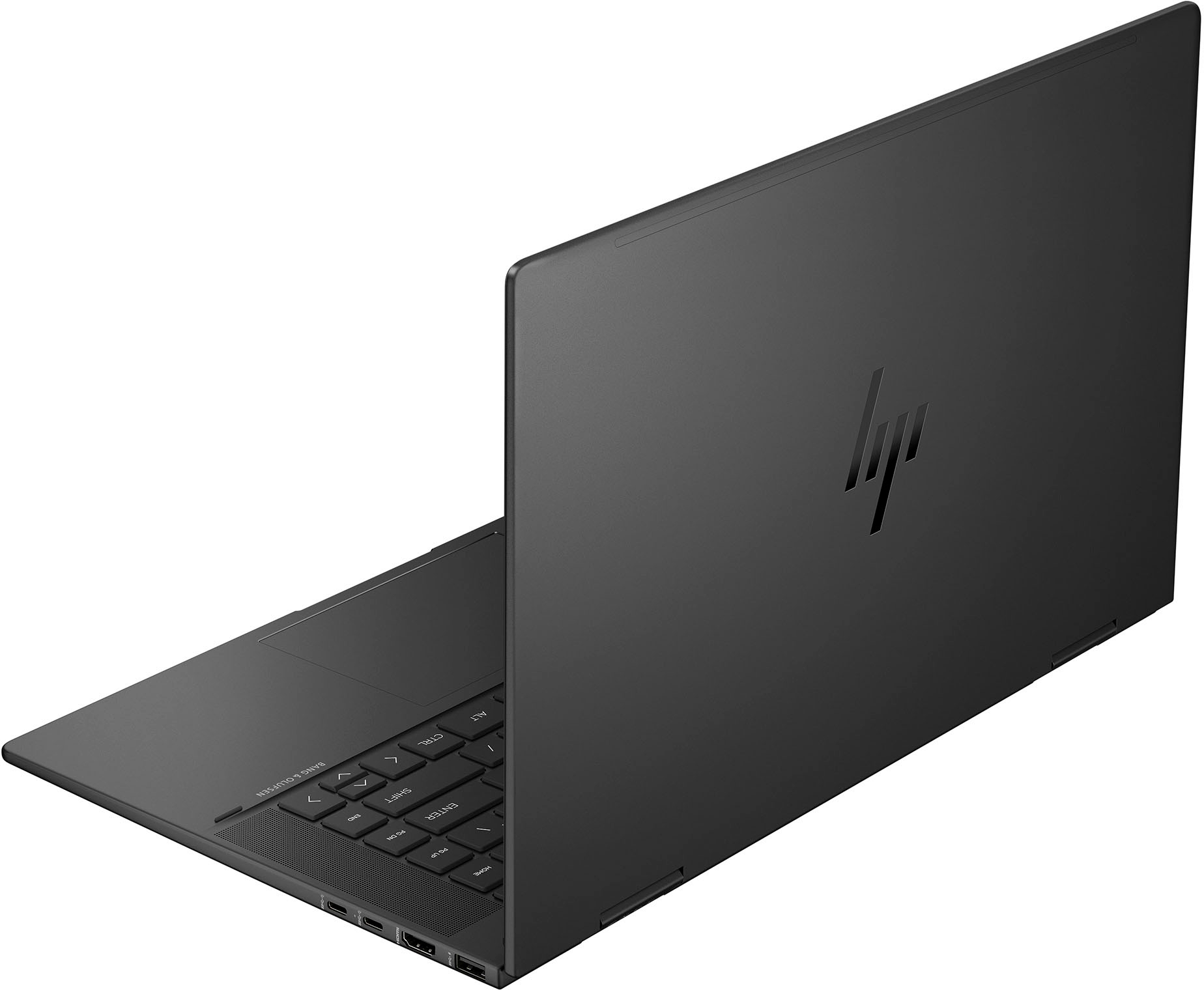
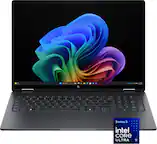
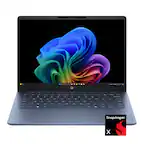
A:AnswerThank you for your interest regarding the HP - Envy 2-in-1 15.6" Full HD Touch-Screen Laptop 15-fh0013dx. For any software, you would want to check the system requirements from the publisher's website and make sure the device you want to run it on meets the requirements for the setting you would like to use. Updates can change the requirements which can impact what settings you run it on or if you can run it at all.
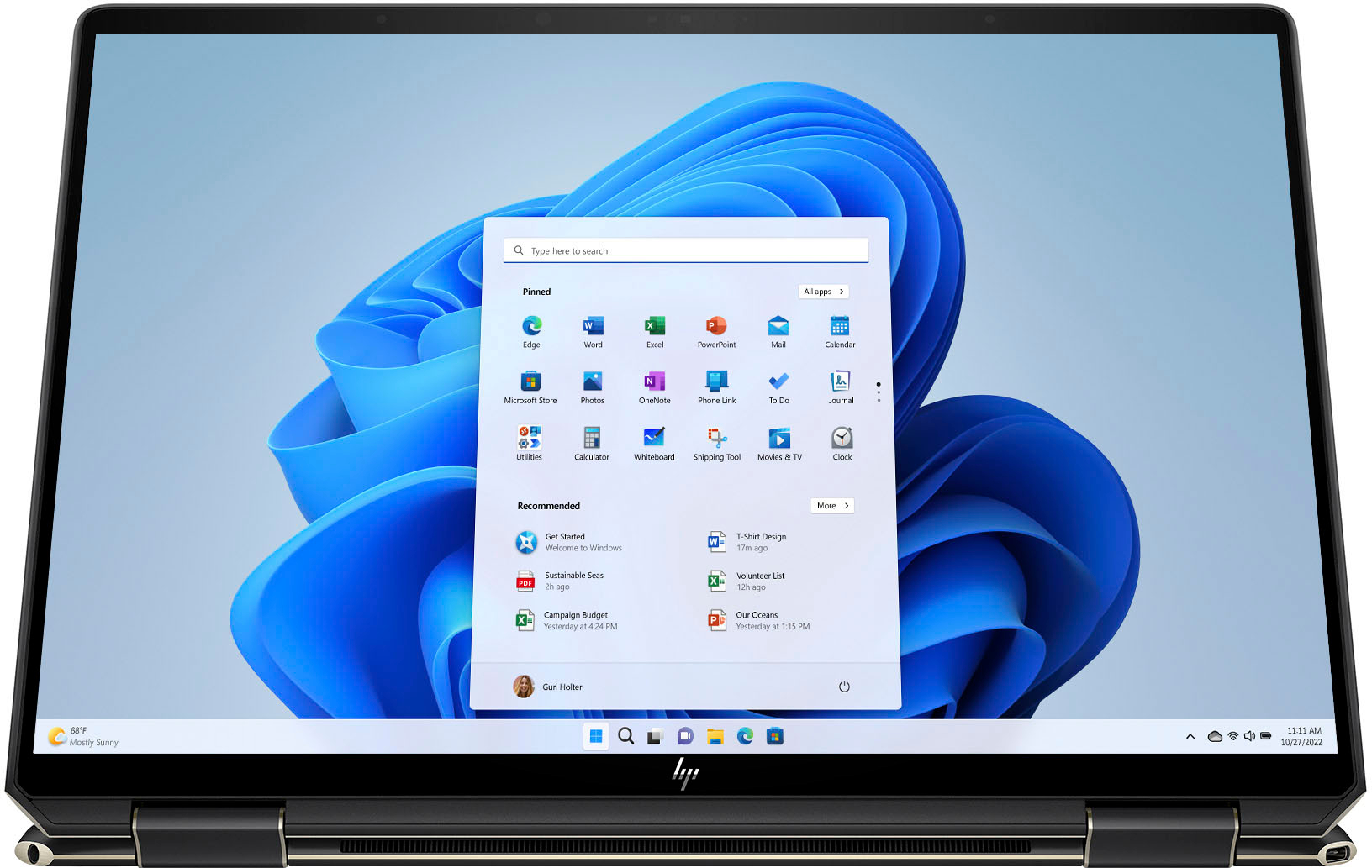
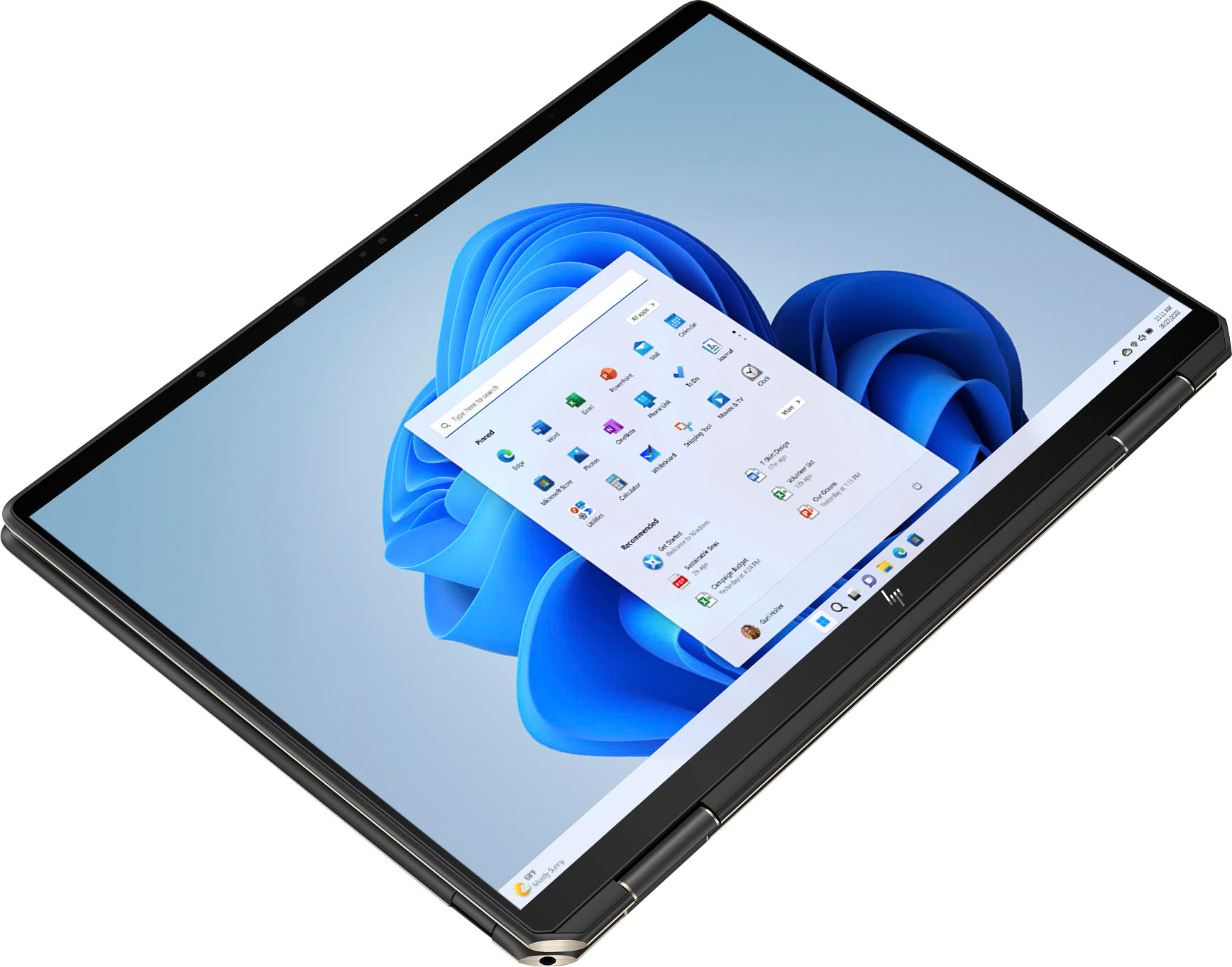
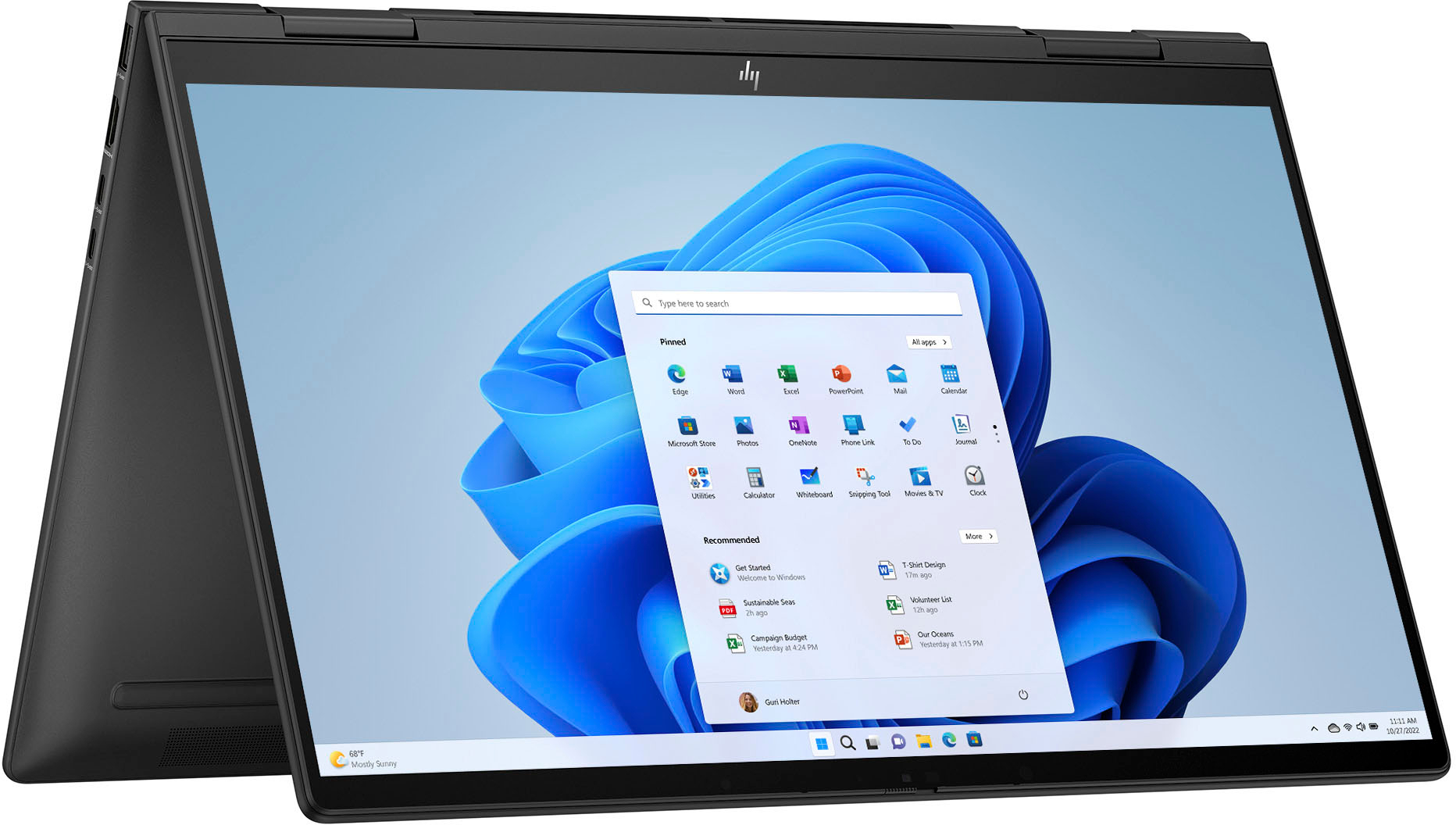
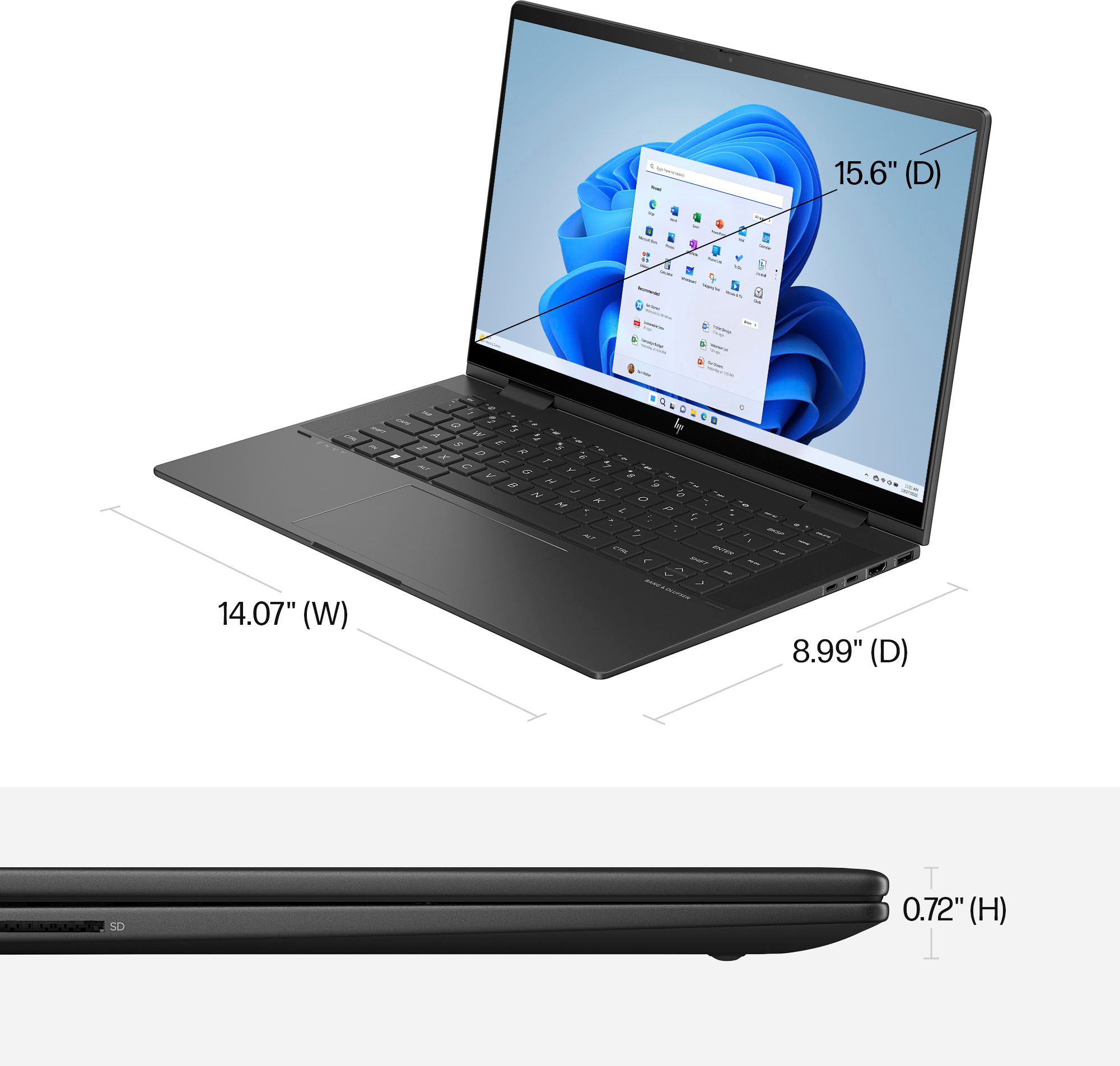
A:AnswerIf functions as a laptop and a tablet. The screen folds all the way backwards, up against the bottom of the laptop and works as a touch screen tablet.
A:AnswerYes. You should run Settings> update & security>recovery and select restart now under advanced startup. Your computer will restart and you will see options secure boot.