A:AnswerGreetings from the Intel team. Thank you for your question.
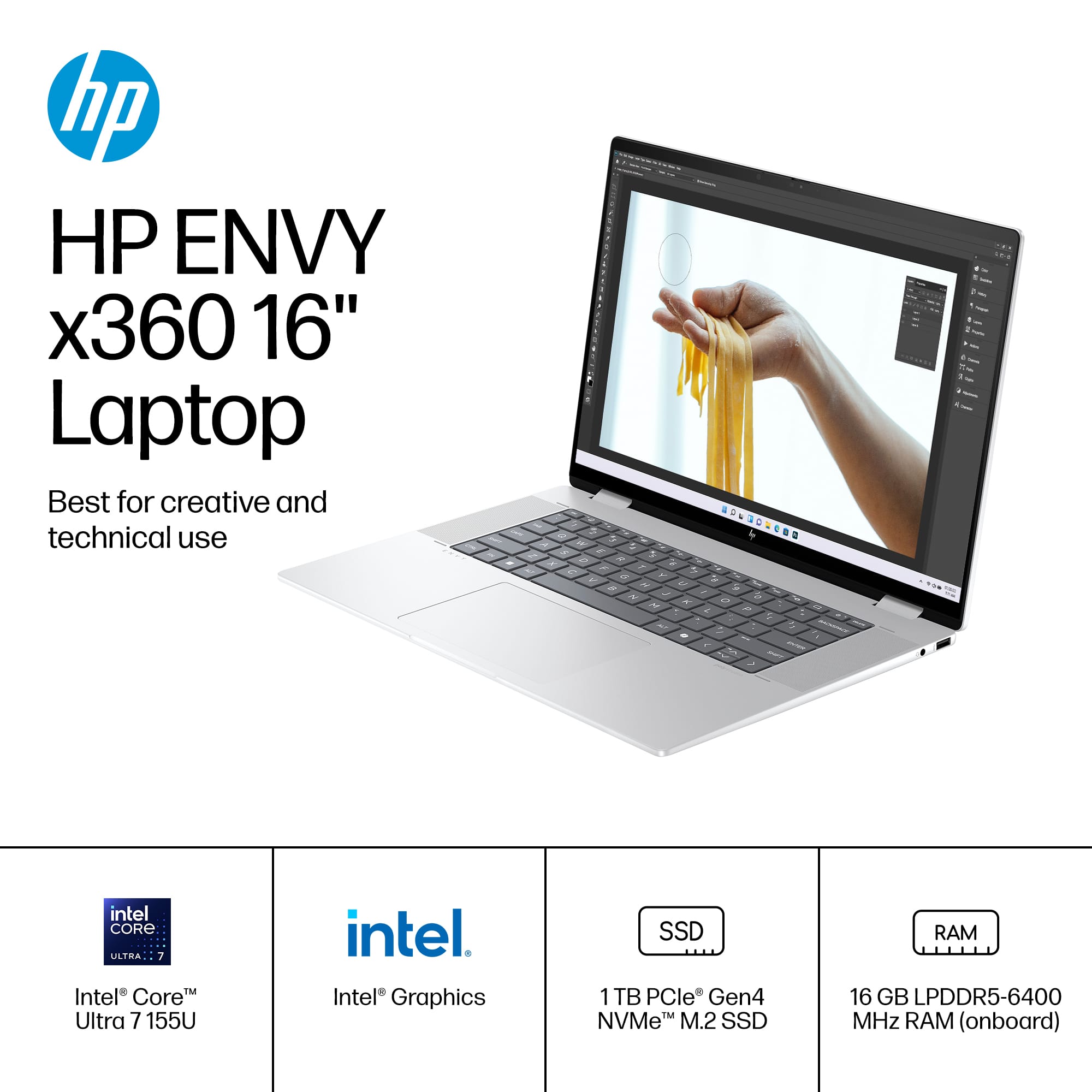
Based on the Laptop's system specifications provided on the Retailer's website, the HP - Envy 16-ac0023dx Laptop comes with the Intel® Core™ Ultra 7 processor 155U.
For detailed information about the Intel® Core™ Ultra 7 processor 155U, visit:
https://ark.intel.com/content/www/us/en/ark/products/237327/intel-core-ultra-7-processor-155u-12m-cache-up-to-4-80-ghz.html
Thank you for choosing Intel! Emilio_Intel
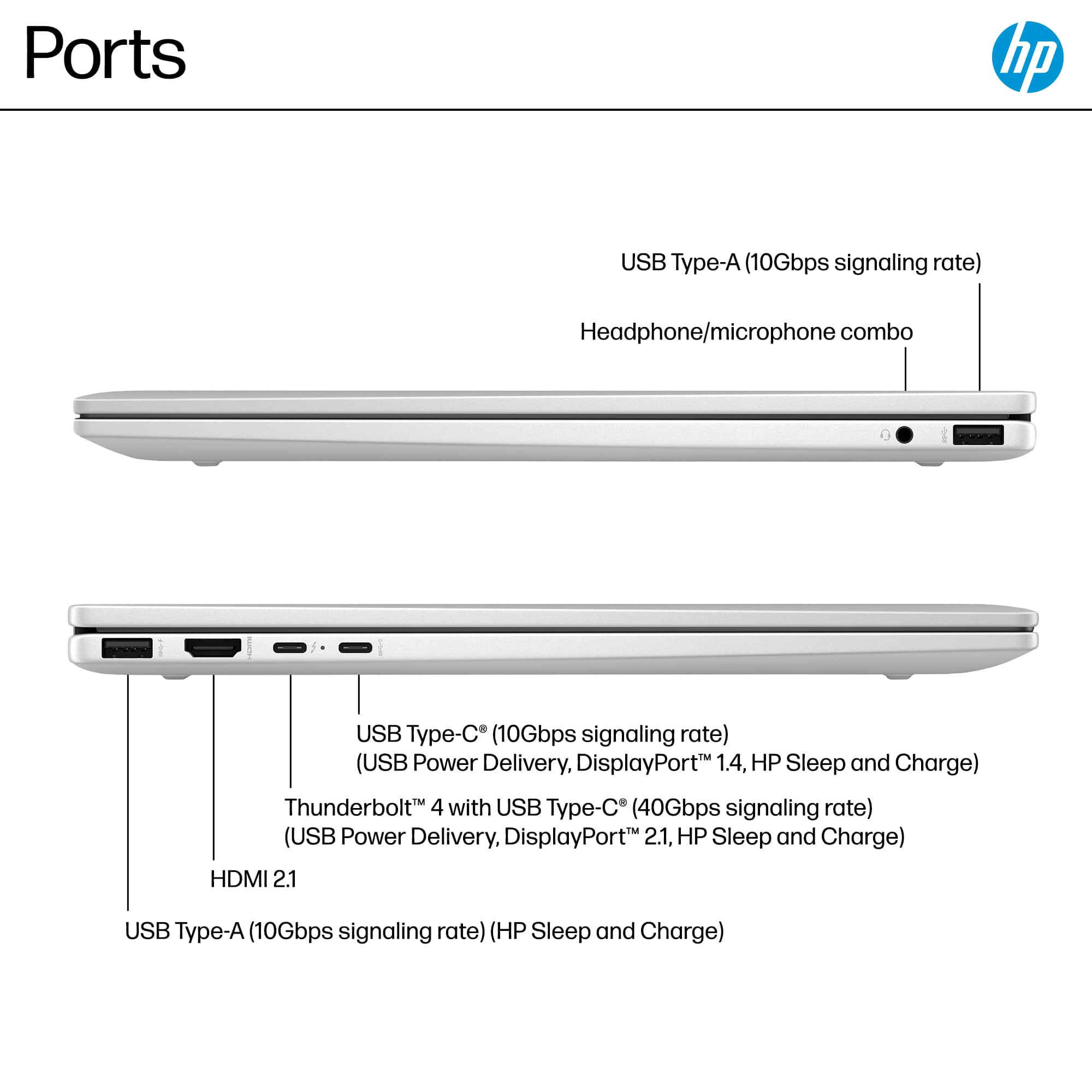
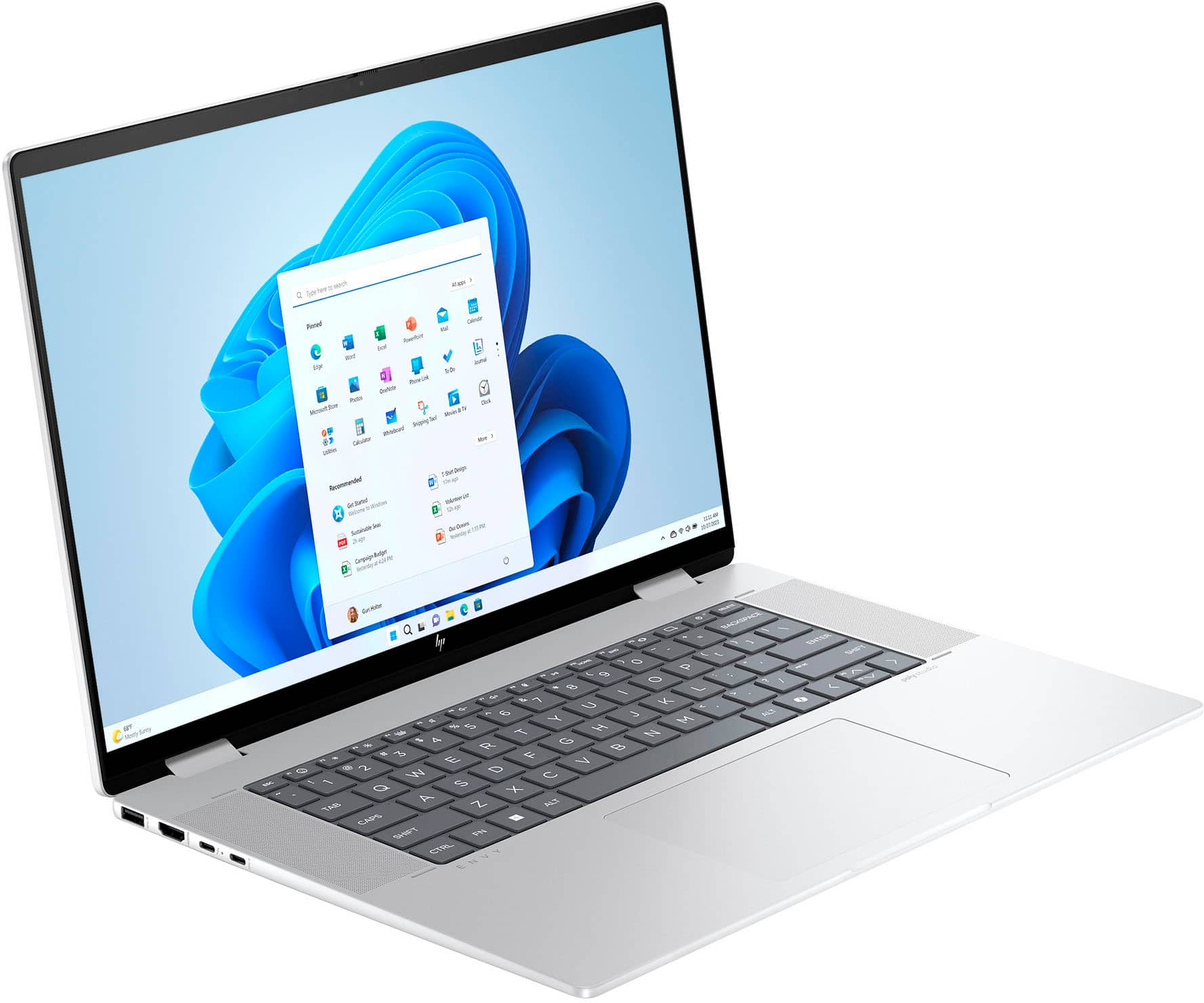
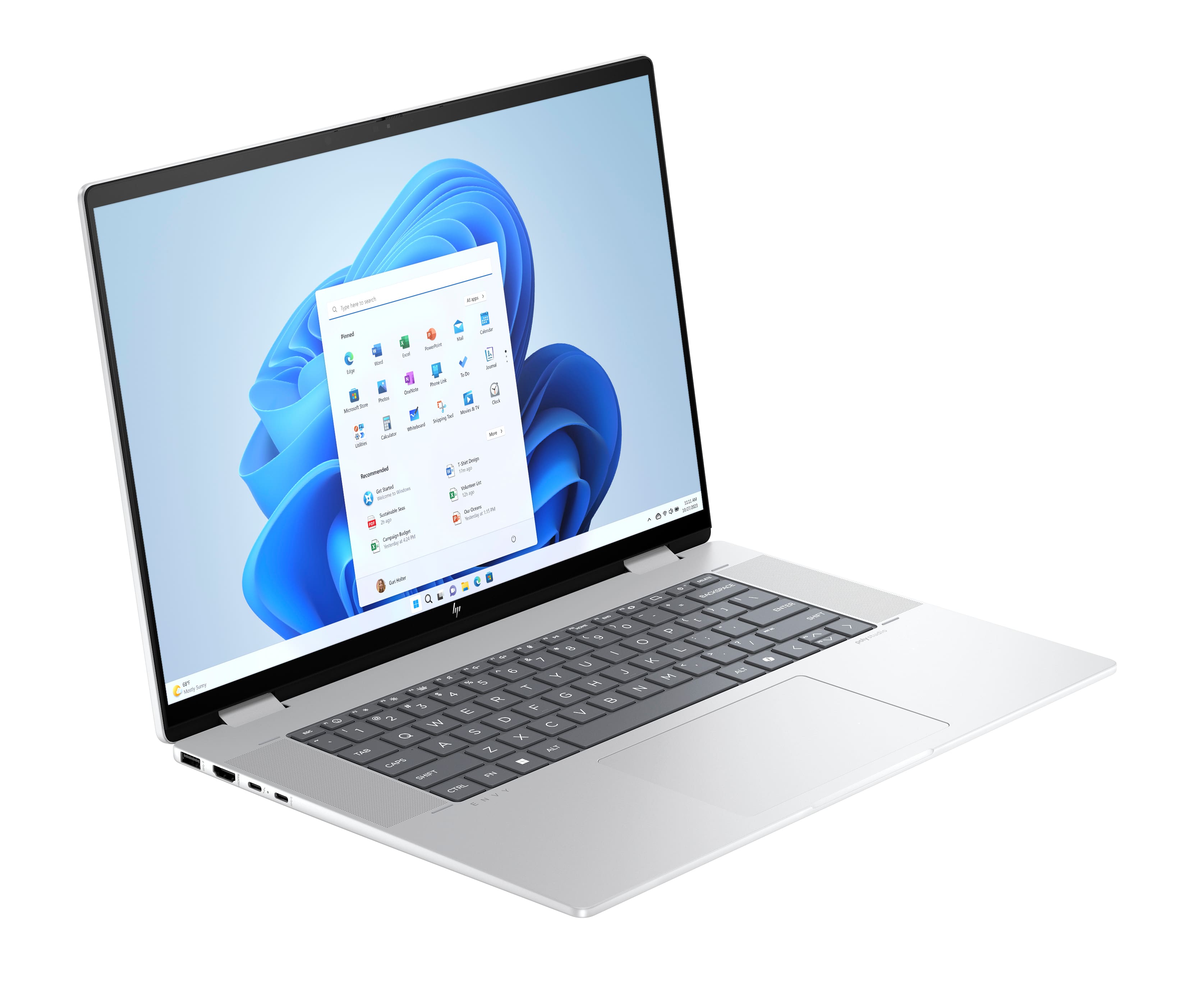
A:AnswerThank you for the question. You'll be able to connect external optical drives and hard drives since the Envy 16-ac0023dx has one USB-C 10Gbps, two USB Type-A 10Gbps, and one Thunderbolt™ 4 with USB Type-C® 40Gbps signaling rate.
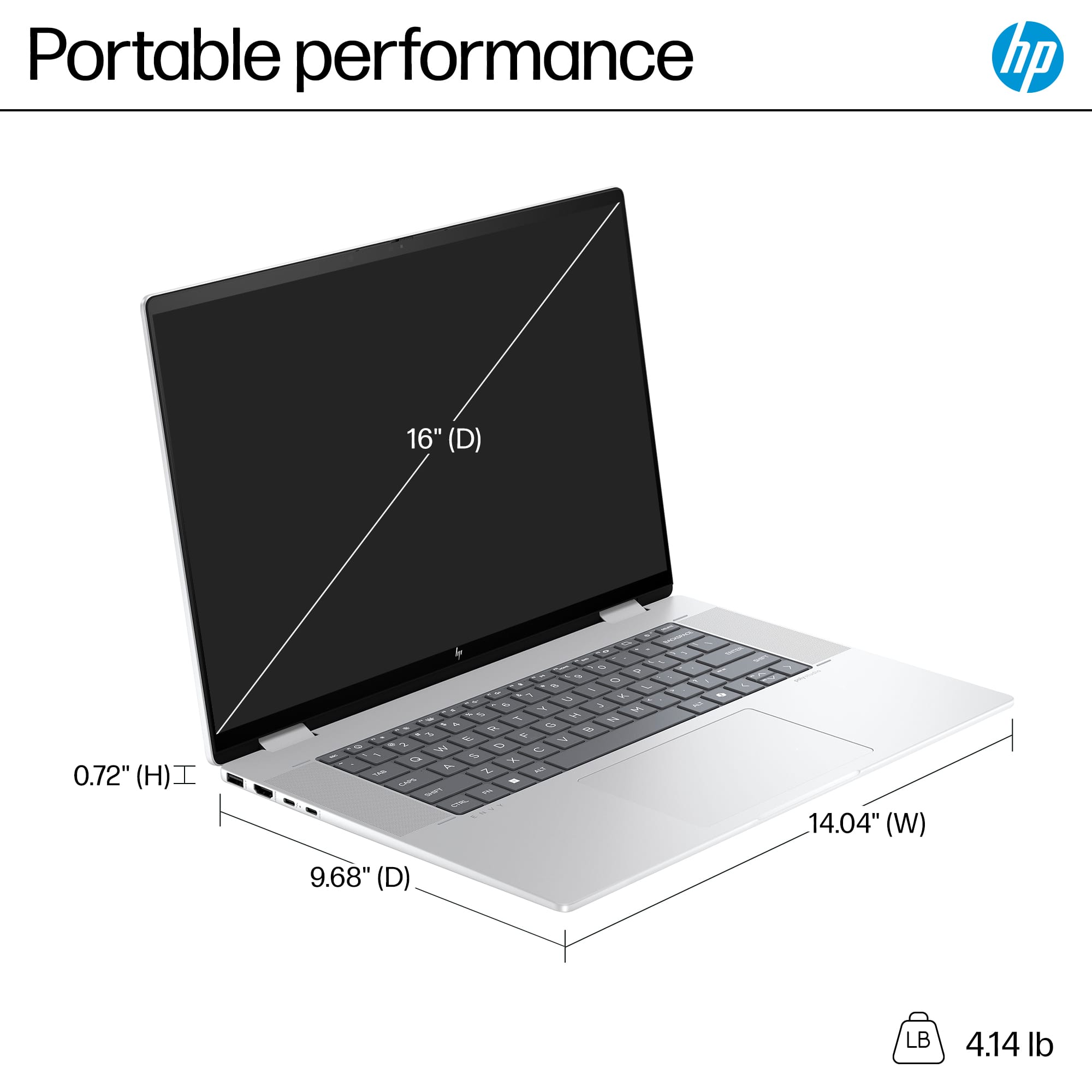
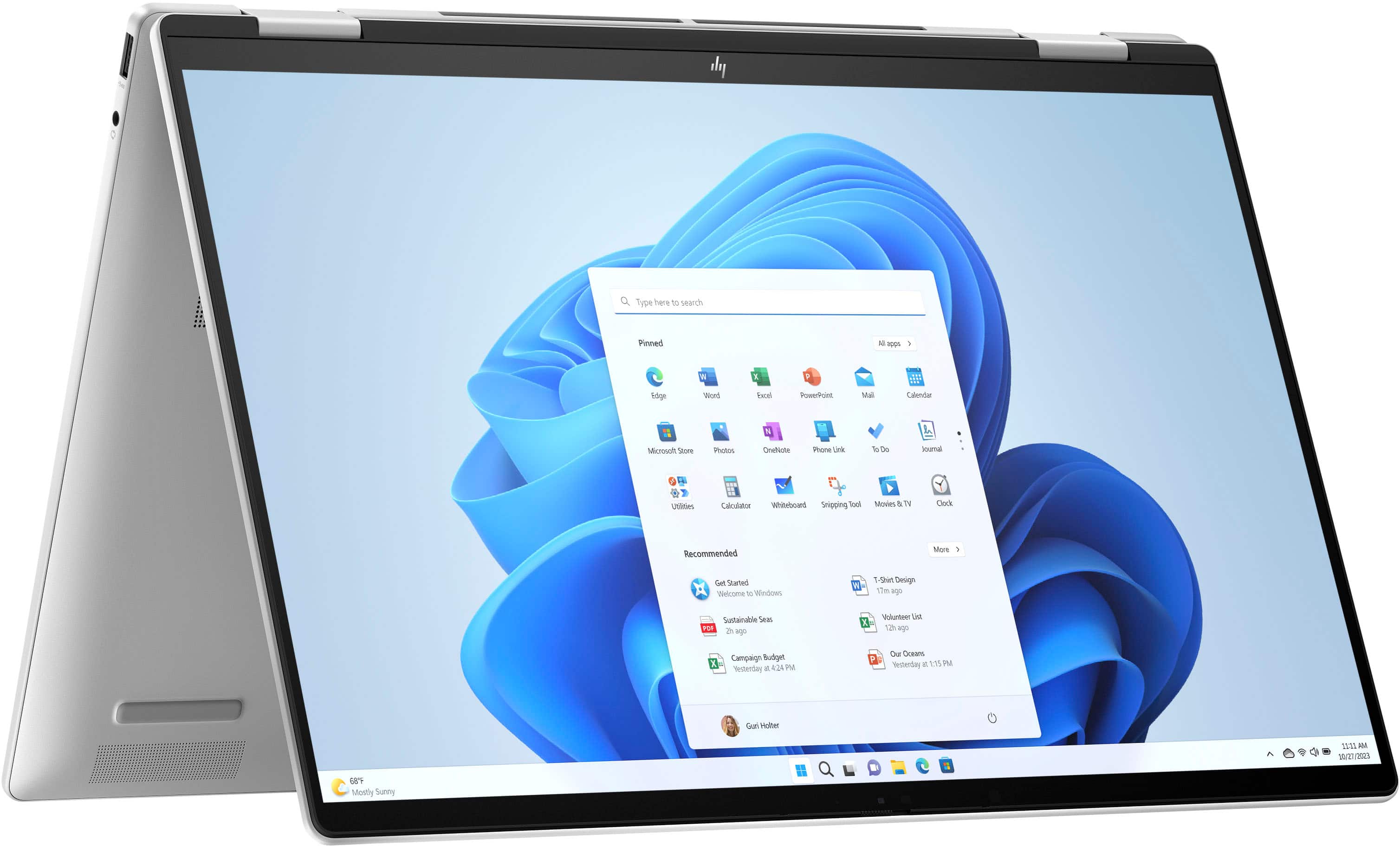
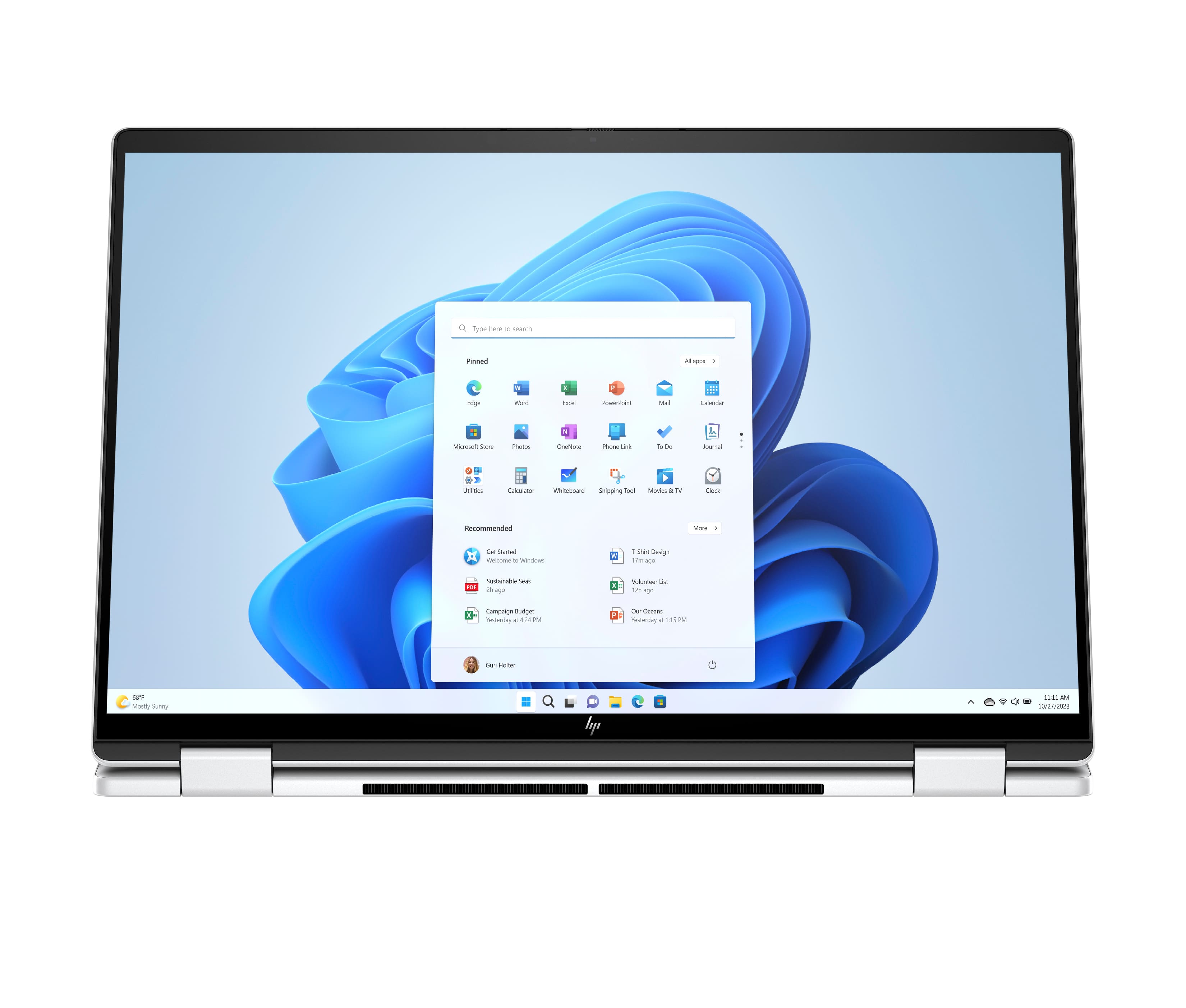
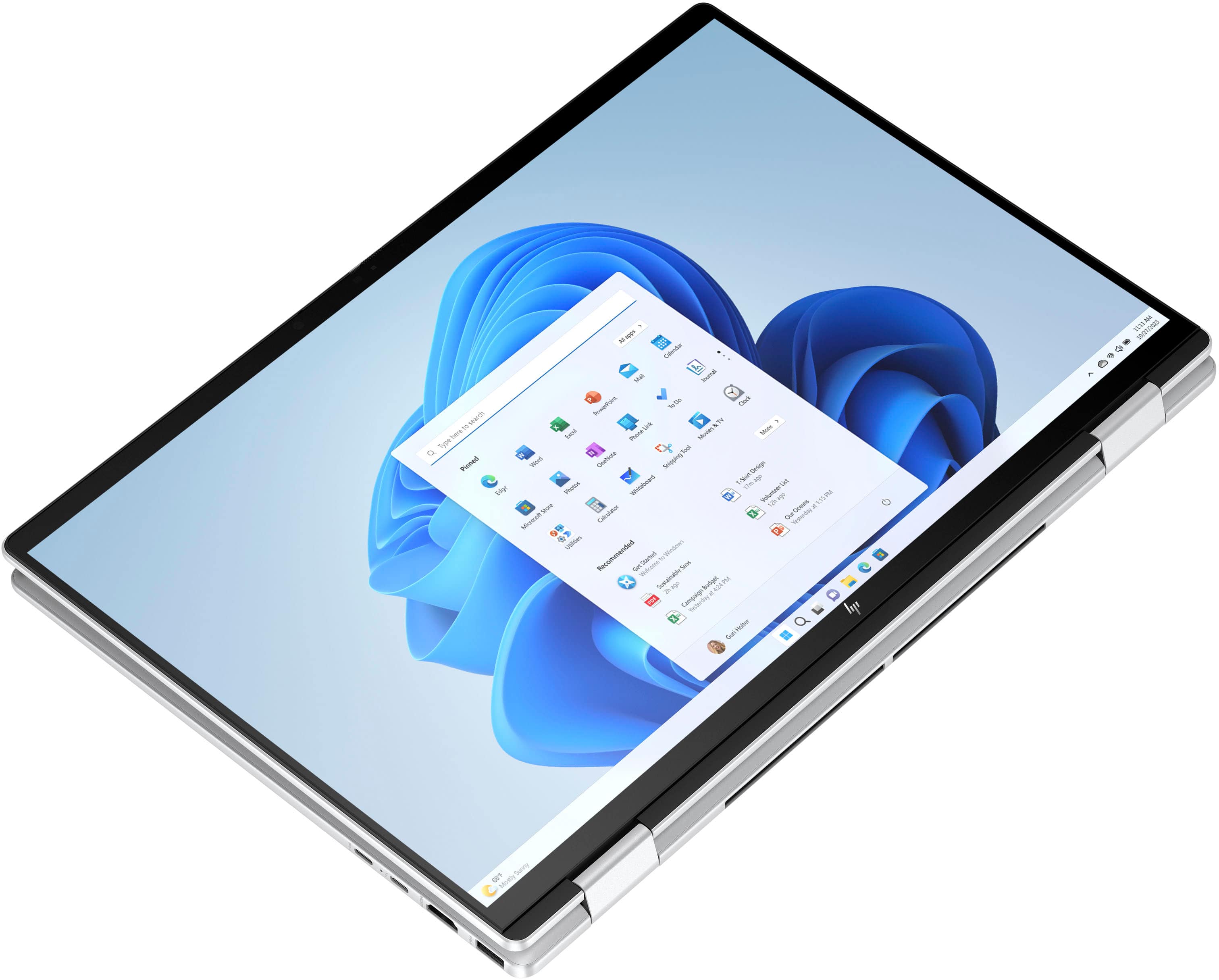
A:AnswerThe HP Envy x360 16-inch 2-in-1 Laptop features a 16:10 aspect ratio for its touchscreen display panel. This aspect ratio allows you to enjoy plenty of screen space while transitioning seamlessly between laptop and tablet modes
A:AnswerHi, and thank you for asking about the Thunderbolt compatibility. Yes, it's got a Thunderbolt port, so it will be compatible with a Thunderbolt dock.
A:AnswerHi, thanks Richk, and thank you for asking the question about the hinges. Yes, we've worked on the hinge issue, and you shouldn't have any problems with them.
A:AnswerJames, thank you for your question about this HP Envy 2-in-1 laptop! This can support up to three external displays. This laptop is equipped with one HDMI port, one USB-C Port, and one Thunderbolt Port. You can connect up to two monitors through a USB-C or Thunderbolt Dock and one into the HDMI port.
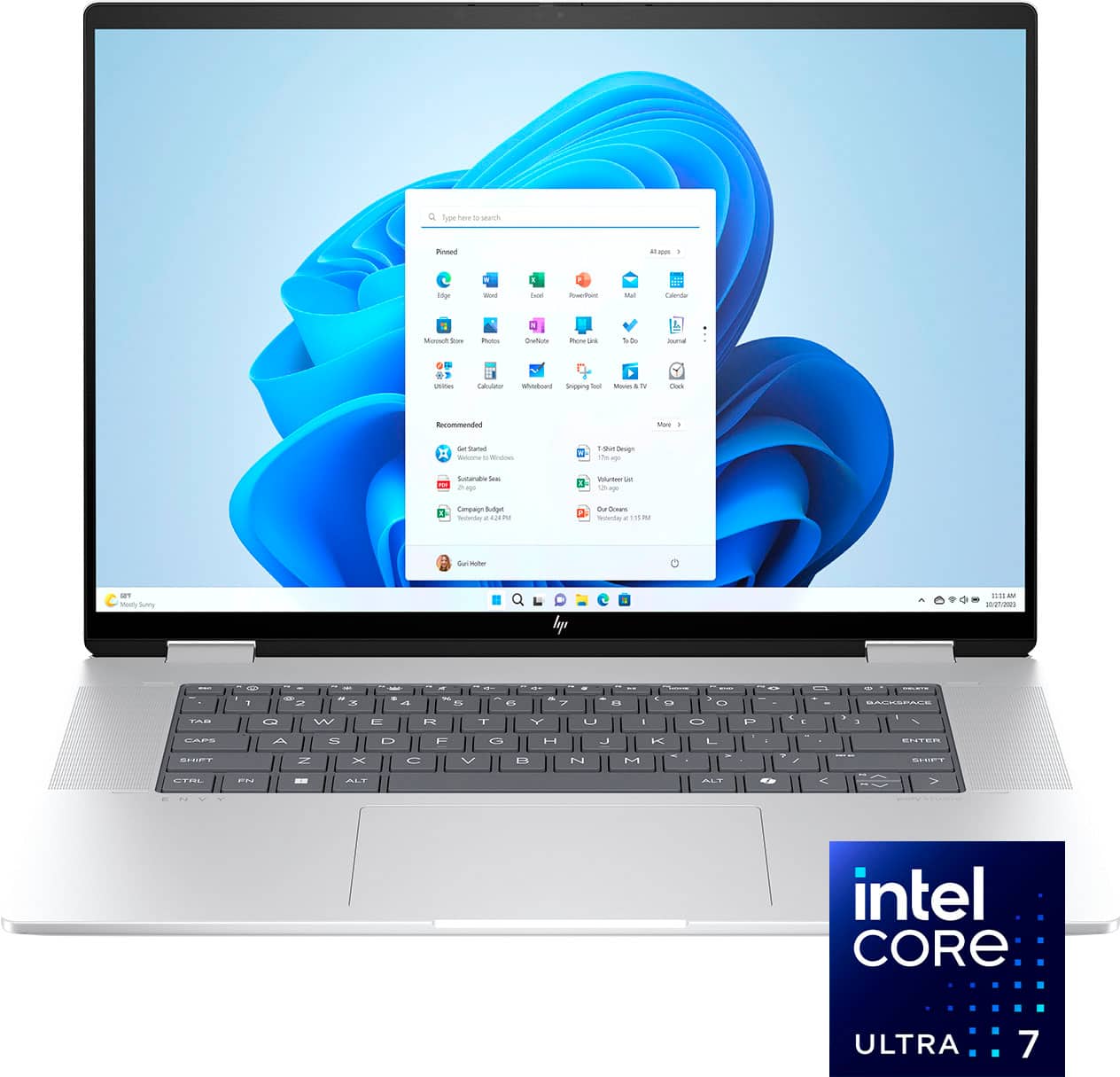
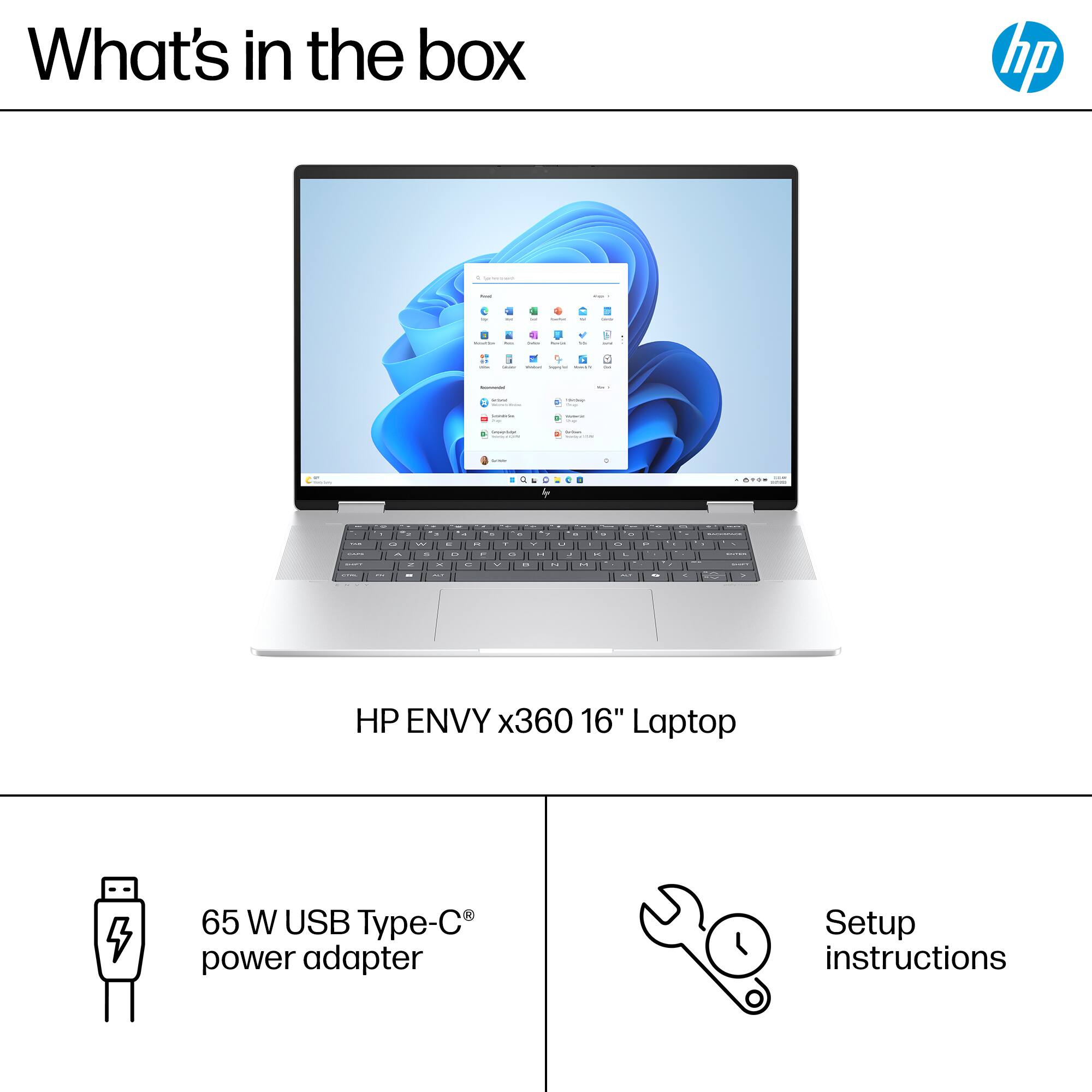
A:AnswerHi PJ, thanks for your question! This HP Envy 2-in-1 (model l:16-ac0023dx) is easy to setup, and during setup, you can connect to the internet.
A:AnswerThank you for the question. Yes, however Li-ion batteries are volatile, and we suggest that a professional technician install the battery. Geek Squad can assist.
A:AnswerHello, Chris! Thank you for your interest in the HP Envy 2-in-1 (model 16-ac0023dx). So far as the nomenclature goes for the HP Envy 14 or HP Envy 16, the difference is the screen size. There may be additional differences in the specifications between the specific models you're interested in; for more assistance determining between the two, don't hesitate to reach out to HP Support or your Best Buy Geek Squad with the model number for this model and any other models to be compared.
A:AnswerThank you for your question. Yes, the Envy x360 16-ac0023dx does support a second monitor. You can connect an external monitor using the available HDMI port or USB-C port.

A:AnswerThank you for your question on this HP Envy 2-in-1 laptop! It comes with a 1-year warranty from HP and Best Buy offers extended service plans through Geek Squad that go beyond both the scope and the length of HP's warranty.