A:AnswerThank you for your question! MICR is available officially in toner cartridges and only for LaserJet printers that have been retrofitted by Troy Group. They are not available in the standard retail channels. Are you sure you need MICR? Most banks no longer require MICR for check printing since many checks are now digitally scanned. If you do need MICR checks a lot of companies will order checks pre-printed with their account information and then simply print the monetary values later.
A:AnswerIt's because there are a number of printers in the Envy 5000 series, and the differences between them are typically very slight (sometimes, literally the only difference is the model number). Rather than try and list each on separately, they're listed by the printer series-in this case, the Envy 5000.
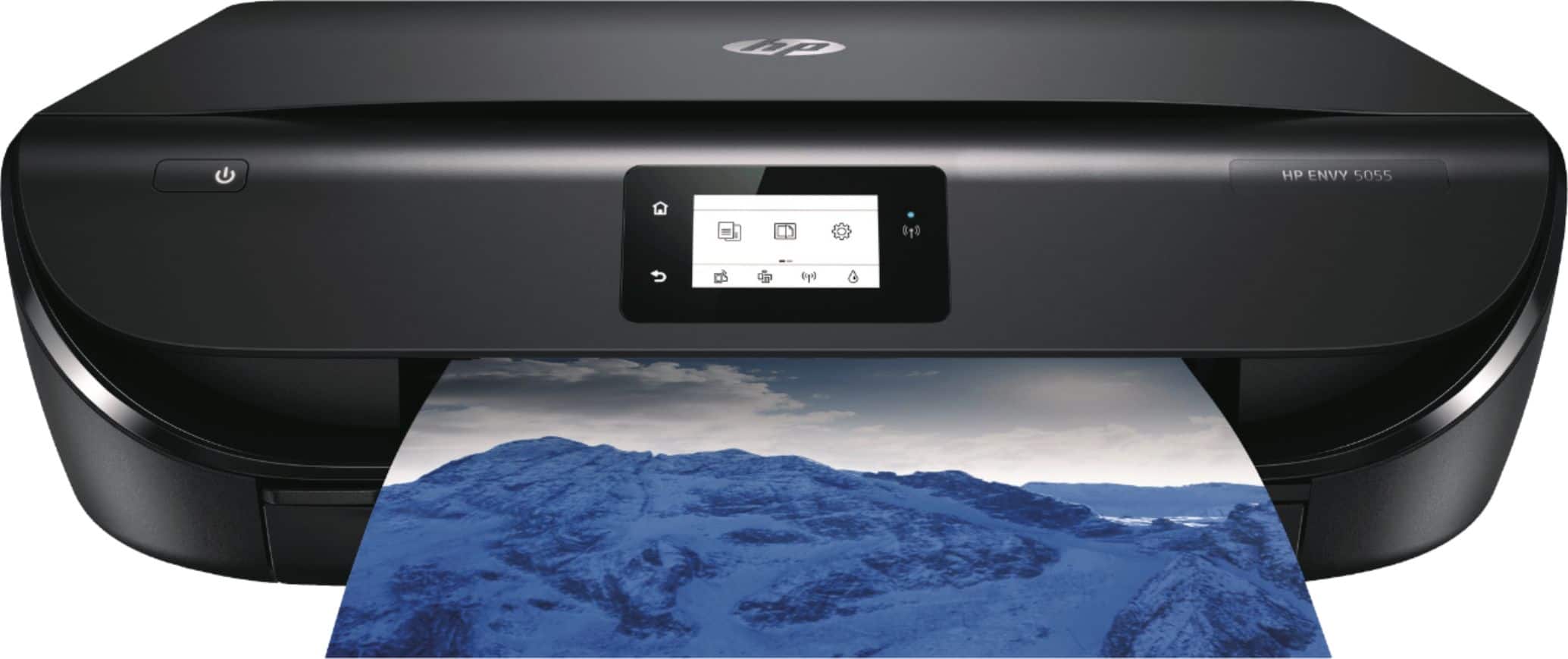
A:AnswerYes you can. It is one physical printer but when connecting to SAME computer using both USB and wireless it becomes two (logical) printers. Probably your default printer is the wireless one, you have to select the right printer before print.
A:AnswerThe Envy Photo 6255 prints HP's best quality photos and can be a great general purpose home printer. The Envy 5055 is a general purpose home printer that can also print photos. I would choose the 6255 due to the $49 sales price. :)
A:AnswerNo this printer has improved dual band wifi. You can reliably connect to any mobile device or PC with Dual Band Wi-Fi®. The Envy 5055 provides reliable wireless connection with Dual Band Wi-Fi, broadcasting both 5 GHz and 2.4 GHz signals. If the 2.4 GHz signal is overcrowded, your printer automatically changes to the 5 GHz frequency so your printing is uninterrupted.
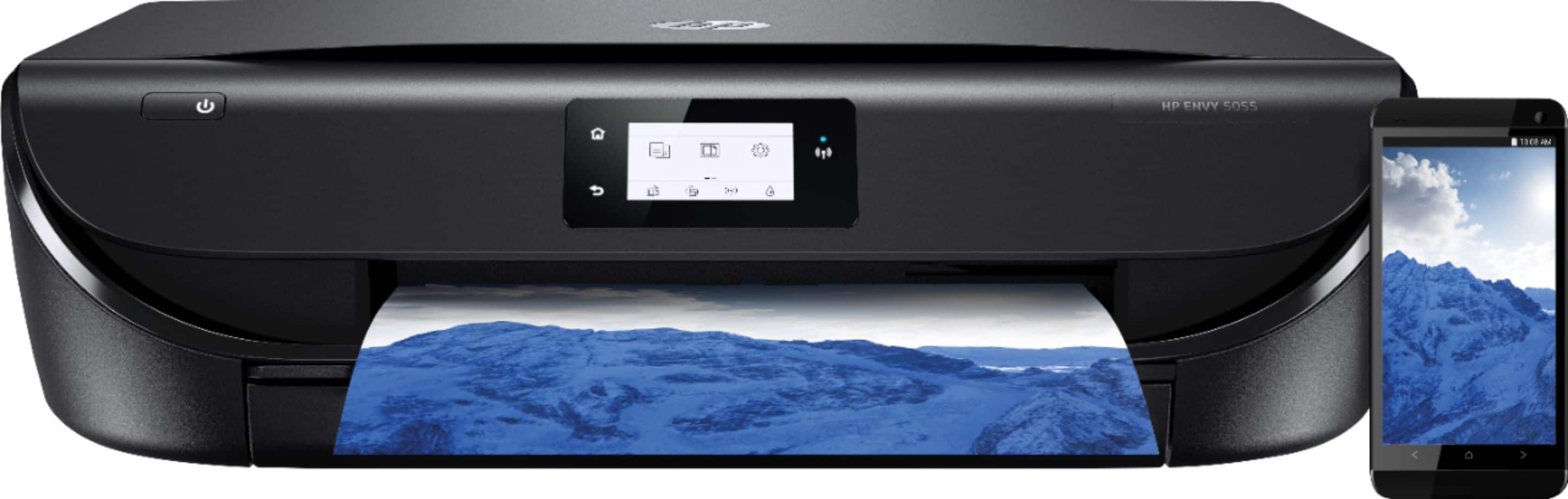
A:AnswerYes, it will work with an Android phone. Just be sure the printer and phone are on the same wireless network. We recommend using the HP Smart App.
A:AnswerNo faster then any other. The benifit is $30.00 for ink vs. $60.00 ink. That's why I got this printer and I am very happy with it. I use it for my business.