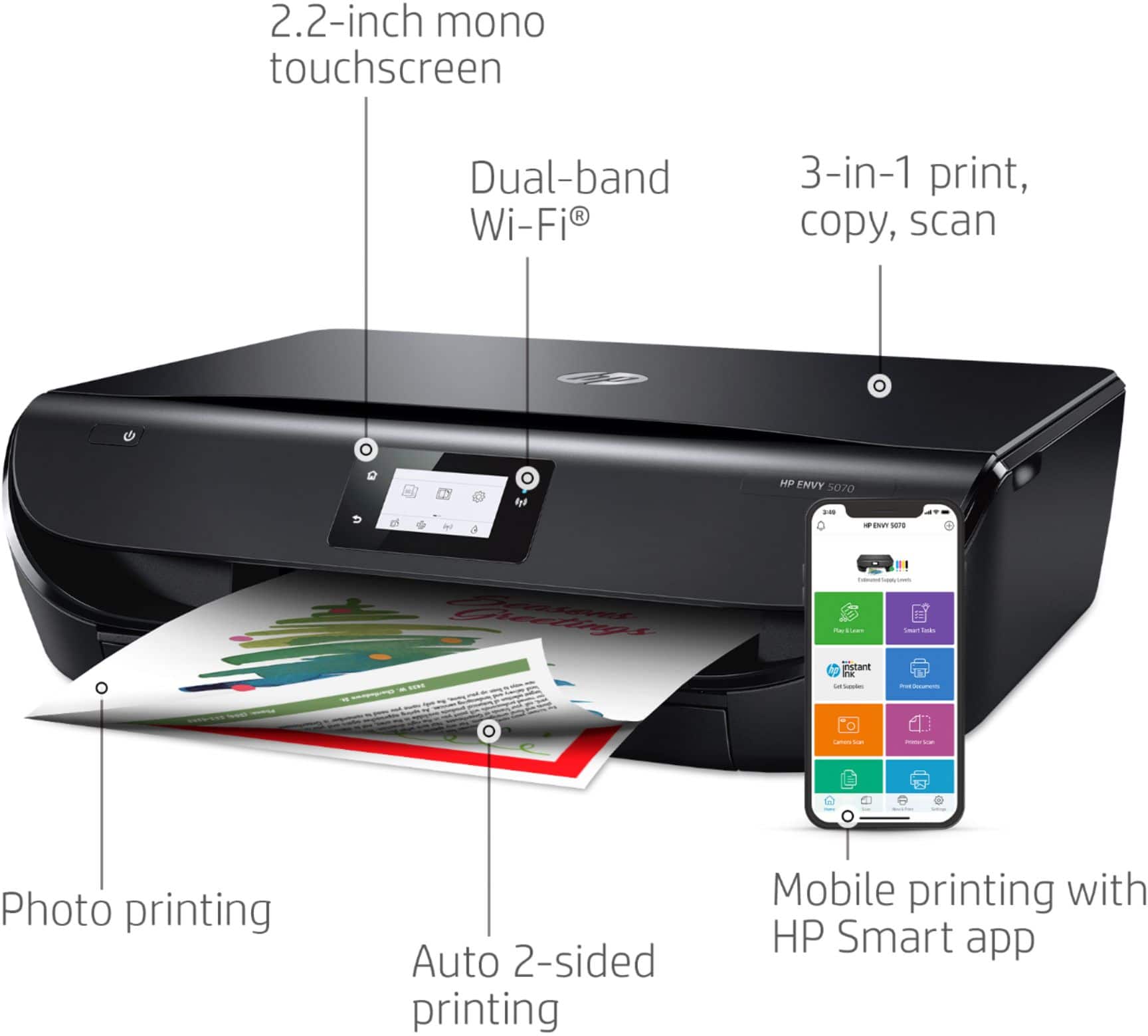
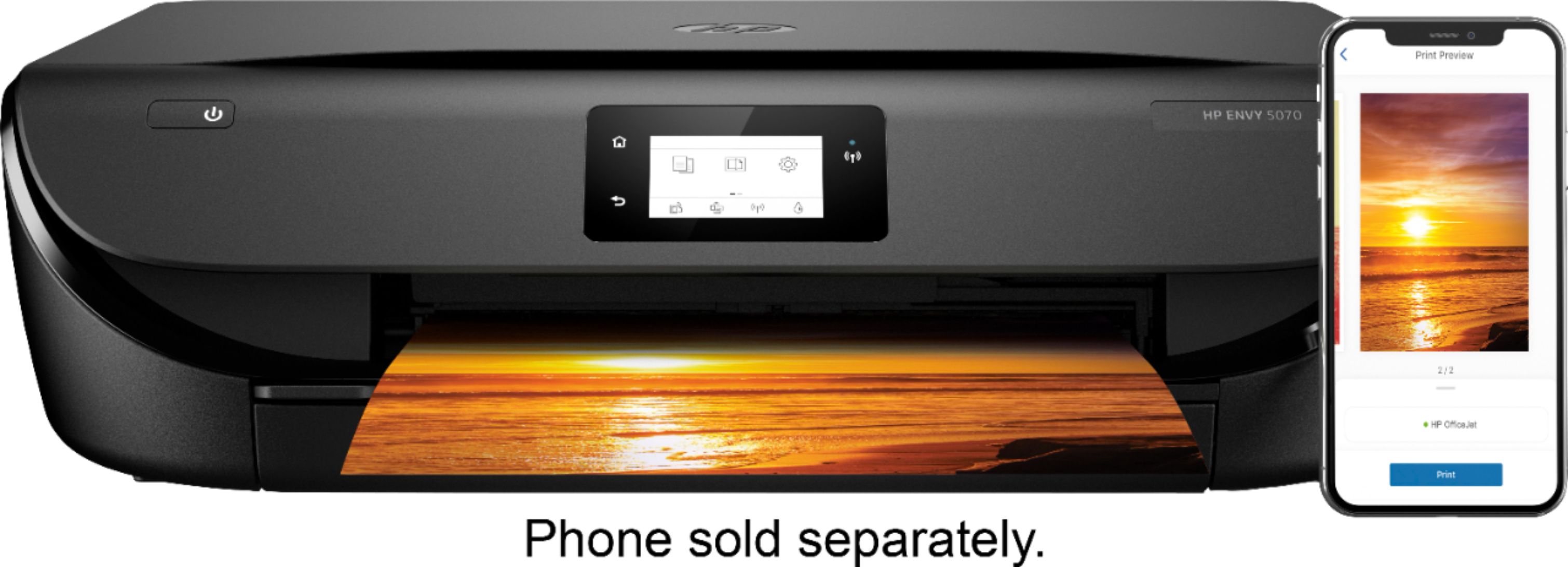
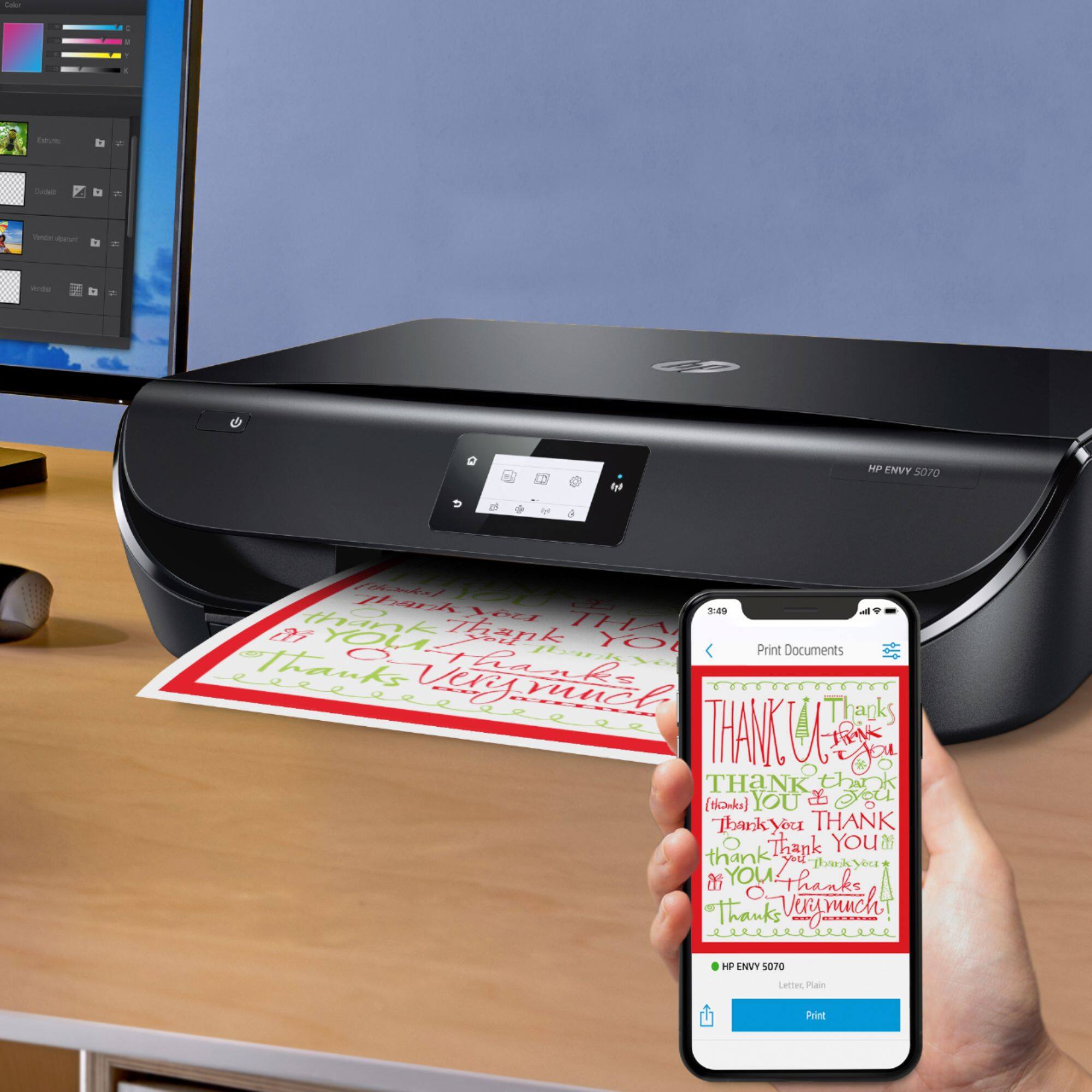
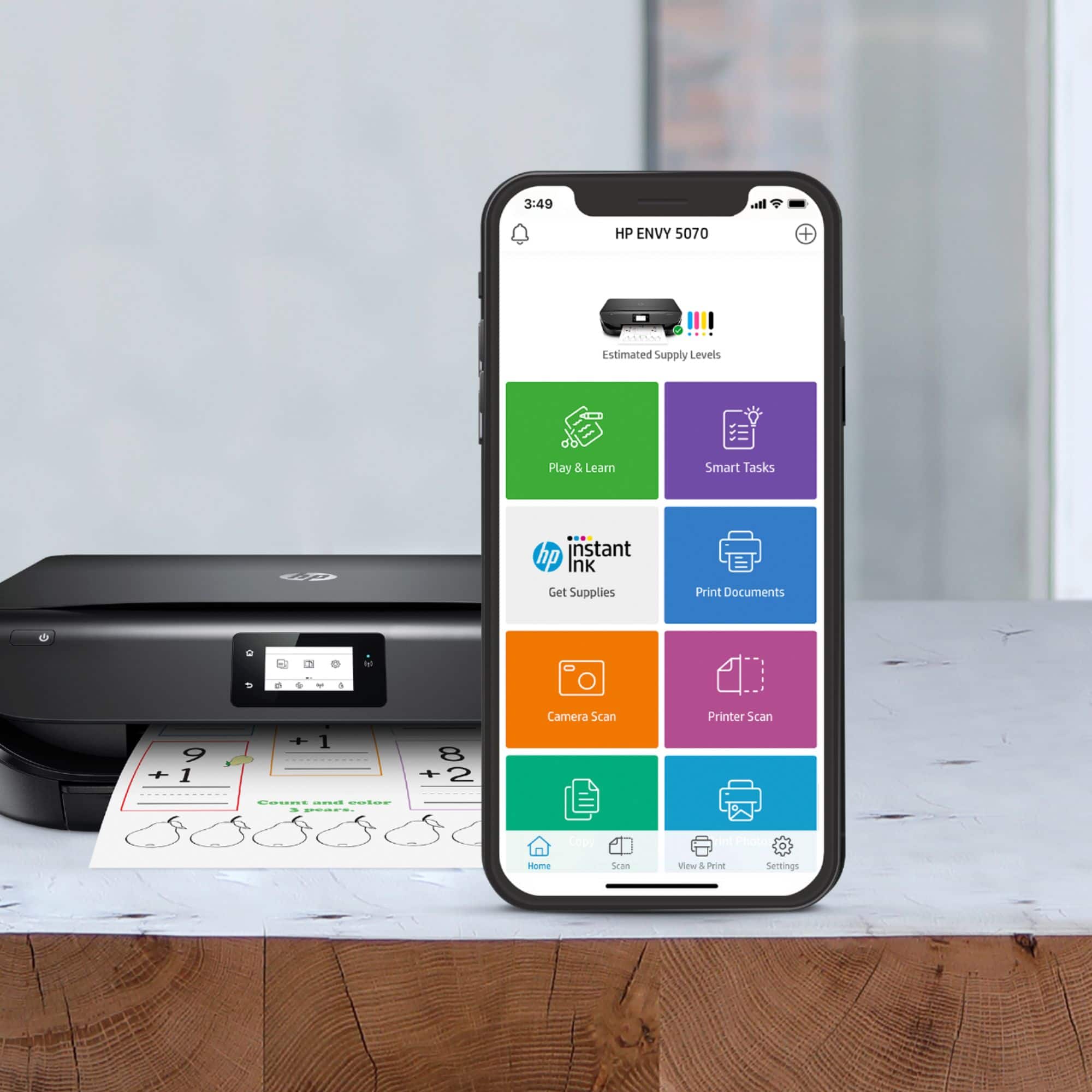
A:AnswerYes. I print wirelessly from my google pixelbook go. The HP Smart app also helps if you need to print from your phone, also, if there is an issue with wifi connection.. you can ePrint using the direct email address associated with the printer.
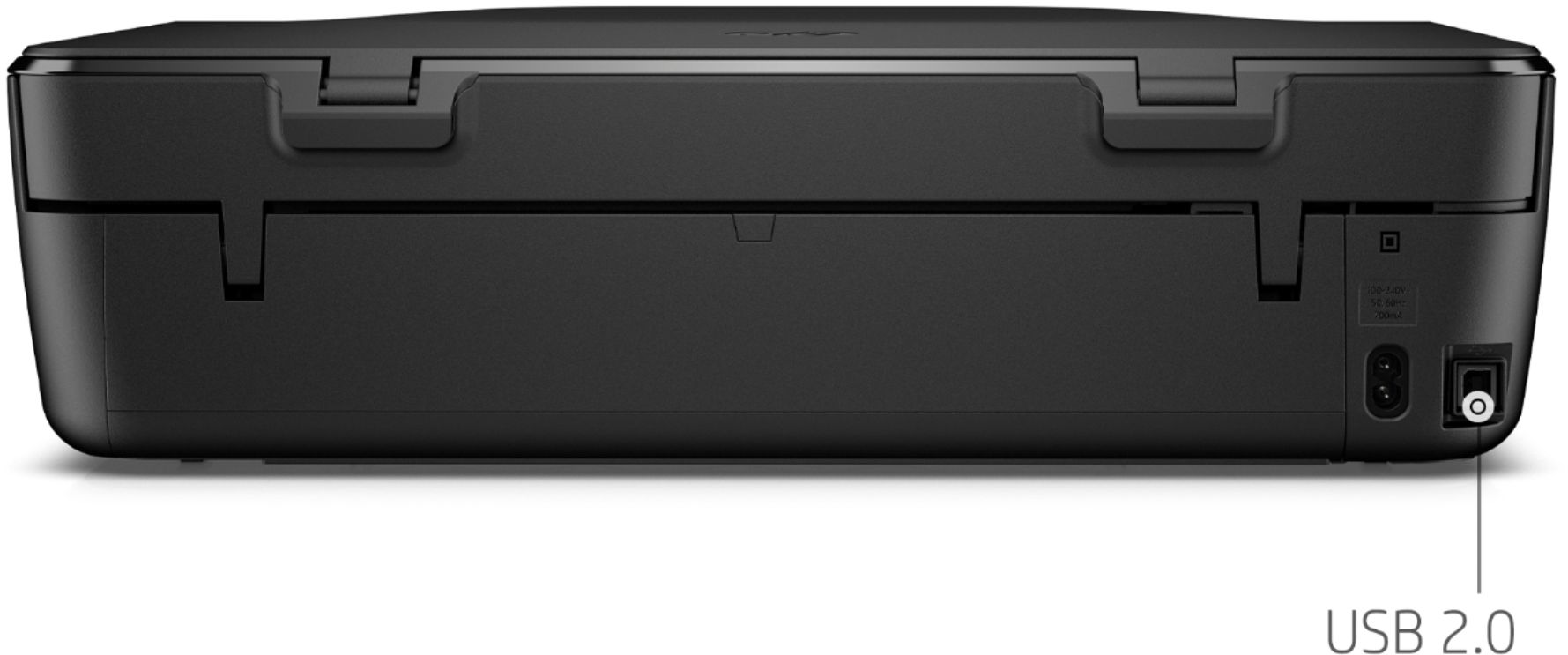
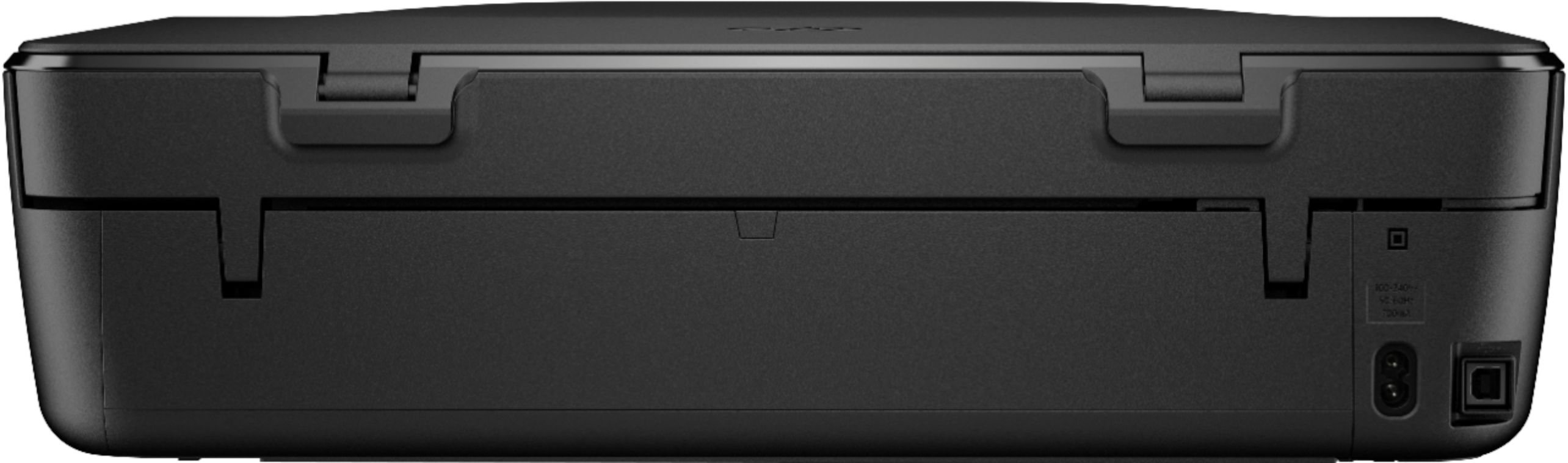
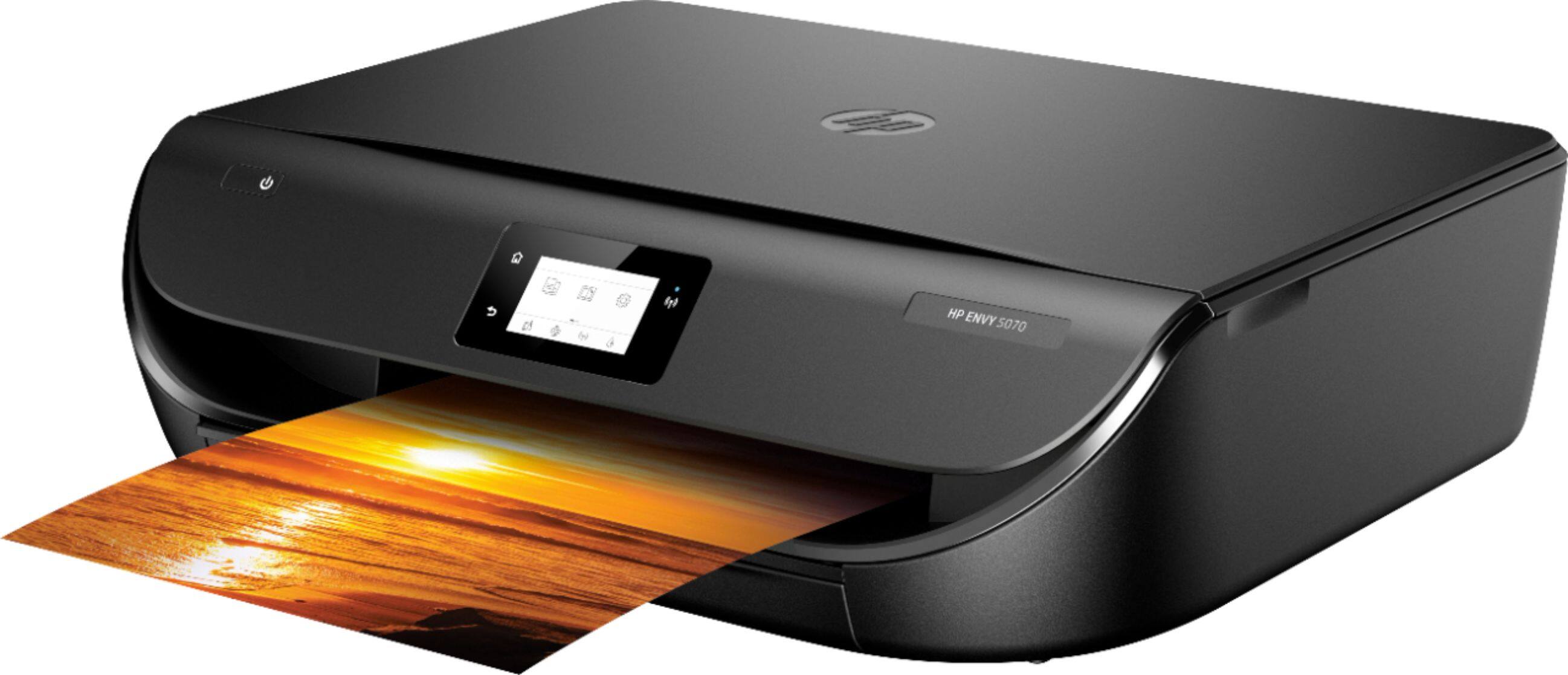
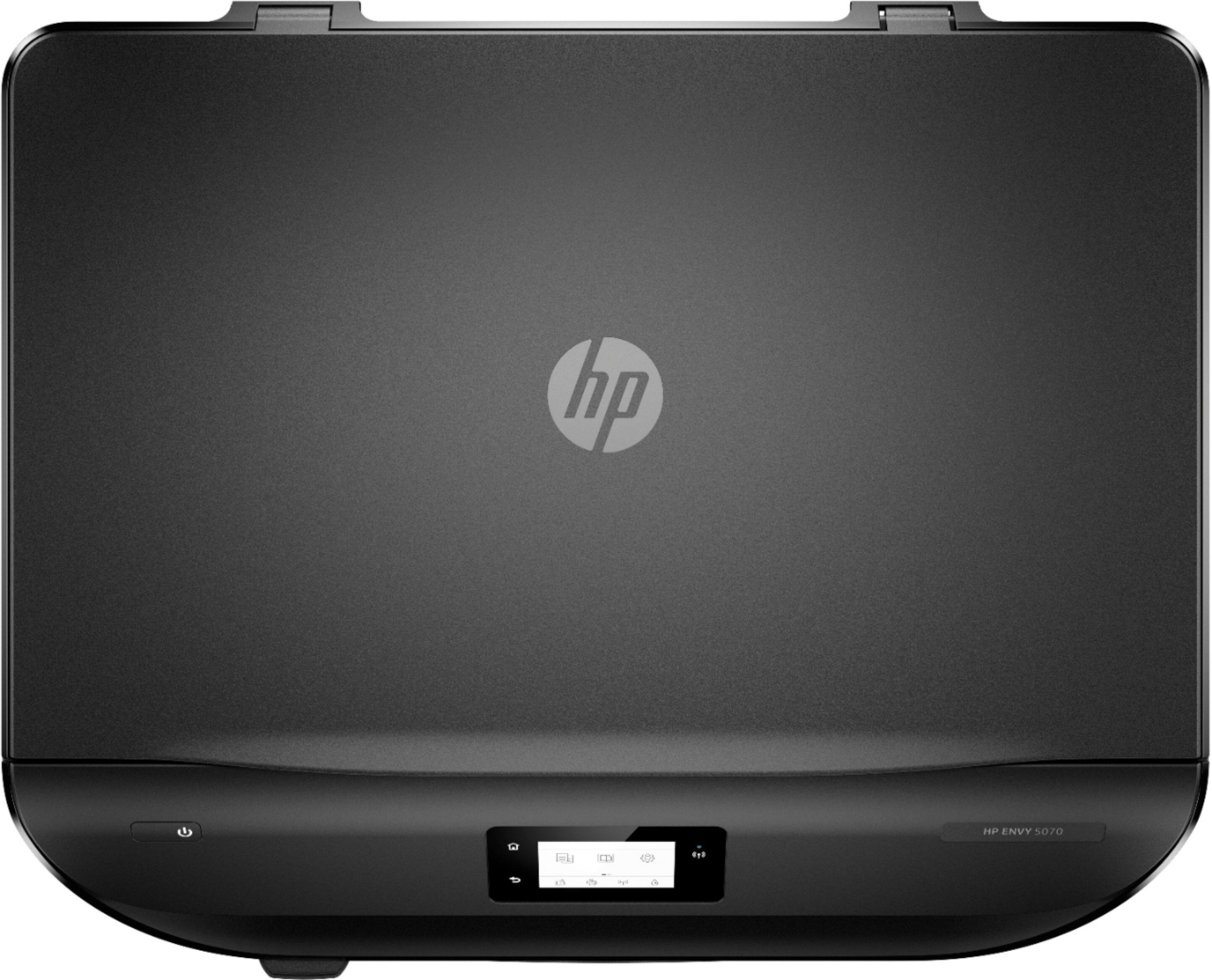
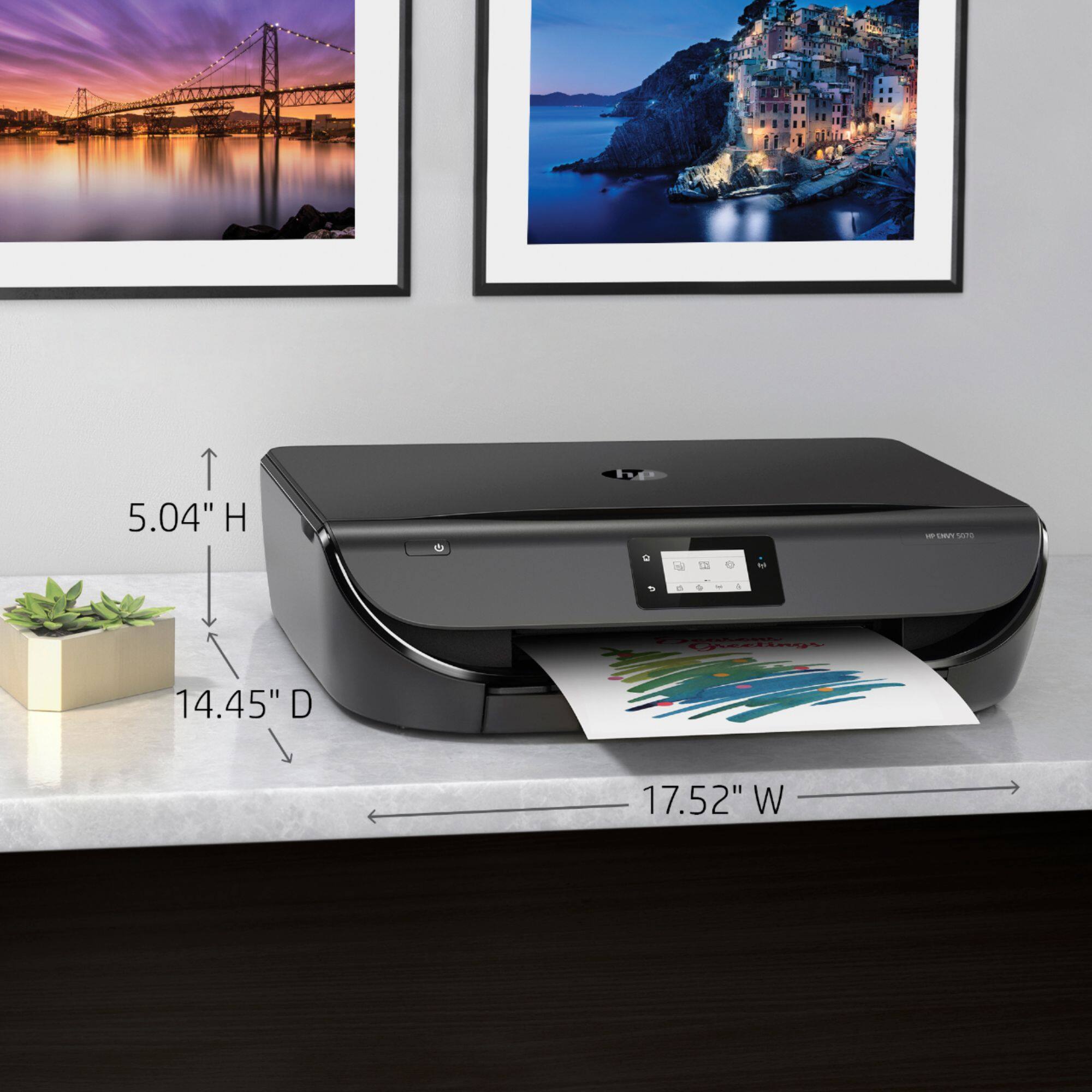
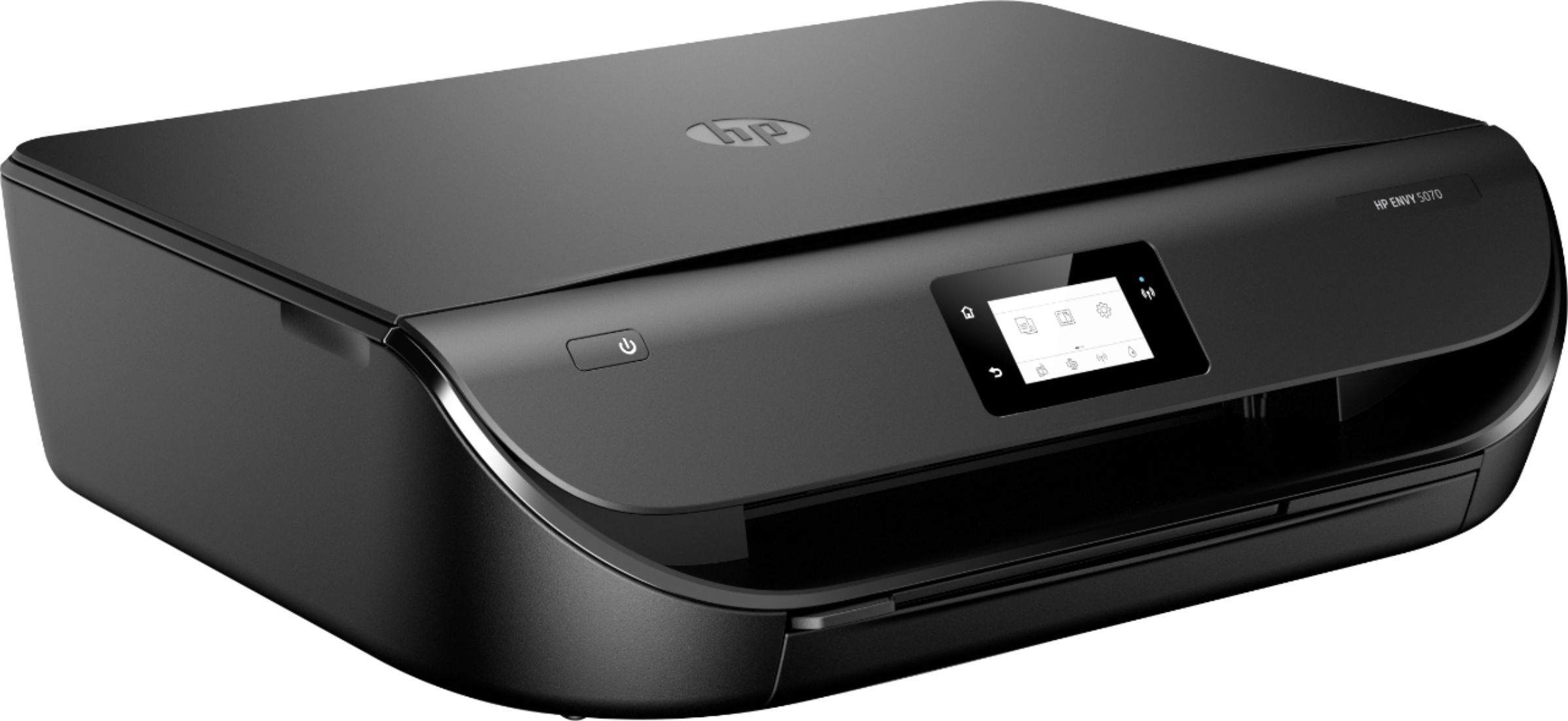
A:AnswerThe dimensions of the HP Envy 5070 printer with the output paper tray extended are (W x D x H)
17.53 x 22.22 x 5.04 inches. Without the paper tray extended, the dimensions are (W x D x H)
17.52 x 14.45 x 5.04 inches.
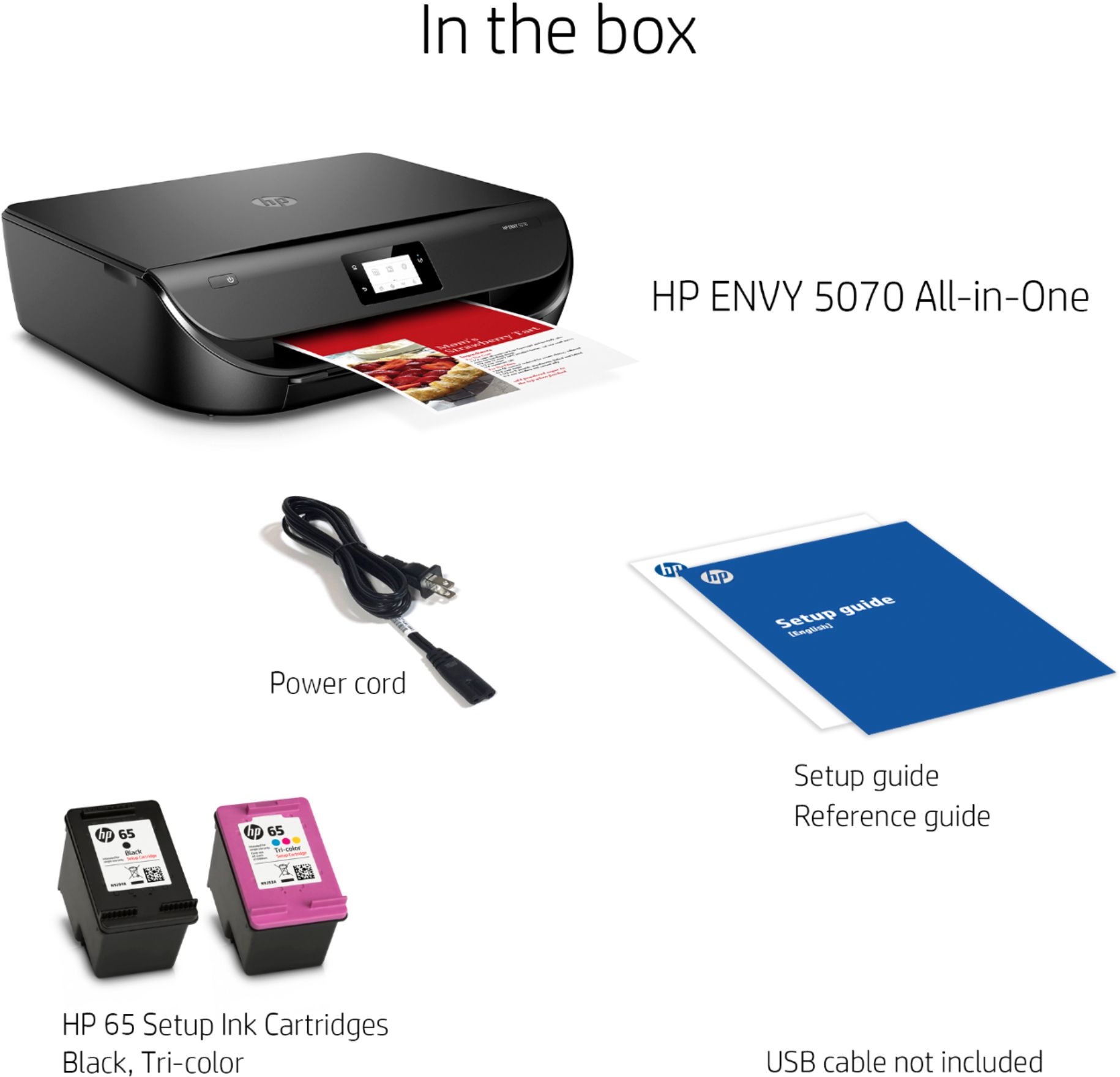
A:AnswerYes it is compatible with Chromebooks. The HP 6055 is a newer printer that uses HP 67 series inks instead of the 65 series inks used by the 5070. They have very similar functions and are both rated at 100-400 pages per month recommended monthly page volume.
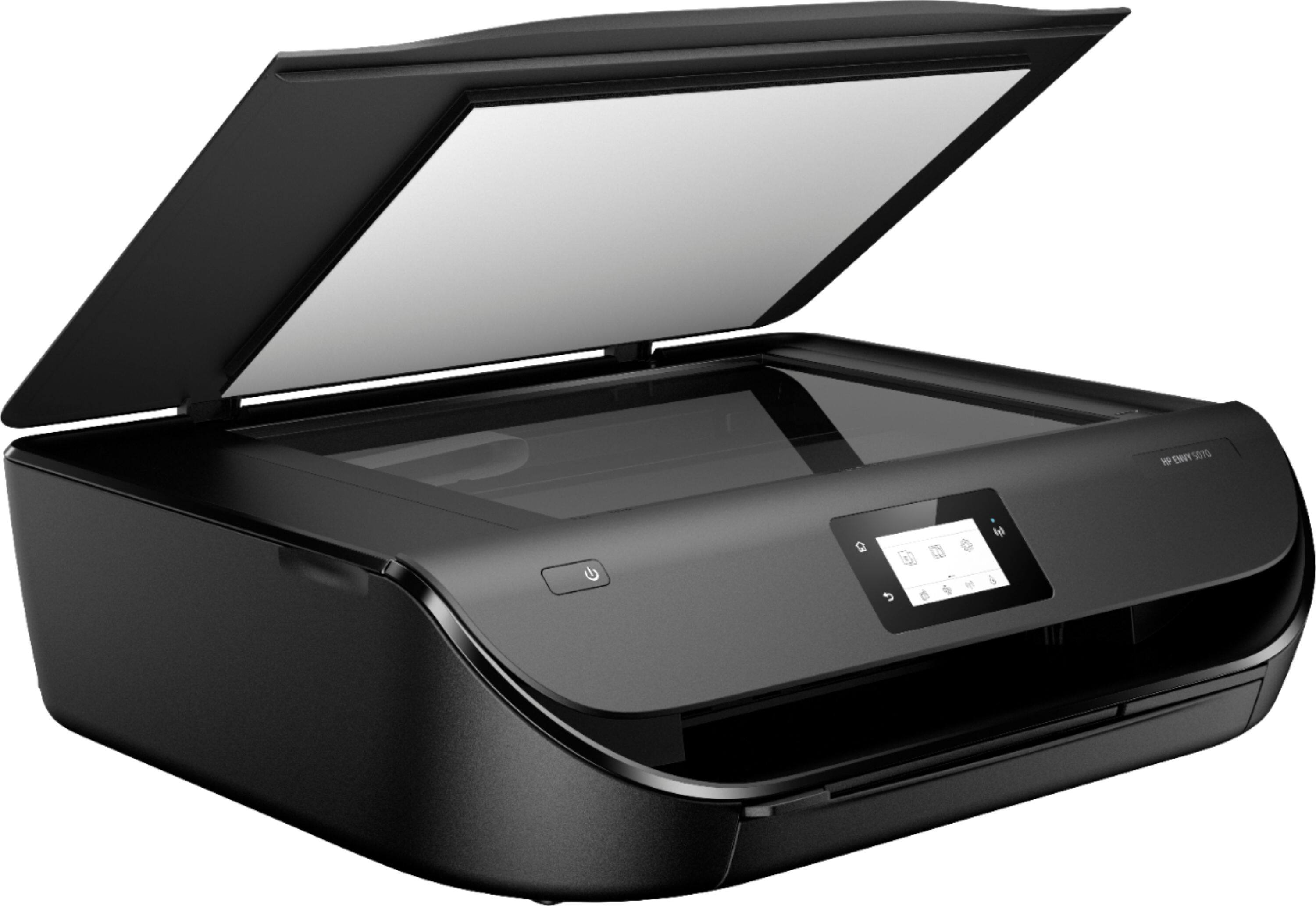
A:AnswerNo I can’t, but why not scan & email. Copies are much better.
This printer scans well and saves the file for attachments!
I hope that helps you.
A:AnswerYou will want to select color printing from the program you are printing from. For example Microsoft Word gives you the option to select color when you go to print.
A:AnswerYes, you can use this printer with the ASUS Chromebook. Here are some instructions on how to set up the printer on the Chromebook: https://support.hp.com/us-en/document/c04122530
A:AnswerYes, you can use the printer with a Chromebook. Here are some instructions on how to set up the printer on the Chromebook: https://support.hp.com/us-en/document/c04122530
A:AnswerYes, this printer is compatible with the Acer Chromebook. Here are some instructions on how to set up the printer on the Chromebook: https://support.hp.com/us-en/document/c04122530