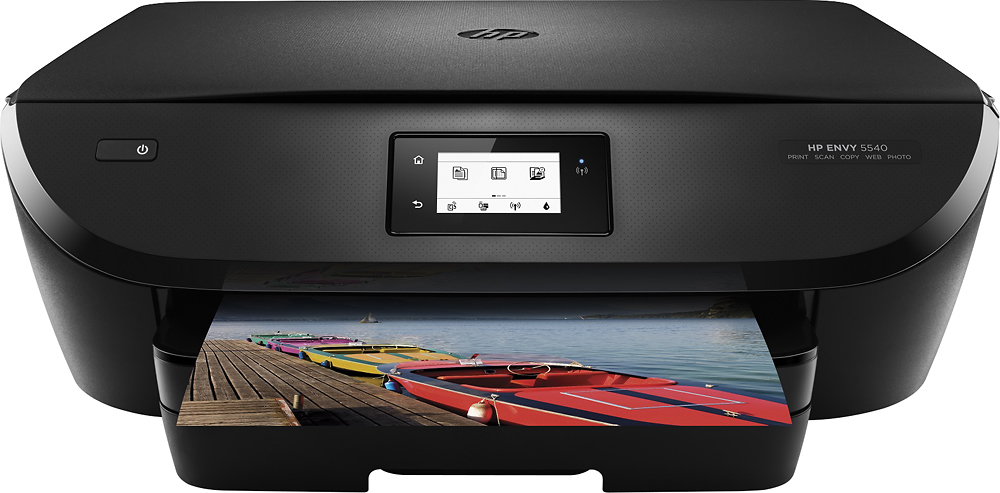
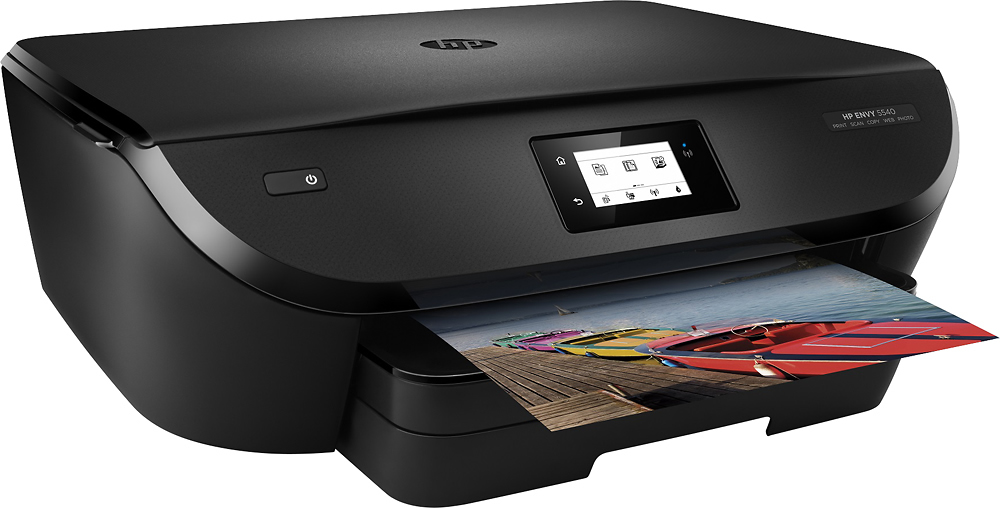
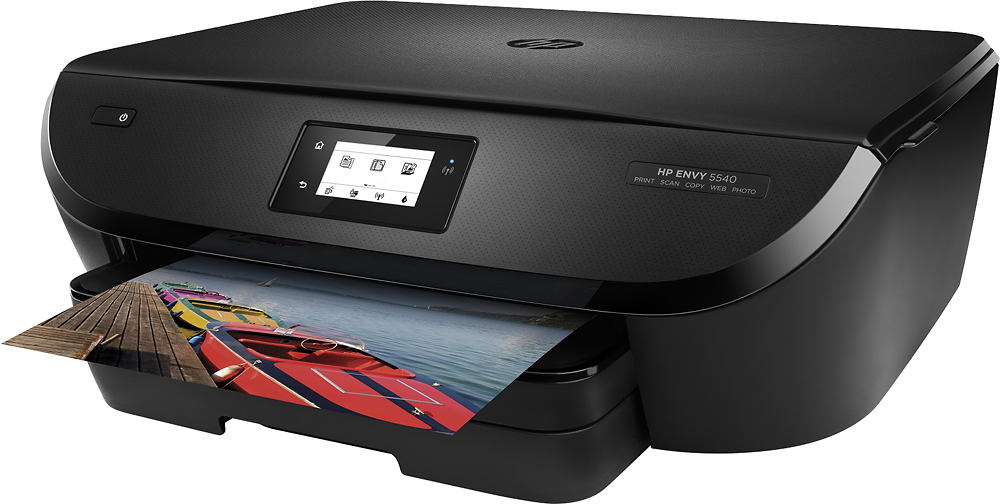
A:AnswerThere are two separate trays. One for paper and one for photo paper (up to 5x7). For 8x10, you use the paper tray, just put in the number photo pages you wish to print. Make sure you select the tray and size in the printer settings.
A:AnswerI did have my power go out just the other day and the printer worked fine afterwards. iI did not ask me to re-input my Wi-Fi code - I was amazed !
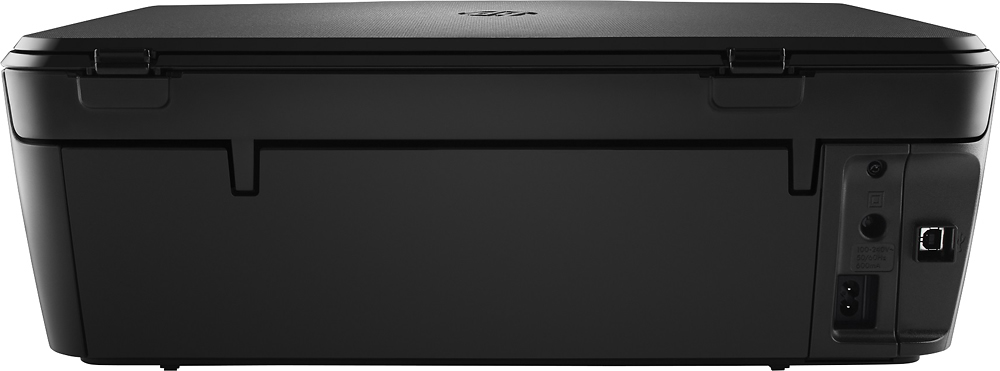
A:AnswerIt is portable because it has wifi, you don't need to hook it up to the computer. I use it for my laptop. The printer will get it's own email address and you can send your documents to it by email and it prints in a couple minutes. I'm not sure the exact weight but not heavy at all, and only one cord attached.
A:AnswerGreat question. Yes, this printer will work with your MacBook. It is AirPrint compatible. You can download the driver for the printer on HP's driver website.
Here is the link to the driver page: http://support.hp.com/us-en/drivers/selfservice/hp-envy-5540-all-in-one-printer-series/5447939/model/5447940#Z7_3054ICK0K8UDA0AQC11TA930C7
I hope this helps.