Questions & Answers
- Model:
- TE01-4244
- |
- SKU:
- 6532243
Highly rated by customers for: Speed, Performance, Ease of use
Page Showing 41-50 of 50 questions
Q: QuestionDoes it come with any version of Windows?
Asked by Montana.
- A:Answer I has Windows 11 installed.
Answered by CathyW
Q: QuestionCan you convert the windows 11 to a windows 7 shell? I am buying it for a elderly couple.
Asked by paul62.
- A:Answer No, you can not change the Windows 11 operating system to Windows 7 on this Envy Desktop.
Answered by HP Team

Q: QuestionDoes this wirelessly connect to a monitor screen, or can you use a cable? (Monitor is about 10+ years so I don’t believe there’s a wireless feature)
Asked by Anonymous.
- A:Answer You will have to use a Monitor with an HDMI port and plug in a HDMI Cord to properly use your computer. Otherwise Adapters are available for older connection types, looking up the connection type you have [see attached photo] in Amazon will find you what you need. Example: "VGA to HDMI adapter"
Answered by AyarC
Q: QuestionIs the potential to upgrade power supply and graphics card (at a later date) an option on this machine?
Asked by Dev0station.
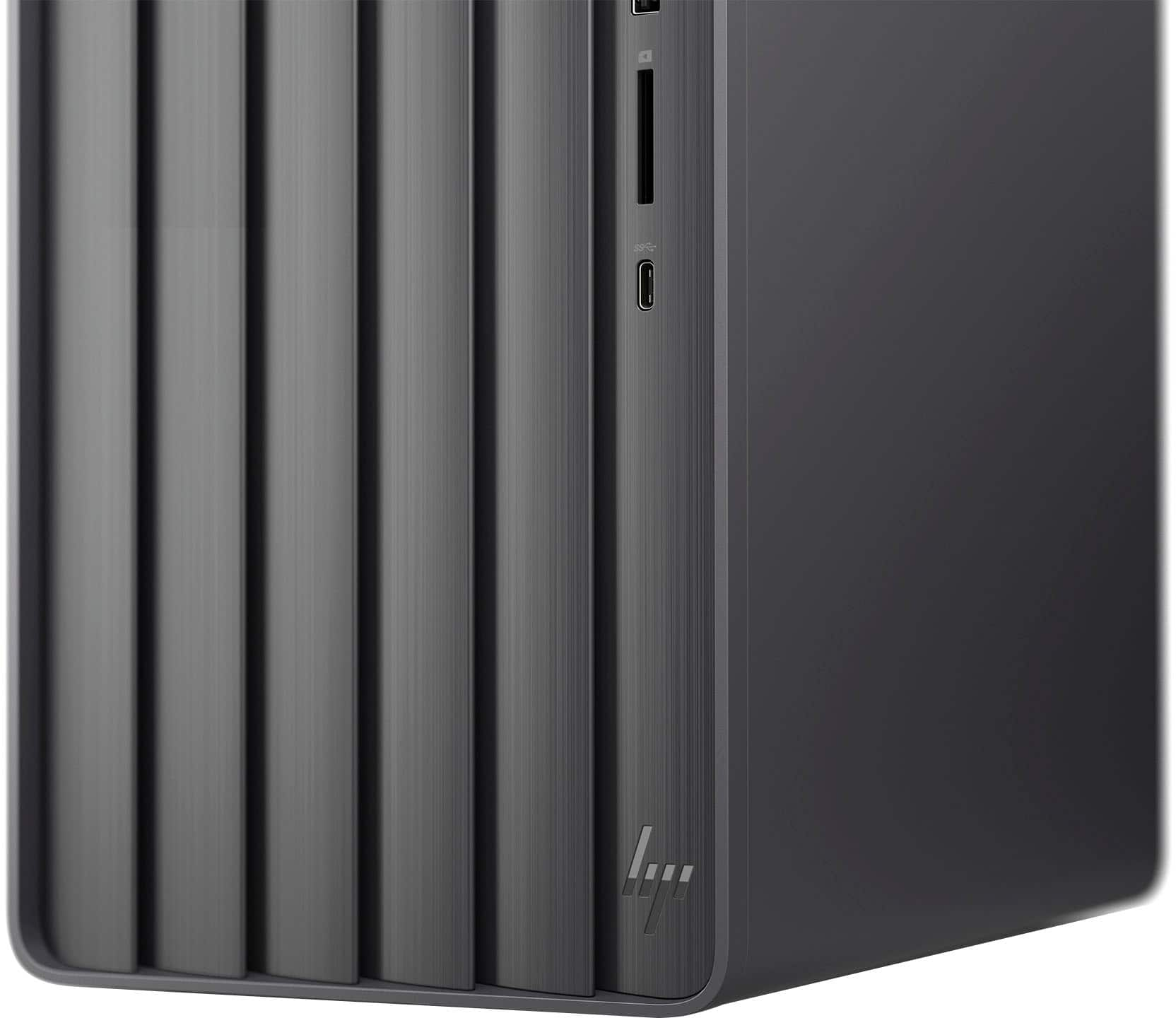
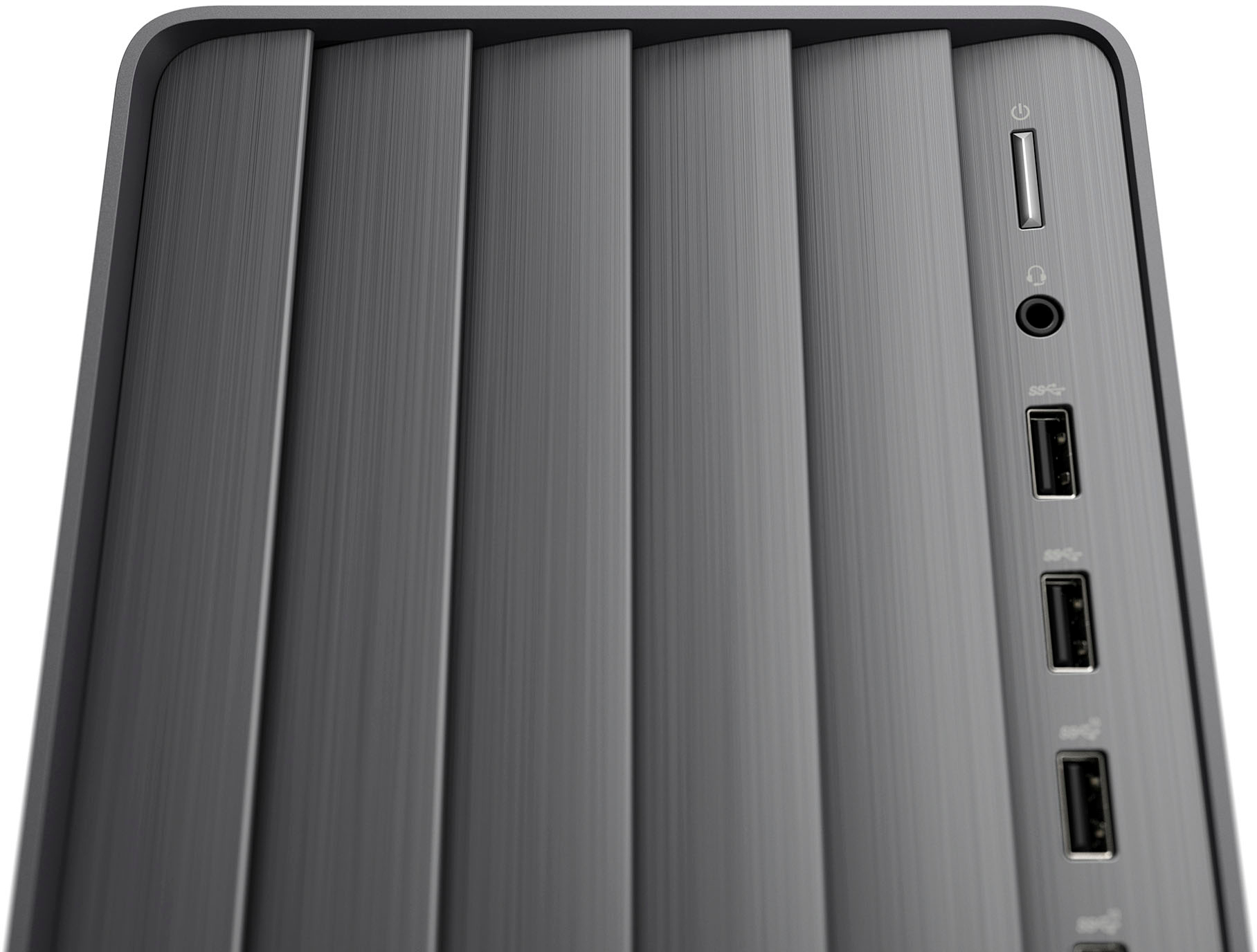
- A:Answer Thank you for the question. Yes, the Envy TE01-4244 desktop is upgradeable. Expansion slots include an additional M.2; 1 PCIe x16; and 1 PCIe x1.
Answered by HP Team

Q: QuestionDoes this have a tray or rom reader for discs
Asked by Jay.
- A:Answer No, you need to buy a USB DVD RoM drive.
Answered by JohnC
Q: QuestionDoes this computer have a CD drive?
Asked by Thomas.
- A:Answer No, but you can add an external drive.
Answered by SandraF
Q: QuestionWhere do I plug my Logitech Speakers in using the back of the computer? There are 3 places: Green, Blue and Pink. And why are there 3 slots and what are they all for? Thank you.
Asked by CoffeeTea4me.
- A:Answer I use the bottom one for speakers, the computer is at my mother-in-law's house.
Answered by Anonymous
Q: QuestionI'm considering the accidental coverage. How is "accidental" defined? If I have it delivered, and it arrives damaged, will my computer be covered?
Asked by Anonymous.
- A:Answer Hello. Thanks for your question. We recommend reaching out to the Best Buy customer service team for further assistance
Answered by HP Team

Q: QuestionIs there a slot to add/upgrade the RAM to higher than 12 gigs?
Asked by Michael1248.
- A:Answer Thank you for the question. There are two slots, so you'd want to replace one or both existing RAM sticks to increase the total RAM, up to 32GB maximum/total.
Answered by HP Team

Q: QuestionDoes this support two monitors for extended view?
Asked by PatrickH.
- A:Answer Using an "USB to Dual HDMI Adapter" you can add up to 2 more displays.
Answered by AyarC
Page 3, Showing 41-50 of 50 questions