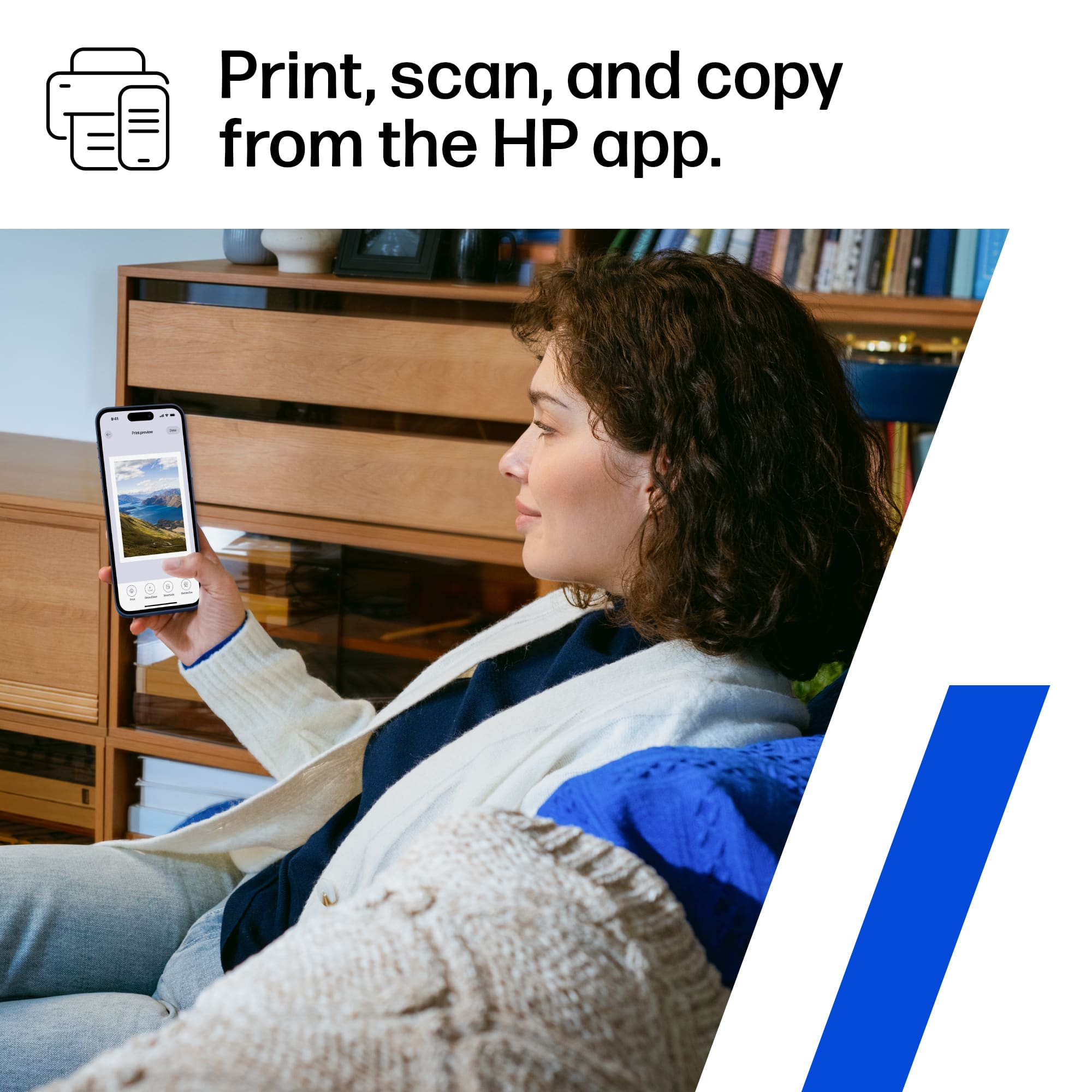
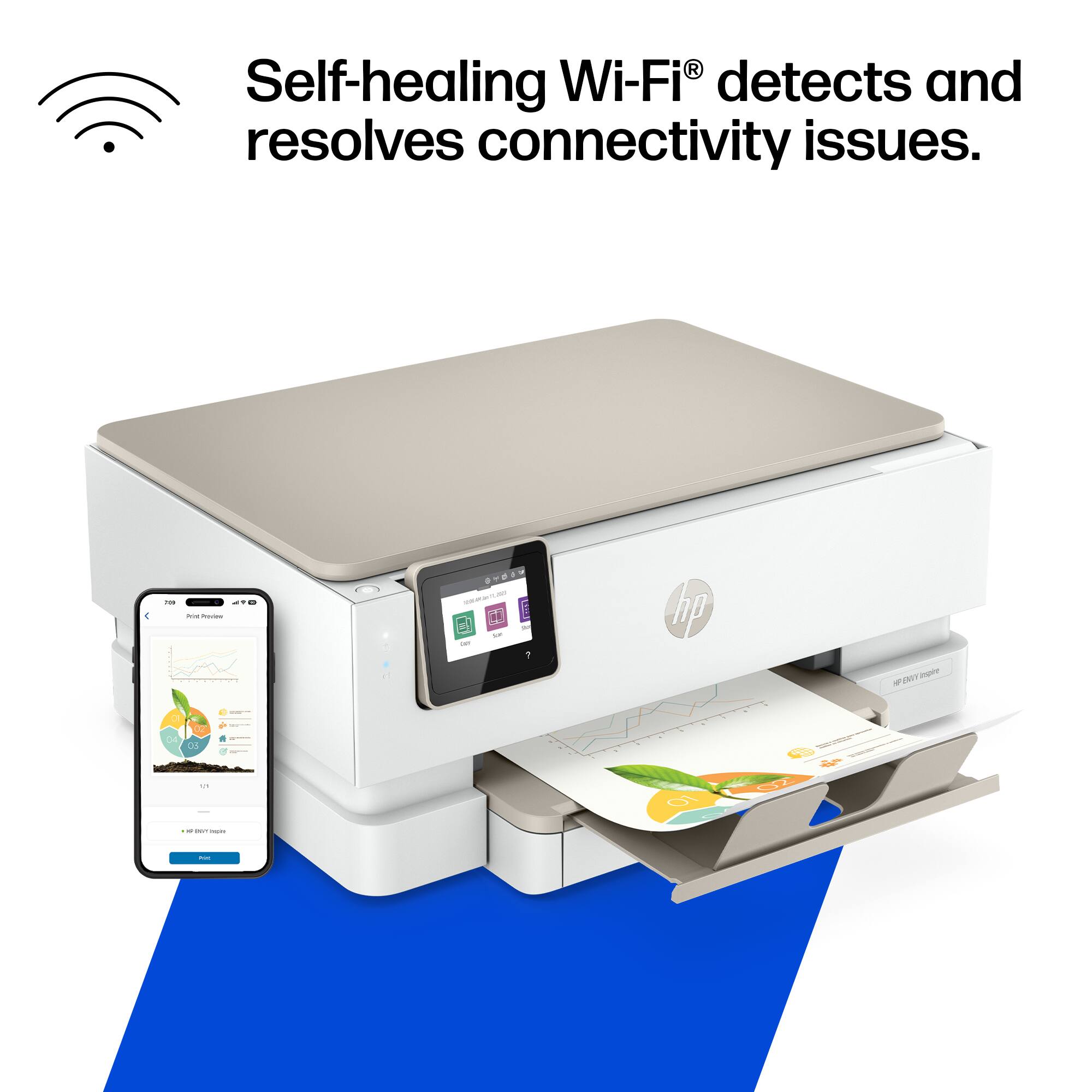
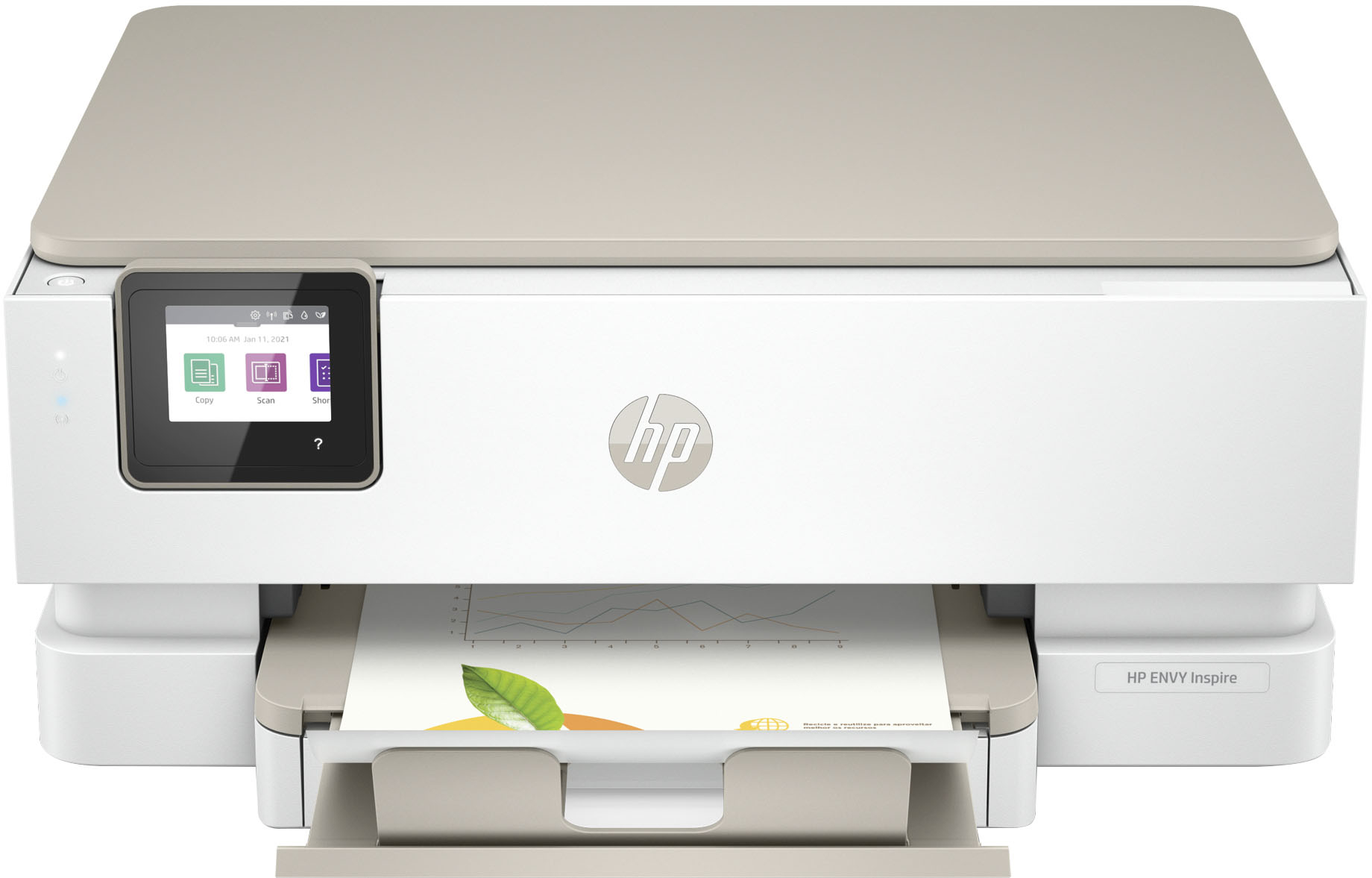
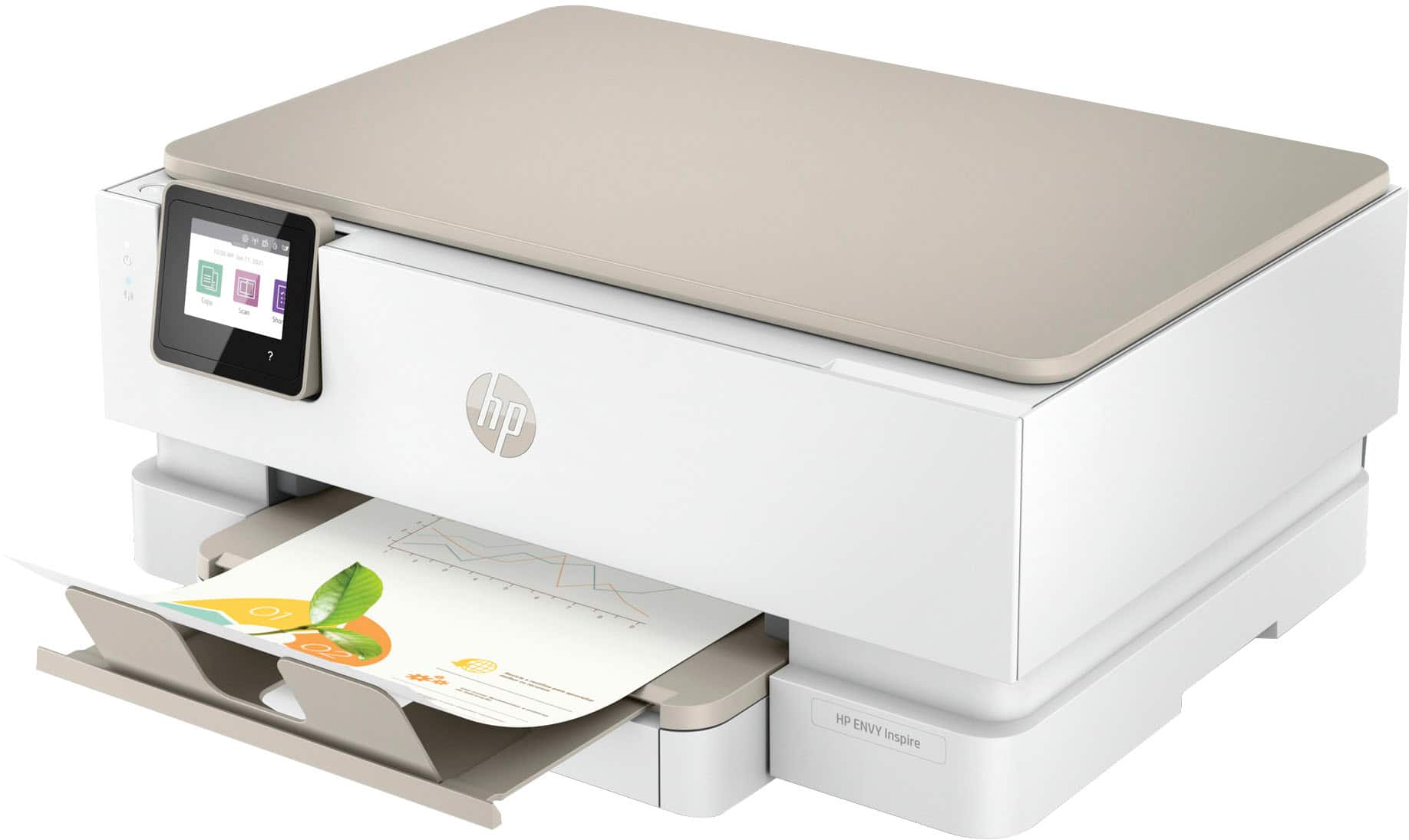
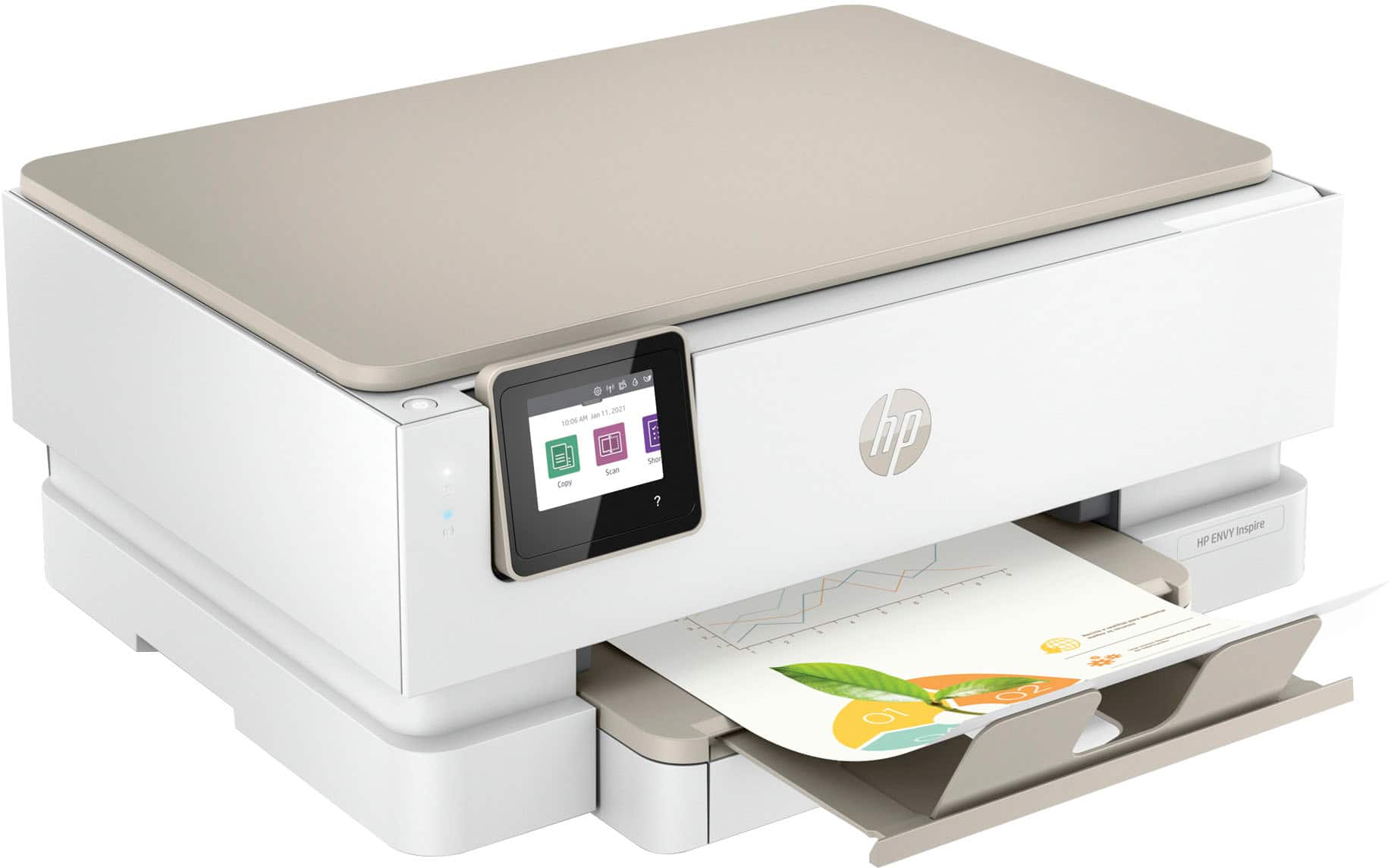
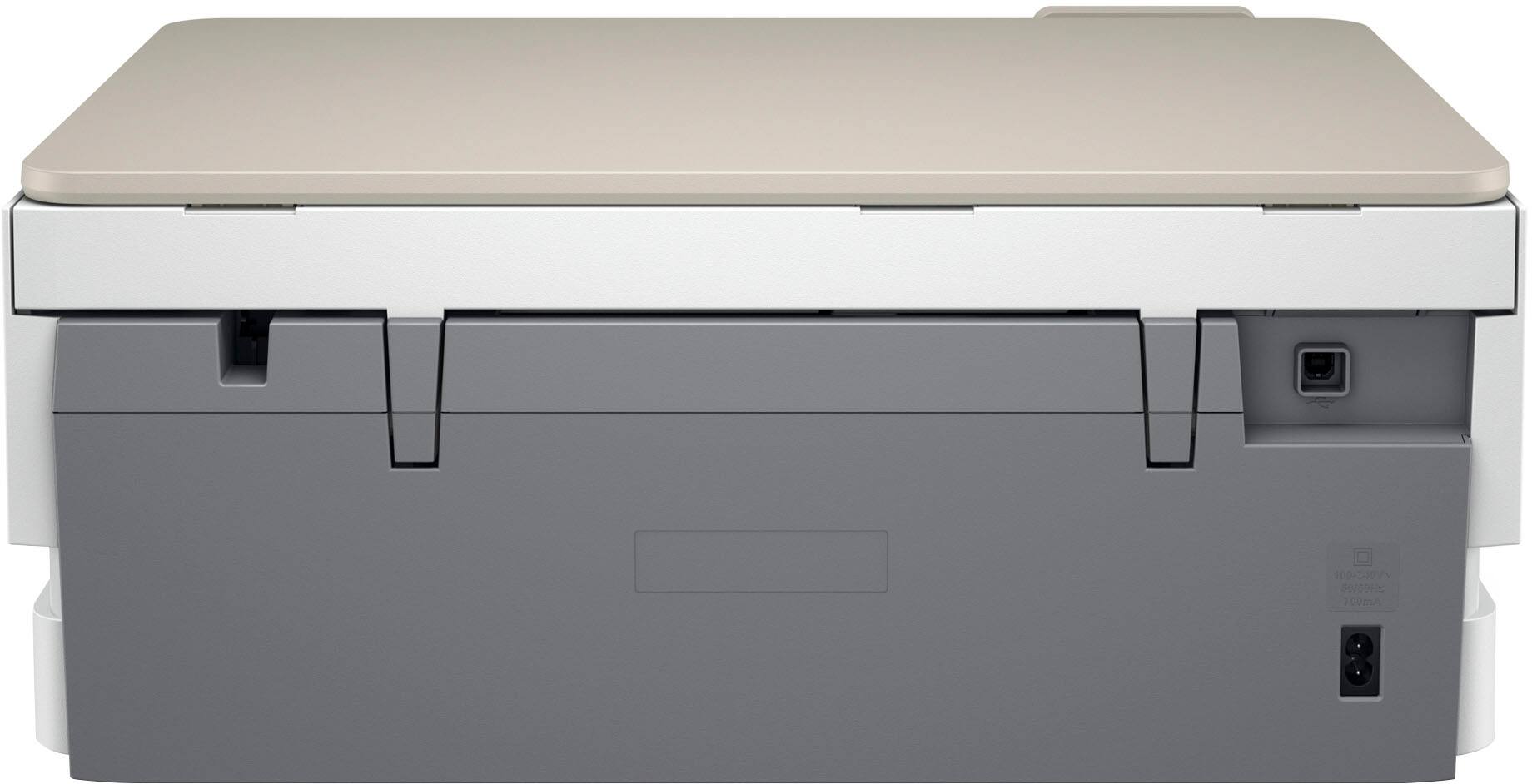
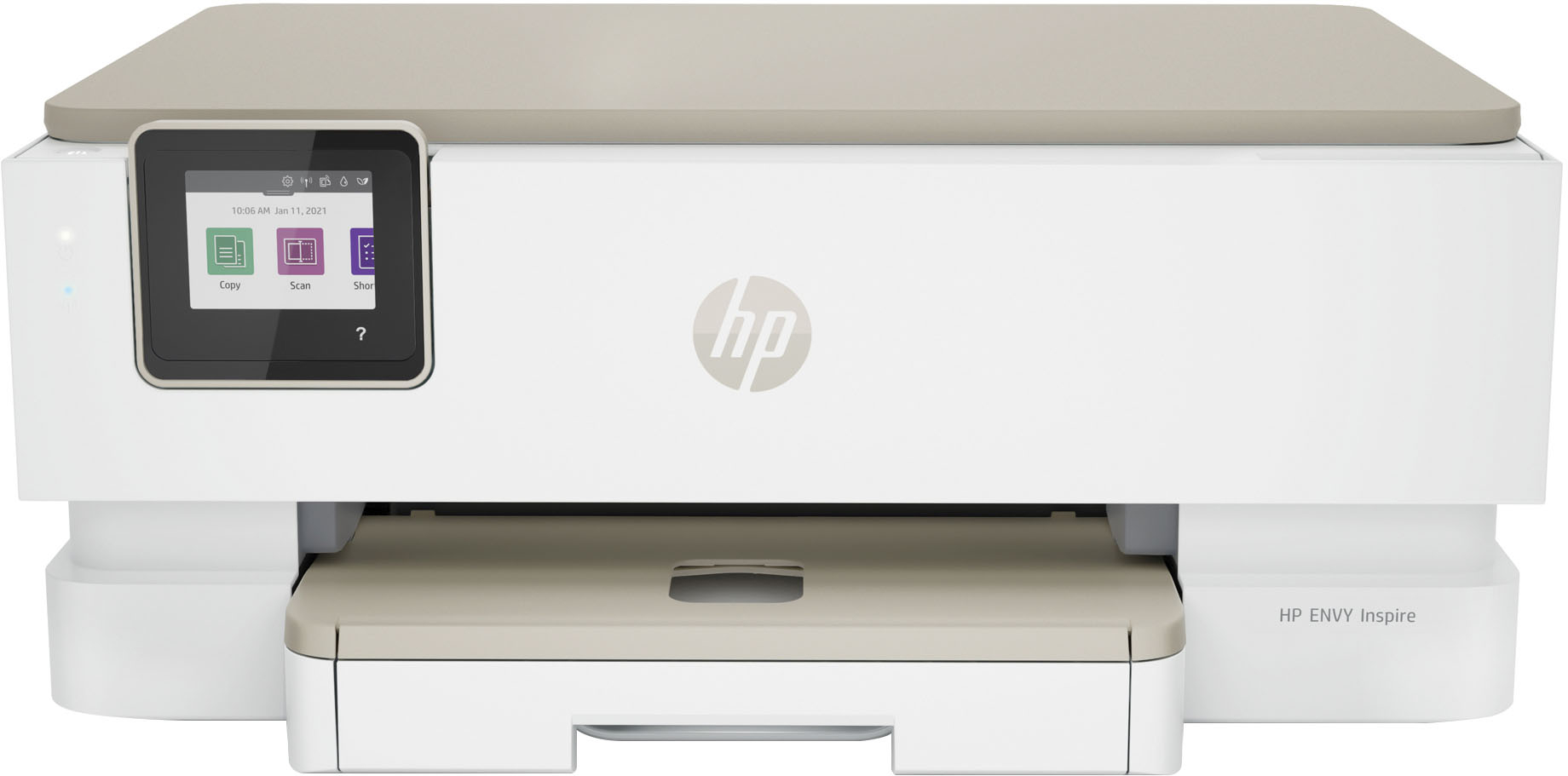
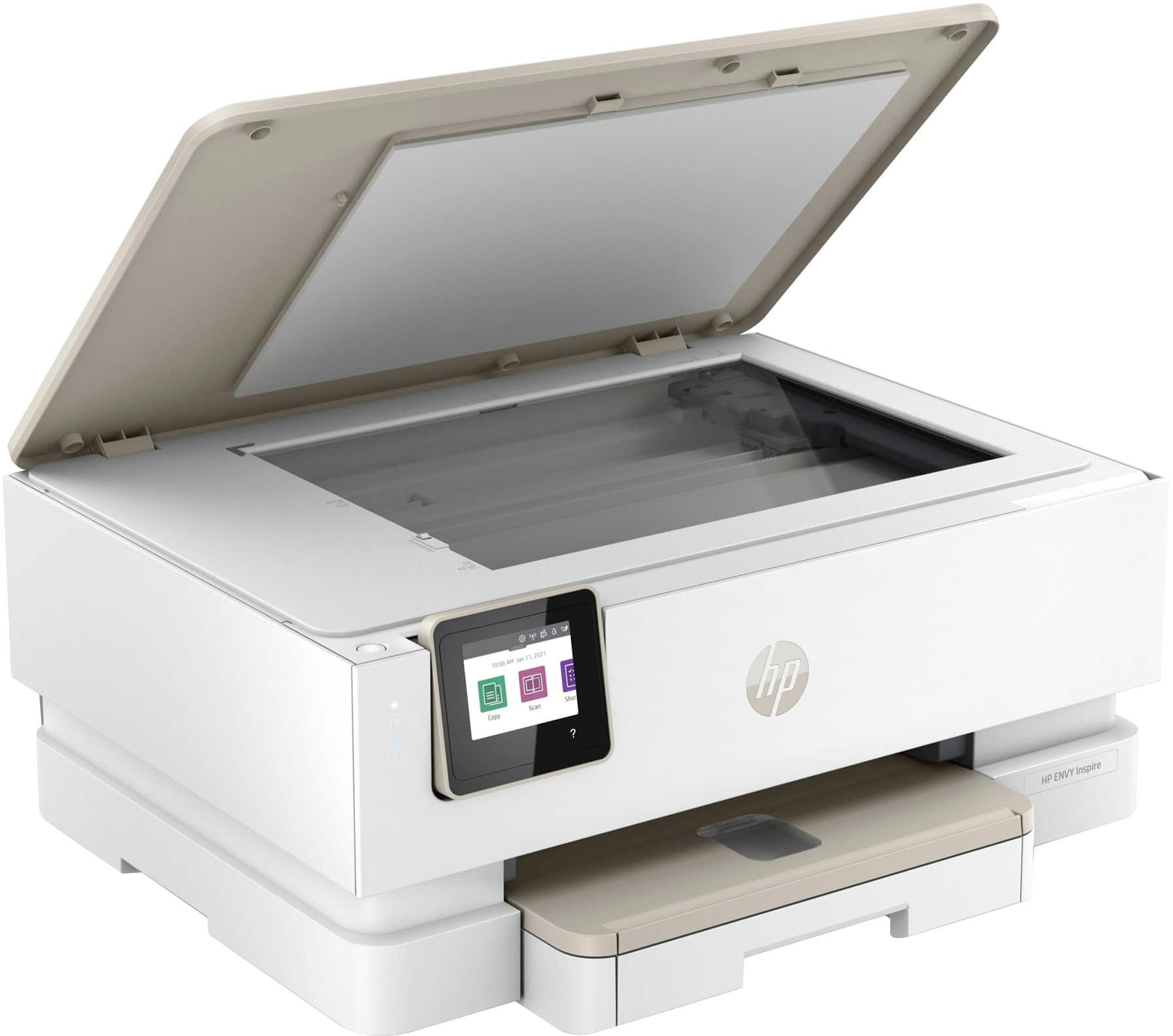
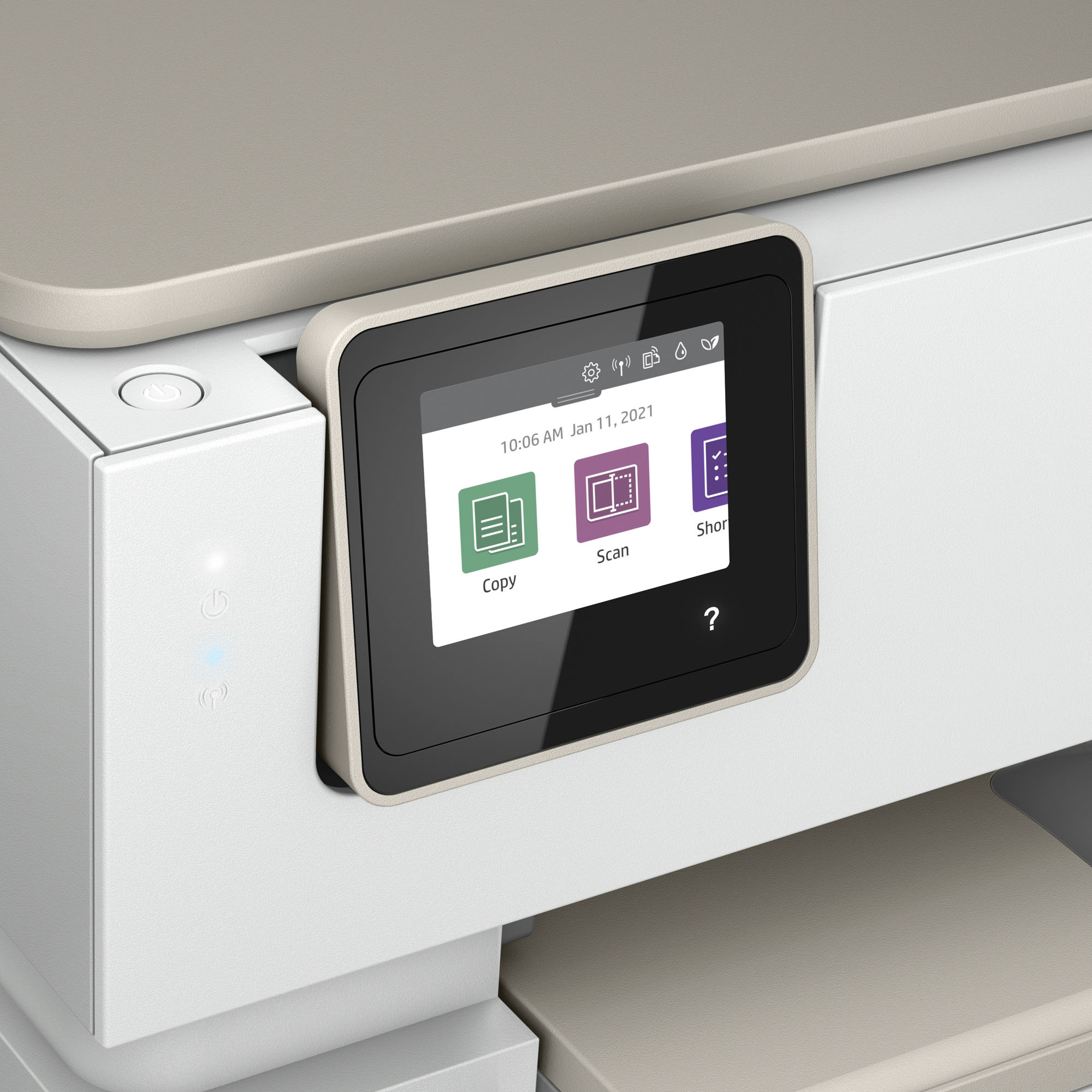
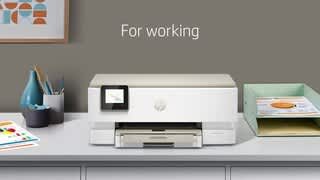
A:AnswerHi Teddy, thank you for the question. Please see the User Guide for the Envy Inspire 7255e here: http://h10032.www1.hp.com/ctg/Manual/c07773131.pdf. Bonus tips: To make a large copy of a small original, scan the original into the computer, resize the image in the scanning software, and then print a copy of the enlarged image. If you want to adjust scan size, output type, scan resolution, file type, and so on, start a scan from the printer software. You can also reduce and enlarge using the HP Smart App.
A:AnswerI haven’t tried it yet, but you have the option to make “HP Printables” which are invitations and cards that would be printed on card stock. However, I don’t know how heavy of a card stock can be used.

A:AnswerThank you for your question, about the ENVY Inspire 7255e. Yes you can get this shipped to your address. When you go to check out just fill out the appropriate information.
A:AnswerHP printers offer encryption as well as network protection to help prevent hackers from stealing data or entering your network through the printer. Your security and privacy will always be a major concern to HP and every printer is designed with that in mind. If you have questions regarding the security of the printer, you can always check the official HP site or contact HP Support.