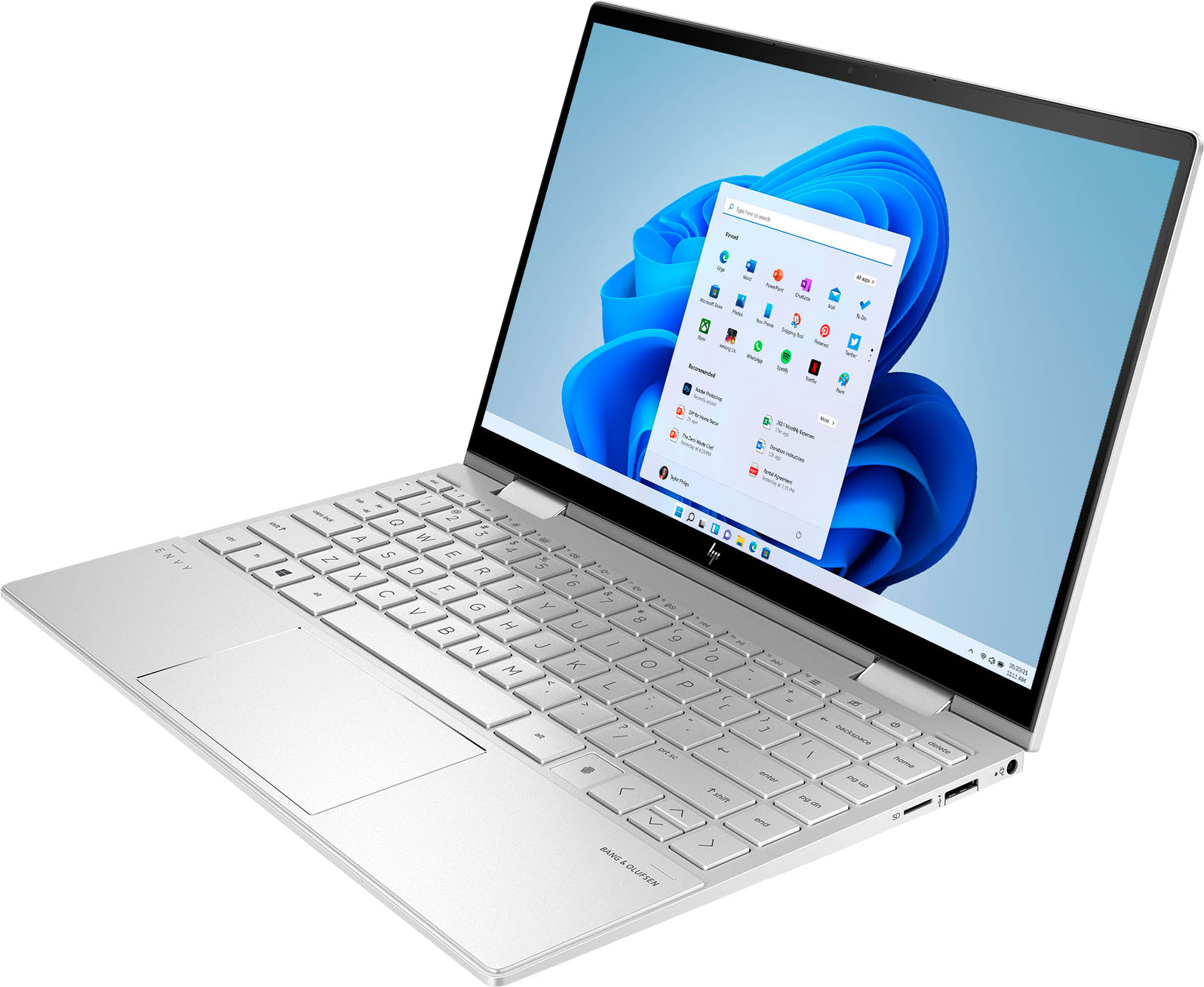
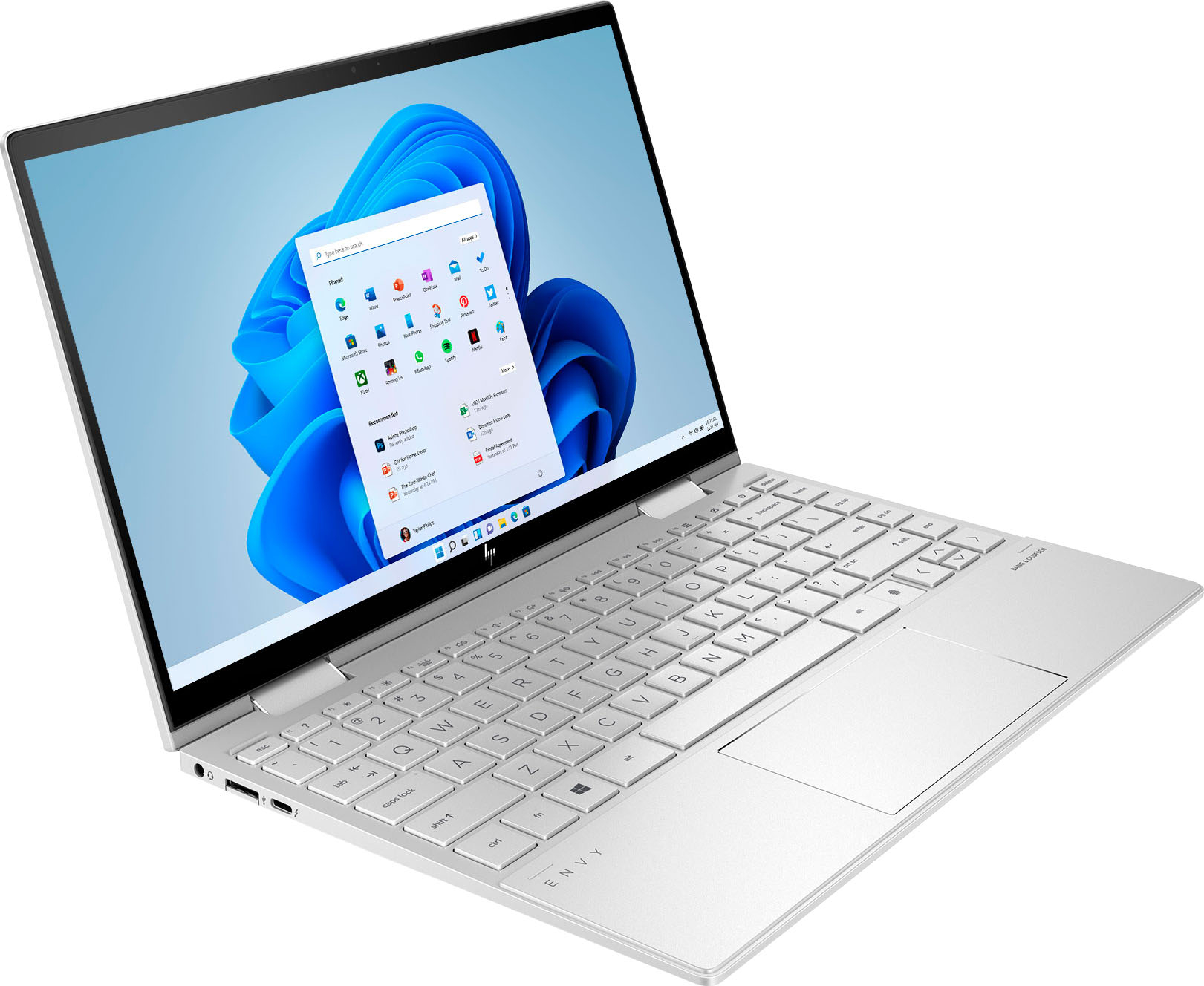
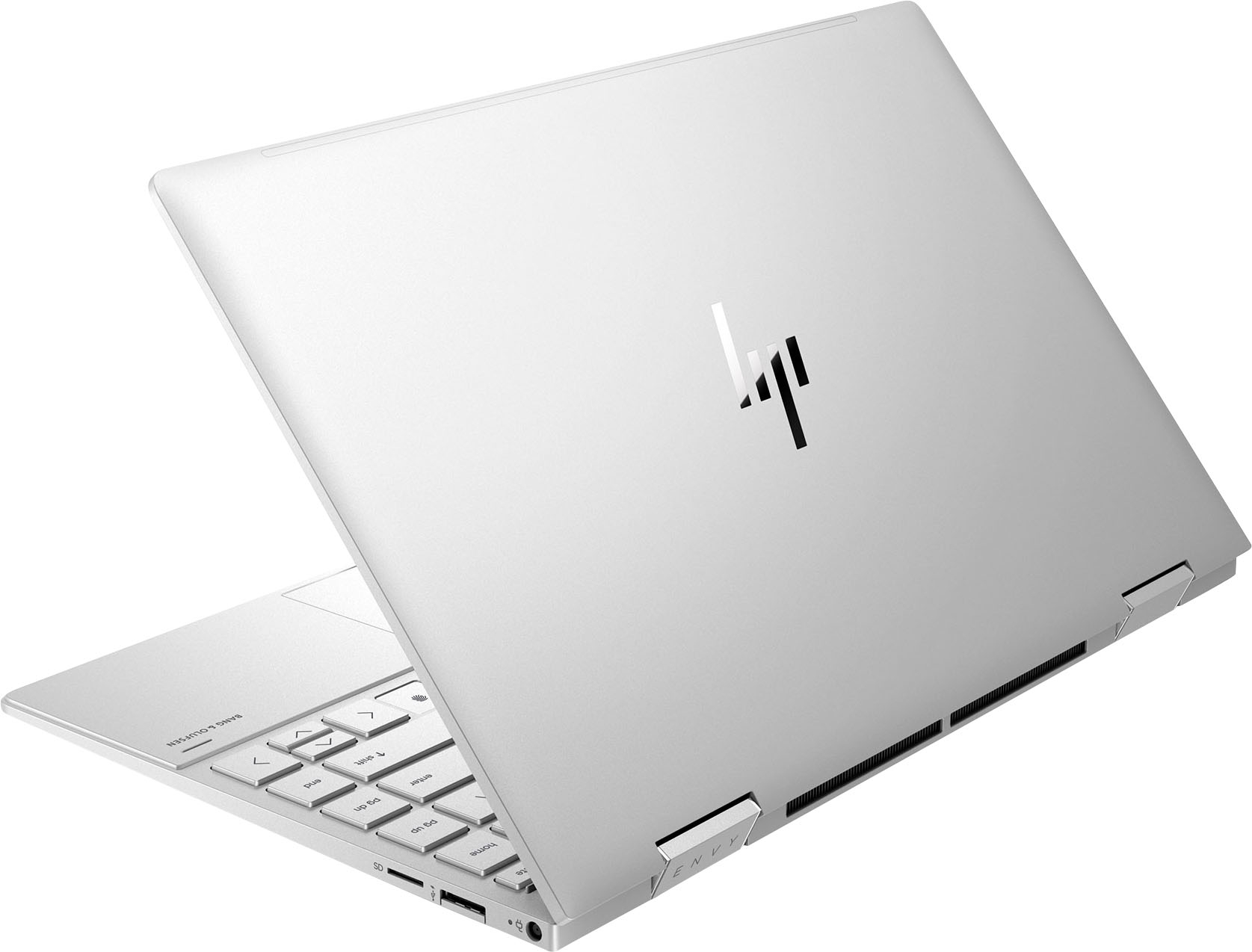
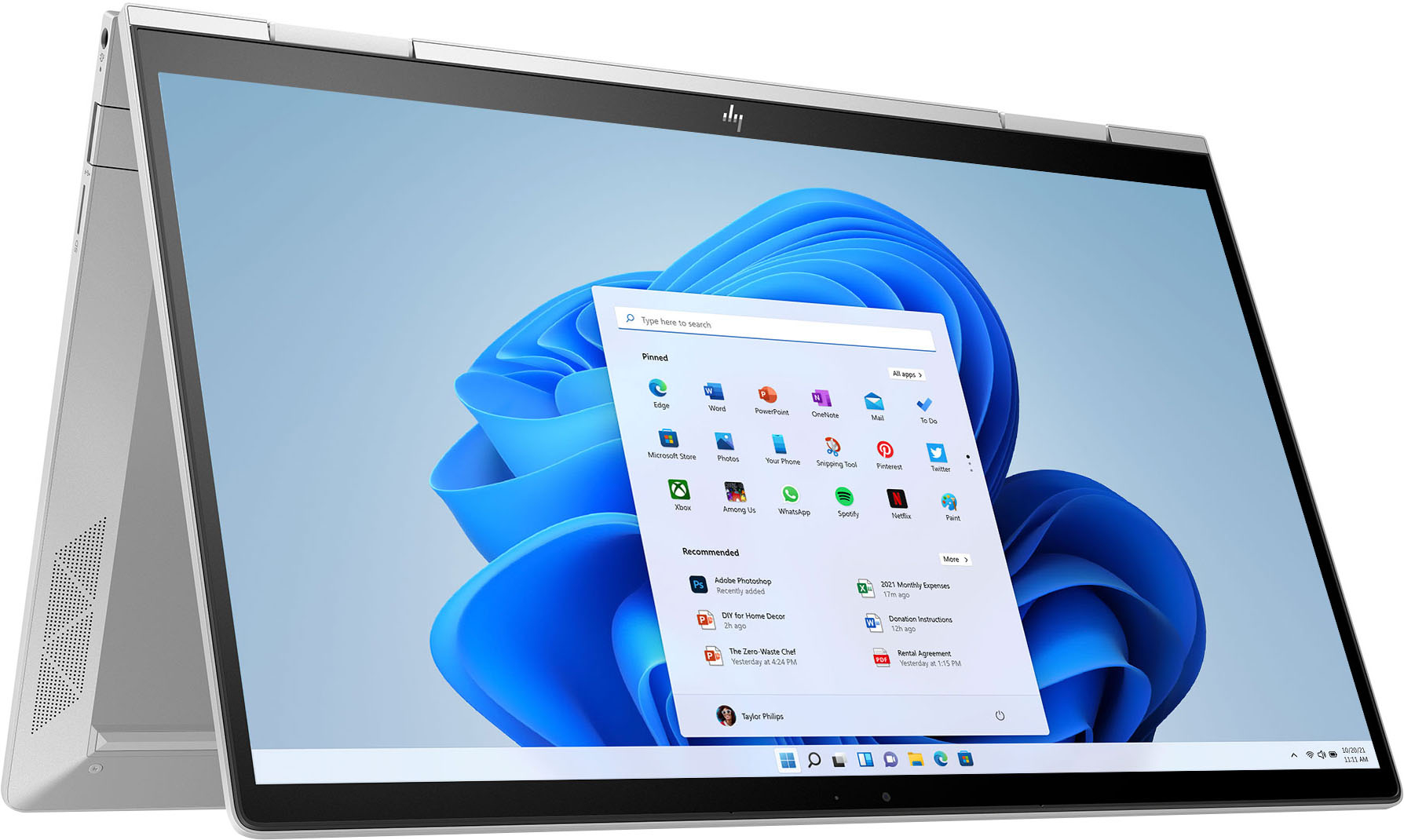
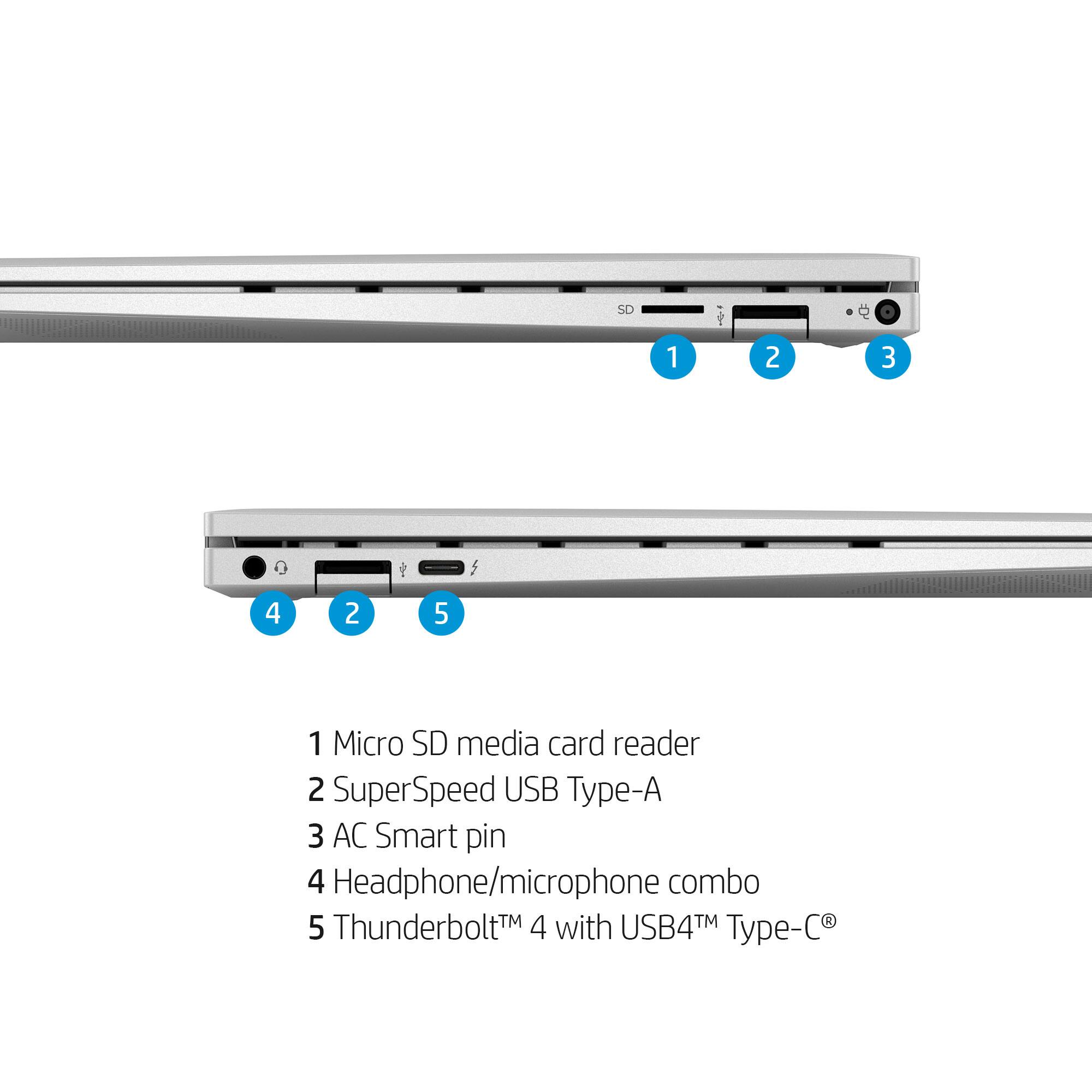
A:AnswerThank you for the question. Yes, the Thunderbolt™ 4 with USB4™ Type-C® 40Gbps signaling rate supports USB Power Delivery, DisplayPort™ 1.4, and HP Sleep and Charge. The charger should be 65 watts.
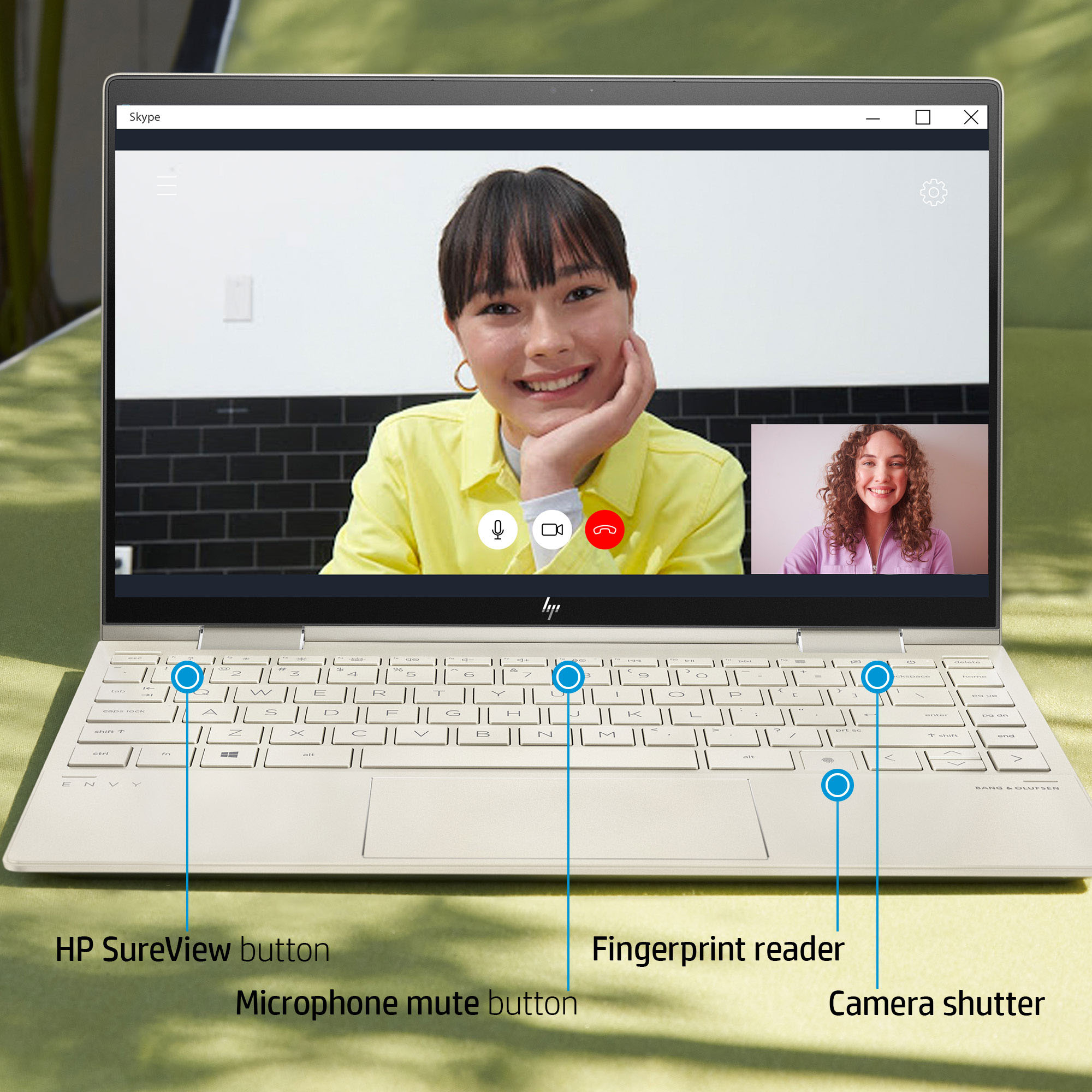
A:AnswerThank you for the question. If F1 isn't working, try FN + F1 to toggle the privacy screen on and off. (On some models it may be F2 - there will be an icon on the proper key).
A:AnswerThis Envy x360 laptop is compatible with USI active pens. This link will take you to the rechargeable USI Pen. https://www.bestbuy.com/site/hp-rechargeable-usi-pen-for-usi-supported-devices-sliver/6450298.p?skuId=6450298
A:AnswerIt works similarly to Cortana, that's already one of the Microsoft apps pre-loaded on this laptop, and you can download the Alexa app from the Microsoft Store. Alexa can answer questions, tell jokes, play music, find the fastest route to work, adjust the thermostat with your compatible smart home devices, etc.You determine when Alexa starts listening to your requests. When you want to talk to Alexa say the wake word, which by default is “Alexa,” or press the action button on your device (you can change the wake word to ‘Computer.’) Only after your computer detects the wake word or you’ve pressed the action button is Alexa listening to your request.
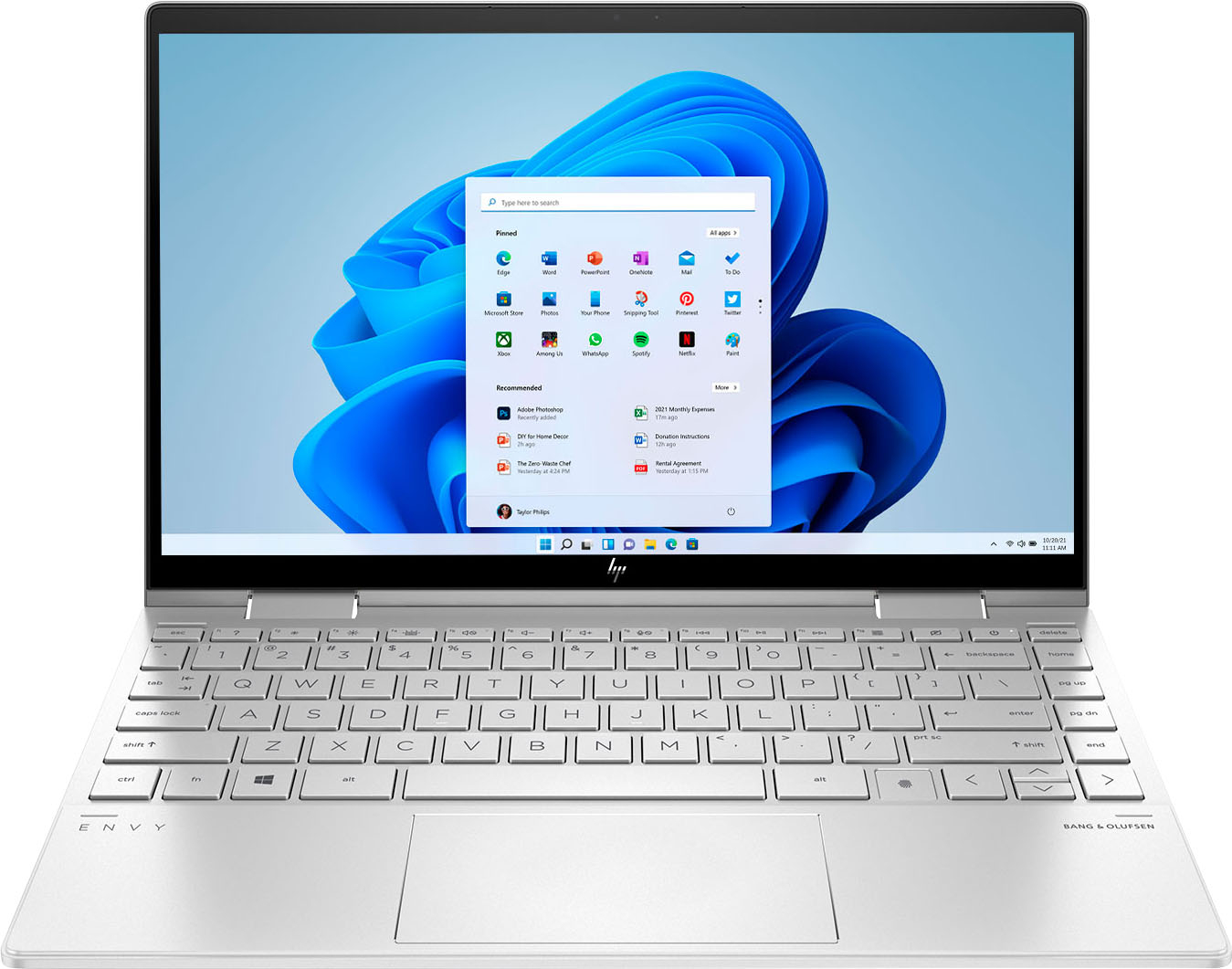
A:AnswerThank you for your question! The RAM on this HP Envy x360 13m-bd1033dx is onboard and cannot be upgraded. The Hard drive storage can be upgraded by replacing the hard drive. There are no free slots for hard drive upgrade as well. Hard drive slots are accessible/upgradeable by IT or self-maintainers only.