A:AnswerTo be technical ALL LED DISPLAYS USE PWM FOR BRIGHTNESS ADJUSTMENT. This one uses pwm like all laptops but you cannot see any flickering even on 960fps slow mo. It will not give you headaches. Hope this helps
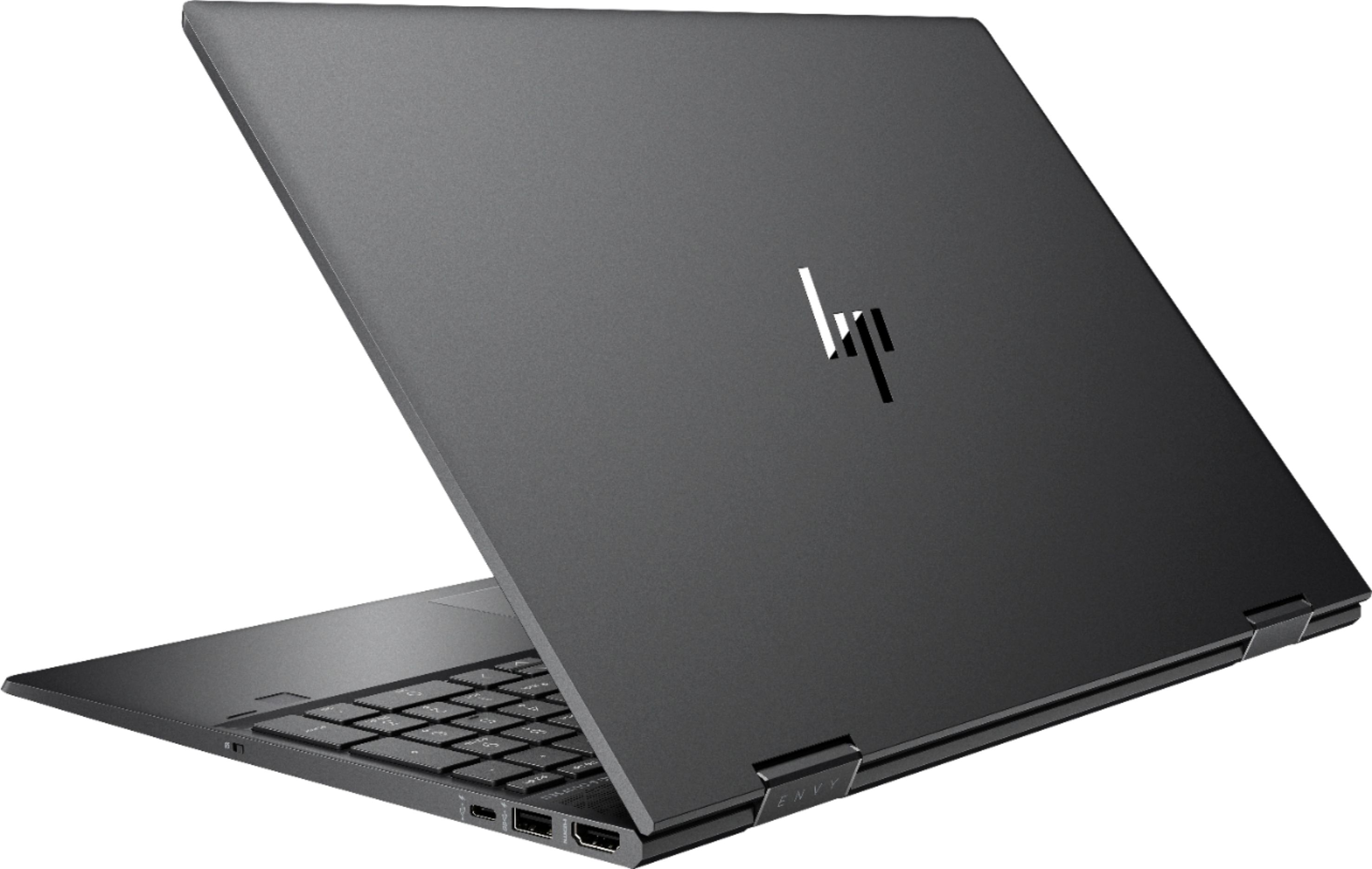
A:AnswerJust bought this laptop from best buy and cracked it open. The ram and ssd are upgradable. There are little covers over them but the ram is 2x4gb sticks. I asked HP and they straight told me it was not removable.
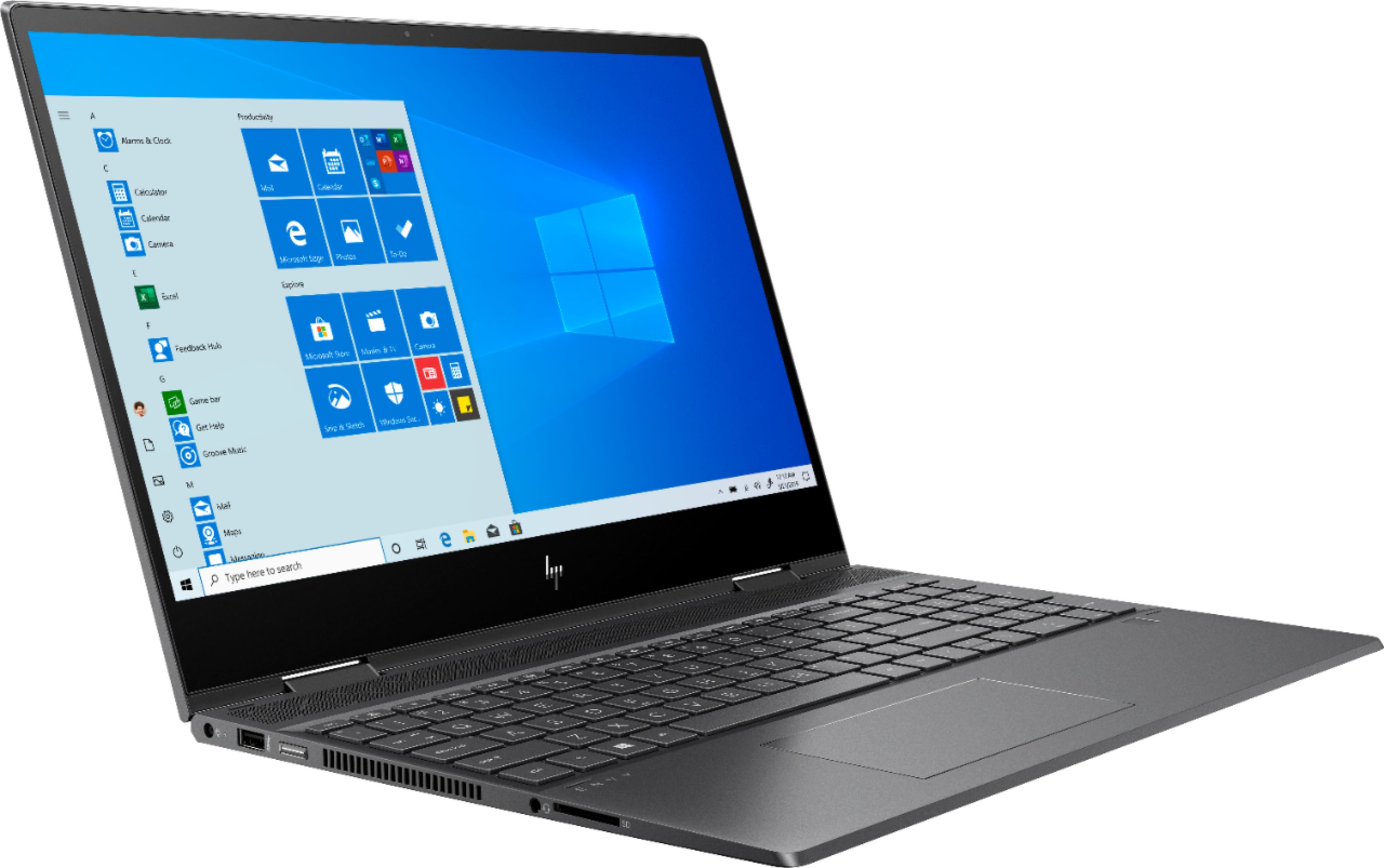
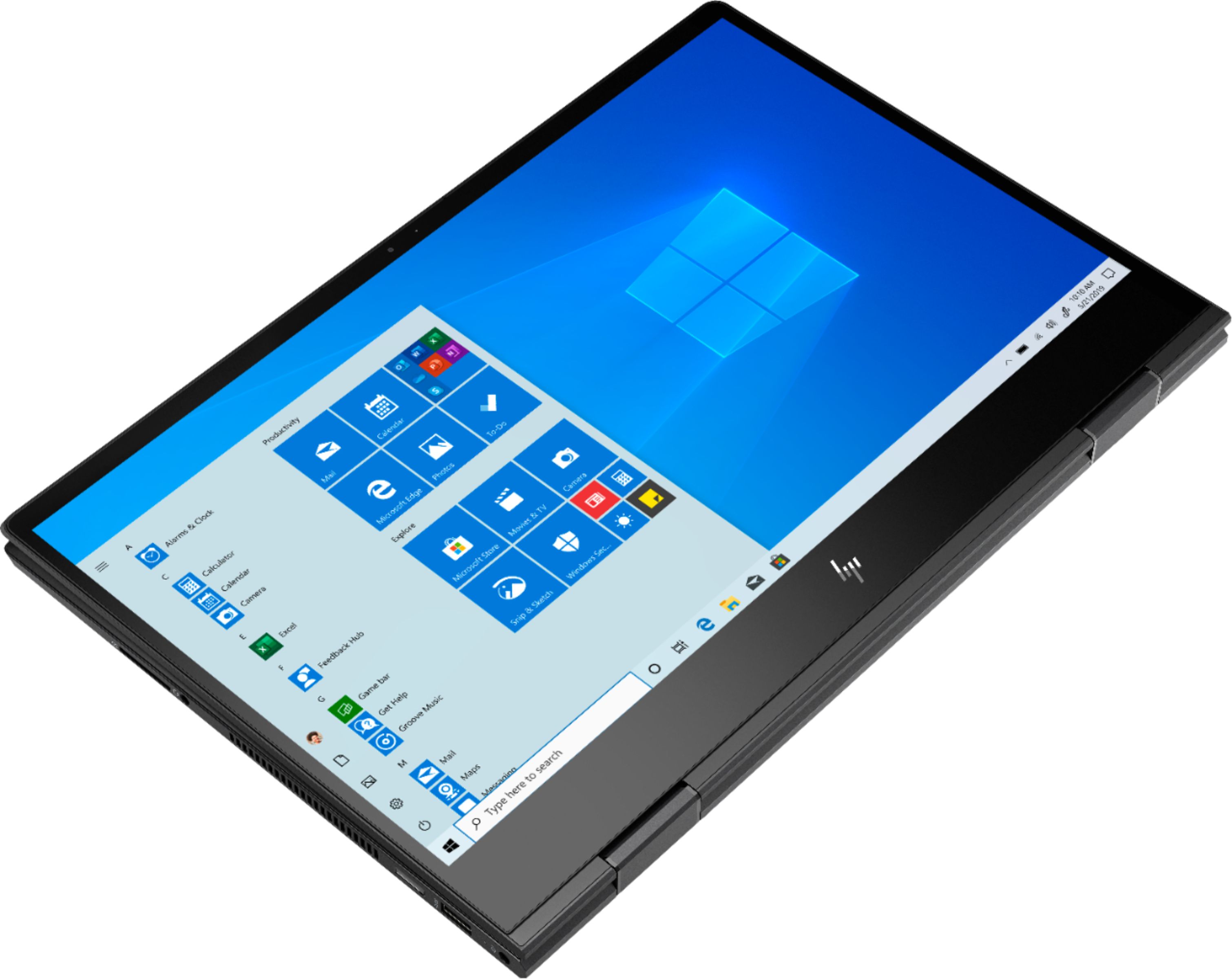
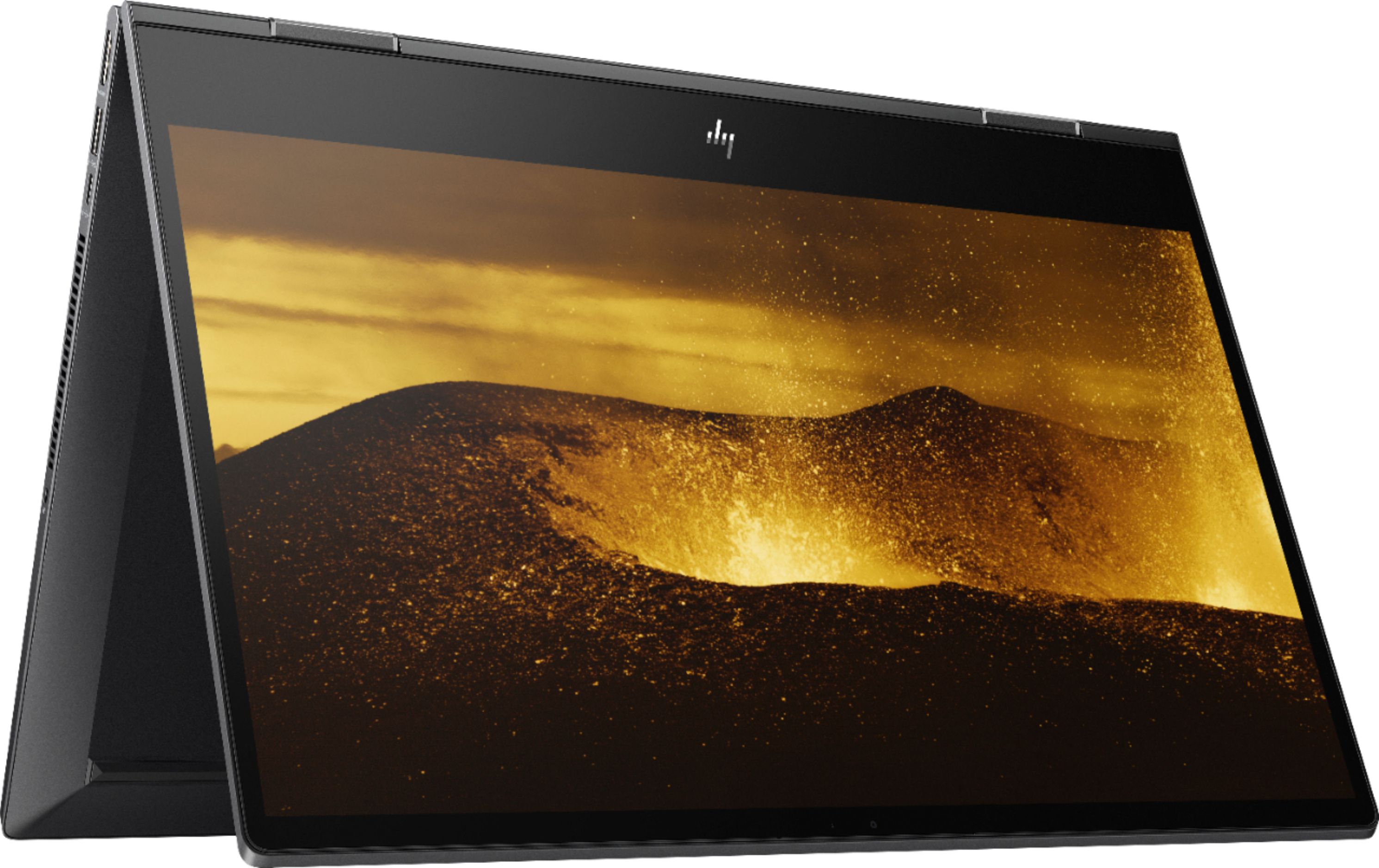
A:AnswerNo the laptop basically monitors the electrical field around the screen and measures the change in capacitance (electric changes caused by your finger on the screen).
These electronic devices monitor changes in electrical currents running through the screens. The touchscreens include a layer of capacitive, or electricity-storing, material. ... The circuitry inside the screen can then sense changes in electrical charge at each point along the grid.
A:AnswerThis computer can take up to 32 gigabytes of RAM. Because it has two slots for RAM and one of them is open, you can add an 8 gigabyte module to got to 12 gigabytes. Generally, you'll get the best performance if the two modules are matched in terms of capacity and speed, but you can certainly add an 8 to the existing 4 gigabytes if you need to have more than 8 gigabytes.
A:AnswerYou would have to remove the bottom cover to get to the battery. It will depend on what battery is in your specific model. I would recommend reaching out to HP Support or Best Buy's Geek Squad for further assistance.
A:AnswerThis is the current solid state drive that is installed: L53565-001, SSD 256GB PCIe NVMe Value. So, if you wanted to upgrade the storage, it would need to be a M.2 PCIe NVME. It looks similar to RAM, but the contact is on the short end rather than the long end.
A:AnswerThis will come with a one-year manufacturer's limited warranty for the hardware. This does not cover accidental damage, or damage as a result of a power outage/surge.
A:AnswerHold down the power button and see what happens. It might be a virus and in that case, if you don't have anything valuable in the hard drive, just wipe it and reinstall windows. I'm not that knowledgeable when it comes to it so ask on like some forums or something.