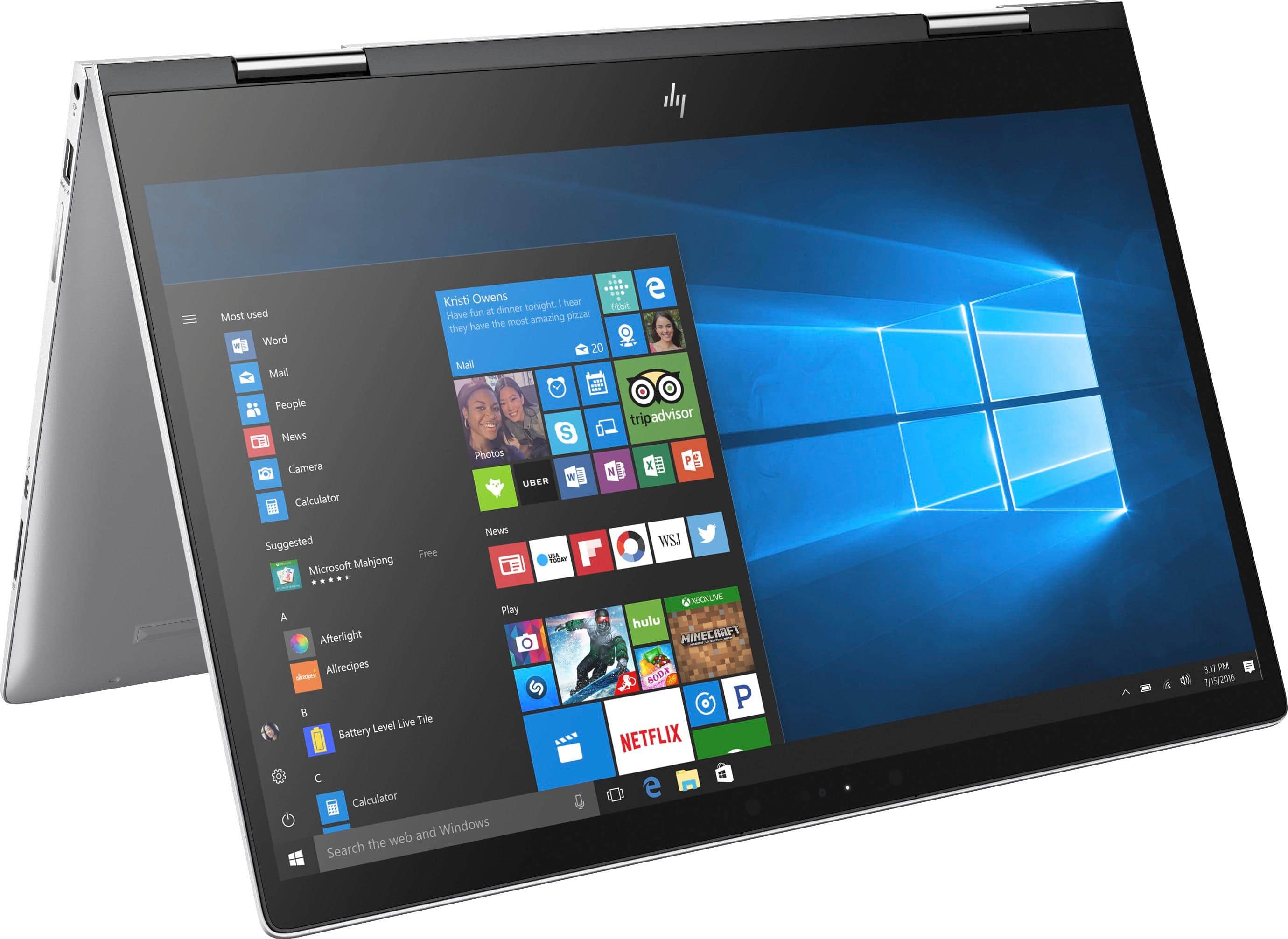
A:AnswerYes, BOTH features are available. Just do all your windows updates. Go to "check for updates" in Windows settings. The Windows Fall Creator's Update includes both those keyboard add-ons, as well as other new features. This update will install the feature's you're asking for automatically. The update was released in October 2017, and it works great!
Enjoy!
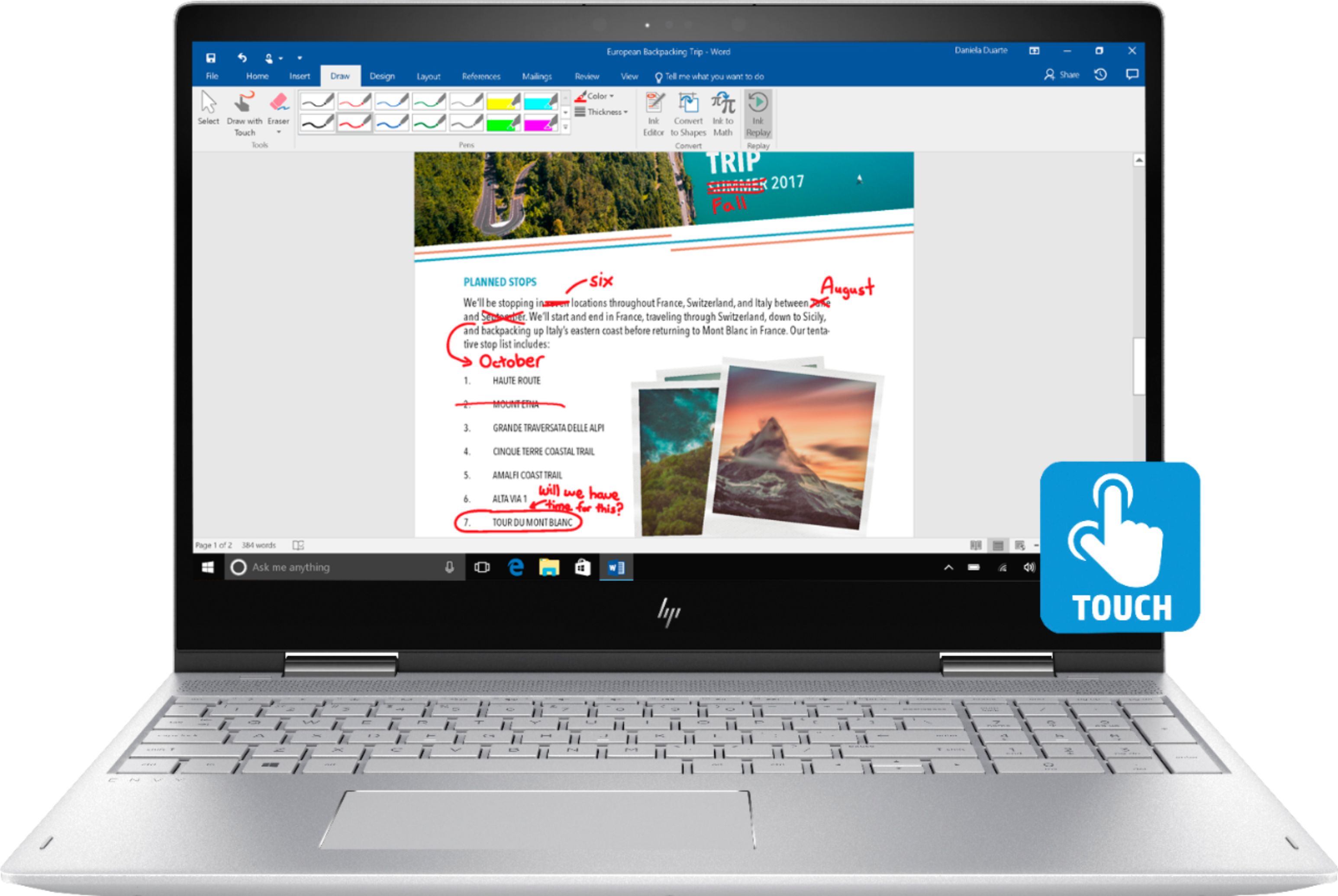
A:AnswerIs a current issue caused by some recent windows updates. The temporary fix is to disabled the service AppRediness.(solution provided by RolfHardi).
A:Answer1- Once you download Google Chrome you can have an access to Google Play. I haven't downloaded anything from there though.
2- Yes, it had a built in camera
A:AnswerNo Best Buy does not ship outside of the 50 US States.
Its better to order online and ship it to a Friend or Family in the us and have them bring it to you.
A:AnswerYes. You can both replace the 2.5 inch HDD with an SSD of the same form factor, or leave that HDD inside and add an M.2 SSD in the empty socket and use both.
A:AnswerYou should be able to boot from USB quite easily, it is a standard feature. As for dual-booting, it should also be easily possible. Hopefully someone with experience will chime in on what they have done with their machines.
A:AnswerYes but the max NVMe would be 256GB, if you remove the HDD then the max NVMe would be 512GB, heres the manual.Page 10 shows the supported SSD configurations.
http://h10032.www1.hp.com/ctg/Manual/c05527167
A:AnswerMajor piece of junk. Do not buy this model. The case has a bow in it that will not let it sit flat. Keyboard would not respond after folding it from a tablet. I took mine back and bought the HP specter laptop. This one has a uhd screen and separate graphics card, ssd drive and 16 gig of ram.
A:AnswerHi guys which hard drive did you use? I bought hp ssd ex900 m.2, 500 gb and added in secondary slot along with my previous drive but my computer did not recognize the new m.2 drive.