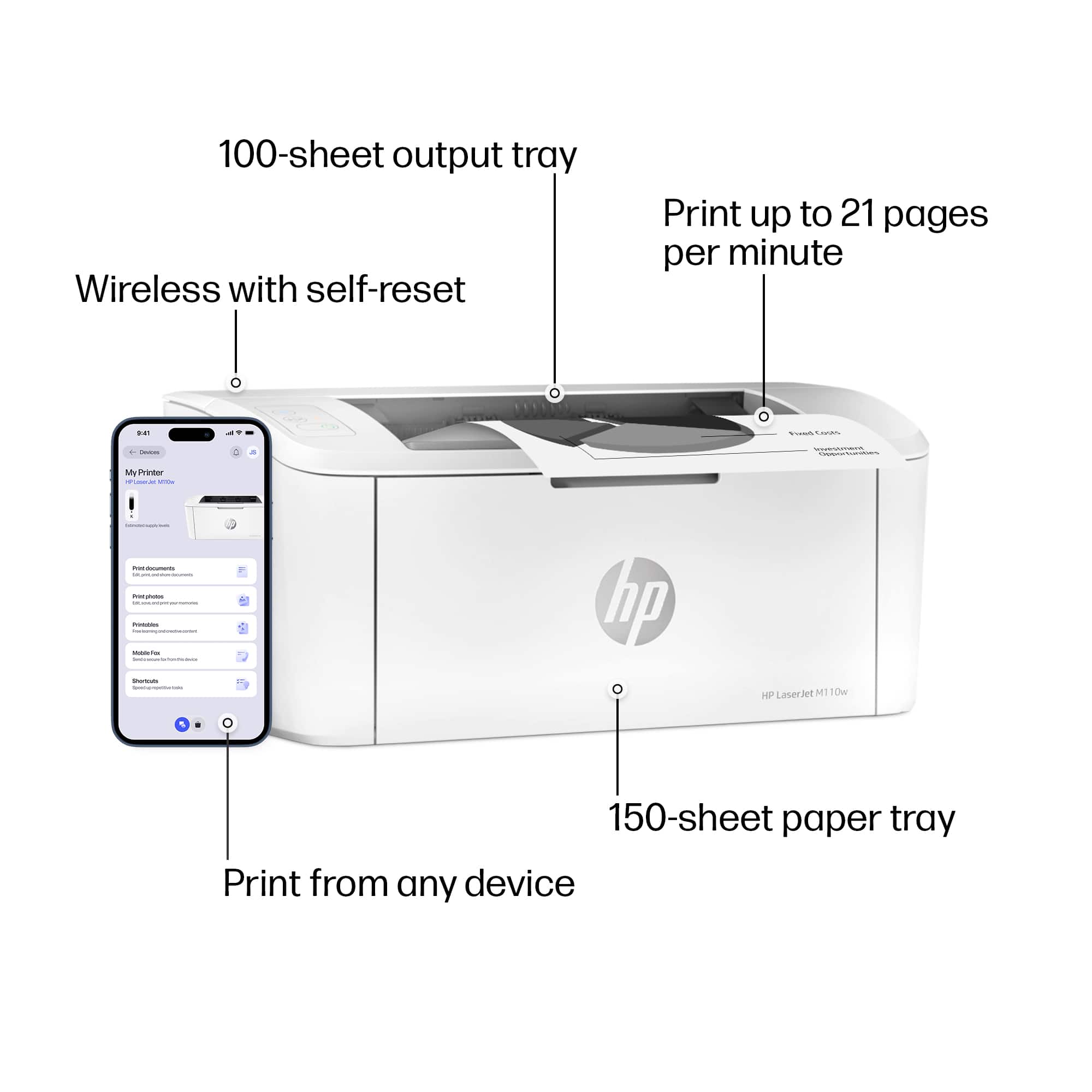
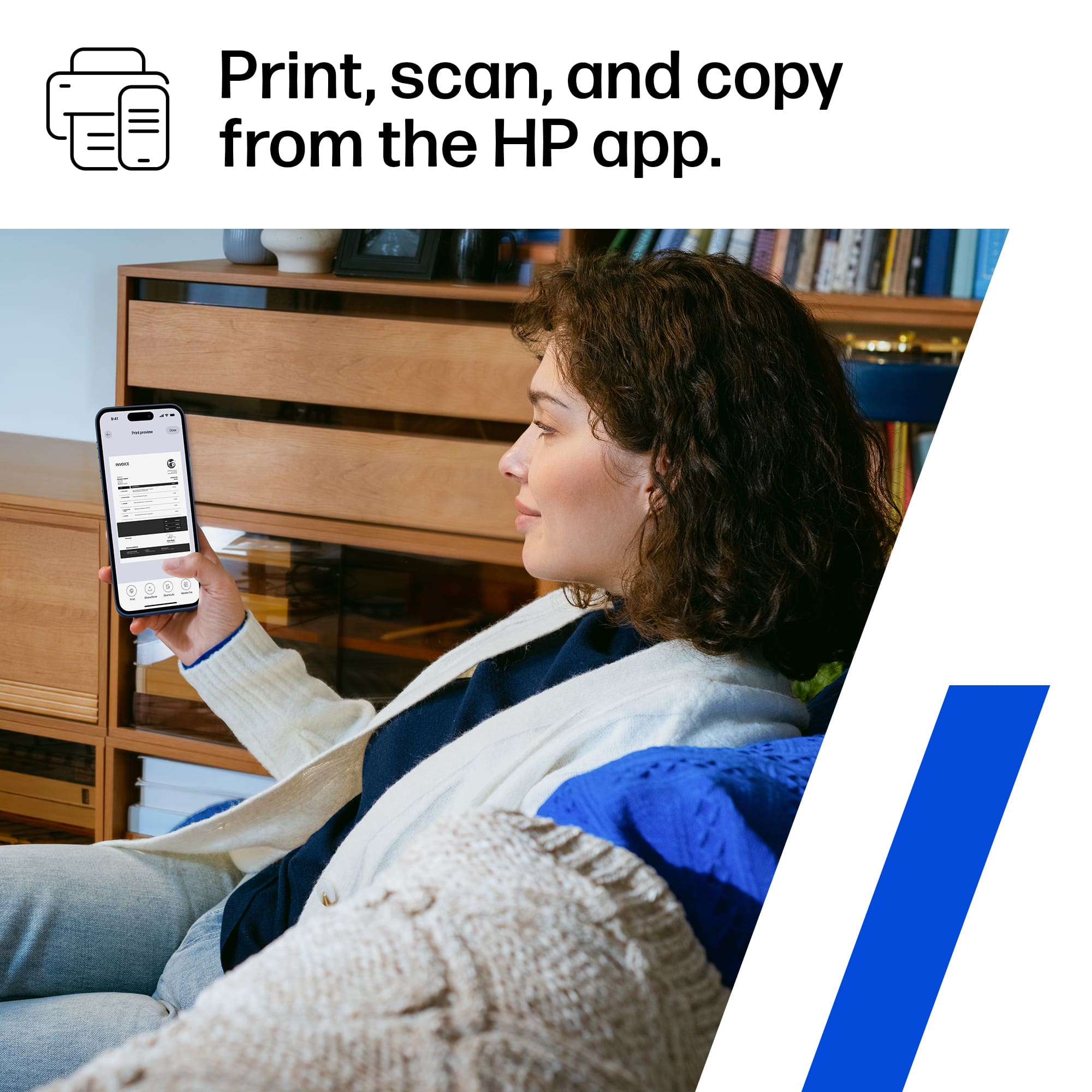
A:AnswerThis is incorrect, but you do need to download the HP app to print from your phone. You can print from a PC on the same network by adding it to your printer list and it will download the drivers.
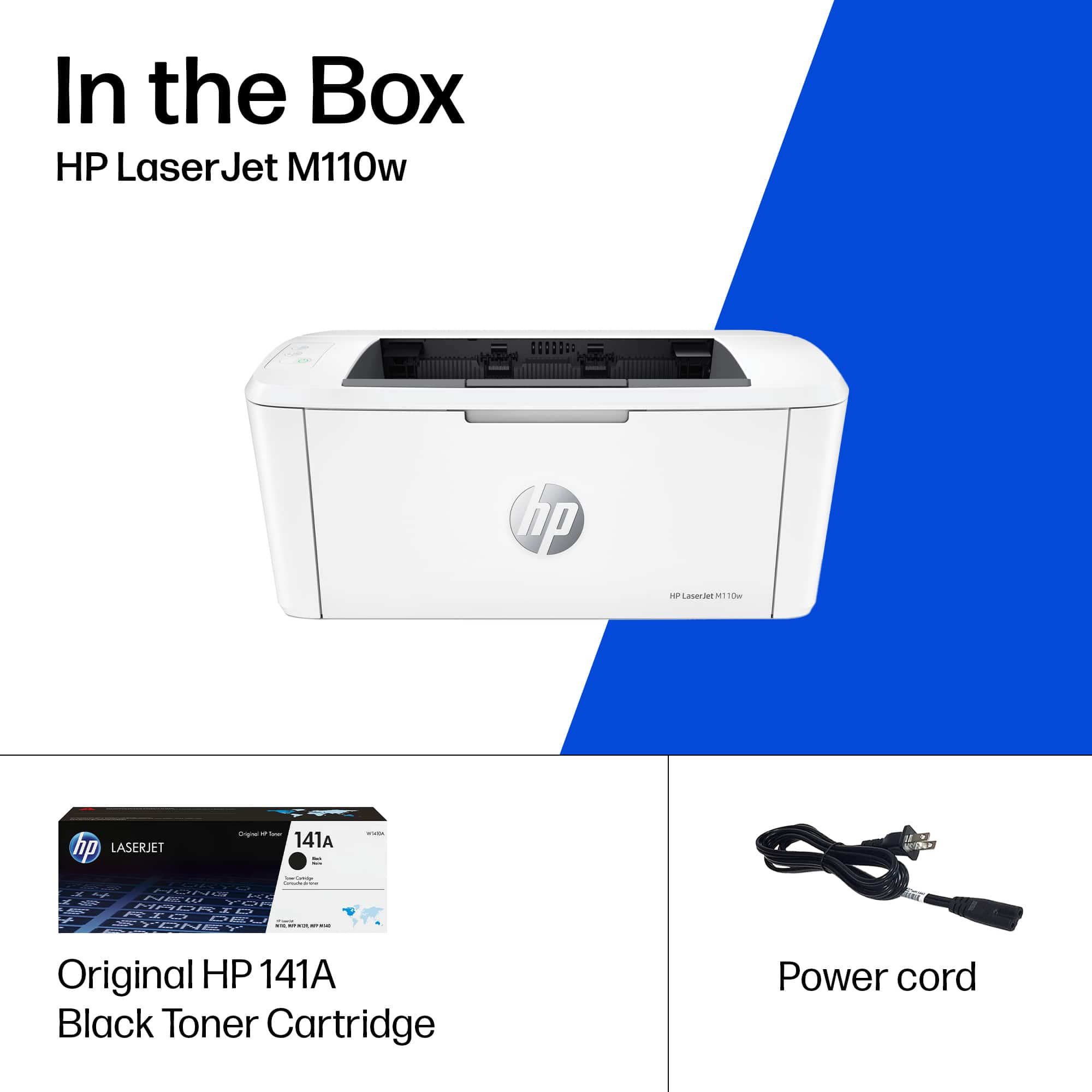
A:AnswerThank you for the question. Are you asking how many pages will print from one toner cartridge? The answer is 950 pages. The replacement cartridge is 141A. If you are asking how many pages will the printer print in its lifetime, the answer is tens of thousands (probably more like hundreds of thousands) of pages, provided the printer is maintained. Typically, a laser printer will last for several years.
A:AnswerHi, Diane, and thanks for the question on if the printer will work with transparencies. If the transparencies are designed to work with laser printers, it will.
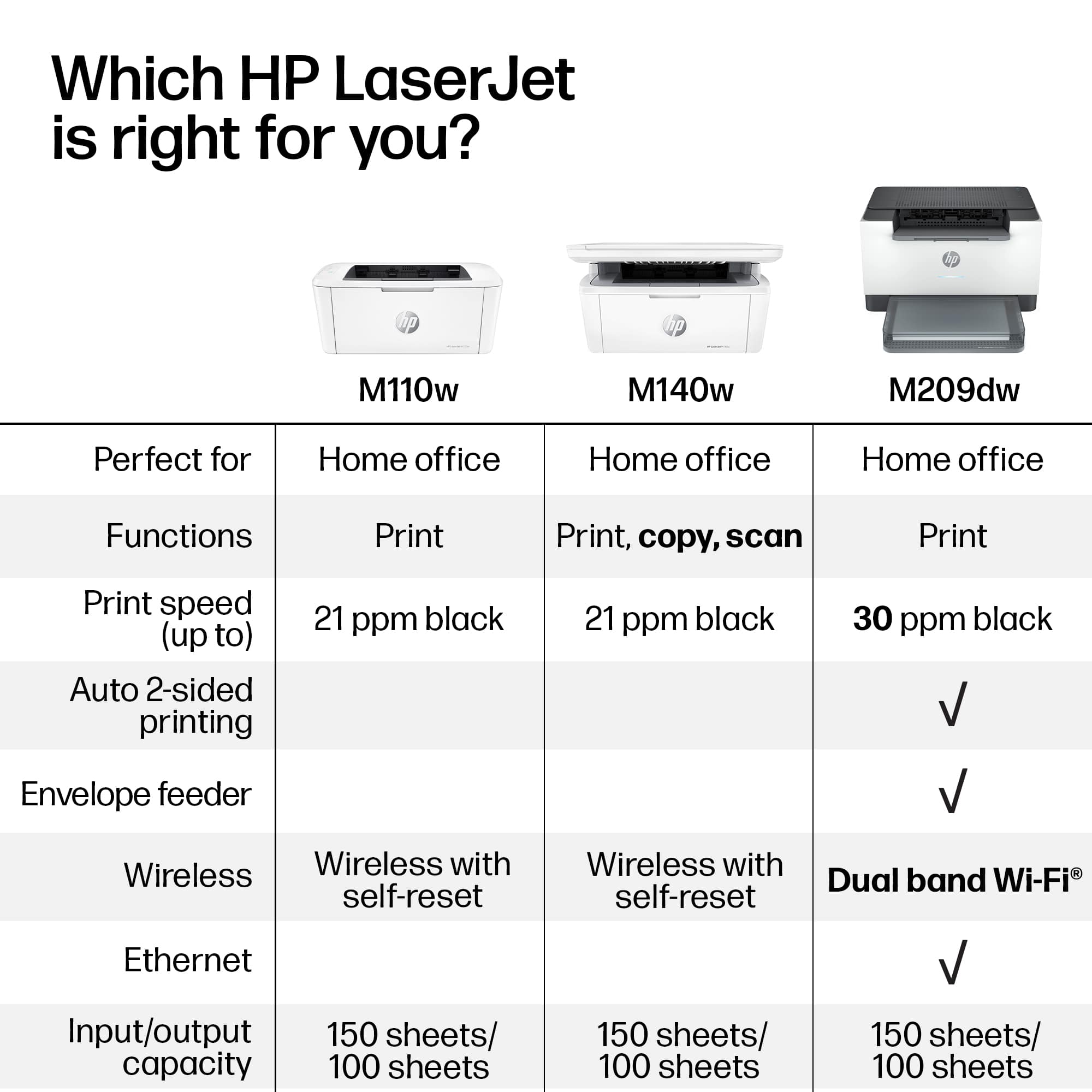
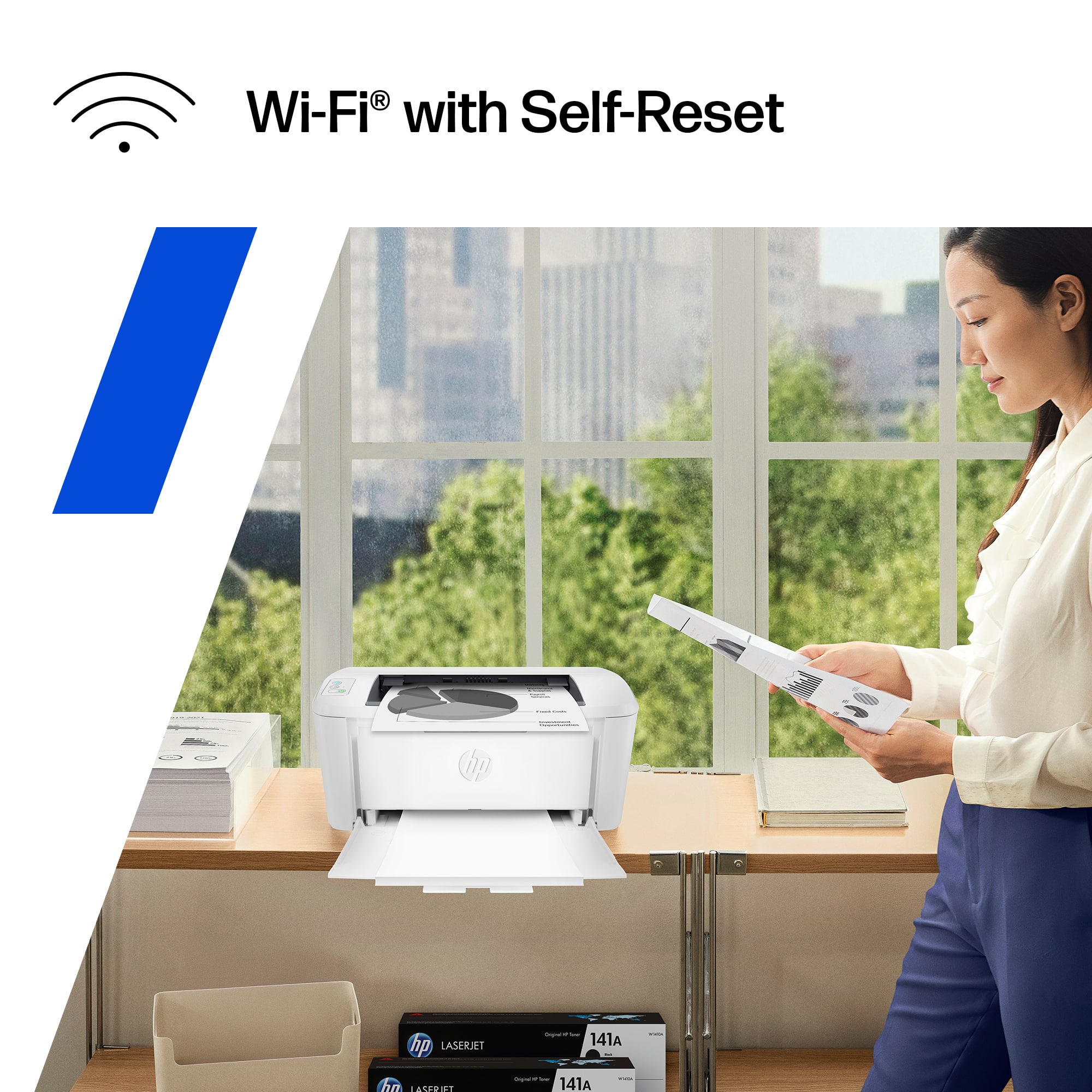
A:AnswerHello and thank you for asking. The HP LaserJet M110w supports the WPA3 wireless security protocol, which the M15w does not support. If you have an Eero 6+ router, it also support the WPA3 standard. IF you need assistance connecting the M110w, please contact HP support. If you need help with your Eero 6+ router, please contact Eero support.
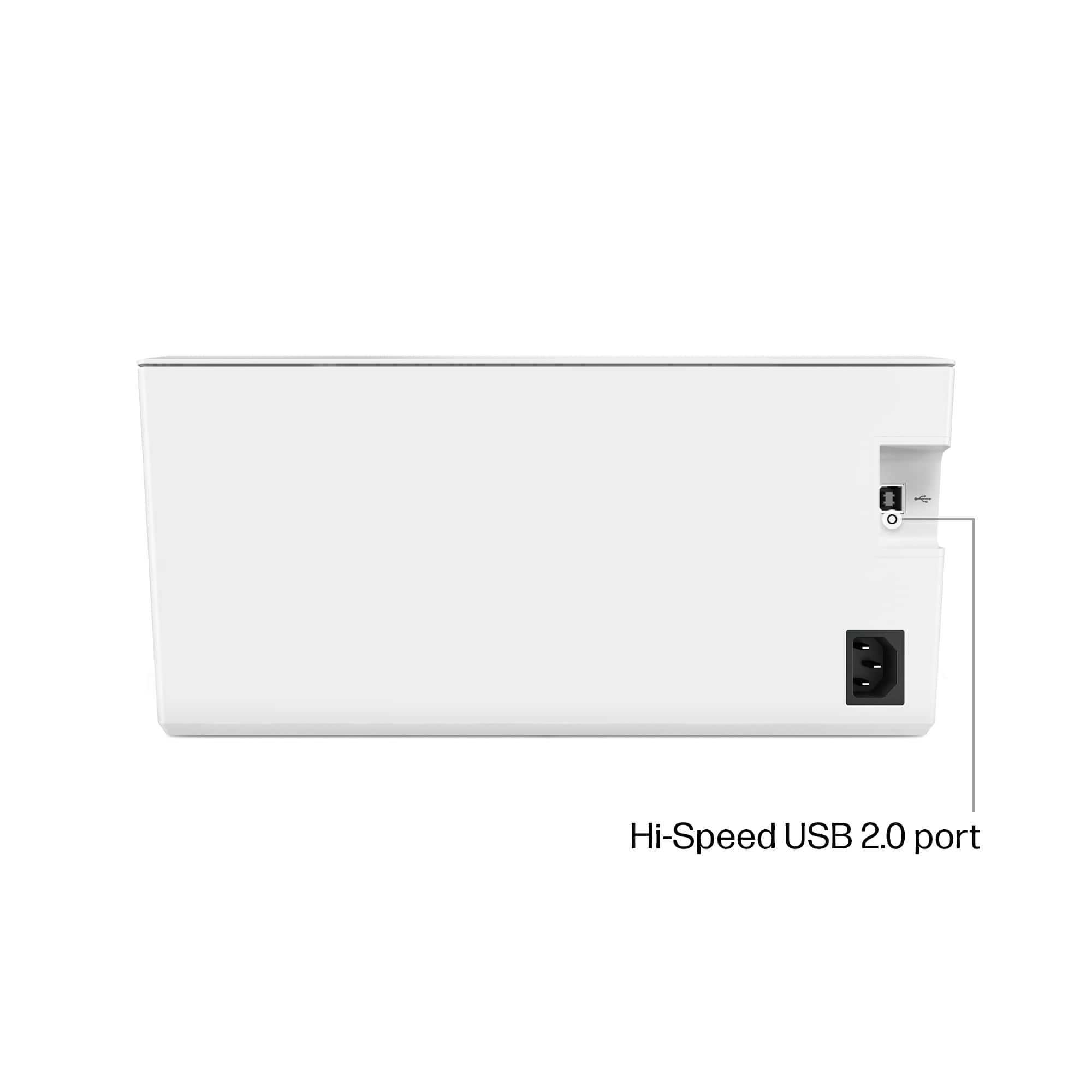
A:AnswerThank you for the question. The LaserJet M110w includes a power cable. If you want to connect directly to your PC instead of your Wi-Fi network, you'll need a USB-A to USB-B cable, which is not included with the printer.